
Gantt charts and Kanban boards are two of the most common tools used to manage projects.While both help teams stay organized, they approach planning differently.
In this article, we will compare Gantt charts and Kanban boards, explain how each one works, and help you decide which is better suited for your workflow.
At GoodDay, we offer both Gantt chart and Kanban board project management templates so you could start with your project in minutes.
What are Gantt charts and Kanban boards?
Gantt charts and Kanban boards are tools used to manage work, where Gantt charts show tasks on a timeline (with start dates, end dates, and dependencies) and Kanban boards show tasks moving through stages (like to do, in progress, and done).
What is a Gantt chart?
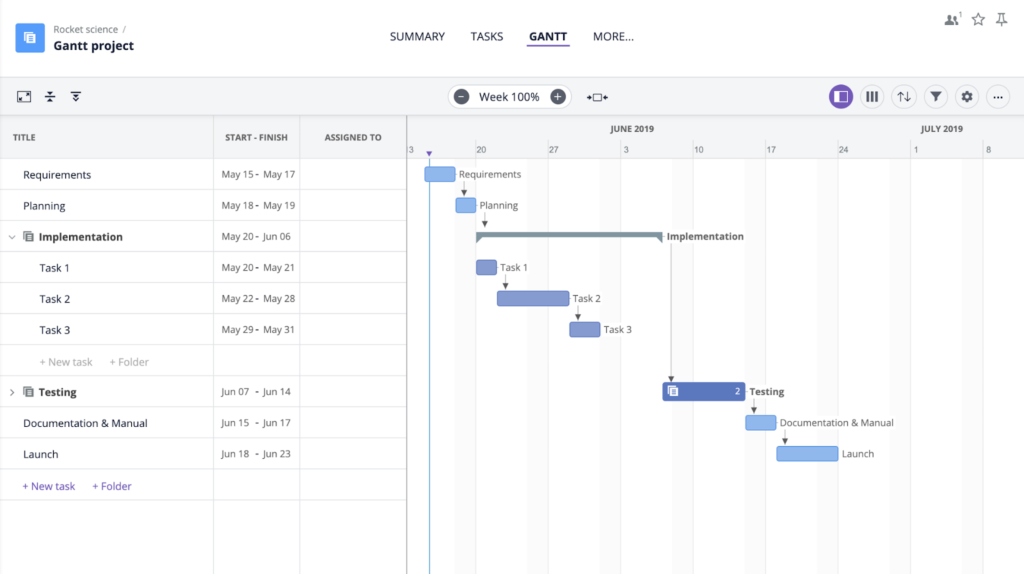
A Gantt chart is a project management tool that shows tasks on a timeline, helping teams see when work starts, how long it lasts, and how tasks depend on each other. It is commonly used for planning projects with clear phases, deadlines, and shared resources.
What is a Kanban board?
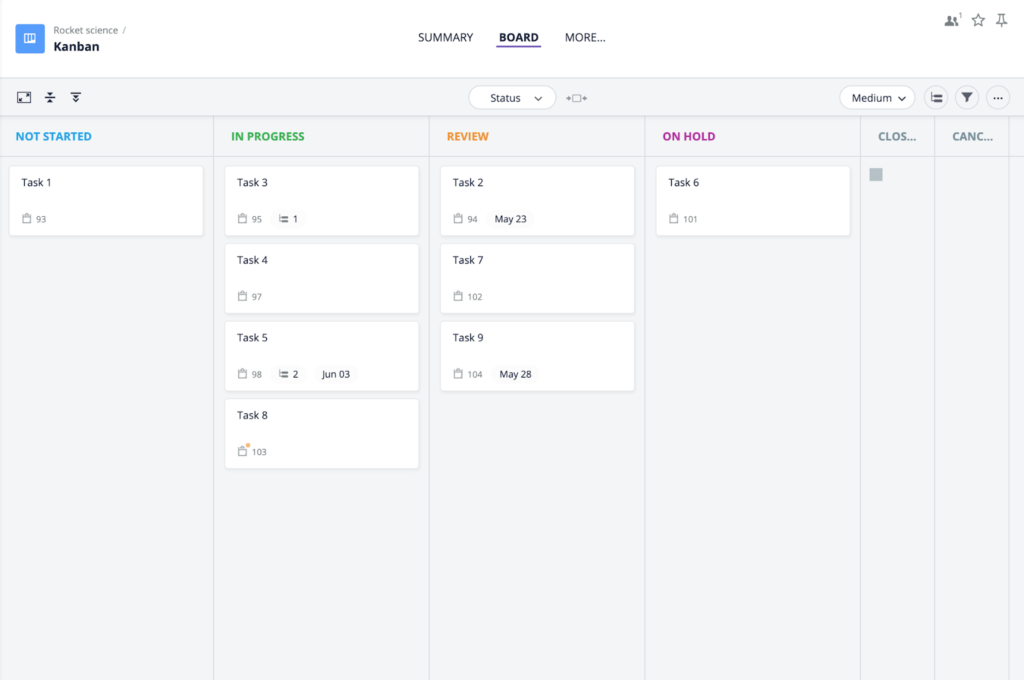
A Kanban board is a visual tool used to manage work by showing tasks as they move through different stages. It helps teams track ongoing work, limit overload, and improve flow without relying on fixed timelines.
What’s the difference between Gantt Charts and Kanban boards?
Gantt chart focuses on planning tasks along a timeline with start and end dates and shows how tasks depend on each other, making it easy to see deadlines and the overall schedule And a Kanban board focuses on the flow of work, showing tasks as cards that move through stages, which helps teams limit work in progress and adapt to change without fixed dates.
Gantt charts
- Focus: Project scheduling, timelines, dependencies, milestones, critical path.
- Methodology: Traditional, Waterfall (linear, fixed).
- Visualization: Horizontal bars on a timeline.
- Best for: Long-term planning, resource allocation, complex projects with fixed deadlines (e.g., construction, product launches).
- Pros: Clear overview, shows task relationships, great for fixed scope.
- Cons: Can be rigid, complex to update, less agile for changes.
Kanban boards
- Focus: Continuous workflow, efficiency, task throughput, limiting Work-In-Progress (WIP).
- Methodology: Agile, Lean.
- Visualization: Columns (stages) with cards (tasks) moving left-to-right.
- Best for: Daily operations, support, iterative work, teams needing flexibility (e.g., software development, marketing).
- Pros: Highly flexible, visual transparency, improves flow, reduces bottlenecks.
- Cons: Less focus on long-term deadlines, can lack detailed scheduling.
When to use Gantt chart vs Kanban board
Some teams need a clear timeline to coordinate tasks and deadlines, while others work better with a visual flow of daily work. In practice, many professionals discuss how each tool fits different stages of a project and why using both can sometimes help. In general, it is advised to:
- Choose Gantt for projects where you need to define the entire schedule upfront and manage fixed-date deliverables.
- Choose Kanban for evolving projects where tasks change, and you want to optimize the flow of work.
- Use both: Modern tools allow combining them, using Gantt for high-level planning and Kanban for team execution, linking big-picture goals with daily work.
Best software with Gantt charts and Kanban boards in 2026
Top software combining Gantt charts and Kanban boards includes GoodDay, Monday.com, ClickUp, Asana, and Wrike, offering seamless switching between visual planning (Gantt/Timeline) and workflow management (Kanban) with features like automation, dependencies, and customizable views, ideal for teams needing flexibility from agile to structured project management.
1) GoodDay
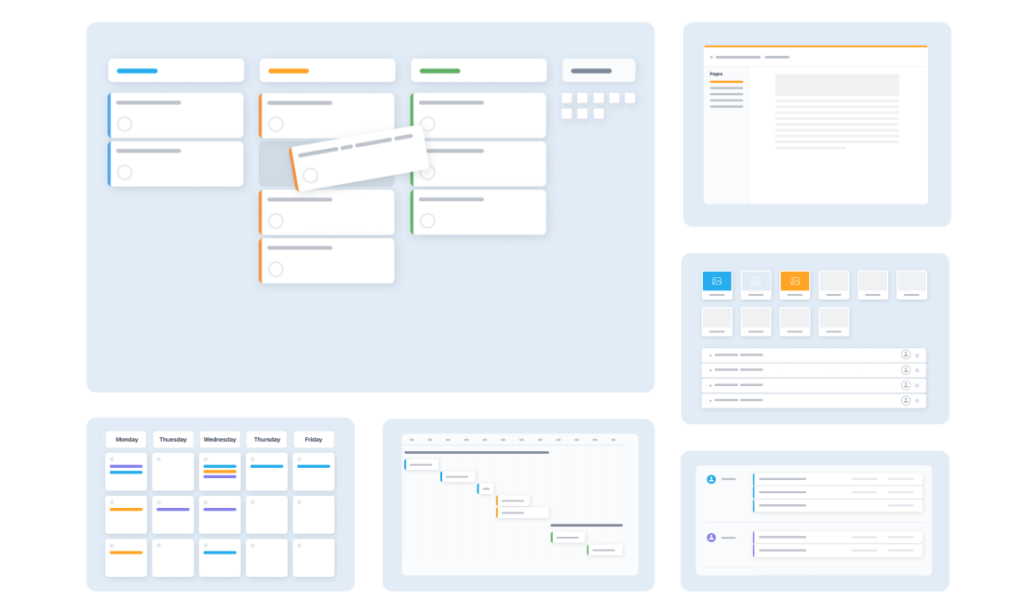
GoodDay is an all-in-one project management software with deeply configurable Gantt charts and Kanban boards used by Fortune 500 companies, growing startups, and established businesses across industries. The platform offers Gantt charts for planning with task dependencies, milestones, and resource tracking, along with Kanban boards for managing daily execution. GoodDay is top-rated in 12 Capterra shortlists in 2026.
2) Monday.com
Monday.com provides visual Gantt-style timelines for scheduling and workload planning, paired with highly visual Kanban boards for tracking task progress across teams. Its drag-and-drop interface and automations make it easy to adapt both views to different workflows.
3) ClickUp
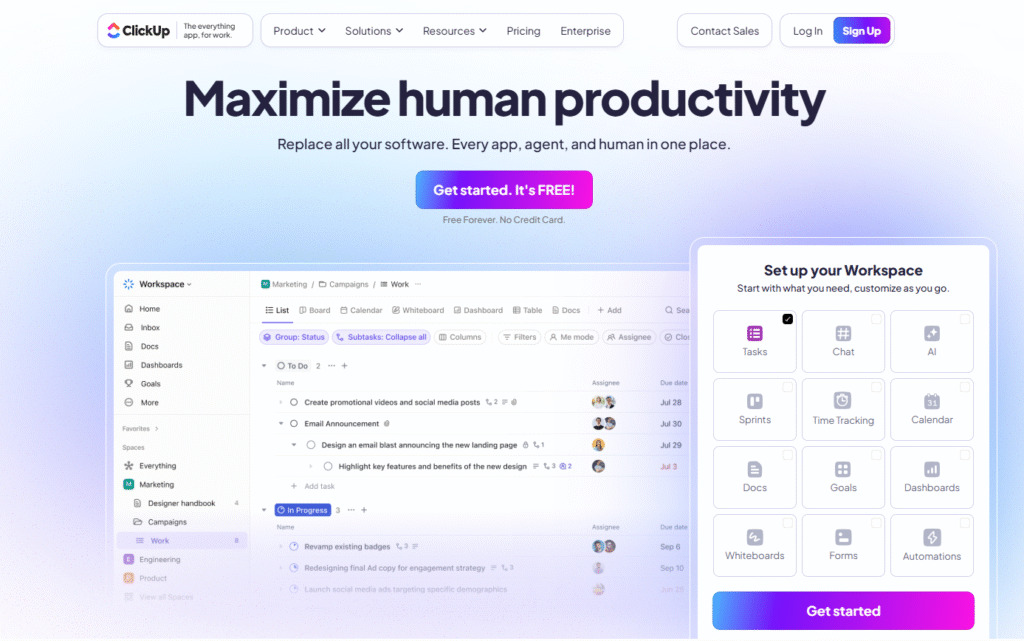
ClickUp supports interactive Gantt charts for managing project timelines, dependencies, and critical paths, as well as flexible Kanban boards for organizing tasks by status or priority. It is suited for teams that want one platform to handle many different work styles.
4) Asana
Asana offers a Timeline view for Gantt-style project planning and Boards for Kanban-based task tracking, allowing teams to switch between strategic and operational views easily. It is especially useful for growing teams that need structure without losing flexibility.
5) Wrike
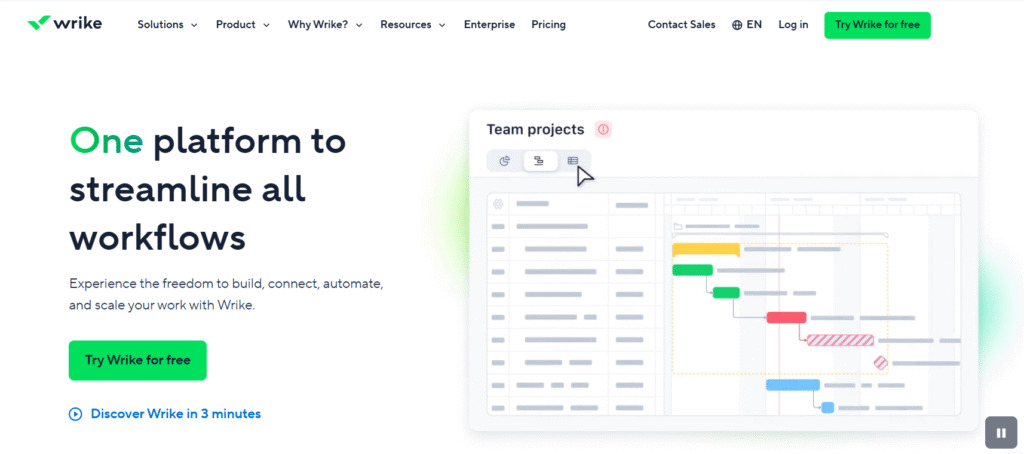
Wrike provides real-time Gantt charts with dependency tracking and critical path management for complex project planning, along with Kanban boards for controlling task flow and work in progress. It fits well for teams managing large projects with strict coordination needs.
GoodDay – work management software with customizable Gantt charts and Kanban boards
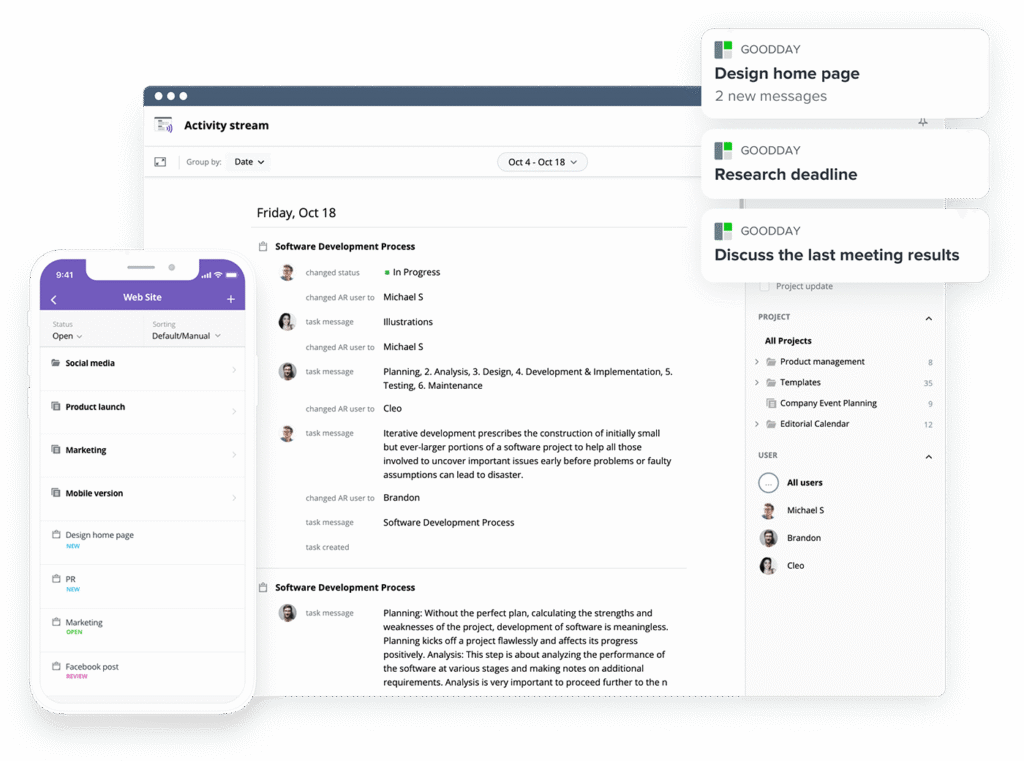
GoodDay is one of the most popular work management platforms globally for its powerful Gantt charts and Kanban boards.
The software offers unlimited project hierarchy, built-in time tracking, CRM, and strong security features. It includes ready-to-use project templates (for example, for IT, HR, and marketing, ect.), and supports multiple project management approaches (including Agile, Waterfall, and Scrum, etc.).
You can start using GoodDay for free to see how it can support your workflow.
And if you have any questions about selecting the right software, you can always connect with our team via info@goodday.work
FAQs
What types of projects suit Kanban best?
Kanban works best for projects based on continuous flow rather than fixed start and end dates. It is especially effective for agile teams handling incoming tasks like support, marketing operations, or content production. These projects benefit from flexible execution where priorities shift often and tasks are completed in small, repeatable cycles. Kanban helps teams stay responsive without forcing work into rigid schedules.
What does a good Kanban board look like?
A good Kanban board is a visual workflow management tool that clearly shows how work moves from start to completion. It uses simple workflow stages such as to do, in progress, and done to make task status immediately visible. A clear kanban board example includes columns, limits on work in progress limits, and visible ownership for each item. This structure helps the entire team understand where work stands at any moment.
What is the best Kanban software?
The best Kanban software combines ease of use with strong customization and reporting. GoodDay stands out by offering a powerful kanban board template together with Gantt and other views in one platform. It allows teams to track progress, automate workflows, and adapt boards to their needs without complexity. For teams that want both flexibility and structure, GoodDay is one of the strongest choices.
What are the disadvantages of Kanban board?
Kanban can become less effective when teams need strict planning for the entire project rather than continuous delivery. Without careful setup, boards can grow messy and reduce task visualization instead of improving it. It may also lack detailed forecasting for task timelines when used alone. For some projects, this makes Kanban better suited as a complementary method rather than a standalone system.
When should you not use Kanban?
You should avoid Kanban when projects require fixed schedules and detailed dependency planning. If tasks overlap heavily and strict coordination is required, Kanban alone may not provide enough structure. It is also less suitable when teams must manage resources across multiple fixed phases. In such cases, timeline-based planning is usually more effective.
When not to use a Gantt chart?
A Gantt chart is not ideal for work that changes daily or lacks clear structure. It becomes hard to maintain when project phases are undefined or constantly shifting. Teams focused on flexible delivery and rapid iteration may find it slows down project execution. In these cases, a flow-based method is often more practical.
What are common mistakes in Gantt charts?
A common mistake is making Gantt charts work too detailed and complex for the level of planning needed. Many teams underestimate task durations, which leads to unrealistic schedules. Another issue is failing to update tasks regularly as work evolves. These problems reduce trust in the plan and limit its value for decision-making.
What are the 7 important elements of a Gantt chart?
A strong Gantt chart includes task names, start and end dates, dependencies, milestones, task timelines, assigned owners, and progress indicators. These elements together provide a clear graphical representation of how work is structured. They help project managers see how work connects and where risks may appear. Without these components, the chart loses much of its planning power.
What is the best software for making Gantt charts?
The best software for Gantt charts combines ease of editing with powerful dependency and resource features. GoodDay offers advanced Gantt charts that allow teams to manage resources, set dependencies, and monitor progress in real time. It also supports managing multiple projects in one workspace without losing clarity. This makes it a strong choice for teams that rely on structured timelines.
What is the best tool for project management?
The best project management tools support both planning and execution in one system. GoodDay stands out by allowing teams to combine Kanban alongside Gantt charts, covering both flow-based and timeline-based work. This flexibility helps improve team collaboration while adapting to different types of projects. For teams comparing Gantt chart vs Kanban board approaches, GoodDay removes the need to choose just one.




