
Sprint planning tools help teams turn ideas and backlog items into a clear, time-bound plan for delivery.
Choosing the right tool depends on how your team works, how complex your projects are, and how much visibility you need across sprints.
For example, GoodDay’s free sprint planning template is relied upon by teams of all sizes, from startups to Fortune 500.
In this guide, we’ll explore the best sprint planning tools for 2026 to help you make the best choice. But if you have any questions that are not covered in this article, you can always connect with our team via info@goodday.work
Best sprint planning tools (shortlist for 2026)
Here are some of the top sprint planning tools teams rely on in 2026. Each option fits a specific type of workflow.
- Best Overall: GoodDay (backlogs, capacity planning, timelines, and reporting: works well for teams managing multiple projects)
- For General Agile/Software Teams: Jira (comprehensive features, strong integrations), Zenhub (GitHub-native, powerful metrics).
- For Startups/Speed: Linear (clean, fast, minimal).
- For All-in-One Needs: ClickUp (highly customizable, docs, time tracking).
- For Visual/Collaborative Planning: Miro (templates, voting, virtual whiteboard).
- For Simplicity & Affordability: Trello (cards, checklists) or Zoho Sprints (great value for teams).
- For Scaled Agile (SAFe): Targetprocess.
Comparison of the best sprint planning tools in 2026
Let’s compare key sprint planning tools across use case and pricing. Pricing is based on official source data as of early 2026 and may change based on billing cycle, region, promotions, or enterprise agreements.
| Software | Best for | Pricing |
| GoodDay | all-in-one sprint and work planning | Free plan available; Professional – $4/user/month; Business – $7/user/month; Enterprise – custom pricing |
| Jira | agile and software teams | Free plan (up to 10 users); Standard – $8/user/month; Premium – $16/user/month; Enterprise – custom pricing |
| Zenhub | GitHub-native sprint planning | Free plan; Growth – $8.33/user/month (billed annually); Enterprise – custom pricing |
| Linear | fast product and startup teams | Free plan; Standard – $10/user/month; Plus – $16/user/month; Enterprise – custom pricing |
| ClickUp | all-in-one work management | Free plan; Unlimited – $7/user/month (billed annually); Business – $12/user/month (billed annually); Business Plus – $19/user/month (billed annually); Enterprise – custom pricing |
| Miro | visual sprint planning and collaboration | Free plan; Team – $8/user/month (billed annually); Business – $16/user/month (billed annually); Enterprise – custom pricing |
| Trello | simple boards and tasks | Free plan; Standard – $5/user/month; Premium – $10/user/month; Enterprise – custom pricing |
| Zoho Sprints | structured agile sprint planning | Free plan; Starter – $1/user/month (billed annually); Elite – $2.50/user/month (billed annually); Premier – $5/user/month (billed annually) |
| Targetprocess | enterprise and SAFe planning | Enterprise plans only; pricing available by quote |
Overview of the best sprint planning tools
Let’s review leading sprint planning tools to see how they support teams in organizing backlogs, planning sprints, and delivering work consistently.
GoodDay
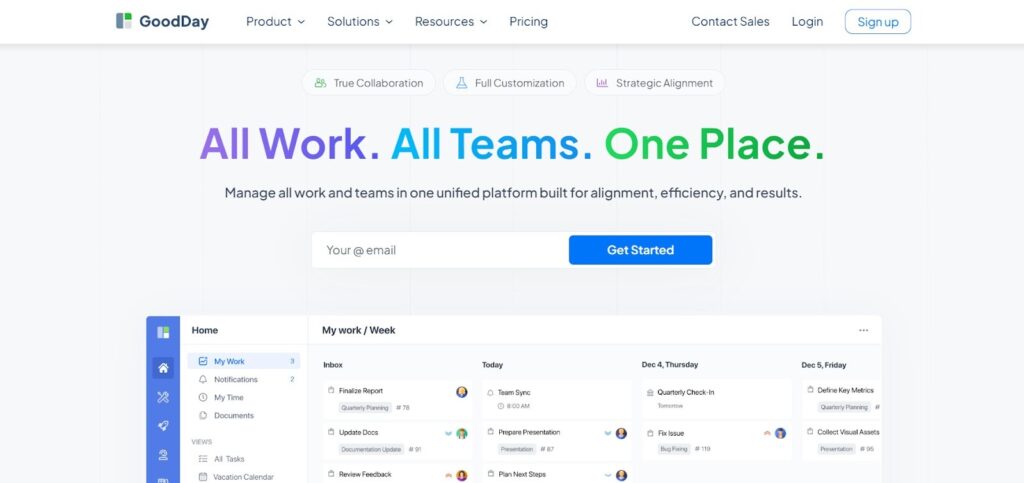
GoodDay is a popular work management platform trusted by Fortune 500 companies, startups and businesses of all sizes. GoodDay’s free sprint planning template helps teams organize their work and run each sprint with clear structure.
GoodDay offers several work views like advanced Gantt charts and Kanban boards, enables unlimited project hierarchy, and combines built-in time tracking with CRM features and modern security technologies. In 2026, GoodDay is featured in 12 Capterra shortlists as a top-rated platform.
Why development teams use it
Development teams use GoodDay to plan sprints, manage backlogs, and track delivery across multiple projects without losing structure. The platform supports clear dependency management, realistic capacity planning, and visibility into progress across teams.
Main features
The platform is often chosen because it delivers enterprise-level functionality while remaining cost-effective for growing teams.
- Unlimited project hierarchy
- Sprint planning and backlog management
- Templates for development and cross-functional teams
- Task dependencies and milestones
- Kanban boards, list views, and timelines
- Advanced Gantt charts for release planning
- Built-in time tracking
- Reporting and performance dashboards
- Integrated CRM functionality
- Role-based permissions
- Advanced security and compliance features
Integrations
GoodDay integrates directly with Google Workspace, Gmail, Slack, Google Docs, Google Drive, Google Calendar, Dropbox, Box, GitHub, GitLab, email, and SAML-based single sign-on. It also connects with more than 1,300 third-party applications through Zapier and offers an API for integrating with existing systems.
Desktop and mobile capabilities
GoodDay is available on Windows, macOS, and Linux for desktop use and on iOS and Android for mobile access. Teams can work with tasks, projects, and dashboards from any device with full functionality.
Pros and cons
| Pros | Cons |
| used by over 100,000 teams worldwide | advanced reporting requires initial setup |
| broad feature set covering planning and delivery | workflow tailoring takes time to optimize |
| free plan for up to 15 users | advanced workflows have a learning curve |
| no pressure from aggressive upselling | extensive customization can slow early adoption |
Jira
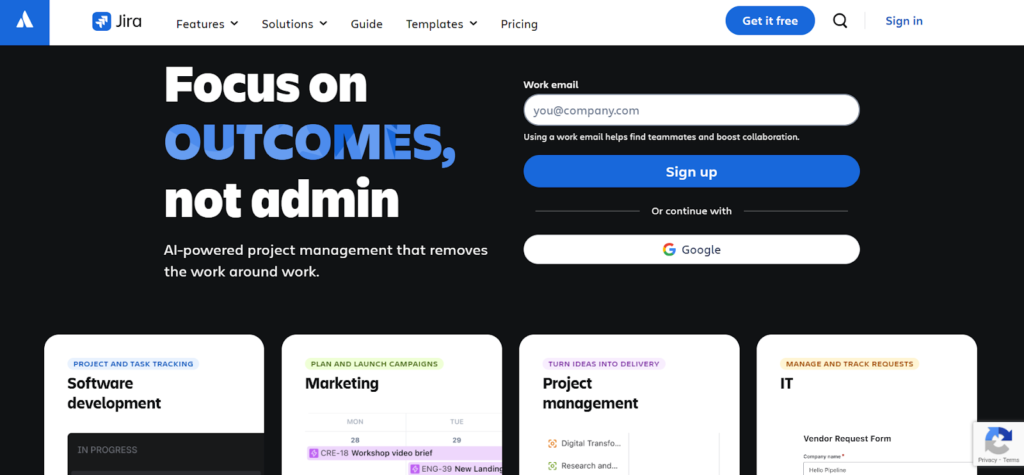
Jira is a widely used agile project management platform developed by Atlassian and adopted by software teams worldwide. It is commonly used by startups, mid-sized teams, and large enterprises that need structured sprint planning and detailed reporting.
Jira supports Scrum, Kanban, and hybrid workflows, offering flexible configuration for backlogs, sprints, and workflows. It includes multiple views, advanced reporting, automation rules, and enterprise-grade permissions, and is frequently used in regulated or complex development environments.
Why development teams use it
Development teams use Jira to manage detailed backlogs, plan sprints with story points, and track progress with burndown and velocity reports. It is especially useful for teams that need deep workflow control and tight integration with development tools.
Main features
Jira is often selected for its depth of agile functionality and configurability.
- Sprint planning and backlog management
- Scrum and Kanban boards
- Story points, epics, and releases
- Burndown, velocity, and sprint reports
- Custom workflows and automation
- Issue linking and dependencies
- Permissions and role-based access
- Advanced reporting and dashboards
Integrations
Jira integrates natively with GitHub, GitLab, Bitbucket, Confluence, Slack, Microsoft Teams, email, and Atlassian Marketplace apps. It also supports APIs and hundreds of third-party integrations.
Desktop and mobile capabilities
Jira is available via web browsers and dedicated mobile apps for iOS and Android. Users can manage issues, sprints, and notifications from any device.
Pros and cons
| Pros | Cons |
| industry-standard agile tooling | interface can feel complex |
| deep sprint and reporting features | setup requires time |
| strong ecosystem and integrations | costs increase at scale |
| scales well for large teams | learning curve for new users |
Zenhub
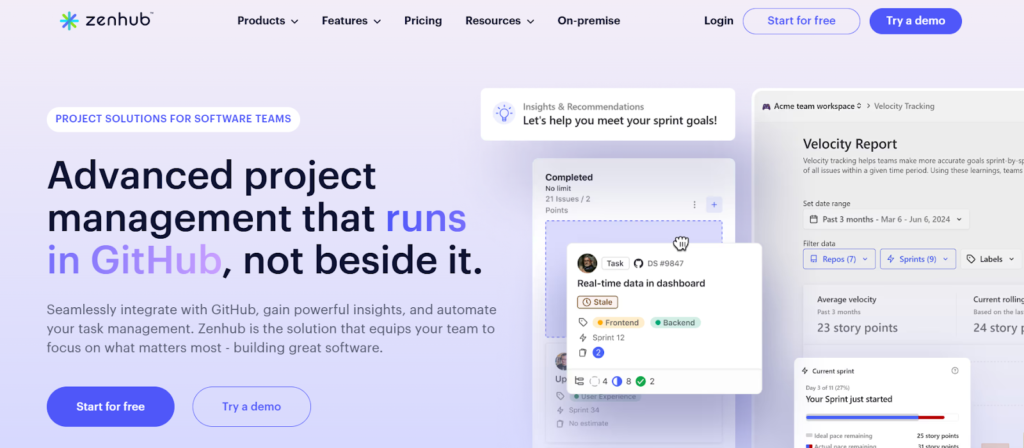
Zenhub is an agile planning tool built directly on top of GitHub. It is designed specifically for development teams that want sprint planning closely tied to their codebase.
Zenhub adds agile boards, sprints, and reporting to GitHub issues without requiring teams to leave their development environment. It is commonly used by engineering teams that rely heavily on GitHub workflows.
Why development teams use it
Development teams use Zenhub to plan sprints using GitHub issues as the single source of truth. This reduces context switching and keeps planning aligned with code activity.
Main features
Zenhub focuses on developer-first sprint planning.
- GitHub-native sprint boards
- Sprint backlogs and milestones
- Burndown and velocity reports
- Issue dependencies and roadmaps
- Release planning tools
- Automation for issue movement
Integrations
Zenhub works directly within GitHub and integrates with tools like Slack and CI/CD systems. It also provides an API for custom integrations.
Desktop and mobile capabilities
Zenhub runs inside GitHub in the browser and works on desktop and mobile browsers. There is no separate mobile app.
Pros and cons
| Pros | Cons |
| native GitHub experience | limited outside GitHub |
| no duplicate issue tracking | fewer non-dev features |
| strong sprint metrics | not ideal for non-engineers |
| low context switching | limited customization |
Linear
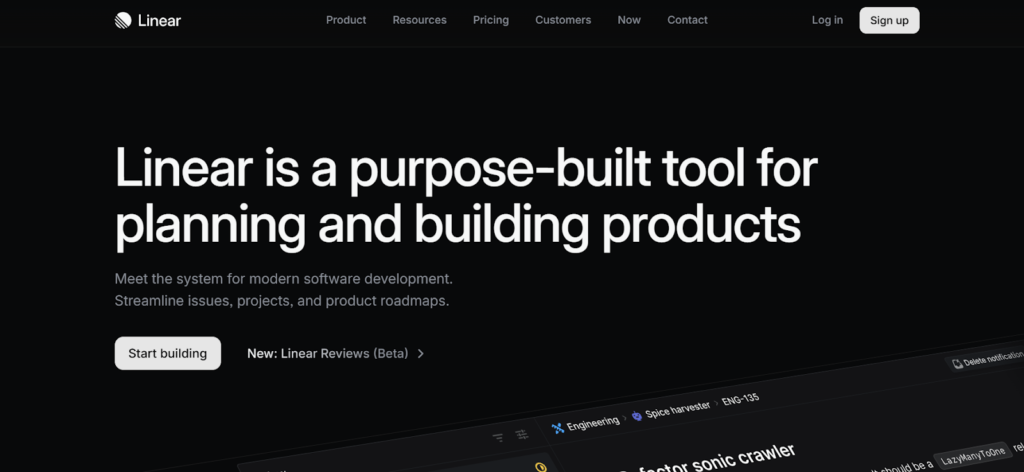
Linear is a fast, minimalist issue tracking and sprint planning tool built for modern product and engineering teams. It is popular among startups and small teams focused on speed and clarity.
Linear emphasizes performance, keyboard-driven workflows, and clean design. It supports lightweight sprint cycles and simple planning without excessive configuration.
Why development teams use it
Development teams choose Linear for its speed, simplicity, and low overhead. It works well when teams want sprint planning without complex workflow management.
Main features
Linear prioritizes fast execution and focus.
- Sprint cycles and issue prioritization
- Clean backlog and roadmap views
- Keyboard shortcuts and fast UI
- GitHub and GitLab syncing
- Simple issue states and workflows
Integrations
Linear integrates with GitHub, GitLab, Slack, and common development tools. It also provides an API for automation and custom workflows.
Desktop and mobile capabilities
Linear offers web access and native desktop apps for macOS and Windows. Mobile apps are available for iOS and Android.
Pros and cons
| Pros | Cons |
| very fast and responsive | limited reporting |
| minimal setup | fewer enterprise controls |
| clean user experience | not ideal for large orgs |
| great for startups | less customization |
ClickUp
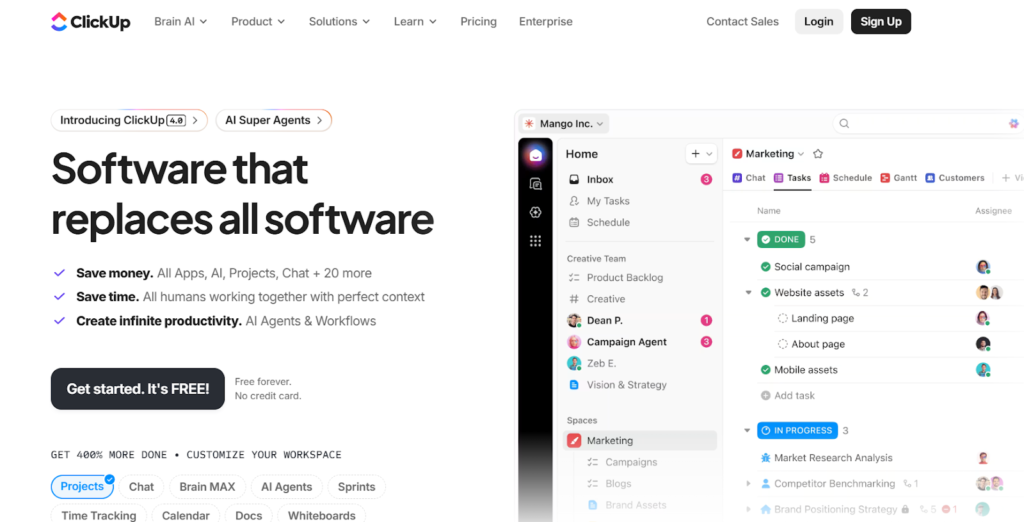
ClickUp combines sprint planning with documents, goals, and collaboration features. It is used by development teams and cross-functional organizations.
ClickUp offers high customization through statuses, fields, and views, allowing teams to adapt sprint workflows to their processes.
Why development teams use it
Development teams use ClickUp to centralize sprint planning, documentation, and tracking in one workspace. It works well for teams that want flexibility and shared visibility across functions.
Main features
ClickUp emphasizes breadth and customization.
- Sprint folders and backlog management
- Custom workflows and statuses
- Multiple views including list, board, and timeline
- Dashboards and reporting
- Docs and collaboration tools
- Built-in time tracking
Integrations
ClickUp integrates with GitHub, GitLab, Slack, Google Workspace, email, and many other tools. It also supports automation and APIs.
Desktop and mobile capabilities
ClickUp provides web access, desktop apps for Windows and macOS, and mobile apps for iOS and Android.
Pros and cons
| Pros | Cons |
| highly customizable | interface can feel crowded |
| many features in one tool | setup takes time |
| strong collaboration | performance varies by setup |
| flexible sprint workflows | learning curve |
Miro
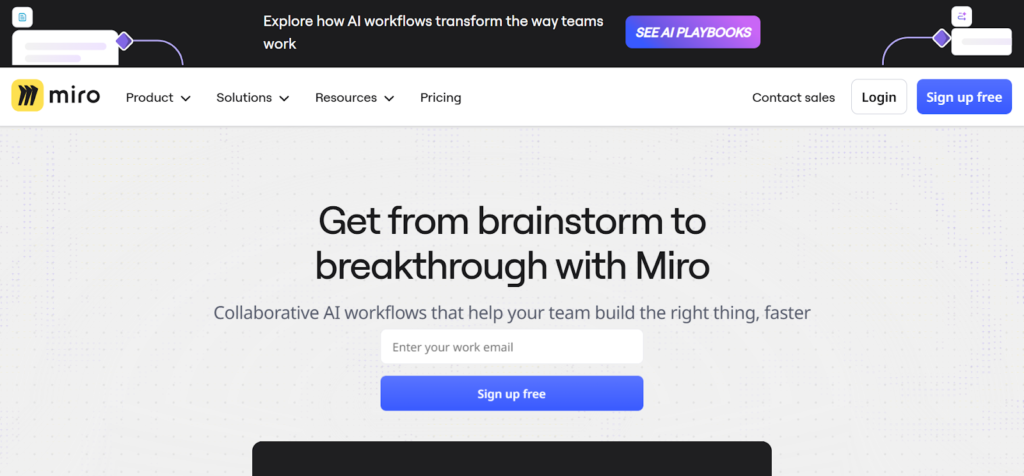
Miro is a visual collaboration platform commonly used during sprint planning workshops and retrospectives. It is not a traditional sprint execution tool.
Teams use Miro to brainstorm, plan, and align before work moves into a task management system.
Why development teams use it
Development teams use Miro for sprint planning sessions, backlog refinement, and retrospectives. It enables real-time collaboration and visual thinking.
Main features
Miro focuses on collaboration rather than execution.
- Sprint planning and retrospective templates
- Visual boards and sticky notes
- Voting and prioritization tools
- Real-time collaboration
- Facilitation tools
Integrations
Miro integrates with Jira, Azure DevOps, Slack, Google Workspace, and other collaboration tools.
Desktop and mobile capabilities
Miro is available via web, desktop apps for Windows and macOS, and mobile apps for iOS and Android.
Pros and cons
| Pros | Cons |
| excellent for planning sessions | not for execution tracking |
| highly visual | requires another tool for sprints |
| easy collaboration | limited reporting |
| great workshops | no backlog management |
Trello
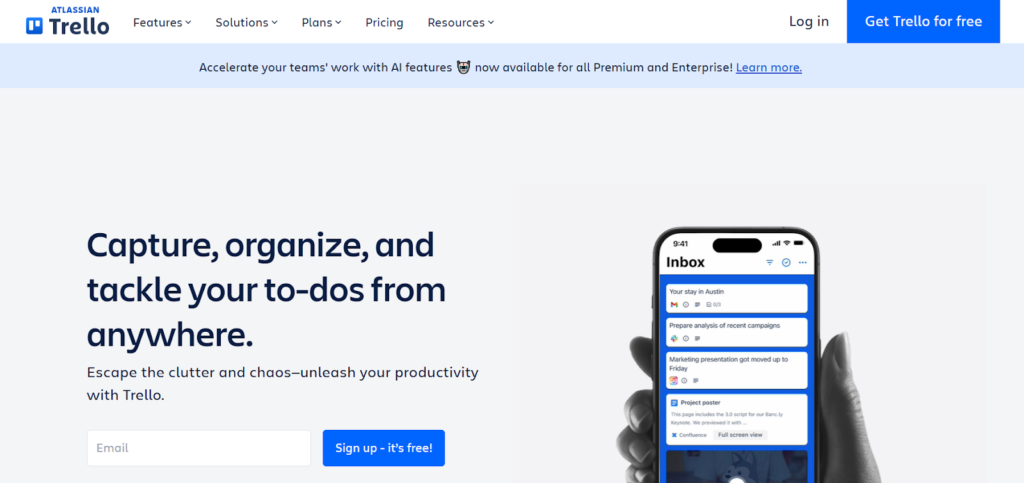
Trello is a simple card-based project management tool built around Kanban boards. It is often used for lightweight sprint planning.
Trello is best suited for small teams that want clarity without complex setup.
Why development teams use it
Development teams use Trello for simple sprint boards and task tracking. It works well when processes are informal and reporting needs are minimal.
Main features
Trello focuses on simplicity.
- Boards, lists, and cards
- Checklists and due dates
- Labels and basic automation
- Power-ups for added features
Integrations
Trello integrates with Slack, Google Drive, Jira, GitHub, and many third-party tools through power-ups.
Desktop and mobile capabilities
Trello is available on the web and via mobile apps for iOS and Android.
Pros and cons
| Pros | Cons |
| easy to use | limited sprint analytics |
| fast setup | no native backlog tools |
| low cost | not scalable |
| visual clarity | minimal reporting |
Zoho Sprints
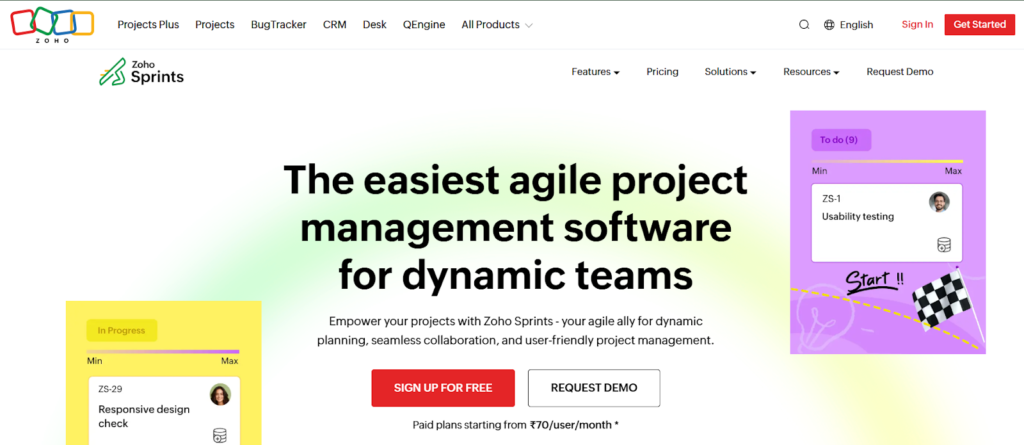
Zoho Sprints is an agile sprint planning tool built around Scrum practices. It is part of the Zoho ecosystem and focuses on affordability.
Zoho Sprints provides structured sprint planning without enterprise complexity.
Why development teams use it
Development teams use Zoho Sprints for straightforward Scrum workflows at a lower cost. It fits teams that want structure without heavy configuration.
Main features
Zoho Sprints follows Scrum closely.
- Sprint and backlog management
- User stories and epics
- Velocity and burndown charts
- Release planning
- Team dashboards
Integrations
Zoho Sprints integrates with other Zoho products, GitHub, GitLab, and common collaboration tools.
Desktop and mobile capabilities
Zoho Sprints is available via web and mobile apps for iOS and Android.
Pros and cons
| Pros | Cons |
| affordable pricing | fewer integrations |
| clear Scrum structure | limited customization |
| easy to adopt | basic reporting |
| good for small teams | less scalable |
Targetprocess
Targetprocess is an enterprise agile planning platform designed for scaled agile frameworks such as SAFe. It is used by large organizations managing multiple teams and portfolios.
Targetprocess focuses on alignment across teams, programs, and strategic initiatives.
Why development teams use it
Development teams use Targetprocess when working within large, scaled agile environments. It supports coordination across many teams and complex dependencies.
Main features
Targetprocess is built for scale.
- Program and portfolio planning
- SAFe and enterprise agile support
- Dependency management
- Advanced visual reports
- Custom workflows and views
Integrations
Targetprocess integrates with Jira, Azure DevOps, GitHub, and enterprise systems through APIs.
Desktop and mobile capabilities
Targetprocess is accessed through web browsers. Mobile access is available through responsive web interfaces.
Pros and cons
| Pros | Cons |
| strong SAFe support | complex setup |
| enterprise scalability | high cost |
| deep analytics | overkill for small teams |
| portfolio visibility | long onboarding |
Paid vs free sprint planning tools
Free sprint planning tools usually cover the basics such as simple backlogs, task boards, and limited collaboration. They work well for small teams or early-stage projects where processes are lightweight and reporting requirements are minimal. Limits often apply to the number of users, projects, storage, automation, or advanced views.
Paid sprint planning tools expand on these basics with deeper planning, reporting, and control. They typically include features like capacity planning, advanced analytics, dependencies, integrations, permissions, and security options. These tools are better suited for growing teams, multi-project environments, and organizations that need reliability, scalability, and long-term visibility.
Most important features of sprint planning tools
Sprint planning tools help teams stay focused, organized, and predictable by turning backlog ideas into clear, actionable plans. The features below have the biggest impact on how effectively teams plan and deliver sprints.
| Feature | How it works | How it helps teams be productive |
| Sprint backlog | Groups tasks and stories planned for a sprint | Keeps work focused and prevents scope creep |
| Task estimation | Uses story points or time estimates | Helps teams plan realistic workloads |
| Sprint planning view | Visualizes sprint scope and capacity | Makes planning faster and more transparent |
| Kanban board | Shows work moving through stages | Improves flow and highlights bottlenecks |
| Gantt or timeline view | Displays work across time | Helps coordinate releases and dependencies |
| Task dependencies | Links related tasks | Reduces blockers and sequencing issues |
| Workload and capacity | Shows team availability | Prevents overloading team members |
| Progress tracking | Tracks completed vs remaining work | Keeps teams aligned on sprint status |
| Reports and analytics | Generates burndown and velocity charts | Supports continuous improvement |
| Integrations | Connects with dev and collaboration tools | Reduces manual updates and context switching |
How to select the best sprint planning tool
Choosing a sprint planning tool is easier when you focus on how your team actually works day to day. Some teams need speed and simplicity, while others need structure, reporting, and control as they scale.
Match the tool to your team size
Small teams often benefit from simpler tools that are quick to set up and easy to maintain. Larger teams usually need stronger planning, permissions, and reporting to stay aligned across multiple sprints and projects.
Think about how much structure you need
If your team follows strict Scrum or scaled agile practices, look for tools with strong sprint, backlog, and reporting support. If your process is flexible, a lighter tool may be easier to adopt and maintain.
Check integrations you already rely on
A sprint planning tool works best when it fits into your existing stack. Make sure it integrates with your version control system, chat tools, calendars, and documentation so work stays connected.
Consider setup and learning time
Some tools offer deep customization but require time to configure and learn. Others work well out of the box but offer fewer options later. Choose what your team can realistically adopt without slowing delivery.
Use free plans or trials wisely
Free plans are a good way to test usability and fit, but they often hide limitations. Try running a real sprint during the trial to see how the tool handles planning, execution, and reporting.
GoodDay – sprint planning software you can rely on
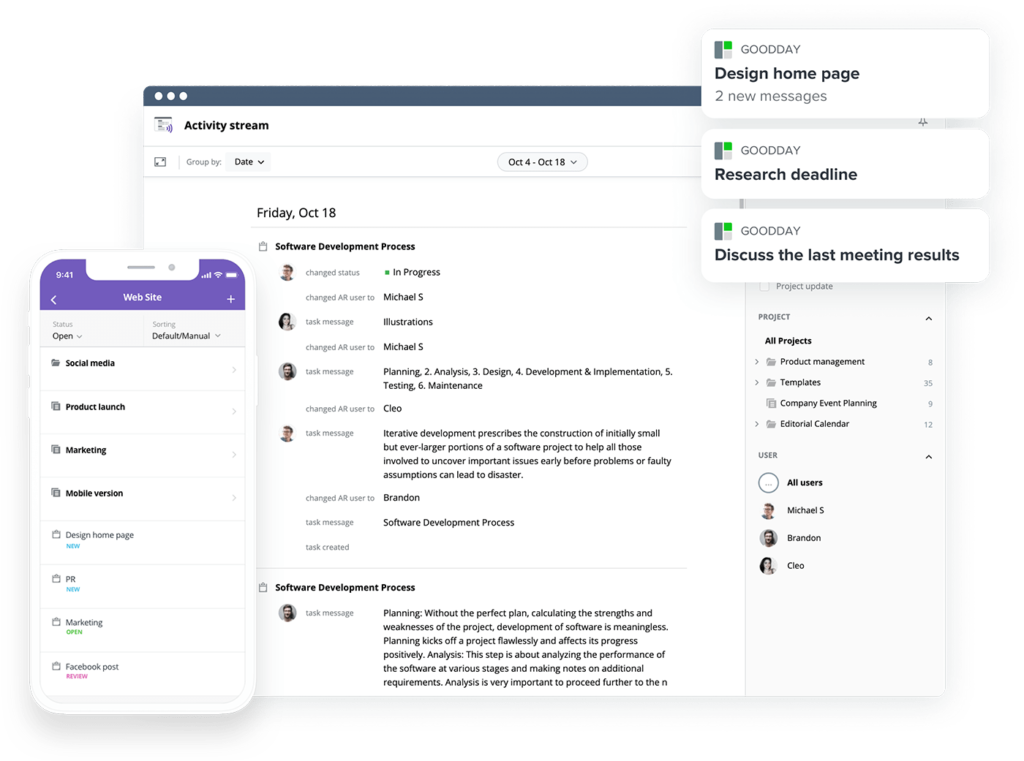
GoodDay supports teams at every stage, from early planning to complex, multi-team delivery.
You can start for free to see how it fits your workflow. The platform provides a free plan with unlimited projects for teams of up to 15 users.
If you have any questions about choosing the right software for your business, you can always reach out to our team at info@goodday.work
FAQs
What tool is used for sprint planning?
Sprint planning is usually handled with a dedicated project management tool designed for agile teams working in iterative cycles. Tools like GoodDay, Jira, and other popular tools help teams define sprint goals, plan time boxed sprints, and prepare work during a structured planning meeting. These platforms help teams organize sprints, break down work, and keep the product backlog aligned with priorities. Among them, GoodDay stands out as a versatile platform that covers the entire process from planning to delivery without tool sprawl.
What is the best scrum tool?
The best scrum tool is one that supports the scrum framework end to end, from backlog refinement to sprint review. Scrum masters and scrum teams need clear boards, estimation tools, and acceptance criteria to guide execution. GoodDay is well suited for both small and large projects because it combines sprint planning, tracking, and reporting in one system. Its balance of advanced features and simplicity helps teams move faster without sacrificing structure.
Who offers trusted software to keep sprint work visible and prioritized?
Trusted software applications for sprint planning focus on visibility, prioritizing tasks, and maintaining team alignment. Teams working on complex projects need tools that clearly show work progress and make it easy to monitor progress across sprints. GoodDay is widely adopted because it helps teams keep sprint work visible while supporting collaboration across roles. This leads to clearer ownership, fewer blockers, and more predictable outcomes.
For a product team using agile methodologies, which platforms best support sprints, backlogs, and story point estimation?
Product teams using agile workflows need tools that support sprints, estimation, and backlog refinement without slowing delivery. Platforms like GoodDay and Jira help agile development teams plan releases, estimate effort, and connect work to agile delivery goals. GoodDay is especially effective for teams managing client projects because it keeps planning, execution, and tracking in one place. This reduces handoffs and helps teams deliver tangible benefits sprint after sprint.
What is the best rated project management software for sprints?
Highly rated sprint tools combine robust collaboration features, clear reporting, and flexibility for different team sizes. Teams seeking fast time to value often prefer tools with an intuitive interface and a free tier to test workflows. GoodDay is consistently recognized for its strong reporting capabilities and ability to support both growing teams and enterprise use cases. Its unified approach helps teams avoid relying on other software to fill gaps.
What is the best backlog management tool?
The best backlog management tool makes it easy to manage tasks, refine priorities, and prepare the next sprint. Strong backlog tools support custom fields, resource allocation, and visibility into project progress across releases. GoodDay excels here by combining backlog management with sprint planning, dashboards, and team collaboration features. This makes it a reliable choice for teams balancing budget constraints while still needing control and clarity.




