
Powerful project expense tracking software makes sure that money spent on projects is not a mystery but something you can clearly see, track, and explain without stress.
In this article, we’ll explore the best project expense tracking software options to help you make the best choice.
And GoodDay’s project expense tracker handles expense tracking as a built-in part of project management, allowing teams to link every cost directly to tasks, projects, and budgets instead of managing finances in a separate tool. If you have any questions that are not covered in this article, you can always connect with our team via info@goodday.work
Best project expense tracking software (shortlist for 2026)
Let’s take a look at some of the most reliable project expense trackers.
- Best Overall: GoodDay offers robust features for project expense tracking, multi-view visualization, and workflow automation.
- Best for Control: Ramp combines corporate cards with real-time spend limits and instant receipt matching.
- Best for Ease of Use: Expensify features a “SmartScan” OCR technology, making it easy to capture receipts and submit reports.
- Best for Small Business/Freelancers: FreshBooks provides simple, affordable expense tracking and invoicing.
- Best for Project Accounting: QuickBooks Online keeps project costs directly integrated with accounting books.
- Best for Global/Mid-Market: Rydoo offers strong OCR technology and handles complex international tax/currency workflows.
- Best for Remote Teams: Zoho Expense is ideal for automated, scalable expense management.
Comparison of the best project expense tracking software
Here is a side-by-side view of the leading project expense tracking tools, their core use cases, and official pricing so you can compare options quickly.
| Software | Best for | Pricing |
| GoodDay | All-in-one project expense tracking with budgeting and workflows | Free plan; Professional $4 per user per month; Business $7 per user per month. |
| Ramp | Spend control with corporate cards and real-time limits | Free core platform with unlimited users and cards; Ramp Plus $15 per user per month. |
| Expensify | Fast receipt capture and automated reporting | Plans start at $5 per user per month for business teams. |
| FreshBooks | Simple expense tracking plus invoicing for small business and freelancers | Lite $21 per month; Plus $38 per month; Premium $65 per month. |
| QuickBooks Online | Project accounting with full bookkeeping | Simple Start $38 per month; Essentials $65 per month; Plus $99 per month; Advanced $235 per month. |
| Rydoo | Global expense management and multi-currency handling | Essentials approximately €8 per user per month (billed annually); Pro approximately €10 per user per month (billed annually). |
| Zoho Expense | Automated reporting and approvals for remote teams | Free plan available; Standard $4 per user per month; Premium $7 per user per month. |
Overview of the top 7 project expense tracking software
This section provides a high-level look at the leading project expense tracking platforms and how they support different teams and business needs.
1) GoodDay
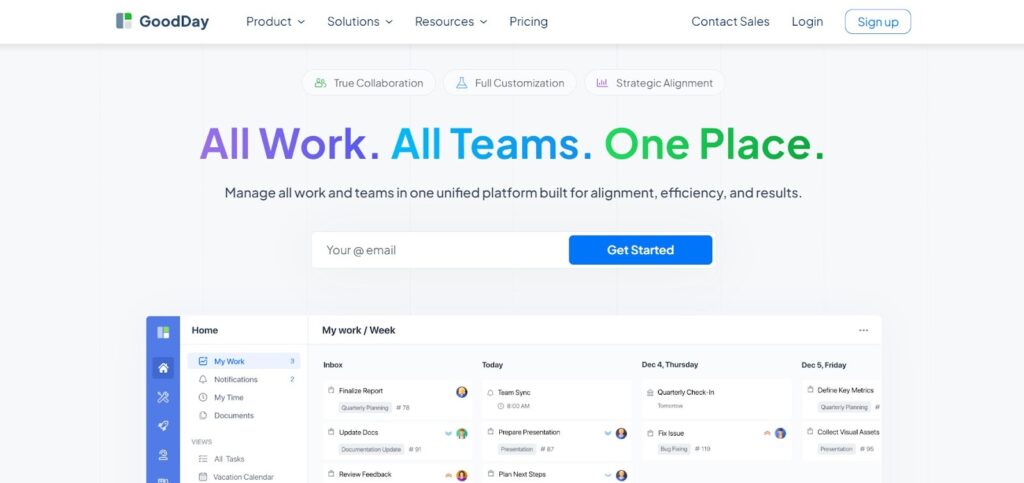
GoodDay is a powerful work management platform with robust expense tracking capabilities used by Fortune 500, fast-growing startups, and organizations of all sizes. It offers a free plan with unlimited projects for up to 15 users and gives access to advanced productivity capabilities earlier than many competing tools.
GoodDay’s expense tracking is part of its overall project management suite and focuses on centralizing expense records, linking costs to work, and reporting. The platform offers unlimited project hierarchy, comes with built-in time tracking, offers full CRM functionality, applies modern security technologies, and is featured in 12 Capterra shortlists as a top-rated project management solution.
Main features
The platform is valued for combining enterprise-grade functionality with pricing that remains practical for growing teams.
• Project and task management with unlimited project structure
• Gantt charts, Kanban boards, lists, calendars, and workload views
• Built-in time tracking and timesheets
• Budgeting and project expense tracking
• Resource and workload management
• CRM and client management tools
• Automation and workflow rules
• Reporting and customizable dashboards
• Role-based access control and security features
• Custom fields and configurable workflows
Integrations
GoodDay offers native integrations with Google Workspace apps such as Gmail, Docs, Drive, and Calendar, along with Slack, Dropbox, Box, and email. It supports Single Sign-On through SAML, integrates with GitHub and GitLab, connects to more than 1,300 business tools through Zapier, and provides an API for linking with custom systems.
Desktop and mobile capabilities
GoodDay runs on Windows, macOS, and Linux for desktop users and provides mobile apps for both iOS and Android, allowing full access to projects, tasks, and dashboards from any device.
Pros and cons
| Pros | Cons |
| Used by over 100,000 teams worldwide | Advanced reports require initial configuration |
| Broad feature set across planning, execution, and tracking | Workflow customization can take time to fine-tune |
| Free plan for up to 15 users | Learning advanced workflows takes some onboarding |
| No pressure for unnecessary upsells | High customization may slow early adoption |
2) Ramp
Ramp is an all-in-one finance operations and expense management platform designed to help teams automate expense tracking, enforce spend controls, and simplify reimbursements. It combines corporate cards, automated policy enforcement, and real-time reporting so finance teams spend less time on manual work and more time on strategic decisions.
Ramp lets users issue unlimited physical and virtual cards, set automated spend limits, and capture receipts with mobile apps. It automatically checks every transaction against company policies, syncs expenses with accounting systems, and provides dashboards for spend visibility and budgeting.
Main features
Ramp’s platform earns praise for centralizing expense workflows with proactive policy enforcement and control.
• Unlimited corporate and virtual cards
• Automated spend policy enforcement and alerts
• Receipt capture and auto-matching
• Real-time spend dashboards and reports
• Integration with accounting systems (QuickBooks, Xero, NetSuite)
• Mobile apps for iOS and Android
• Approval workflows and audit trails
• Vendor and bill payment automation
Integrations
Ramp integrates seamlessly with major accounting tools like QuickBooks Online and Desktop, Xero, Netsuite, and others. It also connects with ERP systems and HR tools to sync employee data, expense categories, and financial records.
Desktop and mobile capabilities
Ramp is accessible via web browsers on Windows, macOS, and Linux, and offers mobile apps for iOS and Android so teams can issue cards, track expenses, and approve reports from anywhere.
Pros and cons
| Pros | Cons |
| free core plan with essential expense features | advanced controls require Ramp Plus plan |
| unlimited corporate cards included | may require finance training for full use |
| automated policy enforcement reduces manual reviews | some features require setup time |
| deep integrations with accounting systems | not focused on traditional project management |
3) Expensify
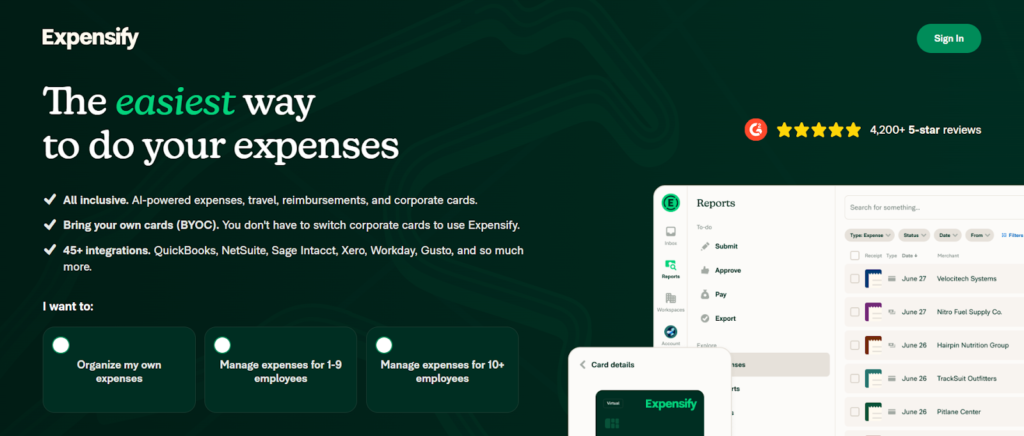
Expensify is an expense management system that simplifies receipt capture, reporting, and reimbursements for small to mid-sized teams. It focuses on streamlining everyday expense tasks with intuitive mobile and web apps that support automated receipt scanning, report generation, and integrations with accounting software.
Users can snap photos of receipts with SmartScan technology, automatically log and categorize expenses, and push data directly to their accounting books. Expensify supports reimbursement workflows, team spend controls, and syncing with major accounting platforms.
Main features
Expensify is known for its simplicity and ease of use across devices.
• SmartScan receipt capture and OCR
• automated expense report creation
• mobile and web apps
• two-way sync with QuickBooks, Xero, NetSuite, Sage Intacct and more
• flexible approval routing and reimbursement workflows
• corporate card support and BYOC (bring your own card)
• real-time spend visibility
Integrations
Expensify connects with leading accounting and finance systems like QuickBooks Online, Xero, NetSuite, Sage Intacct, Gusto, and ADP, automatically syncing expense entries, reimbursements, and reports.
Desktop and mobile capabilities
Expensify works on desktop browsers and offers mobile versions for both iOS and Android, allowing users to capture receipts, submit expenses, and approve reports on the go.
Pros and cons
| Pros | Cons |
| simple and intuitive user experience | pricing tiers can be confusing |
| strong mobile receipt capture | limited advanced controls vs enterprise tools |
| integrates with many accounting systems | may need workarounds for complex policies |
| scalable from small to mid-sized teams | corporate card features may cost more |
4) FreshBooks
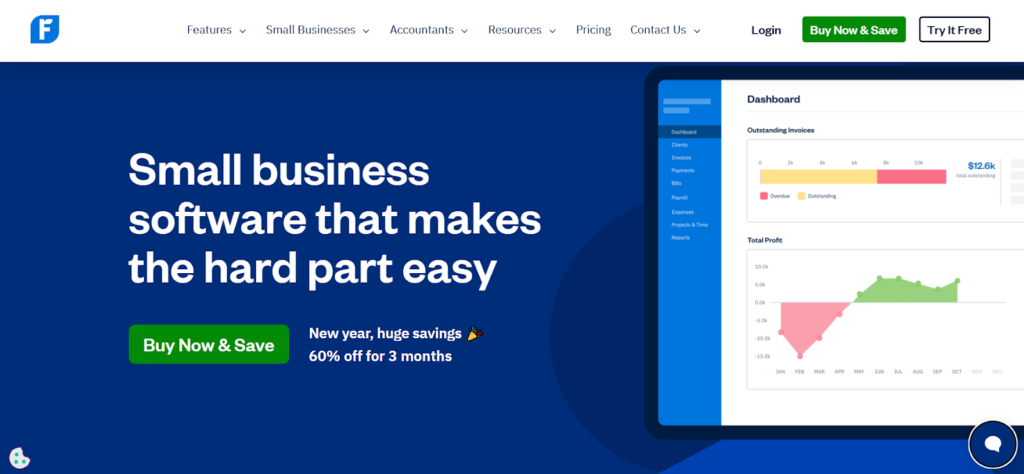
FreshBooks is cloud accounting software tailored to small businesses and freelancers, combining invoicing, time tracking, expense management, and reporting into a single interface. It helps teams manage receipts, categorize expenses, and link those costs to projects or clients.
FreshBooks includes project and expense tracking that works alongside its billing and payment tools, letting users assign costs to clients and projects while generating reports for billing and tax purposes.
Main features
FreshBooks provides a mix of accounting and expense tools designed for small teams.
• automated expense categorization and receipt capture
• project cost tracking
• client invoicing and billing
• time tracking integrated with expenses
• financial reports and tax summaries
• bank connection and reconciliation
• mobile apps for iOS and Android
Integrations
FreshBooks supports integrations with payment processors, banking connections, time tracking apps, and other business tools to keep expense and revenue data synced.
Desktop and mobile capabilities
FreshBooks is accessible through web browsers on all major desktop platforms and offers iOS and Android mobile apps for on-the-go expense and invoice management.
Pros and cons
| Pros | Cons |
| combines accounting, billing, and expenses | not as powerful for enterprise expense workflows |
| strong reporting and client billing | fewer advanced automation tools |
| easy mobile apps for on-the-go tracking | may require third-party apps for complex use cases |
| good fit for freelancers and small teams | pricing grows with advanced features |
5) QuickBooks

QuickBooks is a comprehensive cloud accounting platform that includes expense tracking, invoicing, bill pay, bank reconciliation, and financial reporting. It helps businesses of all sizes keep all financial activity in one place and integrates project cost tracking within broader accounting workflows.
Users can upload receipts, record expenses, assign costs to projects and clients, and sync these entries with books for reporting, tax preparation, and payroll. QuickBooks Online also integrates tightly with other tools for a complete financial ecosystem.
Main features
QuickBooks Online blends broad accounting functionality with expense tools.
• receipt upload and expense categorization
• project and client cost tracking
• automated bank feeds and reconciliation
• invoicing and payments
• payroll integration
• financial reporting and dashboards
• tax preparation support
Integrations
QuickBooks Online integrates with a wide range of business apps including expense tools, payroll systems, CRM platforms, and more to ensure data flows seamlessly across finance operations.
Desktop and mobile capabilities
QuickBooks Online is accessible via web browsers and mobile apps for iOS and Android, giving users access to expenses, invoices, and reports wherever they work.
Pros and cons
| Pros | Cons |
| robust accounting and expense features | can be expensive for larger teams |
| project tracking tied to financials | learning curve for full accounting use |
| strong ecosystem and integrations | may be more than needed for small teams |
| detailed financial reports | some advanced modules cost extra |
6) Rydoo
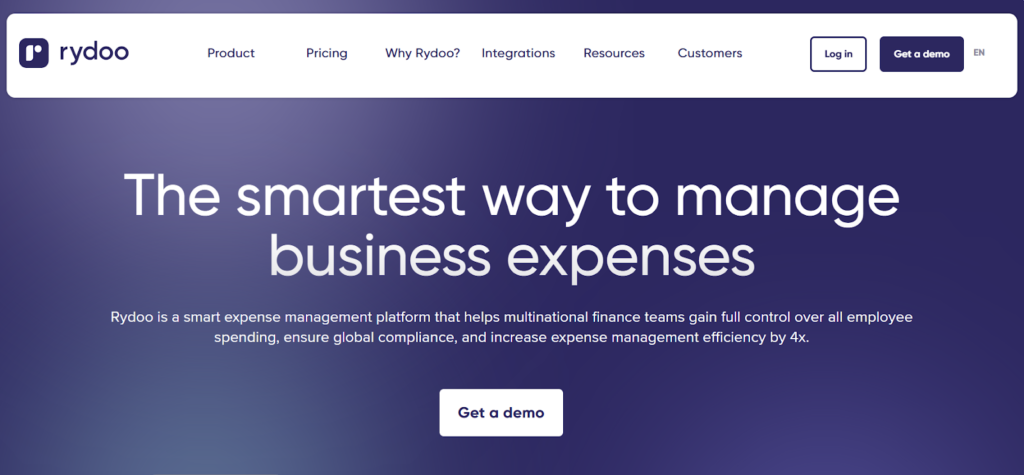
Rydoo is a global expense management platform that automates expense capture, reporting, and compliance workflows for distributed teams. It uses AI and smart tools to analyze expenses, detect non-compliant claims, and streamline reimbursement processes across regions.
Rydoo’s platform lets users capture receipts in real time, log mileage and per diem expenses, and approve submissions quickly via mobile or web. It also includes mileage tracking, multi-country compliance features, and integrations for financial and HR systems.
Main features
Rydoo provides tools focused on automation and global compliance.
• AI-powered receipt scanning and expense capture
• real-time expense approval workflows
• multi-currency and tax compliance support
• mileage and per diem tracking
• smart audit and compliance flagging
• mobile and web expense entry
• export and reporting tools
Integrations
Rydoo integrates with ERP, accounting, and HR systems to sync employee data, expense entries, and compliance rules.
Desktop and mobile capabilities
Rydoo has full mobile apps for iOS and Android in addition to web access, enabling real-time submission and approval of expenses and reporting from anywhere.
Pros and cons
| Pros | Cons |
| strong automation and compliance | pricing can be higher for large teams |
| multi-country support and compliance | may be more complex for very small teams |
| real-time reporting and approvals | advanced integrations may need setup time |
| clear mobile experience | not as focused on core accounting functions |
7) Zoho Expense
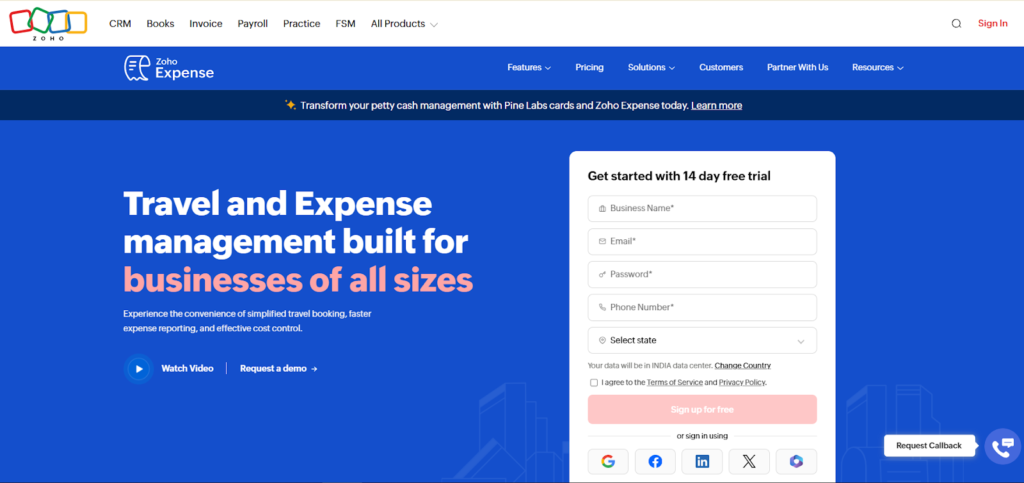
Zoho Expense is travel and expense management software that automates business expense reporting based on company policies. It helps teams capture expenses quickly, apply dynamic approvals, and manage spend across travel, mileage, and corporate cards.
Zoho Expense offers automated expense capture with receipt scanning, approval workflows, policy enforcement, and reporting dashboards. It is designed to integrate with the broader Zoho ecosystem and other finance tools as needed.
Main features
Zoho Expense provides end-to-end expense automation for teams of all sizes.
• automated receipt capture and OCR
• policy-based approval workflows
• travel request and expense integration
• multi-currency and multi-country support
• mileage tracking
• corporate card expense sync
• reporting and dashboards
Integrations
Zoho Expense integrates with finance and accounting tools such as QuickBooks Online, Zoho Books, and other popular systems to keep expense data flowing smoothly.
Desktop and mobile capabilities
Zoho Expense offers web access and mobile apps for iOS and Android so expense capture, approvals, and reporting can happen from any device.
Pros and cons
| Pros | Cons |
| strong automation and policy enforcement | interface may feel complex initially |
| integrates with broader Zoho suite | advanced features may require extra training |
| travel and corporate card support | mobile experience varies by platform |
| multi-currency support | not as deep in project accounting |
Paid vs free project expense tracking software
Free project expense tracking software gives teams basic tools to record and categorize expenses without upfront cost. These versions often include simple receipt capture, manual expense entry, and basic reporting, which can be enough for small teams or occasional use.
Paid options provide more automation, advanced controls, integrations, and reporting capabilities that support scaling teams and complex workflows. They typically unlock features like automated receipt scanning, corporate card support, policy enforcement, multi-currency handling, and seamless syncing with accounting systems, which reduce manual work and help finance teams stay in control.
Key features of project expense tracking software
The best project expense tracking software includes core capabilities that help teams record costs accurately and keep budgets under control.
| Feature | How it works | How it helps teams |
| Expense entry | Users create expense records and enter key data like date, category, amount, and comments. | Keeps all cost details logged and organized in one place. |
| Receipt and document attachments | Users attach receipt files or documentation to each expense entry. | Keeps expense documentation easily accessible and linked to transactions. |
| Custom categories | Teams can filter and organize expenses by custom fields like type, user, or category. | Makes expense grouping and reporting clearer and easier. |
| Grouping and filtering | Expenses can be grouped by user, type, project, or category for review. | Helps teams analyze spending patterns without manual sorting. |
| Integration with projects | Expenses are linked directly to specific projects or tasks. | Connects costs to work items for more accurate project financial visibility. |
| Integration with finance modules | Expense data integrates with GoodDay’s finance and billing modules. | Provides a more complete financial picture across project budgets and billing. |
| Unit-based expenses | Expense entries can be tracked based on units (e.g., mileage, materials). | Offers flexibility for non-standard cost types. |
| Expense approval workflow | Managers review and approve submitted expenses before final record (approval feature). | Ensures spend is reviewed before processing. |
How to select the best project expense tracking software
Before choosing a tool, it helps to be clear about what matters most in your daily work, whether that is quick setup, flexible customization, strong team workflows, or tight integration with the tools you already use. Many platforms offer free plans or trials, which makes it easier to test them in real scenarios before making a decision.
Start with how your team actually works
Look at how expenses flow through your team today, not how software vendors describe the ideal process. If most expenses come from field workers or travel, mobile apps and fast entry matter more than complex reports. If expenses are mostly project-based and reviewed centrally, then linking costs to tasks and projects should be your top priority.
Balance simplicity and flexibility
Some tools are very easy to use but limited when your processes grow, while others are powerful but take time to configure. Try to choose software that feels simple for everyday use but still allows deeper customization when you need it. This balance usually saves time in the long run.
Check how it fits into your existing tools
Expense tracking rarely works in isolation, so it is important to see how well it connects with your accounting, payroll, or project management software. If integration is weak, you may end up doing the same work twice in different systems. A smooth connection can remove a lot of manual effort from your finance workflows.
Think about scale, not just today’s needs
A tool that works well for a team of five may become frustrating when the team grows to fifty. Look at pricing tiers, user limits, and feature differences between plans. This helps avoid switching tools later just because your current one could not grow with you.
Do a real test before committing
Free plans and trials are most useful when you test real data and real workflows, not just click around the interface. Try entering actual expenses, approving them, and exporting reports. This is usually where you discover whether a tool truly fits your way of working or just looks good on paper.
GoodDay – a project expense tracking software you can rely on
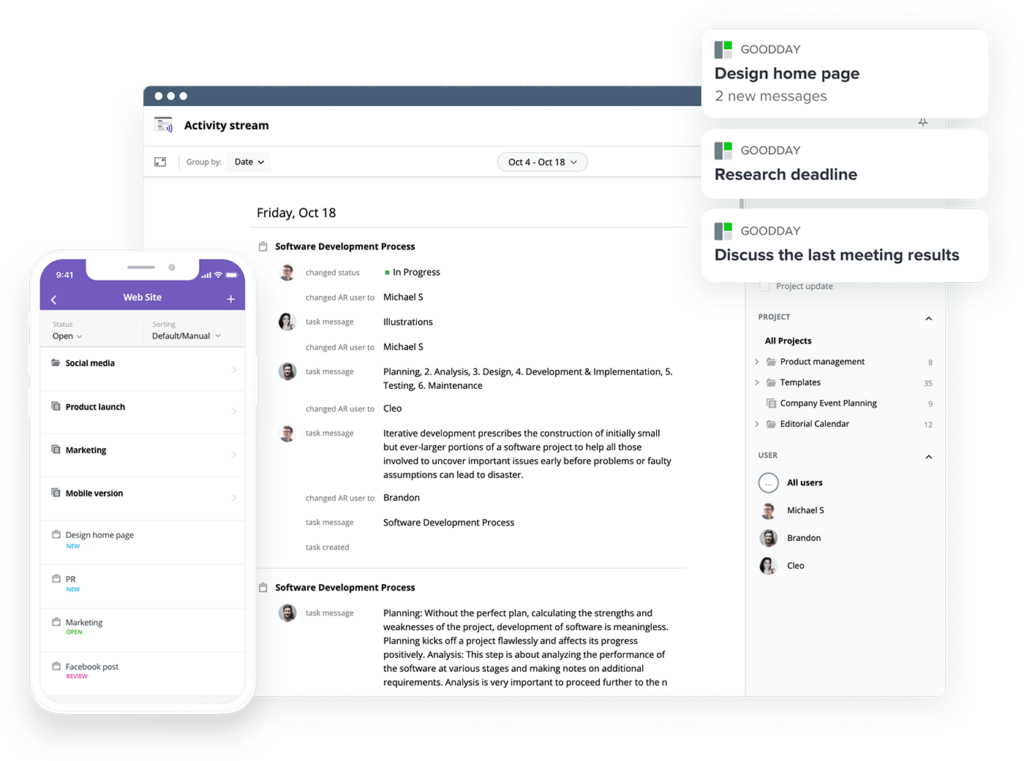
GoodDay is a widely used project management platform known for combining strong functionality with flexible customization that adapts to different team workflows.
You can start with its free plan and explore how it supports your project expense tracking needs.
And if you have any questions about choosing the right software for your business, you can always reach out to our team at info@goodday.work
FAQs
How to keep track of project expenses?
To keep track of project expenses, start by centralizing all expense reports in one system so nothing is scattered across emails or spreadsheets. Use management software like GoodDay that records financial data and links every cost to specific project plans and tasks. This helps project managers monitor the project budget and avoid surprises later. Automating tracking also reduces manual data entry errors and keeps project costs visible at all times.
What is the best project expense tracking software?
The best project expense tracking software combines real time expense tracking with strong expense tracking capabilities and reliable data storage. It should allow easy expense report submission while supporting a clear approval process for managers. Tools like GoodDay and Zoho Expense are widely used because they provide financial oversight and help prevent cost overruns. The right tool should also adapt to future projects without adding complexity.
What is the best project management software with financial tracking?
The best project management software with financial tracking connects financial management directly with daily work and timelines. It should give real time financial oversight across tasks and milestones so teams always see how money flows with project progress. Platforms like GoodDay provide a comprehensive solution that links project finances to work execution. This level of integration supports informed business decisions and improves project health.
What is the best free software for keeping track of expenses?
The best free software for keeping track of expenses includes GoodDay for project-based tracking, Zoho Expense for receipt-based expense management, and Wave Accounting for simple business income and expense tracking without user limits. Free tools usually include basic expense submission, simple tracking of actual spending, and limited reporting features. Many also support scanning and scan receipts using mobile apps, which saves time for everyday data entry. While free plans are limited, they are often enough to manage expenses at an early stage.
What is the best expense tracker for project-based businesses?
GoodDay is a strong option for project-based businesses because it links expenses directly to tasks, timelines, and budgets while keeping everything inside one project management system, which helps maintain cost control and protect profit margin over time. For project-based businesses, the best expense tracker supports advanced reporting features and detailed reporting tied to specific work. It should handle labor costs and resource allocation clearly, especially in a construction project or large delivery teams. A premium plan often adds financial forecasting and tools to manage budgets more precisely. This helps maintain cost control and protect profit margin over time.
What is the top free business income and expense tracker?
The top free business income and expense tracker helps manage expenses while connecting transactions from bank accounts into one place. It should support quickbooks integration or similar tools for easier financial planning and financial oversight. Good trackers also provide a full audit trail, which is important for data driven decisions and compliance. GoodDay is a great free option because it allows teams to track project-related income and expenses, attach documents, and keep financial records linked to actual work without forcing an upgrade early. Even with free access, strong integration capabilities and basic team collaboration can significantly improve overall financial health.




