
When you’re setting up your marketing workflow, choosing the wrong software is very, very expensive.
And it can cost you far more than money. Every misaligned tool wastes time, drains energy, and derails coordination.
Numerous researches, for example a recent study by IDEAS, show that using the right PM tools makes marketing projects far more likely to succeed.
When marketing project management software is aligned with strategic priorities, teams are better able to meet schedules and stay within budgets.
In this guide, we’ll explore the best marketing project management software tools for 2026 to help you make the best choice.
But if you have any questions that are not covered in this article, you can always connect with our team via info@goodday.work
Best marketing project management software shortlist for 2026
Here are some of the top tools for marketing project management.
- GoodDay: best overall marketing project management software
- Asana: best for multi-department coordination and goal alignment
- ClickUp: best for customization and automation
- Monday.com: best for visually-driven workflows, marketing calendars and creative teams
- Trello: best for lightweight board-based task management and smaller teams
- Teamwork: best for agency-type workflows, client work and billing/time tracking
- Smartsheet: best for spreadsheet-style teams needing resource tracking and complex workflows
- Wrike: best for enterprise-level marketing operations, large teams and advanced workflow control
Comparison of the best project management software for marketing teams
Let’s see how best project management software for marketing tasks compare in what they offer and how much they cost.
| Software | Team type | Pricing | Choose if |
|---|---|---|---|
| GoodDay | Teams of all sizes | Free plan (1–15 users); Professional $4/user/month; Business $7/user/month; Enterprise – custom | You want powerful features, deep customization, and affordable pricing |
| Asana | Mid to large marketing teams | Free plan; Starter $10.99/user/month; Advanced $24.99/user/month | You need structured task management and goal tracking across departments |
| ClickUp | Small to mid teams | Free plan; Unlimited $7/user/month; Business $12/user/month | You want highly flexible workflows and automation features |
| Monday.com | Small to mid teams with visual workflows | Free (up to 2 users); Basic $9/user/month; Standard $12/user/month | You prefer a visual, board-based approach and easy collaboration |
| Trello | Small teams or individuals | Free plan; Standard $5/user/month; Premium $10/user/month; Enterprise from $17.50/user/month | You want a simple and visual task-tracking tool without complex setup |
| Teamwork | Agencies and client-service teams | Free plan; Deliver $10.99/user/month; Grow and Scale – custom pricing | You manage client projects and need billing, time tracking, and collaboration tools |
| Smartsheet | Medium to large teams comfortable with spreadsheets | Pro $9/user/month; Business $19/user/month; Enterprise – custom | You prefer a spreadsheet-style interface for planning and reporting |
| Wrike | Mid to large marketing or enterprise teams | Free plan; Team $9.80/user/month; Business $24.80/user/month; Enterprise – custom | You need scalable workflow automation and enterprise-level reporting |
Best project management software for seamless marketing workflows (tested & reviewed)
Let’s have a deeper look at each of these marketing project management software solutions.
1) GoodDay
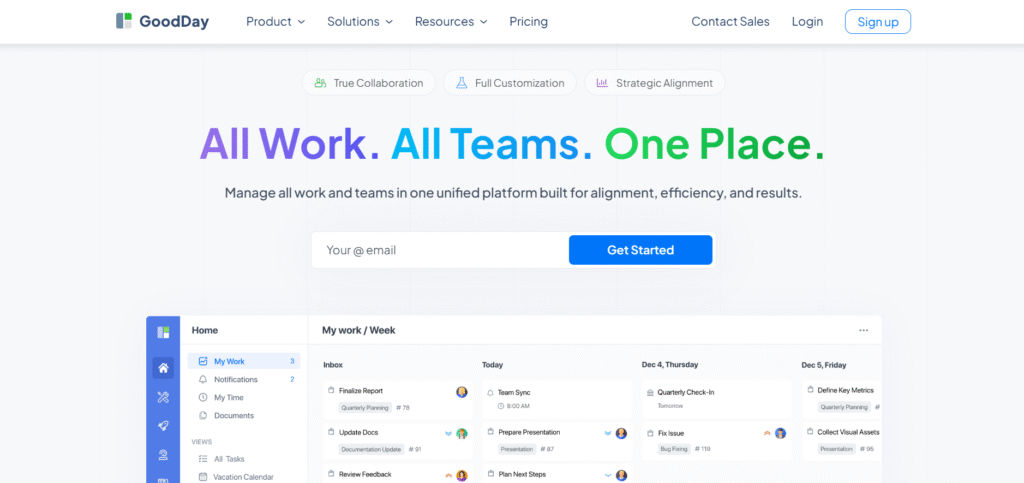
GoodDay offers comprehensive marketing project management software trusted by Fortune 500 companies, fast-growing startups, and established businesses worldwide. It provides a free plan with unlimited projects for teams of up to 15 members, gives access to advanced productivity tools sooner than most competitors, and costs less per user.
Marketing teams use GoodDay to manage campaigns, track tasks, monitor deadlines, and align workflows across departments. The platform allows deep customization of workflows, dashboards and notifications, making it ideal for teams that want to tailor their process. It also includes features for time tracking, resource planning and automation.
Its reasonable pricing stands out, offering teams a full suite of advanced marketing project management features without high costs. In 2026, GoodDay is recognized as a top-rated software on 12 Capterra shortlists.
Main features
The platform is widely praised by people because it strikes the rare balance between powerful features and affordability.
- Task management: unlimited projects and tasks, custom workflows, subtasks
- Views: list, board (Kanban), calendar, Gantt, workload view, portfolio view
- Automation: workflow automations built into paid plans
- Time tracking & attendance: built-in manual and automatic time tracking, attendance module
- Resource & workload management: capacity planning, team utilisation dashboards
- Reporting & analytics: dashboards, custom reports, analytics modules
- Templates: 100+ ready templates for workflows, team types and projects
- Collaboration: built-in chat, file sharing, comments, document management
- Integrations & API: connect to other tools, import/export data
- Work & portfolio modules: goals, CRM, finance modules in higher tiers
Integrations
GoodDay natively integrates with Google Workspace (G Suite), Gmail, Slack, Google Docs, Google Drive, Google Calendar, Dropbox, Box.com, SAML single-sign-on, GitHub, GitLab and email. It also connects to over 1,300 business apps via Zapier and offers API access to integrate with your existing systems.
Desktop and mobile capabilities
GoodDay is available on Windows, Mac, iOS and Android, providing full access to tasks, projects and dashboards on the go or from desktop environments.
Pros and cons
| Pros | Cons |
| Trusted by 100,000+ teams worldwide, solid reputation in 2026 | Advanced reporting requires extra setup and configuration |
| Rich mix of features (planning, execution, tracking) | Focuses on productivity, not social features |
| Very affordable: free for up to 15 users, paid plans from ~$4/user/month | It takes time to learn how to fully utilise the advanced workflows |
| You won’t feel pressured into endless upsells or trendy features your team doesn’t need | Because everything can be tailored, teams may spend extra time deciding on the perfect setup |
2) Asana
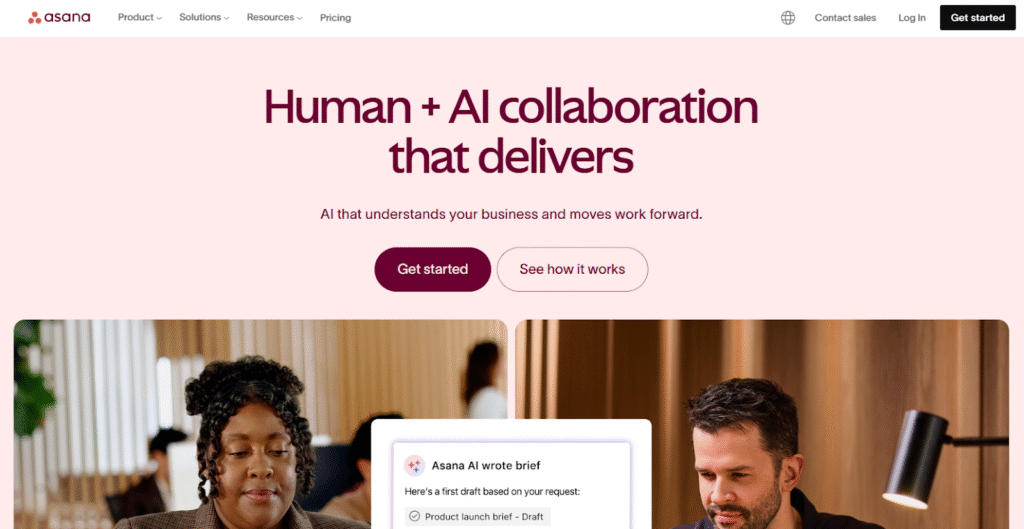
Asana helps marketing project managers coordinate campaigns, align goals, track dependencies and visualize progress. It is best for multi-department coordination and goal tracking. The tool is strong in linking everyday tasks to strategic outcomes.
The platform supports task assignment, dependencies, milestones, workflow automations, custom fields, and forms to streamline marketing operations. Reporting dashboards and workload management tools help teams stay on schedule and optimize resources.
Main features
Here’s what you’ll find in Asana:
- Task creation and assignment, due dates, dependencies, milestones
- Timeline (Gantt-style) and board/Kanban views for visual tracking
- Portfolio management and goals tracking to align marketing work with business strategy
- Workflow builder, custom fields, forms and rules/automations
- Reporting and analytics: dashboards, workload views, advanced search/filtering
- Collaboration: comments, attachments, guest users, integrations with other systems
Integrations
Asana supports a robust ecosystem of integrations: Slack, Microsoft Teams, Adobe, Salesforce, Tableau and many more. For marketing teams this means you can link campaign execution, content production and analytics all in one flow.
Desktop and mobile capabilities
Asana has browser access plus native apps on Windows/Mac as well as mobile apps (iOS/Android). Team members can update status, check tasks and collaborate from anywhere.
Pros and cons
| Pros | Cons |
| Strong goal-alignment and portfolio features, good for larger/complex teams | Paid plans get expensive quickly, especially for many users |
| Visual timelines and board views make campaign scheduling easier | Some users report slower support and a somewhat frustrating upgrade path |
| Large ecosystem and integrations, plus a strong reputation | Free plan is limited, core advanced features locked behind paid tiers |
| Wide adoption means easier onboarding/training for many marketers | Some advanced features require a learning curve |
3) ClickUp
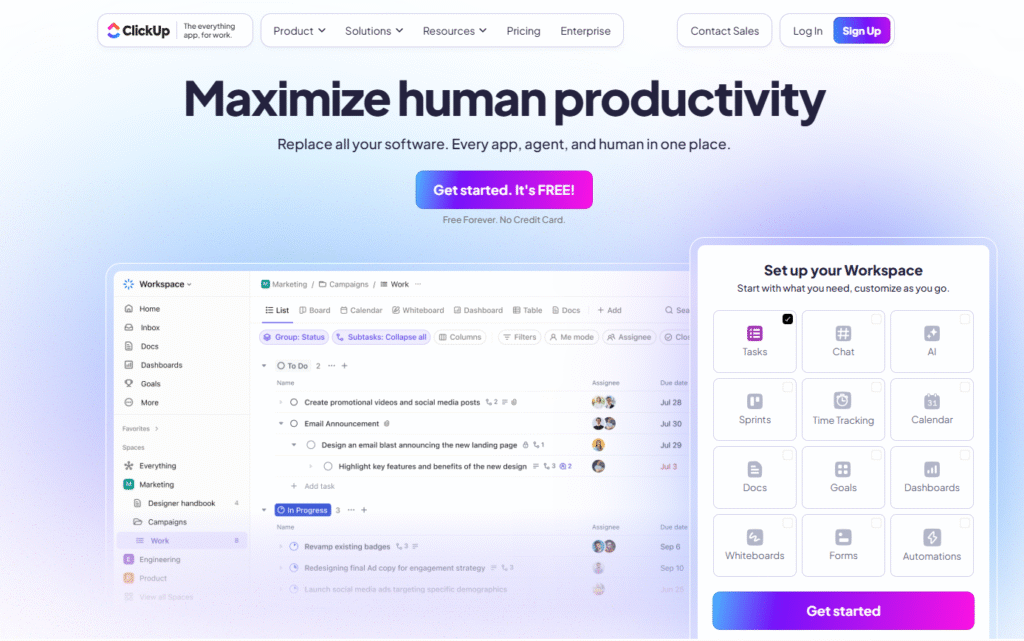
ClickUp allows managing campaigns, content calendars, and cross-department workflows. Marketing teams use ClickUp to manage content calendars, tasks, campaigns and cross‑functional workstreams in a central place.
The tool supports many view types (lists, boards, calendars, Gantt charts), custom fields for marketing‑specific data (e.g. asset format, channel, budget), automation for repetitive tasks and reporting dashboards.
Main features
- Unlimited spaces, projects and users in paid tiers, many view types
- Boards (Kanban), lists, calendars, Gantt, workload and resource management
- Custom fields, task dependencies, templates and recurring tasks
- Automations across workflows, unlimited or large storage (in higher tiers)
- Time-tracking, built-in docs/wiki, dashboards and reporting
Integrations
ClickUp integrates with many tools: Slack, GitHub, Google Drive, Zoom and more. It has a marketplace of integrations and automation recipes, making it adaptable for marketing workflows, content calendars, asset review cycles and collaboration.
Desktop and mobile capabilities
ClickUp offers desktop apps (Windows/Mac), mobile apps (iOS/Android) and a full web interface. While rich in features, it can have a steeper learning curve for teams new to customisation.
Pros and cons
| Pros | Cons |
| Great value for money | Can feel overwhelming for smaller teams or simpler needs |
| Deep automation, customisation and views let you build tailored workflows | Some users report performance issues (loading times) in more complex setups |
| Free tier is strong and allows up-front value before upgrade | More setup/configuration may be required to fully harness power |
| Wide range of integrations and add-ons for marketing operations | Because of custom depth, training may be needed to scale usage effectively |
4) Monday.com
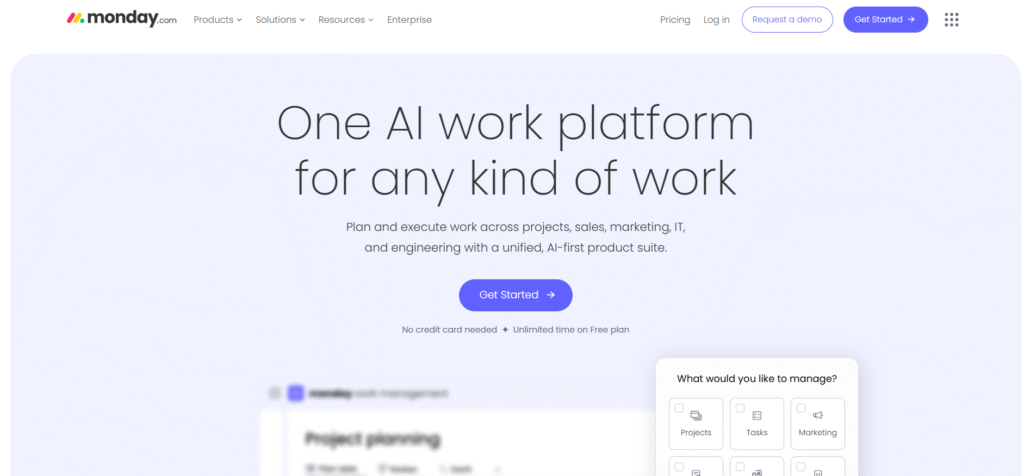
Monday.com is a visual project management solution with visual layouts, automation and templates. Marketers use Monday.com to map campaign stages, coordinate creative assets and monitor performance.
The platform offers drag‑and‑drop boards, timeline and Kanban views, templates for marketing workflows (e.g. content calendar, campaign pipeline), automations, guest access for collaborators and dashboards for campaign metrics. This visual approach helps non‑technical team members engage more easily in project tracking.
Main features
- Customisable boards with drag-and-drop columns (Kanban, list, timeline)
- Templates for marketing workflows (content calendars, campaign pipelines)
- Automations and integrations across tools (email, CRM, Slack)
- Visual dashboards, guest access, document collaboration, timeline/Gantt views in higher tiers
Integrations
Monday.com connects with many standard marketing stack tools: Mailchimp, Shopify, Slack, Google Workspace, Adobe Creative Cloud. It supports API access for custom integrations.
Desktop and mobile capabilities
Available via web browser, desktop app and mobile apps. The interface is designed for ease of use so training time is often lower compared to some more complex platforms.
Pros and cons
| Pros | Cons |
| Very intuitive and visual, good for adoption across marketing, creatives and non-technical teams | Pricing per seat can get expensive especially for larger teams |
| Templates help marketing teams get started quickly | Some heavier project-management features (resource management, deep analytics) are only in higher tiers |
| Good guest access and collaboration features | Performance and pricing complaints emerge in complex/sized-up setups |
| Strong integrations and visual dashboards | Free tier is very limited for team-wide adoption |
5) Trello
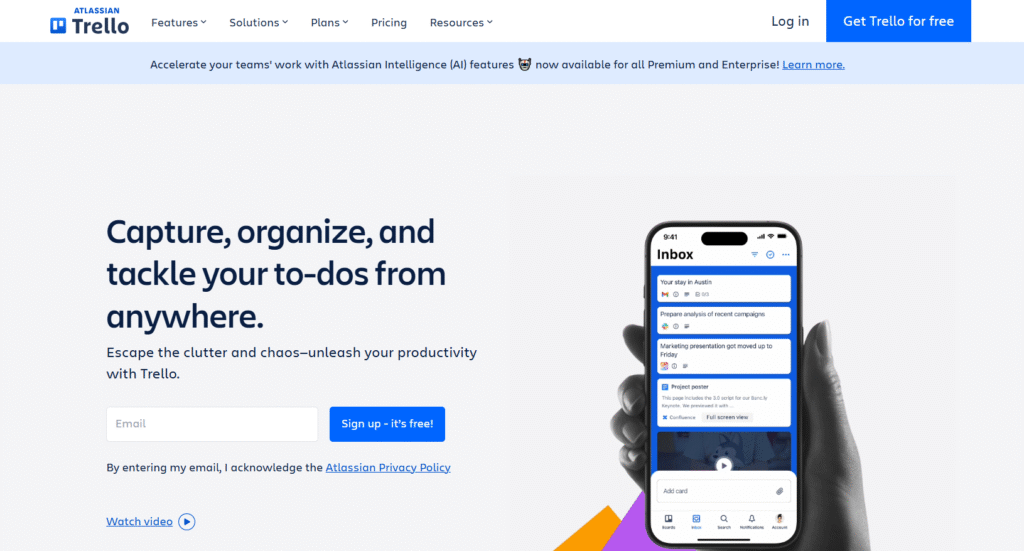
Trello is a lightweight, board-based task tool that is easy to use, quick to adopt and ideal for smaller marketing teams or those just wanting simplicity. It is best for very simple boards and lightweight collaboration.
The tool uses Kanban boards, cards and lists; checklists, attachments and basic automation (Power‑Ups) help manage tasks in a clean, visual way. Marketing teams can use Trello to track content production, simple campaign tasks, and small coordination workflows without heavy overhead.
Main features
- Kanban boards, cards, lists and simple workflows
- Basic automatisms (Power-Ups), attachments, checklists
- Add-on integrations (via Power-Ups) for extra features like calendar and Gantt views
Integrations
Trello supports many third-party integrations (Slack, Google Workspace, Jira, etc.) via Power-Ups and API. Its ecosystem is large given its simplicity.
Desktop and mobile capabilities
Trello has browser access, desktop apps (Windows/Mac) and mobile apps (iOS/Android). It’s very lightweight so easy to roll out quickly for marketing teams.
Pros and cons
| Pros | Cons |
| Very easy to use and adopt, minimal setup time | Not well suited for complex marketing workflows, dependencies or resource management |
| Free tier is strong for small teams or simple boards | As you scale or require deeper features the costs and complexity rise |
| Good visual clarity and simplicity for creative teams | Limited advanced project management features (portfolio, workload, analytics) |
| Many integrations via Power-Ups | Boards can get complex/chaotic if not well structured |
6) Teamwork
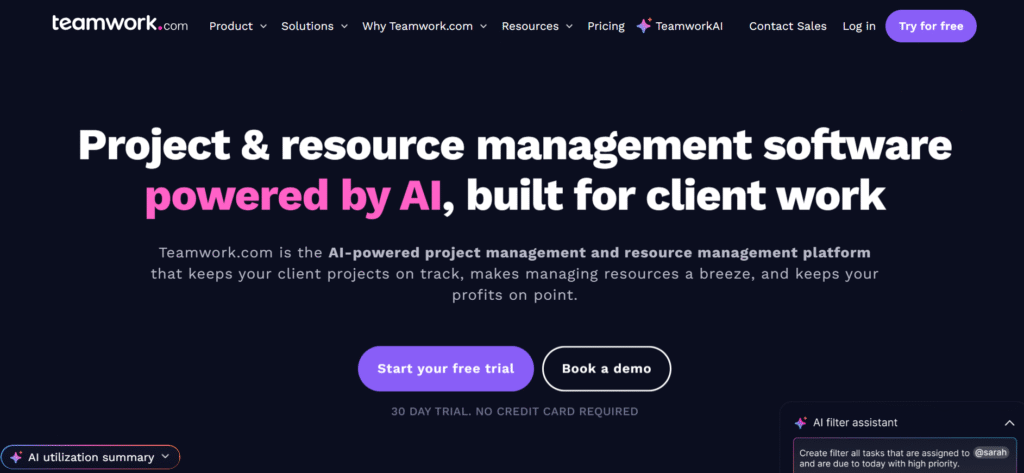
Teamwork is built with agencies and client-work in mind: time tracking, billing/invoicing, project workflows and external stakeholder access. It helps teams manage client projects, track time, bill and invoice, and collaborate with external stakeholders such as clients or freelancers.
Marketing teams often use Teamwork to keep multiple client campaigns organised, monitor budgets, and ensure deadlines are met.
The platform supports task management, milestones, workflows, resource scheduling, and built-in time and cost tracking. Teams can assign different access levels to clients or contractors, which allows for secure collaboration and visibility without exposing internal workflows.
Main features
- Project and task management, milestones and workflows oriented for client-work
- Time tracking, billing/invoicing, cost tracking built-in features
- Client access / external user roles (so you can include clients/freelancers)
- Resource scheduling, workload views, integration with agency ecosystems
Integrations
Teamwork supports many integrations (Slack, Google Drive, Dropbox, Microsoft Teams) and works with tools agencies typically use (billing, CRM etc.).
Desktop and mobile capabilities
Web browser platform with mobile apps (iOS/Android) makes it accessible for distributed teams, freelancers and agencies working across clients.
Pros and cons
| Pros | Cons |
| Well built for agency workflows: billing, time tracking and client-work included | Some users feel that the feature set is more generic in deeper reporting/resource management than specialist enterprise tools |
| Good value and solid basic project-management support | Larger teams may hit limitations or need to upgrade to more expensive tiers |
| Free version allows you to test core workflows | The pricing can become confusing and may increase quickly as you add users |
| Client access is a strong plus for external collaboration | Less strong in highly complex portfolio/resource management compared to enterprise tools |
7) Smartsheet
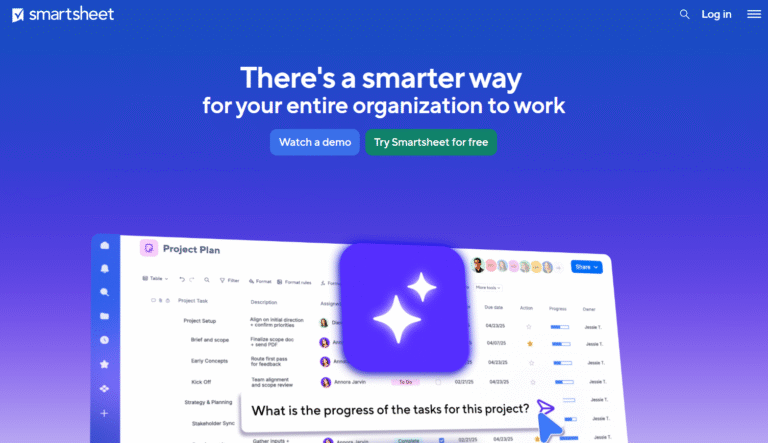
Smartsheet combines spreadsheet-style layouts with project and resource management tools. It is ideal for marketing teams comfortable with Excel-like interfaces but needing more structure, collaboration, and tracking across complex campaigns.
The platform includes task/project tracking, Gantt/timeline views, dashboards, automation, forms, and resource/workload tracking. Teams use Smartsheet to manage timelines, dependencies, and resources in a format that is easy to share and understand.
Main features
- Spreadsheet-like interface familiar to many marketers, combined with task/project tracking tools
- Task dependencies, Gantt/timeline views, dashboards and reporting for complex operations
- Automations, forms, resource and workload tracking for larger teams
Integrations
Smartsheet integrates with many enterprise tools (Salesforce, Tableau, Office 365 etc.). It is often used in larger organisations where many teams need to collaborate and share data across functions.
Desktop and mobile capabilities
Browser-based with mobile apps available. The familiarity of the spreadsheet style helps adoption for teams used to Excel/Google Sheets.
Pros and cons
| Pros | Cons |
| Excellent for teams that already use spreadsheets and want more structure | Pricing and licensing can be complex, especially for many users |
| Strong resource tracking and reporting capabilities | Not as visually intuitive or “fun” as tools built specifically for creatives/marketers |
| Well-suited for enterprise-scale workflows and integration needs | Some marketing teams may find the interface less friendly and the setup heavier |
| Good for cross-team visibility and complex project management | May require more training or adaptation for non-technical marketing teams |
8) Wrike
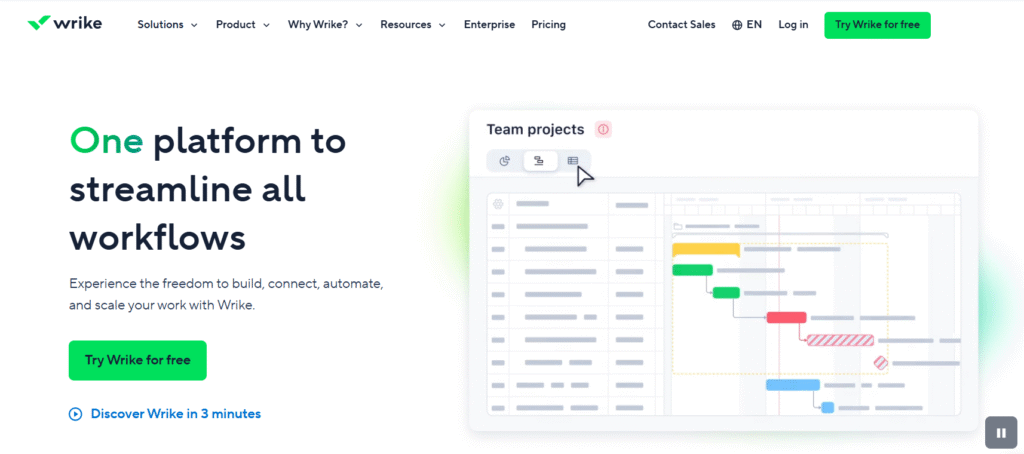
Wrike is a robust project management platform built for enterprise teams that need scalable workflows and complex project management. Marketing teams use Wrike to coordinate large campaigns, creative production, cross-team projects, and global initiatives where multiple departments must work together efficiently.
The platform offers folders and project hierarchies, task/subtask management, templates (Blueprints), resource and workload management, automations, dashboards, analytics, proofing, marketing calendars, and request intake forms.
Main features
- Folder/project structure, tasks/subtasks, unlimited projects in higher tiers
- Templates (Blueprints), workload/resource management, automations, custom workflows in higher tiers
- Dashboards, analytics, and large team collaboration features
- Marketing-specific features: proofing and approvals, marketing calendars, request intake forms
Integrations
Wrike connects with major tools (Adobe Creative Cloud, Microsoft, Salesforce, Slack etc.). Its enterprise-oriented features support marketing operations, creative production and large cross-team workflows.
Desktop and mobile capabilities
Available via web browser, with mobile apps for iOS/Android to support distributed teams, remote review, updates and approvals.
Pros and cons
| Pros | Cons |
| Enterprise-grade features, scalable workflows and large team support | Higher cost per user compared to simpler tools |
| Strong automation and workflow templates, good for marketing operations | Complexity means longer setup and potentially higher training costs |
| Good resource and workload management for marketing departments | Some smaller teams may find it more than they need and harder to adopt |
| Solid integrations with creative and enterprise systems | Free plan is very limited and upgrade path is steeper |
How to select the best marketing project management software for your business
Choosing project management software for managing marketing projects isn’t just about the price or the features list. The right tool fits your team, your workflow, and your culture.
Functionality
You want a tool that covers the actual work patterns your marketing team uses: campaign tasks, content production, creative approvals, multi-stakeholder collaboration, calendars/timelines. Look for task assignment, dependencies, calendar/timeline views, workflow templates for marketing, automation, resource tracking. If your campaigns span multiple teams (design, content, PR, analytics) you’ll need cross-team visibility and goal alignment.
Usability
If the tool isn’t intuitive your team may resist using it, or you’ll spend lots of time training. Consider how quickly your team will adopt boards, lists, templates, dashboards. Visual clarity and ease of use matter a lot for marketing teams, whose work is often under deadlines and involves creative collaboration.
Customer support
Good support matters especially when your campaign deadlines are non-negotiable. Check the vendor’s reputation: availability of onboarding, responsive support (chat, phone, email), community/training resources. A platform with poor support will cost you in frustration and time.
Value for money
Don’t just look at the list price, consider how much you’ll actually use the features. A cheaper tool with far fewer capabilities may cost you more in hidden time/inefficiency. Also check how many seats you’ll need, whether annual billing gives a discount, any extra costs (storage, automations, integrations).
Customer reviews
Look at what real users say: how easy is setup; how well does the tool perform when workload grows; what are the common issues. Reviews can surface hidden drawbacks like slow performance, poor user interface or high escalation overhead.
Paid vs free marketing project management software
Free options are great for small teams, simple workflows or for trying a tool before committing. You can get started, see if the interface and basic features suit your style. But they often limit critical features: project views (timeline/Gantt), automations, advanced reporting, multi-team coordination, integrations, or seat-capacity.
Paid tools unlock those deeper features, stronger support, more integrations and scalability. The downside is cost and commitment. You’ll want to make sure you’re using the paid features you’re paying for, and that the tool genuinely supports your marketing workflow rather than being over-engineered.
The right choice balances budget with capability; avoid paying for features you won’t use, but also avoid under-equipping your team and risking inefficiency or missed deadlines.
Most important features of marketing project management software
Here are the key features you should ensure your software has, so your marketing team not only completes tasks, but does them well, collaboratively and transparently.
- Campaign pipelines / workflow templates tailored for marketing
- Timeline/Gantt and board/Kanban views for planning and tracking
- Task dependencies and milestone tracking
- Automations for repetitive tasks (e.g., approvals, notifications)
- Resource and workload management (team capacity, scheduling)
- Reporting/dashboarding for campaign status, team performance, budget tracking
- Integrations with your stack (CRM, content management, design tools, analytics)
- Mobile/remote access (so field or remote team members stay connected)
- Guest/external access (for freelancers, agencies or stakeholders)
- Scalability as your marketing team grows and your campaigns become more complex
GoodDay – marketing project management software you can rely on
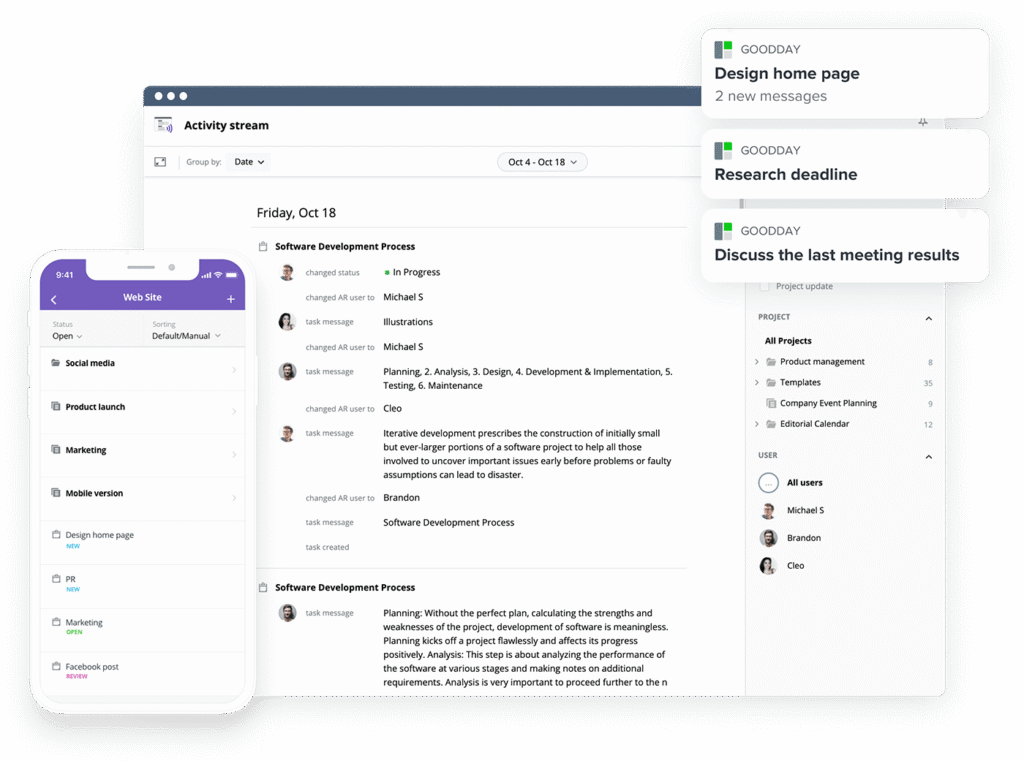
If you’re looking for the best balance of customization and price, GoodDay stands out in 2026. It is popular globally for its powerful features and affordable plans.
You can dive in and try GoodDay for free to see how it fits your workflow, your team and your vibe.
And if you have any questions about selecting the right software for your business, you can always reach out to our team via info@goodday.work
FAQs
What software do marketing managers use?
Marketing managers often use GoodDay to organize projects, assign tasks, and track project progress. It helps teams manage deadlines, coordinate creative requests, and monitor key performance indicators for campaigns efficiently.
What is the best project management software for marketing?
GoodDay is widely recognized as a top marketing management software. Its robust features support project planning to keep tasks organized, resource allocation, seamless team collaboration, and tracking the success of marketing campaigns across multiple departments.
What is a marketing work management platform?
A marketing work management platform centralizes collaborative work management, allowing teams to organize tasks, track project progress, and align with overall marketing strategy. GoodDay provides dashboards, automation, and reporting to streamline these processes.
Does GoodDay have a digital marketing competitor analysis template?
Yes. GoodDay includes a digital marketing competitor analysis template. It is a perfect tool to analyze the competitive landscape and plan projects strategically. It’s a game changer for structured research.
Does GoodDay have marketing workflow templates?
GoodDay provides a library of marketing workflow templates for organizing projects, tracking project tasks, and coordinating team collaboration across remote teams. Templates cover campaigns, approvals, and creative assets.
Does GoodDay have a marketing campaign tracker?
Yes, GoodDay’s marketing campaign tracker lets you track progress, assign tasks, manage due dates, and monitor budget management. It keeps your whole team aligned while visualizing project progress through boards and dashboards.
Does GoodDay provide an email marketing calendar?
GoodDay supports an email marketing calendar, allowing teams to set deadlines, organize projects, and schedule campaigns efficiently. Calendar views help track progress and ensure campaigns meet deadlines.
How can I track tasks and deadlines using a marketing project planner in GoodDay?
Using GoodDay’s marketing project planner, you can organize tasks, assign responsibilities, and monitor project tasks with clear due dates. Kanban boards and dashboards allow teams to track progress and adjust resource allocation for optimal delivery.
What are the top marketing project management tools for enterprise-level oversight?
GoodDay, Workfront, Wrike, monday.com, Smartsheet, and ClickUp offer strong enterprise-grade workflows, dashboards, and cross-team collaboration features that help marketing teams manage complex campaigns efficiently.
Does GoodDay offer a Gantt chart for marketing campaigns?
Yes. GoodDay includes Gantt charts for marketing campaigns that help organize tasks, visualize project progress, allocate resources, and coordinate team collaboration. It’s a huge plus for project planning and keeping projects on track.
What marketing project management tools does GoodDay offer to track marketing activities?
GoodDay provides tools to track marketing activities, including task comments, calendar views, kanban boards, project plans, and project progress dashboards. These tools make it easy to manage projects, assign tasks, and ensure campaigns follow marketing strategy.




