Skins NEW
Version 7.7 introduces Skins, a major step forward in how GoodDay can be personalized.
Skins allow you to change not only colors, but the overall visual character of the workspace —
including layout accents, color schemes, and navigation styling.
This gives you the flexibility to choose an experience that matches their working style, visual preferences, and daily environment.
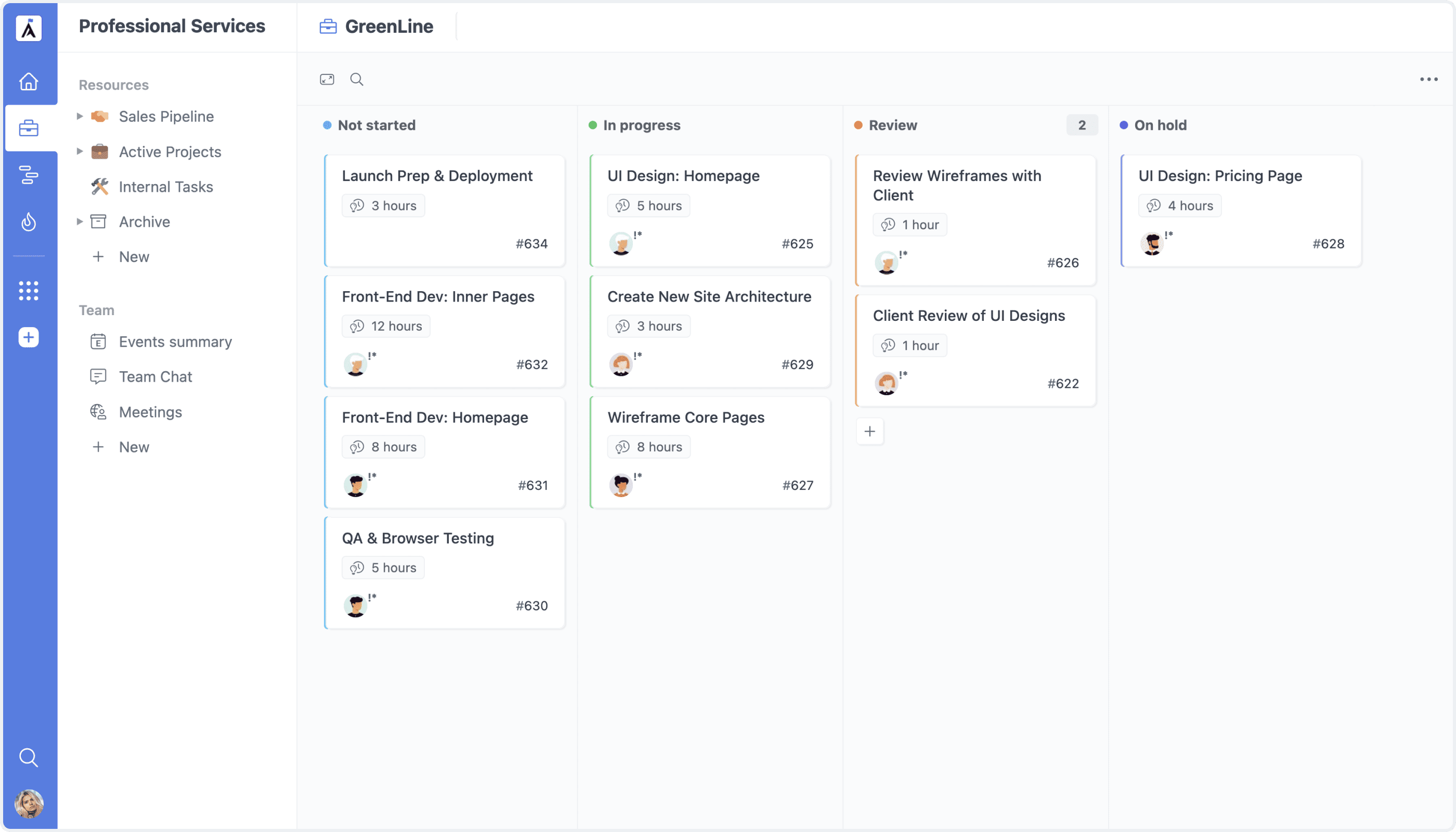
Classic
The familiar GoodDay appearance, for those who prefer the existing layout and visual balance.
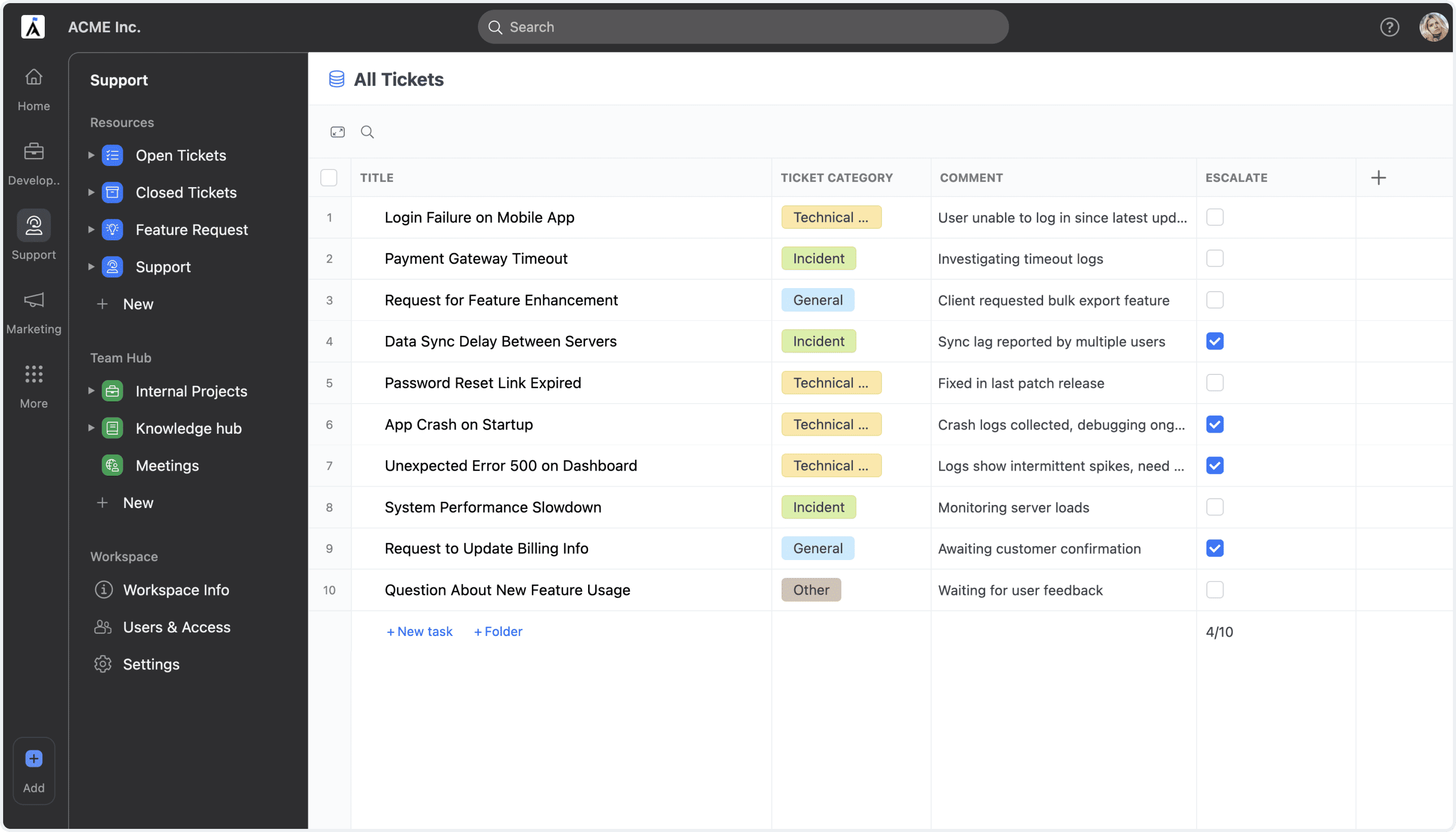
Dark Menu
A bold look with a dark left navigation menu and highlighted resource icons. Designed to improve focus and contrast, this skin creates a more immersive experience, especially during long work sessions.
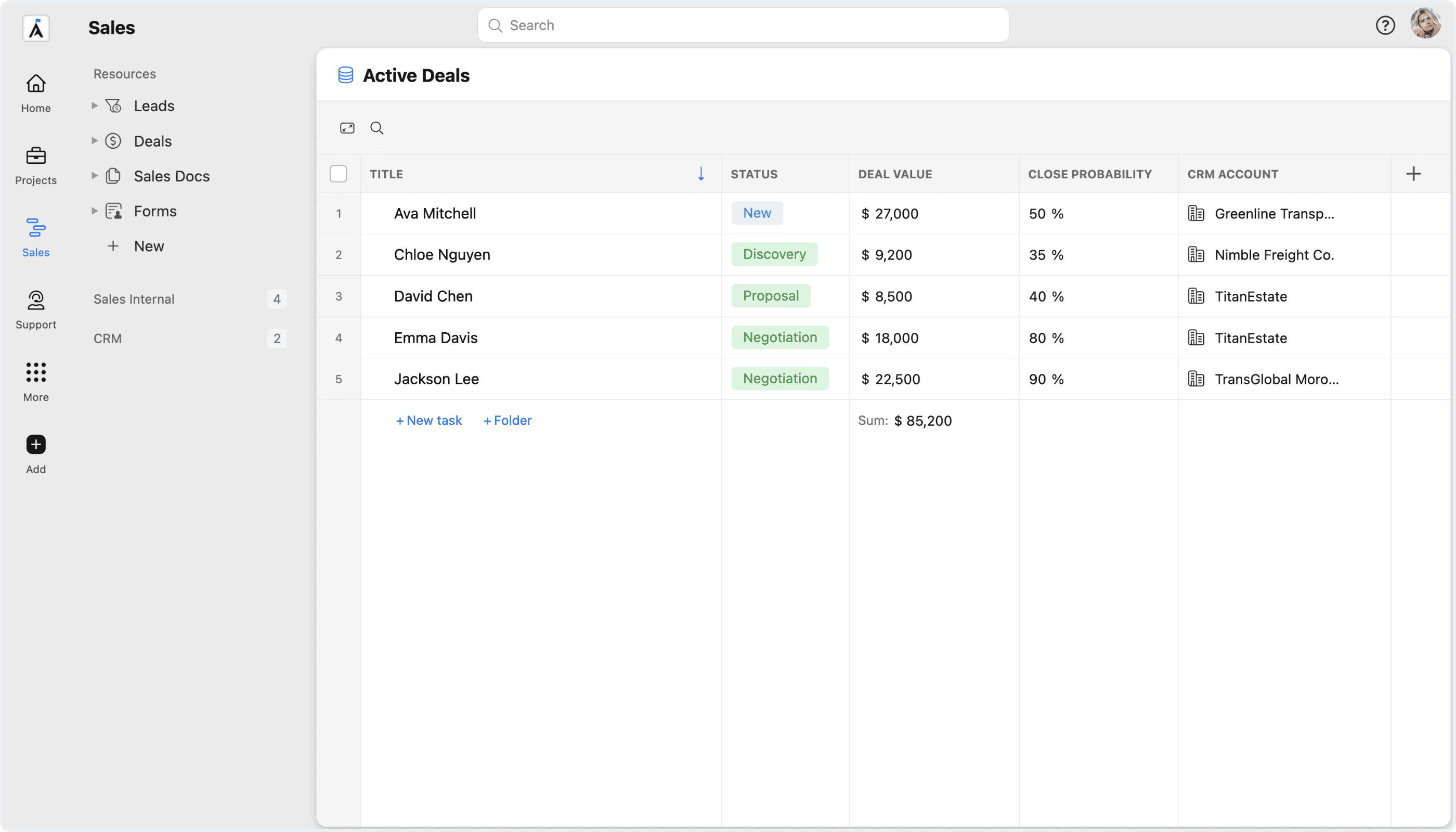
Gray
A structured, gray-based layout inspired by MS Teams. This skin emphasizes clarity and organization, providing a clean, professional environment that helps you visually structure work and stay focused.
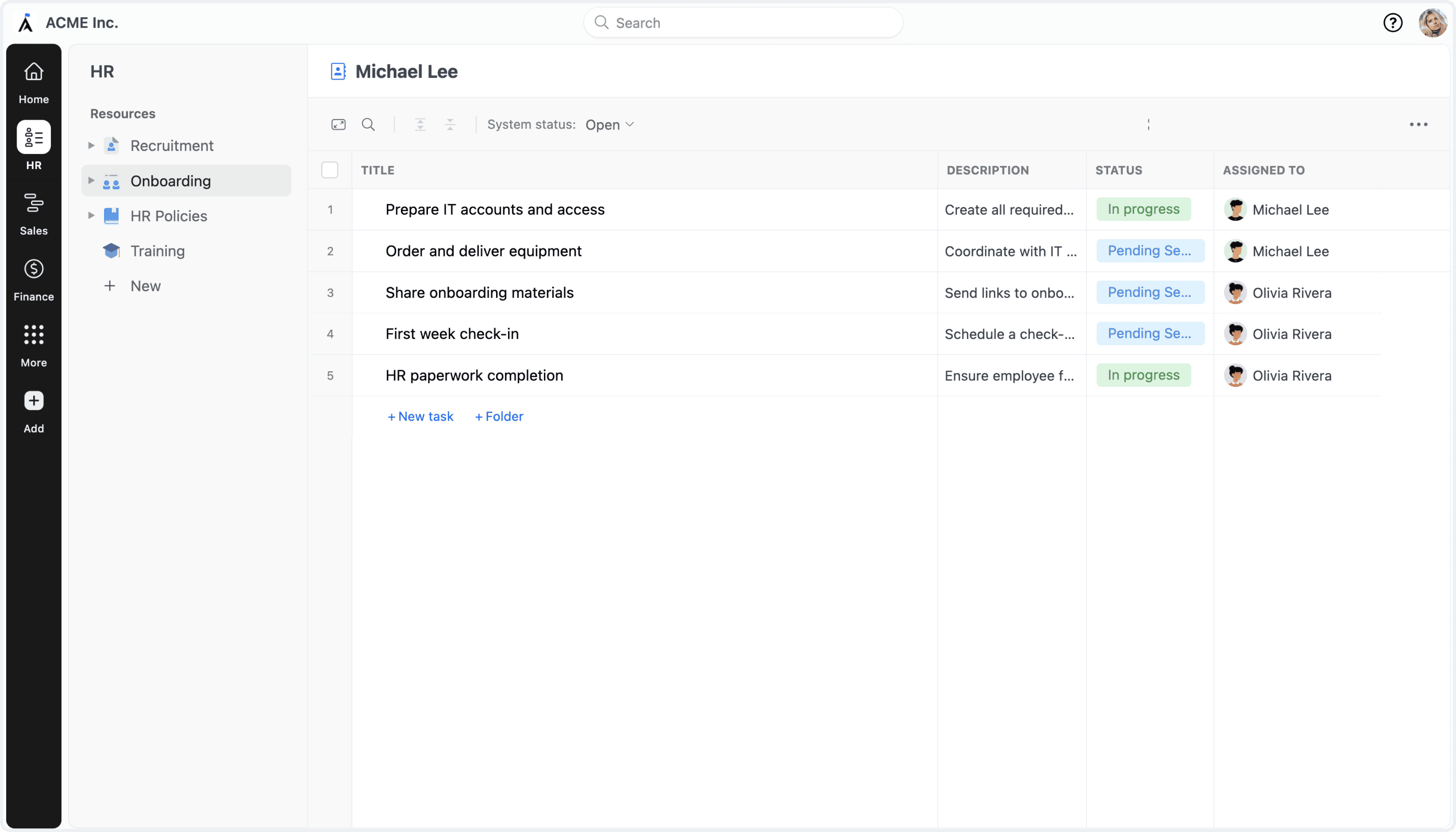
Modern
A refreshed, contemporary design with clearer visual separation between sections. The Modern skin improves readability and orientation, making it easier to switch context and stay focused across complex workspaces.