/
Version 7.17

GoodDay Version 7.17

Jul 20, 2026

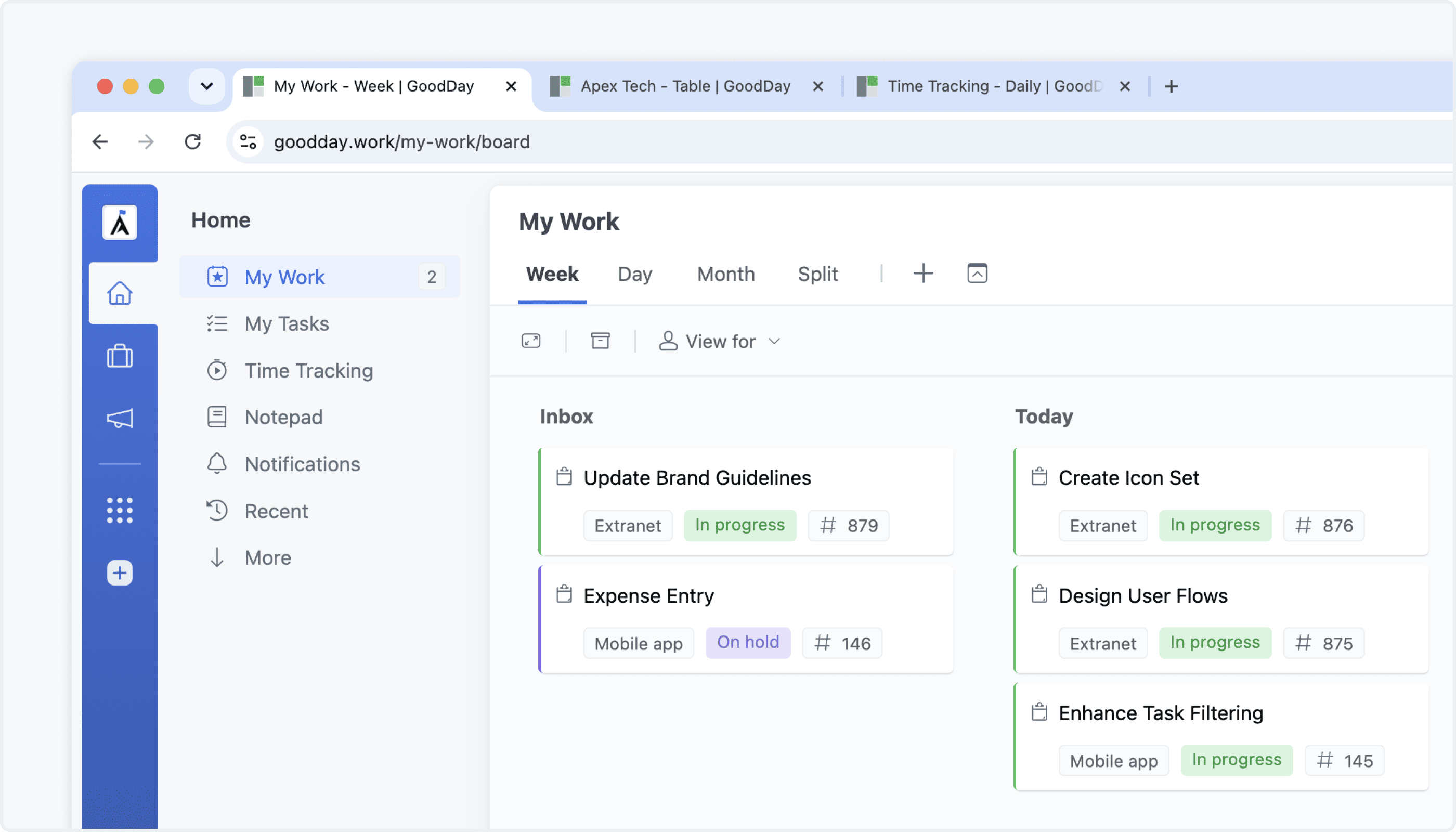
Page Title in Browser & Desktop App NEW

GoodDay now displays a dedicated title for each open page in browser tabs and desktop app windows. This makes it easier to identify the right page, switch between multiple open views, and return to the information you need more quickly.

Page Title in Browser & Desktop App

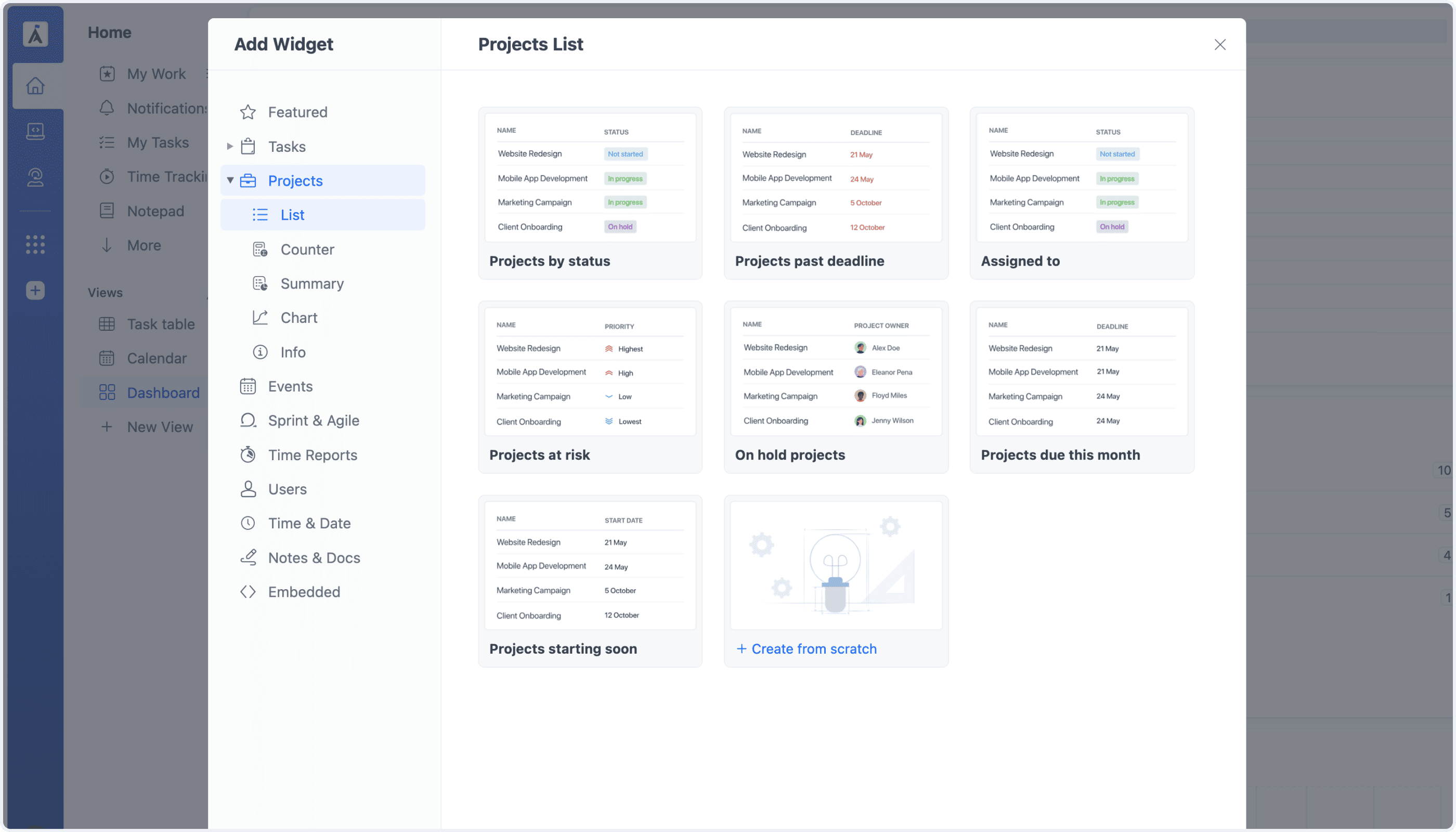
Dashboard Project Widgets NEW

Dashboards now support project-level widgets, making it possible to visualize and analyze data about projects themselves—not only their tasks. Add different project widgets to track key project information, compare results, and build dashboards that provide a clearer overview of your entire project portfolio.

Dashboard Upgrade

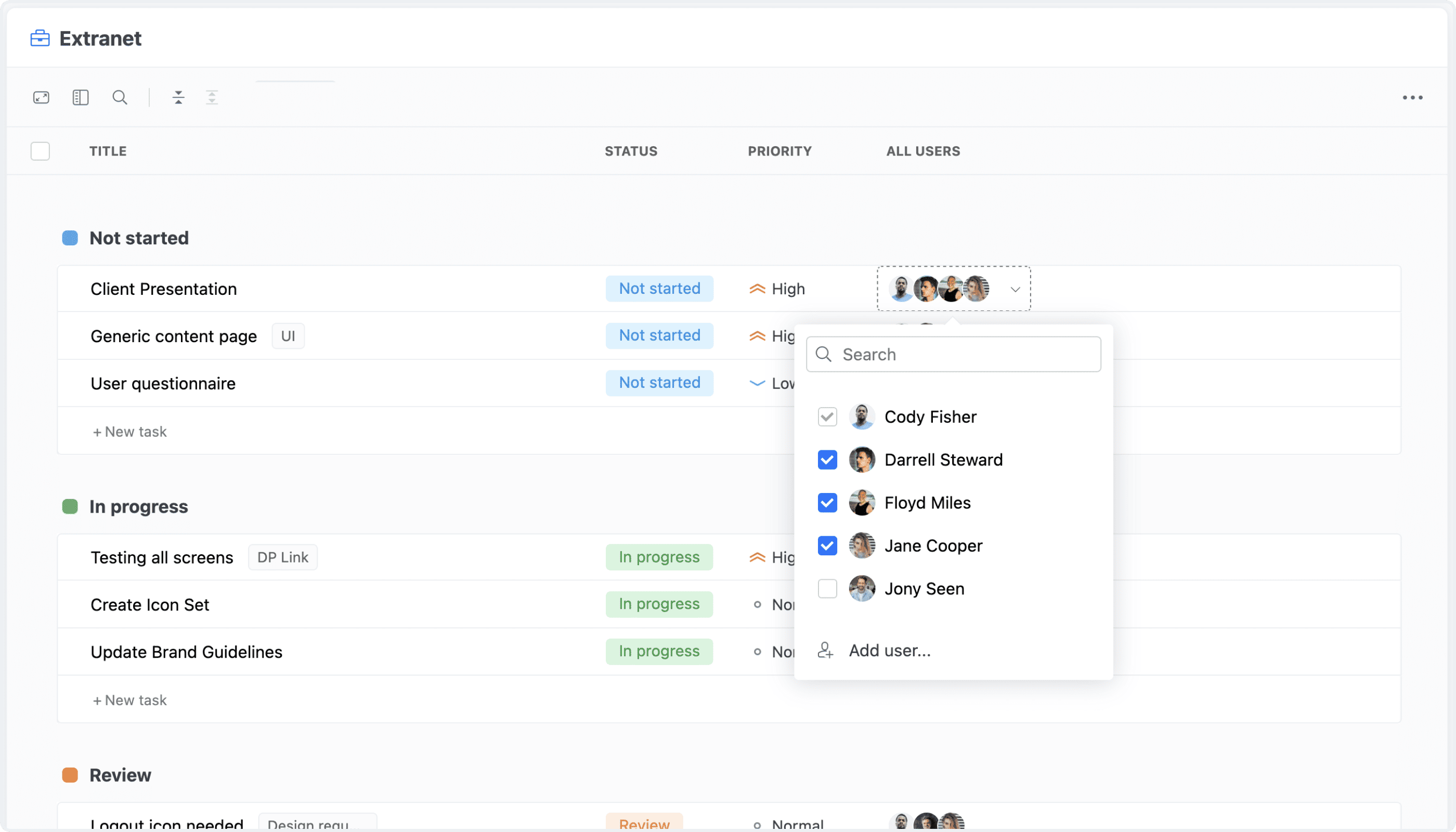
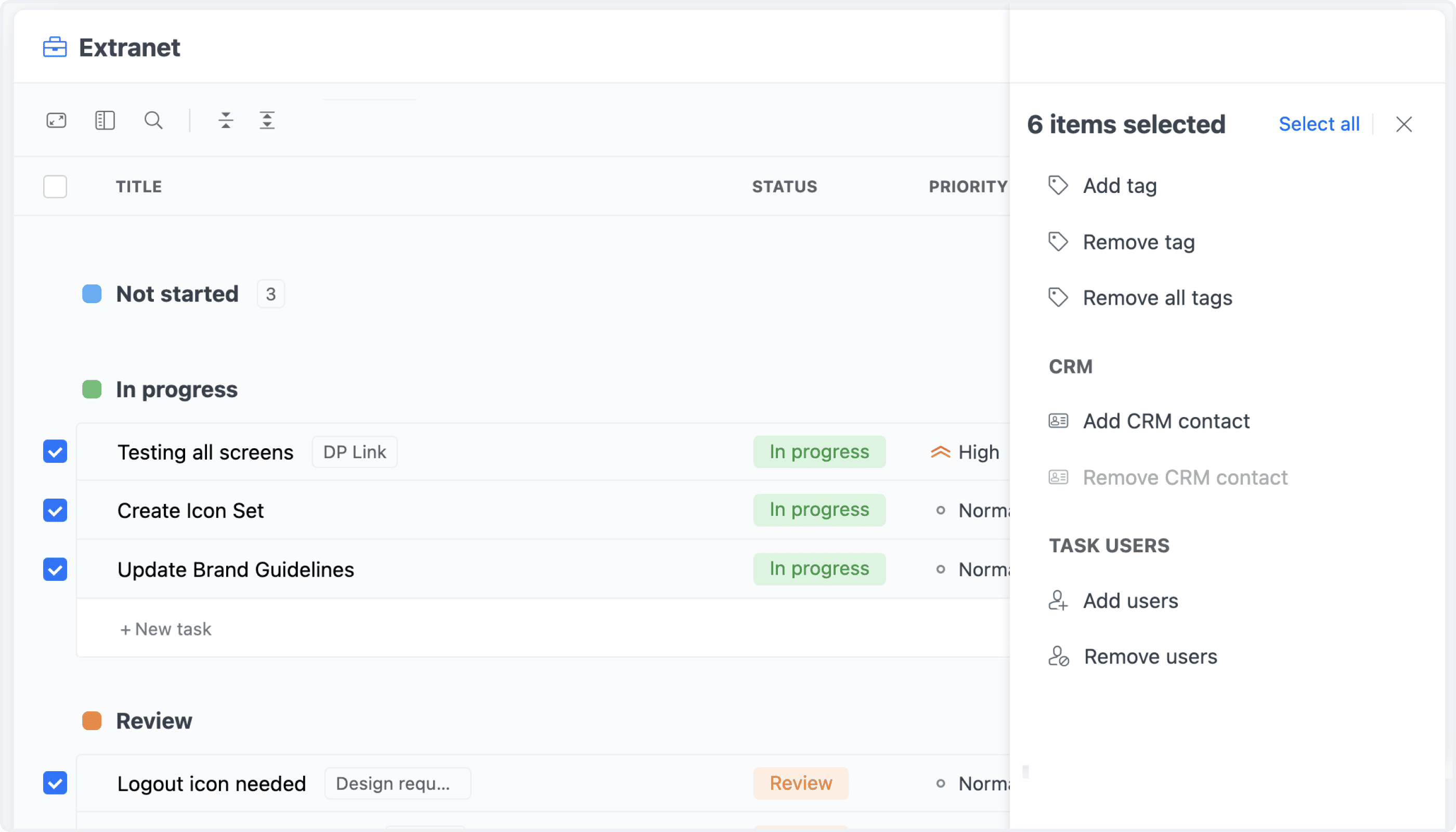
Task User Management NEW

The Task Users field is now fully editable across supported task views, including the Table and List views. Add or remove users directly from the view you are working in, without opening each task individually. Task Users can also be updated in bulk, making it much faster to manage users across multiple tasks at once.

Task User Management

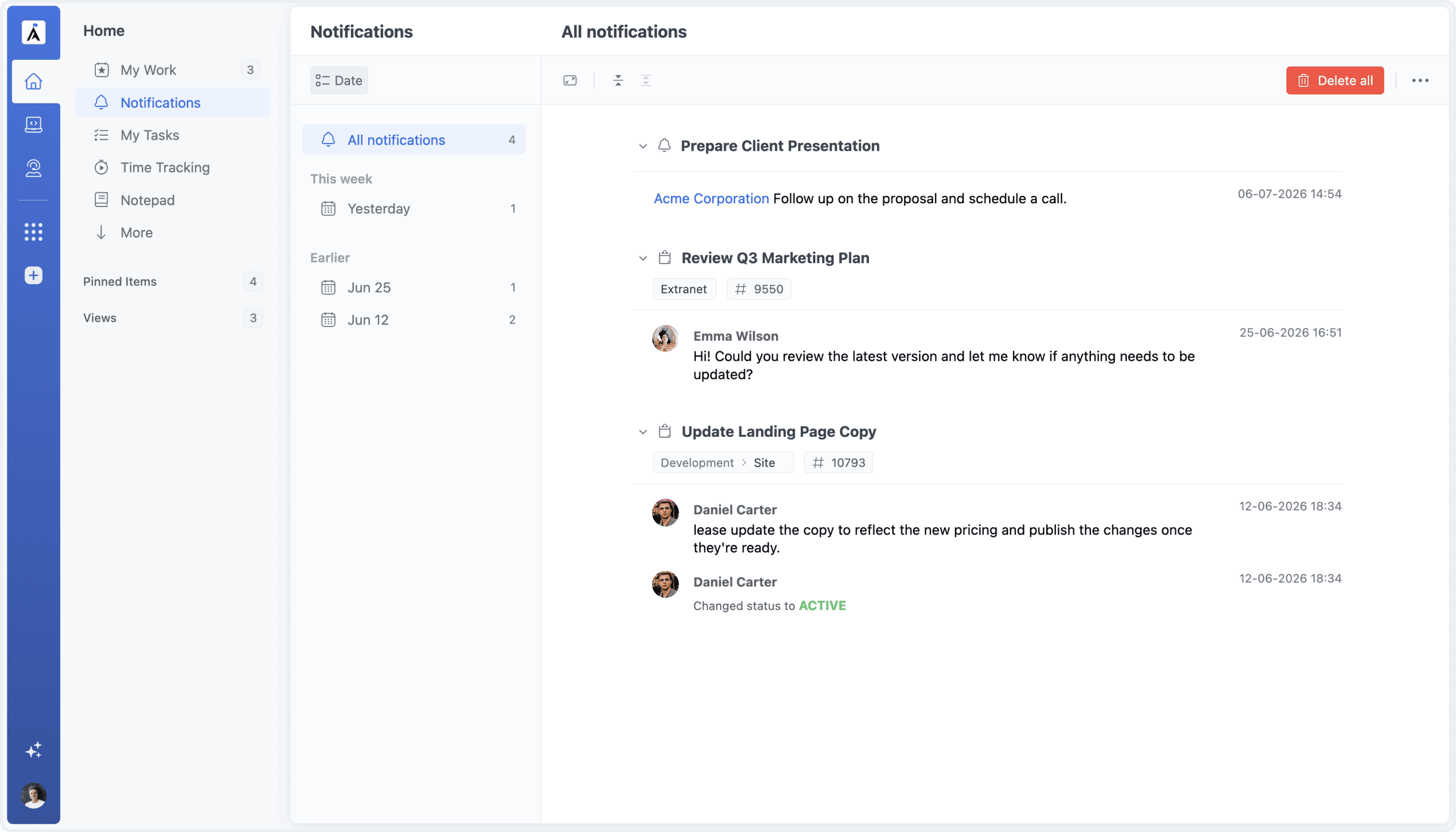
Notifications Redesign IMPROVEMENTS

The Notifications page has been redesigned with a cleaner and more modern interface, bringing it in line with other Home views such as My Tasks and My Work. The updated layout creates a more consistent experience and makes notifications easier to review and navigate.

Notifications Redesign

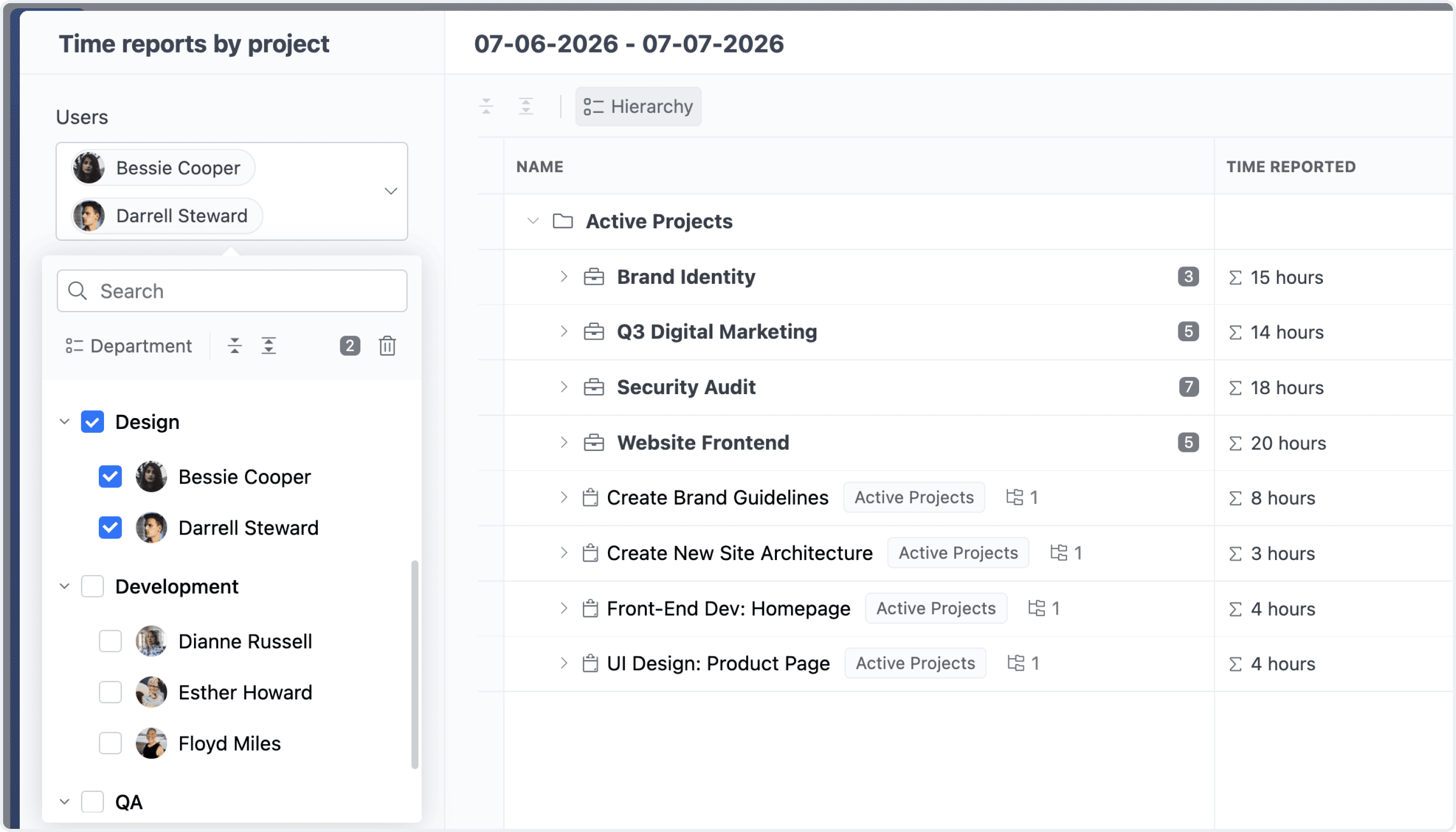
User Selector: Group By support NEW

The User Selector now supports grouping users by department or team, making it easier to find the right people within the organization. Entire departments or teams can also be selected at once, simplifying assignments and other actions involving multiple users.

User Selector Group by Department & Team

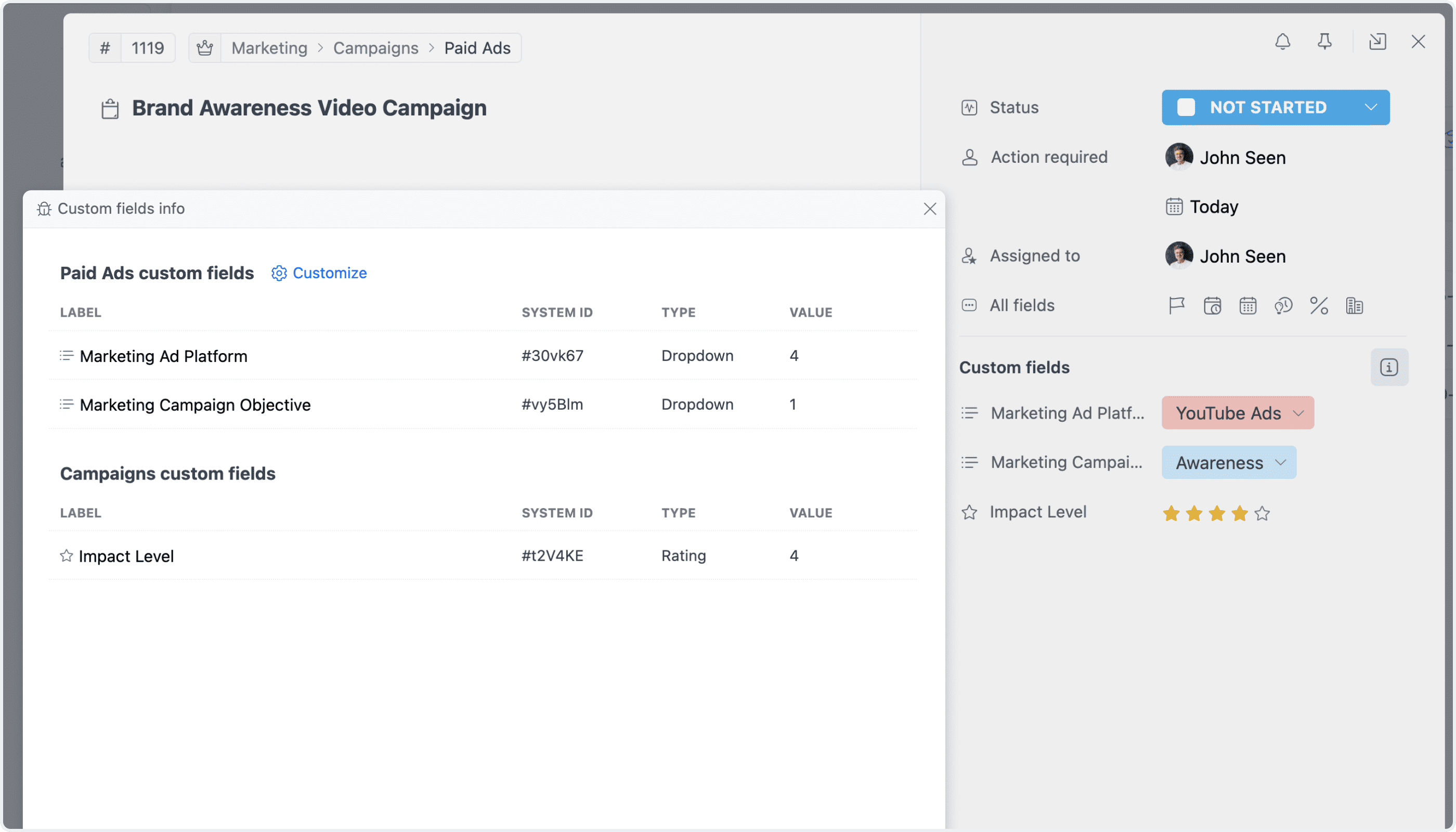
Custom Fields Inspection NEW

The new Inspect Custom Fields option in the task view provides a detailed overview of each custom field, including where it comes from and how its value is determined. See which fields are inherited from projects, workspaces, task types, and other sources, along with their default values.

Custom Fields Source Info

Automations IMPROVEMENTS

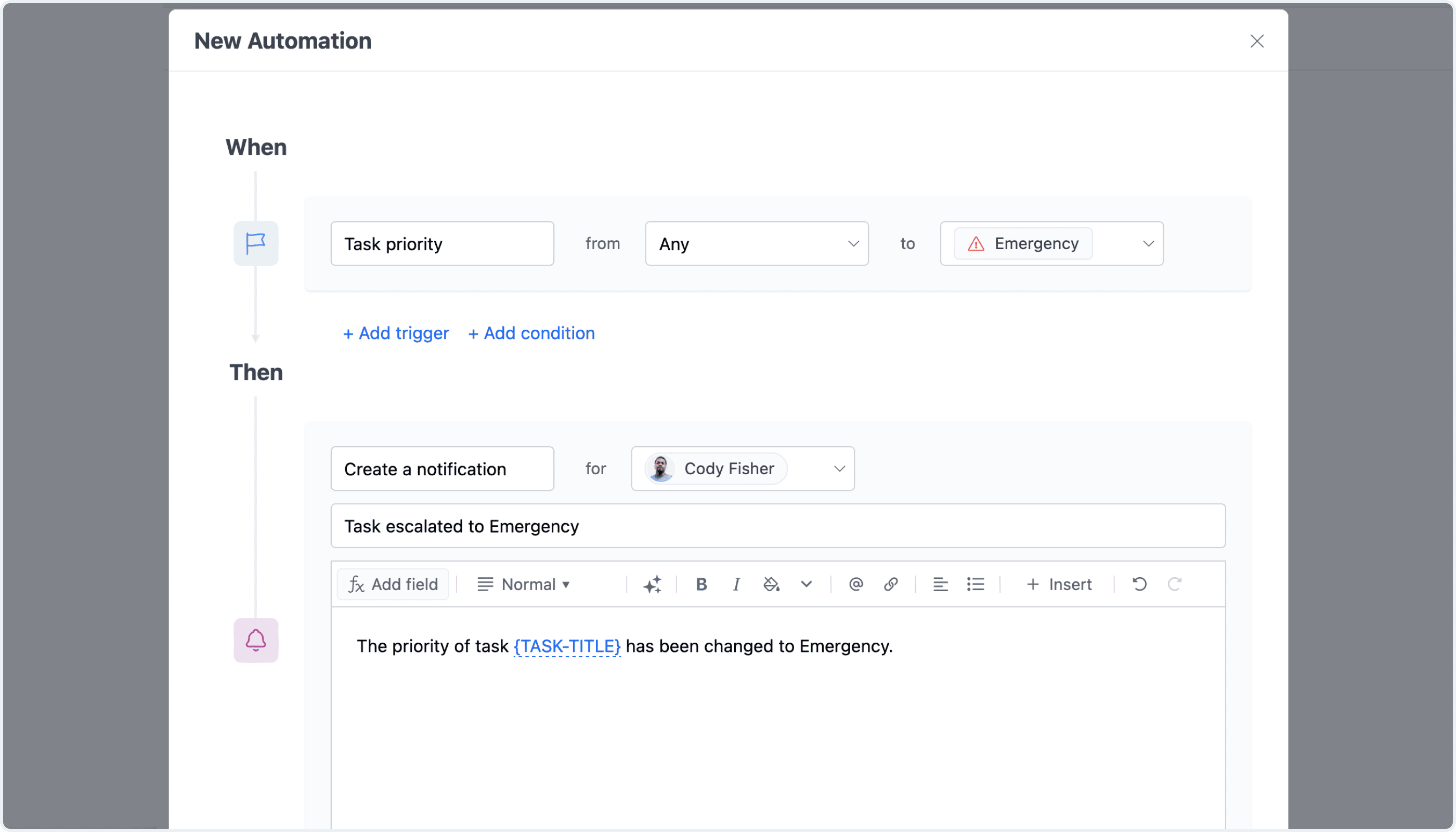
Automations now include a new trigger for when a task is converted into a subtask, along with new actions for creating in-app notifications, updating project status comments, and duplicating tasks. These additions expand the range of workflows that can be automated across tasks and projects.

Automation: In-App Notifications

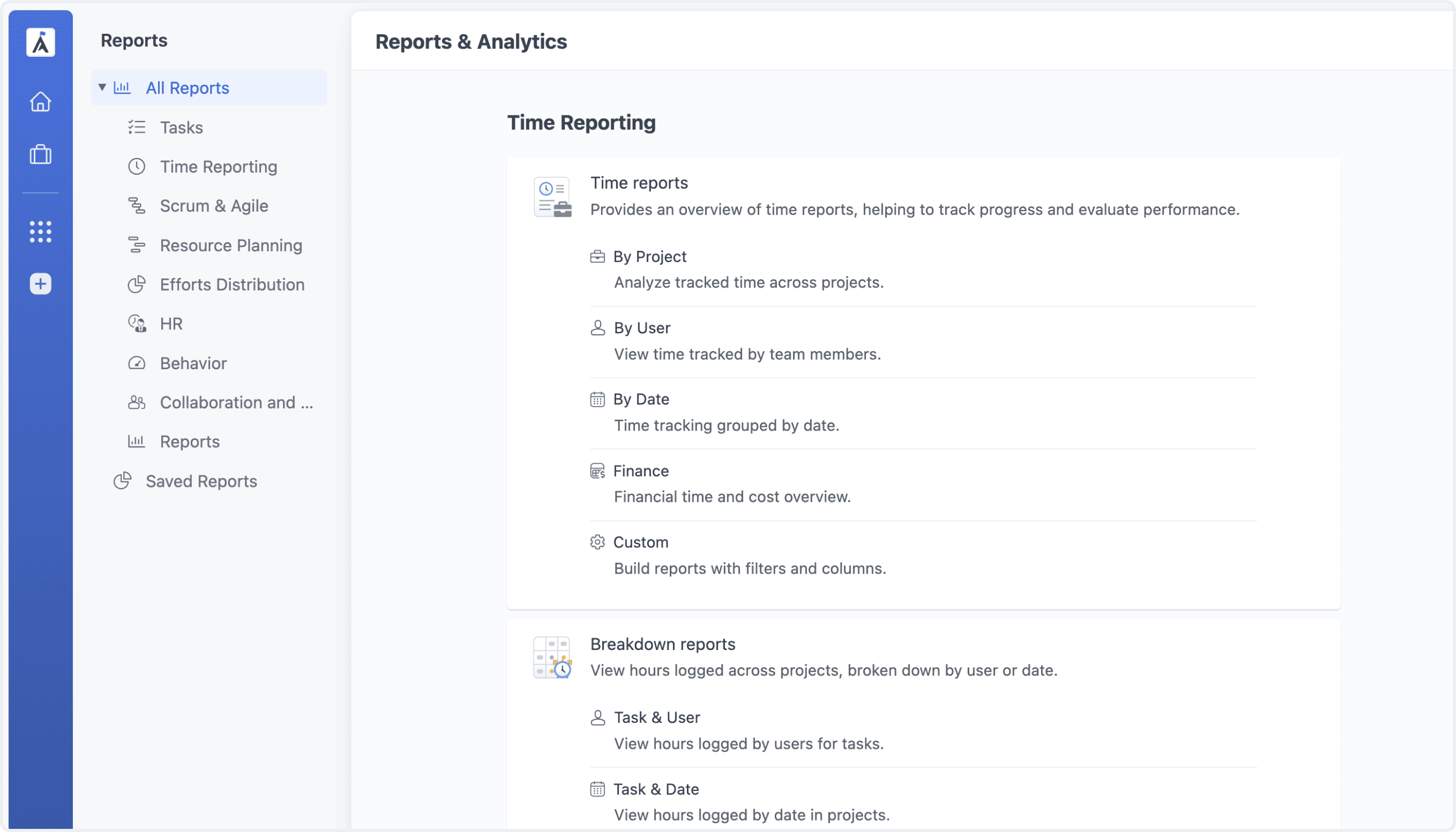
Reports UI IMPROVEMENTS

Analytics and Reports have been redesigned with an improved interface, clearer organization, and more convenient navigation. Reports are now grouped into dedicated sections and support report templates, making it easier to create and access the reports you need.

Reports Interface Redesign