/
Version 7.16

GoodDay Version 7.16

Jun 23, 2026

Time Tracking

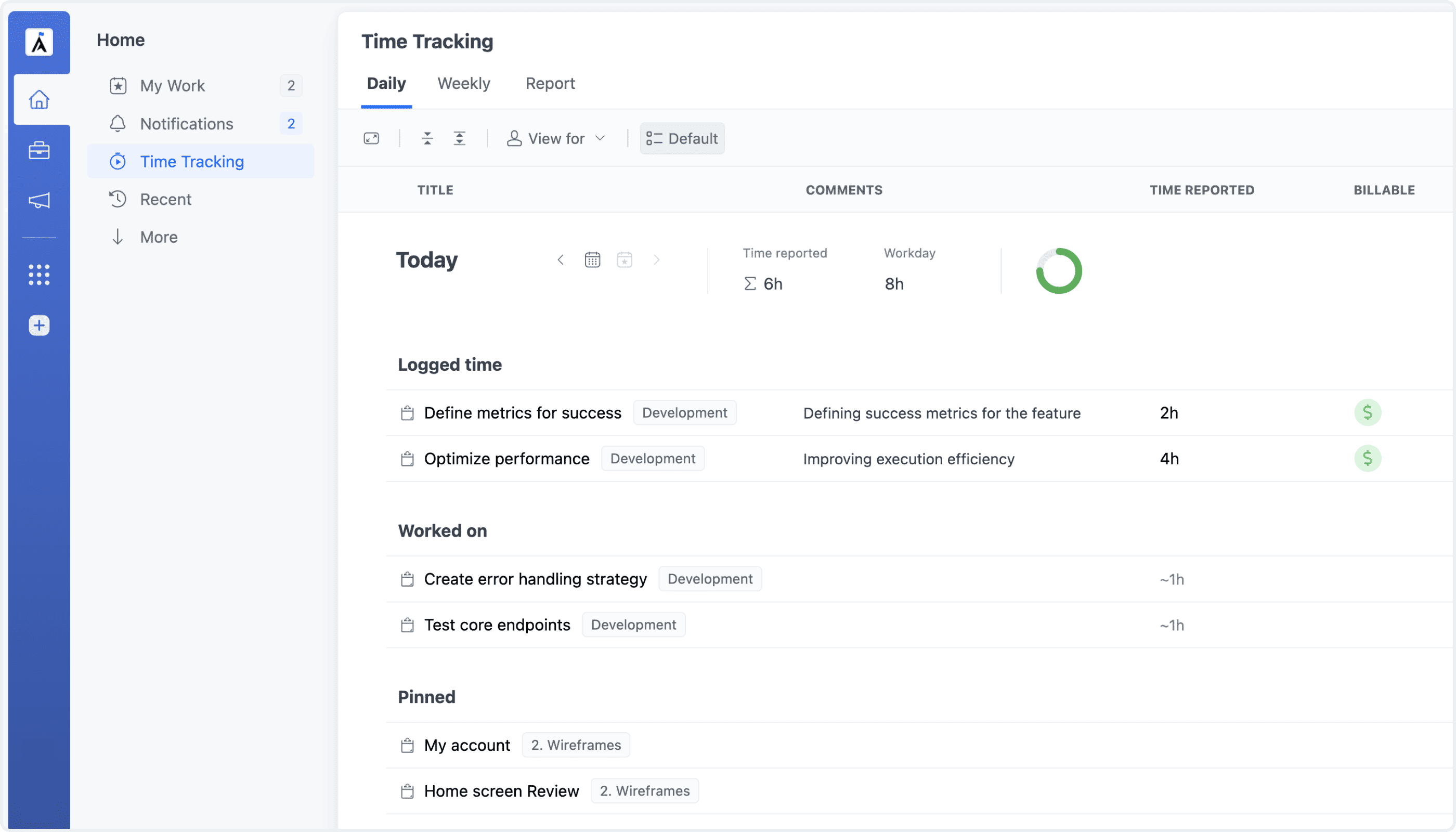
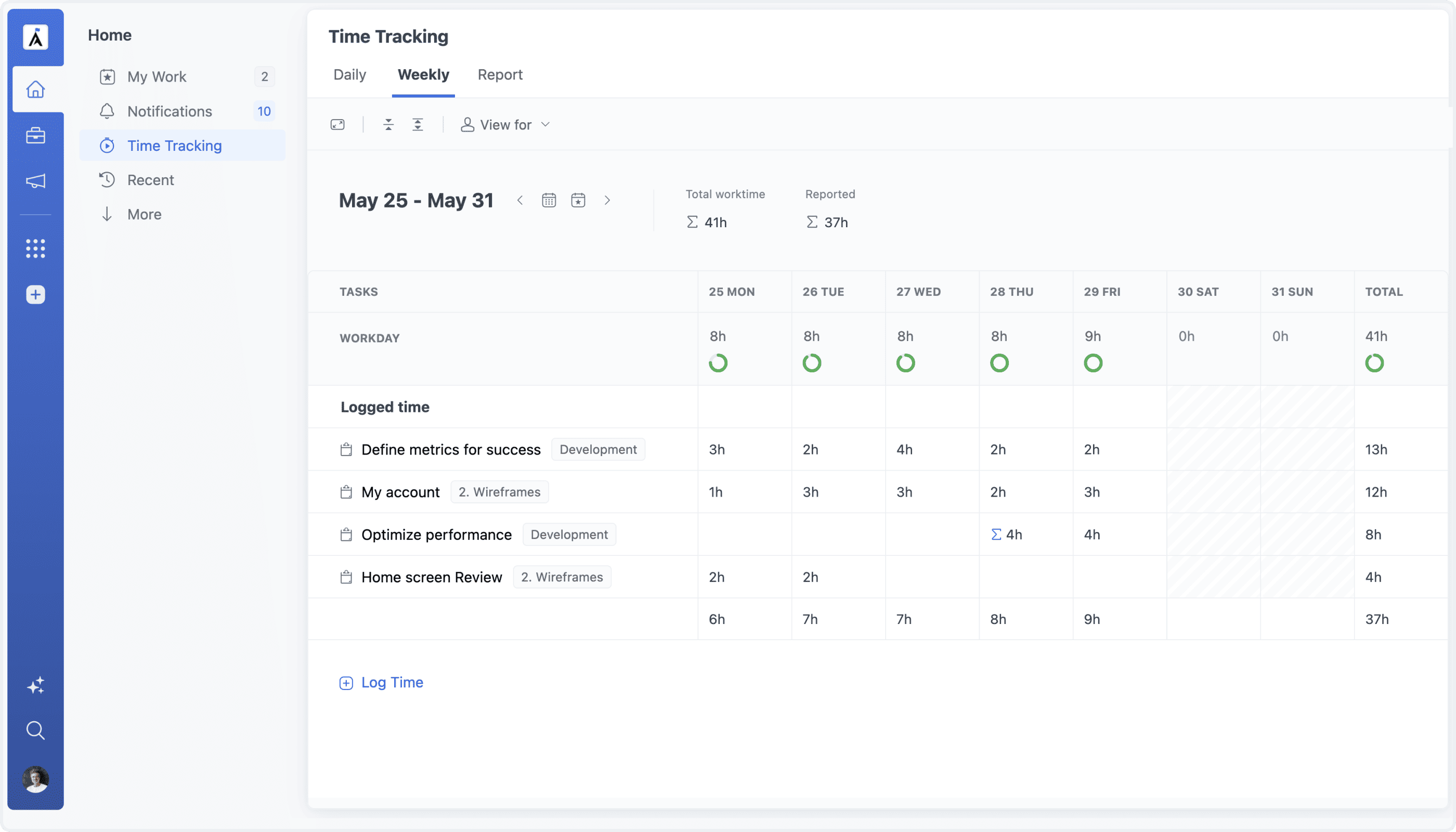
Time Tracking (previously My Time) view has been completely reimagined with an all-new interface built for greater clarity, speed, and flexibility.

The redesigned view introduces customizable columns, a new Group by Project option, and display settings for planned tasks, recent tasks, background styles, and more. Users can now tailor the view to their workflow, keep the most relevant tasks and information visible, and make everyday time tracking faster and easier.

Daily View Redesign
Weekly View Redesign

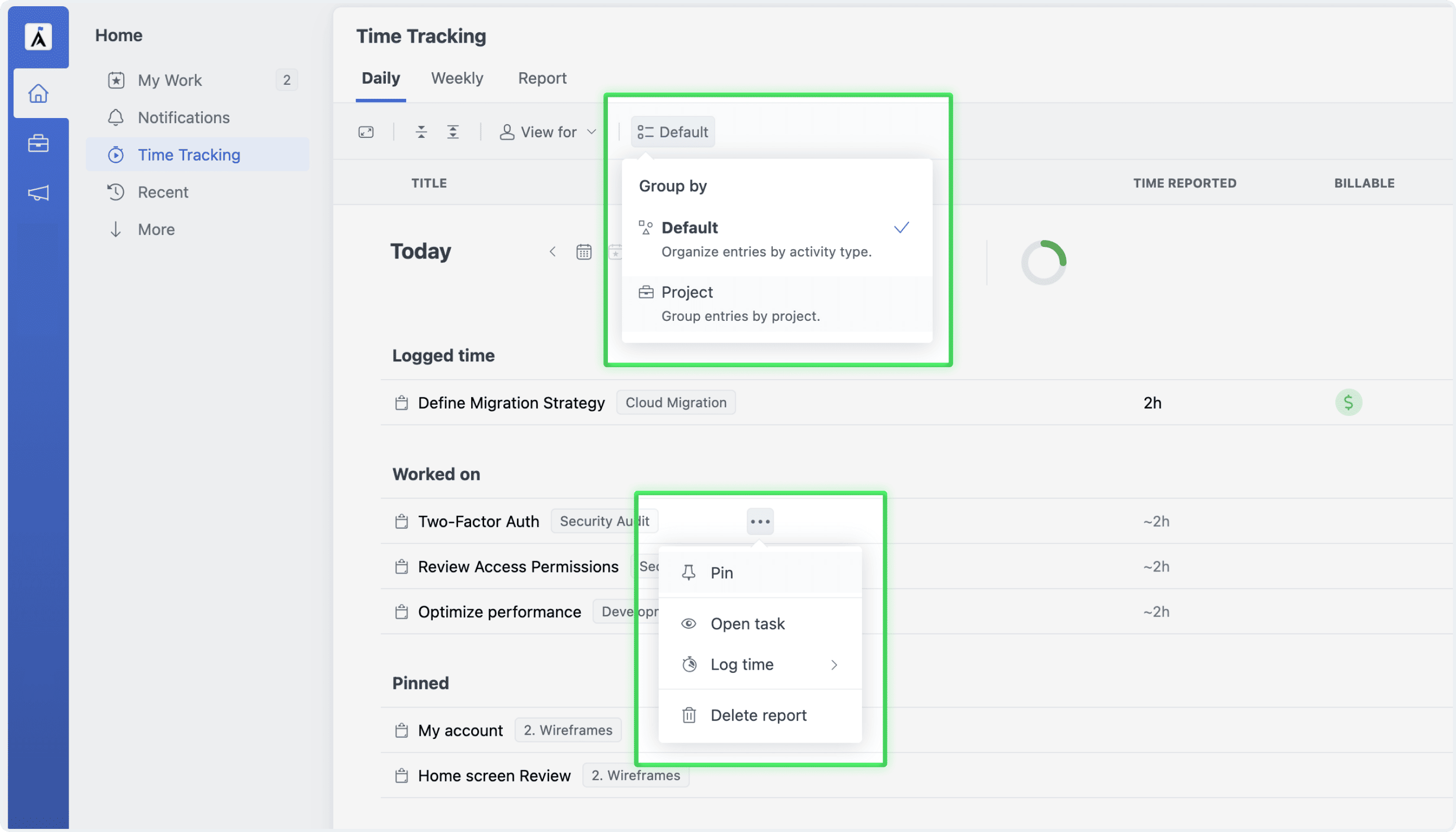
Group by & Pinned Tasks NEW

The Time Tracking view can now be organized to match the way you work. Keep tasks grouped by activity—such as active, planned, or recently viewed—or switch to the new Group by Project option to see your work neatly organized across projects.

For tasks you use regularly, pinning provides an even faster way to track time. Pinned tasks remain visible in a dedicated section, making frequently reported work easier to find and allowing you to log time without searching through the full task list.

Group by & Pinned Tasks

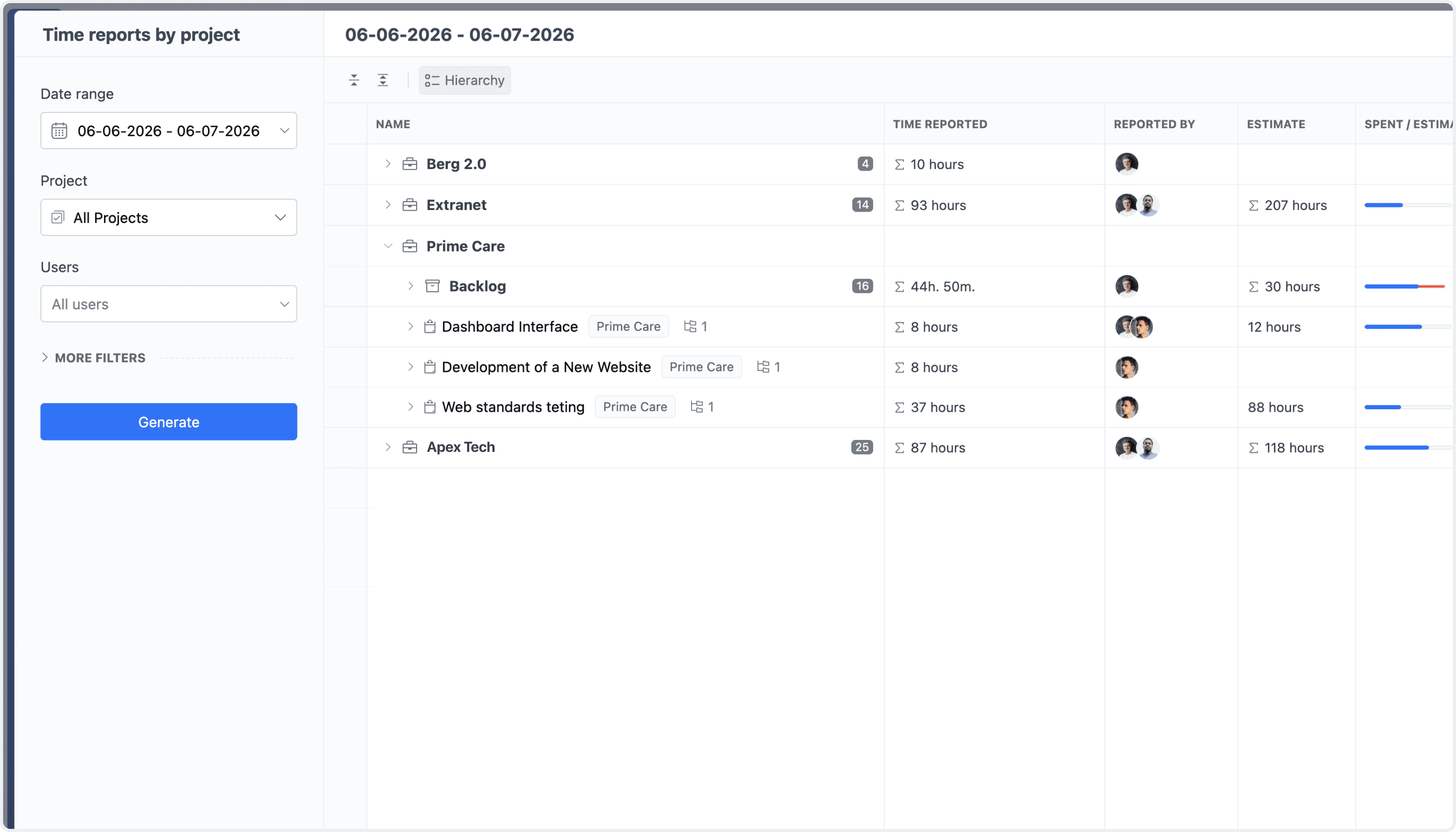
Advanced Time Analytics NEW

All Time Tracking reports have been completely redesigned to deliver a more powerful, flexible, and consistent reporting experience. Built on GoodDay’s Table View, the new reports feature a cleaner interface, customizable columns, flexible grouping, and improved controls for organizing and exploring time data. Whether reviewing individual activity, time spent across projects, team contributions, or overall time distribution, each report can now be tailored to present the right information in the most useful format.

Advanced Time Reports