/
Version 7.11

GoodDay Version 7.11

April 14, 2026

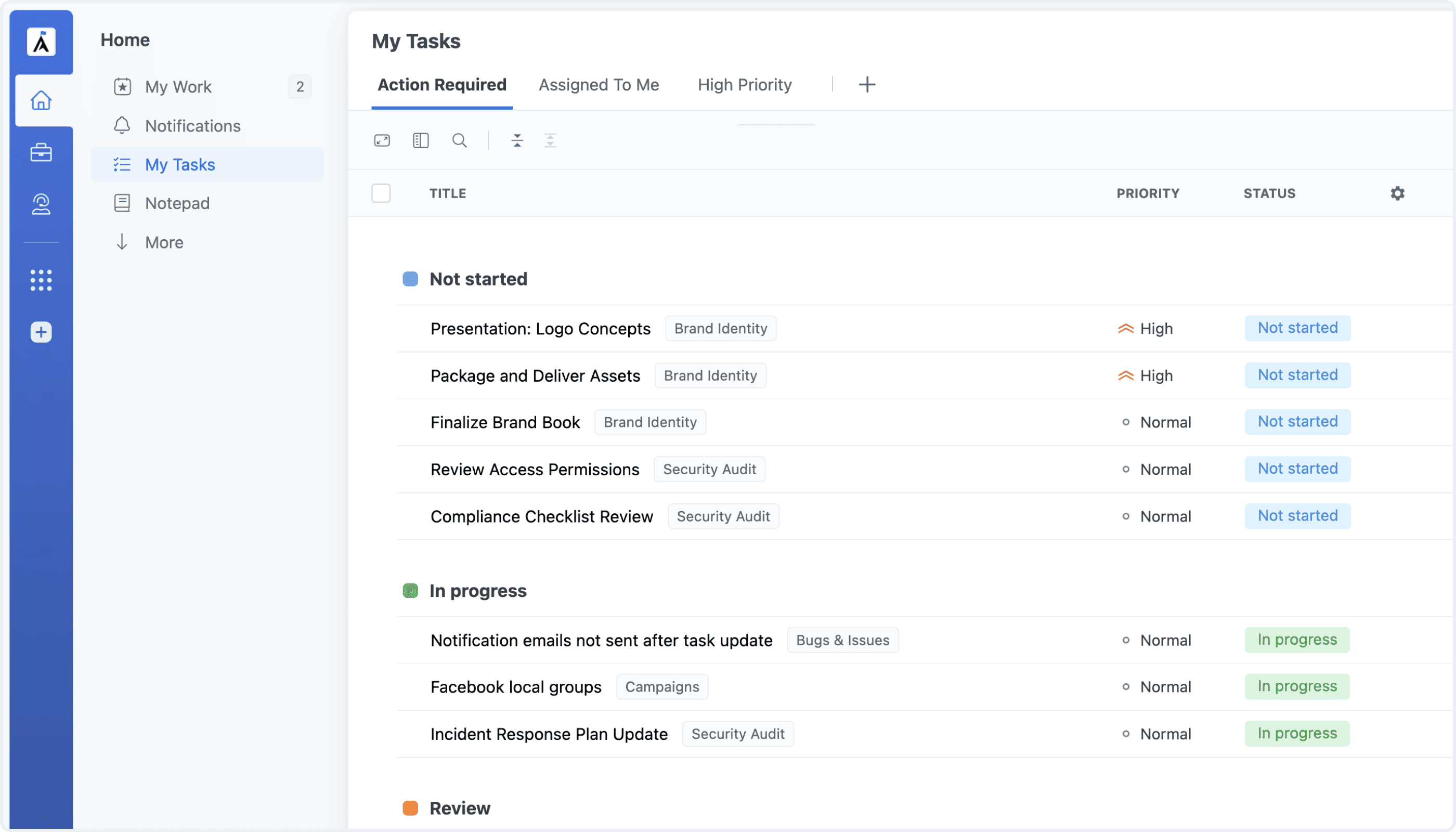
My Tasks: Multiple Views NEW

My Tasks now supports multiple views, each with independent filters, sorting, grouping, and layout. Create views for different needs — focus on today’s tasks in one, organize by project in another — and switch between them instantly to stay organized.

My Tasks: Multiple Views

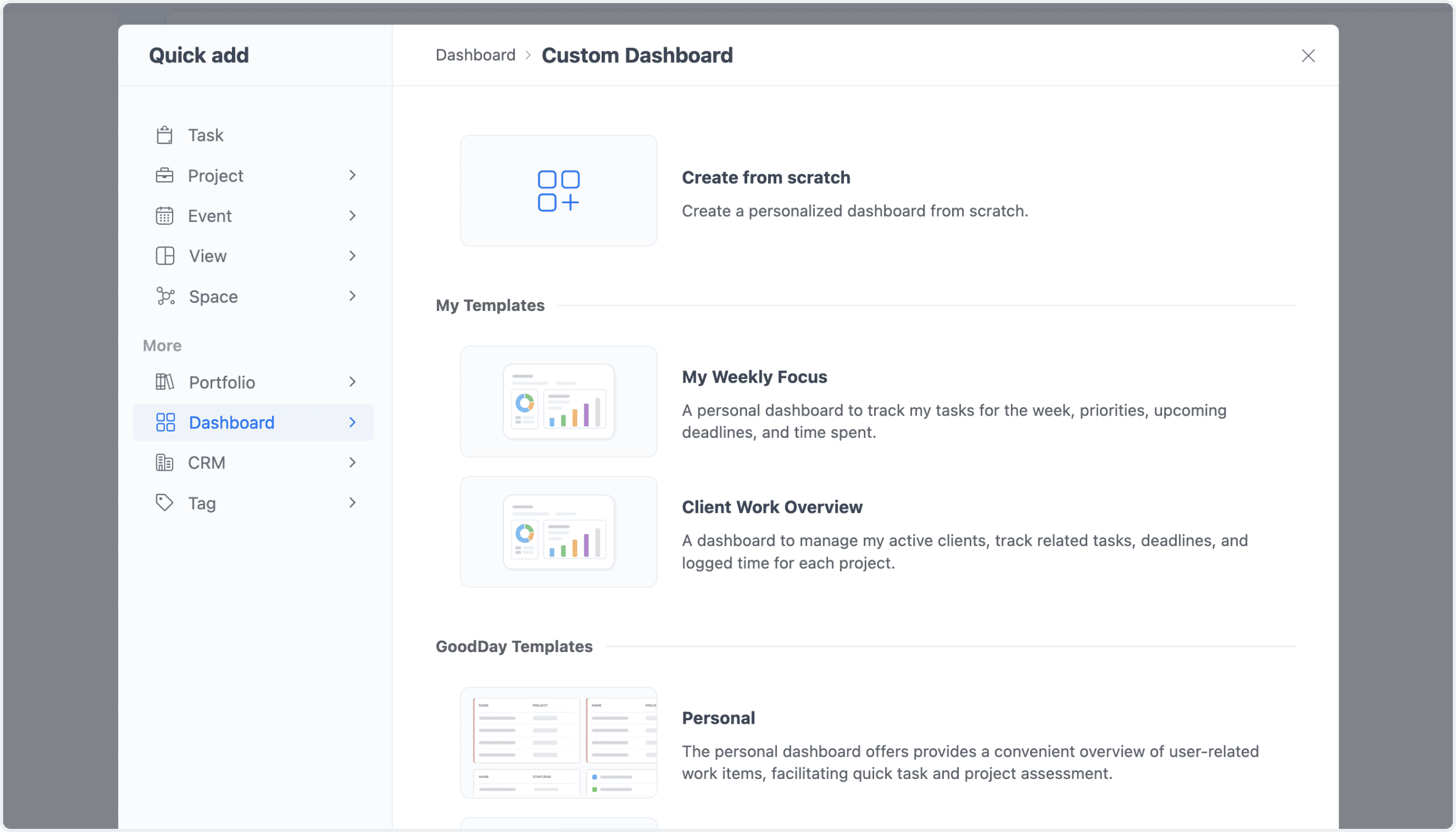
Dashboard Templates NEW

You can now save any Dashboard as a template and reuse it across your workspace. Apply proven dashboard layouts instantly to save time and keep dashboards consistent across teams, projects, and other work areas.

Dashboard Templates

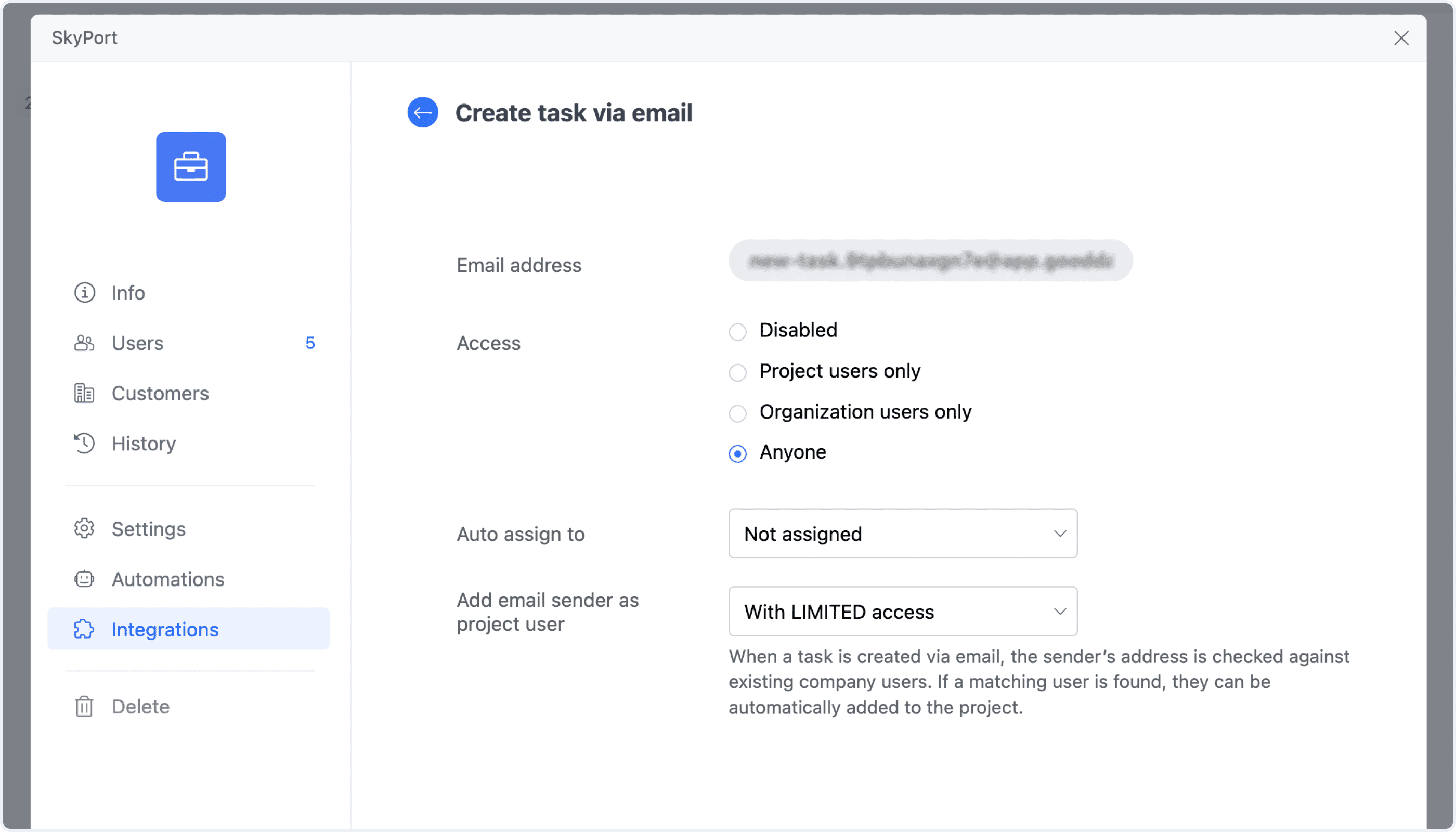
Tasks from Email: Auto-Invite Senders NEW

Create Task from Email is now more powerful. When a task is created from an incoming email, you can automatically invite the sender to your workspace and assign the appropriate level of access to the project — with everything handled automatically.

Tasks from Email: Auto-Invite Senders

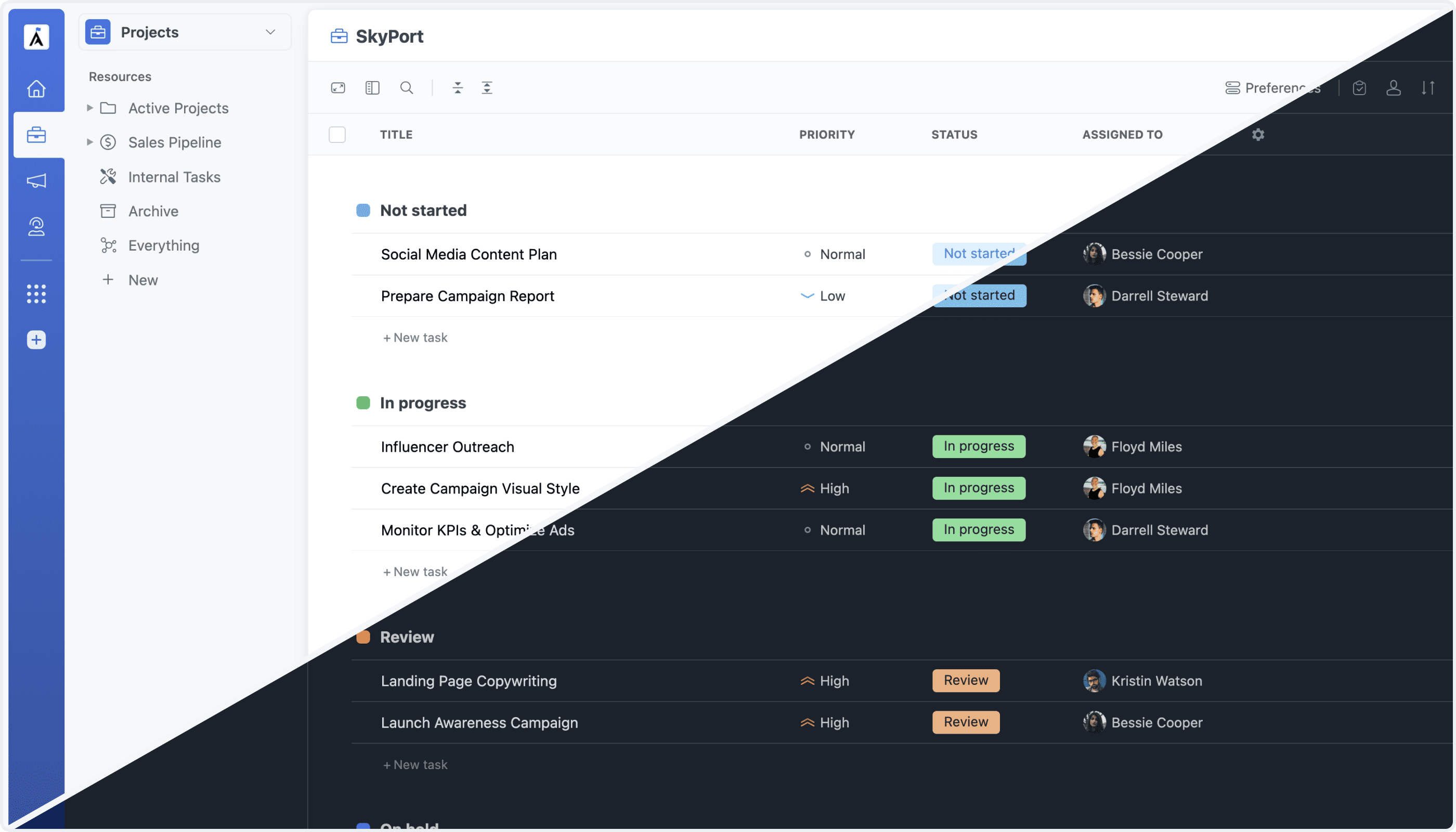
Theme Switching

Switching between light and dark skins is now instant, with no page reload required. Change your theme at any time without interrupting your work or losing your place.

Dark Skin: Instant Switch

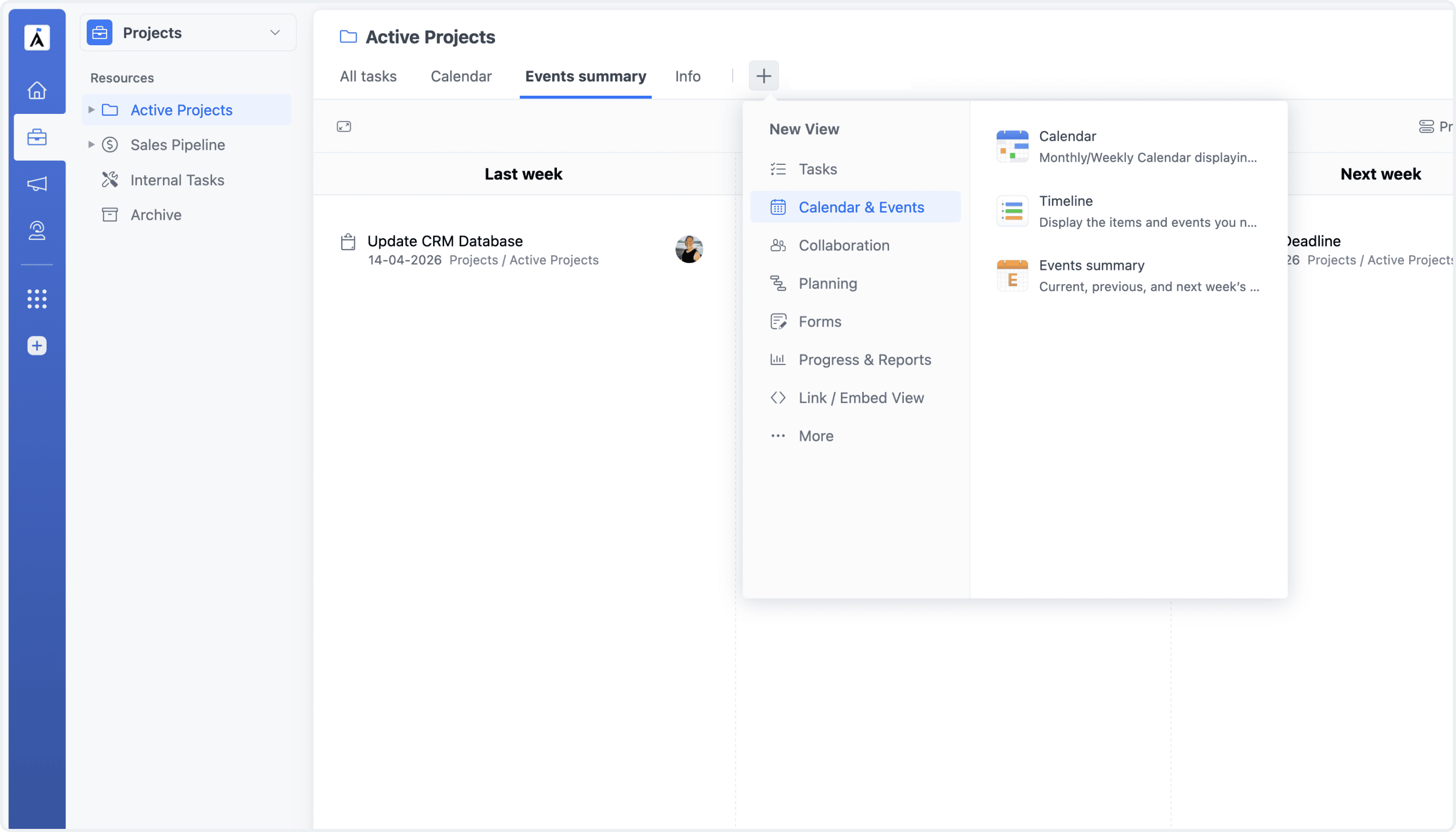
Events Summary View NEW

The Events Summary View — previously available only as a custom view — can now be added as a project view in any project. It provides a structured overview of past, current, and upcoming events, helping teams stay aligned on recent activity and what’s coming next.

Events Summary View in Projects

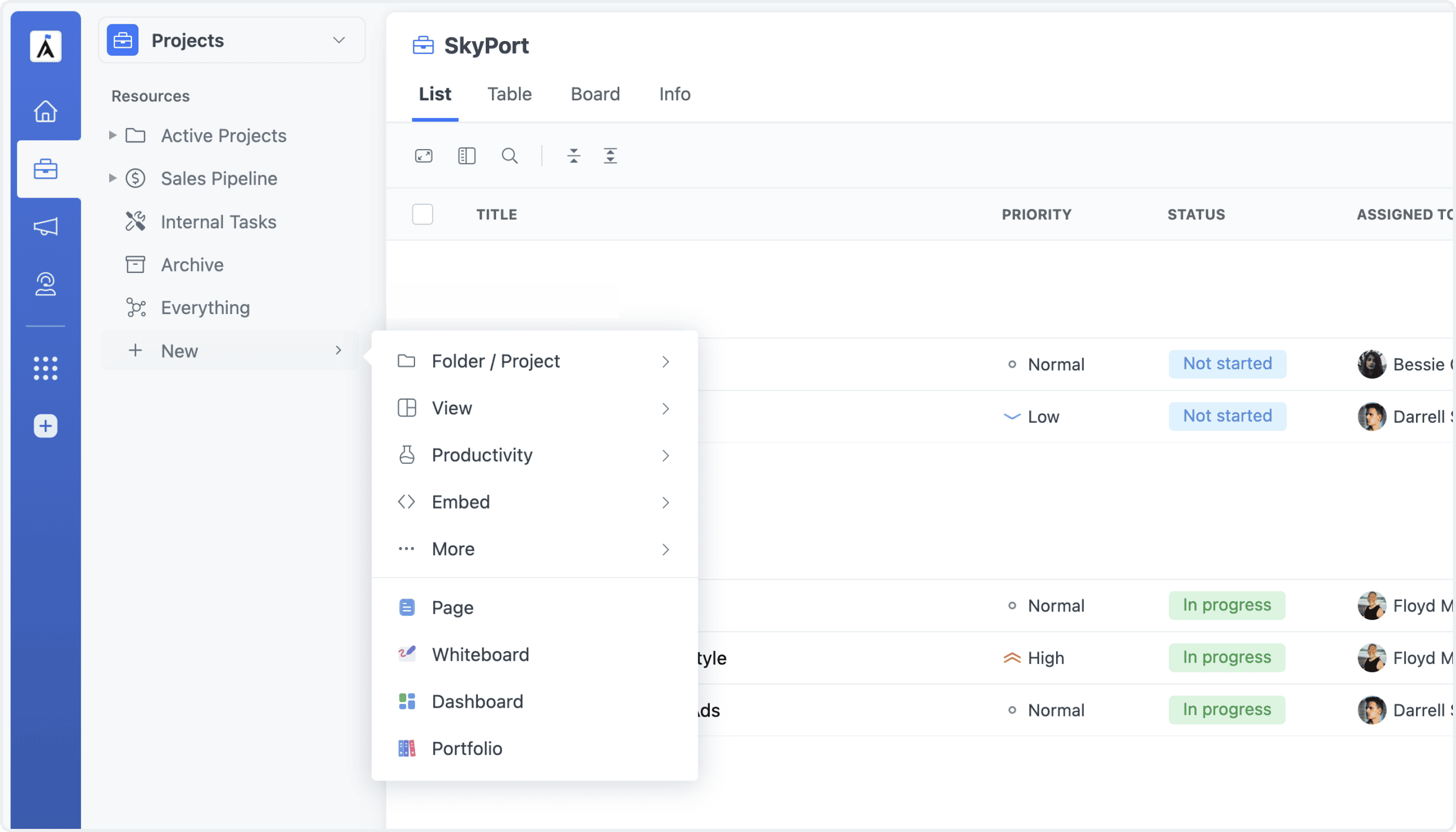
Improved Add Menu

The Add Menu — the context menu for adding items to your workspace structure — has been redesigned for better usability. Options are now grouped more clearly, making it faster to add folders, projects, and other items exactly where you need them.

Improved Add Menu