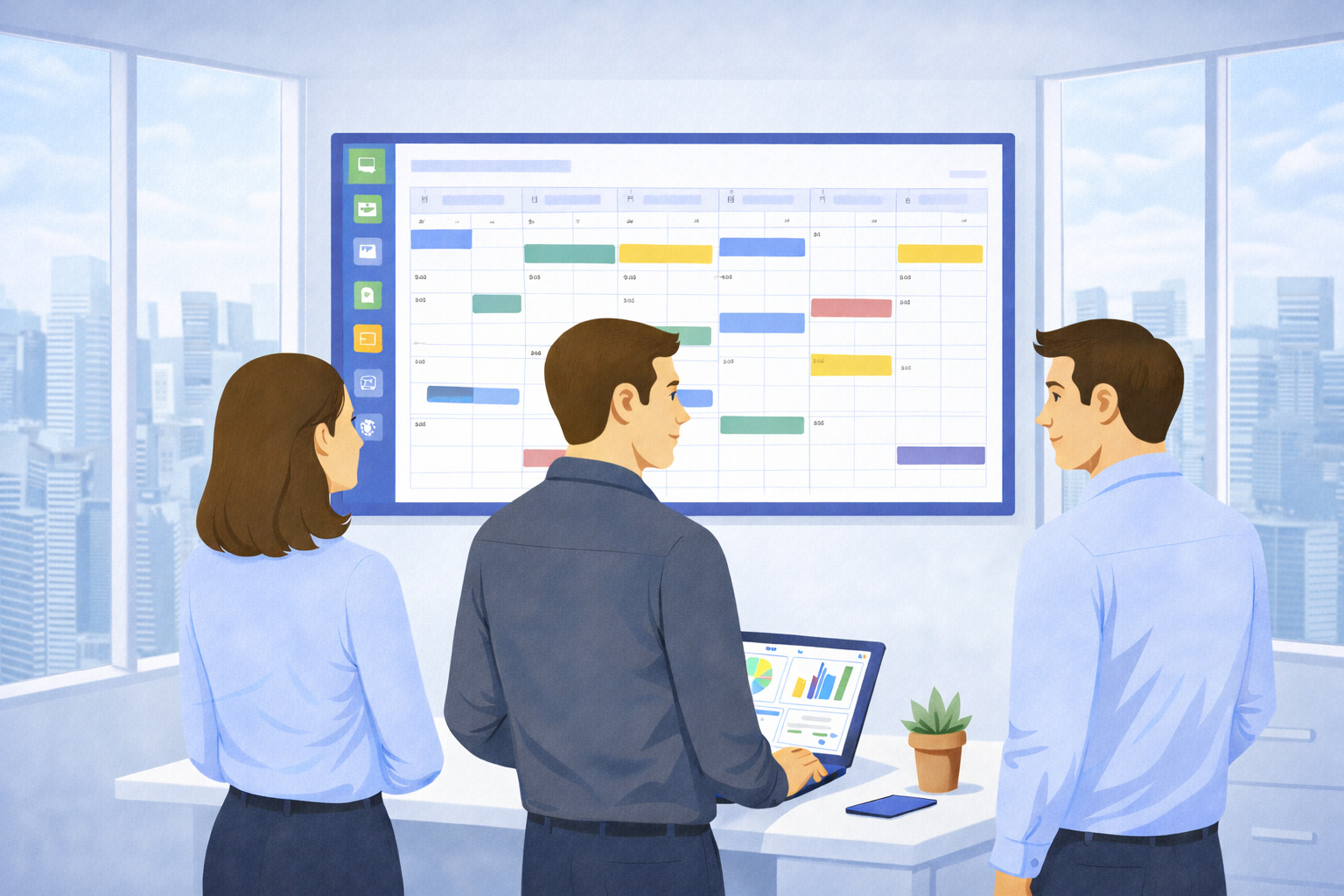
Projects often fail not because teams lack talent, but because work is scattered across emails, spreadsheets, and disconnected tools.
Missed deadlines, unclear ownership, and constant status updates slow progress and create frustration for both managers and team members.
And project management software solves this by bringing planning, execution, and visibility into one structured system.
In this guide, you will learn what project management software is, how project management tools work, and how to choose the right platform to plan, track, and deliver projects more effectively.
But if you have any questions that are not covered in this article, you can always reach out to our team via info@goodday.work
What is project management software?
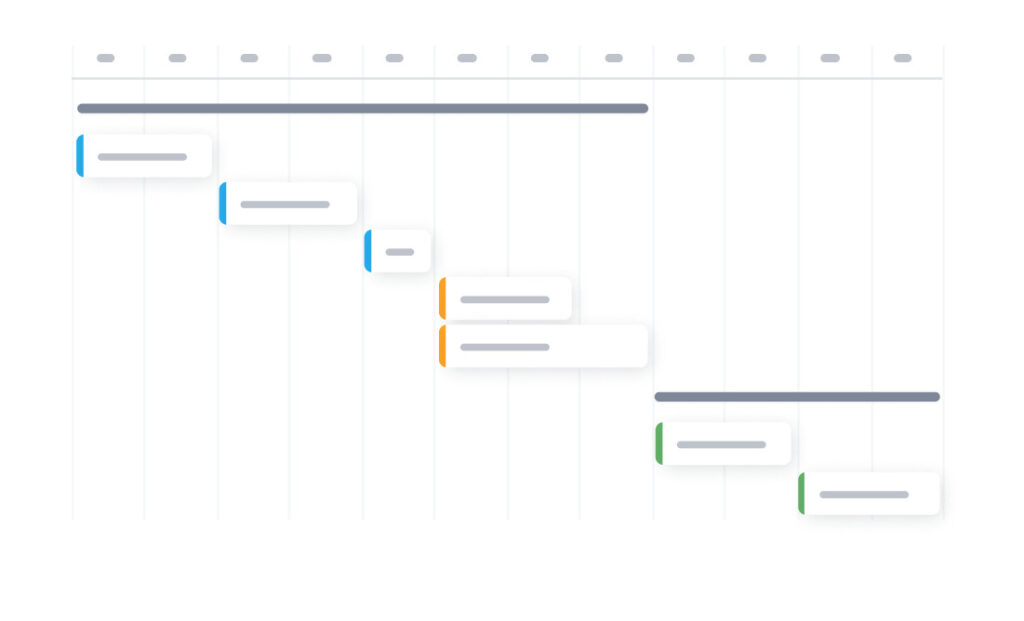
Project management software is an application used to plan, organize, and manage work across projects and teams. It provides a centralized space where tasks, timelines, resources, and communication are connected, making it easier to coordinate work and keep everyone aligned.
Modern project management tools support the full project lifecycle, from early planning to execution and reporting. Instead of relying on spreadsheets, emails, or disconnected tools, teams can see progress, responsibilities, and priorities in one system.
Core capabilities usually include task assignment, deadline tracking, resource planning, and visual views such as Gantt charts or Kanban boards. When used correctly, project management software improves clarity, accountability, and overall efficiency.
Types of project management software
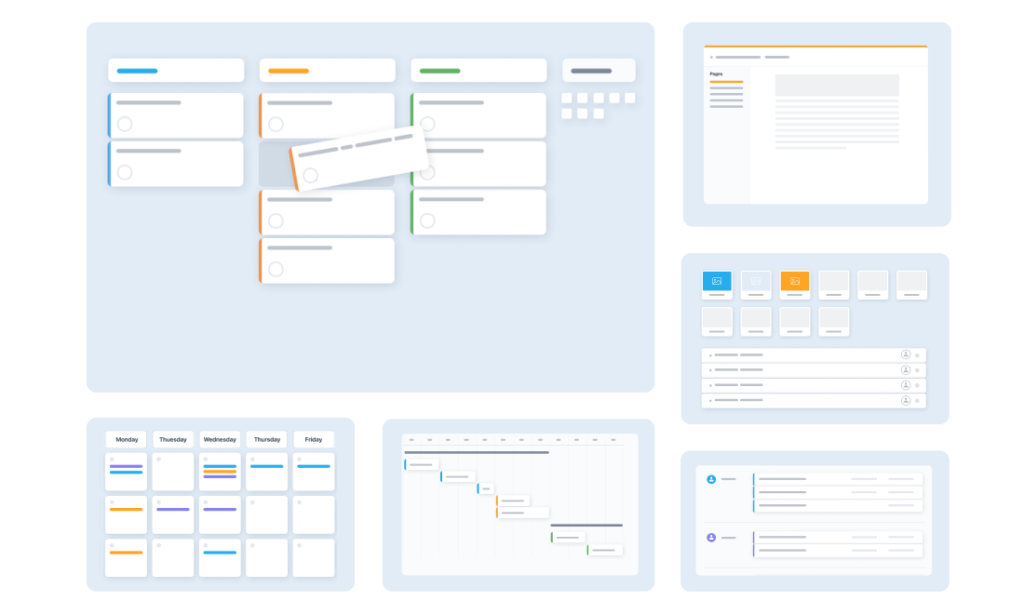
Project management software can be grouped into several categories based on how teams plan and execute work.
1) Task-focused tools
Designed for simple to-do lists and lightweight task tracking. These tools work well for small teams or personal productivity but often lack advanced planning features.
2) Visual workflow tools
Centered around Kanban boards and visual task movement. They are useful for managing ongoing work but can become limiting for complex projects with dependencies.
3) Full project management platforms
Provide structured planning, timelines, dependencies, resource management, and reporting. These tools support both simple and complex projects.
Key features of project management software solutions for complex projects
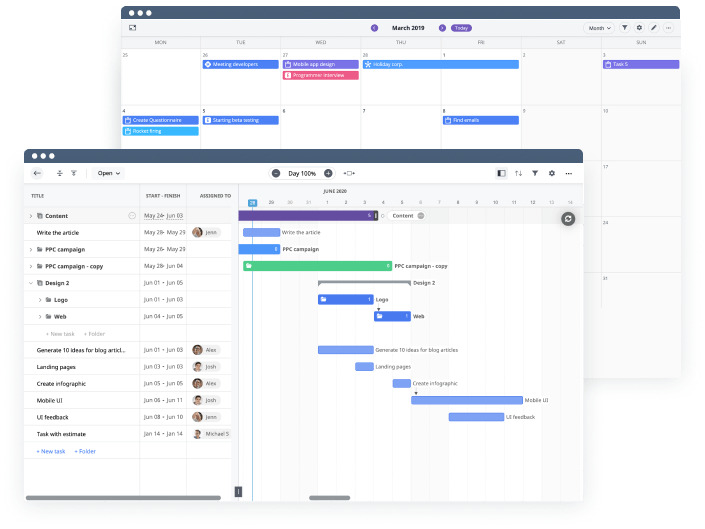
Let’s take a look at the most important project management software features.
Planning and scheduling
Project management software helps teams create structured project plans. This includes defining work breakdown structures, setting timelines, creating milestones, and managing task dependencies. Proper scheduling ensures that work is completed in the right order and on time.
Task management
Tasks can be assigned to individuals or teams with clear deadlines and priorities. Status updates make it easy to see what is in progress, completed, or blocked. This reduces follow-up communication and keeps work moving forward.
Resource allocation
Resource management features allow managers to assign team members based on availability and workload. This helps prevent overloading individuals and ensures that work is distributed realistically across the team.
Collaboration
Most project management tools include centralized communication, file sharing, and document management. Conversations stay connected to tasks and projects, making it easier to find context and decisions later.
Progress tracking
Dashboards and reports show how work is progressing against the plan. Teams can identify bottlenecks, missed deadlines, or risks early and take corrective action before issues escalate.
Visual tools
Visual views such as Gantt charts, Kanban boards, calendars, and dashboards provide clarity at a glance. These tools help teams understand timelines, dependencies, and overall project health.
Budget management
Some platforms include cost tracking, time tracking, and budget monitoring. This allows teams to compare planned versus actual costs and keep projects financially on track.
5 best project management software examples for 2026
Several project management tools are commonly used by teams today, each with a different focus.
1) GoodDay
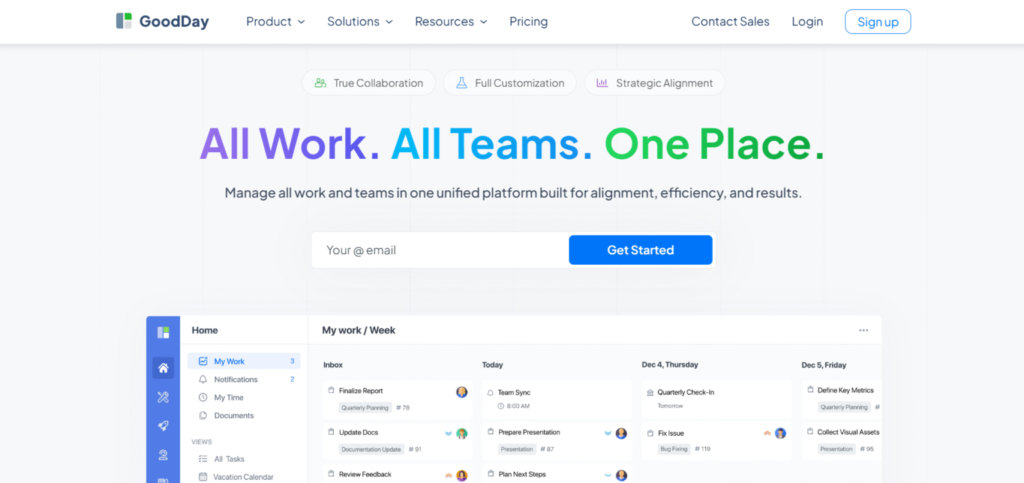
GoodDay is a comprehensive work management platform trusted by Fortune 500 companies, scaling startups, and established enterprises all over the world. It combines task management, Gantt charts, resource planning, time tracking, and reporting in one system. GoodDay is recognized as a leading software in 12 Capterra shortlists.
2) Asana
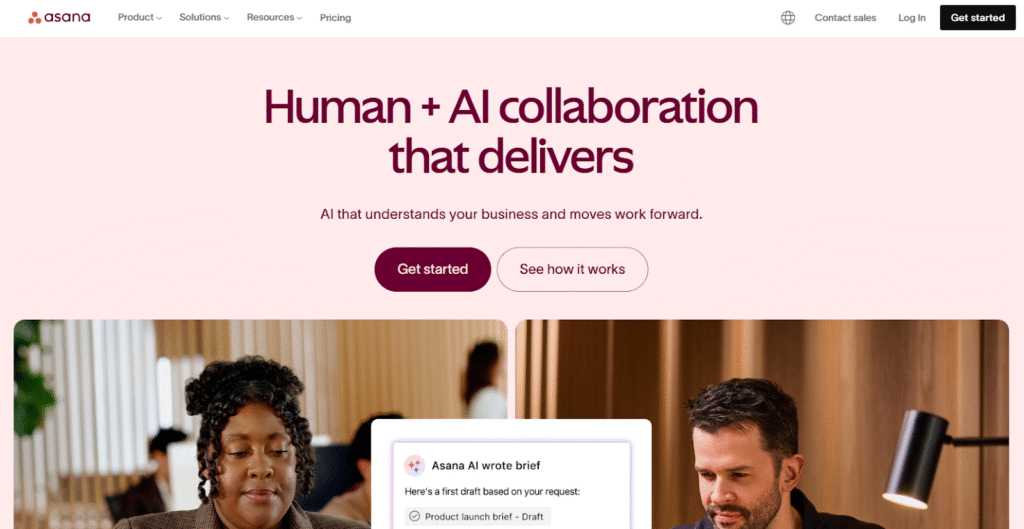
Asana is a work management platform focused on task coordination and workflow clarity for teams. It supports task lists, timelines, goals, and collaboration features that help teams track work across projects. More advanced capabilities such as workload management, reporting, and automation are primarily available on higher-tier plans.
3) Monday.com
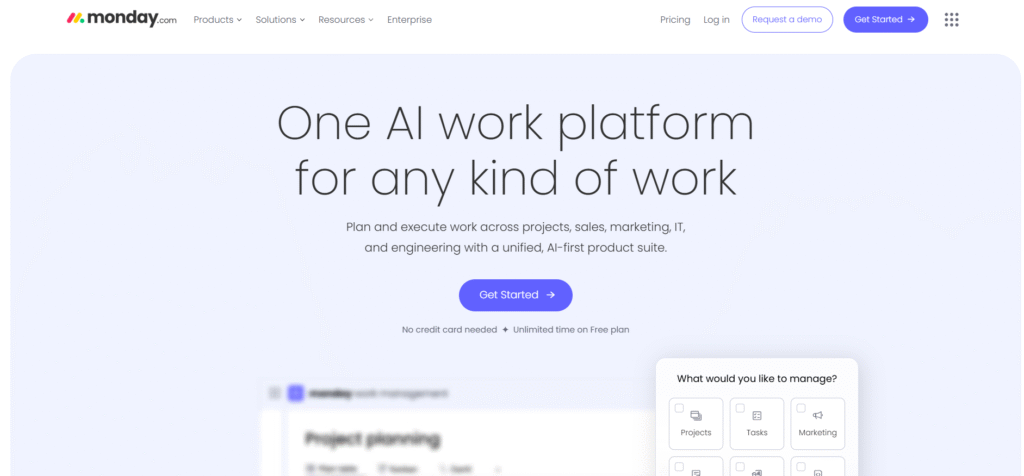
Monday.com is built around visual boards and automation rules. It can be adapted to many use cases, including project tracking, operations, and CRM workflows. As teams scale, configuration complexity and pricing can increase, especially when advanced automations and views are required.
4) ClickUp
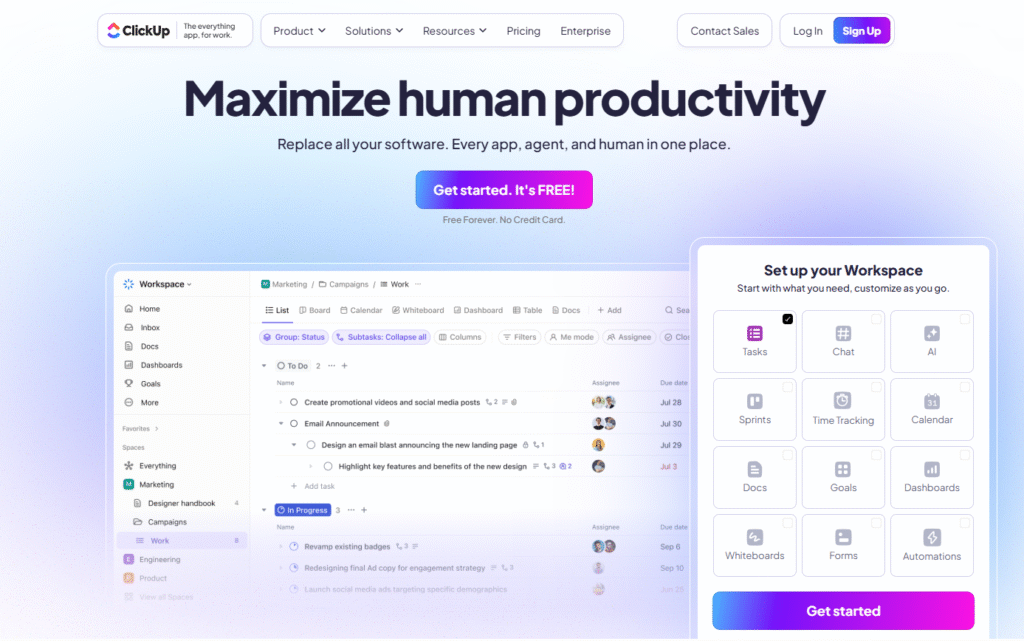
ClickUp combines tasks, documents, goals, dashboards, and time tracking. It offers a wide range of features and customization options to support different workflows and team structures. The platform often requires significant setup and ongoing configuration to align with specific project management needs.
5) Jira
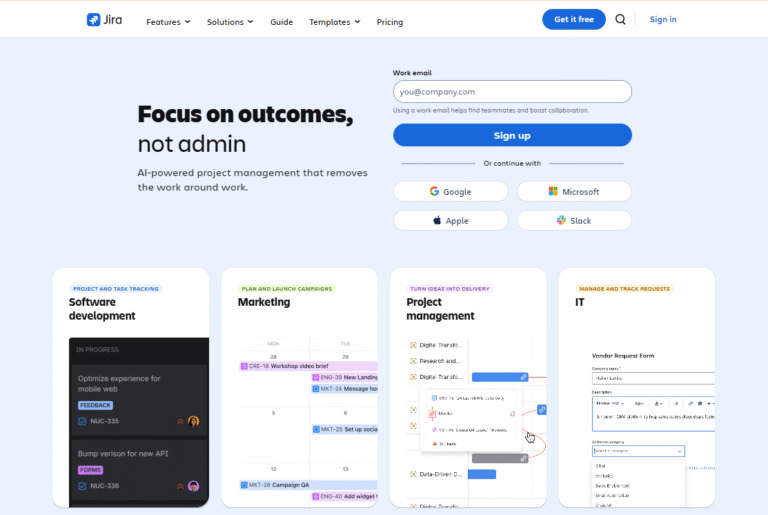
Jira is often used by software development teams, especially those following Agile or Scrum. It is designed for sprint planning, issue tracking and development workflows.
Key benefits of having a project management software
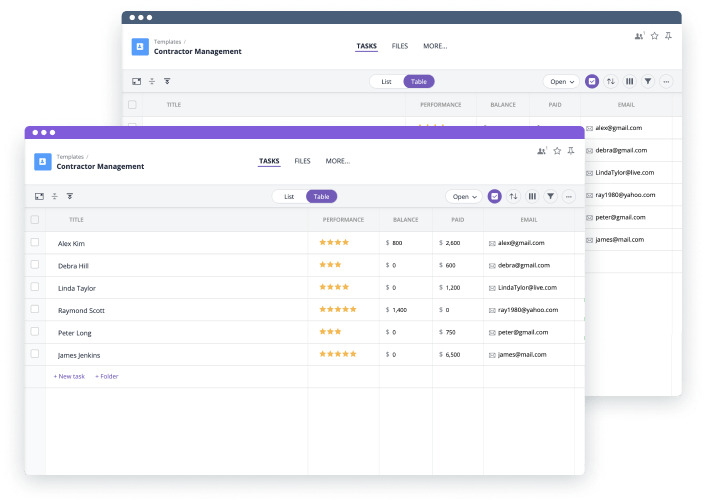
Let’s explore the main benefits of using project management software.
Better visibility and transparency
Project management software provides a single source of truth for all project-related work. Teams and stakeholders can clearly see tasks, timelines, responsibilities, and current status, which reduces misunderstandings and improves alignment across the organization.
Improved planning and predictability
By structuring work into tasks, milestones, and dependencies, project management software helps teams create realistic plans. This makes it easier to estimate timelines, anticipate risks, and adjust schedules before problems impact delivery.
Stronger collaboration and communication
Centralized communication and file sharing keep discussions connected to the work itself. Team members spend less time searching for information and more time executing tasks with full context.
Increased accountability
Clear task ownership and deadlines make responsibilities visible to everyone. This encourages timely execution and helps teams follow through on commitments without constant manual follow-ups.
More efficient resource usage
Workload and resource views help managers balance assignments across the team. This prevents burnout, reduces idle time, and ensures that resources are used where they add the most value.
Early identification of issues
Real-time progress tracking and reporting allow teams to spot delays, bottlenecks, or scope changes early. Addressing issues sooner reduces the risk of missed deadlines and project overruns.
Better decision-making
Accurate data on progress, workload, and outcomes supports informed decisions. Leaders can prioritize work, reallocate resources, and adjust strategy based on clear, up-to-date information.
Scalable project execution
As teams and projects grow, manual coordination becomes difficult to manage. Project management software provides a structured foundation that scales with increased complexity without slowing teams down.
How to choose the right project management software: step-by-step process
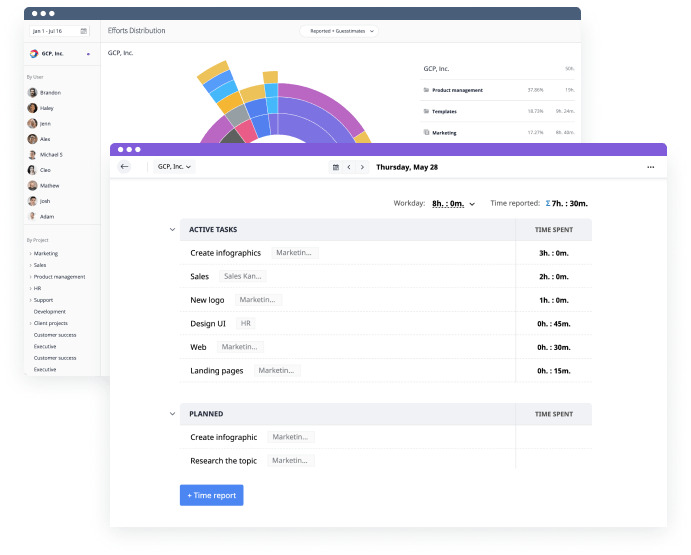
A thoughtful evaluation helps ensure the tool supports both current needs and future growth.
Step 1: Understand your team’s needs
Start by evaluating how your team works and what challenges you are trying to solve. Consider project size, complexity, team structure, and whether your work is predictable or constantly changing. The right software should support your real workflows, not force you to adapt to rigid processes.
Step 2: Define required features
Identify which features are essential for your projects, such as task management, Gantt charts, dependencies, resource planning, or time tracking. Avoid choosing tools based only on feature quantity. Focus on functionality that directly supports planning, execution, and visibility for your team.
Step 3: Consider usability
Project management software must be easy for team members to use on a daily basis. A complex interface or steep learning curve can reduce adoption and limit value. Tools with clear navigation and logical structure help teams stay productive without extensive training.
Step 4: Evaluate scalability and flexibility
Choose software that can grow with your team and projects. As workloads increase, you may need more advanced planning, reporting, or cross-team coordination. Flexible tools that support both simple and complex use cases reduce the need to switch platforms later.
Step 5: Review integrations and compatibility
Check whether the software integrates with tools your team already uses, such as calendars, communication platforms, or file storage. Seamless integration reduces manual work and keeps information consistent across systems.
Step 6: Assess pricing and long-term costs
Look beyond the starting price and evaluate what features are included at each plan level. Some tools charge extra for core capabilities like timelines or reporting. A cost-effective platform should provide essential project management features without frequent upgrades.
Step 7: Test with real workflows
Before committing, test the software using real projects and scenarios from your team. This helps reveal strengths and limitations that are not obvious in feature lists. The right project management software should feel intuitive, supportive, and aligned with how your team delivers work.
GoodDay – project management software you can rely on
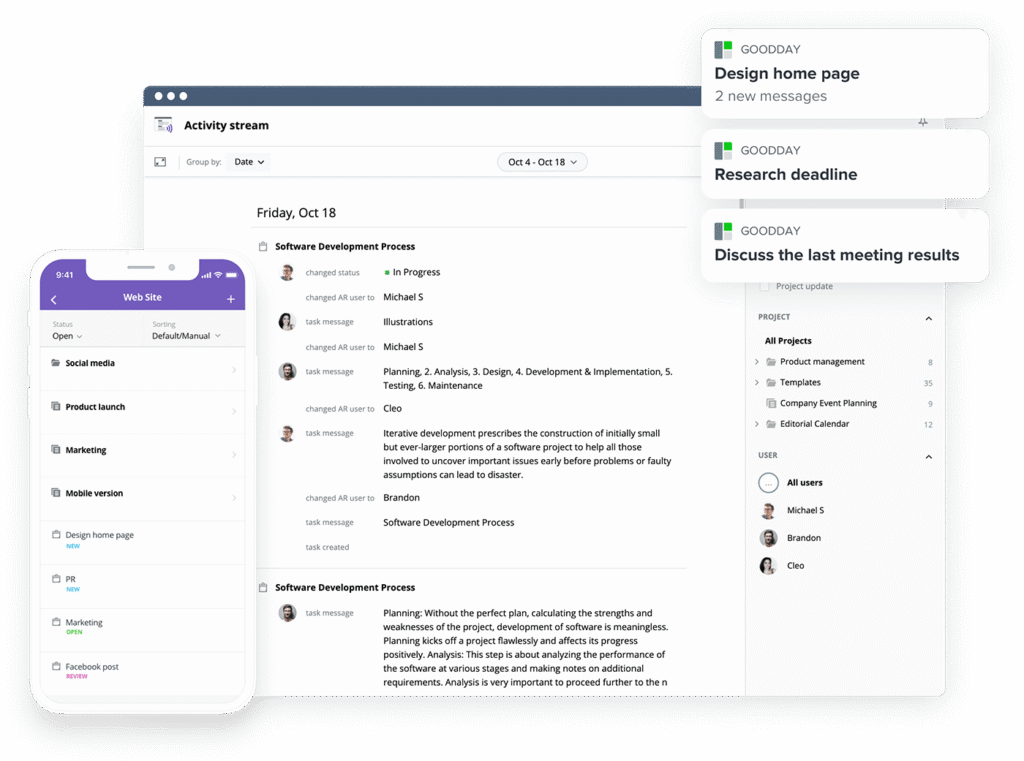
If you’re looking for a reliable work management platform which can support teams that need structure and clear visibility across projects, GoodDay stands out in 2026. It is popular all over the world for its powerful features and fair pricing.
You can try GoodDay for free to see how it fits your workflow.
And if you have any questions about finding the best project management software for your business, you can always connect with our team via info@goodday.work
FAQs
What is project management software?
Project management software is a centralized project management system that supports the entire project lifecycle from planning to delivery. It enables teams to work on multiple projects while maintaining consistency and clarity. The software stores critical project data such as timelines, ownership, and dependencies. By improving visibility, it helps track project performance more accurately. GoodDay is an example of such a system, combining planning, execution, and visibility in one structured platform. The software stores critical project data such as timelines, ownership, and dependencies. It enables teams to work on multiple projects while maintaining consistency.
What do you mean by project management software?
Project management software refers to digital tools designed to support project management across structured work initiatives. It helps project managers plan, coordinate, and control work activities in one place. Most platforms focus on task management by organizing responsibilities, deadlines, and priorities. Teams use it to monitor project progress and reduce operational chaos. These tools replace fragmented methods with a single, reliable workflow.
What are the four main types of project management software?
The main categories include task-focused tools, workflow-based platforms, full project management solutions, and enterprise systems. Task-focused tools emphasize task management software for individual execution. Workflow platforms prioritize team collaboration and visual processes. Enterprise platforms often include portfolio management to oversee an entire project portfolio. Each type supports different approaches to managing projects.
What software is used in project management?
Teams use a wide range of project software depending on complexity and scale. Common examples include platforms like GoodDay or Asana offering project scheduling, reporting, and dashboards. These tools support project timelines and dependency mapping. They also integrate collaboration tools and communication layers. The goal of an effective project management app is to support managing complex projects efficiently.
Which is an example of a project management software?
GoodDay is an example of effective project management software used by distributed teams. It allows teams to assign tasks and monitor project status in real time. The platform supports resource management and helps teams allocate resources efficiently. It offers multiple project views for better planning. GoodDay represents modern project management technology.
What are the main tools of project management?
Core tools include planning modules, tracking dashboards, and project tracking software. Most platforms provide task management features and structured project tasks. Teams often rely on time tracking software with built-in time tracking features. Advanced systems include workflow automation and automation features. These tools improve team productivity and execution quality.
What software do most project managers use?
Most project managers rely on the best project management tools like GoodDay or Asana. These platforms enable project managers to coordinate team members effectively. They can help you manage resources, control project expenses, and oversee project team workflows. They also include communication tools, version control, and project templates. Modern teams increasingly adopt collaborative work management applications to improve team performance.
What is the best project management software?
The right choice depends on your team size, workflows, and project resources. GoodDay is often chosen by teams looking for a balanced platform that combines planning, execution, and visibility without high costs. Tools like GoodDay and Asana stand out for advanced features, while others like Trello focus on simplicity. You can try a free plan to compare project management software and select the most suitable for your workflow. The best tools consistently improve project outcomes.
Who uses project management software solutions?
Project management software solutions are used across every industry. They are primarily used by project managers who need clear visibility into project progress and delivery risks. These tools support effective project scheduling, helping organizations coordinate deadlines and dependencies across initiatives. A project team may rely on such a project management system to align responsibilities, track progress and collaborate efficiently. As a result, companies of all sizes adopt these platforms to standardize planning, execution, and oversight regardless of their industry.




