
Choosing between project management software and task management software depends on how complex your work is and how many people are involved. While both help organize work, they are built for different levels of planning, coordination, and control.
In a nutshell, task management tools focus on individual or simple teams to do lists, and project management platforms are designed to plan, track, and manage full projects with timelines, resources, and dependencies.
In this guide we’ll explore all the differences between project management and task management software to help you make the right choice. But if you have any questions that are not covered in this article, you can always connect with our team via info@goodday.work
Core differences between project management and task management software

The main difference between these tools is the level of structure and control they provide. Task management is simple and fast, while project management is detailed and strategic.
| Aspect | Project management software | Task management software |
| Purpose | Project management software is built to plan, execute, and monitor entire projects. It helps teams meet deadlines, manage budgets, and coordinate work across roles. The goal is successful project delivery from start to finish. | Task management software is designed to help users track and complete individual tasks. It focuses on personal productivity and simple task lists. The goal is to ensure nothing is forgotten. |
| Complexity | These tools are more complex and require setup, planning, and configuration. Users often need training to use all features effectively. This complexity supports large teams and structured workflows. | Task management tools are simple and quick to learn. Most users can start using them immediately without onboarding. The simplicity makes them ideal for everyday tasks. |
| Key features | Common features include project timelines, Gantt charts, dependencies, resource management, and reporting. They also support permissions and role based access. Many include integrations with business systems. | Typical features include task lists, due dates, reminders, and basic collaboration. Some tools add labels or priorities. Advanced planning features are usually not included. |
| Scope | These platforms manage multiple projects across teams and departments. They support long term planning and strategic oversight. The scope is wide and business focused. | Task management tools usually focus on personal tasks or small shared lists. They are not designed for complex projects. The scope is narrow and task focused. |
Examples of the best project management and task management software
Both categories include popular tools used by individuals and organizations worldwide. The examples below show how these tools differ in purpose and capability.
Project management software examples
These platforms support full project planning, execution, and tracking.
GoodDay
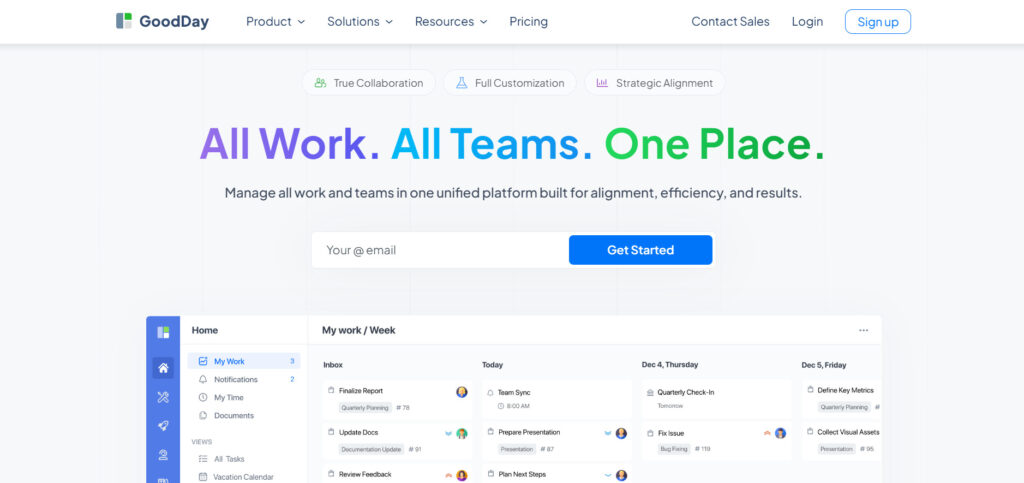
GoodDay is popular project management platform trusted by Fortune 500 companies, startups and businesses of all sizes. Platform offers a free plan for up to 15 users and unlocks advanced productivity tools earlier than other tools. GoodDay is recognized as a top-rated software in 12 Capterra shortlists in 2026.
Asana
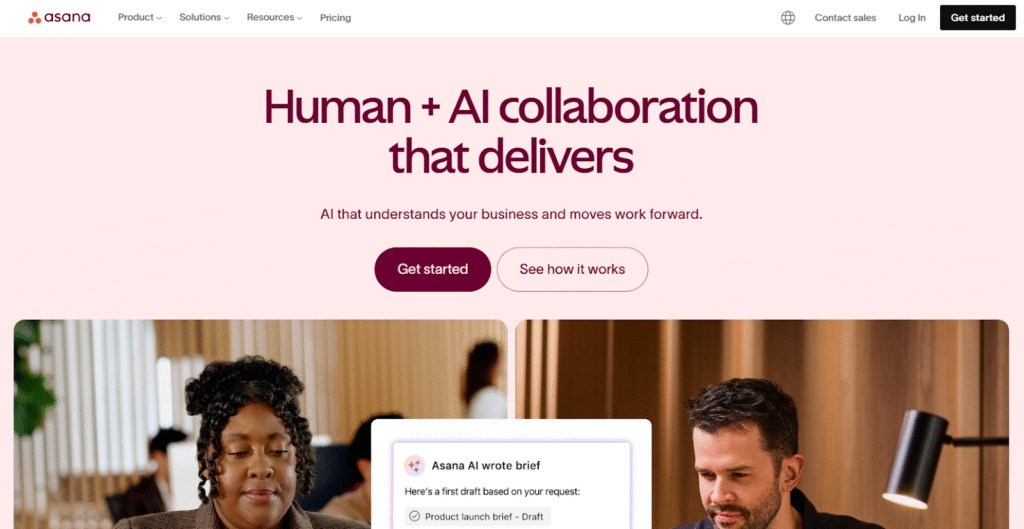
Asana is project management software that supports supports task tracking, project timelines, goals, and reporting. Asana focuses on team collaboration and visibility across projects. You can create tasks, subtasks, boards, timelines, and connect work to high-level goals.
Trello
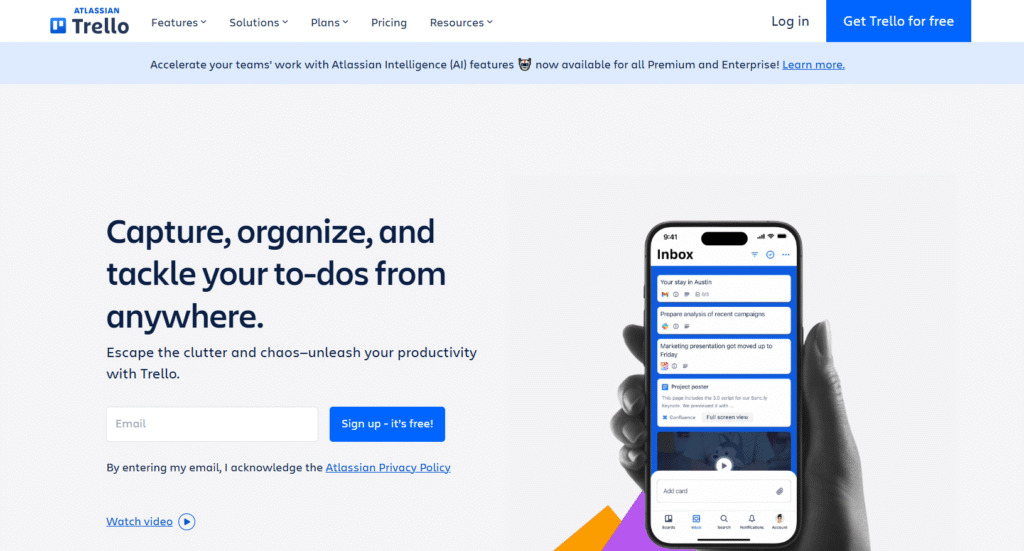
Trello is a visual project management tool based on Kanban boards. It allows teams to organize tasks using cards and lists. While simple by default, Trello can be extended with integrations and automation. It is often used for lightweight project tracking.
Microsoft Project (Planner)
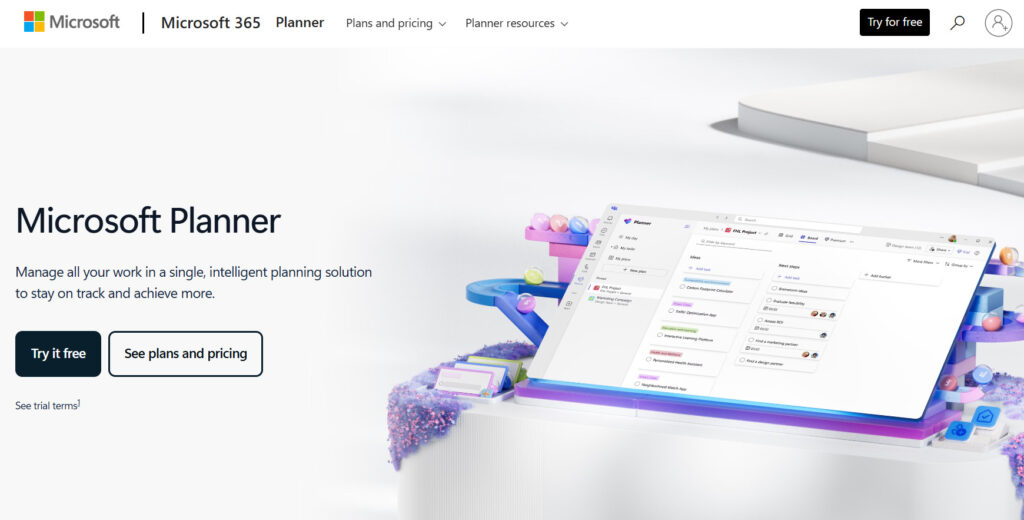
Microsoft Project (Planner) offers advanced scheduling, dependencies, and resource management. The tool is commonly used in engineering and enterprise environments.
Oracle Primavera
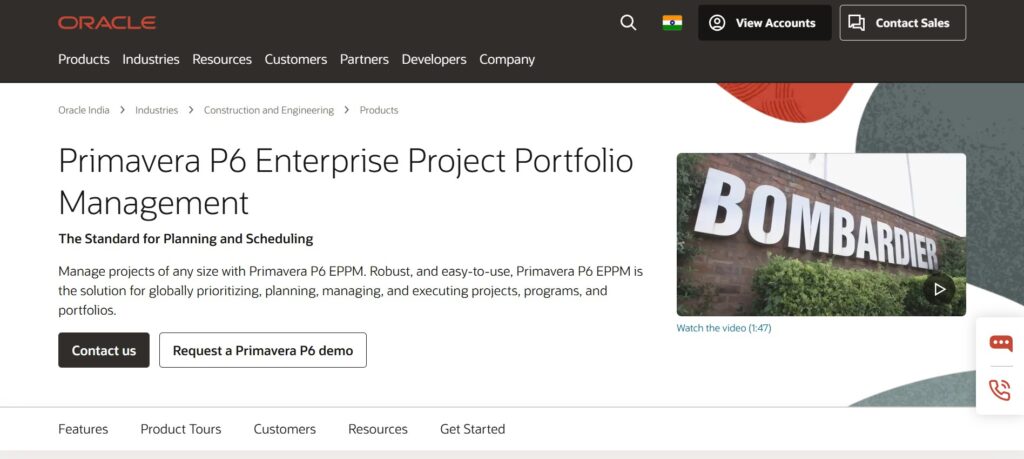
Oracle Primavera is an enterprise level project management system. It is widely used in construction, infrastructure, and large scale programs. The software supports advanced scheduling, cost control, and risk management. It is designed for highly complex projects with strict requirements.
Celoxis
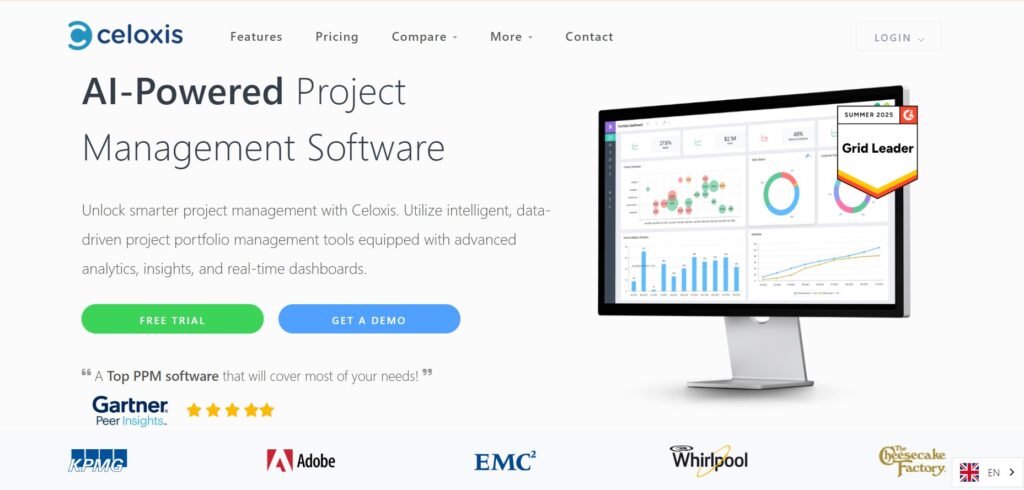
Celoxis is a project management platform focused on planning and portfolio management. It includes features like project tracking, resource allocation, and financial management. Celoxis emphasizes visibility across multiple projects.
Task management software examples
These tools focus on simple task tracking and personal productivity.
Todoist
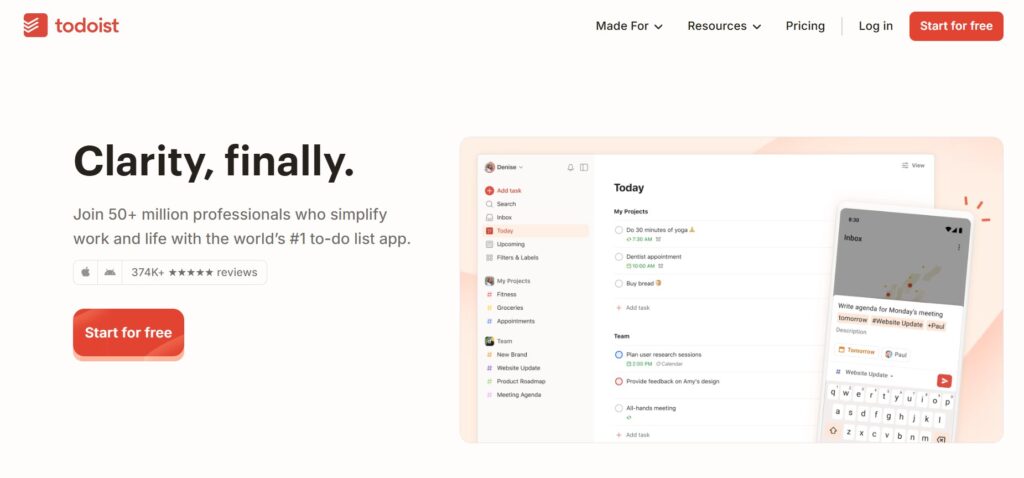
Todoist is a popular task management app focused on personal and small team productivity. It allows users to create tasks, set due dates, and organize work with projects and labels. The interface is simple and works across web, mobile, and desktop. Todoist is designed to help users build consistent task habits.
Microsoft To Do
Microsoft To Do is a free task management app included with Microsoft accounts. It lets users create lists, set reminders, and sync tasks across devices. The tool integrates tightly with Outlook tasks. It is designed for individual task tracking rather than full project planning.
Google Tasks
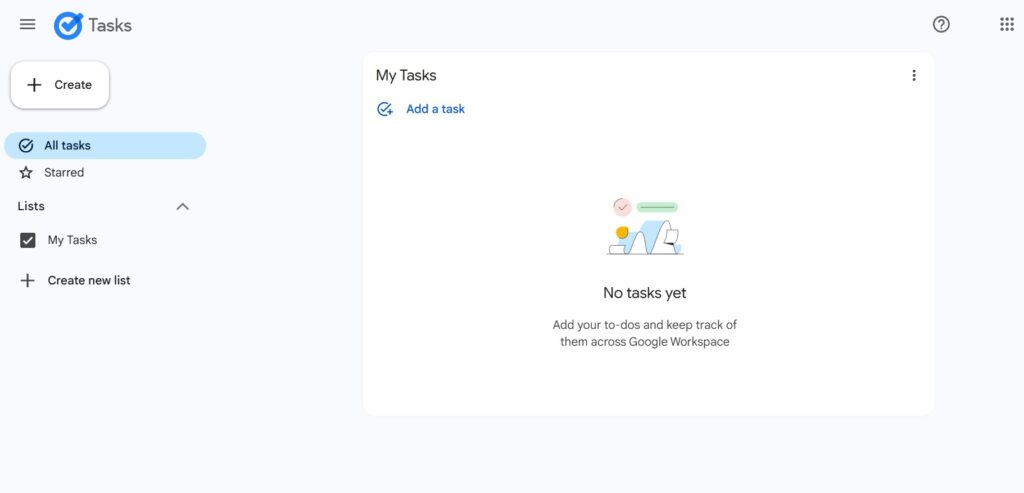
Google Tasks is a lightweight task manager built into Google Workspace. It allows users to create tasks directly from Gmail and Google Calendar. The feature set is minimal and focused on quick task capture. It works best for users already using Google services daily.
Differences in features between project management and task management software
Both task management and project management tools help organize work, but they offer different feature sets. Task management focuses on simplicity and speed, while project management software provides structured planning and control for complex work.
| Feature | Project management software | Task management software |
| Task creation and assignment | Supports task creation with assignments, priorities, and dependencies. Tasks are often part of larger project structures. This helps teams manage work in a coordinated way. | Allows users to create tasks, set due dates, and assign them to themselves or others. Tasks are usually independent and easy to update. The focus is on quick task capture. |
| Progress tracking | Provides detailed progress tracking across tasks, projects, and teams. Includes dashboards, reports, and milestone tracking. Managers can see overall project health. | Uses simple status markers like to do, in progress, and completed. Progress is usually tracked at the task level only. Reporting is minimal or basic. |
| Planning and scheduling | Includes timelines, Gantt charts, and dependency management. Scheduling can be adjusted dynamically as plans change. This supports long term project planning. | Offers basic due dates and reminders. There is little or no long term planning. Scheduling is usually manual. |
| Collaboration | Includes team collaboration, role based permissions, and communication tools. Supports cross team coordination. Designed for structured teamwork. | Supports basic sharing, comments, and notifications. Collaboration is usually limited to small groups. The tools are easy to use without training. |
| Resource and workload management | Includes resource allocation, workload views, and capacity planning. Helps prevent team overload. This is critical for larger teams. | Does not include resource planning or workload balancing. Each task is treated independently. This keeps the tool lightweight. |
| Reporting and analytics | Offers advanced reporting on progress, time, cost, and performance. Reports help with decision making. Data can be used for forecasting and optimization. | Provides little or no reporting beyond completed tasks. Analytics are usually minimal. The focus is execution, not analysis. |
When to use project management and task management software
Choosing the right type depends on the size of your work and the level of coordination required.
When to use project management software
Project management software is needed when work involves multiple people, deadlines, and dependencies. It helps teams plan, track progress, and manage resources effectively. These tools are essential for businesses running structured projects. They provide visibility and control at every stage of work.
When to use task management software
Task management software is best for individuals or small teams managing daily to do lists. It works well when tasks are independent and do not require complex planning. These tools are ideal for personal productivity and simple collaboration. They help users stay organized without extra overhead.
GoodDay – project management software you can rely on
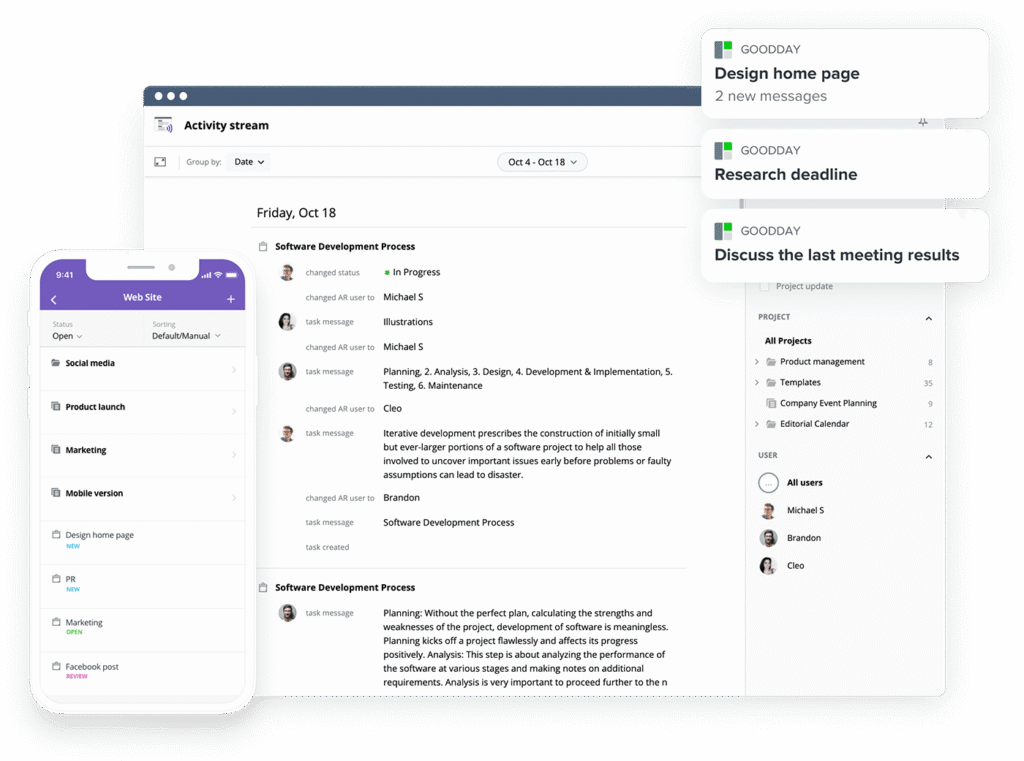
If you are looking for the strongest features at the best price, GoodDay stands out in 2026. It offers multiple views (Gantt charts, Kanban boards, etc.), templates for various industries, time tracking, reporting and automation tools.
You can try GoodDay for free and see how it fits your workflow and team needs.
And if you have questions about choosing the right project management tool, you can always contact our team at info@goodday.work
FAQs
What is the difference between task management software and project management software?
Task management software focuses on organizing tasks and handling daily to do’s efficiently. It helps individuals and small teams stay focused on task completion without advanced planning tools. Project management software supports managing projects with a larger scope, timelines, and dependencies. These platforms include advanced project management features to oversee work from planning to delivery.
What is the difference between a task manager and a project manager?
A task manager focuses on tracking tasks and ensuring individual contributors complete assigned work. A project manager is responsible for achieving project objectives and coordinating the team’s work. The role includes planning, monitoring project progress, and reporting project status. This distinction reflects management vs execution responsibilities.
What is the difference between task and project?
A task is a single actionable item, often one deadline and clear ownership. A project consists of multiple tasks connected by shared project goals. Tasks are manageable tasks that support a broader outcome. Projects and tasks differ mainly in scale and structure.
What are the three types of project management software?
The three common types are task focused tools, collaborative project platforms, and enterprise business software. Lightweight tools emphasize tracking tasks and simple workflows. Mid level platforms support managing projects with collaboration and reporting. Enterprise systems handle complex workflows, client work, and large programs.
What is the most used PM software?
The most widely used project management tools include platforms like GoodDay, Asana, Trello, and Microsoft Project. These are common tools because they scale well for most teams. Usage varies depending on industry and team size. Adoption often depends on whether teams need one tool or separate tools.
What are examples of project management tools?
Examples include GoodDay, Asana, Trello, Microsoft Project (Planner), and Oracle Primavera. These tools help teams assign tasks, manage timelines, and monitor progress. Some focus on visual board view layouts, while others emphasize timeline view planning. Each management tool supports different levels of complexity.
What is the best tool for creating a Gantt chart?
GoodDay, Microsoft Project, and Primavera are strong options for Gantt charts. These tools allow teams to track dependencies and spot bottlenecks early. Gantt charts help visualize project objectives at first glance. They are essential for managing projects with strict timelines.
What are the key differences between task management software and project management software?
Task management tools are built for executing individual tasks and recurring tasks. Project management platforms support managing projects across a larger picture. They include features to manage resources, process, and milestones. The difference becomes clear when teams need to manage multiple tasks with coordination.
What is the most popular software for project management?
Popularity depends on focus, industry, and team size, but GoodDay, Asana and Trello are widely recognized. These tools help teams organize tasks, add attachments, and track progress. Many users move from sticky notes to digital systems to stay organized. Adoption increases when software helps teams stay focused and manage work efficiently.




