You don’t want to pay for software with tons of features you won’t actually use.
While project management software tools vary in complexity and focus, the most effective platforms share a common set of core features.
In this guide, we’ll explore some of the most important project management software features. But if you have any questions that are not covered in this article, you can always connect with our team via info@goodday.work
Project management software features shortlist for 2026
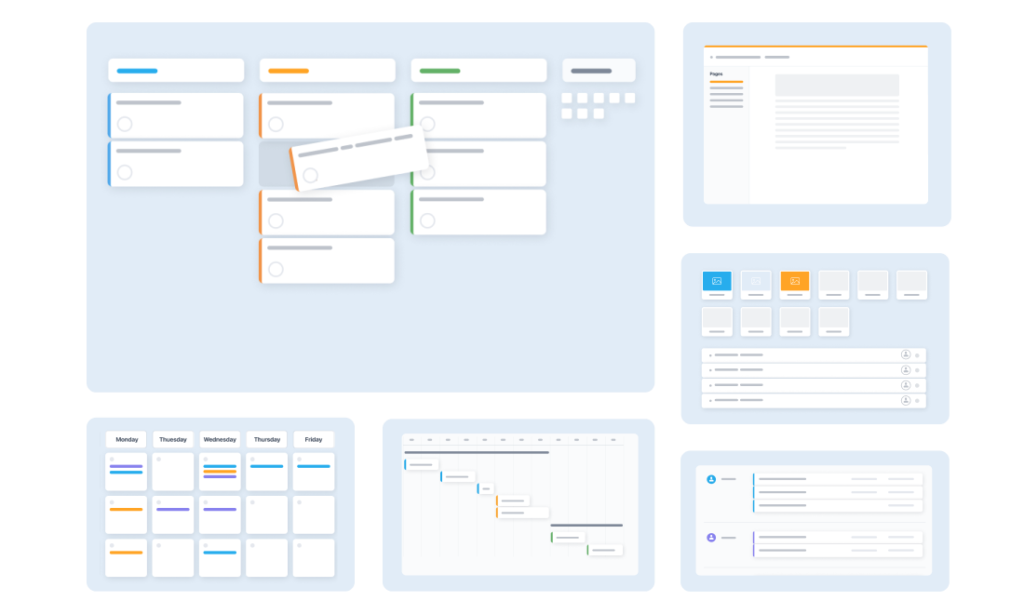
These features form the foundation of efficient project delivery.
1) Core planning & progress tracking
- Task Management: Create, assign, prioritize tasks, subtasks, and set deadlines.
- Project Views: Visualize work with Kanban boards, Gantt charts, lists, and calendars.
- Resource Management: Allocate team members and track workload.
- Time Tracking: Log hours for tasks, useful for billing and performance.
- Budgeting & Invoicing: Manage project costs, expenses, and generate invoices.
2) Collaboration & communication
- Centralized Communication: Comment threads, @mentions, and file sharing attached to tasks.
- Document Management: Store and collaborate on project-related files.
- Real-Time Updates: Live syncing of progress and data across the team.
3) Reporting & automation
- Dashboards: Customizable, interactive overviews of project status, progress, and bottlenecks.
- Automated Reporting: Generate reports for stakeholders automatically.
- Workflow Automation: Automate routine tasks and notifications.
4) Usability & integration
- Integrations: Connect with other tools (Slack, Salesforce, etc.).
- Mobile Accessibility: Access and update projects from anywhere.
- Security & Scalability: Protect data and grow with the business.
- Templates: Reuse processes for recurring projects.
Main project management software features explained
Here are some of the most important features to look for when evaluating project management software.
1) Core planning, tracking and project management features
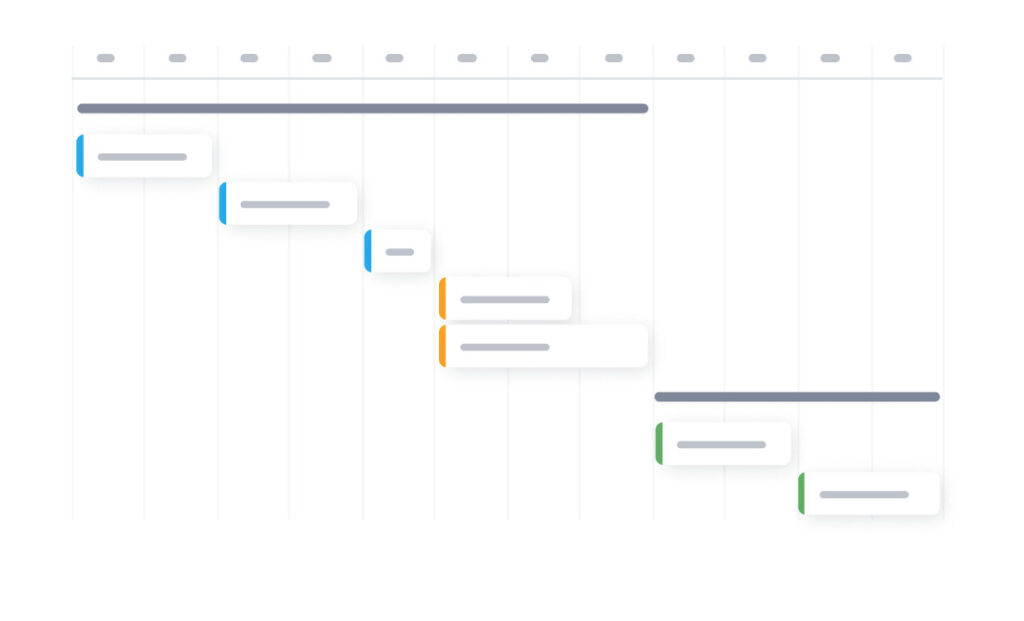
Core planning and tracking features allow teams to create and manage tasks, assign ownership, set priorities, track dependencies, and plan deadlines using views like Kanban boards, Gantt charts, lists, and calendars.
Task management
Task management is the foundation of any project management tool. It allows teams to create tasks, assign owners, set priorities, add subtasks, and define deadlines. Advanced systems also support task dependencies, recurring tasks, and custom statuses to reflect real workflows. Clear task structure helps teams understand responsibilities and prevents important work from being overlooked.
Project views
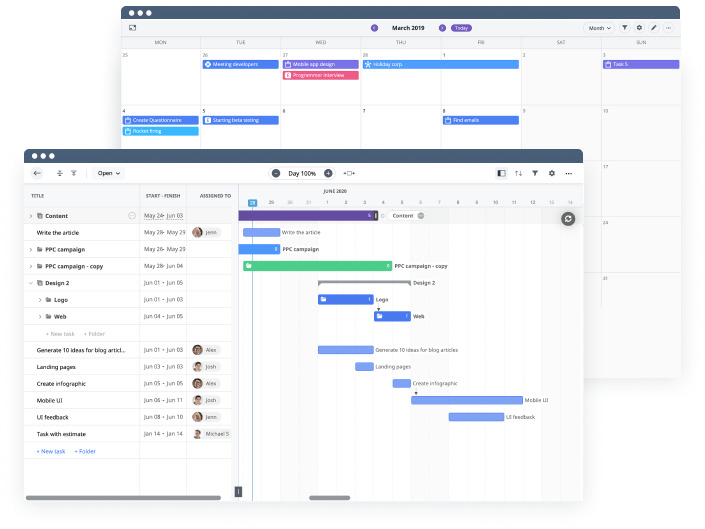
Different teams think visually in different ways. Strong project management software offers multiple views of the same data, such as Kanban boards, Gantt charts, task lists, and calendar views. These views help teams plan timelines, track progress, and identify bottlenecks without duplicating information.
Resource management
Resource management tools show who is working on what and how much capacity they have. This helps prevent burnout, balance workloads, and plan future projects realistically. More advanced platforms include workload charts and availability forecasting.
Time tracking
Time tracking allows team members to log hours spent on tasks. This is especially important for agencies, consultants, and service teams that bill clients by time or need accurate cost analysis. Time data also supports performance reviews and project estimation improvements.
Budgeting and invoicing
Some project management tools include budget tracking features such as cost estimates, expense tracking, and invoicing. These capabilities help connect project execution with financial outcomes and reduce reliance on separate accounting tools.
2) Team collaboration and communication features
Collaboration features centralize communication inside tasks and projects through comments, mentions, and notifications instead of scattered emails.
Centralized communication
Instead of scattered emails and chat messages, project management software centralizes communication directly within tasks and projects. Comments, mentions, and notifications keep discussions contextual and easy to follow. This reduces misunderstandings and ensures decisions are documented.
Document management
Document management features allow teams to store files, link documents to tasks, and collaborate on project related materials. Version control and access permissions help keep information organized and secure.
Real time updates
Real time synchronization ensures that changes made by one team member are instantly visible to others. This supports distributed teams and reduces delays caused by outdated information.
3) Reporting and automation features
Reporting tools provide dashboards that show project health, progress, workloads, and risks in a visual and customizable format. Automated reports generate regular updates for stakeholders without manual effort. Workflow automation reduces repetitive work by triggering actions such as status changes, notifications, or task creation based on rules.
Dashboards
Dashboards provide a high level overview of project health. They typically display progress, deadlines, workload, and risks in visual form. Customizable dashboards allow different stakeholders to see what matters most to them.
Automated reporting
Automated reports save time by generating regular updates for managers and clients. Reports may include progress summaries, time usage, budget status, or performance metrics.
Workflow automation
Workflow automation reduces manual work by triggering actions such as status changes, notifications, or task creation based on predefined rules. This improves consistency and frees teams to focus on higher value work.
4) Usability and integration capabilities
These features ensure the software fits naturally into daily work through integrations with email, chat, CRM, storage, and accounting tools.
Integrations
Project management software rarely works alone. Integrations with tools like Slack, email, CRM systems, cloud storage, and accounting platforms help teams maintain a connected workflow without constant switching between apps.
Mobile accessibility
Mobile access allows users to view updates, comment, and manage tasks while away from their desks. This is essential for remote teams and field based work.
Security and scalability
Data security features such as role based access, encryption, and audit logs protect sensitive information. Scalability ensures the platform can grow with the organization without requiring a complete system change.
Templates
Templates allow teams to reuse proven project structures for recurring work. This speeds up project setup and promotes consistent processes across teams.
How to choose project management software that actually fixes your daily work problems
People usually start looking for project management software because work feels messy. Deadlines slip, tasks get lost, and everyone keeps asking for updates. The simplest way to choose the right tool is to match features to your problems.
Problem 1: Tasks get lost or nobody knows who is responsible
If work falls through the cracks or ownership is unclear, you need strong task management. Look for software that lets you assign tasks, set deadlines, break work into subtasks, and clearly see who is responsible for what.
Problem 2: It is hard for project managers to see what is happening
If you often ask “what is the status” or “when will this be done,” you need clear project views. Kanban boards, timelines, and calendars help you see progress, delays, and priorities at a glance.
Problem 3: People feel overloaded while others are idle
If some team members are overwhelmed, resource management matters. Resource management features show who is working on what and how full their schedule is. Workload charts help teams distribute tasks more evenly and set realistic deadlines.
Problem 4: Time and costs are unclear
If you do client work or track internal costs, time tracking and budgeting are important. These features show how much effort tasks really take and help avoid underpricing or overwork.
Problem 5: Communication is scattered
If decisions are buried in emails or chat messages, you need centralized communication. Comments and file sharing inside tasks keep discussions connected to the actual work.
Problem 6: Reporting takes too much time
If preparing status updates feels like extra work, dashboards and automated reports help. They give managers and stakeholders quick updates without constant manual reporting.
Problem 7: Too many tools do the same thing
If your team switches between many apps, integrations are key. Good project management software connects with tools you already use, reducing duplicate work.
5 best project management software examples for 2026
Many teams rely on established project management platforms, each designed with a different primary use case in mind. Below are five widely used examples in 2026 and what they are best known for.
1) GoodDay: best all-in-one project management software
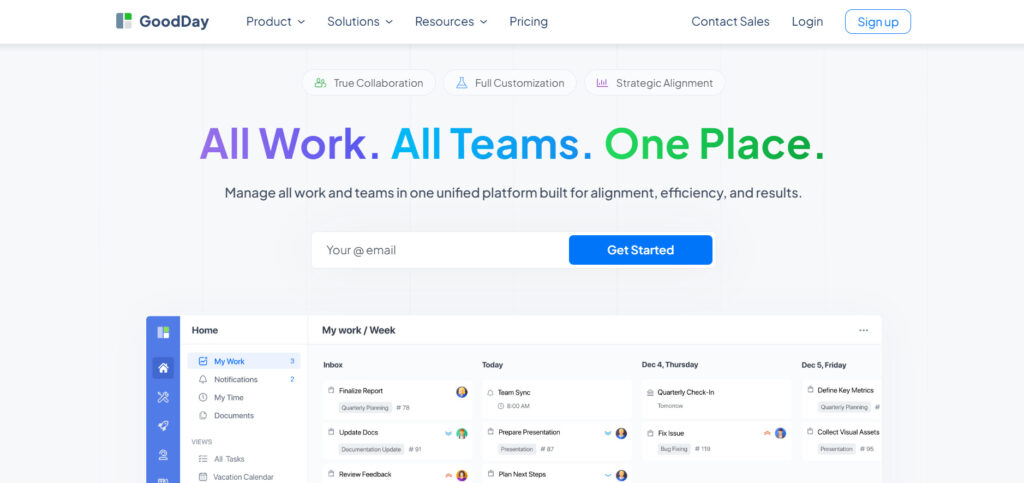
GoodDay is a full-featured work management platform used by Fortune 500 companies, growing startups, and established teams worldwide. It brings together task management, multiple project views (Gantt, Kanban, list, calendar), resource planning, time tracking, and reporting in a single system. GoodDay is recognized across 12 Capterra shortlists in 2026 for its balance of functionality and cost.
2) Asana: best for structured task coordination
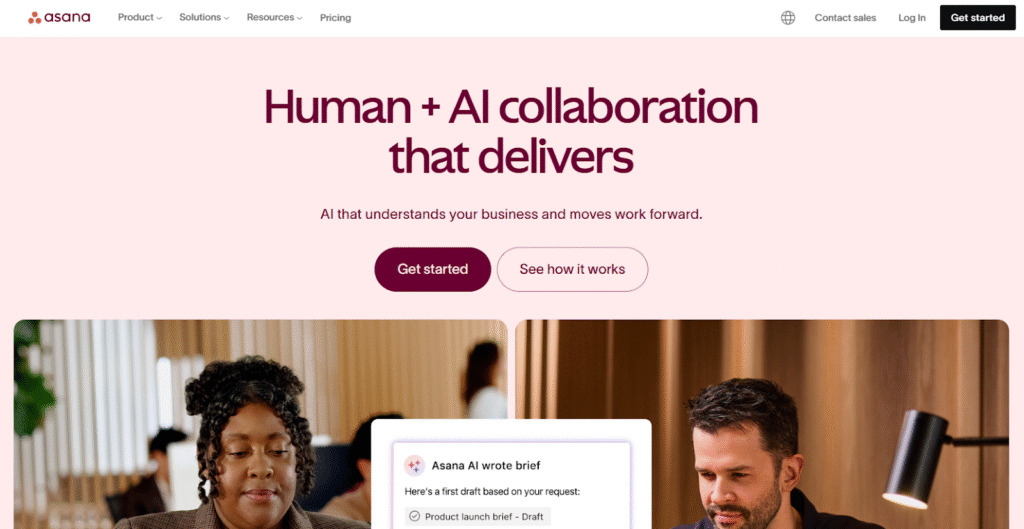
Asana focuses on helping teams organize tasks, timelines, and goals across projects. It is widely used for coordinating work and improving visibility into responsibilities and progress. Advanced features such as workload management, automation, and in-depth reporting are mainly available on higher pricing tiers.
3) Monday.com: best for visual workflows and automation
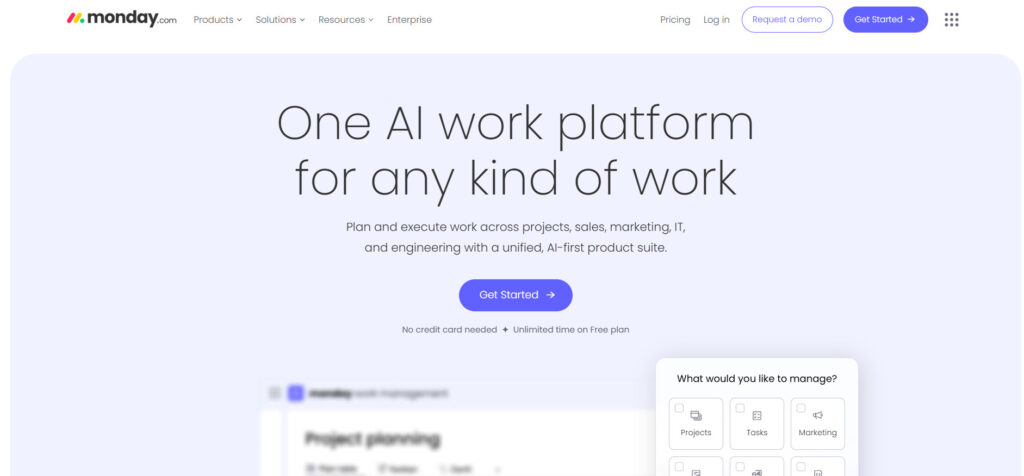
Monday.com is built around customizable visual boards and rule-based automation. It can be adapted for project tracking, operations, and cross-team workflows. As teams grow, setup complexity and overall cost often increase, especially when advanced views and automations are required.
4) ClickUp: best for highly customizable workspaces
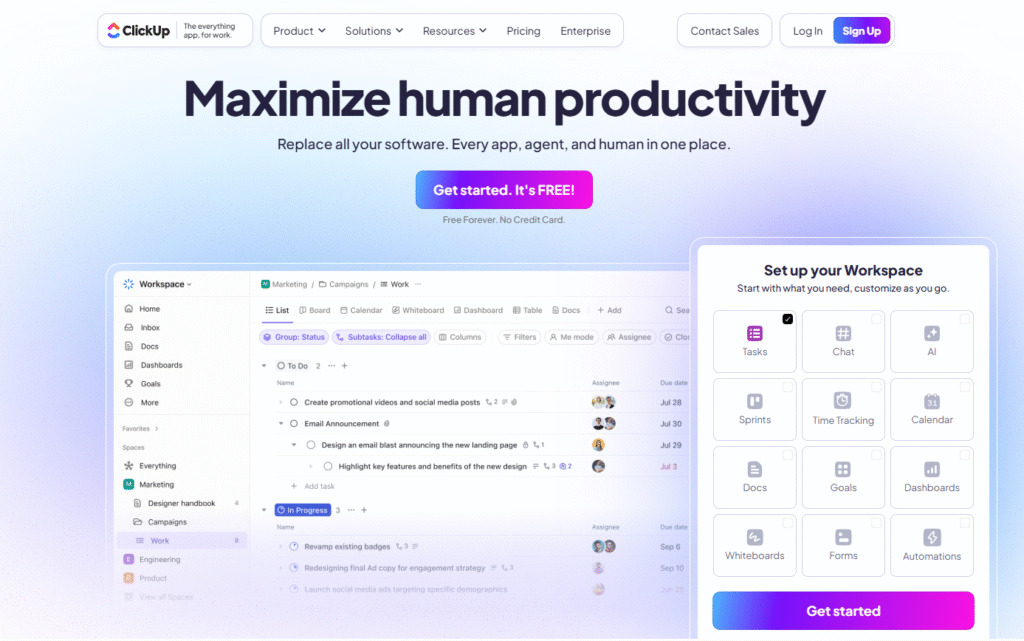
ClickUp combines tasks, documents, goals, dashboards, and time tracking into one platform. It offers extensive customization options to support many workflows and team structures. Due to its breadth of features, teams often need time to configure and maintain the system to match their processes.
5) Jira: best for Agile and software development teams
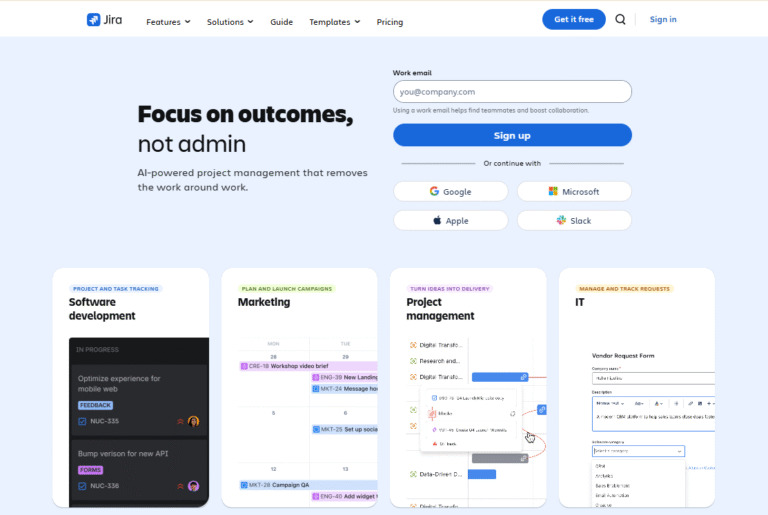
Jira is primarily used by software development teams working with Agile or Scrum frameworks. It is designed for sprint planning, issue tracking, and development workflows. While powerful for technical teams, it is less commonly used for general business or non-technical project management.
Looking for the best project management tool? GoodDay is software you can rely on
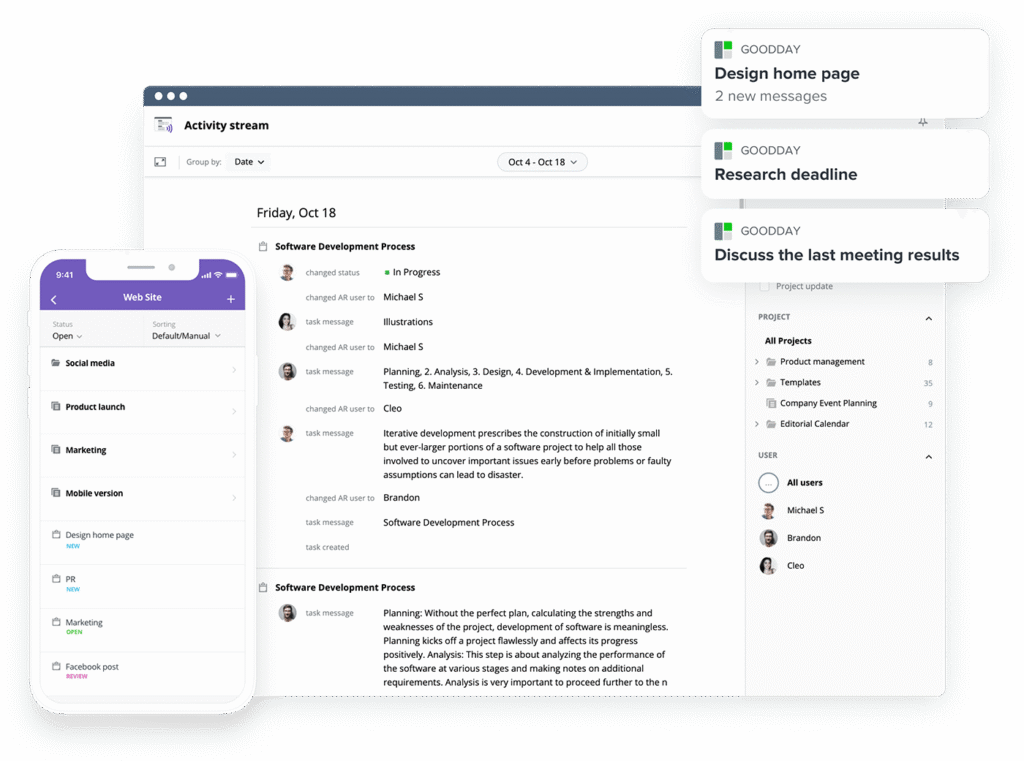
GoodDay is an all-in-one project management platform which is popular all over the world for powerful features and fair pricing.
You can try GoodDay for free to see how it fits the way you work.
And if you have questions, you can always connect with our team via info@goodday.work
FAQs
What features are important in project management software?
The most important features include task planning, collaboration, tracking, and reporting that support the full project lifecycle. Strong project management features help teams organize work, track deadlines, and avoid confusion. GoodDay combines these capabilities into a single platform designed to support project success. Choosing the right project management software ensures work stays structured as teams grow.
What are the four main types of project management software?
The four main types are task-focused tools, collaborative platforms, enterprise-level systems, and Agile-focused solutions. These categories reflect different approaches to managing projects depending on complexity and team size. Many project management solutions overlap across categories, offering hybrid functionality. GoodDay stands out by covering all four types within one flexible project management system.
What are the top five 5 project management tools?
Popular options include GoodDay, Asana, monday.com, ClickUp, and Jira. These are widely recognized as best project management tools for different industries and workflows. Among them, GoodDay is often chosen for handling complex projects without unnecessary add-ons. Its balance of usability and depth makes it close to perfect project management software for many teams.
What software is used in project management?
Teams commonly use cloud-based project management tools to plan, track, and coordinate work. Such software supports scheduling, communication, and reporting across the organization. GoodDay is an example of effective project management software that fits both business and technical teams. It helps project managers stay in control while reducing manual coordination.
What features should a PM tool have?
A PM tool should include clear task assignment, scheduling, collaboration, and reporting capabilities. These essential features support visibility across tasks and timelines. GoodDay also includes budget management to connect work with financial outcomes. Together, these elements strengthen the overall project management process.
What are the main tools of project management?
The main tools include planning boards, timelines, dashboards, and communication spaces. Project management software includes these tools to support coordination from planning to delivery. GoodDay also supports project planning and execution in one environment. This helps each project team work with clarity and accountability.
What is the best PM software?
The best PM software adapts to different workflows without adding complexity. Among many project management systems, GoodDay offers a strong balance of power and simplicity. It keeps team members aligned around shared priorities. This consistency improves team performance over time.
What is a PMO toolkit?
A PMO toolkit is a standardized set of tools used to oversee governance and reporting across projects. It helps leadership make informed decisions based on consistent data. GoodDay supports PMOs with pre built report templates and dashboards. These tools provide detailed insights across portfolios and teams.
Which features should project management software have?
Modern software should support visibility into project details, timelines, and ownership. Most project management tools now include collaboration and automation, but not all scale well. GoodDay supports project workflows that handle dependent tasks and real-time updates. This allows teams to monitor project progress accurately using built-in reporting tools.




