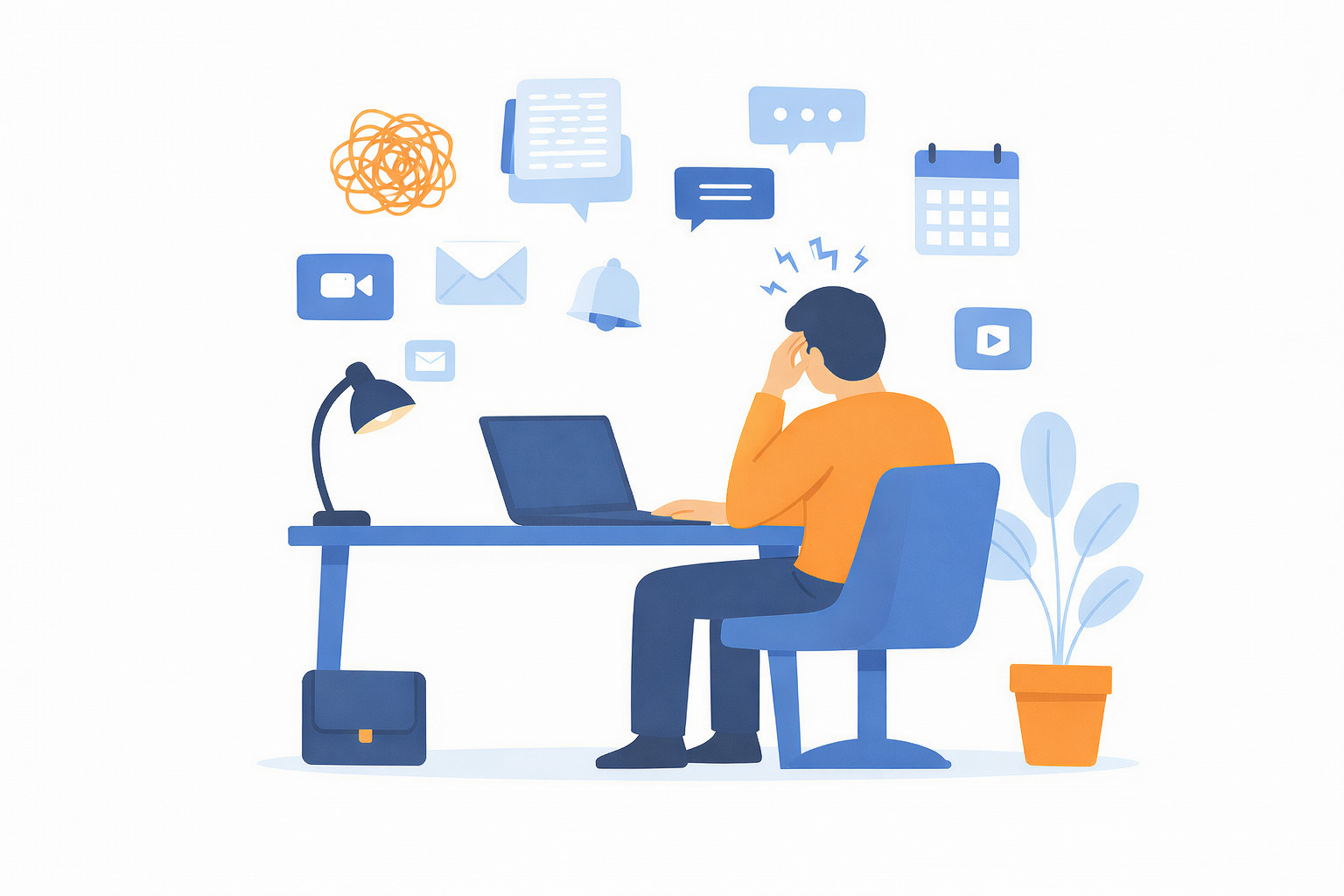
Last Monday, I counted how many work-related apps I opened before lunch. Slack, email, ChatGPT, Google Drive, Zoom, Google Calendar, Figma, and ten more I can’t even remember. By noon, I’d accomplished maybe one actual thing, but I’d definitely read a lot of messages about work.
This is digital tool fatigue, and if you’re working in 2026, you’re probably drowning in it. I am not even including personal apps fatigue to add to our everyday madness… But let’s focus on work here.
The irony is brutal: we adopted all these tools to make work easier, faster, and more connected. Instead, we’re spending our days tab-hopping between platforms, hunting for information that’s buried somewhere in a chat thread from last week, and feeling vaguely anxious that we’re missing something important in one of the 47 notification badges currently lighting up our screens.
What exactly is digital tool fatigue?
Digital tool fatigue is the gradual mental, emotional, and sometimes physical exhaustion that happens when you use too many apps, platforms, or software systems in your daily work. It’s the cumulative overload that comes from constantly switching contexts, learning new interfaces, tracking notifications, and trying to remember where information lives.
Digital tool fatigue isn’t just an annoyance. Studies estimate lost productivity from context switching costs around $450 billion annually in the US alone, with 45% of workers saying it makes them less productive and 43% saying it wears them out.
Research from Harvard Business Review found that workers toggle between apps nearly 1,200 times per day and spend almost 4 hours per week just reorienting themselves after switching. Over a year, that’s five full work weeks lost to “wait, what was I doing again?”
But the real impact is harder to measure. It’s the slow erosion of focus, the constant feeling that you’re reacting instead of creating, the burnout that creeps in when every day feels like you’re drowning in notifications without actually accomplishing anything meaningful.
Key strategies to reduce digital tool fatigue
Digital fatigue builds quietly through constant screen exposure, fragmented attention, and nonstop notifications. But small, intentional changes can significantly reduce its impact on your body and mind.
1) Physical & eye care
Digital fatigue often begins at the physical level, especially through eye strain and poor screen ergonomics that silently drain energy throughout the day.
- 20-20-20 rule: Every 20 minutes, look at something 20 feet away for 20 seconds to relax eye muscles.
- Blinking exercises: Blink slowly 10 times every 20 minutes to reduce dryness and irritation.
- Ergonomics: Keep screens at arm’s length, slightly below eye level, and use blue light filters to reduce strain.
2) Workflow optimization
Many symptoms of digital exhaustion come not from work itself, but from managing too many tools and interruptions at once.
- Consolidate tools: Reduce the number of apps and platforms to lower cognitive overload.
- Batching communication: Check emails and messages at scheduled times instead of responding constantly.
- Disable notifications: Turn off non-essential alerts to protect focus and mental clarity.
3) Behavioral boundaries
Without clear boundaries, digital tools easily expand into every moment of the day.
- Digital detox: Set offline moments, such as during meals, or use grayscale mode to make devices less stimulating.
- Scheduled breaks: Take short, regular breaks away from screens, like walking or stretching, to reset attention.
- Set firm boundaries: Define clear end times for work-related technology and consistently respect them.
The real cost of too many tools
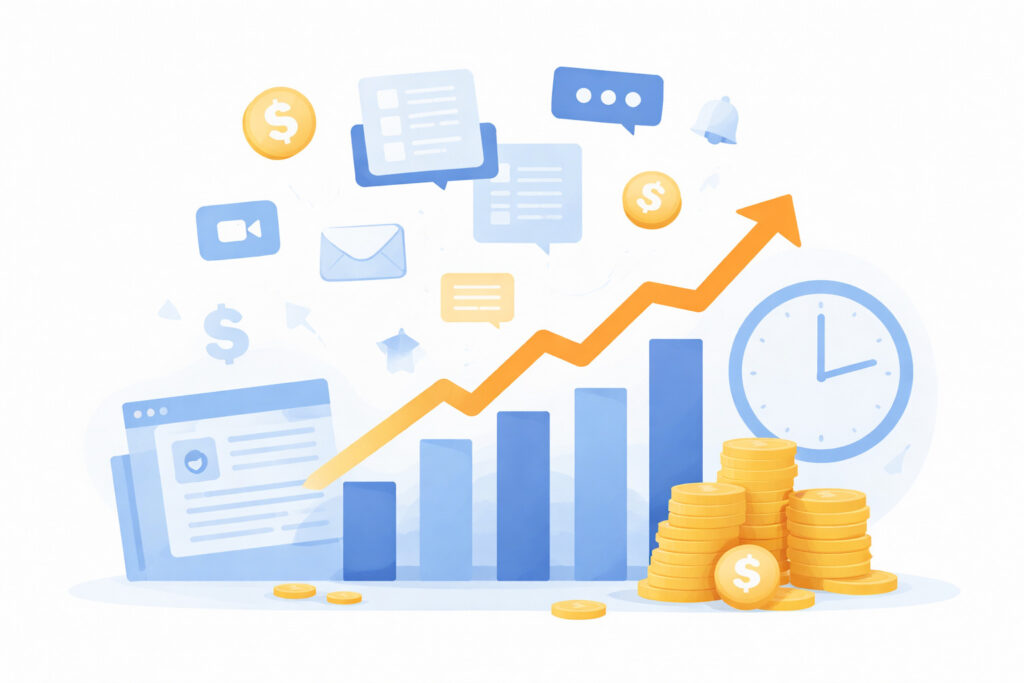
Here’s what’s actually happening when you’re juggling 8-15 different tools every day (and yes, that’s the average according to recent research).
Context switching is eating your day
Nearly 1 in 5 workers switch between apps more than 100 times daily, with 22% losing over 2 hours per week to tool fatigue, adding up to 100+ hours wasted annually. That’s not multitasking. That’s just… losing. Every time you switch from your project tool to Slack to email to your document editor, your brain has to reorient itself.
Your brain isn’t built for this digital stress
Context switching doesn’t just slow you down, it actually depletes cognitive resources. After an interruption, it takes over 20 minutes to regain the same level of focus and efficiency you had before, a phenomenon researchers call “attention residue.” And when you’re switching contexts 33+ times a day? You never actually get back into flow.
Mental fatigue is real
Over half of workers (56%) say tool fatigue negatively affects their work each week, and 45% feel overwhelmed by alerts and notifications from their digital tools. It’s not just about productivity, it’s about the constant low-grade anxiety of feeling like you can never quite keep up.
Information gets lost
When critical details are scattered across Slack threads, email chains, shared drives, and project boards, you waste time searching instead of working. Someone asks “didn’t we already discuss this?” and everyone spends 15 minutes trying to remember which tool that conversation happened in.
The financial hit is bigger than you think
When you factor in the costs, companies spend an average of $3,500 per employee on software, consolidation becomes a financial decision, not just an operational one. An average of $18 million is wasted annually on inefficient SaaS management, per Zylo’s research. That’s not just lost productivity, it’s actual money out the door for redundant licenses, overlapping subscriptions, and tools that barely get used.
How to reduce digital tool fatigue through tool consolidation at GoodDay
Most advice about tool fatigue is either too vague (“just be more intentional!”) or completely impractical (“delete everything and go analog!”). The real solution isn’t eliminating digital tools, it’s consolidating them into something that actually makes sense. And research from Salesforce shows businesses have seen up to $13.85 million in benefits through platform consolidation.
This is where we started thinking differently about GoodDay. Not as another tool to add to the pile, but as a way to replace the pile.
One workspace for everything that matters
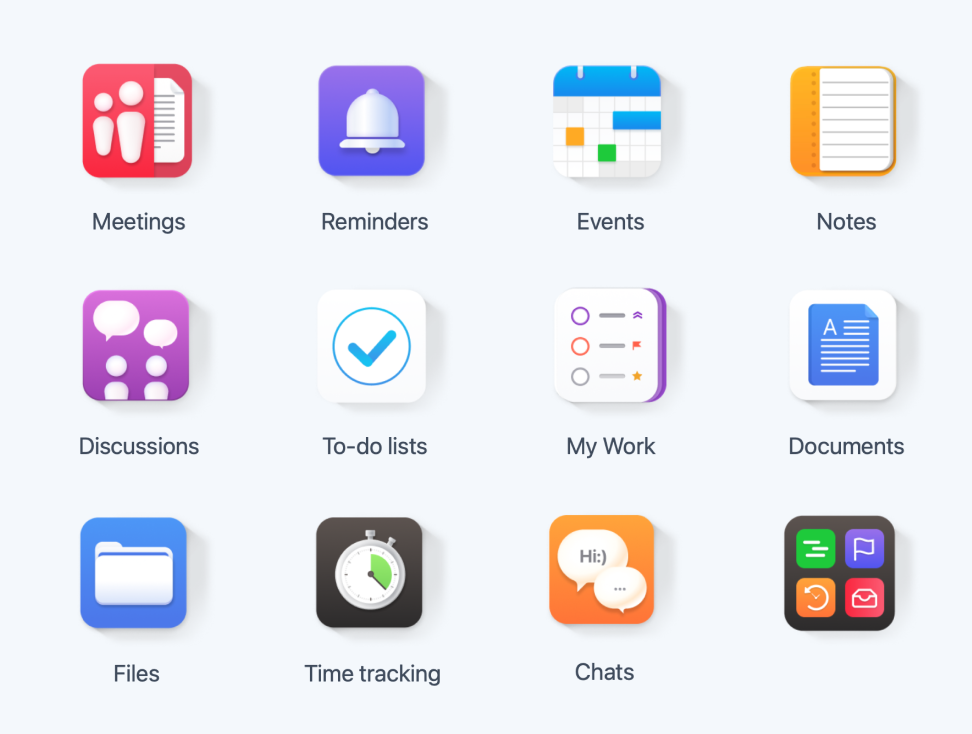
Instead of jumping between a task manager, a doc editor, a messaging app, an approval system, and three different places where files live, GoodDay brings all of that into one unified platform. Tasks, conversations, documents, workflows, approvals, updates, they all live together in the context where they belong.
Context stays intact
The biggest productivity killer isn’t the tools themselves, it’s the constant mental reset required to figure out what’s happening across all of them. GoodDay’s activity stream shows you relevant updates when you need them, without drowning you in noise. Everything has context because everything lives where the work actually happens.
Smart notifications instead of notification hell
Over half of workers feel pressure to respond to notifications immediately, which fractures focus and creates the illusion of urgency around things that aren’t actually urgent. GoodDay cuts through this by prioritizing notifications intelligently, you see what matters, when it matters, without the constant barrage of pings from seven different apps.
Automation handles the repetitive stuff
A huge chunk of tool fatigue comes from manual coordination, following up on tasks, reminding people about deadlines, checking status updates. GoodDay’s automation takes care of that. Auto-reminders, scheduled check-ins, workflow triggers, the system handles the administrative overhead so you don’t have to chase people or wonder if something fell through the cracks.
Multiple views for different needs
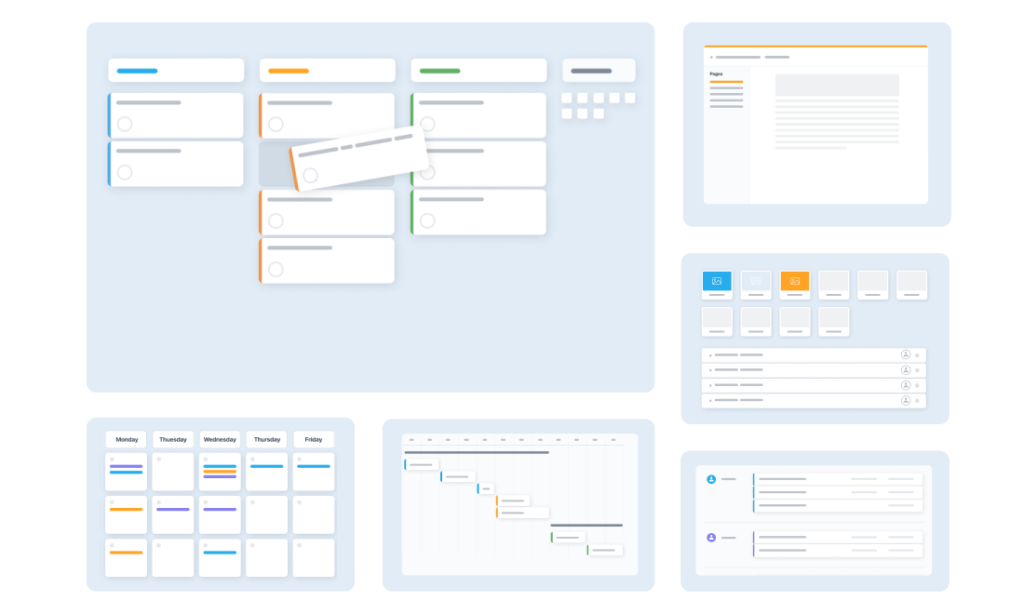
People work differently. Some need Kanban boards. Others live in Gantt charts or prefer simple lists. GoodDay lets you switch between views (list, board, table, timeline, calendar, workload) without switching tools. Your marketing team can see the work one way, your dev team another way, and it’s all the same underlying data.
Everything is searchable and accessible
When decisions, files, and conversations are spread across 10 different tools, your team’s institutional knowledge is basically trapped. New people can’t find anything. Old decisions get forgotten. With everything in GoodDay, there’s one place to search, one source of truth, one repository of “how we got here and why we did it this way.”
What you can do right now to protect your mental health from digital exhaustion
Even if you’re not ready to consolidate tools yet, you can start fighting tool fatigue today:
Audit your stack
List every tool your team uses regularly. Now highlight the ones that overlap, two places for docs, three ways to message, four spots where tasks might live. Those overlaps are where consolidation pays off fast.
Standardize where possible
Pick one channel for updates, one place for async communication, one system for task tracking. The specifics matter less than the consistency.
Protect focus time to prevent cognitive overload
Block out chunks where people aren’t expected to respond immediately. Tool fatigue gets worse when everyone treats every ping as urgent.
Question new additions
Every time someone suggests adding another tool, ask: “What does this do that we can’t already do with what we have?” Sometimes the answer is “a lot,” and that’s fine. But often it’s “not much,” and you’ve just avoided adding to the pile.
Actually consolidate
This is the big one. Switching from 10 tools to a unified platform like GoodDay isn’t just about convenience, it’s about reclaiming cognitive bandwidth. Less switching means more focus. More focus means better work. Better work means less stress and fewer mistakes.
Consider cost
GoodDay’s subscription options start with a free plan for up to 15 users and scales to $4 per user/month for professional features. Compare that to juggling subscriptions various project management solutions (usually around $10-15/user), communication tools ($7-12/user), document management ($8-10/user), and time tracking ($5-8/user), you’re looking at $30-45 per user monthly just to replicate what a consolidated platform offers in one place.
How GoodDay helps teams reduce digital tool fatigue
The goal isn’t perfect consolidation. It’s a meaningful reduction. Going from constant context switching to having one main workspace where most of your work lives? That changes everything.
Look, GoodDay isn’t going to replace every specialized tool you use. If your dev team needs GitHub or your designers need Figma, that’s fine, those integrations exist. But most teams don’t need 15 separate tools. They need maybe 2-3 specialized ones plus one solid platform that handles the core of how they work.
Consolidating tools won’t solve every productivity problem. But it will give you back the mental space to focus on work that matters instead of worrying about work. And honestly? That’s worth it.
You can try GoodDay for free to see how it fits your workflow. And if you have any questions, you can always connect with our team via info@goodday.work
FAQs
Isn’t adding a “unified platform” just adding another tool?
Only if it doesn’t actually replace anything. The point isn’t to add GoodDay on top of your existing stack, it’s to consolidate 5-8 separate tools into one. If you’re still using all the old tools plus the new one, you’ve missed the point.
What if my team is used to our current tools?
Change is hard, but so is losing 100 hours a year to context switching. The transition takes effort upfront, but most teams find that once they’re working in a consolidated system, they wonder how they ever tolerated the old chaos. Start with one team or project as a pilot before rolling it out company-wide.
Can one platform really handle everything?
GoodDay is built to cover the fundamentals that most teams need daily, including core work management, tasks, projects, communication, documents, workflows, and reporting. You’ll probably still have specialized tools for specific functions (design tools, industry-specific software), and that’s fine. The goal is reducing the sprawl, not achieving impossible purity.
How do I convince leadership that one consolidated platform is worth the investment?
Show them the numbers. Workers lose an average of 51 minutes per week to tool fatigue (about 44 hours per year). Multiply that by your team size and their average hourly cost. Then add the direct software costs. Compare your current tool costs to GoodDay’s pricing. The ROI case makes itself.
What’s the biggest mistake teams make when trying to reduce digital burnout?
Not actually committing to the consolidation. They’ll adopt a unified platform but keep using all the old tools “just in case.” That doesn’t reduce fatigue, it adds to it. Pick your core platform, migrate deliberately, and then actually sunset the tools you’re replacing.
How to reduce digital fatigue?
Reducing digital fatigue starts with planning regular breaks so your brain can recover from the heavy cognitive load created by constant switching across tasks in everyday life. Improving digital habits such as limiting screen time helps protect both your attention and your well being. If you experience eye strain, gentle adjustments and mindfulness practices lower tension and preserve mental energy. Where digital communication becomes overwhelming, taking short breaks keeps your attention stable and reduces interruptions. Consolidating tools with GoodDay reduces the need to switch tasks across multiple platforms, helping teams stay focused throughout the day.
What causes digital fatigue?
Digital fatigue is often caused by heavy use of digital technology that increases information overload and creates constant cognitive strain. In a fast-paced digital world, nonstop alerts and digital life patterns make it harder to maintain clarity. Addictive engagement with social media and scrolling through news feeds fragments attention and weakens capacity for deep work. Persistent alerts create a constant sense of urgency that interferes with focus. As many employees work across dispersed systems, employees spend more time managing tools than completing meaningful tasks.
How to get rid of screen fatigue?
Reducing screen time helps prevent computer vision syndrome, especially when work requires long sessions of visual focus. If you notice blurred vision, adjusting lighting and taking breaks reduces strain. Managing excessive use of screens minimizes neck pain and corrects issues caused by poor posture. Lowering evening blue light exposure reduces sleep disturbances and improves rest. Adding more face to face interactions balances digital load during hybrid work routines.
How to fix digital burnout?
Fixing digital burnout begins with reducing reliance on digital devices that contribute to rising mental exhaustion during long work sessions. Limiting excessive screen time and avoiding late-night blue light exposure supports healthier sleep cycles and reduces sleep disorders. Restoring mental acuity requires stepping away from constant video calls and choosing in-person face to face conversations when possible. Protecting your personal life boundaries helps lower emotional overwhelm from too many inputs in a connected world. Adjusting routines so they support recovery prevents the opposite effect, where helpful tools begin to drain energy.
What are the 3 R’s of burnout?
Burnout begins when rising digital exhaustion combines with work done for extended periods without pauses. High digital overload from multiple tasks and back to back meetings increases pressure beyond sustainable levels. Constant slack notifications disrupt focus and weaken clear communication across teams. Reducing stress at early stages helps manage overload before it becomes harmful. Recognizing the main symptoms early supports faster recovery and better long-term balance.
What is meant by digital fatigue?
In the digital age, constant connection drains attention and contributes to lasting mental exhaustion. Repeated virtual meetings and tool-switching generate heavy cognitive strain across the workday. Continuous digital communication increases interruptions throughout the digital world. In blended environments like hybrid work, blurred boundaries add extra mental pressure. Maintaining balanced routines improves digital wellness and reduces overload.
What are the 4 types of fatigue?
There are generally four types of fatigue: physical fatigue from prolonged exposure or poor posture, mental fatigue from information overload, visual fatigue from excessive screen time, and emotional fatigue from constant digital engagement in our connected world. Fatigue takes several forms across your digital life, affecting concentration, mood, and overall functioning. Long screen time sessions reduce alertness, resulting in a reduced attention span. Endless news feeds heighten stimulation and overwhelm your mind. Trying to manage more than one task at a time lowers efficiency and weakens clarity. Exposure to new technologies without recovery time leads to rapid burnout.
What is fatigue in technology?
Fatigue occurs when high tool complexity produces technology fatigue and undermines productivity. Too many interruptions cause difficulty concentrating, making work take longer. Lack of uninterrupted work periods prevents deeper focus and steady progress. Overloaded systems increase digital overload, which weakens decision-making. These insights offer helpful final thoughts on minimizing overload through simpler workflows.
What is software fatigue?
Software fatigue develops when long prolonged exposure to screens causes visual strain and cumulative physical discomfort, especially in busy work environments. Operating inside a fast connected world increases reliance on apps and disrupts mental energy flow. This pressure reduces capacity for deep work and makes tasks feel harder. The fast expansion of technology across industries intensifies expectations. These patterns affect everyday life, showing why consolidation through platforms like GoodDay improves focus and reduces tool strain.




