Project management software shapes how your team plans tasks, tracks progress, and communicates every day.
When the wrong tool is in place, work can feel scattered, deadlines slip, and important details get lost between messages
In this article, we explain how to choose project management software. You will learn what to look for, which features matter most, how to test different tools, and how several well-known project management platforms work, so you can make the best decision for your company.
But if you have any questions that are not covered in this article, you can always connect with our team via info@goodday.work
How to choose project management software: step-by-step process
Here is a step-by-step process to choosing the right project management software:
Step 1: Define your goals
It’s important to clearly understand what problems you want to solve and what your team actually needs from project management software.
Identify requirements: What problems are you solving? (e.g., better visibility, file sharing, budget tracking)
Start by clearly understanding what problems you are trying to solve. Some teams need better visibility into who is working on what, others struggle with missed deadlines, scattered files, or lack of budget control. Writing down these pain points helps you avoid choosing software that looks impressive but does not fix your real issues.
Team & project size: Simple tools for small teams, complex ones for large portfolios
Your team size and the number of projects matter more than most people think. Small teams usually need simple task tracking and collaboration, while larger teams managing multiple projects or portfolios need advanced planning, dependencies, and reporting. Choosing a tool that matches your scale prevents both overpaying and future limitations.
Ensure the tool supports your methodology: Does your team use Agile (Scrum/Kanban) or Waterfall?
Different teams work in different ways. If your team follows Agile methods like Scrum or Kanban, the software should support sprints, boards, and backlogs. If you work in a more linear way, Waterfall features like timelines and dependencies are more important. The right tool should support how your team already works, not force a new process.
Budget: Consider subscription models (per-user, monthly/annual)
Project management tools use different pricing models, usually based on the number of users and billing period. Look beyond the starting price and check what features are locked behind higher plans. A slightly higher monthly cost can be worth it if it saves time, reduces mistakes, and scales with your business.
Step 2: Prioritize key features
Once your goals are clear, the next step is to decide which features are essential for your daily work and which ones are optional.
Task management: Creation, assignment, deadlines, progress tracking
At its core, project management software should make tasks easy to create, assign, and track. Look for clear deadlines, status updates, and progress indicators so nothing gets lost. Good task management helps teams stay focused and accountable without constant follow-ups.
Collaboration tools: Communication, file sharing, @mentions
Strong collaboration features reduce the need for endless emails and meetings. Built-in comments, file sharing, and @mentions keep conversations connected to the work itself. This is especially important for remote or cross-functional teams.
Reporting & dashboards: See project health, budgets, timelines
Reports and dashboards give you a quick overview of project health. You should be able to see timelines, workloads, and potential risks at a glance. This helps managers make informed decisions without digging through spreadsheets.
Integrations: Must connect with tools you already use (Slack, Outlook, CRM)
The software should work smoothly with tools your team already uses, such as email, calendars, chat apps, or CRM systems. Good integrations reduce duplicate work and keep information consistent across platforms.
Customization: Custom fields, workflows, and reports
Every team is different, so flexibility matters. Custom fields, workflows, and reports allow you to adapt the tool to your processes instead of changing how you work. This is especially useful as your business grows or evolves.
Automation: For repetitive tasks like notifications or assignments
Automation saves time by handling repetitive actions like status updates, notifications, or task assignments. Even small automations can significantly reduce manual work and help teams focus on more meaningful tasks.
Step 3: Research & evaluate
After defining your requirements, you can start exploring tools and checking how well they match your needs.
Research options: Look at popular tools and read reviews
Start by reviewing well-known project management tools and comparing their strengths. User reviews and comparison articles can reveal real-world pros and cons that marketing pages often hide. Focus on tools commonly used by teams similar to yours.
Check integrations: Ensure it plays well with your existing tech stack (e.g., Slack, Microsoft Teams)
Before committing, confirm that the software integrates with your existing systems. Missing integrations can create friction and extra work, even if the tool itself is powerful.
Check ease of use: A clunky interface leads to low adoption; test for intuitive navigation
A complicated interface can kill adoption, no matter how many features a tool has. During testing, pay attention to how intuitive the navigation feels and how quickly new users can get started.
Assess scalability: Can the tool grow with your team and project complexity?
Think about where your team will be in one or two years. The right software should handle more users, more projects, and more complexity without forcing a full migration later.
Security: Check data security and permission controls
Data security is critical, especially if you handle sensitive client or financial information. Check for permission controls, access levels, and compliance standards to ensure your data stays protected.
Step 4: Test & decide
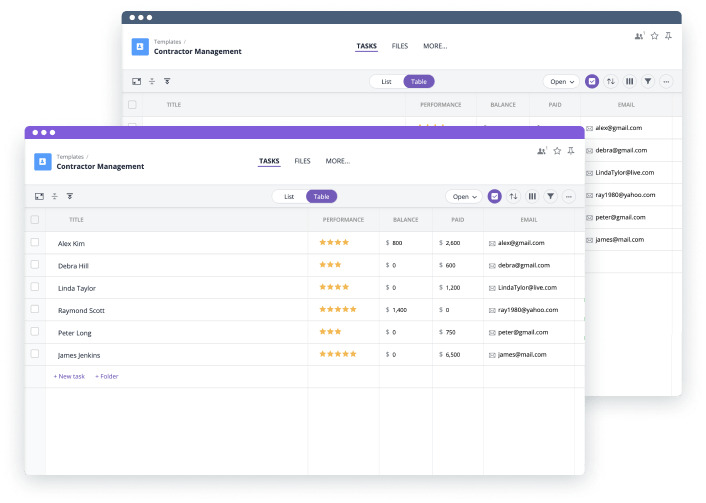
The final step is to test shortlisted tools with your team and choose the one that feels most natural for your workflow.
Shortlist: Pick 3-5 top contenders
After initial research, narrow your options down to three to five tools that best match your needs. This keeps the evaluation process focused and manageable.
Demos & trials: Take advantage of free trials and demos
Free trials and demos are the best way to see how a tool works in practice. Use real projects and real tasks during testing to get an honest feel for the software
Involve your team in testing: The best tool for managing projects is one people will actually use
A tool only works if people are comfortable using it, so their feedback is essential for long-term success.
Final decision: Choose the software that best aligns with your team’s workflow, not just the one with the most features
Choose the software that fits your workflow, team habits, and business goals, not the one with the longest feature list. The best project management tool is the one your team will actually use every day.
5 best project management software platforms in 2026
Let’s have a look at the most widely used project management software solutions in 2026.
1) GoodDay
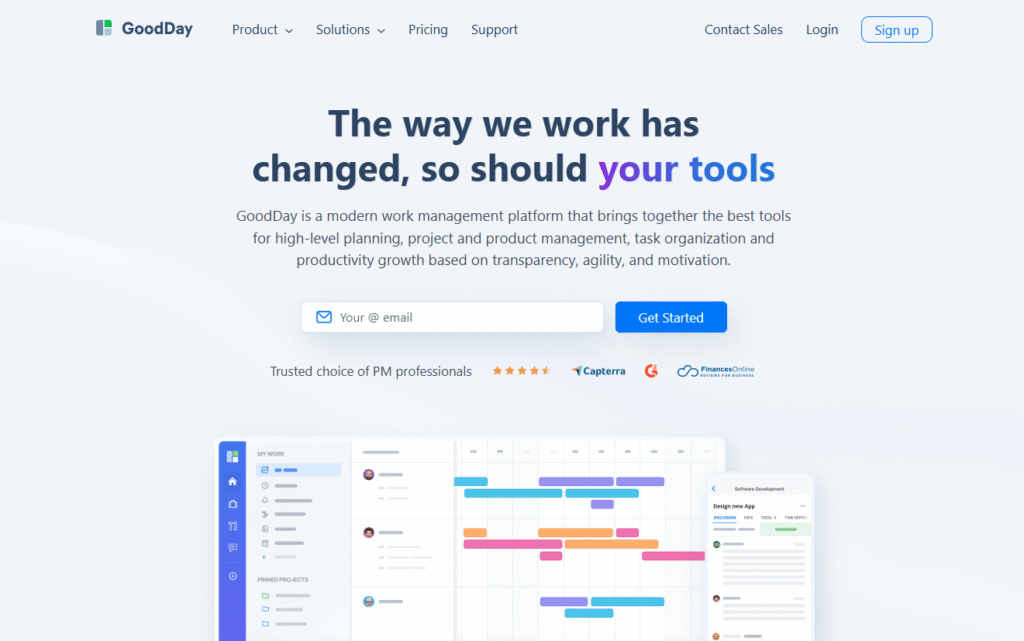
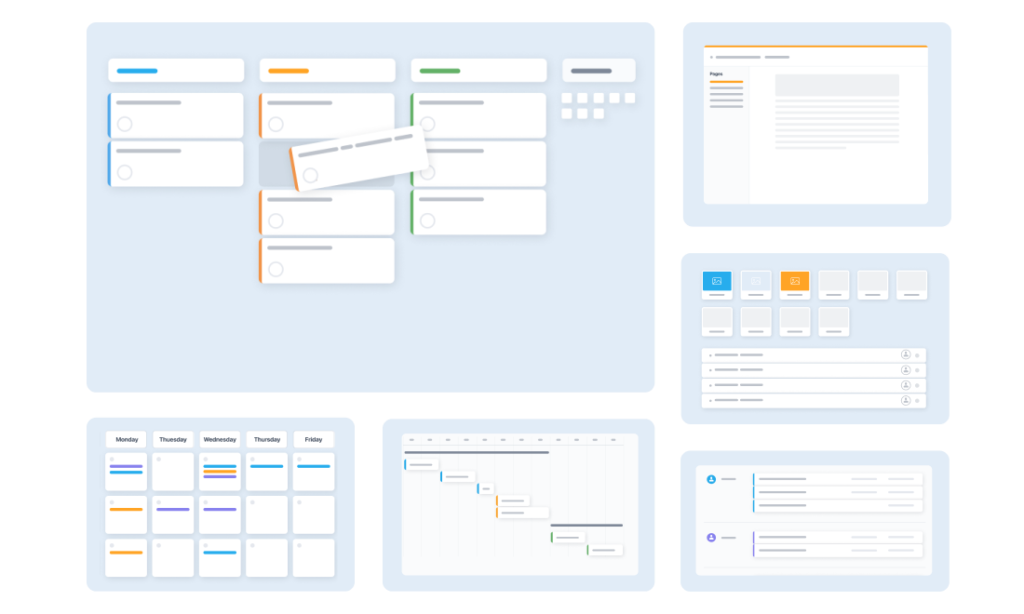
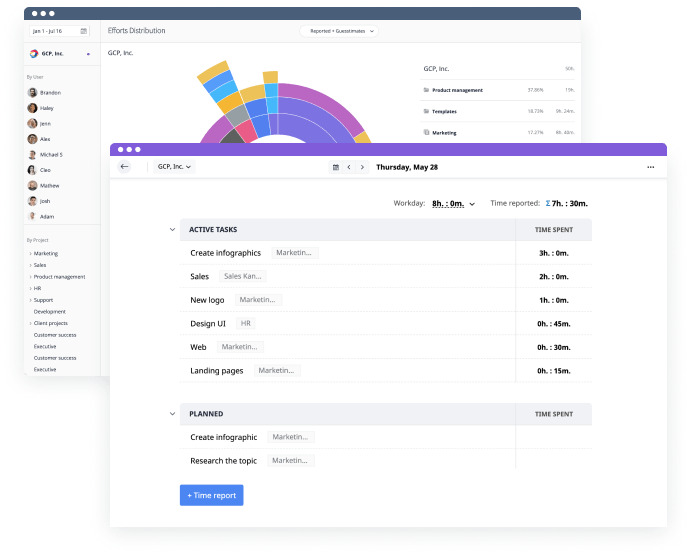
GoodDay is an all-in-one project management software relied upon by Fortune 500 companies, startups, and businesses of all sizes around the world. It includes task management, multiple views (Gantt charts, Kanban boards, etc), templates for various industries, time tracking, reporting and automation tools in a single system.
The platform offers a free plan for up to 15 team members, unlocks advanced productivity tools earlier than other tools and costs less per user (paid plans start at $4/user/month). Its modest price is a standout, you really get a lot for what you pay.
2) Asana
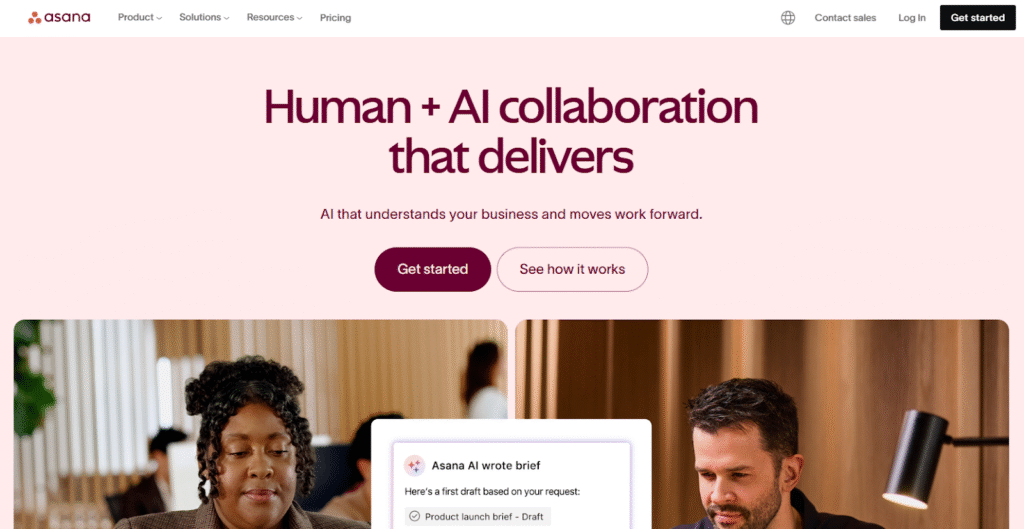
Asana is a work management platform focused on organizing tasks, projects, and goals within a shared system. Teams use Asana to break work into tasks, assign responsibilities, and track progress through different project views.
It provides features such as timeline views, automation rules, task dependencies, and portfolio-level tracking. Asana is used by teams to coordinate work, maintain visibility, and align projects with broader organizational objectives.
3) Jira
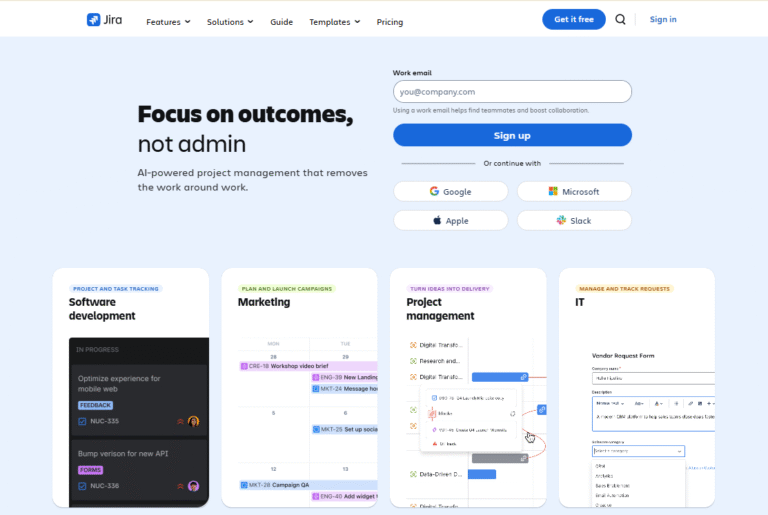
Jira is a project management tool developed to support agile workflows and structured issue tracking. It is commonly used to plan work, manage backlogs, and track tasks through configurable workflows.
It includes features for sprint planning, release tracking, reporting, and workflow customization. Jira is used in environments where teams follow iterative development processes and structured delivery cycles.
4) ClickUp
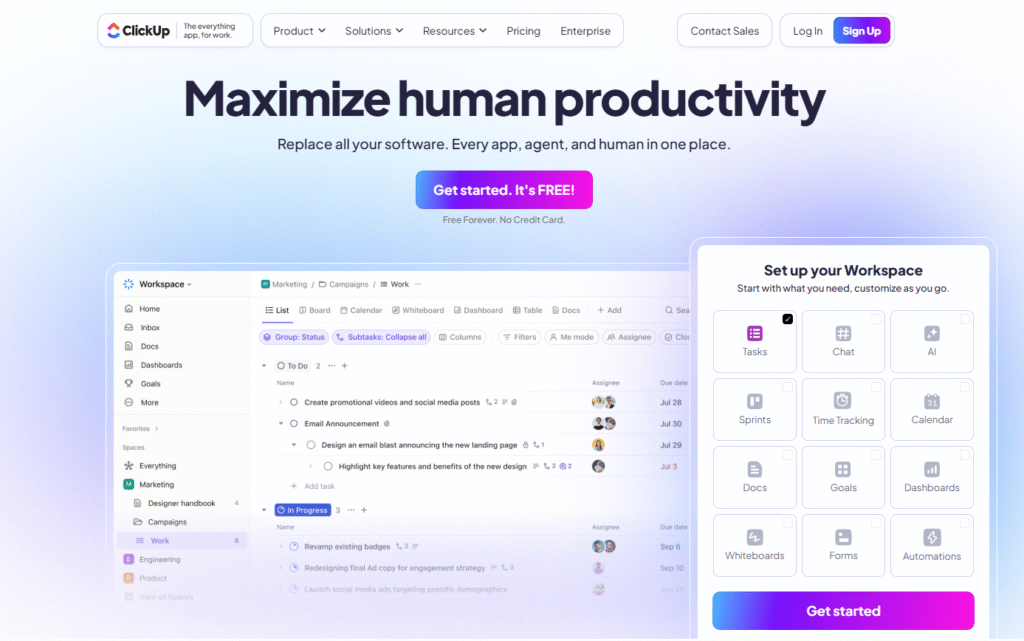
ClickUp is a project management and productivity platform that combines multiple work functions into one system. It allows teams to manage tasks, documents, goals, and dashboards from a centralized workspace.
It supports configurable workflows, custom fields, automation, and multiple project views. ClickUp is used by teams across different departments to organize and track various types of work in one place.
5) Trello
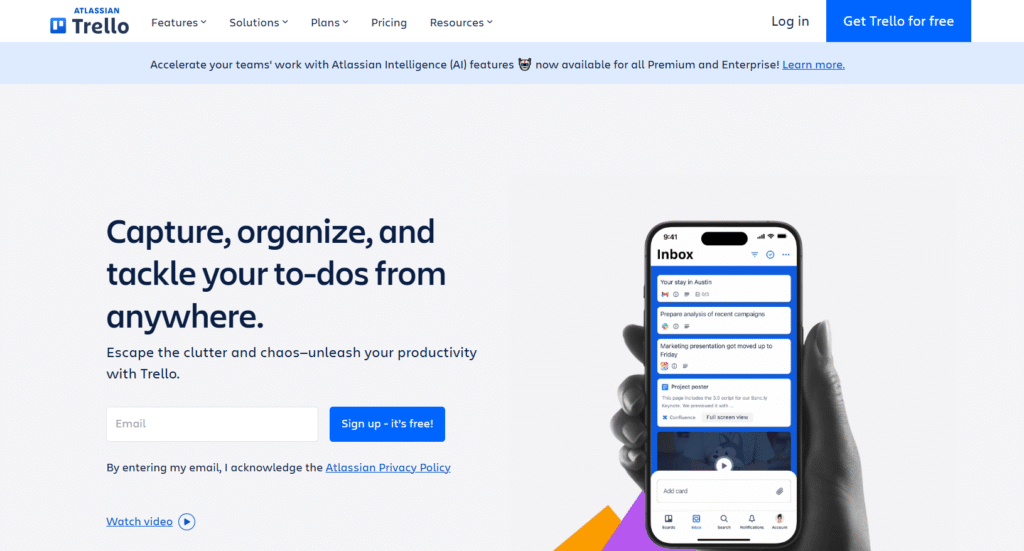
Trello is a visual project management tool built around boards, lists, and cards. It is used to organize tasks and workflows through a simple drag-and-drop interface.
The platform supports task assignment, due dates, labels, and basic automation. Trello is used by individuals and teams to manage projects using a visual, board-based structure.
GoodDay – project management software you can rely on
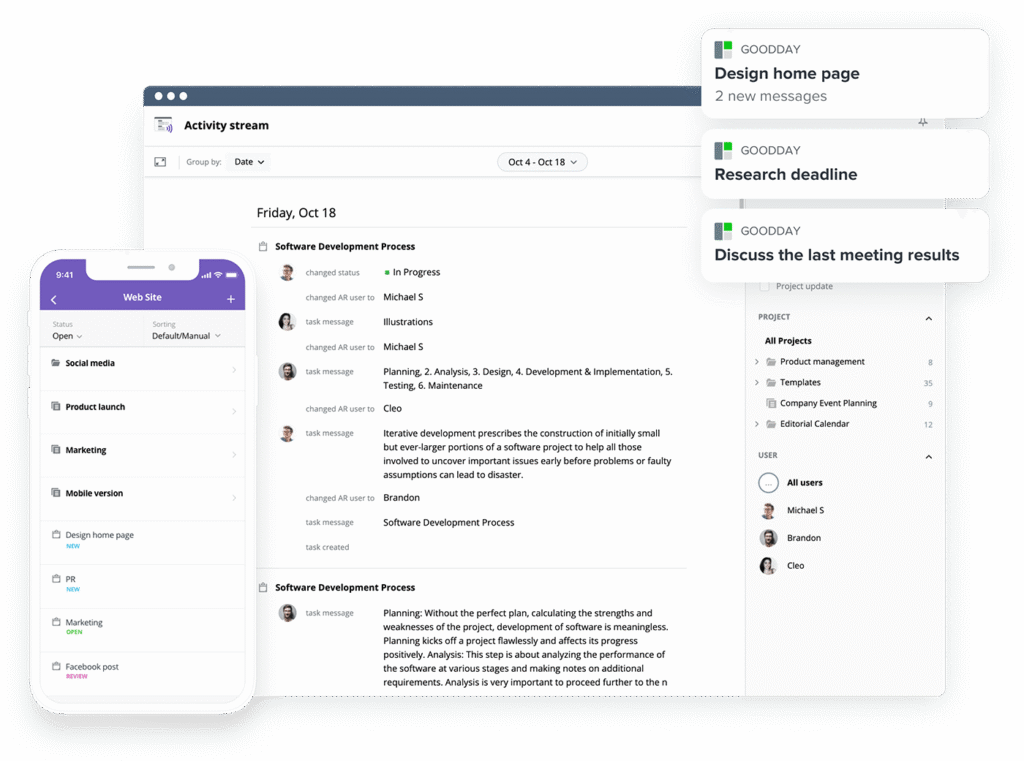
Trusted by over 100,000 teams worldwide, GoodDay is rated as a top software solution in 12 Capterra shortlists, based on user reviews. It offers robust features for project planning, multi-view visualization, and workflow automation.
GoodDay is available across all major operating systems and offers native integration support for a wide array of essential business tools.
You can try GoodDay for free to see how it fits the way you work.
And if you have any questions, you can always contact our team at info@goodday.work
FAQs
How to choose the best project management software?
Choosing the best project management software starts with clearly defining your project management needs and daily workflows. You should look for a solution that supports planning, execution, and visibility without adding unnecessary complexity. The software should help streamline processes and keep all work in one place. GoodDay fits this criteria by combining structure, flexibility, and scalability in one platform.
How to choose the right project management software?
The right project management software depends on your team size, goals, and work style. Consider how easily your team members can adopt the tool and how well it supports collaboration. A clear setup and intuitive navigation reduce friction and mistakes. GoodDay is often chosen because it balances power with ease of use.
Which software is best for project management?
The best option for project management is software that supports planning, execution, and tracking together. Teams benefit from tools that connect tasks, timelines, and communication. A strong system helps maintain visibility across work without manual updates. GoodDay stands out by offering these capabilities in a single, unified solution.
What is the most used PM software?
Many project management tools are widely used across industries, including Asana, Jira, and Trello. Adoption often depends on company size, industry, and internal processes. Over time, teams tend to consolidate work into fewer systems. GoodDay continues to grow in usage as teams look for more complete project management systems.
What is the best and easiest project management software?
A straightforward project management tool is one that teams can start using quickly with minimal training. A low learning curve improves adoption and consistency. Clear navigation and simple task views help teams stay focused. GoodDay offers a user friendly interface without sacrificing advanced functionality.
Which platform is best for project management?
Modern project management platforms are designed to support both planning and execution. A strong platform should handle daily work as well as long-term coordination. It should support visibility across tasks and teams. GoodDay delivers this by combining planning tools and real-time tracking in one environment.
Can I manage multiple projects with free software?
Some project management software options allow teams to work on multiple projects using a free tier. These plans usually cover core planning and tracking needs. Managing several initiatives becomes easier when everything is centralized. GoodDay’s basic plan supports unlimited projects for up to 15 users.
What is Gantt chart software?
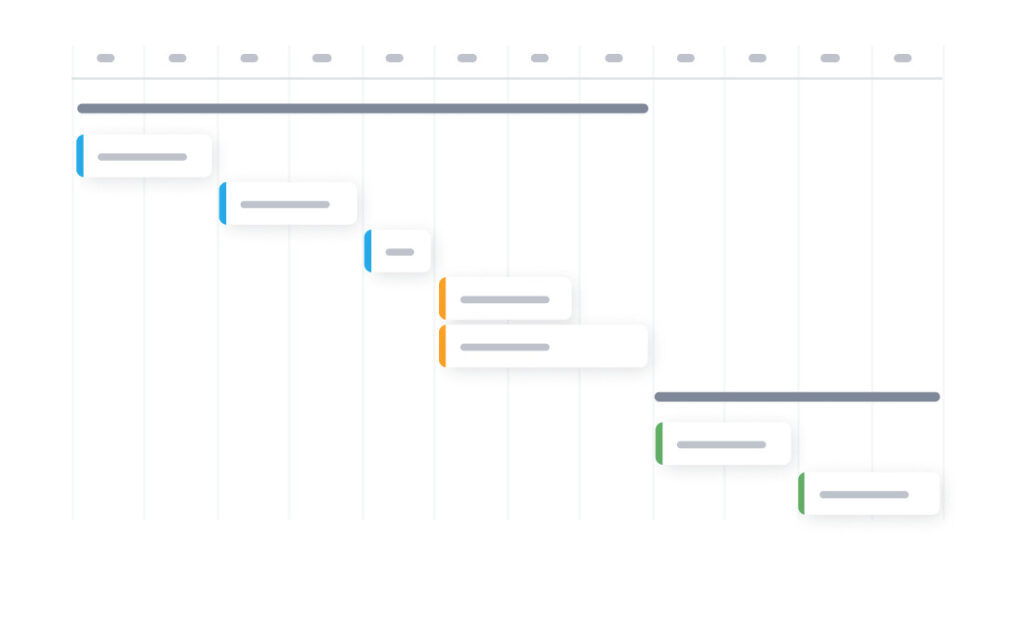
Gantt chart software is used to visualize project schedules and dependencies. It helps teams understand timing, sequencing, and workload distribution. This type of view is essential for clear project planning. GoodDay includes Gantt charts as part of its core feature set.
What is the most important tool in project management?
The most important tool for managing projects is one that keeps work visible and organized. Teams need clarity around assigning tasks and responsibilities. Transparency reduces delays and miscommunication. GoodDay connects task ownership, timelines, and updates in one system.
Is project management software worth it?
Using effective project management software improves coordination and reduces manual follow-ups. Centralized work tracking leads to better team productivity and fewer missed deadlines. Teams gain clearer visibility into priorities and progress. GoodDay provides strong value by combining advanced tools with great pricing.
What are the best project management tools?
The best project management tools like GoodDay and Asana combine planning, tracking, and collaboration in one system. They support task progress, reporting, and coordination across teams. Flexibility is important for handling both simple and complex projects. GoodDay offers a complete set of project management features without fragmentation.
Which project management tools offer the best integration capabilities?
Strong integration capabilities allow software to work seamlessly with existing tools like email and calendars. This reduces duplicate work and keeps information consistent. Integrations are especially important for software development projects. GoodDay natively integrates with G Suite, Gmail, Slack, Google Docs, Google Drive, Google Calendar, Dropbox, Box.com, Single Sign-On (SSO via SAML), GitHub, GitLab, and Email. It also seamlessly connects to over 1,300 business apps via Zapier and provides an API for integration with any of your existing systems.
What project management software has the best free plan?
GoodDay offers one of the strongest free plans among modern project management software, allowing teams to create tasks, use kanban boards, and manage project timelines in one project management app. The free plan supports unlimited projects and up to 15 team members, which is more generous than most alternatives. Teams can clearly track project progress without time limits or forced upgrades. This makes it easy to test project management software in real working conditions before scaling.
What are the most important features in project management software?
Strong management software should include built-in collaboration tools that support clear team communication and shared visibility. Core features like resource management, resource allocation, portfolio management, and reliable reporting tools help teams work from the same page using consistent project data. Well-structured project management systems give teams better control over delivery and outcomes. These capabilities directly support long-term project success.
What is the best software for project managers?
The best software for project managers is one that supports end-to-end project management while adapting to specific project management needs. The ideal project management software combines planning, execution, and tracking without unnecessary complexity. GoodDay comes closest to a perfect project management software by supporting structured workflows, visibility, and scalability in one system. It also offers custom pricing, making it suitable for teams as they grow.
What is the most popular software for project management?
GoodDay continues gaining popularity as a reliable project management app for growing teams. Teams prefer GoodDay because it supports collaboration and visibility across the entire team. Popularity in project management solutions is driven by usability, scalability, and long-term value.




