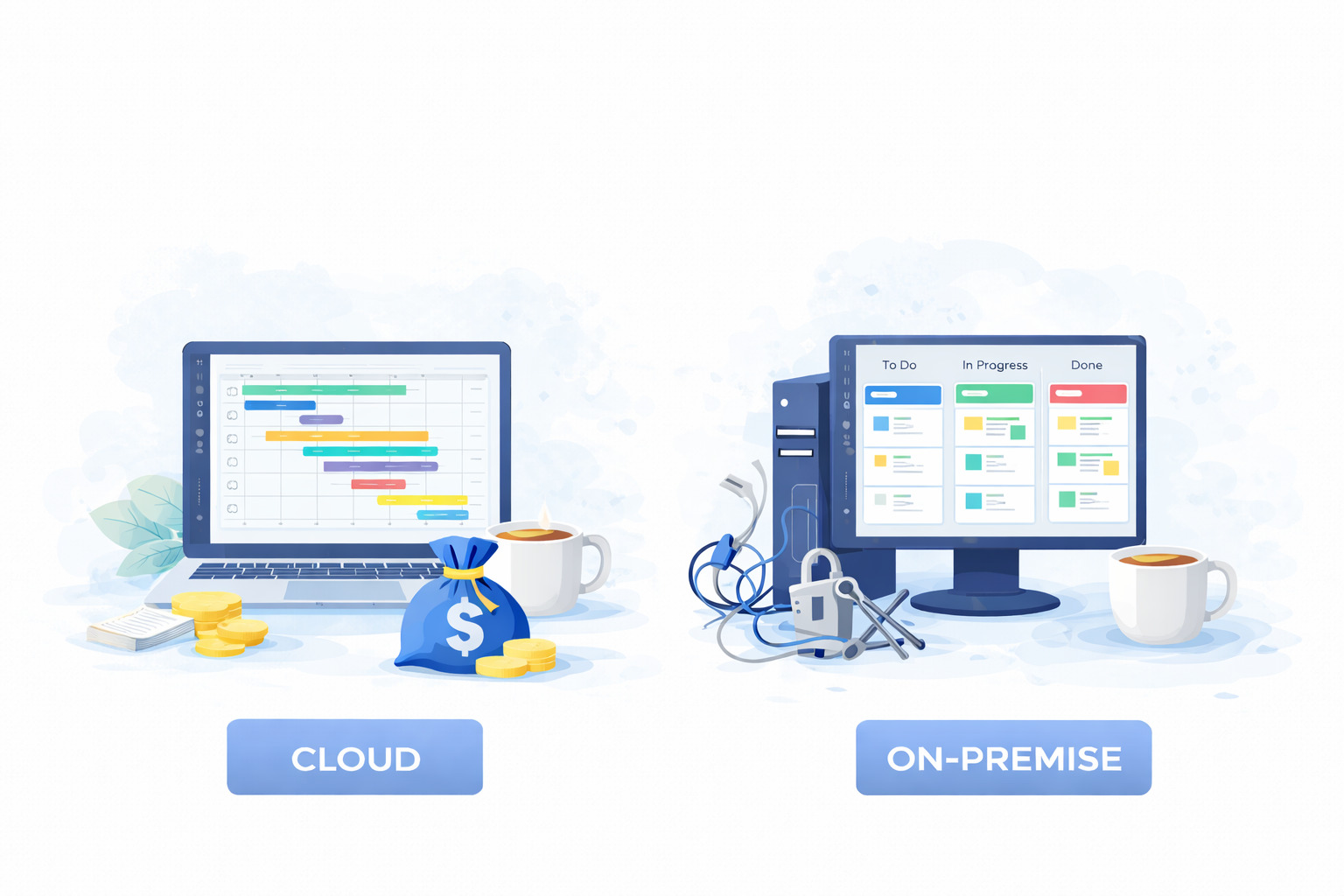
What is the main difference between cloud and on-premise project management software?
In a nutshell, cloud project management software (SaaS) is hosted online and accessed through a web browser, making it easy for teams to work from anywhere with minimal setup. And on-premise project management software is installed on a company’s own servers, giving organizations full control over data, security, and system configuration.
The right choice depends on how your company works, how sensitive your data is, and how much control you want over infrastructure.
Usually, cloud-based software is the better choice if you need remote access, fast setup, and low IT overhead. On-premise software makes more sense when you handle highly sensitive data, must meet strict regulations, have a dedicated IT team, and need full control over your systems.
In this guide, we’ll explore all the differences between cloud and on-premise project management software to help you make the best decision. But if you have any questions that are not covered in this article, you can always connect with our team via info@goodday.work
Key differences between cloud and on-premise project management software
Cloud and on-premise systems solve the same core problems but rely on very different deployment models.
| Aspect | Cloud project management software (SaaS) | On-premise project management software |
| Deployment | Runs on vendor servers and is accessed through a browser. Updates and infrastructure are handled by the provider. | Installed on company-owned servers and managed internally. Updates must be installed by the internal IT team. |
| Cost model | Subscription pricing with low upfront cost. Expenses are predictable and scale with usage. | High initial investment for licenses and hardware. Ongoing costs include maintenance and IT staffing. |
| Accessibility | Accessible from any location with an internet connection. Designed for remote and distributed teams. | Typically accessed through internal networks. Remote access requires additional configuration. |
| Maintenance | Automatic updates, backups, and security patches. Minimal IT involvement required. | Full responsibility for updates, backups, and security. Requires dedicated IT resources. |
| Customization | Configuration through settings, workflows, and integrations. Deep system-level customization is limited. | Highly customizable at the system level. Can be tailored to very specific internal processes. |
| Scalability | Users and features can be added or removed quickly. Suitable for growing teams. | Scaling often requires new hardware and licenses. Changes take more time and planning. |
Pros and cons of cloud and on-premise project management software
Cloud and on-premise project management software both have strengths and limitations that impact how teams work, manage data, and control costs.
Pros and cons of cloud project management software (SaaS)
Cloud project management software focuses on flexibility and reduced technical overhead, making it a common choice for modern teams.
Pros:
- Accessibility: Access from anywhere, any device with internet.
- Cost: Lower upfront, subscription-based, predictable costs.
- Maintenance: Provider handles updates, backups, security.
- Scalability: Easily scale users/features up or down.
- Collaboration: Real-time updates, better for remote teams.
Cons:
- Internet Dependent: Requires stable connection.
- Data Control: Data stored on third-party servers (requires trust/compliance checks).
- Customization: Less deep customization than on-premise.
Pros and cons of on-premise project management software
On-premise project management software prioritizes control, which appeals to organizations with strict security or infrastructure requirements.
Pros:
- Control: Full control over data, security, and updates.
- Security: Better for stringent compliance (finance, healthcare).
- Customization: Highly modifiable to specific workflows.
- Performance: No internet dependency for core function.
Cons:
- Cost: High initial investment (hardware, licenses).
- Maintenance: Burden of IT management, updates, security on your team.
- Scalability: Difficult/costly to scale quickly.
- Accessibility: Remote access can be complex to set up.
Top cloud and on-premise project management software in 2026
Let’s take a look at the leading cloud and on-premise project management software platforms.
Best cloud project management software
Cloud platforms focus on flexibility, collaboration, and fast deployment.
1) GoodDay
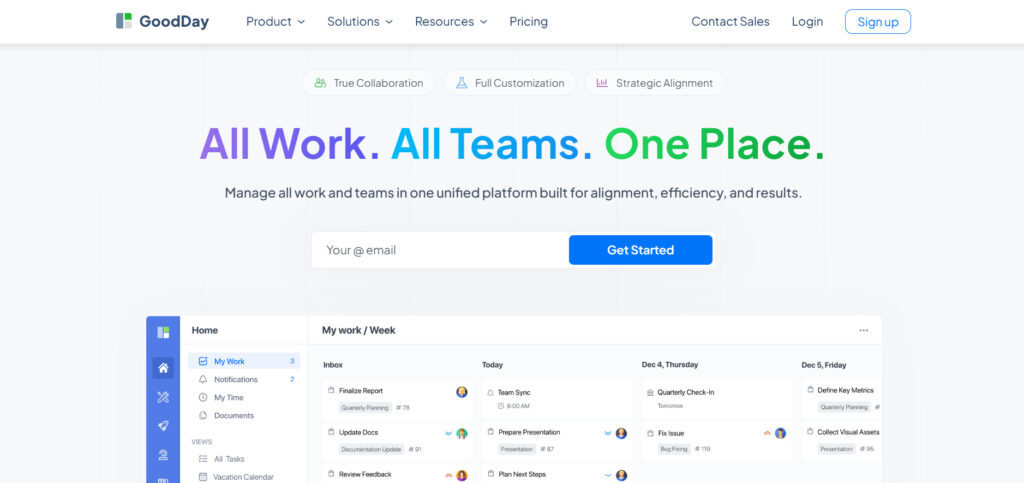
GoodDay is a cloud-based project management platform designed for teams that need structured planning without complexity. It combines task management, Gantt charts, workload planning, time tracking, and automation in a single system. It is widely praised because it strikes the rare balance between powerful features and affordability.
2) Asana
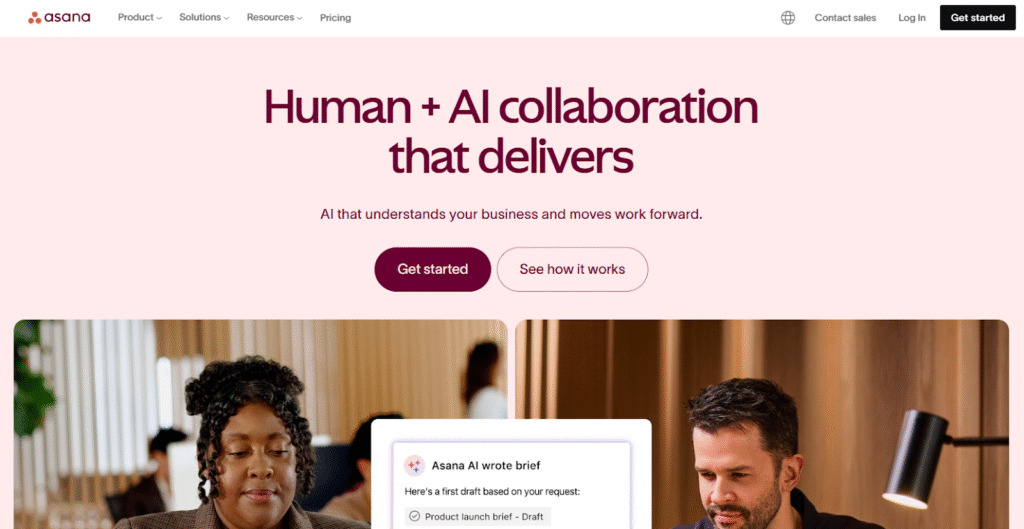
Asana is a cloud project management tool focused on task coordination and team visibility. It is popular among marketing, product, and operations teams that need clear task ownership and timeline views. The platform emphasizes ease of use and broad third-party integrations.
3) Monday.com
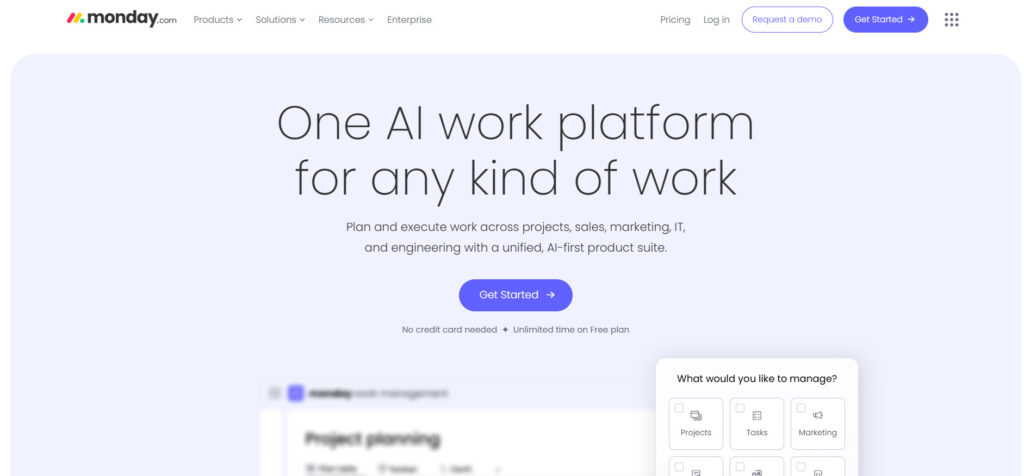
Monday.com offers a flexible cloud platform built around customizable boards and workflows. It is often chosen by teams that want strong visual organization and cross-department collaboration. The system supports project tracking, automation, and reporting at scale.
Best on-premise project management software
On-premise tools are typically used by organizations with strict security or compliance requirements.
1) Microsoft Project Server
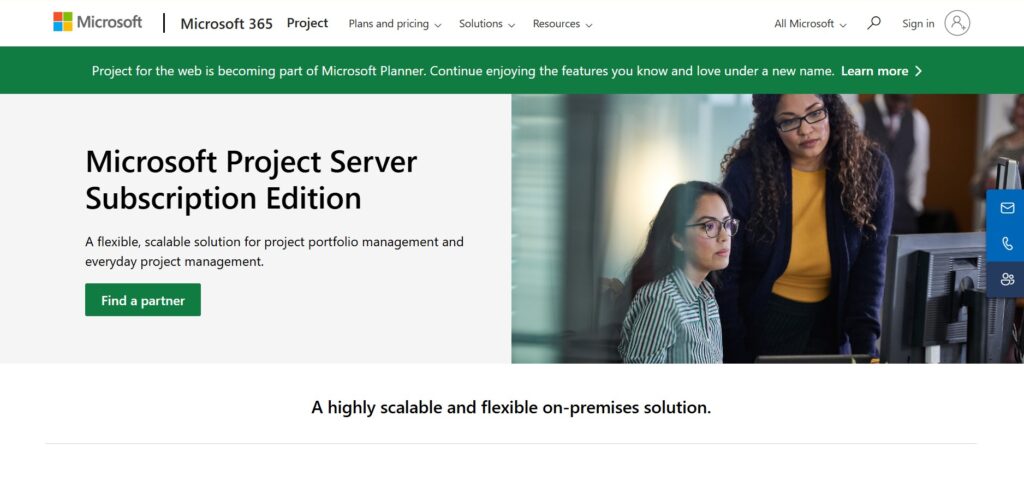
Microsoft Project Server is an on-premise solution designed for enterprise project planning and portfolio management. It integrates with Microsoft infrastructure and supports advanced scheduling and resource planning. Deployment and maintenance require experienced IT teams.
2) OpenProject
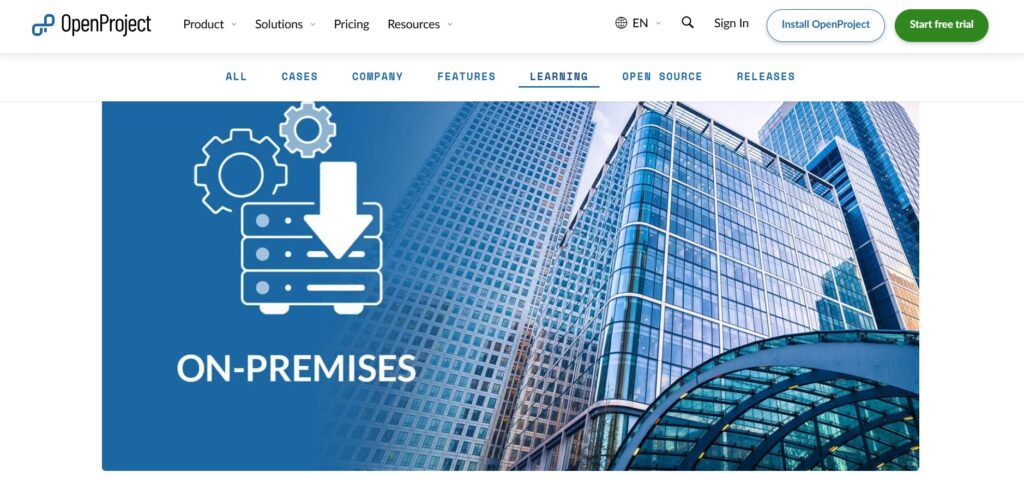
OpenProject offers an on-premise edition focused on transparency and data ownership. It supports classic project management features such as timelines, task tracking, and collaboration. Organizations often choose it when they want full control over hosting and data.
3) Redmine
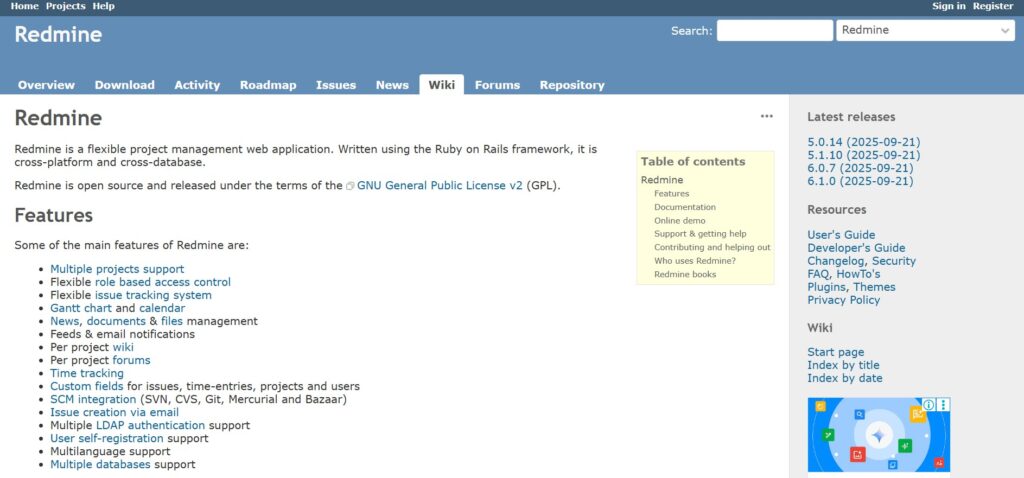
Redmine is an open-source on-premise project management system. It is highly customizable and commonly used by technical teams. Setup and long-term maintenance depend entirely on internal resources.
How to choose project management software for your company
It is important to find software that can support your workflows. The right system should reduce coordination effort and make priorities clearer.
Think about how your team works
If people work remotely or from different locations, cloud project management software is usually easier because everyone can log in from anywhere. If your team works from one office and relies on internal systems, an on-premise solution may feel more natural.
Consider your data and security needs
Some companies handle sensitive data and must follow strict rules, especially in industries like finance or healthcare. In these cases, on-premise software can feel safer because all data stays inside the company. Cloud software can also be secure, but it requires careful review of compliance and security standards.
Be honest about your IT resources
Cloud software is easier to maintain because updates, backups, and security are handled by the vendor. This works well if you do not have a large IT team. On-premise software needs ongoing technical support, so it only makes sense if you already have the people and budget to manage it.
Plan for future changes
Think about how your company may grow or change in the next few years. Cloud software makes it easy to add users or features without major setup. On-premise systems are better for stable environments where changes happen slowly.
Choose software your team will actually use
The best software is the one your team feels comfortable using every day. Look for clear interfaces and simple workflows. If a tool feels too complex, people may avoid it, no matter how powerful it is.
GoodDay – project management software you can rely on
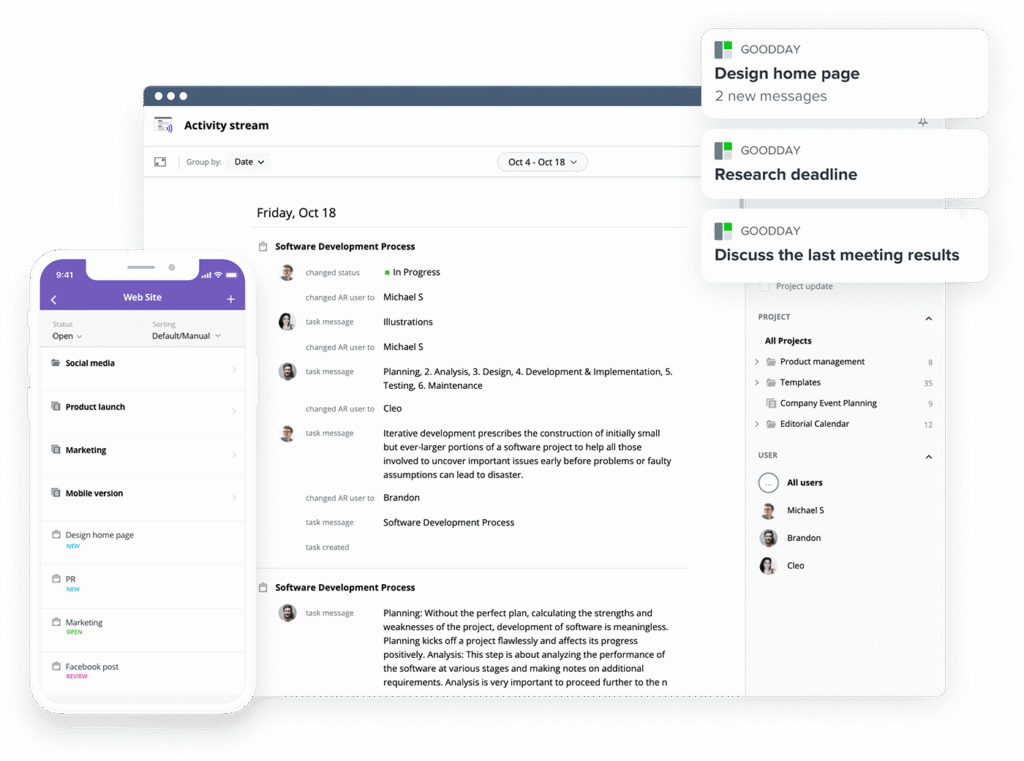
GoodDay is an all-in-one project management platform used by Fortune 500 companies, fast-growing startups, and established businesses worldwide.
The system is built as a SaaS platform and is designed to adapt to different team workflows and structures. In 2026, GoodDay is listed among the top-rated software in 12 Capterra shortlists.
You can try GoodDay for free to see how it can support your workflows. And if you have any questions, you can contact our team at info@goodday.work
FAQs
What is cloud-based project management software?
Cloud-based project management software is a system that runs in a cloud environment and is accessed through a browser. It stores project data on remote servers managed by cloud providers instead of being stored locally. Teams rely on a reliable internet connection and internet access to work in real time. This model supports remote accessibility for teams working from multiple locations.
What software is used for project management?
Companies use many project management tools, including cloud and on premise options. Popular examples are cloud based systems like GoodDay, Asana, and monday.com, as well as on premise setup tools like Microsoft Project Server. GoodDay stands out as a project management solution because it combines planning, tracking, and reporting in a unified platform. It is designed for modern businesses that need flexibility without heavy infrastructure.
What are the three types of project management software?
The three main types are cloud based software, on premise software, and hybrid systems. Cloud based solutions run in the public cloud or private cloud, while on premise software runs on own hardware. Hybrid systems combine cloud hosting with internal systems to meet security requirements. Each type fits different business needs and regulatory environments.
What is the most used PM software?
Cloud tools are the most commonly adopted today because of cost efficiency and ease of deployment. Platforms like GoodDay, Asana and Jira are widely used by project managers across industries. Among them, GoodDay is often chosen for its balance of features and pricing. Cloud adoption continues to grow due to scalable and cloud computing–based delivery.
Which software is best for project management?
The best software depends on workflow complexity, team size, and long-term business planning. For most teams, a cloud based project platform like GoodDay offers advanced tools without requiring deep IT involvement. It supports planning, execution, and reporting in one system. This makes it a practical choice for companies that want fast adoption and long-term value.
What are cloud-based project management tools?
Cloud-based project management tools operate through cloud hosting provided by a third party provider. They keep all your data in professionally managed data centers with built-in security measures. Users access the system through a browser using a stable internet connection. These tools reduce the need for internal it infrastructure.
What is the most common software used in project management?
Today, cloud solutions are the most common choice across industries. They allow teams to collaborate without managing network infrastructure or local servers. GoodDay is frequently selected because it centralizes tasks, timelines, and reporting in one place. This approach simplifies coordination and reduces operational friction.
What are the benefits of cloud deployment models versus on premises models?
Cloud deployment offers scalable infrastructure, automatic software updates, and built-in disaster recovery. It lowers operational costs compared to maintaining physical systems. On premises models provide complete control and maximum control over systems and data. The tradeoff is higher responsibility for maintenance and risk management.
How to choose the right project management software?
Choosing software is a critical decision that should align with data sensitivity and team structure. Companies must evaluate security concerns, data sovereignty, and how intellectual property is protected. Cloud tools work well when flexibility matters, while on premise systems suit organizations needing strict oversight. The right choice balances control, usability, and growth plans.
What are infrastructure costs for on premise software?
On premise software requires significant upfront investment in server hardware, storage capacity, and software licenses. Companies must also budget for ongoing maintenance and internal support teams working in house. Systems are tied to a specific physical location and rely on internal resources. Over time, these costs often exceed the subscription fees of cloud alternatives.




