The quality of ChatGPT’s output depends on the quality of the prompt you give.
If your prompt is vague, you will get a generic, copy-paste kind of answer. But when you write a strong, clear prompt, you tap into a huge pool of human knowledge in seconds.
In this article, you will find practical ChatGPT prompts designed for project management, so you could plan and manage your work with greater clarity.
ChatGPT prompts for project management
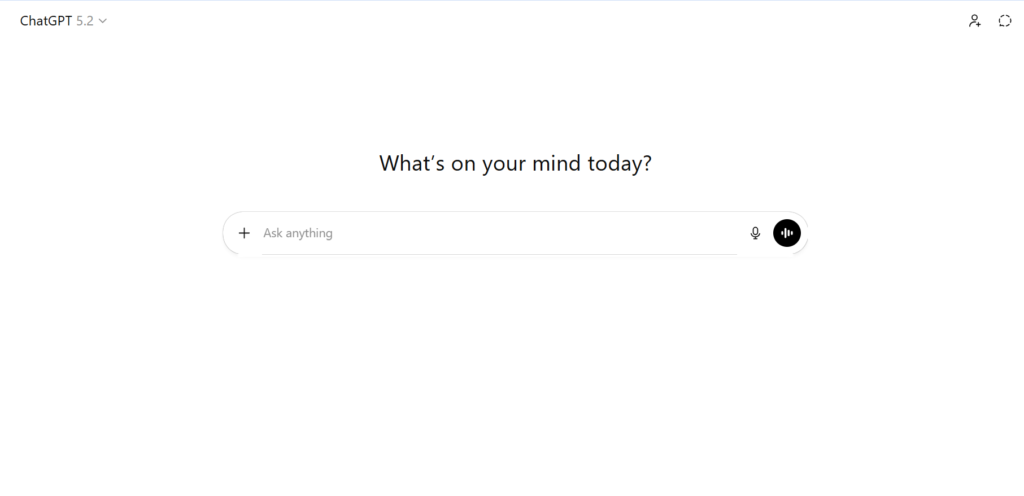
Effective prompts focus on breaking down projects into tasks, identifying risks, and drafting stakeholder communications. Here are ChatGPT prompts you can use for your projects:
Project initiation & planning
- Project scope: “Outline the scope, objectives, and deliverables for a [type of project] project”.
- Scope definition: “Draft a project scope statement for [Project Name] defining the boundaries, deliverables, and exclusion criteria.”
- Work breakdown structure (WBS): “Break down the project [Name] into smaller tasks and milestones”.
- Timeline generation: “Create a project timeline and identify critical path tasks for [Project Details]”.
- Resource planning: “Suggest an optimal resource allocation plan for [Project] considering [constraints]”.
- Milestone planning: “Suggest critical, realistic milestones for a [Project Type] that includes phases like [list phases].”
Risk management & strategy
- Risk assessment: “Identify potential risks for [Project Name and Description] and suggest mitigation strategies”.
- Scenario planning: “Develop a scenario plan for [specific high-impact risk] including a response plan and recovery strategy”.
- Decision matrix: “Generate a vendor selection decision matrix for [Project] based on [Criteria]”.
Task management & scheduling
- Task list: “Create a list of action items following a team meeting where we discussed [topic].”
- Prioritization: “Prioritize the following project tasks [list tasks] using the Eisenhower Matrix.”
- Critical path: “Given the following task list with durations and dependencies [list], identify the critical path.”
Team coordination & communication
- Meeting agendas: “Create a structured meeting agenda for a [Topic] meeting”.
- Status reports: “Draft a professional email updating stakeholders on [Project Status, including delays or achievements]”.
- Conflict resolution: “Provide strategies for resolving conflict between [Role A] and [Role B] regarding [Issue]”.
- Task delegation: “Create a checklist for delegating [Task] to a team member, including success criteria”.
- Status update email: “Draft a weekly status update email regarding [key milestones/delays] to be sent to [stakeholders].”
- Email for delay: “Draft an email to a client explaining a 2-week delay in the [Project Name] due to [reason], while maintaining a professional and proactive tone.”
Key elements of strong project management prompts
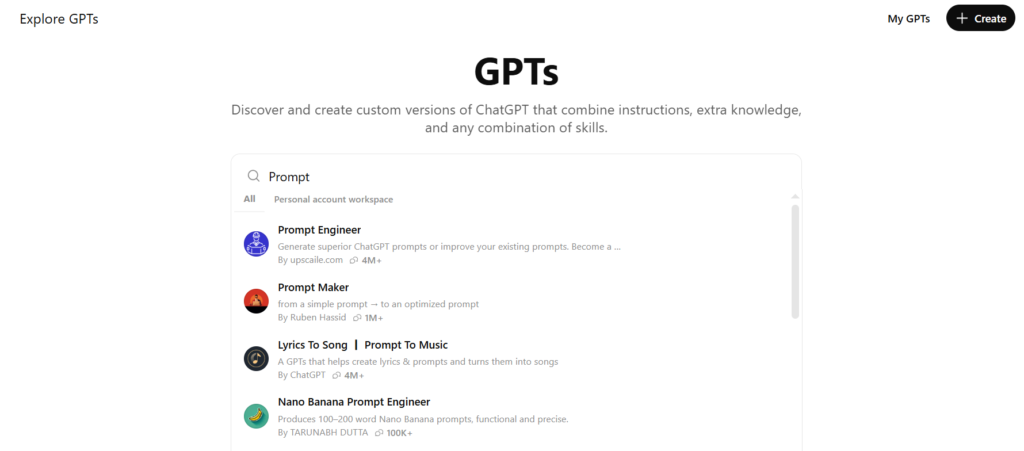
A high-impact prompt often follows this formula: Role + Goal + Context + Constraints + Format. Each plays a specific function. And by the way, in addition to writing prompts manually, you can also use ready-made GPTs to speed up the process.
In general, here are some of the main components of the good prompt:
1. Role – define the perspective
Example:
Act as a senior PMP-certified project manager with 10+ years of experience in software development.
The role tells ChatGPT what mindset to adopt. Instead of giving a generic answer, the model responds from a specific professional perspective.
2. Goal – clarify the expected outcome
Example:
Create a comprehensive risk management plan.
The goal states exactly what you want produced. It keeps the response focused on a concrete deliverable instead of general information. A good goal specifies the main task, removes ambiguity about the purpose and prevents overly long or irrelevant answers.
3. Context – describe the situation
Example:
For a new AI-powered customer service chatbot project with a tight 3-month deadline.
Context gives the model important background. Providing context allows ChatGPT to adapt recommendations to realistic conditions, consider timeframes and avoid generic advice.
4. Constraints – set boundaries
Example:
Focus on budget limitations, potential API integration bottlenecks, and regulatory compliance risks.
Constraints define what must be considered or avoided. They narrow the scope and ensure the response reflects real-world limitations. Well-defined constraints help by highlighting priorities, preventing impractical suggestions and steering the output toward decision-relevant factors.
5. Format – specify how the result should look
Example:
Present the output as a table with columns: Risk ID, Description, Probability (H/M/L), Impact, and Mitigation Strategy.
The format tells ChatGPT exactly how to present the information. This is crucial when you need structured outputs for reports, presentations, or direct use in project tools. Specifying formats such as tables, checklists, or step-by-step plans turns ChatGPT into a practical productivity assistant rather than just an idea generator.
Use GoodDay project management software to turn plans into action
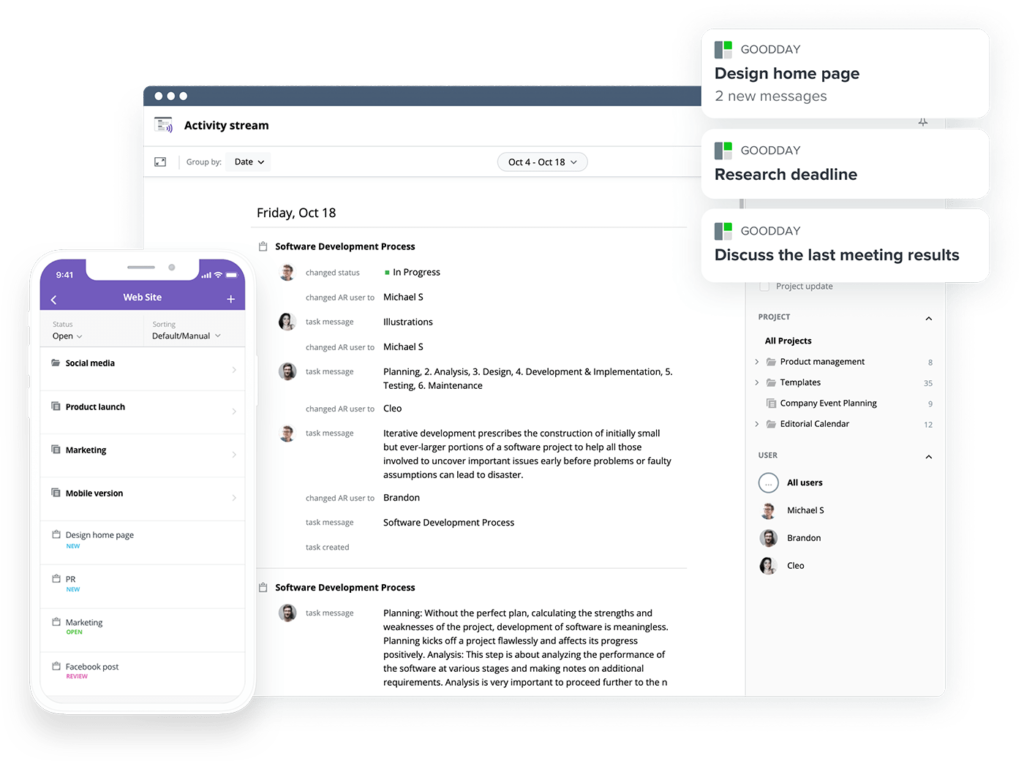
ChatGPT is great at helping you plan projects. But once the ideas are ready, you still need a place to organize the work and keep everything moving.
GoodDay is a powerful project management software used by Fortune 500, startups, and established businesses around the world. The platform can help to turn ChatGPT-generated ideas into clear, trackable projects. You can quickly create tasks, assign work, set deadlines, and see progress.
Everything stays in one workspace, so your team knows what to do, what is coming next, and where the project stands. GoodDay is top-rated in 12 Capterra shortlists in 2026.
You can use GoodDay for free to manage projects, keep your team aligned, and turn smart plans into completed work.
FAQs
Can I use ChatGPT for project management?
Yes, ChatGPT can support project management by helping a project manager organize work, clarify project objectives, and outline key deliverables. It can assist in building a comprehensive project plan that aligns teams and supports long-term project success. Many teams use generative AI tools to summarize project details, identify potential risks, and recommend mitigation plans. While it does not replace dedicated project management tools, it strengthens planning and decision-making.
How to structure a prompt for ChatGPT?
Start by clearly stating the project name, expected outcomes, and important constraints so the model understands the context. Good AI prompts rely on prompt engineering, combining role, task, context, and format into a logical request. Ask for a structured plan that lists key stakeholders, highlights relevant information, and reflects the correct project phase. This structure helps teams stay aligned throughout project management.
How to make good prompts for ChatGPT?
Describe the project description and request a detailed project plan that supports execution across multiple project plans. An experienced project manager typically includes evaluation criteria so teams can measure success objectively. Strong generative AI prompts also clarify resource requirements and explain how to allocate resources effectively for better resource management. This approach improves consistency in project management workflows.
What are examples of effective ChatGPT prompts?
You might ask ChatGPT to create a project schedule with clear start and end dates and mapped task dependencies. A marketing project manager could request a risk mitigation plan to protect campaign timelines and reduce delivery issues. Another example is generating a quality management plan that supports project quality management and helps define quality standards. These prompts guide smarter project management decisions.
What is the coolest thing you can do with ChatGPT?
One impressive capability is generating an executive summary that highlights key achievements and explains the current project status. It can also help teams track key metrics and monitor key performance indicators for data-driven insights. Because leading generative AI tools analyze large datasets quickly, managing complex projects becomes more efficient. This makes planning feel less like a constant balancing act.
How to use ChatGPT to generate prompts?
Ask ChatGPT to create reusable AI prompts tailored to different project stages so teams can repeat successful workflows in future projects. Provide the project name and request a table format output listing goals, actions, and owners. You can also ask for another table format that summarizes key points for faster decision-making. This method strengthens structured project management practices.
Can ChatGPT create a Gantt chart?
ChatGPT can outline a detailed project timeline and structure it into a simple table format for easy import into scheduling software. It can suggest logical sequencing based on project resource allocation and estimate effort using resource allocation principles. Teams can then pair the output with an easy to use platform to visualize milestones and dependencies. This process improves visibility across project management.
Can I use ChatGPT for project management?
Yes, ChatGPT helps a project manager draft a detailed budget and build a structured budget table that supports accurate project budget management. It can also produce a budget tracking report to help teams manage unexpected costs while protecting the overall project budget. Leaders often request guidance on following project resource allocation to ensure balanced workloads. These capabilities enhance modern project management practices.
How to use ChatGPT for project management?
Use ChatGPT to generate a project conclusion checklist, prepare a project closure report, and guide a thorough post project review. It can recommend quality control measures aligned with measurable quality objectives to strengthen outcomes. Teams can analyze resource utilization and improve coordination across initiatives. This supports more predictable project management results.
Which AI is good for project management?
Among today’s options, ChatGPT stands out as an easy to use platform that complements traditional project management tools. It helps create a project schedule, refine resource management, and clarify project management priorities without heavy setup. An experienced project manager can rely on it to organize a project name around strategic goals. Used correctly, it accelerates planning while supporting scalable project management.




