Managing a team often feels like a puzzle where the pieces keep changing size. You want to keep everyone productive without causing burnout, but tracking who is doing what across dozens of projects is a massive challenge.
Using the right software can turn that chaos into a clear plan. It helps you see exactly how much work is on everyone’s plate so you can adjust tasks before anyone gets overwhelmed.
In this guide, we’ll explore the best workload management tools to help you make the best choice.
But if you have any questions that are not covered in this article, you can always connect with our team via info@goodday.work
Best workload management tools (shortlist for 2026)
Finding a tool that balances power with ease of use is the key to a successful implementation. GoodDay is a versatile platform that combines task planning with deep resource visibility to ensure team health.
- GoodDay: Offers a comprehensive suite for planning, execution, and capacity tracking.
- Asana (Best for Cross-Functional Teams): Features strong workload views, capacity monitoring, and intuitive task management for teams of all sizes.
- Monday.com (Best for Visual Planning): Offers highly customizable, drag-and-drop dashboards for portfolio management.
- ClickUp (Best for Customization): Provides detailed workload views, time tracking, and automation features.
- Wrike (Best for Complex Projects): Ideal for enterprise teams needing advanced analytics, resource, and backlog management.
- Motion (Best for AI Scheduling): Automatically adjusts your team’s schedule based on priority and capacity.
- Smartsheet (Best for Spreadsheet Users): Excellent for resource planning and automation, especially for project managers.
- Jira (Best for Software/Dev Teams): Top choice for tracking sprint capacity and technical work.
Comparison of the best workload management tools in 2026
Let’s compare some of the leading tools to see how they stack up against each other. Please keep in mind that pricing may change depending on billing cycle, region, promotions, and custom contracts.
| Software | Best for | Pricing |
| GoodDay | All-in-one work management | Free plan (up to 15 users); Professional – $4/user/month; Business – $7/user/month; Enterprise – custom pricing |
| Asana | Cross-functional coordination | Personal – Free; Starter – $10.99/user/month; Advanced – $24.99/user/month |
| Monday.com | Visual planning | Free plan (up to 2 users); Basic – $9/user/month; Standard – $12/user/month; Pro – $19/user/month |
| ClickUp | Total customization | Free Forever – Free; Unlimited – $7/user/month; Business – $12/user/month |
| Wrike | Complex enterprise projects | Free plan; Team – $10/user/month; Business – $25/user/month |
| Motion | AI-driven scheduling | Pro – $19/user/month; Business – $12/user/month (for 3+ users) |
| Smartsheet | Spreadsheet-based work | Pro – $9/user/month; Business – $19/user/month |
| Jira | Software development | Free (up to 10 users); Standard – $8.15/user/month; Premium – $16/user/month |
Overview of the best workload management tools
Selecting the right platform depends on your team’s specific workflow and technical needs. Here is a closer look at the top contenders for managing your team’s daily output.
GoodDay
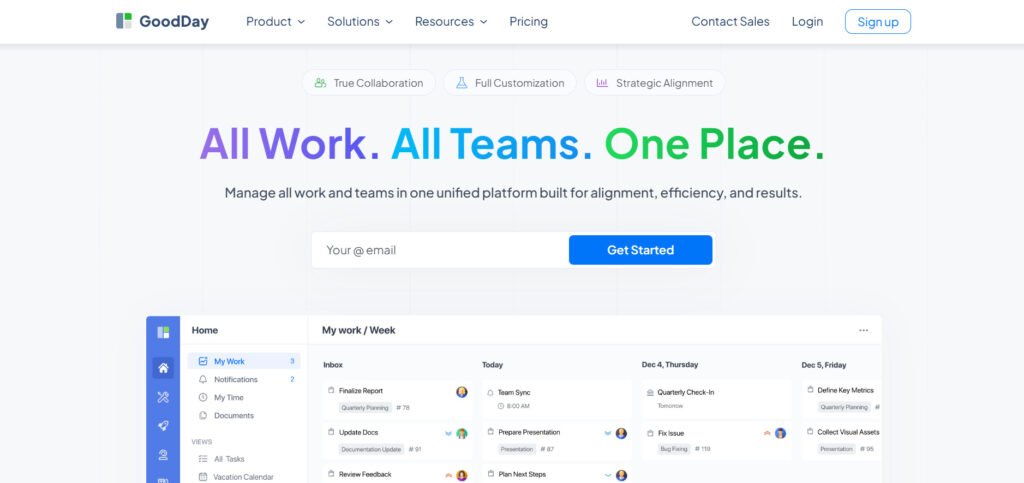
GoodDay is a powerful work management platform trusted by Fortune 500 companies, small startups, and diverse businesses globally. It provides a free tier with unlimited projects for up to 15 people and gives access to high-level productivity features sooner than competing apps.
The system includes project templates for various departments like IT, HR, and marketing while supporting all major methodologies, including Agile and Waterfall. It features multiple display options like interactive Gantt charts and Kanban boards, supports unlimited project nesting, and comes with integrated time tracking and CRM tools. Security is a top priority with high-level protection technologies, and the software is frequently recognized as a top-rated project management software in 12 Capterra shortlists.
Main features
The application is highly regarded because it manages to offer high-end functionality at a very competitive price point.
- Task Management: Includes subtasks, dependencies, and recurring tasks.
- Workload Planning: Capacity charts and resource allocation views.
- Views: Gantt, Kanban, Calendar, List, and Table views.
- Time Tracking: Built-in timers and manual time entry for billing.
- Collaboration: Real-time comments, activity streams, and file sharing.
- CRM: Contact management and lead tracking within projects.
Integrations
GoodDay provides native connections to G Suite, Gmail, Slack, and Google Docs. It also works with Google Drive, Google Calendar, Dropbox, and Box.com. For developers, it links with GitHub and GitLab, supports Single Sign-On (SSO via SAML), and connects to over 1,300 apps through Zapier or a custom API.
Desktop and mobile capabilities
Users can access the platform on Windows, Mac, and Linux systems. Mobile apps for iOS and Android ensure that team members can manage tasks and view dashboards from anywhere.
Pros and cons
| Pros | Cons |
| Used by over 100,000 teams worldwide | Complex reporting needs initial setup |
| Full suite for planning and execution | Customizing workflows takes some time |
| Free for teams up to 15 members | Advanced features have a learning curve |
| No aggressive upselling for extra features | High customization can slow early adoption |
Asana
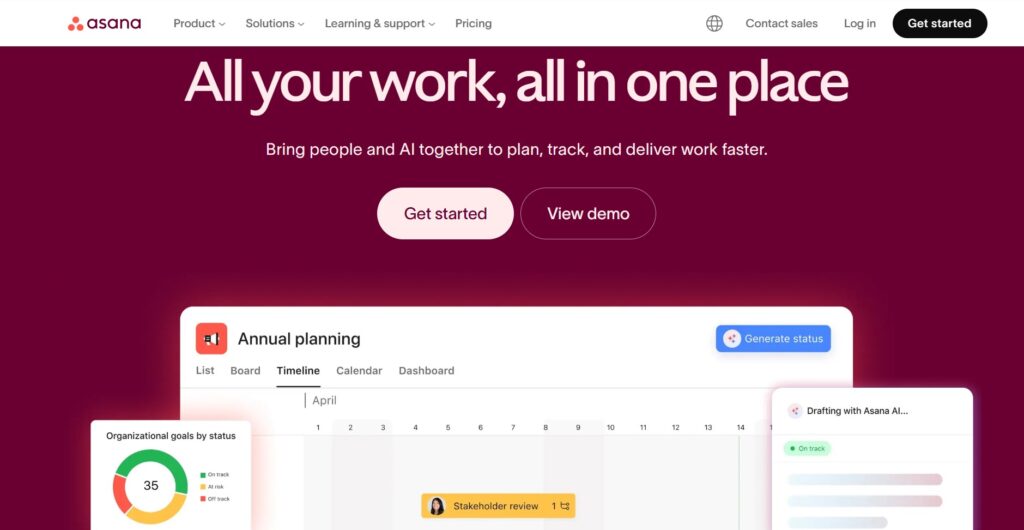
Asana is known for its sleek interface and emphasis on “work about work” reduction. It excels at connecting individual tasks to company-wide goals, making it a good choice for large-scale coordination and strategic planning across cross-functional teams.
The platform provides a visual experience with its Timeline view and “Goals” feature, which helps executives track progress against KPIs in real-time. Asana has invested heavily in “Asana Intelligence” to automate status updates and identify potential project bottlenecks before they occur.
Main features
- Project Views: Offers boards, lists, and timelines.
- Workload: Real-time capacity management to prevent burnout.
- Goals: Strategic tracking for company-wide objectives.
- Automations: Rule-based triggers to move work forward.
Integrations
Asana integrates with Microsoft Teams, Salesforce, Adobe Creative Cloud, and Slack. It also supports various file storage and communication tools.
Desktop and mobile capabilities
Available as a desktop app for Mac and Windows, as well as a mobile app for iOS and Android.
Pros and cons
| Pros | Cons |
| Very user-friendly interface | Free version is quite limited |
| Excellent for goal tracking | High-tier pricing is expensive |
| Strong mobile experience | Hard to manage very complex tasks |
| Good automation builder | Can feel cluttered with many projects |
Monday.com
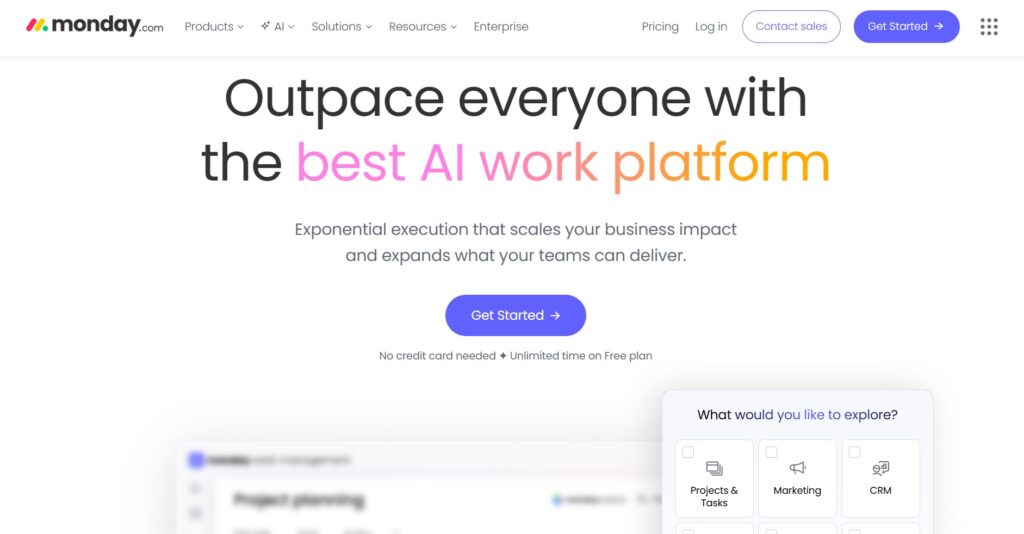
Monday.com offers extreme flexibility through its building-block architecture. It is particularly popular with creative, marketing, and sales teams who require highly visual and customizable data tracking.
The platform’s strength lies in its “Board” system, where users can add dozens of column types, from star ratings to status labels, to create a bespoke database for any business process. Its colorful, modern UI makes it one of the most approachable tools for non-technical users.
Main features
- Dashboards: Visual overviews of multiple boards at once.
- Custom Columns: Over 30 different column types for data.
- Workload View: Visual representation of team capacity.
- Apps Marketplace: Extensions to add more functionality.
Integrations
Connects natively with HubSpot, Shopify, Mailchimp, and Zoom.
Desktop and mobile capabilities
Full support for Windows and Mac desktops, along with highly-rated mobile apps.
Pros and cons
| Pros | Cons |
| Extremely easy to customize | Pricing is based on seat groups |
| Great visual data reporting | Steep learning curve for automation |
| Highly flexible for any industry | Mobile app is less powerful than desktop |
| Fast setup with templates | Advanced features cost significantly more |
ClickUp
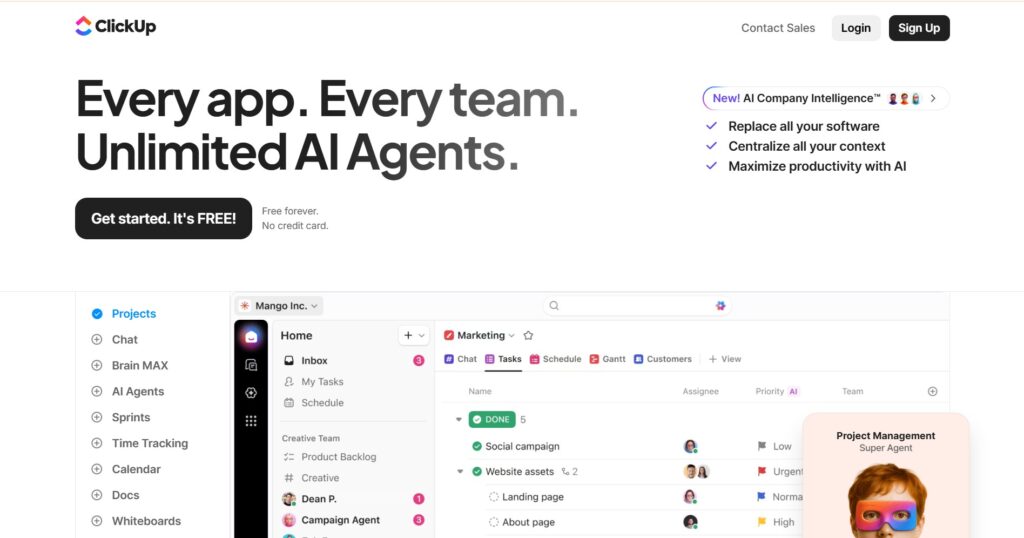
ClickUp is the “everything app” of project management, aiming to replace multiple tools like Jira, Slack, and Google Docs. It is known for its aggressive feature release cycle and for providing the most features per dollar in the industry.
The platform offers a unique hierarchy that allows it to scale from a single freelancer to a massive enterprise. It includes built-in whiteboards, document editing, and screen recording, making it a comprehensive digital headquarters.
Main features
- Everything View: See all tasks across the whole organization in one place.
- Mind Maps: Brainstorm and turn ideas into tasks.
- Custom Statuses: Tailor the workflow for every specific project.
- Docs: Integrated document editing and wikis.
Integrations
Integrates with Toggl, Clockify, Intercom, and Google Drive.
Desktop and mobile capabilities
Available on Windows, Mac, Linux, and mobile devices.
Pros and cons
| Pros | Cons |
| Huge feature set for the price | UI can be overwhelming for some |
| High level of customization | Occasional performance slowdowns |
| Excellent free version | Some features are redundant |
| Built-in whiteboards and docs | Setting it up takes significant time |
Wrike
Wrike is a veteran in the PPM space, specifically designed for enterprise-grade scalability and complex, multi-layered projects. It is the go-to solution for large organizations that need robust resource management and proofing tools.
Wrike’s unique selling point is its “Dynamic Request Forms” and “Wrike Analyze,” which provide some of the most detailed business intelligence in the project management category. It focuses heavily on streamlining the creative production cycle and marketing operations.
Main features
- Gantt Charts: Dynamic timelines for managing project flow.
- Proofing: Tools for commenting directly on images and videos.
- Resource Management: Detailed views of employee hours and availability.
- Custom Request Forms: Standardize how work enters the system.
Integrations
Works with Adobe Creative Cloud, Salesforce, and Microsoft 365.
Desktop and mobile capabilities
Desktop apps for Windows and Mac; mobile apps for Android and iOS.
Pros and cons
| Pros | Cons |
| Best-in-class resource planning | Interface feels more corporate/stale |
| Powerful reporting engine | Higher cost than many competitors |
| Great for large-scale operations | Hard to learn for non-technical users |
| Robust security features | Limited features on the free plan |
Motion
Motion uses Artificial Intelligence to automate your calendar and task list. Unlike traditional tools where you manually schedule work, Motion builds a custom schedule for you based on your priorities and deadlines.
It is ideal for high-output individuals and small teams who struggle with “calendar tetris.” If a meeting runs late or a task takes longer than expected, Motion automatically reshuffles the rest of your day to ensure you still hit your deadlines.
Main features
- Intelligent Calendar: Automatically books time for tasks.
- Meeting Assistant: Simplifies scheduling with external guests.
- Auto-Rescheduling: Shifts work if you miss a deadline.
- Project Management: Basic task tracking with AI priority.
Integrations
Focuses on Google Calendar, Outlook, and Zoom.
Desktop and mobile capabilities
Available on web, Mac, Windows, and mobile platforms.
Pros and cons
| Pros | Cons |
| Saves time on manual planning | Very expensive for small teams |
| Reduces decision fatigue | Limited project management depth |
| Unique AI scheduling approach | No free version available |
| Great for individual productivity | Calendar-centric, not board-centric |
Smartsheet
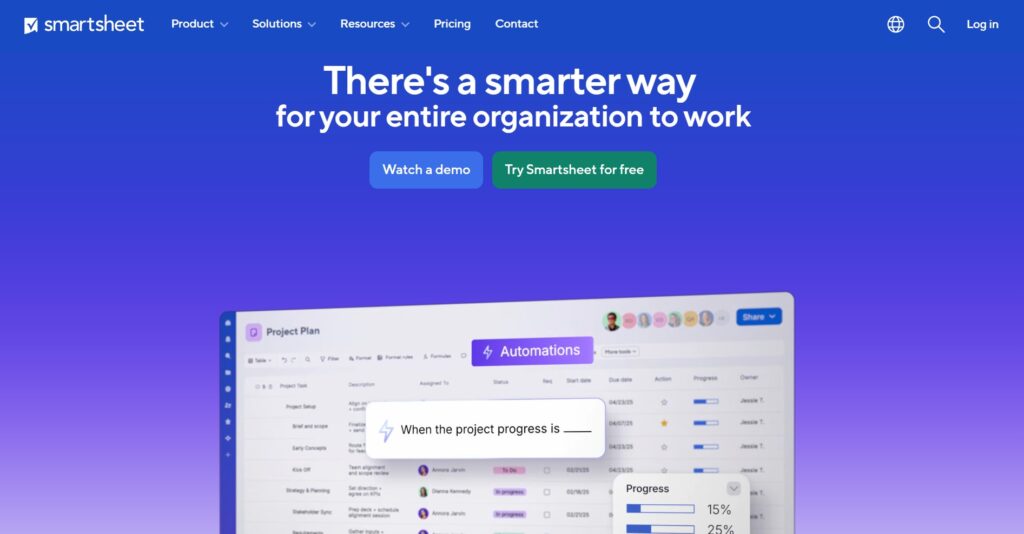
Smartsheet looks like a spreadsheet but functions like a powerful database. It is ideal for teams that are moving away from Excel.
It is strong in industries like construction, manufacturing, and finance, where complex data tracking is as important as task management. Its “Control Center” allows for massive portfolio scaling, enabling managers to launch thousands of projects with consistent structures.
Main features
- Grid View: Classic spreadsheet interface with hidden power.
- Automated Workflows: Send alerts or update rows automatically.
- Reports: Pull data from multiple sheets into one view.
- Forms: Collect data from anyone and put it in a sheet.
Integrations
Strong ties to the Microsoft ecosystem and Google Workspace.
Desktop and mobile capabilities
Primary use via web browser with supporting mobile apps.
Pros and cons
| Pros | Cons |
| Familiar with Excel users | Can look intimidating at first |
| Extremely powerful data handling | Not as visual as other tools |
| Great for enterprise reporting | Logic can be hard to build |
| Scalable for huge datasets | Lacks some modern “social” features |
Jira
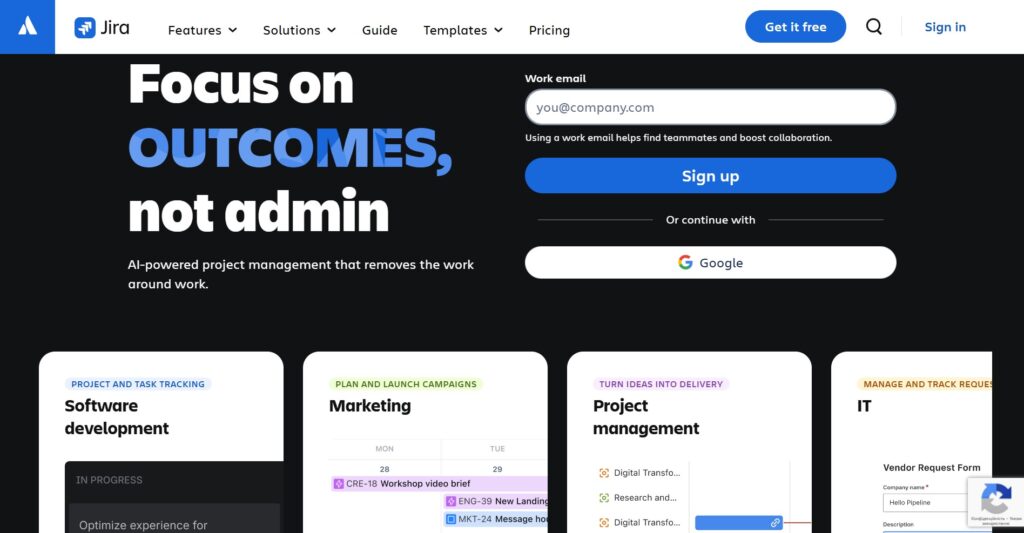
Jira is the undisputed king of software development and IT project management. It is built specifically for Agile frameworks, offering the most robust Scrum and Kanban implementations available.
While originally a bug tracker, Jira has evolved into a comprehensive work management tool (Jira Work Management) that allows business teams to sync with technical teams. Its strength lies in its “Issue” structure, which allows for deep technical tracking and release management.
Main features
- Scrum and Kanban: Agile-specific boards for developers.
- Backlog Management: Keep track of future work items.
- Roadmaps: High-level views of product progress.
- Query Language (JQL): Advanced searching for specific issues.
Integrations
Deep integration with Bitbucket, Confluence, and Slack.
Desktop and mobile capabilities
Robust web app with supporting desktop and mobile clients.
Pros and cons
| Pros | Cons |
| Essential for agile developers | Very difficult for non-tech teams |
| Highly detailed issue tracking | Can be slow and cumbersome |
| Massive community and support | UI is focused on data over design |
| Great for technical reporting | Overkill for simple projects |
Paid vs free workload management tools
Free versions of workload management tools are usually designed for solo users or very small groups. They often include basic task lists, limited storage, and essential views like a simple board or list. While these are great for getting started, they usually lack the data-heavy features needed to manage a growing organization.
Paid plans unlock the real power of these platforms, such as automated workflows and detailed capacity planning. You also get advanced security, larger storage limits, and the ability to see how work is distributed across different departments. Investing in a paid version is usually necessary once you need to coordinate more than 10 people or track long-term project health.
Most important features of workload management tools
The right software should make your day easier, not more complicated. Here are the core features you should look for when comparing different options.
| Feature | How it works | How it helps teams be productive |
| Capacity Tracking | Monitors hours available per person | Prevents team burnout and over-assignment |
| Task Dependencies | Links tasks in a specific order | Ensures work happens in the right sequence |
| Visual Gantt Charts | Shows project timelines and dates | Provides a clear roadmap for project success |
| Workflow Automation | Handles repetitive tasks automatically | Saves time and reduces manual human error |
| Time Tracking | Records time spent on specific tasks | Helps with accurate billing and planning |
| Resource Allocation | Assigns people to specific projects | Optimizes how you use your team’s skills |
| Custom Dashboards | Displays key metrics in one view | Gives managers instant visibility into status |
| Role Permissions | Controls who can see or edit data | Keeps sensitive information secure and organized |
| Real-time Chat | Allows messaging within task cards | Keeps all communication in the right context |
| Mobile Access | Syncs data across phone and desktop | Allows the team to stay updated on the go |
How to select the best workload management tool
Choosing a platform requires you to look at your team’s daily habits and long-term goals. Consider what’s most important for you: easy setup, deep customization, team features, or seamless calendar integration. Many software options offer free versions to help you test them out before committing.
Evaluate your team’s technical comfort
Some tools look like spreadsheets, while others use colorful drag-and-drop cards. If your team hates complex software, pick something intuitive like GoodDay or Monday.com. Forcing a complicated tool on a team that wants simplicity is a quick way to ensure nobody actually uses it.
Look at the integration ecosystem
Your new software shouldn’t be an island; it needs to talk to the apps you already use. Check if the tool connects to your email, calendar, and file storage. A tool that automates data flow between your different apps will save everyone hours of manual entry every week.
Test the mobile experience
Work doesn’t just happen at a desk anymore. Make sure the mobile app is just as functional as the desktop version for checking updates or responding to comments. If the mobile version is clunky, your team will stop using it the moment they step away from their computers.
Prioritize visual capacity views
The main goal is managing work, so the tool must show you who is busy and who is free. Look for “workload” or “resource” views that use bars or charts to represent time. This visual data is much easier to read than a long list of dates when you need to make quick decisions.
Check the true cost of scaling
A tool that is cheap for five people might become very expensive when you grow to fifty. Look at the pricing tiers carefully and see which features are locked behind the most expensive plans. You want a partner that offers a fair price as your business expands over the coming years.
GoodDay – best workload management software you can rely on
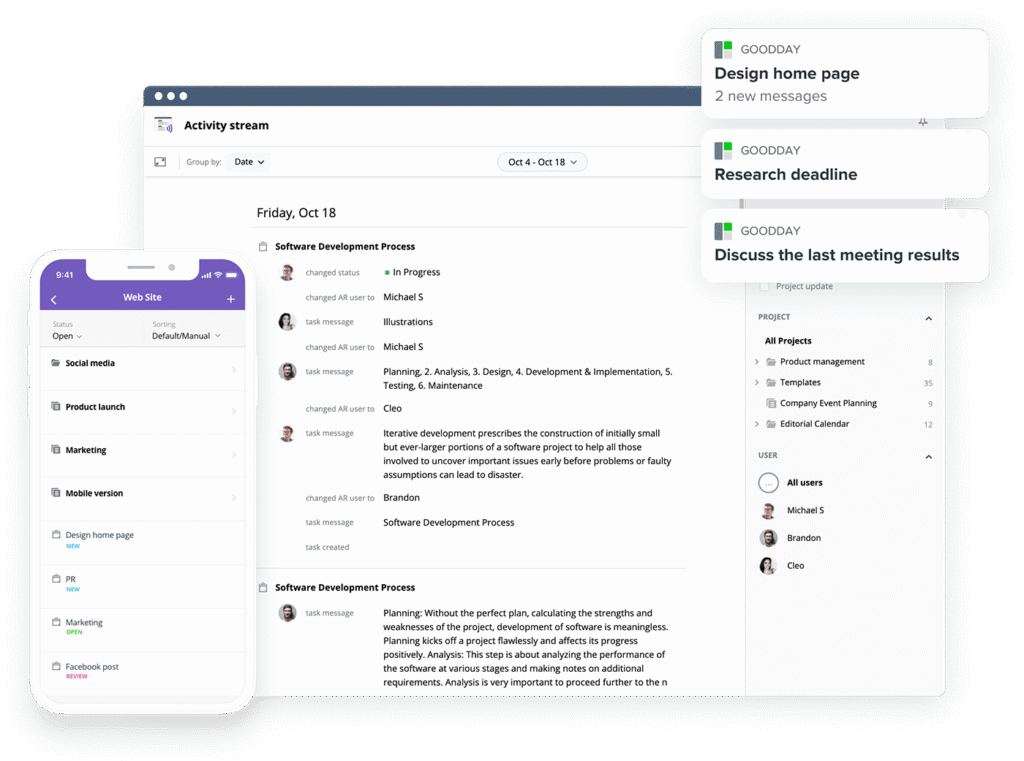
GoodDay is one of the most popular workload management software globally for its powerful functionality and customization capabilities.
You can try GoodDay for free to see how it fits your workflow.
And if you have any questions about selecting the right software for your business, you can always reach out to our team via info@goodday.work
FAQs
What are the best workload management tools?
GoodDay is a top-rated workload management tool because it offers comprehensive features for teams of all sizes. Other management tools like Asana and Monday.com are also excellent for organizing daily activities. Choosing the right tool depends on whether you need simple task management or advanced resource management. Using a dedicated workload management tool ensures that project tasks are organized and completed on time.
What is the best way to manage your workload?
The most effective way to manage workload is through clear workload balancing and task prioritization. You should use a workload management tool to visualize the team’s workload and ensure no one is overwhelmed. Effective workload management involves regular capacity planning and the ability to allocate resources based on actual availability. GoodDay helps you maintain a balanced workload by providing real-time visibility into what every team member is doing.
What is the best workload management software?
GoodDay is often considered the best workload management software due to its flexibility and built-in capacity management features. It allows managers to see the entire team’s status and perform workload balancing to optimize team productivity. Other management tools like ClickUp and Wrike also provide strong features for managing workloads across various industries. The right project management tool should help you track time, manage tasks, and hit every project deadline.
What are the best workload management tools for remote teams?
Remote teams thrive when using a workload management tool like GoodDay that keeps everyone on the same page. These management tools facilitate team collaboration and provide workload visualization so managers can see task distribution remotely. Tools like Asana and Monday.com also help remote team members manage their own team members’ capacity. Maintaining a balanced workload is crucial for remote team performance and preventing decreased team productivity over time.
What Gantt chart tool supports workload management?
GoodDay features a highly advanced Gantt chart that is directly linked to workload management functions. This project management tool allows you to see task dependencies and how they affect the team’s workload. Other tools like Smartsheet also use Gantt charts to help with resource allocation and project schedules. Using a Gantt chart as a workload management tool helps you plan projects and see future workloads clearly.
What is the best Gantt chart tool with workload management features?
GoodDay provides the best Gantt chart tool for those who need integrated workload balancing and task tracking. It allows you to see the actual workload of team members directly alongside the project timeline. Many management tools offer Gantt views, but few integrate them so deeply with resource utilization and team capacity. This integration is essential for project success when handling complex projects with tight project milestones.
Which workload management software has good resource planning and capacity tracking features?
GoodDay stands out for its resource management capabilities that help you allocate tasks and manage team capacity. It is a resource management tool designed to provide workload visibility and help with future projects. Other management tools like Wrike and Jira also offer professional capacity planning for technical teams. Effective resource management ensures that your team’s efficiency remains high without overextending any individual.
What are the most effective workload management tools?
The most effective management tools are those that combine task organization with deep workload distribution data. GoodDay is highly effective because it allows you to automate repetitive tasks while monitoring the team’s workload. Asana and ClickUp are also popular choices for teams looking to improve team efficiency through workflow automation. Using a workload management tool helps maintain a balanced workload, which is key to long-term team productivity.
Which workload management software platforms combine task and workload management?
GoodDay is a leading platform that seamlessly merges task management software with professional workload management. This project management tool ensures that task assignments are visible alongside the overall team’s workload. Other management tools like Monday.com and Asana also provide these dual capabilities to enhance productivity. Selecting a workload management tool that does both helps you manage tasks and people in one interface.
What are the best platforms for task prioritization, capacity planning and resource allocation?
GoodDay is an excellent choice for task prioritization and resource allocation due to its customizable workflows. It functions as a comprehensive resource management tool that simplifies capacity planning for managers. Other platforms like Wrike are better suited for complex tasks and large-scale resource management in consulting firms. These management tools provide the workload visualization necessary to ensure everyone has a balanced workload.
How can a project manager keep track of the team’s workload?
A project manager should use a workload management tool like GoodDay to gain full workload visibility. These management tools provide dashboards that show the team’s tasks and their current team capacity. Regular workload balancing sessions help ensure that task distribution remains fair and manageable for all team members. By using a project management tool, you can see the team’s workload in real-time and prevent bottlenecks.
Where to manage freelancers and full-time team members in one place?
GoodDay is the ideal workload management tool for managing diverse teams of freelancers and full-time team members. You can assign tasks, track time, and monitor workload distribution across your entire team regardless of their contract. Management tools like ClickUp also offer guest access to help you manage multiple projects with external help. This keeps everyone on the same page and ensures that your resource allocation is accurate.
How do you effectively manage multiple tasks and determine their priorities?
Effective task prioritization requires a workload management tool that allows you to rank project tasks by importance. GoodDay enables you to set priority levels and see how they impact the overall workload. Other management tools provide task tracking features to help you stay organized while managing multiple projects. Proper task organization ensures that you hit every project deadline without sacrificing the quality of your work.
Where to manage multiple task priorities and deadlines?
You can manage all your priorities in a project management tool like GoodDay, which centralizes task tracking. It allows you to set task dependencies and see how different project timelines interact with each other. Using a workload management tool helps you visualize project milestones and adjust your workload balancing as needed. Most management tools today offer calendar and timeline views to help you keep track of all upcoming dates.
How do you prioritize tasks when managing multiple clients and deadlines?
When managing multiple clients, using a workload management tool like GoodDay is essential for staying organized. You can separate work into different folders and use resource allocation to see how much time each client requires. Other management tools like Wrike are specifically built for agencies handling complex projects and many different project deadlines. This ensures you maintain a balanced workload while delivering high-quality results for every single client.
What is the best resource management software for a project manager to see team availability and workload?
GoodDay is widely regarded as a top resource management tool because of its clear team members workloads views. It allows a project manager to see team capacity and perform workload balancing with just a few clicks. Other popular project management tool options like Smartsheet offer deep data tables for tracking resource utilization. Using a resource management tool designed for visibility helps you avoid decreased team productivity and missed goals.
How to choose the right workload management tool?
To find the right tool, you should first assess your team’s specific workload management strategies and needs. GoodDay offers a flexible project management tool that can be adapted to almost any business workflow or industry. Look for management tools that include key features like workflow automation, task distribution, and capacity planning. Testing a workload management tool with a free trial is the best way to see if it will improve team efficiency.




