If you have been using VivifyScrum, you probably appreciate its focus on Agile and Scrum. However, many teams eventually find that they need more flexibility, better cost-efficiency, or a broader range of views beyond just basic boards.
Whether you need a more robust free tier for a growing team or a unified platform that handles both high-level roadmaps and granular time tracking, there is a better option out there.
Switching tools might feel like a big move, but the right alternative will quickly pay for itself in saved time and better organization. In this guide, we’ll explore the best VivifyScrum alternatives to help you make the right choice.
But if you have any questions that are not covered in this article, you can always connect with our team via info@goodday.work
Best VivifyScrum alternatives shortlist for 2026
Let’s take a look at some of the top alternatives to VivifyScrum.
- Best overall: GoodDay offers a flexible digital hub that bridges the gap between high-level strategic planning and everyday task management while providing highly accurate time-tracking tools.
- Best for Agile: Zoho Sprints is highly rated for managing backlogs, sprint planning, and tracking progress.
- Best for Development Teams: Jira is a standard for Agile, offering advanced tracking, reporting, and issue management.
- Best for Simplicity & Kanban: Trello offers a flexible, visual approach to Kanban, ideal for teams needing a user-friendly, lightweight tool.
- Best for Workflow Customization: Wrike provides detailed project reporting, Gantt charts, and custom workflows, suitable for complex project management.
- Best for Real-time Collaboration: Gmelius integrates with existing workflows, acting as a collaborative, integrated workspace.
- Best for Specialized Scrum: Scrumwise focuses heavily on Scrum, offering real-time collaboration for backlogs, sprints, and Kanban.
- Best for Visual Planning: Miro is excellent for teams needing a visual, whiteboarding approach to collaboration.
Comparison of the best VivifyScrum alternatives
The following table provides a clear look at how these leading VivifyScrum alternatives compare in terms of use case, pricing and migration ease.
| Software | Best for | Pricing | Ease of migration from VivifyScrum |
| GoodDay | Balanced features and cost | Free (1–15 users); Professional $4/user/month; Business $7/user/month | Easy (CSV import, Zapier integrations) |
| Zoho Sprints | Agile sprints | Free; Starter $1/user/month; Elite $2.50/user/month; Premier $5/user/month | Moderate (CSV and API imports) |
| Jira | Software development | Free (10 users); Standard $9.05/user/month; Premium $18.30/user/month | Moderate (CSV import tool) |
| Trello | Visual Kanban | Free; Standard $6/user/month; Premium $12.50/user/month | Easy (CSV or Power-Ups) |
| Wrike | Complex workflows | Free; Team $10/user/month; Business $25/user/month | Easy (Excel/CSV import) |
| Gmelius | Shared inboxes | Meli $19/user/month; Growth $25/user/month; Pro $40/user/month | Easy (Gmail-based integration) |
| Scrumwise | Pure Scrum focus | Monthly $9/user/month; Yearly $7.50/user/month | Simple (CSV import) |
| Miro | Visual whiteboarding | Free; Starter $8/member/month; Business $16/member/month | N/A (Manual/Visual import) |
What is VivifyScrum and why consider an alternative?
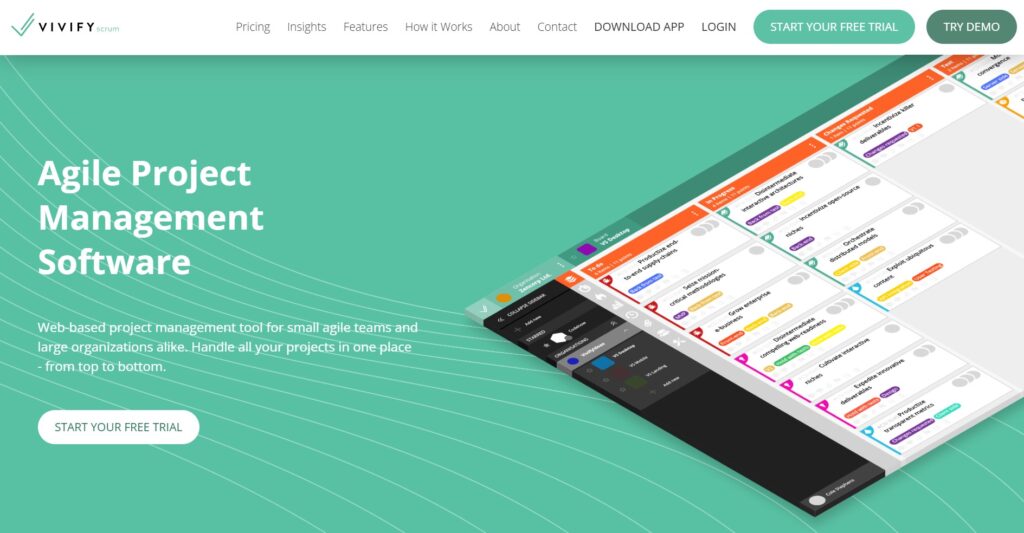
VivifyScrum is a project management tool designed specifically for teams that follow Scrum and Kanban methodologies. It provides essential Agile features such as backlogs, sprint management, and basic burndown charts, alongside a built-in invoicing system and time tracker. It is mainly used by small to mid-sized teams that want a straightforward, dedicated Scrum interface without the complexity of larger enterprise platforms.
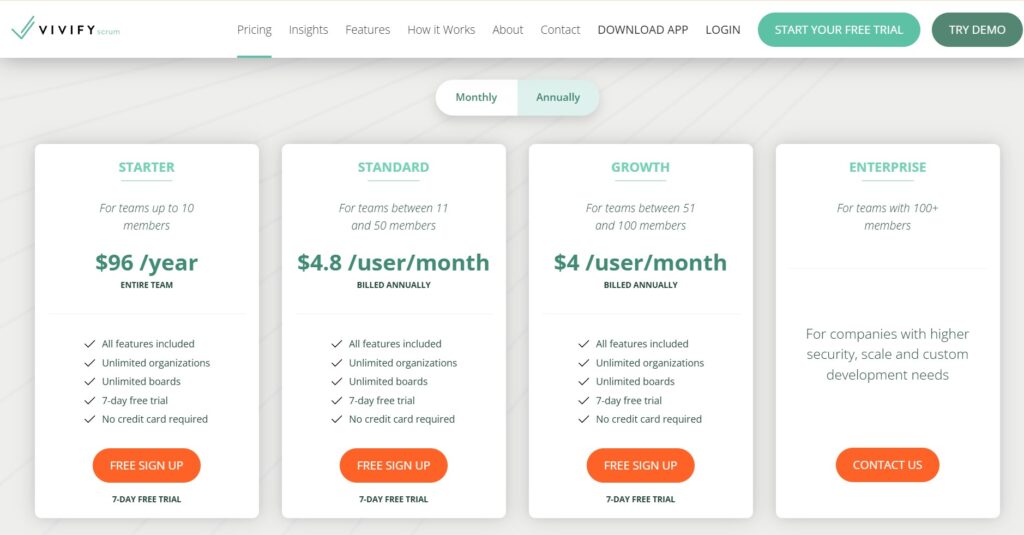
The pricing approach for VivifyScrum involves a Starter plan for small teams ($96 per year for up to 10 members) and per-user pricing for larger groups. While the entry point is affordable, the costs can scale up as your team grows, and the feature set remains relatively specialized compared to all-in-one work management platforms.
Many users consider an alternative because they find VivifyScrum’s interface a bit dated or its feature set too narrow. Teams often outgrow the tool when they need more advanced reporting, customizable project hierarchies, or better visual planning tools like Gantt charts.
In-depth overview of the best alternatives to VivifyScrum (free and paid)
Exploring these VivifyScrum alternatives in detail will help you identify which platform matches your team’s specific workflow and budget requirements for the coming year.
GoodDay
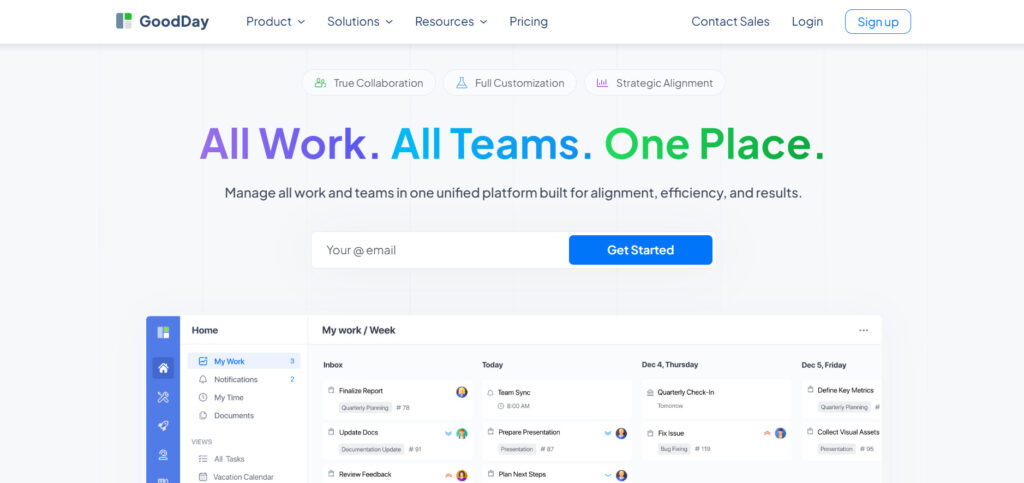
GoodDay is a comprehensive work management solution used by startups and Fortune 500 companies. By making the switch to GoodDay, you can reduce your software expenses by as much as 50% while maintaining access to all your essential tools. Unlike many competitors, the platform offers a free plan that supports up to 15 users, includes unlimited projects, and provides advanced productivity features. Moving your data into the system is fast, often taking less than two minutes.
Why it’s a good VivifyScrum alternative
GoodDay provides a more flexible and modern environment that adapts to your team’s specific needs while offering significant cost savings. It is featured in 12 Capterra shortlists and provides templates for various teams, supports Agile and Scrum methodologies, and includes diverse views like Gantt and Kanban. It allows for unlimited project hierarchies and features native time tracking, all at a very competitive price point.
Main features
The platform offers a robust set of tools designed to handle every stage of work from planning to completion.
- Advanced Gantt charts and Kanban boards.
- Built-in time tracking and timesheets.
- Customizable project hierarchies and folders.
- Comprehensive data analytics and reporting.
- Goal and OKR tracking modules.
Integrations
GoodDay features built-in connections with G Suite, Gmail, Slack, and Google Drive, as well as Dropbox, Box.com, and GitHub. It supports Single Sign-On (SSO via SAML) and integrates with over 1,300 applications through Zapier. An open API is also available for those who need to build custom connections with their current software stack.
Desktop and mobile capabilities
You can access GoodDay on Windows, Mac, and Linux desktops for a full-screen experience. Mobile apps for iOS and Android ensure that you can manage tasks, check dashboards, and stay updated on projects while you are away from your desk.
Pros and cons:
| Pros | Cons |
| Trusted by over 100,000 teams globally | High-level reports may require initial configuration |
| Robust and diverse feature set | Workflow customization takes a little time to perfect |
| Excellent affordability and a free tier for 15 users | Some effort is needed to master advanced automation |
| No aggressive upselling for extra features | The depth of features can involve a slight learning curve |
Zoho Sprints
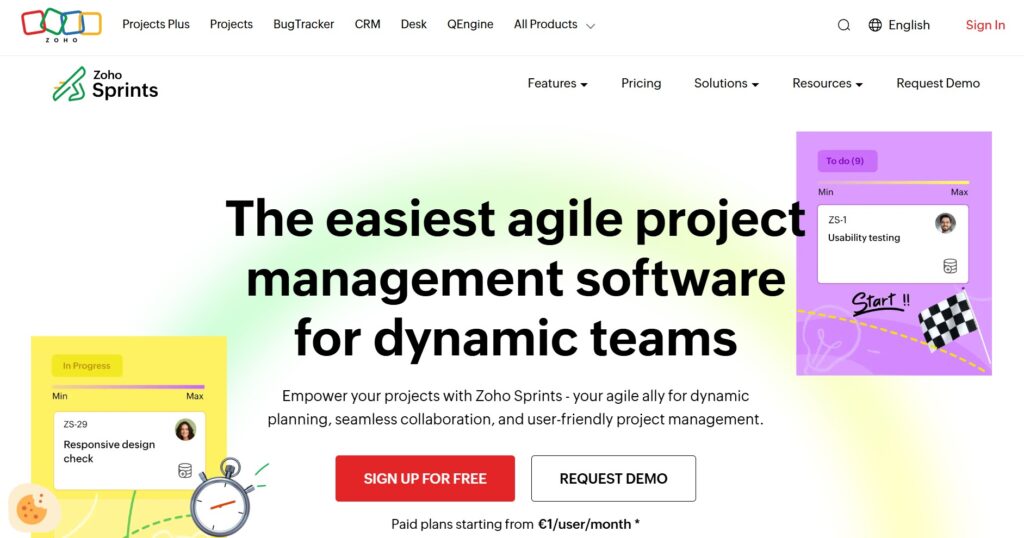
Zoho Sprints is a dedicated Agile tool that focuses on helping teams plan and track work through iterations. It is designed to make the Scrum process as fluid as possible with tools for backlog grooming and sprint planning. This platform is part of the larger Zoho ecosystem, making it a natural choice for those already using Zoho apps.
Why it’s a good VivifyScrum alternative:
It provides a more modern and integrated experience for teams that want to stick strictly to Agile rituals. The pricing is significantly more competitive than VivifyScrum, especially for smaller teams. It also offers better integration with CRM and finance tools within the Zoho suite.
Main features
The tool provides all the essentials for iterative development and team transparency.
- Backlog management and prioritization.
- Scrum boards with parallel sprints.
- Agile reports including Velocity and Burnup charts.
- Integrated timesheets for billing and tracking.
Integrations
Zoho Sprints integrates natively with Zoho Projects, Zoho CRM, and Zoho Desk. It also connects with external tools like GitHub, GitLab, Bitbucket, Slack, and Microsoft Teams.
Desktop and mobile capabilities
The software is available via web browsers and offers dedicated mobile applications for both iOS and Android. This allows teams to update their sprint status and log time from anywhere.
Pros and cons:
| Pros | Cons |
| Extremely affordable entry-level pricing | Interface can feel cluttered with many features |
| Strong focus on Scrum ceremonies | Limited to Agile/Scrum workflows |
| Great integration within the Zoho ecosystem | Customization options are somewhat rigid |
| Detailed Agile reporting and analytics | Steeper learning curve for non-Agile teams |
Jira
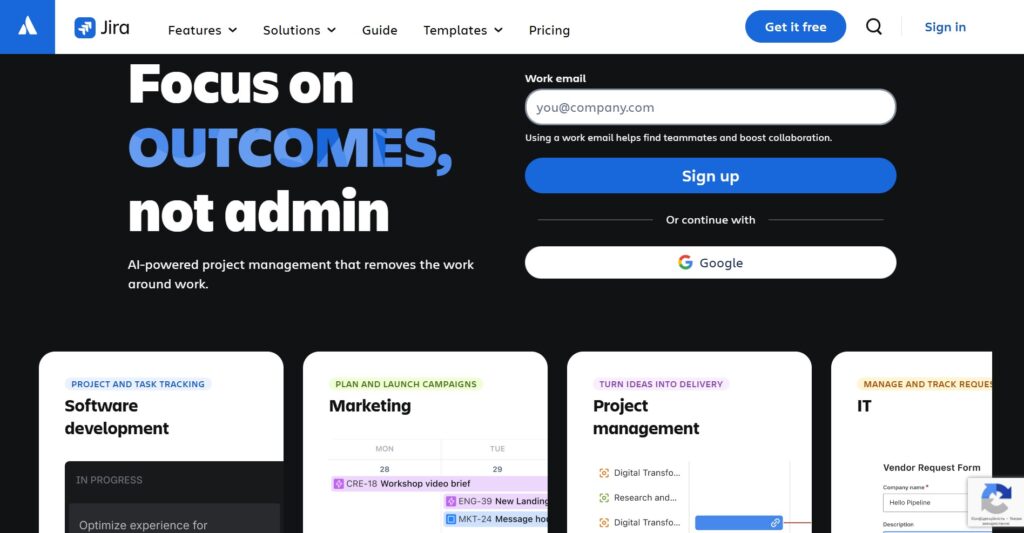
Jira is widely considered the industry standard for software development teams using Agile methodologies. It offers a massive range of customization options that allow it to scale from small startups to global enterprises. It is highly valued for its deep issue tracking and detailed release management capabilities.
Why it’s a good VivifyScrum alternative:
Jira offers a much more powerful environment for tracking complex technical tasks and software bugs. It provides superior reporting and automation compared to VivifyScrum. While it can be more complex, it offers far more longevity as a company grows.
Main features
The platform is built to support the entire software development lifecycle with precision.
- Advanced Scrum and Kanban boards.
- Robust automation engine for repetitive tasks.
- Comprehensive reporting on team velocity and health.
- Roadmapping tools for high-level project planning.
Integrations
Jira has one of the largest integration marketplaces, connecting with Confluence, Bitbucket, Slack, GitHub, and thousands of other third-party apps.
Desktop and mobile capabilities
Users can work via the web interface or download the desktop app for Mac and Windows. Mobile apps for iOS and Android are also available for task management on the go.
Pros and cons:
| Pros | Cons |
| Unmatched customization for complex workflows | Can be overly complex for simple projects |
| Extensive marketplace for plugins and apps | Pricing increases significantly at higher tiers |
| Standardized tool used by tech talent globally | Interface can be slow with large data sets |
| Powerful automation and reporting tools | Requires a dedicated admin for large setups |
Trello
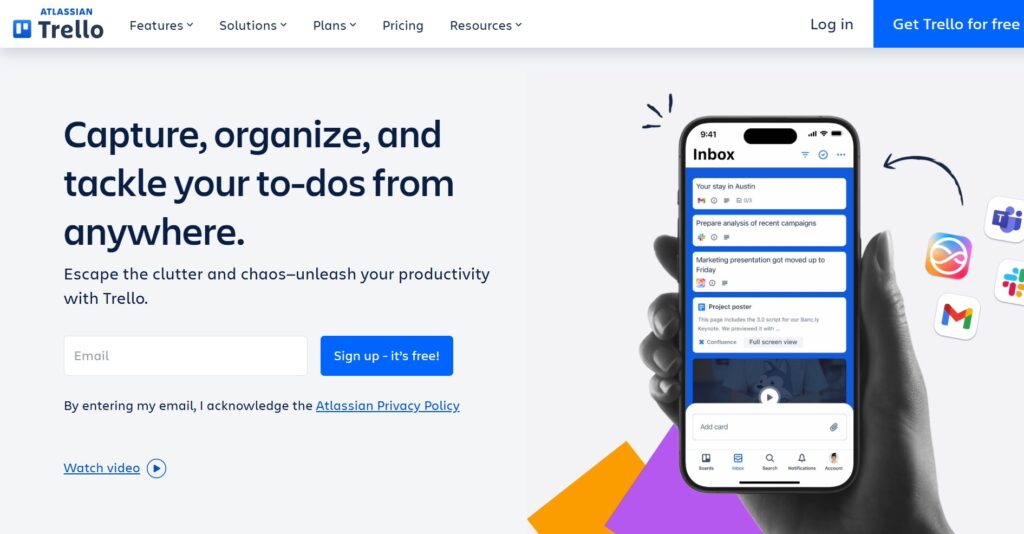
Trello is a visual collaboration tool that uses a simple card-and-board system to manage work. It is famous for its ease of use and flexibility, allowing users to build almost any workflow using Kanban principles. It is a good choice for teams that find traditional project management tools too rigid.
Why it’s a good VivifyScrum alternative:
Trello is much easier to set up and use daily than VivifyScrum. Its “Power-Up” system allows you to add only the features you need, keeping the interface clean. It is perfect for teams that want a visual overview without the overhead of complex Scrum rituals.
Main features
The interface focuses on simplicity and visibility to keep work moving.
- Intuitive drag-and-drop Kanban boards.
- Customizable cards with checklists and attachments.
- Butler automation for no-code workflow rules.
- Power-Ups to add Gantt charts, time tracking, or maps.
Integrations
Trello connects with hundreds of tools, including Slack, Google Drive, Dropbox, and Jira, through its Power-Up marketplace.
Desktop and mobile capabilities
Trello offers a seamless experience across its web platform, desktop apps for Windows and Mac, and highly rated mobile apps for iOS and Android.
Pros and cons:
| Pros | Cons |
| Extremely easy to learn and adopt | Not built for complex project hierarchies |
| Highly visual and customizable boards | Limited built-in reporting features |
| Very generous free version | Many advanced features require paid Power-Ups |
| Great mobile application experience | Can become messy with hundreds of cards |
Wrike
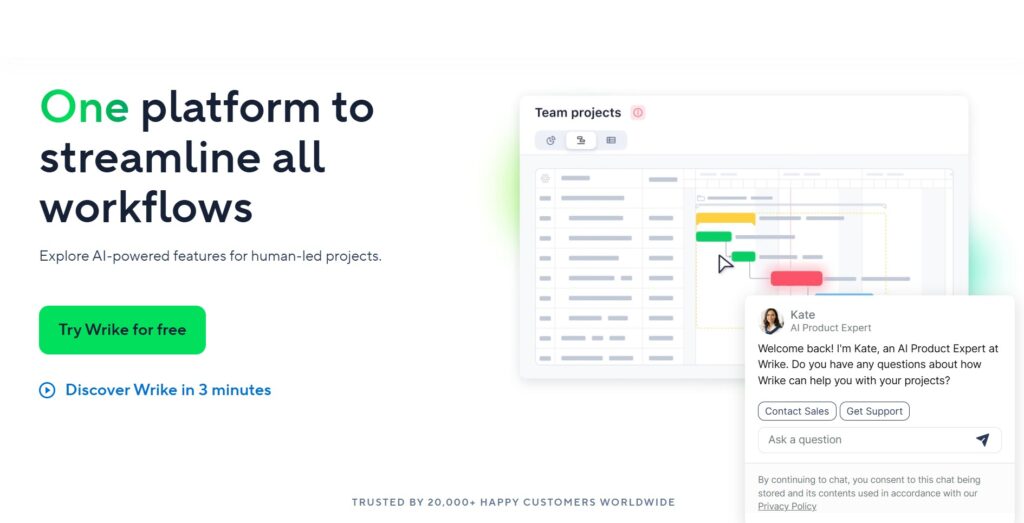
Wrike is a versatile work management platform designed to help teams collaborate in a single digital workspace. It balances the simplicity of task management with the power of enterprise-grade project planning. It is particularly popular with marketing and creative agencies that need to manage high volumes of work.
Why it’s a good VivifyScrum alternative:
Wrike offers more robust project planning features like native Gantt charts and resource management. It provides a more professional suite of tools for client-facing work and complex project reporting. The platform is also more scalable for departments outside of software development.
Main features
Wrike provides tools to help teams manage resources and maintain visibility.
- Dynamic Request Forms for intake management.
- Native Gantt charts and workload views.
- Advanced AI-driven project insights.
- Custom item types and tailored workflows.
Integrations
Wrike integrates with over 400 apps, including Microsoft Teams, Adobe Creative Cloud, Slack, and Salesforce.
Desktop and mobile capabilities
The platform is accessible via web, desktop (Windows/Mac), and mobile (iOS/Android), ensuring consistent access to workflows and files.
Pros and cons:
| Pros | Cons |
| Deeply customizable folders and projects | Higher price point than most alternatives |
| Excellent visibility into team workload | The interface can feel intimidating to new users |
| Strong security and admin controls | Setup takes significant time and planning |
| Versatile views, including Gantt and Table | The mobile app is less powerful than the web version |
Gmelius
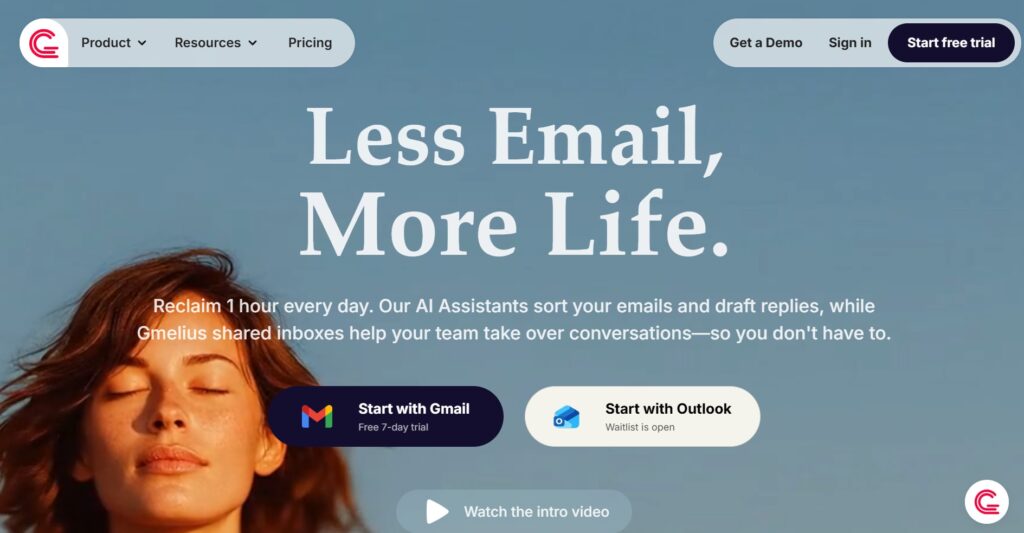
Gmelius is a unique collaboration platform that lives inside your Gmail or Google Workspace. It transforms your inbox into a shared workspace where teams can manage projects, shared email accounts, and client communication. It is designed for teams that spend most of their time in email and want to avoid switching between apps.
Why it’s a good VivifyScrum alternative:
Gmelius eliminates the “app switching” tax by bringing project management directly to your email. It is a great alternative if your Scrum tasks often originate from client emails or external requests. It provides a much more integrated communication experience than a standalone tool like VivifyScrum.
Main features
The tool focuses on turning conversations into actionable tasks within the inbox.
- Shared inboxes for team-based email management.
- Kanban boards built directly into Gmail.
- Email automation and shared templates.
- Real-time team chat and internal notes on emails.
Integrations
Gmelius is built for Google Workspace and integrates natively with Gmail, Google Calendar, and Slack. It also offers a Zapier connection for other business apps.
Desktop and mobile capabilities
Since it lives in Gmail, it works wherever Gmail does. It has a dedicated browser extension for Chrome and mobile apps for iOS and Android.
Pros and cons:
| Pros | Cons |
| Perfect for teams already using Google Workspace | Limited to teams using Gmail/Google |
| Reduces the need to switch between apps | Not a full-scale project management tool |
| Excellent for client communication and support | Per-user cost is higher for basic features |
| Easy to set up and start using immediately | Lacks advanced Scrum features like velocity charts |
Scrumwise
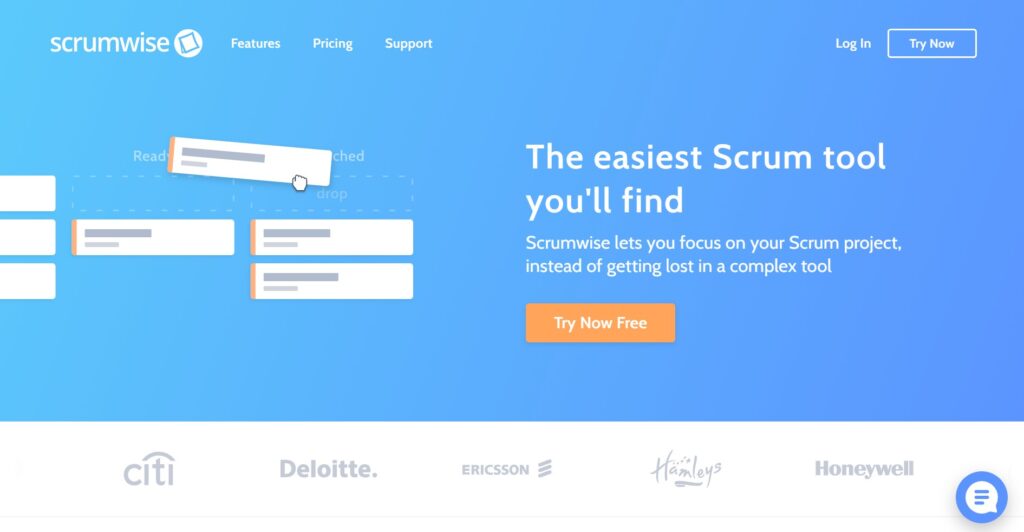
Scrumwise is a specialized tool that focuses exclusively on making the Scrum framework easy to implement. It prides itself on being one of the most intuitive and fastest Scrum tools on the market. It avoids “feature bloat” to keep teams focused on their backlogs and sprints.
Why it’s a good VivifyScrum alternative:
It offers a cleaner, more modern interface than VivifyScrum while staying true to Scrum principles. It is generally faster to use and more responsive, which helps with real-time collaboration during planning meetings. The pricing is simple and transparent, making it easy to budget for.
Main features
Scrumwise provides a focused environment for high-velocity Agile teams.
- Dedicated backlog management with drag-and-drop.
- Sprint planning with team capacity tracking.
- Real-time task boards and burndown charts.
- Release management and high-level roadmapping.
Integrations
Scrumwise offers an API for custom integrations and supports basic webhooks and GitHub integration for linking commits to tasks.
Desktop and mobile capabilities
The platform is primarily web-based and is optimized for use in modern browsers. It does not have dedicated native mobile apps but is mobile-responsive for basic updates.
Pros and cons:
| Pros | Cons |
| Highly intuitive and fast user interface | Very limited third-party integrations |
| Pure focus on Scrum without distractions | No native mobile applications |
| Transparent and simple pricing model | Not suitable for non-Agile projects |
| Great real-time collaboration features | Lacks advanced automation capabilities |
Miro
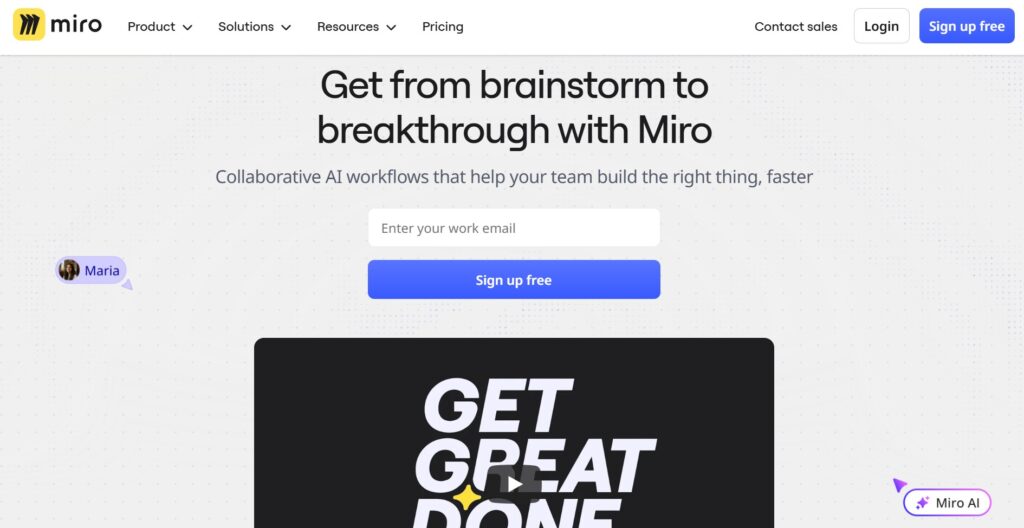
Miro is a visual workspace for innovation that allows teams to collaborate on a digital whiteboard. While not a traditional project management tool, it is increasingly used for Agile planning, brainstorming, and mapping out complex workflows. It is good for distributed teams that need to “see” their work.
Why it’s a good VivifyScrum alternative:
Miro is much better for the creative and planning phases of Agile than a rigid table-based tool. It allows teams to build custom boards that reflect their unique way of working. It is a great companion or alternative for teams that find standard boards too restrictive.
Main features
Miro provides a vast canvas for visual thinking and collaborative planning.
- Infinite digital whiteboard with sticky notes.
- Over 1,000 templates for Scrum, Kanban, and Mind Mapping.
- Real-time collaborative editing and voting tools.
- Integrations to turn whiteboard items into Jira or Trello tasks.
Integrations
Miro integrates with almost every major productivity tool, including Jira, Slack, Trello, Google Drive, and Zoom.
Desktop and mobile capabilities
Miro offers a web version, desktop apps for Windows and Mac, and dedicated apps for tablets and mobile phones (iOS/Android).
Pros and cons:
| Pros | Cons |
| Unmatched for visual brainstorming and planning | Not built for detailed task management |
| Highly flexible and creative environment | Can be difficult to track task deadlines |
| Great for remote team workshops and retros | High-tier plans can be expensive |
| Large library of community-made templates | Requires another tool for heavy execution |
How to select a VivifyScrum alternative for your business: main criteria
Picking the right software is about more than just a feature list; it is about finding a tool that your team will actually enjoy using every day. You want to avoid a situation where the software feels like another chore on the to-do list.
Evaluate your actual workflow
Before committing to a new tool, look at how your team truly operates day-to-day. If you spend most of your time in deep technical sprints, a specialized tool like Jira or GoodDay might be best, but if you are more focused on quick visual updates, Trello could be the answer. Avoid choosing a tool just because it has the most features; choose the one that removes the most friction from your current process.
Consider the total cost of ownership
Price tags can be misleading when you only look at the monthly per-user fee. Factor in the cost of necessary add-ons, the time required for training, and the potential savings from a tool that includes built-in time tracking or CRM features. For example, a platform like GoodDay can replace multiple paid subscriptions, which significantly improves your bottom line.
Test the migration process
Moving your data is often the biggest hurdle when switching project management platforms. Check if the alternative offers a direct import from CSV or if it has a dedicated migration tool. You want a transition that takes minutes, not days, so your team doesn’t lose momentum during the switch.
Prioritize user adoption
The most powerful software in the world is useless if your team finds it too confusing to use. Look for a user-friendly interface that doesn’t require a week-long training course. A tool with a clean design and intuitive navigation will lead to much higher engagement and more accurate data entry from your staff.
Look for long-term scalability
Your business needs today will likely change in twelve to eighteen months. Ensure the tool you pick can handle more projects, larger teams, and more complex reporting as you grow. Choosing a platform that offers both simple task lists and advanced Gantt charts ensures you won’t have to switch tools again in a year.
Save up to 50% by switching from VivifyScrum to GoodDay
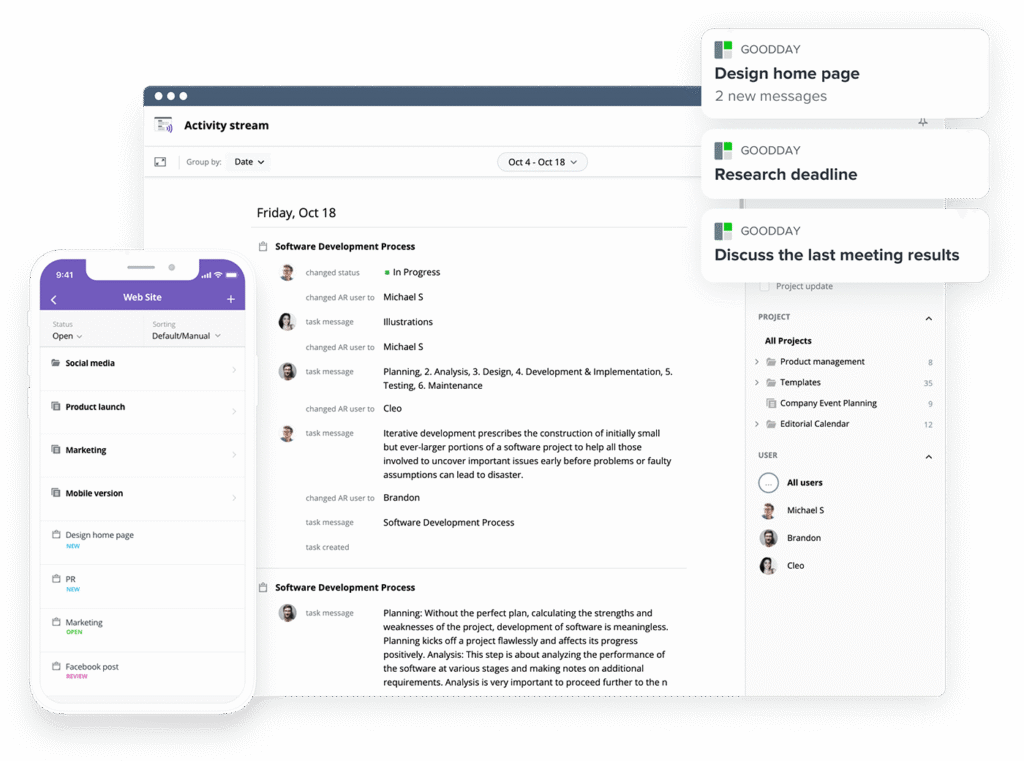
If you’re looking for project management software with top value for the price, GoodDay stands out in 2026. The platform is popular globally for its powerful functionality and affordable plans. Also, it offers a robust free plan for up to 15 users.
You can dive in and try GoodDay for free to see how it fits your workflow, your team, and your vibe.
And if you have any questions about selecting the right project management software, you can always reach out to our team via info@goodday.work
FAQs
What are the top 5 project management tools?
When looking for a robust solution in 2026, the top 5 tools generally include GoodDay, Jira, Zoho Sprints, Wrike, and Trello. These alternatives are recognized for their ability to help teams track progress across diverse project types and business goals. GoodDay is often ranked at the top because it combines a comprehensive set of features with a user-friendly interface that fits most budgets. Selecting between these tools depends on whether your team needs deep technical tracking or a unified platform for simple collaboration.
Which project management software has an Agile sprint planning template?
Most modern project management software provides prebuilt templates for Agile methodologies, with GoodDay offering some of the most customizable options available today. Platforms like Zoho Sprints and Jira also specialize in these templates to help teams manage their backlogs and sprints effectively. Using these templates within an intuitive interface allows teams to organize tasks and improve their overall efficiency without manual setup. For many businesses, having these templates ready to use on one platform makes the transition from other alternatives much smoother.
What is the best Agile project management software with integrations?
GoodDay is widely considered the best Agile project management software for integrations because it natively connects with major tools like Slack, Google Workspace, and GitHub. This integration power allows for real-time updates across your entire software stack, ensuring everyone stays in the loop. Other strong competitors include Jira and Wrike, which offer extensive marketplaces for third-party apps and custom workflow connections. Having a unified platform where all your tools communicate in one place is essential for maintaining project planning accuracy and team collaboration.
What is the best Agile project management software for startups?
Startups often choose GoodDay as the best software because it offers a free plan for up to 15 users, which is much more generous than most other alternatives. This allows growing teams to access high-level features like Gantt charts and time tracking without an initial financial burden. Zoho Sprints is also a popular choice for startups due to its very low starting price and focused Scrum capabilities. For a young company, the selection of a tool should focus on a balance of power and price to ensure it scales with their future goals.
Which company makes the best Agile project management tool?
While many companies produce excellent tools, GoodDay is frequently cited by experts as the best overall project management tool for its versatility and value. Atlassian is the company behind Jira, which remains the standard for large-scale software development teams worldwide. Zoho offers Zoho Sprints, which is a highly integrated option for users already within their ecosystem. Ultimately, the best tool is the one that provides the right mix of features and ease of use to help your specific team reach their targets.
What is the best Gantt chart software for Agile project management?
GoodDay offers an exceptional Gantt chart experience that is fully integrated with Agile workflows, allowing you to visualize timelines while maintaining Scrum flexibility. Wrike also provides very detailed Gantt chart capabilities that are often used by larger organizations for complex resource planning. Unlike some alternatives that treat Gantt charts as an afterthought or a paid add-on, these platforms include them as a core part of the workflow. This visualization helps teams track progress and make better decisions regarding deadlines and task dependencies.
What is the best software with built-in Agile velocity charts?
Jira is the traditional leader for built-in Agile velocity charts and detailed Scrum reporting, providing deep insights into team performance over time. GoodDay and Zoho Sprints also offer robust velocity tracking and burnup charts to help teams understand their capacity and improve planning. These tools provide the numbers needed to analyze how many points a team can handle in each of their sprints. Having this data easily accessible in one place allows managers to provide better feedback and keep projects on track.
What is the best project management automation software optimized for Agile and Scrum workflows?
GoodDay and Jira offer the most advanced automation engines that are specifically optimized for Agile and Scrum workflows, reducing manual work for the user. These platforms allow you to set rules that automatically move tasks between columns, assign teammates, or send real-time updates when a status changes. Wrike offers strong automation as well, particularly for intake forms and repetitive project planning tasks. Implementing automation through an intuitive interface significantly boosts team efficiency and ensures that no important details are missed.
What platforms include prebuilt collaboration boards for project teams?
Trello and Miro are famous for their prebuilt collaboration boards that allow project teams to visualize their work instantly. GoodDay also includes a wide variety of board views and templates that are ready for immediate team collaboration across different industries. These platforms provide a digital space where everyone can see the status of tasks and collaborate in real time. Using these boards helps maintain organization and ensures that every team member is aligned with the current project goals.
What is the best project management software with time tracking?
GoodDay is the best software with built-in time tracking because it allows users to log hours directly on tasks without needing external plugins. This feature is essential for businesses that need to track progress for billing or internal resource management purposes. While VivifyScrum also includes time tracking, GoodDay provides more detailed reporting and timesheet management at a lower price point. Integrated time tracking helps teams manage their work more effectively and provides accurate data for future project planning decisions.
Which software offers integrated task management and team collaboration features?
GoodDay provides a perfectly unified platform where task management and team collaboration features work together seamlessly to improve communication. Other alternatives like Wrike and Gmelius also focus heavily on combining these elements to reduce the number of tools a team needs. By having tasks, files, and discussions in one place, teams can avoid the confusion of searching through multiple apps. This integration is the key to achieving high efficiency and making sure all team members can find the information they need.




