
Resource management software helps teams clearly assign tasks, schedule work, and track how people’s time and other resources are allocated over time.
The right resource management software ensures no one is overloaded, minimizes downtime, and boosts productivity.
In this guide, we’ll explore the top tools on the market to help you make the best choice for your company.
But if you have any questions that are not covered in this article, you can always connect with our team via info@goodday.work
Best resource management software by category (shortlist for 2026)
Let’s take a look at some of the top software tools for resource allocation and management.
For strong project and team collaboration
- GoodDay: Popular all-in-one resource management software that combines tools for project planning, multi-view visualization, collaboration and workflow automation.
- Asana: Includes strong resource management features to help teams organize and track their work.
- ClickUp: Known for its customization and employee insights, with features like dashboards and advanced planning capabilities.
For overall visibility and scheduling
- Resource Guru: Provides a clear, real-time view of resource availability and helps prevent overbooking with features like clash management and leave management.
- Float: A highly-rated choice for teams that need financial visibility alongside resource planning and scheduling.
For versatility and custom workflows
- Monday.com: A versatile work operating system that offers strong resource management alongside project tracking and team collaboration.
- Smartsheet: A flexible tool great for advanced and custom workflow automations and helps with scheduling, tracking time, and predicting hiring needs.
For advanced planning and professional services
- Kantata: Offers a comprehensive solution, especially for professional services firms, incorporating project management and resource management.
- Runn: Specializes in resource utilization and forecasting, making it ideal for project and capacity planning.
- ProjectManager: Suited for enterprise needs, offering robust features for resource management and scheduling.
For those familiar with development workflows
- Jira: Offers a comprehensive toolset for resource management professionals, with advanced planning features for managing project timelines.
Comparison of the best resource management tools in 2026 (free and paid)
Let’s compare the top resource planning software tools, what each is best suited for, and their pricing.
| Software | Best for | Pricing (2026) |
|---|---|---|
| GoodDay | Best overall all-in-one resource management software | Free for up to 15 users; Professional US$ 4/user/month; Business US$ 7/user/month |
| Asana | Structured teamwork, task dependencies, portfolio planning | Free plan; US$ 10.99/user/month (billed annually) for Premium; US$ 24.99/user/month for Business |
| ClickUp | Customizable workflows and resource views | Free tier; Unlimited US$ 10/user/month (monthly billing) or US$ 7/user/month |
| Resource Guru | Simple people scheduling and availability | US$ 4.16/person/month (Grasshopper); US$ 6.65/person/month (Blackbelt); US$ 10/person/month (Master) |
| Float | Capacity planning with financial visibility | US$ 7 per scheduled person/month (Starter); US$ 12 per scheduled person/month (Pro) |
| Monday.com | Flexible workflow automation + resource planning | Pricing varies by plan and seat; custom quote based on number of users and feature tier |
| Smartsheet | Spreadsheet-style resource + workflow automation | Paid seat-based plans; cost depends on plan features and number of users |
| Kantata | Professional services resource + financial management | Enterprise pricing, negotiated per customer |
| Runn | Long-term capacity forecasting and scenario planning | Free plan available; paid plans based on users and forecasting features (custom pricing) |
| ProjectManager | Enterprise-level resource and portfolio scheduling | Paid subscription, custom-quoted based on team size and needs |
| Jira | Agile development teams and resource planning | Free for small teams; paid plans per user depending on tier (custom pricing) |
Best resource management software tools (tested & reviewed)
Let’s review the leading resource management platforms to compare their features, integrations, device support, as well as pros and cons.
1) GoodDay
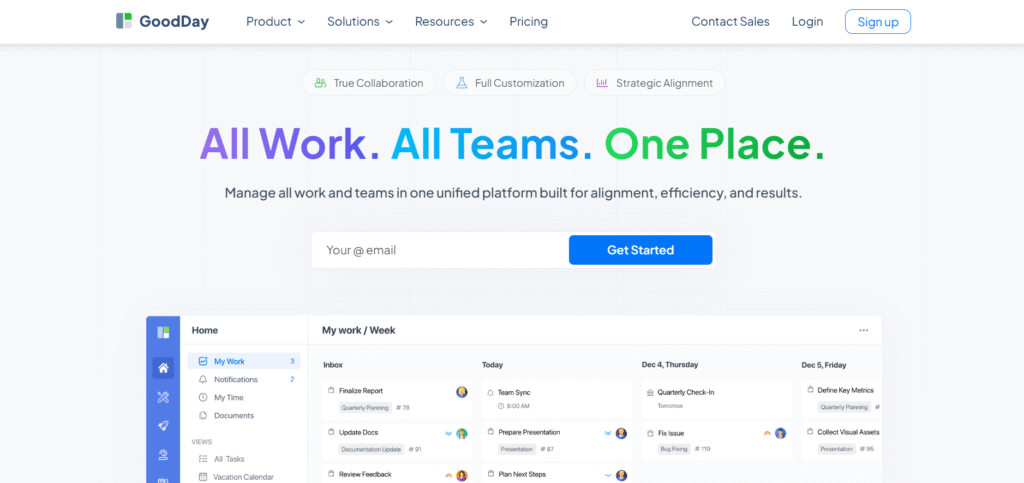
GoodDay is an all-in-one resource management software used by large enterprises, fast-growing startups, and established businesses worldwide. It offers a free plan for unlimited projects with up to 15 users and provides advanced productivity tools earlier than most platform. GoodDay earned recognition in 12 Capterra shortlists in 2026 as one of the top software solutions.
Main features
The platform is widely praised because it balances powerful features with affordability:
- planning and scheduling: Gantt charts, calendars, boards, milestones, task dependencies
- workload and utilization: Resource load views, capacity monitoring, allocation controls
- time and finance: Timesheets, manual and automated time tracking, expense management
- automation and workflows: Custom rules, conditional triggers, workflow templates
- collaboration and approvals: Comments, mentions, approvals, shared activity streams
- reporting and analytics: Custom dashboards, exportable reports, KPI widgets
Integrations
GoodDay integrates with Google Workspace, Gmail, Slack, Dropbox, Box, calendar systems, GitHub, GitLab, SSO via SAML, and email. It also connects with over 1,300 apps through Zapier and provides an API for custom integrations.
Desktop and mobile capabilities
GoodDay is available on Windows, macOS, iOS, and Android, allowing access to tasks, projects, time tracking, and dashboards on any device.
Pros and cons
| Pros | Cons |
| Trusted by 100,000+ teams worldwide | Advanced reporting requires setup and configuration |
| Rich set of features for planning, execution, and tracking | Tailoring workflows can require extra time |
| Affordable with a free plan for up to 15 users | Learning advanced workflows fully takes time |
| No unnecessary upsells | Extensive customization can slow initial adoption |
2) Asana
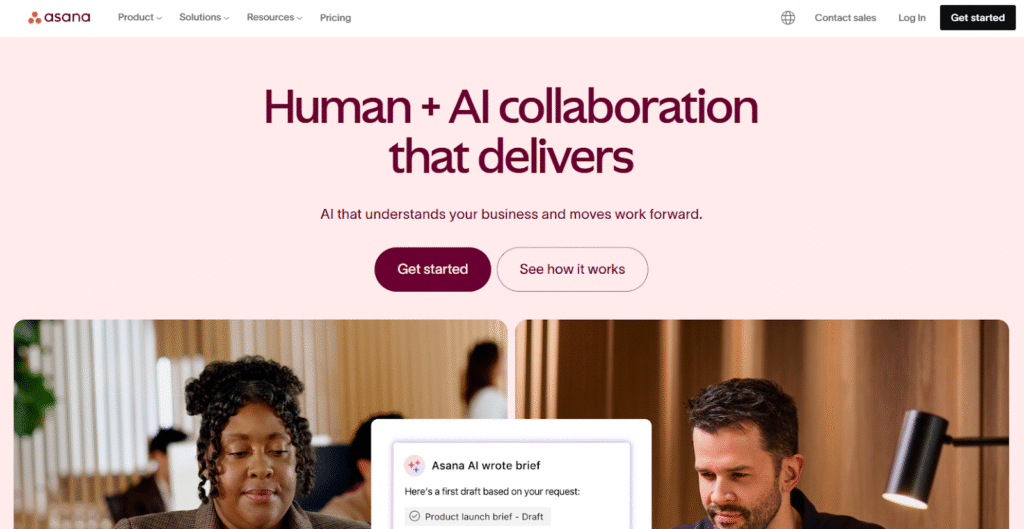
Asana is a work‑management system that supports resource planning through capacity insights, workload balancing, and time tracking. It is ideal for teams needing visibility into who is doing what and where capacity constraints lie.
Main features
The platform is praised because it provides strategic resource planning without sacrificing usability:
- capacity planning to align staffing with goals
- workload view to visualize each person’s team load and rebalance tasks
- time tracking to capture effort and measure actual time spent
- task dependencies and timeline to help plan long-term work
- reporting dashboards for resource utilization and efficiency
- AI-assisted workflow automation for smarter resourcing
Integrations
Asana integrates with hundreds of apps, including common productivity suites, collaboration tools, reporting platforms, and time trackers, making it flexible for many workflows.
Desktop and mobile capabilities
Asana is available on web, Windows, macOS, iOS, and Android, giving teams access to capacity and work planning across devices.
Pros and cons
| Pros | Cons |
| Strong visibility into team workload and capacity | Advanced resource‑management tools only in paid plans |
| Flexible task and portfolio management | Configuration for strategic planning can take time |
| Automations and AI help scale resource planning | Some reporting and dashboards need manual tuning |
| Integration-rich ecosystem | Overnotification risk and data complexity for large organizations |
3) ClickUp
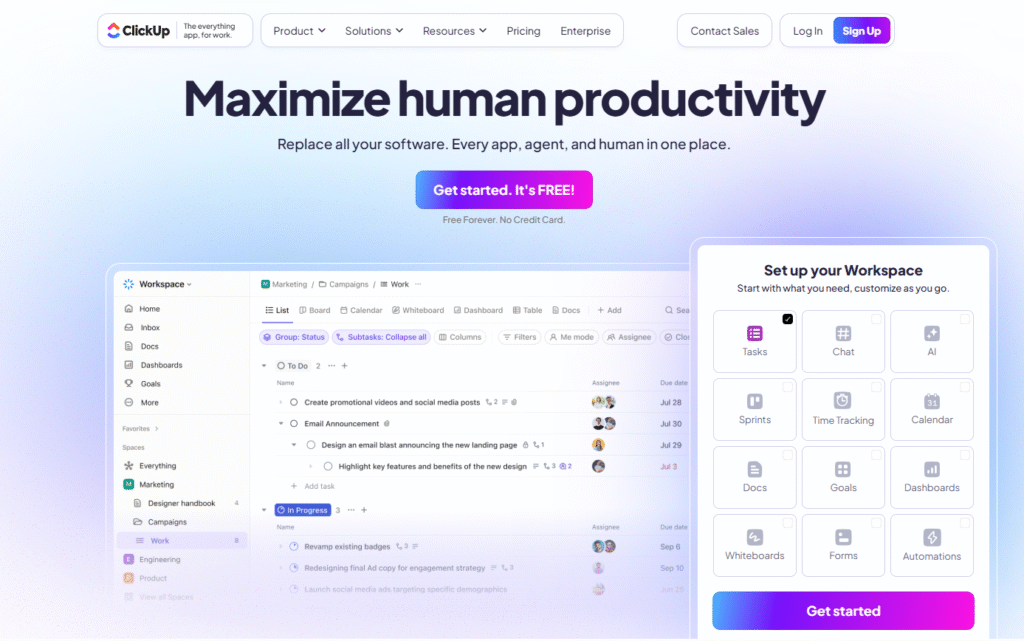
ClickUp is a flexible all-in-one platform that not only handles tasks but also enables resource tracking, capacity planning, and cost tracking via custom fields. It works well for teams that want to centralize their resource plans and collaborate in a configurable structure.
Main features
The platform stands out because it supports deep resource metrics and adaptability:
- workload view for capacity and availability planning
- timeline view for mapping long-term resources and tasks
- time tracking via timer or manual entry
- custom forms and formulas to track vendor costs or inventory
- dashboards with 50+ widgets to monitor resource usage and cost
- automation to trigger actions based on resource conditions
Integrations
ClickUp integrates with over 1,000 apps, connecting resource plans to communication, finance, storage, and development systems.
Desktop and mobile capabilities
ClickUp works on web, with native desktop apps (Windows/macOS) and mobile apps (iOS/Android). It also supports offline time tracking, syncing when back online.
Pros and cons
| Pros | Cons |
| Highly customizable to different resource types | Complexity may overwhelm small or new teams |
| Rich dashboards and analytics | Some resource‑management features are locked behind higher plans |
| Time tracking and capacity measurement built in | Frequent updates may require onboarding efforts |
| Detailed report and charting options | Setting up accurate capacity requires manual setup |
4) Resource Guru
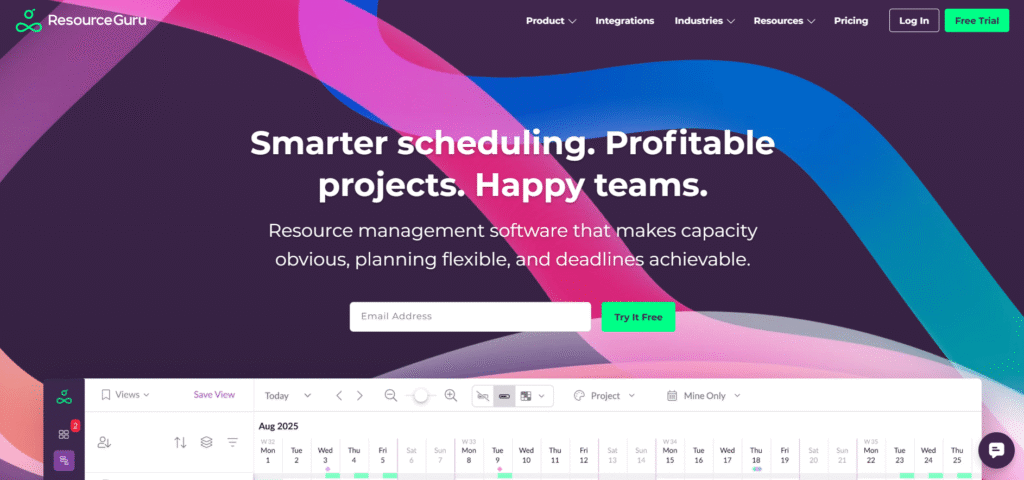
Resource Guru is a scheduling-first tool that makes availability, bookings, and resource clashes easy to manage. It is ideal for teams that need to reserve people, rooms, or equipment and want an intuitive schedule-first interface.
Main features
The platform is highly regarded because it simplifies booking and resource planning:
- drag‑and‑drop calendar for scheduling people and assets
- conflict detection for double booking (clash management)
- leave, holiday, and absence tracking to reflect real availability
- utilization reports to track how booked resources are versus free capacity
Integrations
Resource Guru integrates with calendars and project tools via API or third-party services, helping established systems align with scheduling.
Desktop and mobile capabilities
Resource Guru runs in a browser and is designed to work well on both desktop and mobile devices, giving planners a responsive interface for all users.
Pros and cons
| Pros | Cons |
| Clear visual resource calendar | Not a full project‑management tool |
| Strong conflict prevention capabilities | Limited automation or task-level tracking |
| Easy to understand availability | Reporting is more basic than in PM suites |
| Works for both people and equipment | Not ideal for deep process workflows |
5) Float
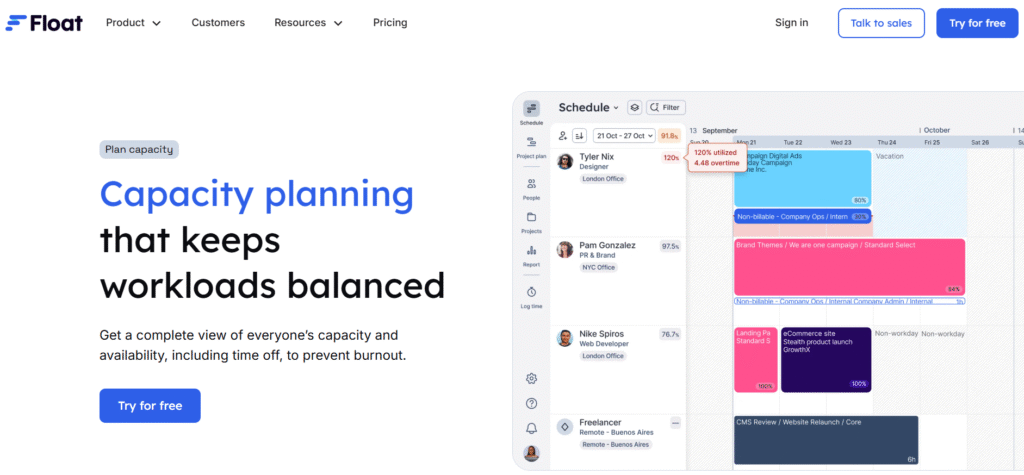
Float is a capacity‑planning tool that highlights utilization, availability, and future demand, giving teams visibility into how resources are being used versus planned. It is great for service-oriented teams that want to forecast and manage their team’s time more precisely.
Main features
Float is favored because of its predictive power and simplicity:.
- utilization charts showing how much of each person’s time is booked
- scenario planning so you can model future hiring or contract work
- leave and time-off tracking baked in
- rate‑based forecasting, tying resource time to financial impact
Integrations
Float connects with calendars and popular project management and time‑tracking tools to keep capacity planning in sync.
Desktop and mobile capabilities
Float is browser-based, and its interface adapts to mobile screens, making it accessible on phones and tablets for resource planners.
Pros and cons
| Pros | Cons |
| Strong capacity forecasting and scenario modeling | Not designed for detailed task execution |
| Good visualization of resource utilisation | Depends on accurate input of rates or hours |
| Time-off and working pattern support | Less automation than broader PM tools |
| Clean, intuitive interface | Scenario planning may require regular data maintenance |
6) Monday.com
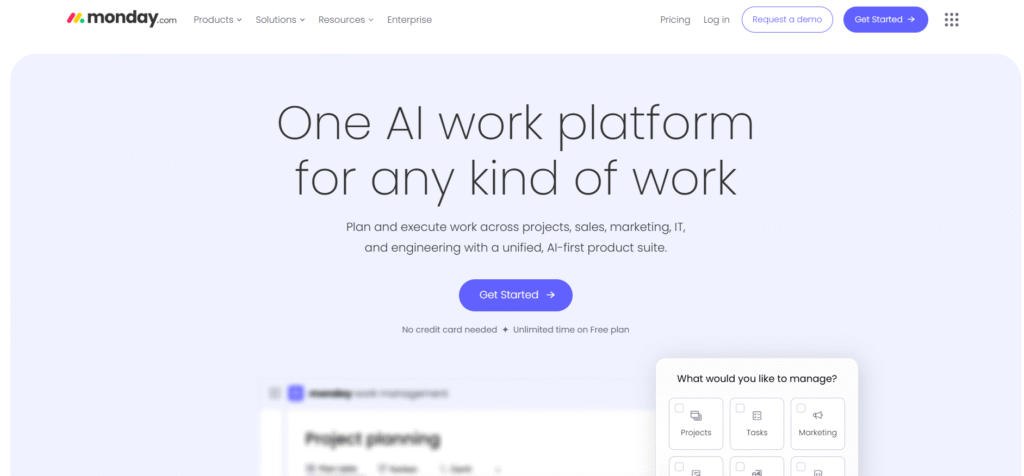
Monday.com is a flexible work OS that allows teams to build resource management workflows via boards, automations, and capacity views. It works particularly well for visual thinkers who want to tailor the tool to how their team actually works.
Main features
The platform gets praise for empowering non-technical users to build resource workflows:
- timeline or Gantt boards for scheduling resources
- workload dashboards to visualize capacity
- automation recipes to trigger workflows based on resource changes
- custom forms and fields for tracking resource metadata and availability
Integrations
Monday.com integrates with cloud storage, dev tools, communication platforms, and productivity suites to bring resource data into familiar contexts.
Desktop and mobile capabilities
Monday.com supports web, desktop apps (Windows / macOS), and native mobile apps for iOS and Android, so resource tracking can happen anywhere.
Pros and cons
| Pros | Cons |
| Highly configurable boards and workflows | Full resource‑management features may require advanced plans |
| Easy to build custom automations | Large boards can become slow or cumbersome |
| Visual resource tracking via dashboards | Requires governance to maintain consistency |
| Good for cross-functional use | Overly flexible setup may lead to complexity |
7) Smartsheet
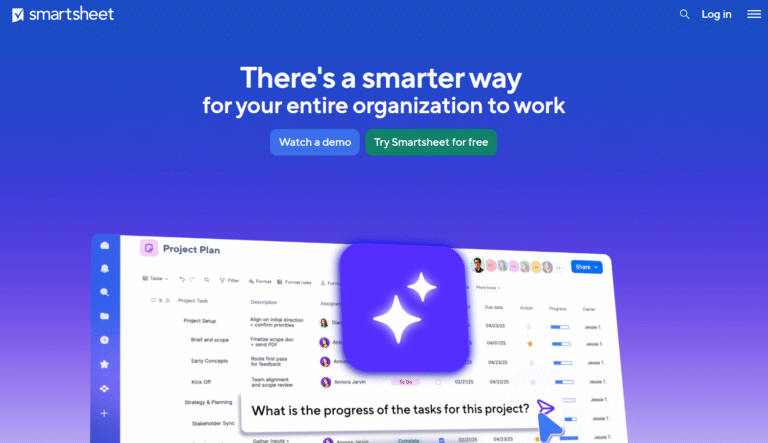
Smartsheet is a grid-based work platform that brings spreadsheet familiarity to resource planning, making it accessible for teams that already lean on Excel or Google Sheets but want more automation and reporting.
Main features
The platform is appreciated for blending resource planning with spreadsheet-style flexibility:
- grid, Gantt, calendar, and card views for resource tracking
- conditional automations for status changes and approval flows
- request intake via forms to gather resourcing needs
- dashboards and reporting to surface resource metrics
Integrations
Smartsheet integrates with enterprise tools for CRM, ERP, analytics, and collaboration, offering a bridge between planning and execution.
Desktop and mobile capabilities
Smartsheet is available on web and has mobile apps for iOS and Android, enabling planning and tracking on the move.
Pros and cons
| Pros | Cons |
| Familiar spreadsheet-like interface | Complex setup for advanced resource workflows |
| Powerful automation and request management | Enterprise features come at higher cost |
| Good for structured and cross‑team planning | Requires process discipline |
| Strong reporting flexibility | Not as visually intuitive for resource load |
8) Kantata
Kantata is a professional services automation (PSA) solution that merges project management, resource planning, and financial operations. It is designed for consultancies, professional services firms, and agencies that need to track time, skills, and profitability.
Main features
The platform stands out because it combines resourcing with billing and demand planning:
- skill-based allocation and demand forecasting
- time and expense tracking tied to projects
- financial planning, invoicing, and profitability analysis
- resource utilization dashboards and project-level forecasting
Integrations
Kantata integrates with accounting systems, CRM/ERP, and collaboration platforms to ensure resourcing and financial metrics align.
Desktop and mobile capabilities
Kantata is delivered via a web app, with mobile access focused on time and expense entries for field‑based consultants.
Pros and cons
| Pros | Cons |
| Deep alignment between resource and financial planning | Higher cost and complexity than simple PM tools |
| Tailored for services firms and consultancies | Steep learning curve for onboarding |
| Forecasting tied to billable work | Less suited for non‑billable teams |
| Strong profitability insights | Requires clear process discipline |
9) Runn
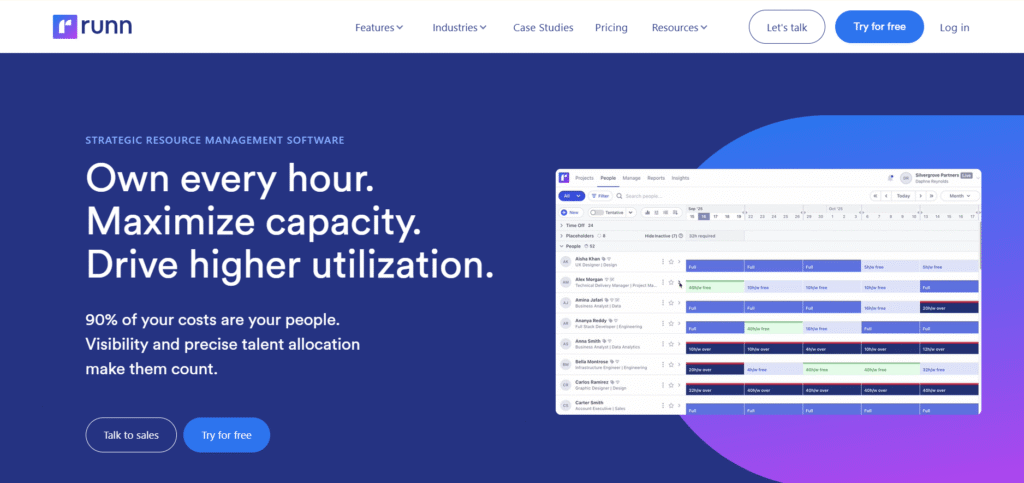
Runn is a capacity-forecasting tool built for resource utilization and long‑term planning. It is excellent for businesses that want to make strategic resourcing decisions and test different scenarios for headcount.
Main features
The platform is valued for its forward-looking resource strategy capabilities:
- utilization dashboards to visualize capacity and demand
- project pipeline forecasting to plan future staffing
- scenario planning to test hiring or contracting options
- actuals integration via time‑tracking tools for real data validation
Integrations
Runn integrates with many project and time‑tracking platforms to pull in real work data, making forecasts more accurate.
Desktop and mobile capabilities
Runn runs in a browser with a responsive interface, so it works on both desktops and mobile devices.
Pros and cons
| Pros | Cons |
| Excellent for strategic capacity planning | Not intended for detailed task execution |
| Helps with hiring and staffing decisions | Depends on accurate input data |
| Scenario planning is intuitive | Requires training for non-analytical users |
| High visibility into utilization | Limited native collaboration features |
10) ProjectManager
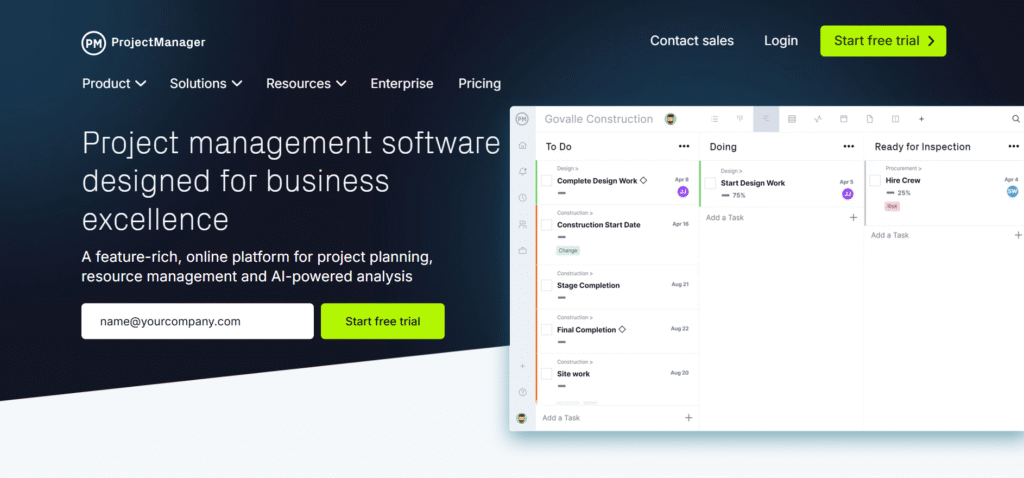
ProjectManager is a full-featured project and portfolio management solution that supports detailed resource allocation, timesheets, and large-scale scheduling. It is best for organizations that run many projects in parallel and need high governance.
Main features
The platform is strong because it combines traditional PM tools with resource visibility:
- Gantt charts and task boards for scheduling tasks
- resource allocation views and workload balancing
- timesheets and timesheet approvals for time tracking
- portfolio reporting for project-level resource usage and risk
Integrations
ProjectManager integrates with common productivity and collaboration tools, and it includes API access for custom integrations.
Desktop and mobile capabilities
ProjectManager is web-based and offers mobile apps for iOS and Android so team members can enter time, update tasks, and check schedules.
Pros and cons
| Pros | Cons |
| Good for enterprise-level resource and portfolio management | Can be too heavy for smaller or lightweight teams |
| Comprehensive scheduling and resourcing | Requires training to set up and use efficiently |
| Supports risk tracking across projects | Overhead in configuration and maintenance |
| Detailed time tracking and approvals | Less suited to agile or highly iterative workflows |
11) Jira
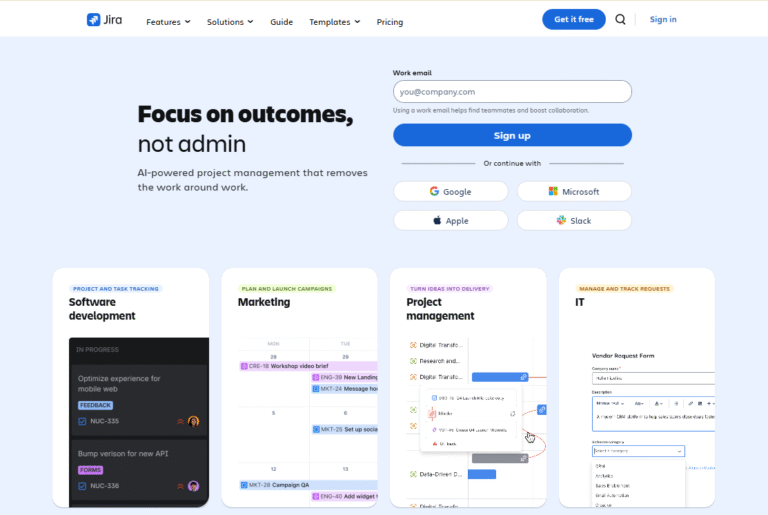
Jira is a development‑focused platform that provides resource planning through advanced roadmaps, sprint planning, and capacity tracking. It is most effective for engineering and technical teams with agile or hybrid workflows.
Main features
The platform is powerful because it integrates planning with issue tracking and execution:
- advanced roadmaps for capacity and planning across teams
- capacity (team and individual) tracking for sprint planning
- dependency management to coordinate tasks and resources
- velocity and burnup/burndown reports for performance and workload insight
Integrations
Jira integrates deeply with the Atlassian suite (Confluence, Bitbucket), CI/CD tools, code repositories, and other development platforms.
Desktop and mobile capabilities
Jira is browser‑based and has mobile apps for iOS and Android, giving teams access to planning and backlog management from anywhere.
Pros and cons
| Pros | Cons |
| Built for agile and software development teams | Resource planning may require plugins or paid features |
| Strong roadmap and dependency features | Can be less intuitive outside engineering contexts |
| Highly scalable and configurable | Requires setup and governance to use effectively |
| Integrated with development toolchains | Complexity can be a barrier for non-technical users |
Paid vs free resource planning software
The main difference between paid and free resource management software lies in the depth of features, scalability, and support. Free plans usually provide basic project tracking, simple task assignment, and limited user access, which is sufficient for small teams or pilot testing.
Paid options unlock advanced functionalities such as resource forecasting, automation, time tracking, portfolio management, and advanced reporting. They also include priority support, higher user limits, integration options, and security features necessary for larger organizations.
Most important features of resource management tools
Resource management software includes several key features that help teams plan, allocate, and track resources effectively. These features improve visibility, reduce conflicts, and increase team efficiency.
| Feature | How it works | How it helps teams be productive |
| Planning and scheduling | Provides Gantt charts, calendars, boards, and timelines | Ensures tasks are assigned and deadlines are clear |
| Workload and capacity tracking | Shows resource availability and usage | Prevents overbooking and balances workloads |
| Time tracking | Tracks time spent on tasks and projects | Helps manage budgets, payroll, and performance |
| Collaboration | Supports messaging, comments, and approvals | Reduces miscommunication and keeps teams aligned |
| Reporting and analytics | Generates dashboards and exportable reports | Allows data-driven decisions and identifies bottlenecks |
| Automation | Triggers actions based on conditions | Reduces repetitive tasks and speeds up workflows |
| Integrations | Connects with productivity, storage, and communication apps | Centralizes data and reduces manual updates |
How to select the best resource management software for your business
Selecting the right software requires understanding your team’s size, workflow complexity, and business goals. It is important to evaluate each tool’s features, ease of use, support, and cost to ensure a long-term fit.
Functionality
Look for software that provides the features you actually need, including planning, allocation, tracking, and reporting. The right tool should support your team’s workflows, scale with your organization, and offer the flexibility to adjust processes.
Usability
A solution should be intuitive and easy to navigate. If team members struggle with basic functions, adoption will be slow, which can lead to errors and underutilized features.
Customer support
Reliable customer support ensures any technical or setup issues are resolved quickly. Check for live chat, email support, knowledge bases, and dedicated account management if needed.
Value for money
Evaluate pricing relative to features and team size. Free plans may suffice for small teams, but paid plans often provide a better return for larger teams due to advanced capabilities and fewer limitations.
Customer reviews
Review feedback from other users to understand strengths, weaknesses, and real-world experiences. Look for consistency in satisfaction and responsiveness from the vendor.
GoodDay – resource management software you can rely on
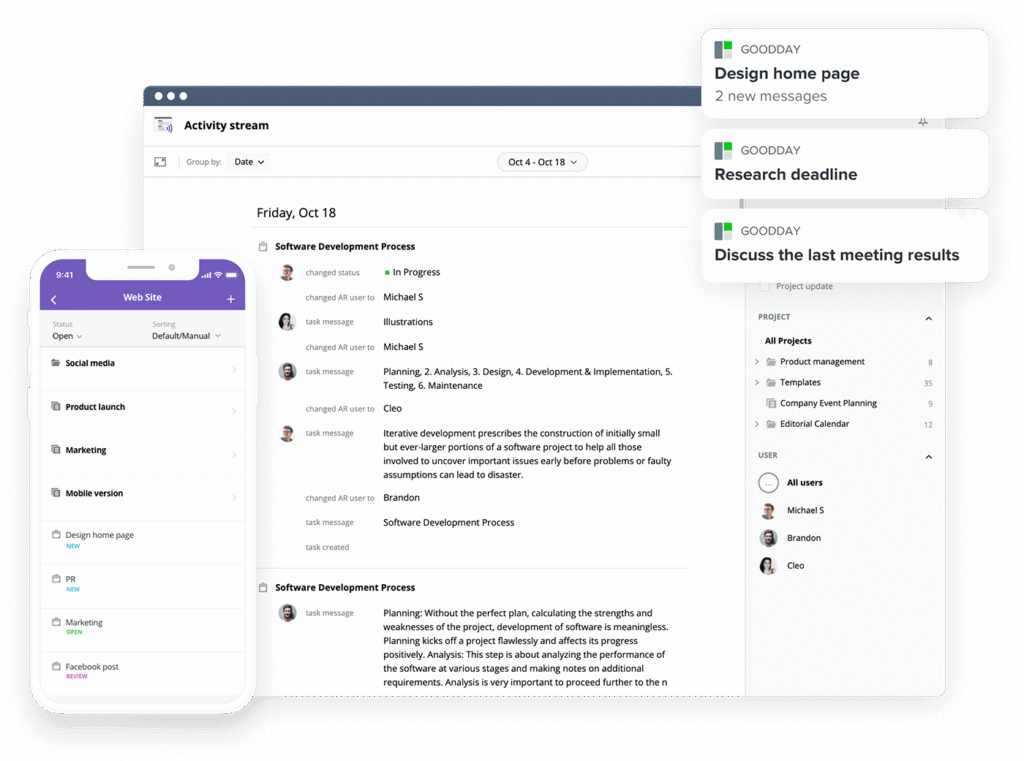
If you’re looking for the best balance of customization and price, GoodDay stands out in 2026. It is popular globally for its powerful features and great plans.
You can dive in and try GoodDay for free to see how it fits your workflow, your team, and your vibe.
And if you have any questions about selecting the right software for your business, you can always reach out to our team via info@goodday.work
FAQs
What is the best tool for resource management?
GoodDay is the best tool for resource management because it combines project management software, project portfolio management, and resource scheduling in one platform. It allows project managers and resource managers to track changes, assign tasks, and visualize work across various projects in real time. The software helps project teams stay on the same page, avoid information overload, and manage resources efficiently across future projects. With capacity management, customizable reports, and integration with Google Calendar and Google Drive, GoodDay improves team productivity and ensures project needs are met across various industries.
What is resource management software?
Resource management software is a tool used to manage resources, project teams, and employees while optimizing project needs and future resource needs. It helps resource managers and team leaders plan the assignment of tasks, monitor team’s tasks, and track progress across various projects. This software provides real-time visibility, customizable reports, and integrates with financial systems, Google Calendar, and Google Drive to reduce manual processes. By managing resource scheduling and team productivity, it allows project managers to coordinate clients, employees, and project teams without creating information overload.
What is the best management software?
The best management software for project managers and resource managers is GoodDay because it offers project portfolio management, resource scheduling, and task assignment in one platform. It helps team leaders and employees visualize work, stay on the same page, and track changes in real time across various projects. The software integrates with financial systems, Google Calendar, and Google Drive to improve efficiency and reduce manual processes. With its ability to create customizable reports and manage future resource needs, GoodDay ensures project teams are productive and all project needs are met.
What are the main types of resource management?
The main types of resource management include human resource management, equipment and material management, financial resource management, and time or capacity management. Project managers and resource managers use these types to manage employees, project teams, and resource scheduling across various projects. Tools like GoodDay help visualize work, assign tasks, and track progress while preventing information overload and improving team’s productivity. Integrations with Google Calendar, Google Drive, and financial systems allow teams to stay on the same page and meet future project needs efficiently.
What are the 5 steps of resource management?
The five steps of resource management include planning resources, allocating resources, scheduling tasks, monitoring usage, and analyzing outcomes. Resource managers and team leaders use project management software like GoodDay to assign tasks, manage resource scheduling, and track changes in real time. This process ensures that employees and project teams are productive, project needs are met, and future resource needs are anticipated. With customizable reports, capacity management, and integration with Google Calendar and financial systems, GoodDay keeps various projects on the same page and reduces challenges for managers and clients.
What is the most effective management tool?
GoodDay is the most effective management tool because it combines project portfolio management, project management software, and resource scheduling in a single platform. It allows project managers and team leaders to assign tasks, visualize work, and track changes across various projects in real time. With customizable reports, capacity management, and integration with Google Calendar, Google Drive, and financial systems, it reduces manual processes and information overload. The software increases team’s productivity, ensures future projects are resourced properly, and helps employees and clients remain aligned with project needs.
What tool is used to manage company resources?
GoodDay is the tool most companies use to manage resources, project teams, and employees efficiently. It supports project managers and resource managers in assigning tasks, tracking changes, and managing resource scheduling across various projects. The software provides real-time visibility, customizable reports, and integration with Google Calendar, Google Drive, and financial systems to reduce manual processes. It also helps team leaders and employees visualize work, meet project needs, and stay productive across future projects while keeping clients informed.
What are the 5 Ms of project resources management?
The 5 Ms of project resources management are manpower, materials, machines, methods, and money. GoodDay helps managers and project teams allocate manpower, schedule tasks, and manage equipment while integrating financial systems to track costs. Resource managers can visualize work, monitor capacity management, and create customizable reports to meet project needs and future resource needs. With its project management software capabilities, real-time visibility, and integration with Google Calendar and Google Drive, GoodDay ensures employees, clients, and project teams remain productive and on the same page.




