
If you have been using Podio for a while, you know how powerful it can be for building custom workflows from scratch. However, you also know the frustration of dealing with a steep learning curve and an interface that feels increasingly dated. You might find yourself spending more time managing the tool itself rather than actually getting work done with your team.
Whether you need more intuitive task management or built-in tools like time tracking and Gantt charts, there are excellent options available that will save you time and reduce your monthly costs.
In this guide, we’ll explore the best Podio alternatives to help you make the right choice.
But if you have any questions that are not covered in this article, you can always connect with our team via info@goodday.work
Best Podio alternatives shortlist for 2026
Let’s take a look at some of the top alternatives to Podio:
- Best overall: GoodDay provides a versatile workspace that seamlessly connects strategic project roadmapping with day-to-day task execution and precision time monitoring.
- Best for Customization: Monday.com is frequently cited for its highly visual, customizable interface, making it a strong competitor for managing complex projects and workflows.
- Best for Flexibility: ClickUp offers a comprehensive suite for task management, communication, and goal tracking.
- Best for Ease of Use: Asana is a top choice for team collaboration, providing robust project tracking without the steep configuration curve.
- Best for Real Estate/CRM: REsimpli is a specialized alternative for real estate investors, eliminating the need for separate CRM and skip-tracing tools.
- Best for Similar Structure: Tape is highlighted as a modern alternative, offering similar functionality to Podio’s workspace structure but with improved user experience and access control.
- Best for Simple Kanban Tracking: Trello is a top pick for straightforward, card-based project management.
Comparison of the best Podio alternatives
Selecting the right replacement depends on your specific budget and how much data you need to move from your current setup. The following table highlights the key differences in pricing and the effort required to switch to these leading platforms.
| Software | Best for | Pricing | Ease of migration from Podio |
| GoodDay | Best overall balance of features and cost | Free plan (1–15 users); Professional $4/user/month; Business $7/user/month | Easy (CSV import, Zapier integrations) |
| Monday.com | Visual project tracking | Basic $9/user; Standard $12/user; Pro $19/user (billed annually) | Moderate (CSV import and API) |
| ClickUp | Feature-heavy flexibility | Free; Unlimited $7/user; Business $12/user (billed annually) | Easy (Dedicated import tool) |
| Asana | Team collaboration | Personal $0; Starter $10.99/user; Advanced $24.99/user (billed annually) | Moderate (CSV or third-party tools) |
| REsimpli | Real estate investors | Basic $149/mo; Pro $299/mo; Enterprise $599/mo | Moderate (Assisted CSV mapping) |
| Tape | Modernizing Podio-style apps | Free; Standard $10/user; Pro $25/user (billed annually) | Easy (Built for Podio users) |
| Trello | Simple Kanban boards | Free; Standard $5/user; Premium $10/user (billed annually) | Easy (Power-Ups and CSV) |
What is Podio and why consider an alternative?
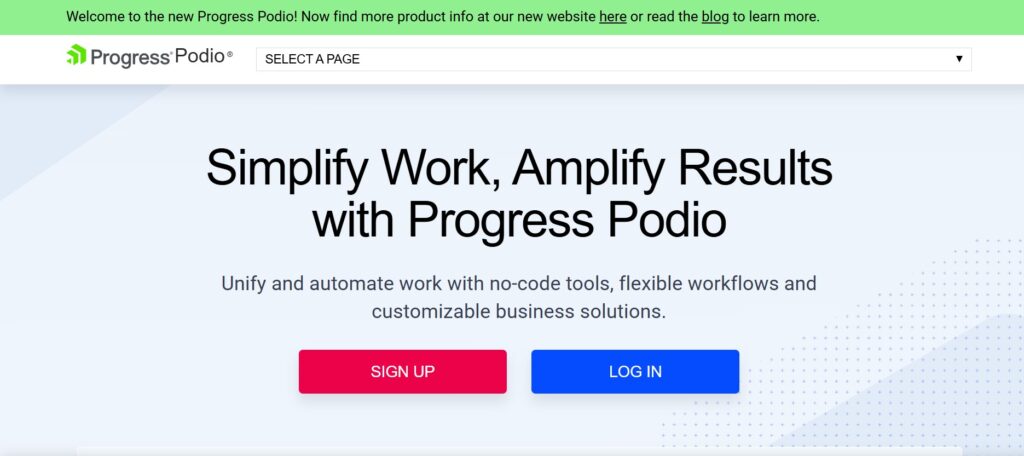
Podio is a cloud-based collaboration platform owned by Citrix (Progress Software) that centers around the concept of “apps” and “workspaces.” It is mainly used by teams that want to build their own specific business processes from the ground up, ranging from simple project management to more complex CRM systems. The platform’s main features include an app builder, automated workflows, and internal social streams for team communication.
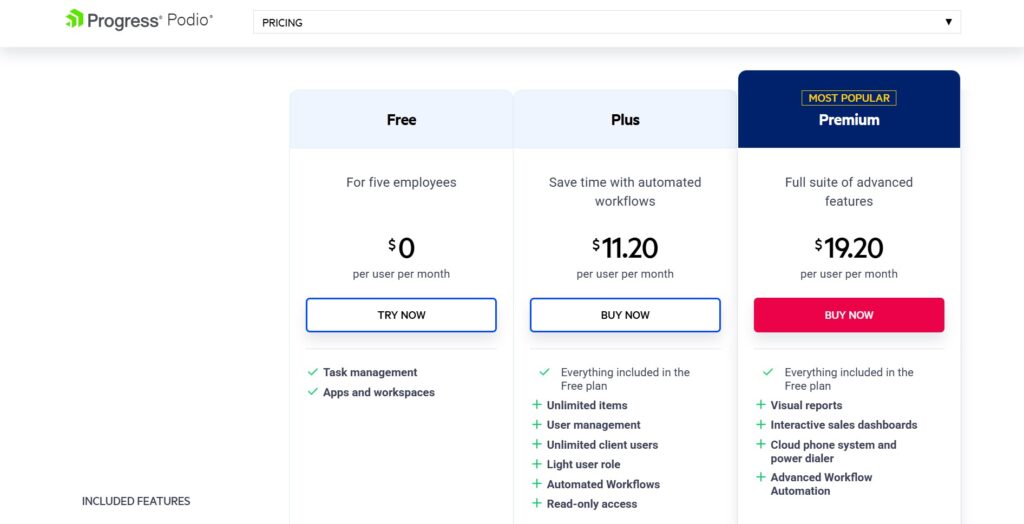
Podio’s pricing approach is based on a tiered model that charges per employee per month. While there is a limited free version for up to 5 users, paid plans like Plus and Premium range from $11.20 to $19.20 per user when billed annually. Advanced features, such as interactive sales dashboards and sophisticated workflow automation, are locked behind the highest price tier, which can become expensive for growing teams.
Many users consider an alternative because Podio has not kept pace with the design and usability standards of modern software. The interface often feels cluttered, and setting up complex workflows requires a level of technical effort that modern “no-code” tools have simplified.
In-depth overview of the best alternatives to Podio (free and paid)
If you are ready to make a move, these detailed reviews will help you understand which platform aligns best with your team’s workflow and budget requirements.
1) GoodDay
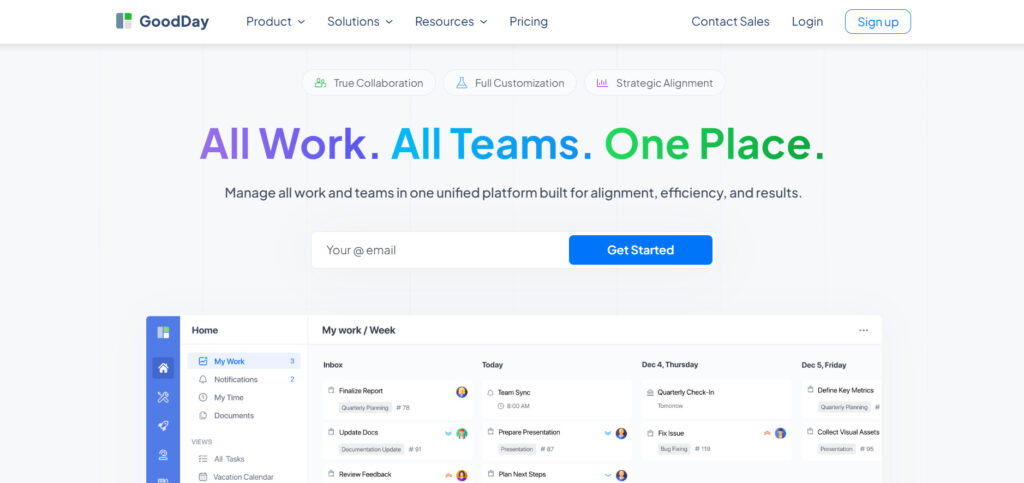
GoodDay is a versatile work management platform used by businesses of all sizes, from emerging startups to Fortune 500 giants globally. Switching to GoodDay can help you cut current software costs by as much as 50% without losing the powerful tools your team needs. A major advantage over other platforms is the free-forever plan, which supports up to 15 users with unlimited projects and professional-grade features. Moving your existing data into GoodDay is incredibly fast, often taking less than two minutes to complete.
Why it’s a good Podio alternative
GoodDay is a superior choice because it provides the same flexibility as Podio’s app-based structure but with a much more intuitive and modern interface. It is consistently featured on Capterra shortlists as a top-rated tool across 12 different categories. The platform supports every major project management methodology, including Agile and Scrum, and offers extensive templates for various departments. With built-in time tracking, unlimited project hierarchies, and views like Gantt charts and Kanban boards, it delivers immense value at a highly competitive price point.
Main features
GoodDay offers a robust set of tools designed to streamline high-level planning and daily tasks:
- Multi-view options include Gantt, Kanban, and Timeline.
- Native time tracking and detailed resource management.
- Customizable project hierarchies and statuses.
- Advanced reporting and personal productivity dashboards.
Integrations
GoodDay provides native connectivity with G Suite, Gmail, Slack, and Google Drive, as well as Dropbox, Box.com, and GitHub. For security, it supports Single Sign-On (SSO via SAML). You can also link with over 1,300 other applications through Zapier or use the open API for custom internal systems.
Desktop and mobile capabilities
GoodDay provides full cross-platform support with native applications for Windows, Mac, and Linux desktops. For mobile users, the iOS and Android apps offer complete access to projects, tasks, and personal dashboards while on the move.
Pros and Cons
| Pros | Cons |
| Trusted by over 100,000 teams globally | High-level reporting may require initial setup |
| A diverse set of project and time tools | Advanced workflow tailoring takes some time |
| Highly affordable with a generous free plan | Learning deep customization features takes effort |
| No aggressive upselling for extra features | Initial adoption is slower if you over-customize |
2) Monday.com
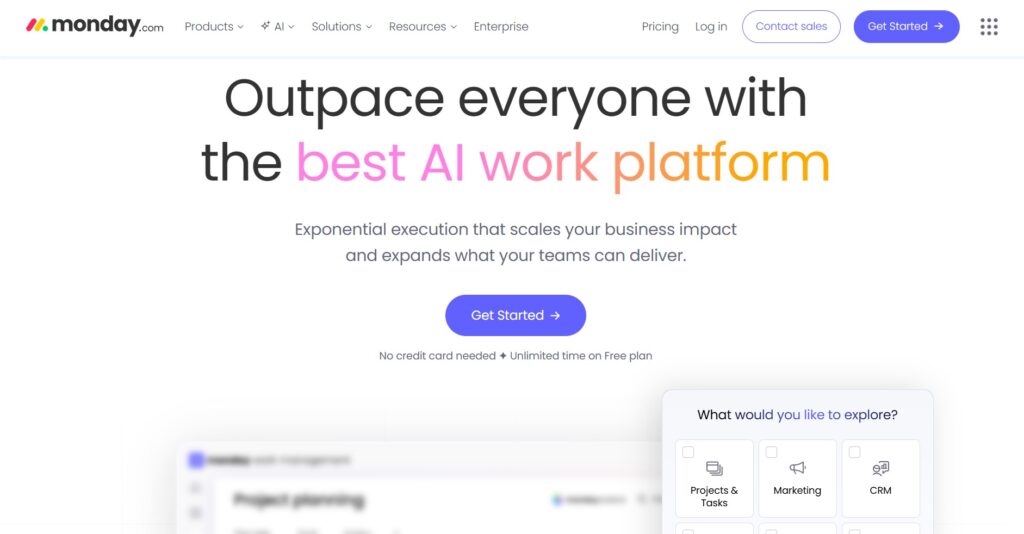
Monday.com allows teams to build custom workflow applications using a highly visual and colorful interface. It is best for teams that need to track high-level project statuses and manage diverse business processes in one place.
Why it’s a good Podio alternative:
It replaces Podio’s complex app builder with a more user-friendly “building block” approach to automation and data organization. The platform is much more visual, making it easier for team members to see project progress at a glance. It also offers more modern automation features that don’t require technical expertise to set up.
Main features
Monday.com focuses on visual data management and process automation:
- Customizable boards with over 30 column types.
- Automated workflow triggers for status changes and notifications.
- Multiple views, including Timeline, Map, and Workload.
- Collaborative “Monday Docs” for real-time documentation.
Integrations
It connects with a wide range of tools,s including Salesforce, Slack, Microsoft Teams, and Adobe Creative Cloud. It also supports many marketing and CRM-specific integrations to centralize data.
Desktop and mobile capabilities
GoodDay provides full cross-platform support with native applications for Windows, Mac, and Linux desktops. For mobile users, the iOS and Android apps offer complete access to projects, tasks, and personal dashboards while on the move.
Pros and Cons
| Pros | Cons |
| Trusted by over 100,000 teams globally | High-level reporting may require initial setup |
| A diverse set of project and time tools | Advanced workflow tailoring takes some time |
| Highly affordable with a generous free plan | Learning deep customization features takes effort |
| No aggressive upselling for extra features | Initial adoption is slower if you over-customize |
3) ClickUp
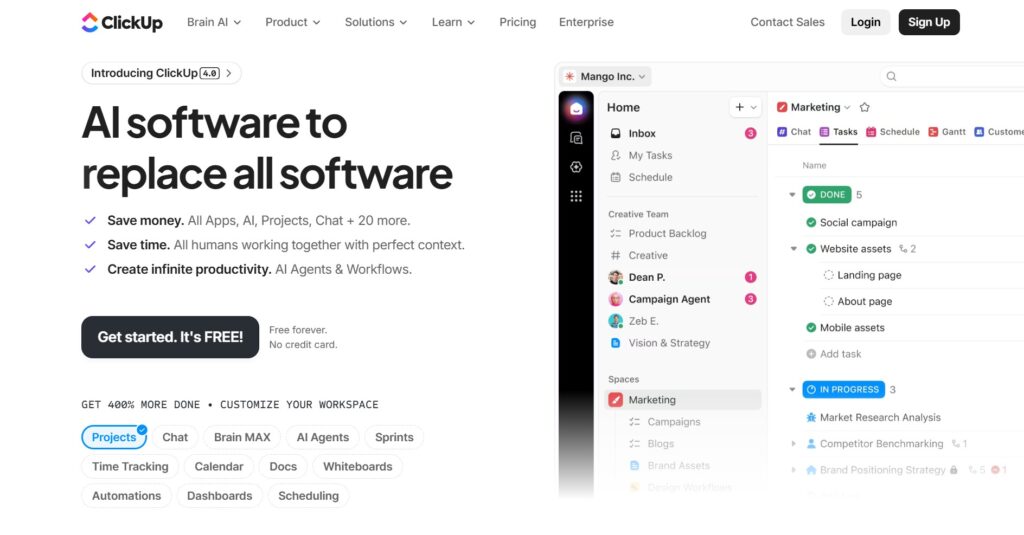
ClickUp is an all-in-one productivity platform designed to centralize tasks, docs, goals, and chat in one location. It is good for teams that want to consolidate multiple different software tools into a single workspace. The platform is highly customizable and aims to replace almost every other tool in a company’s stack.
Why it’s a good Podio alternative:
ClickUp offers a much more modern and flexible organizational hierarchy that manages large projects more effectively than Podio. It includes native features like document editing and whiteboards that simply aren’t available in Podio’s core product. Additionally, its free version is much more feature-rich for small teams.
Main features
ClickUp is packed with features for comprehensive project management:
- Task dependencies and custom task statuses.
- Built-in whiteboards and mind maps for planning.
- Native time tracking and workload management.
- Custom dashboards with real-time reporting widgets.
Integrations
ClickUp integrates with over 1,000 tools, including GitHub, GitLab, Google Drive, and OneDrive.
Desktop and mobile capabilities
ClickUp is available for web, Windows, Mac, Linux, iOS, and Android.
Pros and Cons
| Pros | Cons |
| Massive feature set in a single tool | Occasional performance slowdowns |
| High level of customization for any workflow | Significant learning curve for new users |
| Very generous free plan for small teams | UI can be overwhelming for simple tasks |
| Rapid development and new feature releases | Mobile app can be difficult to navigate |
4) Asana
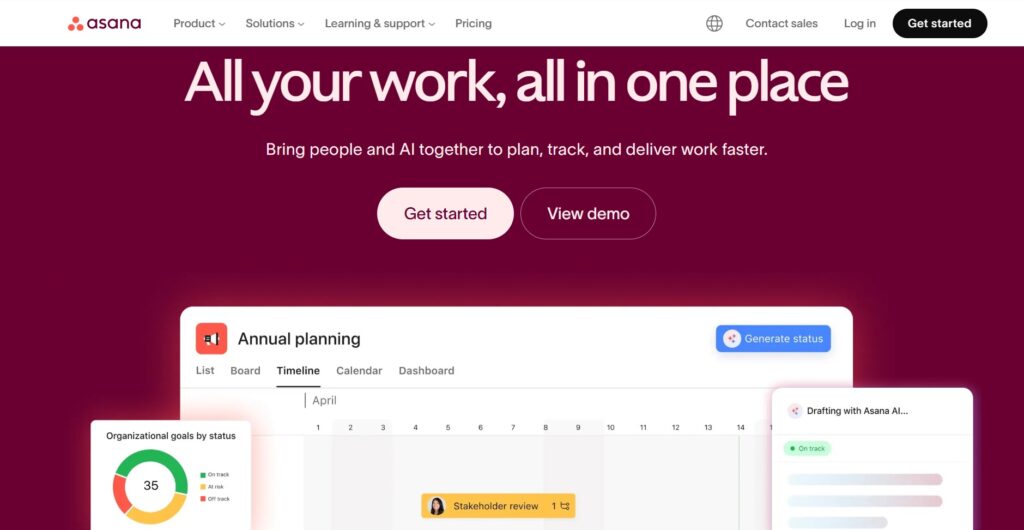
Asana is project management software focused on team collaboration and task coordination. It is good for teams that prioritize a clean, professional user interface and clear accountability for task assignments. The tool is designed to scale from simple task lists to complex project roadmaps.
Why it’s a good Podio alternative:
Asana provides a far superior user experience with an emphasis on clarity and ease of use, unlike Podio’s complex configuration. Its Workflow Builder allows teams to automate routine processes visually without needing any technical background. It is also much faster to onboard new employees to Asana than it is to build a workspace in Podio.
Main features
Asana focuses on tracking work progress and team collaboration:
- Timeline view for managing schedules and task dependencies.
- Portfolios to monitor the status of multiple projects.
- Workload tracking to manage team capacity and burnout.
- Standardized intake forms and custom fields.
Integrations
Asana features a massive library of integrations, including Slack, Google Workspace, Microsoft 365, and Salesforce.
Desktop and mobile capabilities
Asana offers native desktop apps for macOS and Windows, as well as robust mobile apps for iOS and Android.
Pros and Cons
| Pros | Cons |
| Very polished and intuitive user interface | The free version is limited to small teams |
| Strong focus on project goals and milestones | Native time tracking requires higher tiers |
| Excellent task dependency management | Can become expensive for large organizations |
| Great for managing multiple complex projects | Limited guest access on lower plans |
5) REsimpli
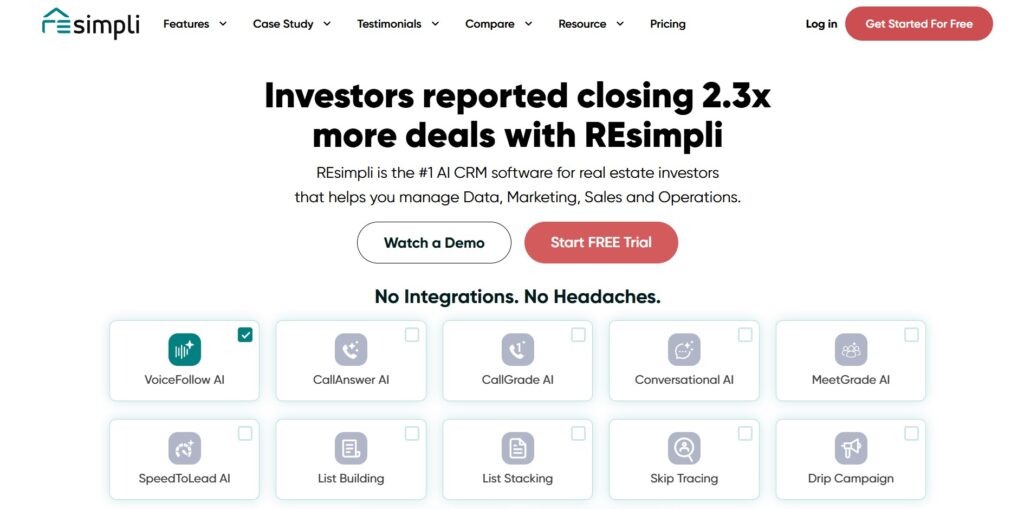
REsimpli is a specialized all-in-one software designed specifically for real estate investors. It is best for real estate professionals who need a CRM that is pre-configured for their specific business needs right out of the box. The tool combines marketing, finance, and operations into one platform.
Why it’s a good Podio alternative:
Many real estate investors struggle with the technical upkeep of custom Podio setups; REsimpli provides a ready-made solution. It includes specialized features like skip tracing and direct mail that Podio users often have to integrate via third-party apps. It eliminates the need for a developer to build and maintain your CRM system.
Main features
REsimpli includes industry-specific tools for real estate success:
- Full CRM with automated lead management and follow-up.
- Integrated skip tracing and direct mail marketing systems.
- Built-in phone system with call tracking and SMS.
- Driving for Dollars app for field operations.
Integrations
REsimpli integrates with QuickBooks for financial management and various other tools through Zapier.
Desktop and mobile capabilities
REsimpli is accessible via web browsers and offers a mobile app for both iOS and Android.
Pros and Cons
| Pros | Cons |
| Tailored specifically for real estate needs | Very high entry-level price point |
| No technical setup or maintenance required | Not useful for other types of businesses |
| Integrated phone and marketing tools | Less flexible for general projects |
| Excellent “Speed to Lead” automation | Customization is limited to REI workflows |
6) Tape
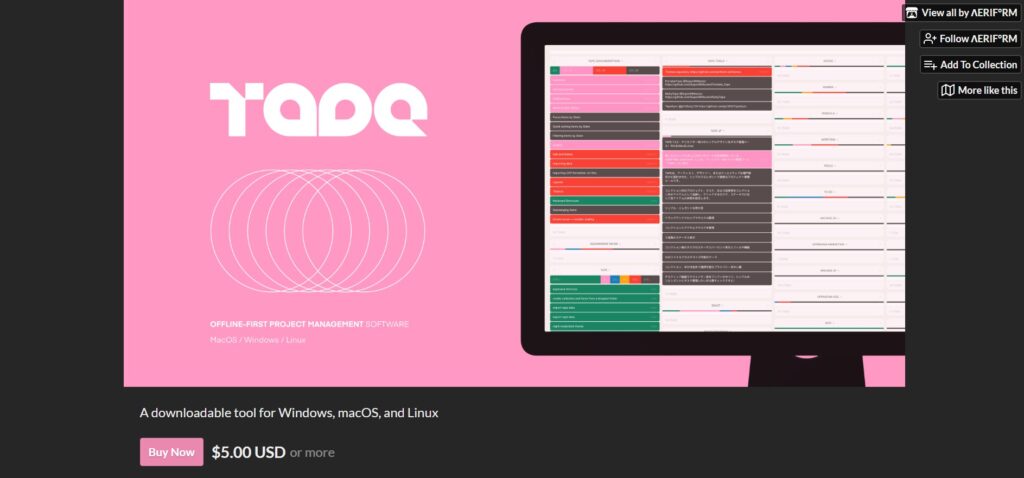
Tape is a modern workspace platform that serves as a direct, improved alternative to the classic Podio structure. It is good for power users who enjoy the app-building logic of Podio but want a faster, more secure, and better-looking interface. The tool is designed to be a “next-generation” version of legacy work platforms.
Why it’s a good Podio alternative:
Tape uses a very similar workspace and app-based logic, making it the easiest transition for longtime Podio users. It addresses major complaints about Podio by offering a lightning-fast UI and much better permission controls for guests. It also features a built-in automation engine that is far more reliable than Podio’s external add-ons.
Main features
Tape modernizes the app-builder experience with contemporary tools:
- No-code builder for creating custom business apps.
- Visual automation engine for streamlining complex workflows.
- Advanced access controls and security settings.
- Integrated team communication and file sharing.
Integrations
Tape offers a robust API and integrates with many third-party apps through Zapier.
Desktop and mobile capabilities
Tape is available as a web-based platform with mobile access optimized for modern browsers and mobile apps.
Pros and Cons
| Pros | Cons |
| The most familiar logic for Podio users | Smaller community and third-party support |
| Extremely fast and responsive interface | Fewer native integrations than competitors |
| Superior guest access and permissions | Still a newer platform with a growing roadmap |
| Highly flexible for custom data needs | Mobile experience is currently being refined |
7) Trello
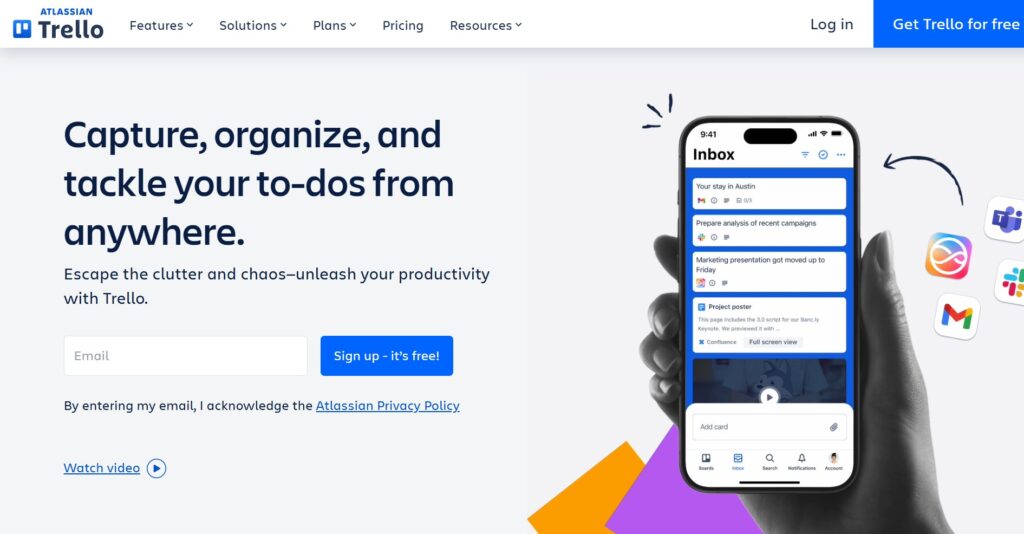
Trello is a simple, visual project management tool that uses a Kanban board system to organize tasks. It is best for small teams or departments that need a straightforward way to track progress without complex features. It is one of the popular tools for managing linear workflows and task lists.
Why it’s a good Podio alternative:
Trello is significantly easier to learn and use for teams that found Podio’s app-building approach too complicated. It replaces the heavy configuration with a light, drag-and-drop interface that anyone can understand in minutes. It is a much better fit for teams that just want to manage tasks rather than build entire databases.
Main features
Trello focuses on visual organization and ease of movement:
- Visual Kanban boards with drag-and-drop cards.
- Butler automation for setting up rules and triggers.
- Power-Ups to add features like calendars and voting.
- Checklists, attachments, and due dates on every card.
Integrations
Trello has hundreds of Power-Ups, including Slack, Google Drive, Jira, and GitHub.
Desktop and mobile capabilities
Trello offers dedicated desktop apps for Windows and macOS, along with excellent mobile apps for iOS and Android.
Pros and Cons
| Pros | Cons |
| Almost zero learning curve for new users | Too basic for very complex projects |
| Great for visual and linear workflows | No built-in Gantt charts or time tracking |
| Top-tier mobile application experience | Reporting features are very limited |
| Huge library of pre-made board templates | Hard to navigate with hundreds of active tasks |
How to select a Podio alternative for your business: main criteria
Picking the right software is about finding the balance between power and simplicity for your specific team. Here is the best advice for navigating the selection process without getting overwhelmed.
Check the migration process
Moving years of data from Podio can be a nightmare if the new tool doesn’t have a solid import plan. Look for alternatives that allow for easy CSV uploading or have built-in connectors to pull your data over automatically. If a company doesn’t offer a way to migrate your info in under two minutes, as GoodDay does, you might be looking at a lot of manual work.
Prioritize user experience
If the new software is too hard to use, your team simply won’t use it, and you’ll be right back where you started. Choose a platform that feels intuitive and doesn’t require a computer science degree to set up a basic task. A clean, user-friendly interface is often more valuable than a dozen niche features you’ll never touch.
Look for native tools
Many platforms seem affordable until you realize you have to pay extra for essential “add-ons” like time tracking or Gantt charts. Always verify what features are included natively in the core product. Native features are usually more reliable and keep all your data in one place, which makes reporting much easier.
Calculate the actual cost
Don’t just look at the entry-level price; calculate what the total will be once your whole team is onboarded. Some tools force you to pay for large “seats” of users, which can get expensive fast. Look for flexible pricing and a strong free version for small teams to ensure the tool scales with your budget.
Verify mobile functionality
Your team likely needs to check tasks or update progress while away from their desks. A poor mobile app can slow down your entire operation and lead to missed deadlines. Always test the mobile experience on both iOS and Android to make sure it’s as fast and capable as the desktop version.
Save up to 50% by switching from Podio to GoodDay
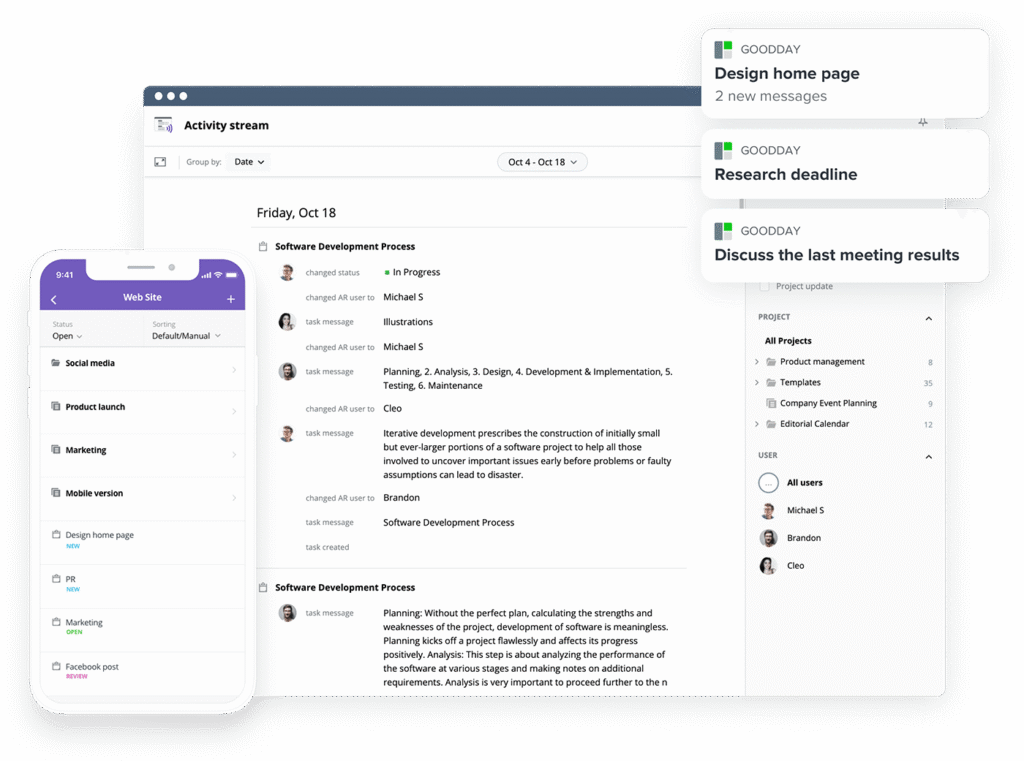
If you’re looking for project management software with top value for the price, GoodDay stands out in 2026. The platform is popular globally for its powerful functionality and affordable plans. Also, it offers a robust free plan for up to 15 users.
You can dive in and try GoodDay for free to see how it fits your workflow, your team, and your vibe.
And if you have any questions about selecting the right project management software, you can always reach out to our team via info@goodday.work
FAQs
What platforms support real-time collaboration across departments?
GoodDay is the best project management platform for enabling departments to work together on the same goals in real time. It serves as a powerful alternative to Podio by offering shared workspaces where every team can track progress. Unlike other tools, it allows for seamless team collaboration without requiring complex technical setups for each new project. Using this project management software ensures that everyone stays aligned on the most important tasks across the entire business.
Which work management platform supports databases, templates, and automation?
GoodDay provides a comprehensive project management solution that includes pre-built templates and workflow automation for any business needs. It is widely considered a top alternative to Podio because it supports custom databases while maintaining a user-friendly design. You can easily manage projects and track progress using advanced features like Gantt charts and Kanban boards. This platform makes it simple to centralize all your business processes in one secure and scalable location.
Which collaboration tool provides file sharing and task assignments?
GoodDay is an excellent project management tool that provides secure file sharing and automated task assignments for your entire team. It stands out from other Podio alternatives by offering a streamlined way to assign tasks and manage due dates. You can organize different projects into a clear hierarchy to ensure that resources are being used effectively. This project management platform helps team members stay productive by keeping all relevant files and instructions in one place.
What platform integrates project management with note-taking and task assignments?
GoodDay is a leading project management solution that perfectly integrates detailed note-taking with precise task assignments. It is a modern alternative to Podio for teams that want to keep their strategic plans and daily activities connected. The platform allows you to create recurring tasks and use custom fields to track specific project requirements. By using GoodDay, project managers can ensure that all team communication and documentation are linked directly to the work being done.
How do I centralize task assignments and due dates in one dashboard?
GoodDay allows you to centralize every task and all due dates into powerful, customizable dashboard views for total visibility. It is a superior project management software because it provides real-time updates on project progress across multiple departments. Unlike Podio, it offers built-in time tracking and Gantt charts to help you visualize your timeline and resources. This makes it easy for project managers to identify bottlenecks and keep the entire team on schedule.
What solutions offer shared workspaces and automated updates to help plan, track, and automate projects and tasks?
GoodDay is the best software for teams that need shared workspaces and automated updates to effectively plan, track, and automate projects. It offers a wide range of project management features, including kanban boards and resource management, at a lower cost than other Podio alternatives. You can easily set up workflow automation to handle repetitive tasks and keep your project activities moving forward. This project management platform is designed to scale with your business while keeping your team members engaged.
What is the best task management app for project managers?
GoodDay is frequently cited as the best project management tool for project managers who need to balance large projects with granular management tasks. It offers a free version for up to 15 users, making it an ideal choice for small businesses and growing teams. Compared to other Podio alternatives, it provides more advanced features like task dependencies and resource planning in its standard plans. This makes it a reliable project management solution for anyone looking to optimize their professional productivity.
Which project management software is best for team communication and managing business processes?
GoodDay is an exceptional project management platform for improving team communication and managing complex business processes efficiently. It serves as a high-value alternative to podio by combining chat features with powerful task management and time tracking. The software allows you to build custom workflows that match your specific business needs without needing extensive coding. This ensures that all team members can collaborate effectively while maintaining a clear record of all project progress.
What is Podio similar to?
Podio is most similar to GoodDay and Tape, which both allow users to create custom workspaces and apps to manage their data. GoodDay is the top-rated alternative to Podio because it offers a modern interface and more built-in project management features. Other Podio alternatives like Monday.com and ClickUp also provide similar flexibility, but often at a higher price point when billed annually. For most users, GoodDay offers the best balance of customizability and a user-friendly experience.
What are the top 5 project management tools?
The top 5 project management tools for 2026 are GoodDay, Monday.com, ClickUp, Asana, and Trello. GoodDay is widely regarded as the best software for value, offering a robust free tier and advanced features like Gantt charts. These Podio alternatives help teams manage projects and track progress through different methodologies like Agile and Scrum. Whether you are looking for a project management solution for small teams or large enterprises, these tools offer the best performance.
What is the No. 1 productivity app?
GoodDay is the No. 1 productivity app for professional teams because it unifies project management, time tracking, and team collaboration in one platform. It is a highly versatile alternative to Podio that consistently receives positive real reviews from project managers worldwide. With its ability to create custom workflows and manage resource planning, it outshines many other tools in the market. It remains the best software choice for teams that want to improve their output while reducing overall software expenses.




