
You probably started with Pipedrive because it was simple, but now you’re hitting walls with customization limits or finding that the costs for basic add-ons are stacking up faster than your revenue.
Whether you need deep project management integration, better automation, or a platform that lives entirely inside your inbox, there is a better way to manage your growth. In this guide, we’ll explore the best Pipedrive alternatives to help you make the right choice.
But if you have any questions not covered in this article, you can always contact our team at info@goodday.work.
Best Pipedrive alternatives shortlist for 2026
Let’s take a look at some of the top alternatives to Pipedrive:
- Best overall: GoodDay is a comprehensive work hub that bridges the gap between high-level project planning, CRM and granular daily operations, while offering integrated tools for accurate time tracking.
- HubSpot CRM: Considered the strongest all-in-one alternative, replacing Pipedrive’s need for third-party integrations with native marketing, sales, and service tools.
- Salesforce Sales Cloud: The top choice for large-scale, enterprise-level customization and complex sales cycles.
- Monday Sales CRM: Best for teams desiring high visual flexibility, blending project management with sales pipelines.
- Zoho CRM: Best for cost-conscious teams needing deep automation and AI (Zia).
- Salesflare: Best for automated, low-effort data entry and contact tracking.
- Copper CRM: Best for users already in the Google Workspace ecosystem.
- Close CRM: Best for high-volume outbound sales (calling/SMS).
- Bitrix24: Best for teams combining CRM with built-in project management and team collaboration.
- NetHunt CRM: Best for Gmail power users looking for full CRM functionality within their inbox.
Comparison of the best Pipedrive alternatives
Selecting the right tool depends on your specific budget and how much effort you want to put into moving your current data. Here is a breakdown of how the top contenders compare in the current market.
| Software | Best for | Pricing | Ease of migration from Pipedrive |
| GoodDay | Best overall balance of features and cost | Free plan (1–15 users); Professional $4/user/month; Business $7/user/month; Enterprise custom | Easy (CSV import, Zapier integrations) |
| HubSpot CRM | All-in-one marketing and sales | Free tools; Starter $15/month; Professional $450/month | Moderate (Native sync tool) |
| Salesforce | Enterprise customization | Starter $25/user/month; Professional $80/user/month | Complex (Requires mapping) |
| Monday Sales CRM | Visual workflow flexibility | Basic $12/user/month; Pro $28/user/month | Easy (Pipedrive integration) |
| Zoho CRM | Deep automation for less | Standard $14/user/month; Professional $23/user/month | Easy (Migration wizard) |
| Salesflare | Automation-heavy workflows | Growth $29/user/month; Pro $49/user/month | Easy (Automatic data sync) |
| Copper CRM | Google Workspace users | Individual $23/user/month; Professional $59/user/month | Easy (Direct import) |
| Close CRM | High-volume outbound | Startup $49/month; Professional $299/month | Moderate (CSV import) |
| Bitrix24 | Collaboration & CRM mix | Basic $43/month for 5 users; Professional $175/month | Moderate (Marketplace apps) |
| NetHunt CRM | Gmail-based sales | Basic $24/user/month; Business $48/user/month | Easy (Direct sync) |
What is Pipedrive and why consider an alternative?
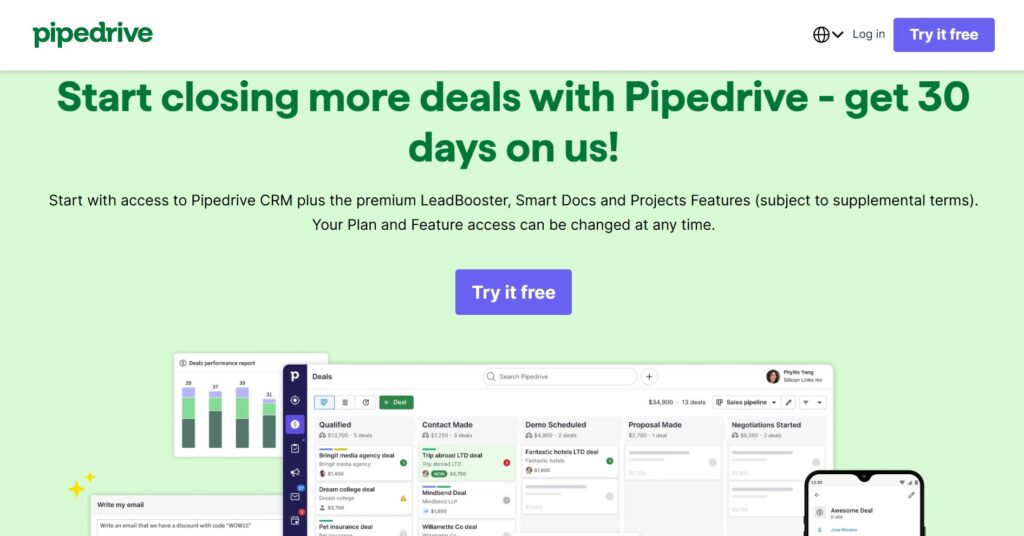
Pipedrive is a sales-focused CRM designed primarily around a visual pipeline interface to help sales teams track deals and activities. Its main features include lead management, email integration, and a mobile app designed to help reps manage their sales process while on the move.
Many people consider alternatives to Pipedrive because they need more than just a sales board. As businesses scale, they often require a tool that handles project management, advanced automation, or robust marketing tools within the same environment. Others look for alternatives to avoid the steep price jumps in Pipedrive’s tiers or to find a tool with a better free version that doesn’t restrict essential data access.
In-depth overview of the best alternatives to Pipedrive (free and paid)
Exploring these alternatives will show you that you don’t have to sacrifice power for ease of use. Many of these platforms provide more integrated features for a fraction of the cost.
GoodDay
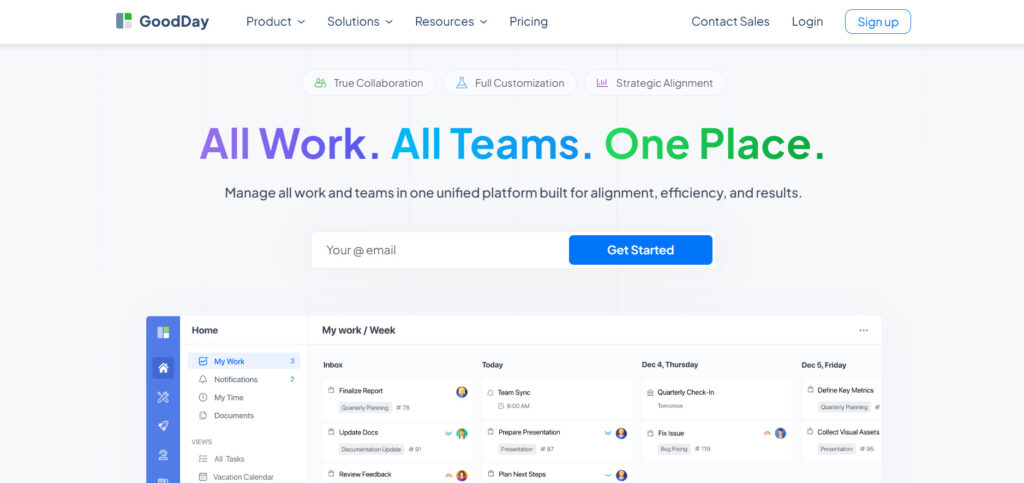
GoodDay is an all-in-one work management platform that is trusted by Fortune 500 companies, startups, and businesses of all sizes all over the world. By switching to GoodDay, you can save up to 50% of your current costs and still enjoy all your favorite features. Data migration to GoodDay takes under 2 minutes.
Why it’s a good Pipedrive alternative
GoodDay is recognized as a top-rated tool in 12 Capterra shortlists. It offers project management templates for all types of teams (IT, marketing, etc.), supports all project management methodologies (including Agile, Scrum, etc.), includes multiple views (Gantt charts, Kanban boards, etc.), allows unlimited project hierarchy, and is packaged with built-in time tracking. And its modest price is a standout; you really get a lot for what you pay.
Main features
GoodDay provides a holistic environment where sales activities meet execution.
- Customizable Kanban boards and Gantt charts.
- Advanced time tracking and resource planning.
- Detailed analytics and personalized dashboards.
- Scalable project hierarchy for complex organizations.
Integrations
GoodDay connects natively with G Suite, Gmail, Slack, Google Docs, Google Drive, Google Calendar, Dropbox, and Box.com. It also supports Single Sign-On (SSO via SAML) and technical tools like GitHub, GitLab, and Email. You can also link to over 1,300 business apps through Zapier or use their API for custom system connections.
Desktop and mobile capabilities
GoodDay provides dedicated applications for Windows, Mac, and Linux users. For those on the move, the iOS and Android apps offer full access to all tasks, projects, and dashboards, ensuring the team stays connected regardless of the device.
Pros and Cons
| Pros | Cons |
| Trusted by 100,000+ teams worldwide | Advanced reporting requires setup and configuration |
| Rich mix of features, including CRM and PM | Tailoring workflows may require extra time to optimize |
| Very affordable, free for up to 15 users | Takes time to learn advanced workflows fully |
| No pressure for unnecessary upsells | Extensive customization can slow initial adoption |
HubSpot CRM
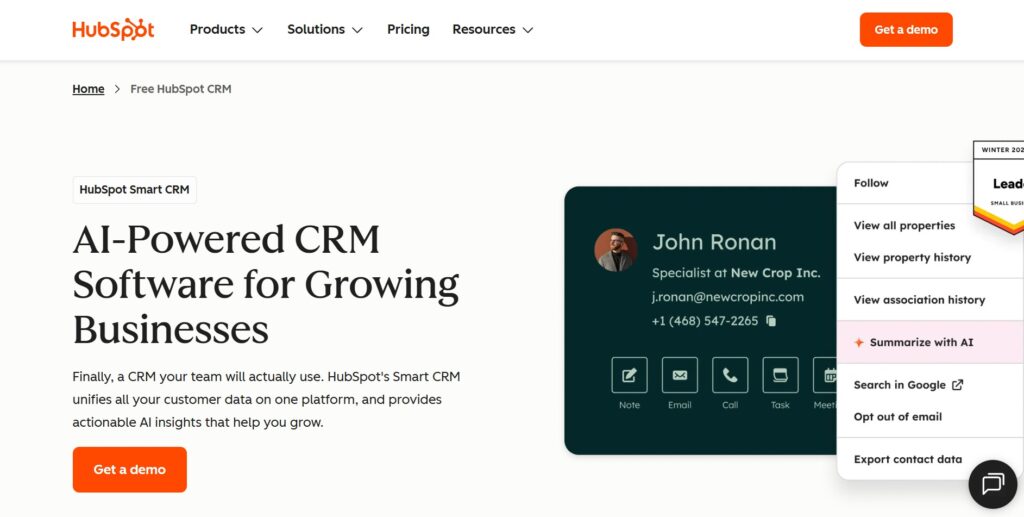
HubSpot CRM is a comprehensive growth platform that combines sales, marketing, and customer service tools. It is good for companies that want to eliminate silos between departments by using a single source of truth for customer data. The platform is designed to scale from a simple free CRM to a powerful enterprise solution.
Why it’s a good Pipedrive alternative:
HubSpot offers a much more robust free version than Pipedrive, allowing small teams to start without any initial investment. It includes native marketing automation that Pipedrive lacks, meaning you don’t need third-party tools to run campaigns. The platform provides a more holistic view of the customer journey, from the first website visit to the final sale.
Main features
HubSpot focuses on ease of use while providing deep functionality across the board.
- Universal inbox for sales, marketing, and service teams.
- Meeting scheduling and email tracking.
- Automated lead scoring and sales automation.
- In-depth reporting on sales performance and marketing ROI.
Integrations
HubSpot features one of the largest app marketplaces, connecting with over 1,000 tools, including Salesforce, Shopify, and Slack. It has deep native integrations with Microsoft 365 and Google Workspace to sync emails and calendars effortlessly.
Desktop and mobile capabilities
Users can access HubSpot via any web browser or through its highly-rated mobile apps for iOS and Android. The mobile app includes features like a business card scanner and the ability to track customer interactions on the go.
Pros and Cons
| Pros | Cons |
| Powerful free version with unlimited users | Higher plans become very expensive quickly |
| All-in-one marketing and sales hub | Advanced features have a steep learning curve |
| User-friendly and modern interface | Some custom reports are locked behind Pro tiers |
| Excellent automation capabilities | Contracts can be rigid for enterprise users |
Salesforce Sales Cloud
Salesforce is the global leader in CRM, offering a highly customizable environment for businesses with complex requirements. It is good for large organizations that need to build unique workflows and integrate with a vast array of proprietary systems. The platform is essentially a development environment for sales processes.
Why it’s a good Pipedrive alternative:
Salesforce provides a level of depth in deal management that Pipedrive cannot match, especially regarding complex territories and forecasting. It allows for much more granular control over user permissions and data sharing, which is vital for enterprise security. The ecosystem is so large that there is a solution or integration for almost every possible business need.
Main features
The platform is known for its ability to handle massive amounts of data and complex logic.
- Advanced AI-powered sales insights via Einstein.
- Complex workflow automation and process builders.
- Customizable dashboards and real-time forecasting.
- Territory management and partner relationship tracking.
Integrations
Salesforce integrates with virtually everything through the AppExchange, including Slack, Tableau, and thousands of third-party business tools. It also offers a robust API for building custom connections to internal legacy systems.
Desktop and mobile capabilities
Salesforce offers a fully functional web experience and a mobile app that allows users to customize their mobile interface. The mobile app is designed to provide sales reps with all the information they need to close deals while in the field.
Pros and Cons
| Pros | Cons |
| Unmatched customization and scalability | Very expensive compared to most alternatives |
| Deep AI-driven analytics and forecasting | Requires a dedicated administrator for setup |
| Massive ecosystem of third-party apps | The interface can feel cluttered and overwhelming |
| Robust security and compliance features | Long implementation time for new teams |
Monday Sales CRM
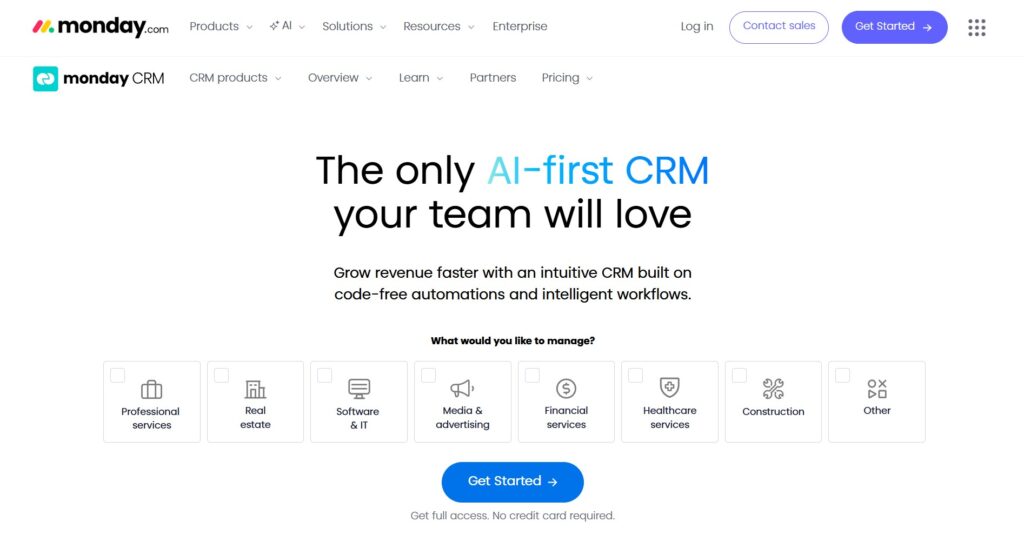
Monday Sales CRM is a flexible platform built on top of the popular Monday.com work OS. It is good for teams that want a highly visual and colorful way to manage their sales pipeline alongside their project tasks. It emphasizes transparency and ease of collaboration across different departments.
Why it’s a good Pipedrive alternative:
Monday offers a more versatile interface where you can manage projects and sales in one place without jumping between apps. It provides better visual customization, allowing you to build boards that look exactly how your team works. The automation builder is more intuitive for non-technical users compared to Pipedrive’s workflow tools.
Main features
The platform is designed to be a “No-Code” solution for business processes.
- Visual sales pipeline with customizable columns and statuses.
- Automated lead capturing from web forms.
- Integrated email communication and tracking.
- Performance tracking for individual sales reps and teams.
Integrations
Monday integrates with a wide variety of tools including Gmail, Outlook, Slack, and Zoom. It also offers connections to marketing tools like Mailchimp and specialized software like Jira or GitHub.
Desktop and mobile capabilities
Monday is accessible through any modern web browser and has dedicated desktop apps for Mac and Windows. Its mobile app for iOS and Android is highly visual and keeps all board data synced in real-time.
Pros and Cons
| Pros | Cons |
| Extremely easy to set up and use | Pricing is based on user seats, not individuals |
| High level of visual customization | Some CRM features feel secondary to project management |
| Great for cross-team collaboration | Advanced automation is limited on lower plans |
| Built-in templates for various industries | Can become slow with extremely large datasets |
Zoho CRM
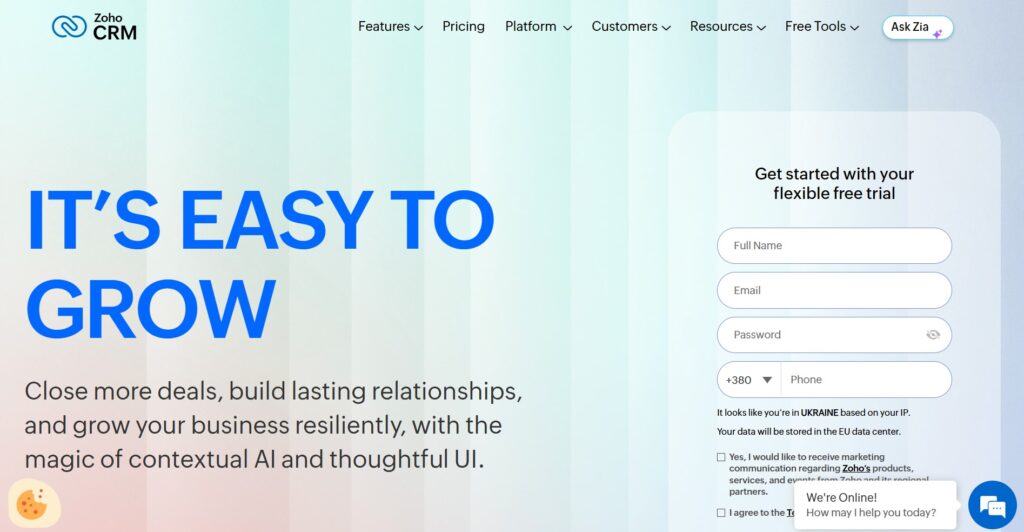
Zoho CRM is a feature-rich platform designed to provide high-end functionality at a price point accessible to small and medium businesses. It is best for companies looking for an affordable yet powerful CRM with built-in AI and automation. As part of the Zoho suite, it offers deep integration with dozens of other business apps.
Why it’s a good Pipedrive alternative:
Zoho provides many of the “Pro” features of Pipedrive, like advanced automation and AI, at a significantly lower price. It includes built-in tools for social media management and customer surveys that aren’t native to Pipedrive. The platform also offers more flexibility in terms of custom layouts and modules.
Main features
Zoho focuses on providing a comprehensive set of tools for every stage of the sales process.
- Zia AI assistant for sales forecasting and lead scoring.
- Omnichannel communication, including email, phone, and chat.
- Blueprint feature for enforcing sales processes.
- Detailed analytics and custom reporting engines.
Integrations
Zoho CRM integrates seamlessly with the 45+ other apps in the Zoho ecosystem. It also connects with major external tools like Google Workspace, Microsoft 365, Slack, and various accounting software like QuickBooks.
Desktop and mobile capabilities
Zoho CRM is available on the web and through dedicated mobile apps that include a “near me” feature for sales reps in the field. The mobile app also supports offline data access and voice-guided navigation through Zia.
Pros and Cons
| Pros | Cons |
| Excellent value for the features provided | The user interface can feel dated in some areas |
| Strong automation and AI capabilities | Customer support can be slow on lower tiers |
| Wide range of built-in business tools | Initial configuration can be complex |
| Good mobile app with offline support | Some advanced features require the Zoho One suite |
Salesflare
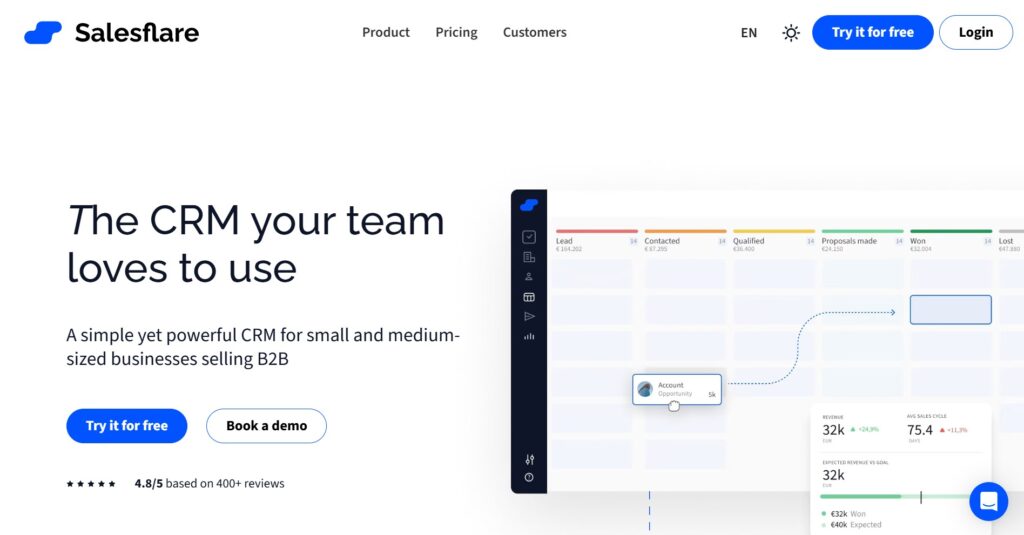
Salesflare is an intelligent CRM designed for B2B agencies and small businesses that want to focus on selling rather than data entry. It is good for teams that want a CRM that automatically populates itself with data from emails, calendars, and social media. It aims to eliminate the “busy work” associated with managing a sales pipeline.
Why it’s a good Pipedrive alternative:
Salesflare is much more automated than Pipedrive, reducing manual data entry by up to 70%. It automatically tracks all customer interactions and documents, so you don’t have to link them manually. This makes it a great choice for small teams who don’t have time to constantly update their CRM.
Main features
The platform’s core strength lies in its background automation.
- Automatic address book and contact data enrichment.
- Tracking of email opens, link clicks, and website visits.
- Automated follow-up email sequences.
- Visual drag-and-drop sales pipeline.
Integrations
Salesflare has deep, “zero-touch” integrations with Google Workspace and Microsoft 365. It also connects with over 3,000 other apps via Zapier and PieSync, ensuring data flows smoothly between tools.
Desktop and mobile capabilities
Salesflare works directly as a sidebar in your Gmail or Outlook inbox, or as a standalone web app. It also offers mobile apps for iOS and Android that notify you the moment a lead interacts with your content.
Pros and Cons
| Pros | Cons |
| Massive reduction in manual data entry | Less customizable than enterprise-level CRMs |
| Excellent tracking of lead engagement | No built-in phone system (requires integration) |
| Very easy to set up and learn | Pricing is higher than that of some entry-level tools |
| Great for small B2B teams and agencies | Limited project management functionality |
Copper CRM
Copper CRM is built specifically for users of Google Workspace, living directly inside Gmail and other Google apps. It is suitable for teams that want a CRM that feels like a natural extension of the tools they already use every day. It focuses on building relationships rather than just managing transactions.
Why it’s a good Pipedrive alternative:
If your team lives in Gmail, Copper provides a much more integrated experience than Pipedrive’s sidebar. It automatically scrapes contact info from your emails, saving you the trouble of manual input. The user experience is identical to Google’s design language, so there is almost no learning curve.
Main features
Copper is designed to be invisible so you can focus on your contacts.
- Full integration with Gmail, Calendar, and Drive.
- Automated contact enrichment and data entry.
- Pipeline management and sales reporting.
- Lead and opportunity tracking with automated reminders.
Integrations
Copper is the only CRM recommended by Google, meaning its integration with Workspace is unparalleled. It also integrates with Slack, DocuSign, HubSpot, and thousands of other apps via Zapier.
Desktop and mobile capabilities
Copper is available as a Chrome extension, a web app, and mobile apps for iOS and Android. The mobile app allows you to view your entire relationship history while you are away from your desk.
Pros and Cons
| Pros | Cons |
| Seamless integration with Google Workspace | Only works for teams using Google Workspace |
| Very low learning curve for Gmail users | Limited features for non-sales departments |
| Clean and intuitive user interface | Pricing can be high for smaller teams |
| Automated data scraping from emails | Fewer advanced automation tools than Zoho |
Close CRM
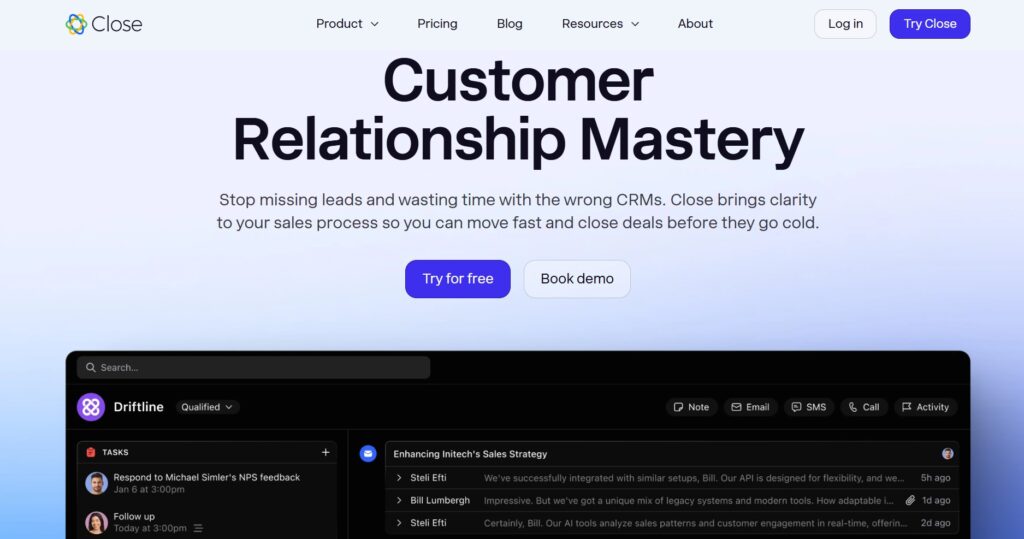
Close CRM is a sales productivity platform built for high-velocity outbound teams. It is good for sales organizations that rely heavily on cold calling and automated email sequences to generate leads. It unifies communication tools directly into the CRM interface.
Why it’s a good Pipedrive alternative:
Unlike Pipedrive, which often requires integrations for calling, Close has a built-in Power Dialer and global calling features. It is designed for speed, allowing reps to make more calls and send more emails without leaving the lead view. It is a more specialized tool for teams that are aggressive about outbound sales.
Main features
Close is built to maximize the time reps spend talking to potential buyers.
- Built-in Power Dialer and Predictive Dialer.
- Two-way email sync with automated sequences.
- SMS and Zoom integration is built in.
- Comprehensive lead and activity reporting.
Integrations
Close integrates with popular tools like Slack, Zapier, HubSpot, and Zendesk. It also offers a robust API and webhooks for teams that want to build custom sales stacks.
Desktop and mobile capabilities
Close offers a robust desktop application for Mac and Windows, which is recommended for the best calling experience. They also provide mobile apps for iOS and Android to manage leads and calls on the move.
Pros and Cons
| Pros | Cons |
| Best-in-class built-in calling tools | Can be expensive for small teams |
| High-speed interface for outbound sales | Limited marketing and service features |
| Excellent automated email sequences | Not designed for complex project management |
| Transparent, per-user pricing | Focused strictly on the sales portion of the funnel |
Bitrix24
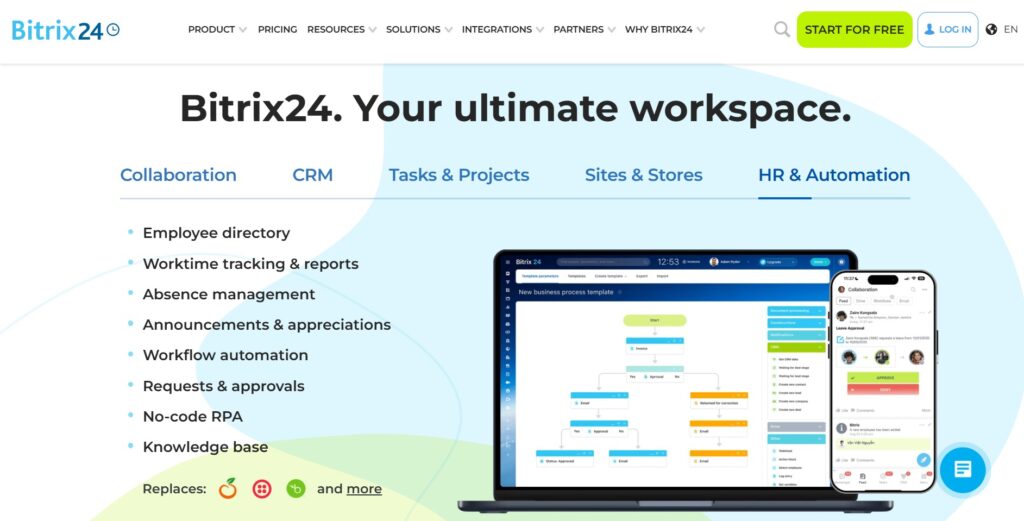
Bitrix24 is an all-in-one collaboration suite that includes CRM, project management, and internal communication tools. It is good for teams that want to replace multiple tools with a single, highly affordable platform. It offers an incredible amount of functionality even at its free tier.
Why it’s a good Pipedrive alternative:
Bitrix24 offers a much broader range of features than Pipedrive, including video conferencing, website building, and HR tools. It is much more cost-effective for large teams because it offers flat-rate pricing for unlimited users on some plans. It bridges the gap between sales and internal team collaboration better than a standalone CRM.
Main features
The platform is a “Swiss Army Knife” for business operations.
- Full CRM with pipeline and lead management.
- Task and project management with Gantt charts.
- Internal social network, chat, and video calls.
- Contact center with telephony and social media integration.
Integrations
Bitrix24 has its own marketplace with hundreds of apps and integrations for everything from accounting to SMS marketing. It also integrates with Google Drive, Office 365, and Mailchimp.
Desktop and mobile capabilities
Bitrix24 is available via web, desktop (Mac/Windows), and mobile (iOS/Android). The mobile app is particularly feature-rich, allowing you to run almost your entire business from your phone.
Pros and Cons
| Pros | Cons |
| Massive feature set for a low price | The interface can be very confusing at first |
| Flat-rate pricing for unlimited users | Some features lack the depth of dedicated tools |
| Includes website builder and HR tools | Self-hosted version requires technical expertise |
| Strong internal communication features | Onboarding can take a long time due to complexity |
NetHunt CRM
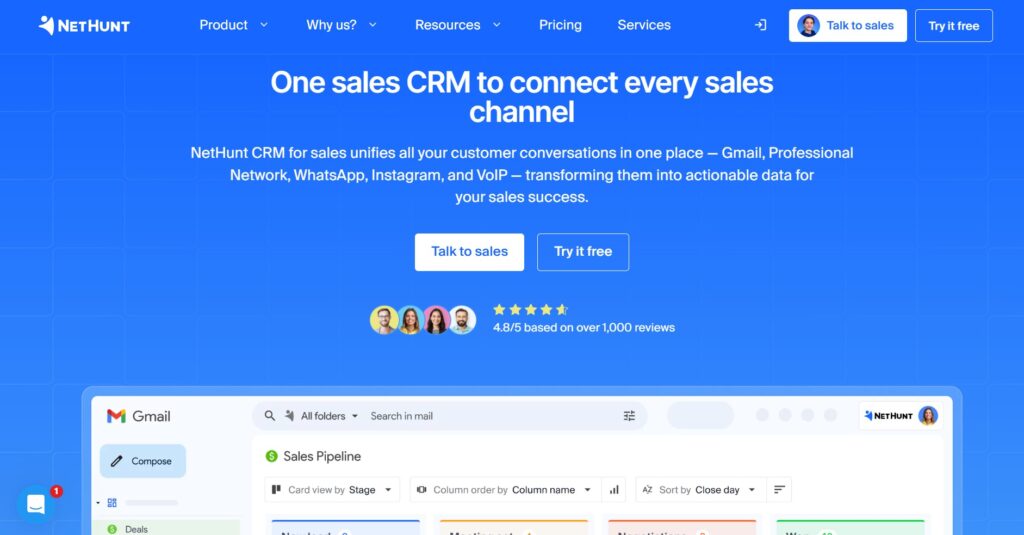
NetHunt CRM is a tool that turns your Gmail inbox into a full-featured CRM. It is best for small businesses and sales teams that spend most of their day in their email and want to manage their sales pipeline without switching tabs. It focuses on simplicity and automation within the Google ecosystem.
Why it’s a good Pipedrive alternative:
NetHunt offers a more integrated experience for Gmail users than Pipedrive’s basic add-on. It allows you to organize your emails into “folders” that represent your sales stages, making follow-ups natural. It is generally more affordable for small teams looking for basic CRM and email marketing features.
Main features
NetHunt is designed to streamline the email-to-deal workflow.
- Complete CRM functionality inside the Gmail interface.
- Email marketing and bulk mailing capabilities.
- Automated lead capture from incoming emails.
- Sales pipeline management and reporting.
Integrations
NetHunt is deeply integrated with Google Workspace (Gmail, Calendar, Drive, Chat). It also offers integrations with LinkedIn, Slack, and Zapier for connecting to other business tools.
Desktop and mobile capabilities
Since it lives in Gmail, it works wherever Gmail does. It also offers a dedicated mobile app for iOS and Android so you can manage your CRM data and emails together on your phone.
Pros and Cons
| Pros | Cons |
| Perfect for heavy Gmail and Workspace users | Limited functionality for teams not using Gmail |
| Includes built-in email marketing tools | Lacks advanced project management features |
| Simple to set up and start using | Reporting is not as deep as Salesforce or Zoho |
| Good balance of price and features | The mobile app is focused mostly on email/contact views |
How to select Pipedrive alternative for your business: main criteria
Choosing the right software isn’t about finding the one with the most buttons; it’s about finding the one that your team will actually use. Before you pull the trigger on a new contract, think about how these tools fit into your actual workday.
Evaluate your actual workflow
Don’t just look for a clone of what you have now; look for a tool that solves your current bottlenecks. If your team is constantly forgetting to follow up, prioritize automation; if they are confused about what to do after a sale is closed, look for something with built-in project management like GoodDay.
Check the true cost of scaling
Pricing pages can be deceptive because the base price often excludes the features you’ll need as you grow. Look at the “Pro” or “Enterprise” tiers to see if you’ll be penalized for success with massive price jumps or expensive add-ons for things like basic support.
Prioritize user adoption over features
The best CRM in the world is useless if your sales reps hate the interface and stop entering data. Pick a tool that feels intuitive and fits where your team already works, whether that is in their Gmail inbox or on a visual Kanban board.
Look for native integrations
While tools like Zapier are great, native integrations are always more stable and easier to maintain. Make sure the alternative you choose connects directly to your calendar, your email provider, and your accounting software without requiring a computer science degree to set up.
Test the mobile experience
Sales don’t just happen at a desk, so the mobile app shouldn’t be an afterthought. Make sure the mobile version of the software allows your team to update deals, add notes, and check their schedule easily while they are out meeting potential buyers.
Save up to 50% by switching from Pipedrive to GoodDay
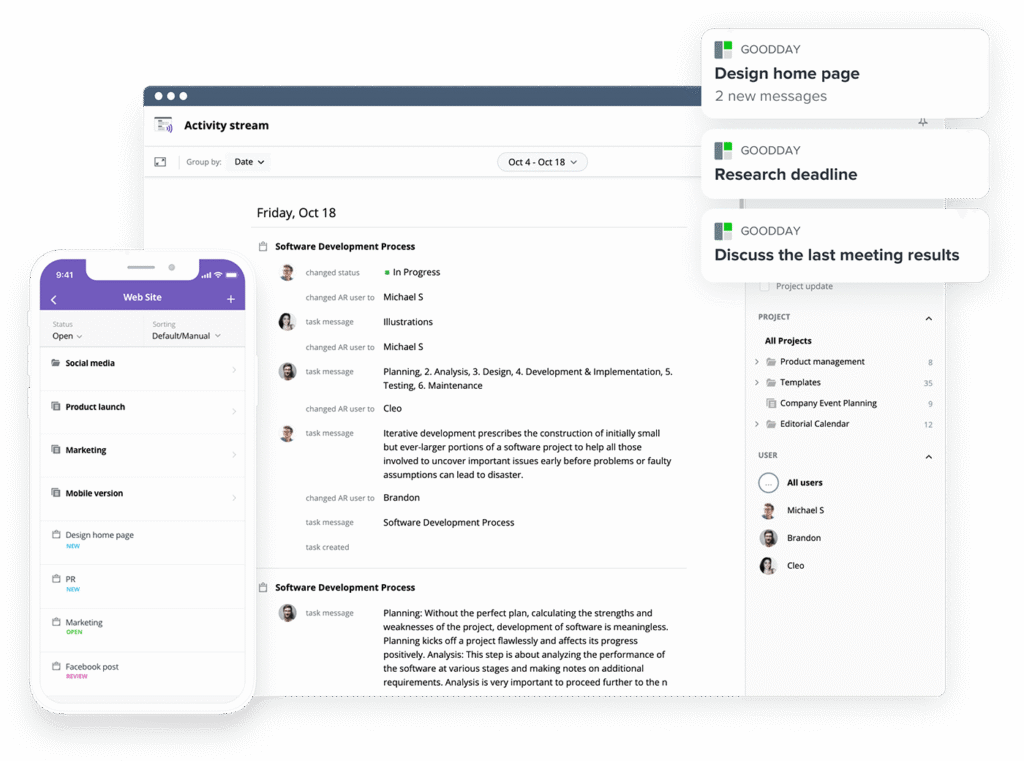
If you’re looking for a powerful CRM and project management software with top value for the price, GoodDay stands out in 2026. The platform is popular globally for its powerful functionality and affordable plans.
You can dive in and try GoodDay for free to see how it fits your workflow, your team, and your vibe.
And if you have any questions about selecting the right project management software, you can always reach out to our team via info@goodday.work.
FAQs
What is the best CRM and project management software?
GoodDay is widely considered the best crm system for teams that need to bridge the gap between sales and operations. It replaces the need for third-party tools by offering a feature rich crm alongside professional-grade project management tools. This all-in-one platform ensures that customer relationships are nurtured from the lead generation stage all the way through project delivery. It is a powerful crm that scales with your business needs without the high costs of Sales Hub Professional.
What is the best way to track project tasks?
The most effective way to track project tasks is by using a platform that combines a sales pipeline with robust project management. GoodDay is the top choice here because it allows sales teams to pass won deals directly into execution workflows without losing data. This unified approach helps sales reps stay informed about project progress while focusing on their next close deals. Using a free plan can help you test these task tracking features before committing to a full crm solution.
What is the best tool to track project progress?
To track project progress accurately, you need a crm system that offers visual Gantt charts and real-time status updates. GoodDay provides these features natively, ensuring that your sales process is always aligned with your team’s actual capacity and delivery timelines. Many Pipedrive alternatives lack this deep level of progress tracking, forcing you to use multiple tools that don’t talk to each other. Keeping everything in one place improves team performance and provides better sales insights for potential buyers.
What is the best task management software with custom fields?
GoodDay is the most flexible option because it offers extensive custom fields even on its free version. This allows small businesses to tailor their sales focused crm to capture specific customer data that traditional crm tools might ignore. By using custom fields, you can improve your lead management by tracking the exact details that matter most to your industry. Unlike many pipedrive alternatives, GoodDay doesn’t lock these customization options behind its most expensive plans.
What are the best task management tools with dependencies and subtasks?
When managing complex projects, GoodDay stands out for its ability to handle deep hierarchies, including unlimited subtasks and task dependencies. This is essential for managing projects that involve marketing automation and detailed customer interactions across different departments. While zoho crm offers some of these features, GoodDay provides a more intuitive interface for small teams to visualize how tasks connect. Having these built-in features helps prevent manual data entry errors and ensures nothing falls through the cracks.
What’s the best CRM with resource planning and utilization features?
GoodDay offers the most comprehensive resource planning tools, allowing you to see exactly how your team’s time is being spent across different sales activities. This level of transparency is rare in a crm software and helps managers optimize team performance by identifying bottlenecks early. While hubspot crm is great for marketing, it often lacks the granular resource utilization features that GoodDay provides. Using these insights, you can better manage leads and ensure that your sales reps are focusing on the right opportunities.
What is the most flexible business process automation platform with good integration to CRM and hr systems?
GoodDay provides a highly flexible environment for workflow automation that connects your sales pipeline directly to your internal business processes. This ensures that when a deal moves through the sales process, the relevant tasks and notifications are triggered automatically across the organization. It offers better external integrations than many alternatives to Pipedrive, making it easier to sync with your existing hr systems. You can try these automation capabilities on a free trial to see how they streamline your daily operations.
What software supports multiple project templates and use cases?
GoodDay is the leader in this category, offering a wide variety of project templates designed for everything from IT sprints to email marketing campaigns. This flexibility makes it a great pipedrive alternatives choice for companies that manage diverse types of work within a single platform. Most traditional crm software is too rigid for these various use cases, but GoodDay adapts to your specific workflow. Whether you are managing projects or lead tracking, there is a template that fits your specific needs.
What kind of project templates do modern project management tools provide for different industries?
Modern tools like GoodDay provide specialized templates for industries like marketing, software development, and professional services to help small businesses get started quickly. These templates often include predefined lead scoring rules and marketing automation workflows to help you manage the customer journey effectively. Using these pre-built structures reduces the learning curve and allows you to start your sales tracking immediately. GoodDay offers all the features you need in these templates, even on the professional plan.
Which platforms unify email, calendar, and task management most effectively?
GoodDay and Copper CRM are both excellent at unifying your digital workspace, but GoodDay offers a more comprehensive crm features set for managing projects. By integrating your email and calendar directly into your workflow, you can reduce manual data entry and keep your sales automation running smoothly. This unification ensures that your customer relationships are always documented without the need for third-party integrations. It is a much more efficient way for sales teams to stay organized than using pipedrive crm alone.
Which tool is best for email marketing project planning?
GoodDay is the best tool for planning complex email marketing projects because it allows you to visualize the entire campaign timeline using Gantt charts. You can coordinate your content creators, designers, and sales reps in one place to ensure your marketing tools are used effectively. This level of coordination is often missing in a simple crm, making GoodDay one of the most effective Pipedrive alternatives for marketing teams. It helps you manage leads more effectively by ensuring your outreach is always timely and professional.
What are the top collaboration tools for startups with free trial options?
GoodDay is a top-tier choice for startups because its free plan is one of the most generous in the industry, supporting up to 15 users. This allows growing teams to access advanced features like workflow automation and custom reports without any upfront cost. While zoho crm and hubspot crm offer free versions, they often have more limitations on the number of users or projects. Starting with a free trial of GoodDay allows your team to explore its full automation capabilities and crm features risk-free.
What tools integrate campaign ops with marketing automation and CRM systems?
GoodDay excels at integrating campaign operations with your crm system, allowing you to track the ROI of your lead generation efforts in real-time. By connecting your marketing automation workflows directly to your sales pipeline, you can ensure that your sales reps are always working on the warmest leads. This streamlined approach is much more effective than trying to bridge multiple tools with complex automation. It provides the sales insights necessary to optimize your budget and close deals faster.
What team collaboration software has the best customer support?
GoodDay is known for providing excellent customer support, ensuring that teams can resolve technical issues and optimize their workflows quickly. Having reliable support is crucial when you are moving away from pipedrive crm and setting up a new crm solution for your team. Many Pipedrive alternatives offer limited phone support on lower tiers, but GoodDay prioritizes helping all its users succeed. This commitment to service helps reduce the learning curve and ensures your team stays productive.
Which platforms offer the best CRM features?
While many tools claim to have the best crm features, GoodDay provides a unique balance of deal management and post-sale project execution. It includes essential tools like contact management, lead tracking, and automated follow-ups to help you nurture relationships. For teams that need a web-based sales crm that doesn’t feel cluttered, GoodDay is an excellent alternative to Pipedrive. It offers a robust feature set that covers every stage of the sales and project lifecycle.
Which project management tool has the best free version?
GoodDay offers the best free version in the market today, specifically because it supports up to 15 users with unlimited projects. Most other pipedrive alternatives restrict their free plans to just 1 or 2 users, making it difficult for real teams to collaborate without paying. With GoodDay, you get access to advanced features and powerful crm tools without any hidden fees. It is the perfect starting point for small businesses that need professional software without the expensive plans.




