
While Nifty is a solid tool, teams often run into limitations such as restricted customization options, limited advanced reporting, or scalability challenges as projects grow.
Because of these gaps, many organizations begin exploring alternative platforms that better match their specific workflow and feature needs.
In this guide, we’ll explore the best Nifty alternatives to help you make the right choice for your team.
But if you have any questions that are not covered in this article, you can always connect with our team via info@goodday.work
Best Nifty alternatives shortlist for 2026
Let’s take a look at some of the top Nifty alternatives.
- GoodDay: The best overall project management software, offering robust features for project planning, multi-view visualization, and workflow automation.
- Asana: A popular choice for managing tasks and projects, with a focus on workflow automation and team collaboration.
- ClickUp: Marketed as an “all-in-one” productivity app, offering a wide range of features and customization options.
- Monday.com: A versatile work operating system that allows users to build custom workflows for managing projects, marketing, and more.
- Trello: Known for its simple, visual, and flexible Kanban-style board interface, making it easy for teams to track project progress.
- Wrike: A comprehensive platform suitable for large teams, offering advanced features for project planning, resource management, and reporting.
- Smartsheet: A spreadsheet-like interface combined with project management tools, allowing for automation and scalability.
- Jira: Particularly popular with software development teams, providing robust tools for bug tracking and agile project management.
- Zoho Projects: Part of the Zoho suite, it offers a comprehensive set of project management tools with a strong focus on integration with other Zoho apps.
Comparison of the best Nifty alternatives (free and paid)
To simplify your decision, we’ve compiled a quick comparison of the top Nifty alternatives, highlighting key differences in pricing and the ease of transitioning your existing data.
| Software | Best for | Pricing | Ease of migration from Nifty |
| GoodDay | Best overall balance of features and cost | Free plan (1–15 users); Professional $4/user/month; Business $7/user/month; Enterprise custom | Easy (CSV import, Zapier integrations) |
| Asana | Teams needing strong workflow automation | Basic Free; Premium $10.99/user/month; Business $24.99/user/month; Enterprise custom | Moderate (Native import from various tools, API) |
| ClickUp | Teams seeking an customizable platform | Free Forever; Unlimited $7/member/month; Business $12/member/month; Enterprise custom | Easy (Native importers, CSV, API) |
| Monday.com | Building custom workflows for various business needs | Individual Free; Basic $9/seat/month; Standard $12/seat/month; Pro $19/seat/month; Enterprise custom | Moderate (CSV import, API) |
| Trello | Simple, visual, and small-scale project tracking with Kanban boards | Free; Standard $5/user/month; Premium $10/user/month; Enterprise $17.50/user/month (annual billing) | Easy (CSV import, third-party tools) |
| Wrike | Large, growing organizations with complex reporting needs | Free; Team $9.80/user/month; Business $24.80/user/month; Enterprise custom | Moderate (CSV import, API) |
| Smartsheet | Project management with a spreadsheet-like interface and automation | Pro $7/user/month; Business $25/user/month; Enterprise custom (minimum 3 users) | Moderate (CSV import, integration services) |
| Jira | Agile software development and bug tracking | Free (up to 10 users); Standard $7.75/user/month; Premium $15.25/user/month; Enterprise custom | Easy (Native migration from various tools, CSV, API) |
| Zoho Projects | Teams already using the Zoho suite for seamless integration | Free; Premium $5/user/month; Enterprise $10/user/month (annual billing) | Easy (CSV import, API) |
What is Nifty and why consider an alternative for your business?
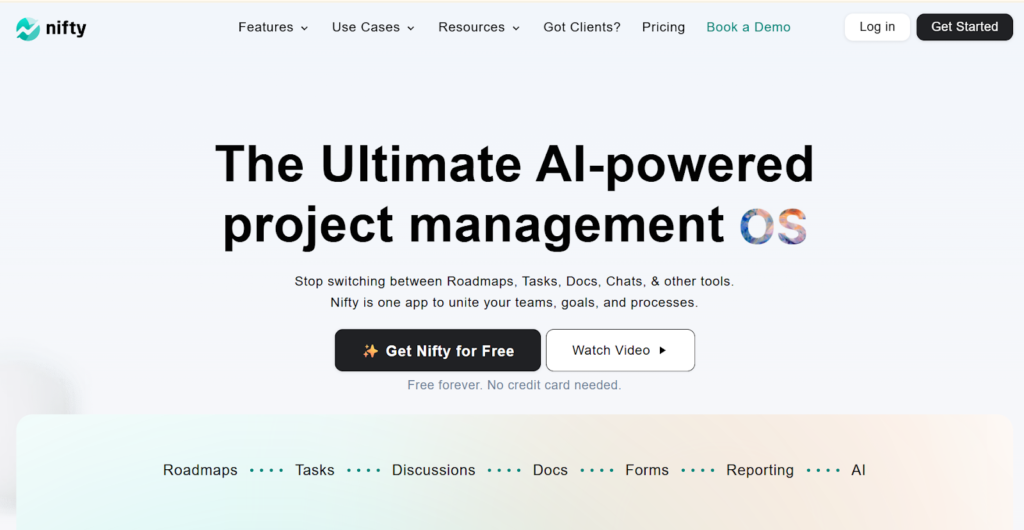
Nifty is a project management tool designed to centralize project data, team communication, and task execution in a single workspace. It offers features like roadmaps, team chat, document collaboration, and time tracking, aiming to streamline the project lifecycle for small to mid-sized teams. Its strength lies in providing a good mix of tools under one roof.
However, many businesses begin looking for an alternative for several reasons. Teams with highly complex project needs may find Nifty’s advanced reporting or resource management features to be less robust than dedicated enterprise solutions.
Conversely, smaller teams or those primarily focused on a single methodology (like pure Kanban) might seek simpler, more focused, and potentially more affordable platforms. Evaluating these alternatives ensures you choose a system that perfectly fits your specific workflow requirements.
Best alternatives to Nifty (tested & reviewed)
Research from the Standish Group’s CHAOS shows that companies using the right project management tools get better results, use resources more efficiently, and communicate more clearly. So, let’s reviews some of the top Nifty alternatives and why exactly each platform could be a better fit for your team.
1) GoodDay
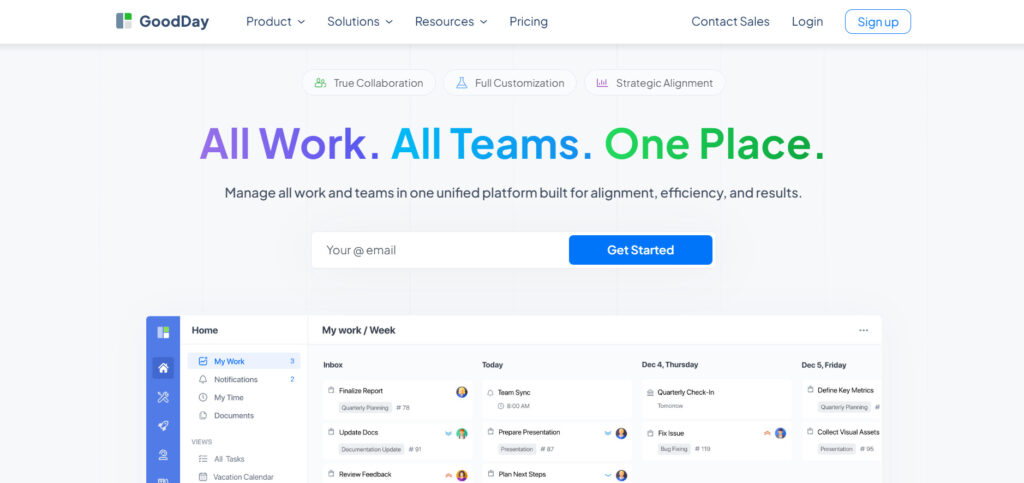
GoodDay is a unified work management platform relied upon by Fortune 500 companies, startups, and business of all sizes globally. By making the switch to GoodDay, you can significantly reduce your current costs while having access to all the functionality you value. And transferring your data to GoodDay is a very quick process.
Why it’s a good Nifty alternative
GoodDay has earned recognition as a top software in 12 Capterra shortlists. Users frequently praise the platform for successfully combining powerful features with competitive pricing.
Main features
The platform offers a comprehensive set of features to manage work from start to finish.
- Project and task management across multiple views (Gantt, Kanban, Calendar, List).
- Resource management and workload balancing.
- Time tracking and reporting capabilities.
- Advanced workflow automation and customization.
- Goal and objective tracking.
Integrations
GoodDay provides native integration with popular services such as G Suite, Gmail, Slack, Google Docs, Google Drive, Google Calendar, Dropbox, Box.com, Single Sign-On (SSO via SAML), GitHub, GitLab, and Email. Furthermore, it offers seamless connectivity to over 1,300 other business applications through Zapier and includes an API for custom integration with any of your existing organizational systems.
Desktop and mobile capabilities
GoodDay is available across major operating systems, including Windows, Mac, Linux, iOS, and Android. This ensures complete accessibility to your tasks, projects, and dashboard, whether you are on the move or working from a standard desktop setup.
Pros and cons:
| Pros | Cons |
| Trusted by over 100,000 teams worldwide. | Advanced reporting functions require initial setup and tailoring. |
| Comprehensive blend of rich features for all types of work. | Customizing complex workflows may take extra effort to optimize. |
| Highly cost-effective, with a free tier for up to 15 users. | Fully mastering advanced capabilities may require some time investment. |
| There is no pressure for unnecessary or aggressive product upsells. | Extensive customization options can lengthen the initial adoption phase. |
2) Asana
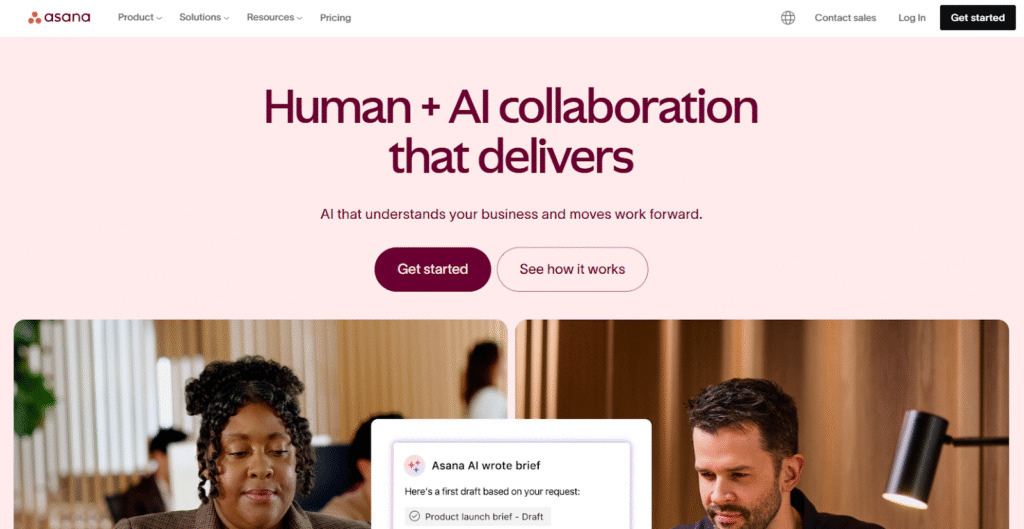
Asana is a work management tool known with a strong focus on task-level organization. It is best suited for teams that need clear visibility into who is doing what and by when, excelling in managing marketing campaigns, IT requests, and general operational tasks. Asana provides a clean interface that allows teams to visualize projects in various ways, making it a powerful solution for collaboration.
Why it’s a good Nifty alternative
Asana offers deeper specialization in task management and workflow automation than Nifty, which may suit teams with complex operational processes. Its Rule Builder allows for extensive automation, reducing manual work for recurring tasks and project updates. The platform is highly favored for its clarity and ease of use, making it a swift transition for teams prioritizing task flow visibility.
Main features
Asana offers robust features that cater to streamlined work management:
- Timeline view (Gantt-like).
- Workload management for resource allocation.
- Portfolio and Goal tracking.
- Over 100 pre-built automation rules.
- Custom fields and forms.
Integrations
Asana integrates with hundreds of tools, including Microsoft Teams, Slack, Zoom, Google Workspace, Salesforce, Adobe Creative Cloud, and various development tools like GitHub and Jira. Its open API allows for connection with custom internal systems, ensuring it fits into most existing technology stacks.
Desktop and mobile capabilities
Asana provides full-featured mobile apps for iOS and Android, allowing users to manage tasks, collaborate, and receive updates while away from their desks. It is primarily accessed via a web application, but offers a desktop application for Mac and Windows for dedicated use.
Pros and cons
| Pros | Cons |
| Exceptional task management and clarity | Advanced features are locked behind higher-tier plans |
| Strong workflow automation capabilities | Workload management can be less intuitive than dedicated tools |
| Clean, intuitive user interface | Free plan has limited functionality and user capacity |
| Great for cross-team collaboration and communication | Reporting capabilities are basic on lower plans |
3) ClickUp
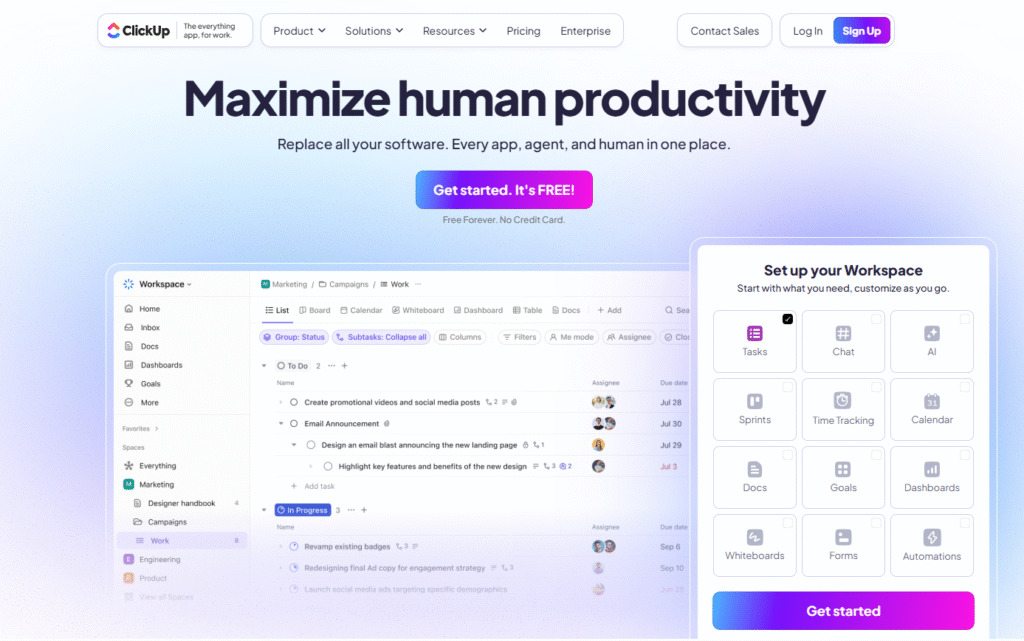
ClickUp is good for teams seeking a highly customizable platform that can handle everything from simple to-do lists to complex multi-project portfolios. ClickUp’s strength lies in its ability to adapt to virtually any work style due to its immense feature set and granular controls.
Why it’s a good Nifty alternative
ClickUp stands out with its extensive customization options, offering more view types and granular control over tasks and spaces than Nifty. For teams that require extreme flexibility and the ability to tailor the platform to match unique, complex workflows, ClickUp is a powerful contender. Its competitive pricing for the scope of features offered makes it an attractive choice for growing businesses.
Main features
ClickUp is packed with features designed to centralize work:
- Over 15 customizable views (List, Board, Box, Gantt, Mind Map, etc.).
- Native time tracking and goal tracking.
- Custom statuses and automation.
- Docs, Whiteboards, and Chat features built in.
- Resource management and detailed reporting.
Integrations
ClickUp integrates with more than 1,000 tools through native connections, including Slack, Google Workspace, Zoom, GitHub, Salesforce, and HubSpot. It also provides a robust API for developing custom integrations and connecting to other enterprise systems.
Desktop and mobile capabilities
ClickUp offers dedicated desktop apps for Mac, Windows, and Linux, providing a stable, fast experience outside the browser. Additionally, comprehensive mobile apps are available for both iOS and Android, ensuring full project visibility and task management on any device.
Pros and cons
| Pros | Cons |
| Extreme customization and flexibility | It can be overwhelming for new users due to the feature depth |
| Large number of views for all work styles | Performance can occasionally lag with heavy use |
| Competitive pricing for an extensive feature set | Customer support is not always highly rated |
| Good for replacing several other productivity apps | Mobile apps can be less intuitive than the desktop version |
4) Monday.com
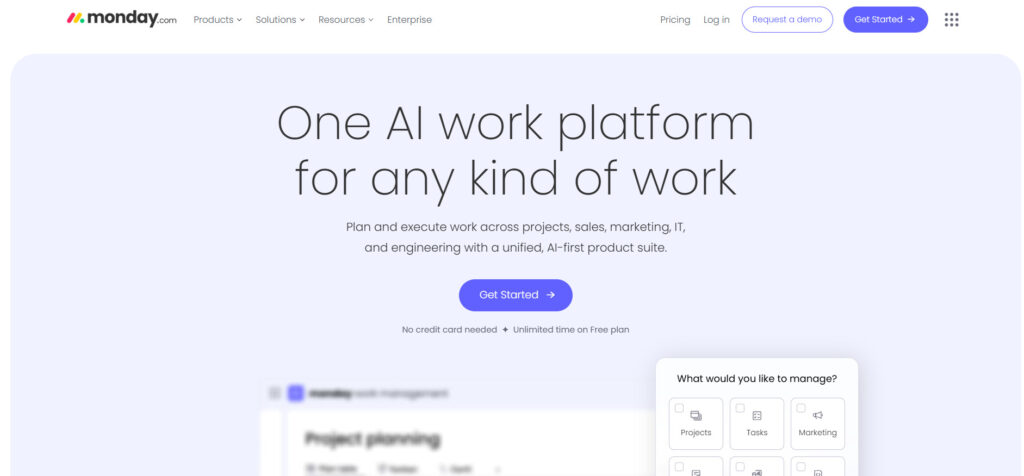
Monday.com functions as a versatile work operating system (Work OS), offering users the capability to design custom workflows and applications for various business needs. This platform is frequently chosen by teams who require a highly visual and adaptable interface to manage diverse projects, encompassing areas like software tasks, marketing campaigns, and even HR processes. Its primary characteristics are its flexibility and emphasis on visual clarity.
Why it’s a good Nifty alternative
Monday.com offers a broader application as a Work OS, enabling users to build custom tools and workflows well beyond standard project management. Its highly visual and color-coded interface is often considered more engaging and simpler for quick status updates than Nifty’s. For teams looking for a single platform to manage non-project-specific operations alongside their projects, Monday.com provides superior versatility.
Main features
Monday.com’s feature set is designed for maximum versatility:
- Dozens of customizable templates for various use cases.
- Visual and intuitive interface with multiple views (Kanban, Gantt, Calendar).
- No-code workflow automation.
- Time tracking and resource management.
- Dashboards and portfolio management.
Integrations
Monday.com integrates with popular tools such as Outlook, Microsoft Teams, Slack, Google Drive, Dropbox, Salesforce, Adobe Creative Cloud, and various developer tools. It provides an extensive API for complex custom integrations and connections.
Desktop and mobile capabilities
The platform is accessible via dedicated desktop applications for both Mac and Windows, ensuring a focused work environment. It also offers powerful mobile apps for iOS and Android, allowing users to update statuses, communicate, and manage workflows while on the move.
Pros and cons
| Pros | Cons |
| Highly visual, intuitive, and engaging interface | Pricing structure can be expensive for large teams |
| Extreme versatility for diverse team use cases | Features are segmented across several price tiers |
| Robust no-code automation builder | The dependency feature can be cumbersome to manage |
| Excellent customer support and knowledge base | Some users find the terminology confusing initially |
5) Trello
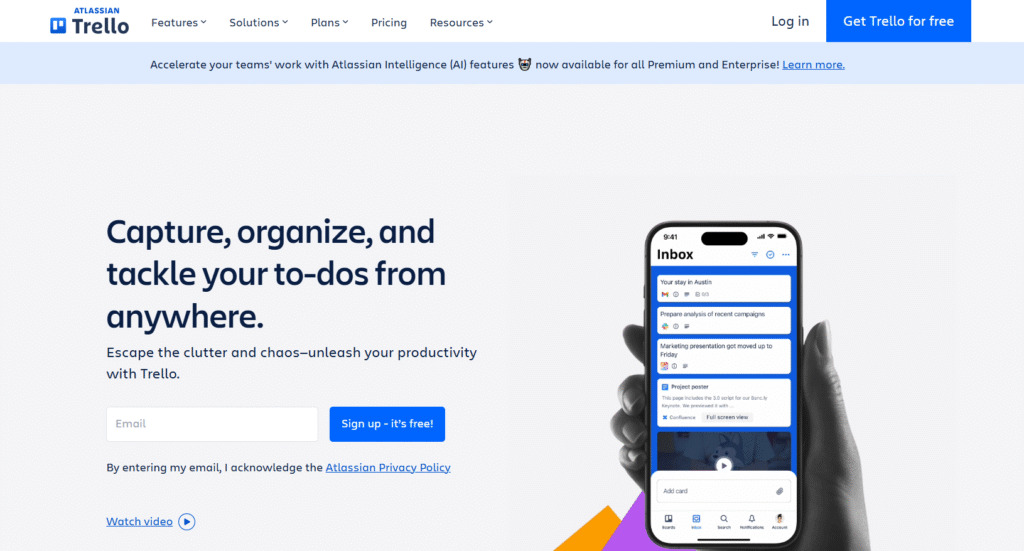
Trello is a simple, visual, and highly flexible project management tool based on the Kanban methodology. It is best suited for small teams, personal task management, or projects that require a clear, straightforward visual workflow. Its simplicity is its defining strength, making it ideal for content calendars, agile sprints, and internal request tracking.
Why it’s a good Nifty alternative
For teams who find Nifty’s all-in-one feature set to be excessive, Trello offers a refreshing return to simplicity. It focuses almost entirely on the card-based Kanban view, providing an unmatched level of ease of use and visual clarity for tracking progress. Its generous free tier and extensive “Power-Up” marketplace make it a highly cost-effective and adaptable alternative for lightweight project management.
Main features
Trello’s features are centered around its card-based system:
- Kanban boards for visual progress tracking.
- Customizable cards with checklists, due dates, and attachments.
- Automation using Butler (no-code).
- Calendar and Timeline views via Power-Ups.
- Team collaboration and commenting features.
Integrations
Trello uses “Power-Ups” to integrate with tools like Slack, Google Drive, Dropbox, Salesforce, Jira, GitHub, and hundreds of other applications. This modular approach allows users to select only the integrations they need, keeping the core platform light and fast.
Desktop and mobile capabilities
Trello offers a dedicated desktop app for Mac and Windows, providing quick access and desktop notifications. Its mobile applications for iOS and Android are robust, allowing users to easily view, edit, and collaborate on boards while maintaining the simple, drag-and-drop interface.
Pros and cons
| Pros | Cons |
| Extremely simple, intuitive, and easy to adopt | Not ideal for complex, large-scale projects |
| Excellent visual clarity for tracking progress | Core functionality is limited without Power-Ups |
| Generous free plan with unlimited cards | Limited built-in reporting features |
| Strong automation capabilities via Butler | Dependency mapping is not a core feature |
6) Wrike
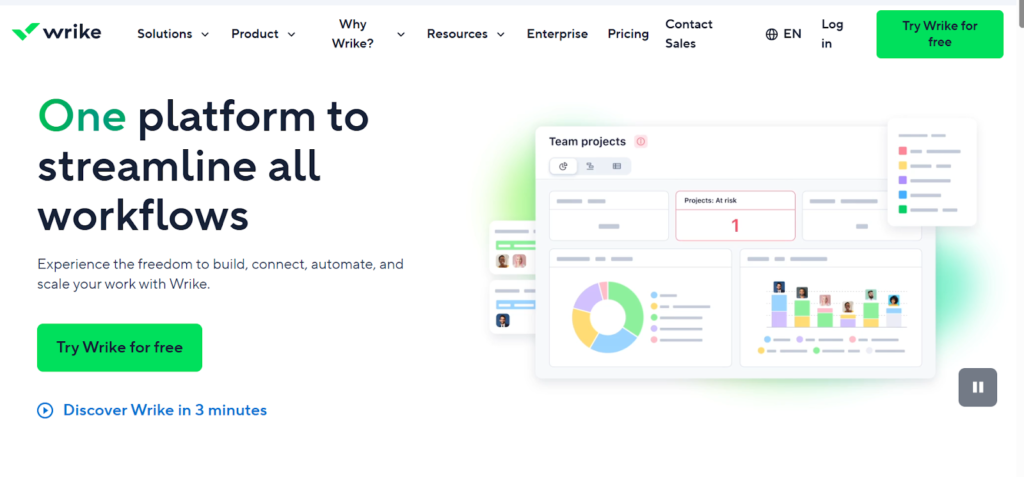
Wrike is work management platform designed for enterprise-level teams that require advanced project planning, resource management, and detailed reporting. It is best suited for large organizations, marketing agencies, and professional services firms managing multiple complex projects simultaneously across departments. Wrike’s strength lies in its comprehensive feature set for governance and scalability.
Why it’s a good Nifty alternative
Wrike offers significantly more robust features for resource allocation, portfolio management, and customized workflows than Nifty, making it better suited for large-scale enterprise environments. Its ability to create custom approval workflows and detailed time tracking and budgeting capabilities provides a level of project governance that smaller platforms often lack. For organizations needing verifiable compliance and advanced security, Wrike is a strong choice.
Main features
Wrike is feature-rich, focusing on enterprise needs:
- Advanced Gantt charts and project scheduling.
- Detailed resource and capacity planning.
- Customized request forms and approval workflows.
- Proofing and creative collaboration tools.
- Comprehensive reporting and real-time dashboards.
Integrations
Wrike integrates with over 400 popular tools, including Salesforce, Adobe Creative Cloud, Microsoft Teams, Slack, Google Drive, Jira, and various single sign-on (SSO) providers. Its open API supports deeper connections with corporate legacy systems and custom business intelligence tools.
Desktop and mobile capabilities
Wrike provides robust desktop applications for Windows and Mac, offering full access to the platform’s features outside the browser. Comprehensive mobile apps for iOS and Android ensure that managers and team members can monitor progress, update tasks, and collaborate effectively from anywhere.
Pros and cons
| Pros | Cons |
| Excellent for enterprise-level project governance | Can be complex and require significant training |
| Superior resource and capacity management features | High cost of entry for all-inclusive plans |
| Strong security and compliance capabilities | Interface can feel less intuitive than newer tools |
| Robust creative collaboration and proofing tools | Limited features on the free and lowest-paid tiers |
7) Smartsheet
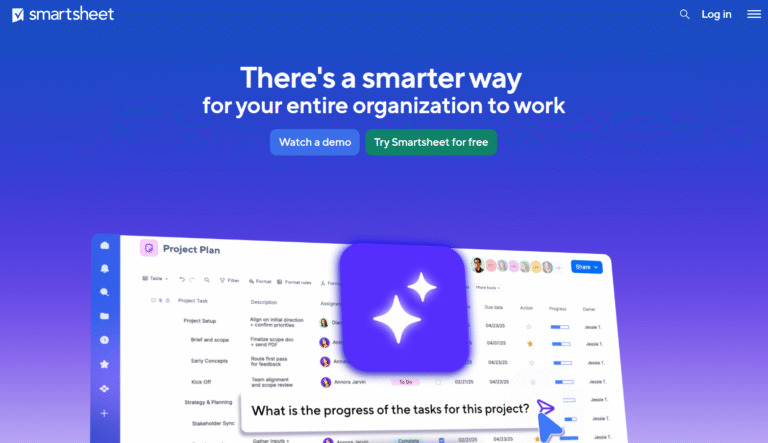
Smartsheet is a dynamic workspace that combines the familiar interface of a spreadsheet with powerful project management, collaboration, and automation capabilities. It is best for teams that are comfortable with a grid-based, highly data-centric approach but require more automation and reporting functionality than a traditional spreadsheet. It excels in managing large data sets, portfolio reporting, and budget tracking.
Why it’s a good Nifty alternative
Smartsheet offers a much more scalable and data-driven approach to project management compared to Nifty. For businesses where complex formulas, data consolidation, and large-scale reporting are paramount, its spreadsheet-like structure with built-in automation rules is a distinct advantage. Its flexibility allows it to adapt to any business process, from asset tracking to clinical trials.
Main features
Smartsheet focuses on combining data structure with workflow:
- Grid, Gantt, Card, and Calendar views.
- No-code automation and workflow rules.
- Portfolio and resource management add-ons.
- Forms for easy data collection.
- Dashboards for aggregated, real-time reporting.
Integrations
Smartsheet integrates with key enterprise tools like Microsoft 365, Google Workspace, Salesforce, Tableau, and various communication tools like Slack and Microsoft Teams. Its API and connectors allow for deep integration with business intelligence and CRM systems.
Desktop and mobile capabilities
While primarily a web-based application, Smartsheet offers mobile apps for iOS and Android, allowing users to view, edit, and update sheets and dashboards on the go. There is no dedicated desktop application, but its web interface is designed for robust, desktop-level use.
Pros and cons
| Pros | Cons |
| Highly scalable for large organizations and data sets | Interface can feel intimidating for non-spreadsheet users |
| Superior data visualization and reporting capabilities | Lack of a dedicated desktop application |
| Excellent for budget and resource tracking | High learning curve for advanced automation features |
| Automation rules are powerful and flexible | Per-user pricing can add up quickly for large teams |
8) Jira
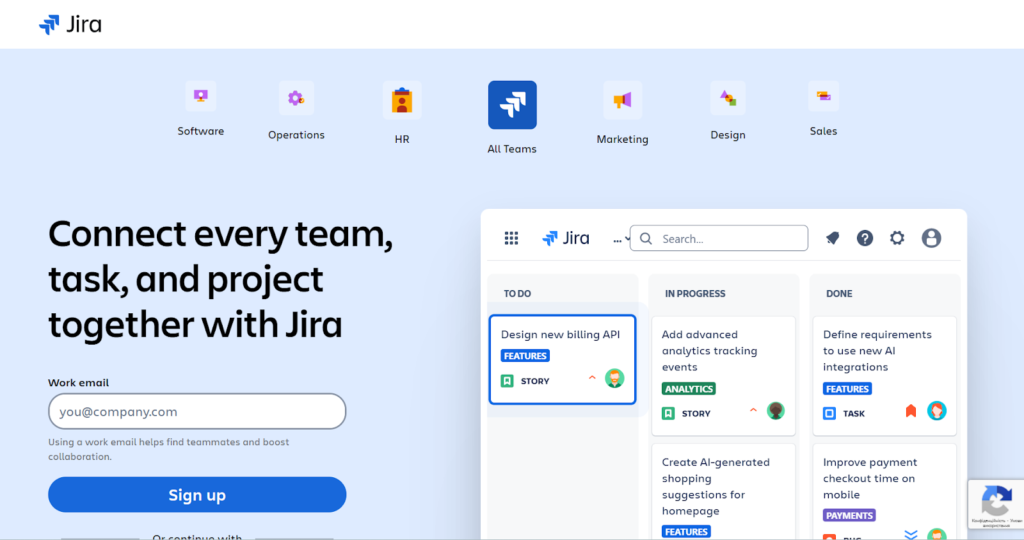
Jira is a project management tool specifically built for software development teams utilizing agile methodologies like Scrum and Kanban. It is best suited for engineering, product management, and QA teams who need robust tools for bug tracking, sprint planning, backlog refinement, and release management. Its strength is its deep customization for agile workflows.
Why it’s a good Nifty alternative
Jira provides highly specialized and powerful tools for agile software development that Nifty does not match, including highly configurable Scrum boards, detailed backlog management, and integration with source code repositories. For any team where software delivery is the primary focus, Jira offers a level of technical rigor and customization that is essential for complex product development lifecycles.
Main features
Jira’s features are optimized for software teams:
- Scrum and Kanban boards.
- Customizable workflows and issue types.
- Roadmaps and dependency tracking.
- Detailed reporting (burndown charts, velocity reports).
- Advanced permissions and security.
Integrations
Jira, and the Atlassian suite generally, have deep integrations with development tools such as Bitbucket, GitHub, GitLab, and Jenkins, as well as with communication platforms like Slack and Microsoft Teams. It also integrates with hundreds of other applications through the Atlassian Marketplace.
Desktop and mobile capabilities
Jira is primarily a web-based platform but offers dedicated and fully functional mobile apps for iOS and Android, allowing users to track issues, update sprints, and check on project status remotely. The mobile experience is optimized for common field tasks like logging bugs and status changes.
Pros and cons
| Pros | Cons |
| Best-in-class for agile software development teams | High complexity and steep learning curve for non-developers |
| Powerful issue tracking and backlog management | Can be too rigid for non-technical or creative teams |
| Deeply integrated with developer tools | Interface can feel outdated compared to competitors |
| Highly customizable workflows and issue types | Performance can be slow with large, complex installations |
9) Zoho Projects
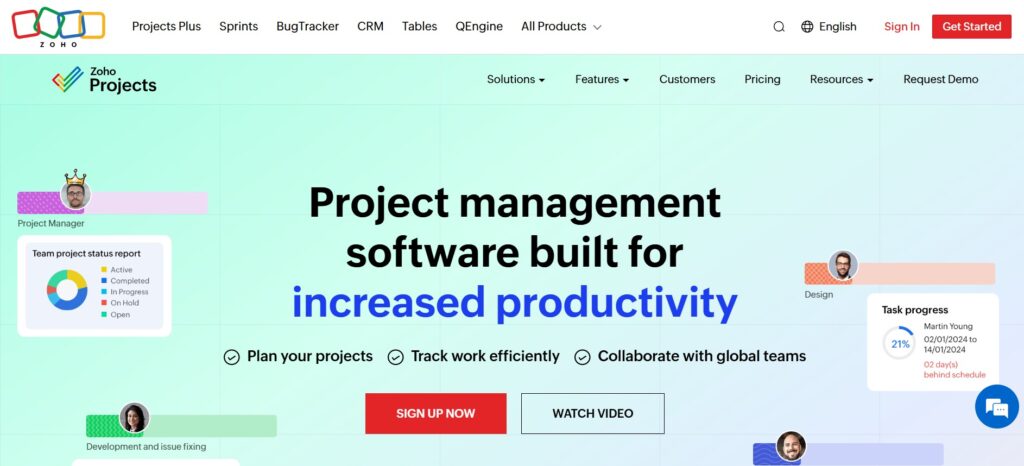
Zoho Projects is a comprehensive project management application that is a key part of the larger Zoho suite of business tools. It is best suited for organizations already using or planning to adopt other Zoho products (like Zoho CRM or Zoho Desk), as its strength lies in its deep, seamless integration across the entire Zoho ecosystem. It provides robust tools for planning, tracking, and collaboration.
Why it’s a good Nifty alternative
For businesses deeply invested in the Zoho ecosystem, Zoho Projects offers an integration level that Nifty cannot match, creating unified workflows across CRM, finance, and support. It provides a strong, traditional set of project management features, including detailed time tracking, budgeting, and resource utilization, making it a reliable and scalable alternative for businesses seeking an all-in-one business software solution.
Main features
Zoho Projects offers a full array of project management features:
- Gantt charts and critical path analysis.
- Time tracking and invoicing.
- Resource utilization tracking.
- Task and issue management.
- Social-style project feed for collaboration.
Integrations
Zoho Projects is natively integrated with the entire Zoho suite, including Zoho CRM, Zoho Books, Zoho Desk, and Zoho People. It also integrates with external tools such as Google Workspace, Microsoft Teams, Slack, and various developer tools like GitHub.
Desktop and mobile capabilities
Zoho Projects is a web-based application, but it provides dedicated mobile apps for both iOS and Android, allowing team members to log hours, update tasks, and collaborate on projects while on the move.
Pros and cons
| Pros | Cons |
| Deep, seamless integration with the Zoho ecosystem | Less visual appeal than some dedicated competitors |
| Strong time tracking and budgeting features | Reporting can lack customization on lower tiers |
| Excellent value for money, especially in a bundle | User interface can feel dated at times |
| Robust tools for task and issue management | Adoption can be tied to using the full Zoho suite |
How to select Nifty alternative for your business: main criteria
When transitioning from Nifty, the key is to perform a systematic evaluation of your current needs versus the strengths of the alternative platforms. Focus on the criteria that directly impact your team’s day-to-day operations and long-term strategic goals.
Functionality
Start by identifying the missing features or limitations in Nifty that prompted your search. Do you need more advanced resource management, better agile reporting, or deeper integration with a specific third-party tool? The new platform must offer the core project views (e.g., Gantt, Kanban, List) your team uses, along with specialized capabilities that align with your industry, such as advanced code tracking for developers or creative proofing for marketing teams.
Usability
Evaluate the new platform’s interface for clarity, speed, and ease of navigation. A simple, intuitive design minimizes the learning curve and increases user adoption across different departments. Ensure that basic tasks, like assigning work or updating status, can be accomplished quickly without confusion, even for non-technical employees.
Customer support
A robust customer support system is crucial, especially during the migration and initial setup phase. Look for platforms that offer multiple support channels (email, chat, phone) and provide accessible resources like detailed help centers, tutorials, and user communities. Timely and knowledgeable support can significantly reduce downtime and frustration when issues arise.
Value for money
Assess the total cost of ownership, considering the price per user, feature tiers, and any potential hidden fees for advanced functionality or integrations. A “cheap” tool that lacks essential features may cost more in lost productivity, while an expensive tool that is underutilized represents poor value. Look for a strong balance between a comprehensive feature set and competitive, scalable pricing.
Customer reviews
Consult reliable third-party review sites to gather unbiased feedback from users who share similar business profiles or use cases. Pay close attention to reviews discussing the platform’s stability, the quality of customer service, and the actual implementation of complex features. High volume of positive reviews about a platform’s core strengths (e.g., speed, automation, ease of use) is a reliable indicator of its quality.
Save up to 50% by switching from Nifty to GoodDay
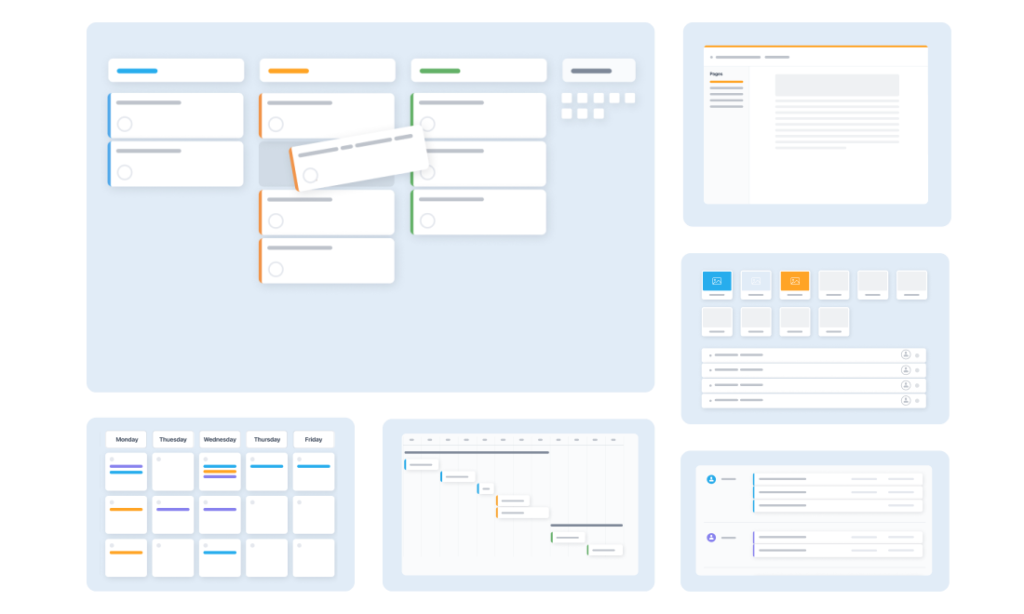
If you want to find the best combination of features and pricing, GoodDay is an outstanding choice in 2026. It is widely recognized across the globe for delivering powerful functionality alongside budget-friendly plans.
You can begin your journey by trying GoodDay for free to see how well it adapts to your workflow and organizational culture.
And if you have any questions about selecting the right project management software, you can always reach out to our team via info@goodday.work
FAQs
What is team collaboration?
Team collaboration is the systematic process where a group of individuals intentionally work toward a shared goal, combining their knowledge and skills using effective collaboration tools. It requires clear team communication, shared objectives, and reliable team collaboration tools to ensure seamless collaboration across the board. The goal is to maximize team productivity and ensure effective file sharing and document sharing within a cohesive, centralized environment. GoodDay, with its intuitive user interface, is an example of a collaborative platform designed to streamline team collaboration for superior results.
How to increase your productivity at work?
To enhance productivity, you must focus on structured project planning, prioritizing tasks, and utilizing a reliable project management software like GoodDay to streamline your efforts. The software can help assign tasks, minimize context switching, and implement time tracking for better focus, which is crucial for team productivity. By using the workflow automation features in platforms like GoodDay or ClickUp, you can eliminate repetitive tasks and save significant time daily. Maintaining a structured approach to task management is the single most effective way to improve your output and achieve better results.
What is task management software?
Task management software is a specialized tool used to organize, prioritize, and manage tasks efficiently, making it a critical component of any successful project management approach. This software provides a visual overview of workloads, allows for clear task creation and task assignments, and helps in tracking progress toward goals. While simple options exist for small teams, comprehensive systems like GoodDay integrate task management within a comprehensive project management platform with advanced, detailed reporting. It ultimately serves to centralize project data and ensure no critical items fall through the cracks.
How to plan your workday?
To plan your work day effectively, you should start by using a project management platform like GoodDay to structure your priorities and set realistic project timelines. Effective daily planning involves reviewing your task management list, setting aside time for deep work, and utilizing project scheduling features to allocate time efficiently. This process, often supported by features like Gantt charts, allows you to maintain a visual guide and adjust quickly as you manage tasks throughout the day. A well-planned day, supported by a user-friendly tool, ensures focus on critical project organization and minimizes reactive work.
What’s the best project management software for managing complex workflows?
The best project management software for managing complex workflows must offer extensive customization, advanced features, and powerful integration capabilities for complex projects. GoodDay stands out by providing comprehensive project management features and deep workflow automation, allowing users to model intricate project workflows while maintaining an intuitive interface. Tools like Wrike and Jira also offer high-level features for managing task dependencies, but GoodDay’s balance of power and affordability makes it the superior choice for implementing robust project management. Its system provides the control necessary for successful project execution and accurate progress tracking.
What key features should I prioritize when evaluating the best alternatives to Nifty?
When evaluating the best Nifty alternatives, you should prioritize key features that enhance visibility and control, such as detailed resource allocation and reliable time tracking. Look for platforms that offer powerful automation features to handle routine tasks and a highly user-friendly interface to maximize team collaboration. The platform should offer a centralized platform that integrates robust project management and detailed project tracking capabilities, replacing the need for other project management tools.
Which Nifty alternatives offer the most robust combination of project management, task management, and portfolio management in a single tool?
For a solution that provides the most robust combination of project management, task management, and portfolio management, GoodDay is the top choice among Nifty alternatives. Its architecture is designed to give leaders a high-level view of all project portfolios while enabling teams to efficiently manage tasks and manage multiple projects granularly. Asana and ClickUp are also strong contenders that offer this functionality, but GoodDay delivers this comprehensive solution with better price-to-feature value. This centralized approach streamlines project organization and gives a unified view of project performance.
How well do the top platforms integrate real-time communication tools for remote teams and collaborators?
The top Nifty alternatives highly prioritize real-time communication tools to ensure seamless collaboration among remote teams and remote collaborators. Platforms like GoodDay and Monday.com integrate direct messaging, commenting linked to tasks, and integration with Slack to facilitate instant team communication about project data. This approach ensures that communication is centralized and tied directly to the relevant task management item, providing context that email lacks. Effective team collaboration depends on these integrated collaboration tools to quickly resolve issues and track project progress.
Beyond simple task management, what specialized tools (like resource allocation or custom automation) are available in these platforms?
Beyond simple task management, platforms like GoodDay offer specialized and advanced features critical for optimizing project execution, such as resource allocation and extensive workflow automation. These project management tools enable managers to perform accurate resource management, project scheduling, and implement custom logic for task dependencies across multiple projects. Other platforms like Wrike and Smartsheet also provide more advanced features like high-level reporting and financial management integration. Using a system like GoodDay, you can streamline project workflows to improve efficiency and control.
When comparing pricing, which of the available Nifty alternatives provides the best overall value for money?
When comparing pricing among the best Nifty alternatives, GoodDay provides the best overall value for money, offering comprehensive project management features even for small teams and small businesses. Its generous free plan and low-cost paid tiers for unlimited users make it the most accessible project management software with robust project management capabilities. ClickUp and Zoho Projects also offer competitive options, but GoodDay’s superior feature-to-price ratio solidifies its position as the top choice. This value ensures that organizations can access the necessary key features to successfully manage multiple projects without overspending.




