
When your current software makes it difficult to see who is working on what or how your budget is actually being spent, it’s hard to stay confident in your roadmap. You need a way to connect high-level goals with daily tasks without getting lost in a maze of rigid features and high price tags.
There are several powerful solutions designed to simplify resource allocation and portfolio management while keeping your costs manageable. By choosing the right platform, you can bring clarity back to your operations and ensure every project aligns with your business objectives.
In this guide, we’ll explore the best Meisterplan alternatives to help you make the right choice. But if you have any questions that are not covered in this article, you can always connect with our team via info@goodday.work
Best Meisterplan alternatives shortlist for 2026
Let’s take a look at some of the top alternatives to Meisterplan:
- Best overall: GoodDay provides a versatile, tailor-made workspace that seamlessly connects strategic portfolio oversight with daily task execution and precise time monitoring.
- Best for Professional Services: Kantata (formerly Mavenlink + Kimble) offers superior resource optimization and operational management for services businesses.
- Best for Mid-to-Large Enterprises: Planview AdaptiveWork and Workfront are highly rated for scaling, complex project management, and strategic alignment.
- Best for Flexibility & Usability: Smartsheet and Monday.com provide intuitive interfaces, allowing for faster adoption for portfolio tracking.
- Best for Resource-Driven Planning: Kelloo and Float are specialized alternatives focusing heavily on resource capacity planning and matching demand with supply.
- Best for Financials & Work Intake: Acuity PPM is a lightweight tool for PMOs needing to manage project requests and prioritize, while Celoxis offers strong, all-in-one project tracking, including financials.
Comparison of the best Meisterplan alternatives
Selecting the right software requires a clear look at how each platform handles data, pricing, and the transition process for your team.
| Software | Best for | Pricing | Ease of migration from Meisterplan |
| GoodDay | Best overall balance of features and cost | Free plan (1–15 users); Professional $4/user/month; Business $7/user/month; Enterprise custom | Easy (CSV import, Zapier integrations) |
| Kantata | Professional services and resource optimization | Custom pricing based on business needs | Moderate (Requires guided implementation) |
| Planview AdaptiveWork | Enterprise-level strategic alignment | Professional from $30/user/month; Enterprise from $45/user/month | Complex (Full professional services recommended) |
| Workfront | Marketing and enterprise work management | Three tiers (Select, Prime, Ultimate) – Contact for pricing | Moderate (Dedicated support available) |
| Smartsheet | Spreadsheet-style portfolio tracking | Pro $12/user/month; Business $32/user/month; Enterprise custom | Easy (Direct import from Excel/CSV) |
| Monday.com | Visual project management and usability | Basic $9/user/month; Standard $12/user/month; Pro $19/user/month | Easy (Automated import tools) |
| Kelloo | Resource capacity and scenario planning | Starting at $2/resource/month | Moderate (CSV and API support) |
| Float | Simple resource scheduling and time tracking | Starter $7/user/month; Pro $12/user/month | Easy (Integrations and CSV import) |
| Acuity PPM | Lightweight PMO and work intake | Starting at $750/month for 5 licenses | Easy (Designed for quick setup) |
| Celoxis | All-in-one project tracking and financials | Cloud from $25/user/month; On-premise available | Moderate (Data mapping required) |
What is Meisterplan and why consider an alternative?
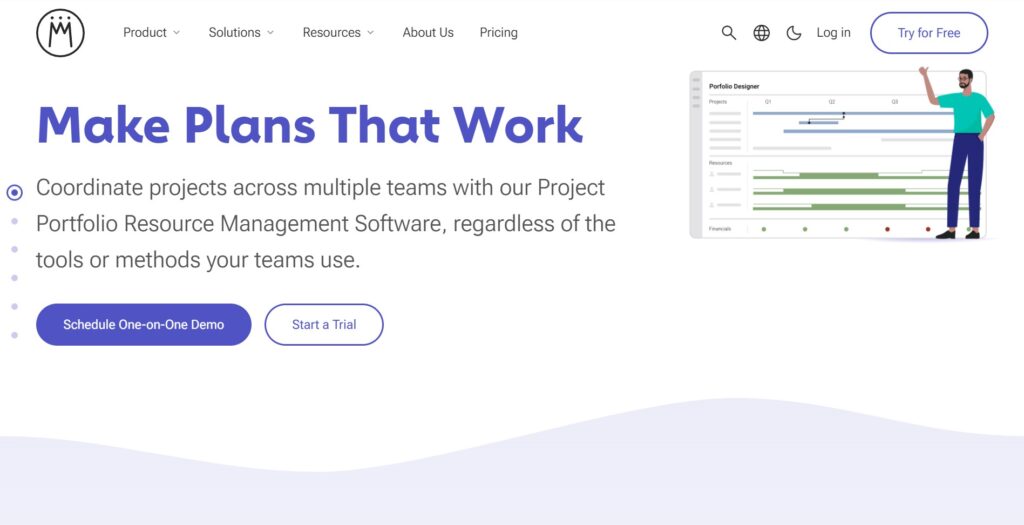
Meisterplan is primarily used for Project Portfolio Management (PPM) and resource capacity planning. It allows organizations to visualize their project roadmaps, align them with available staff capacity, and perform “what-if” scenario modeling. Key features include a Lean PPM framework, interactive Gantt charts for portfolios, and a strategic “Must-Have” line to help leaders prioritize initiatives based on resource constraints.
The pricing approach for Meisterplan is based on a per-user, per-month subscription model, often segmented into editions such as Basic, Pro, and Premium. While it offers a focused set of features for high-level planning, it can become expensive as teams scale, with entry-level plans often starting around $12 per user.
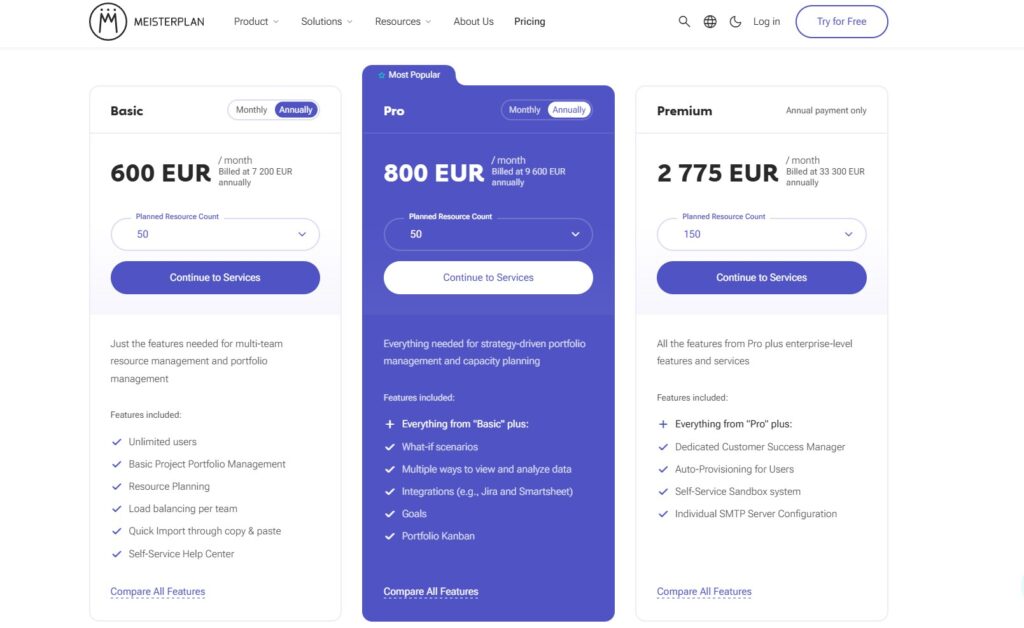
Many organizations consider an alternative to Meisterplan because they need a more integrated solution. While Meisterplan excels at high-level portfolio views, it often lacks the granular task management, document collaboration, and internal communication tools that modern teams require for daily execution.
In-depth overview of the best alternatives to Meisterplan (free and paid)
Exploring these alternatives will help you find a tool that aligns with your specific operational needs and budget.
1) GoodDay
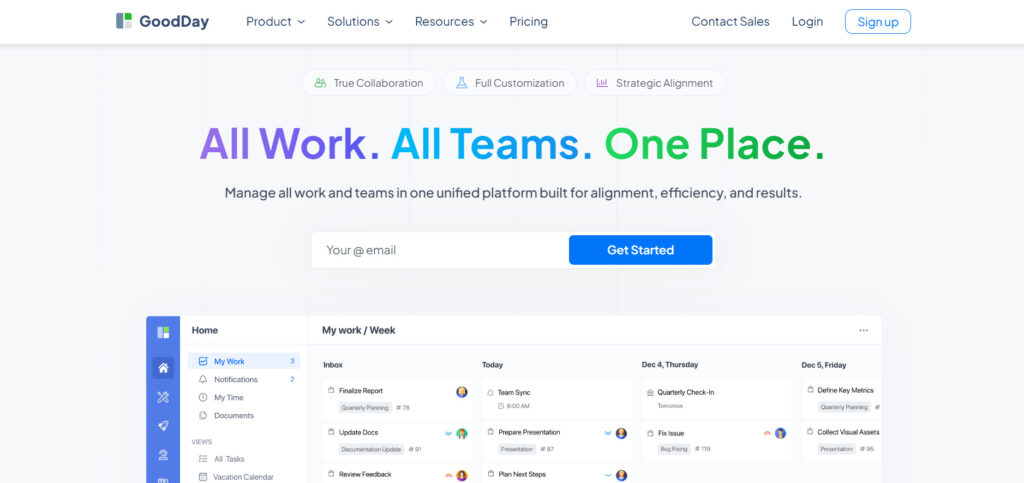
GoodDay is a comprehensive work management solution used by organizations of all sizes, from global enterprises to agile startups. Choosing GoodDay can reduce your operational expenses by up to 50% without sacrificing the high-level features you rely on. Unlike many competitors, it offers a generous free plan for up to 15 users that includes unlimited projects and advanced productivity tools, and you can complete your data migration in under 2 minutes.
Why it’s a good Meisterplan alternative
GoodDay serves as a superior alternative by blending strategic portfolio oversight with the daily task-level execution that Meisterplan often lacks. It has earned recognition in 12 Capterra shortlists for its versatility and user satisfaction. The platform provides specialized templates for various departments, supports methodologies like Scrum and Agile, and offers diverse views, including Gantt charts and Kanban boards, all while maintaining a highly affordable price point.
Main features
The platform provides a unified workspace to manage the entire project lifecycle from planning to completion.
- Multi-level project hierarchy for organizing complex portfolios.
- Interactive Gantt charts and workload views for resource management.
- Integrated time tracking and personal productivity dashboards.
- Customizable workflows and automated status reporting.
- Advanced data visualization and business intelligence tools.
Integrations
GoodDay offers native connectivity with G Suite, Gmail, Slack, and Google Calendar, as well as file storage services like Dropbox, Box, and Google Drive. It supports secure access through Single Sign-On (SSO) via SAML and integrates with development tools like GitHub and GitLab. Furthermore, it links with over 1,300 applications through Zapier and provides a robust API for custom system connections.
Desktop and mobile capabilities
You can access GoodDay on Windows, Mac, and Linux systems for a full desktop experience. For mobile work, dedicated apps are available on both iOS and Android, ensuring you can manage projects and view dashboards from any location.
Pros and cons
| Pros | Cons |
| Trusted by over 100,000 teams globally | Complex reporting requires initial setup |
| Features a massive range of built-in tools | Workflow customization takes time to optimize |
| Extremely cost-effective with a 15-user free tier | Learning advanced features has a slight curve |
| No aggressive upselling or hidden fees | High customization may slow initial rollout |
2) Kantata
Kantata is a specialized professional services automation (PSA) tool designed for businesses that sell their expertise. It focuses heavily on resource management, project accounting, and team collaboration to ensure projects remain profitable. This platform is good for agencies and consulting firms that need to manage the entire client lifecycle in one system.
Why it’s a good Meisterplan alternative
It provides much deeper financial and operational data than a standard portfolio planning tool. Kantata allows for precise margin tracking and resource forecasting that helps services businesses optimize their billable hours. It replaces the need for separate accounting and planning tools by merging them into one interface.
Main features
Kantata excels at managing the business side of projects with advanced financial tracking.
- Resource forecasting and capacity planning.
- Project accounting with automated invoicing.
- Real-time margin and profitability tracking.
- Business intelligence and custom reporting.
Integrations
Kantata integrates with major CRM and ERP systems including Salesforce, NetSuite, and HubSpot. It also connects with Slack and Jira to bridge the gap between sales, finance, and delivery teams.
Desktop and mobile capabilities
The platform is primarily web-based for desktop use, but it offers a mobile-friendly interface and dedicated apps for iOS and Android to track time and expenses.
Pros and cons
| Pros | Cons |
| Exceptional financial management tools | Very high price point for small teams |
| Deep resource utilization insights | Significant learning curve for new users |
| Purpose-built for professional services | Setup requires professional implementation |
| Strong reporting for executives | Can feel overly complex for simple projects |
3) Planview AdaptiveWork
Planview AdaptiveWork, formerly known as Clarizen, is an enterprise-grade project management tool built for large organizations. It focuses on strategic alignment, ensuring that every project contributes to the company’s high-level goals. The software is designed to handle high-volume work environments where cross-departmental collaboration is essential.
Why it’s a good Meisterplan alternative
It scales far beyond the capabilities of basic planning tools by offering enterprise-level security and governance. AdaptiveWork allows for complex dependency mapping across massive portfolios, which is a significant step up from Meisterplan’s scenario modeling. It is built to support the rigorous demands of a corporate Project Management Office (PMO).
Main features
This tool provides the structure needed for complex, large-scale project execution and oversight.
- Strategic portfolio management and demand management.
- Dynamic reporting and real-time dashboards.
- Automated workflows and business rule engines.
- Resource capacity and financial planning.
Integrations
Planview AdaptiveWork integrates with enterprise ecosystems including Salesforce, Jira, SharePoint, and Microsoft Teams. It also offers a comprehensive API for bespoke enterprise integrations.
Desktop and mobile capabilities
It is available via web browsers on desktops and offers robust mobile applications for iOS and Android to allow for status updates and approvals on the move.
Pros and cons
| Pros | Cons |
| Highly scalable for thousands of users | Expensive per-user licensing fees |
| Robust strategic alignment features | Requires a dedicated administrator |
| Excellent automation capabilities | Interface can feel dated to some users |
| Powerful cross-project visibility | Long deployment and onboarding time |
4) Workfront
Adobe Workfront is a leading work management platform that helps teams manage the entire lifecycle of a project from intake to delivery. It is particularly popular in marketing and creative departments because of its strong proofing and approval workflows. Workfront enables users to centralize work, eliminate silos, and report on progress across the enterprise.
Why it’s a good Meisterplan alternative
It offers a more holistic approach to “work” rather than just “project” planning, making it better for day-to-day operations. Workfront provides native content review tools that Meisterplan lacks, making it a better choice for creative-heavy industries. The platform also offers advanced resource leveling to help prevent team burnout during busy cycles.
Main features
Workfront focuses on streamlining work intake and optimizing how teams execute their tasks.
- Centralized work intake and request queues.
- Digital proofing and approval management.
- Global resource planning and capacity balancing.
- Scenario Planner for multi-year strategic forecasting.
Integrations
Being an Adobe company, it integrates perfectly with Creative Cloud, Experience Manager, and Marketo. It also connects with Microsoft 365, Google Workspace, and Slack.
Desktop and mobile capabilities
Users can access Workfront via a web browser or through the Workfront mobile app on iOS and Android. There is also a desktop application for more focused work.
Pros and cons
| Pros | Cons |
| Best-in-class proofing and approvals | Pricing is not transparent on the website |
| Excellent for marketing and creative teams | Overwhelming feature set for small teams |
| Strong enterprise-grade security | Requires extensive training to master |
| Seamless integration with Adobe products | Implementation can be very costly |
5) Smartsheet
Smartsheet is a flexible, spreadsheet-style work management platform that helps teams plan, track, and automate work. It combines the familiar interface of a spreadsheet with powerful project management features like Gantt charts and automated workflows. It is widely used for everything from simple task lists to complex portfolio tracking.
Why it’s a good Meisterplan alternative
It provides a much lower barrier to entry for teams already comfortable with Excel or Google Sheets. Smartsheet allows for the rapid creation of custom dashboards that can visualize portfolio data without the rigidity of Meisterplan. It is highly adaptable, allowing you to build exactly what you need without being forced into a specific framework.
Main features
Smartsheet uses a flexible grid system to power its project management and automation tools.
- Multi-view sheets (Grid, Gantt, Card, Calendar).
- No-code automation for repetitive tasks.
- Dynamic WorkApps for building custom mobile solutions.
- Resource Management (formerly 10,000ft) for capacity planning.
Integrations
Smartsheet integrates with a wide range of tools, including Microsoft Office 365, Google Workspace, Jira, Salesforce, and Slack. It also supports Data Shuttle for moving data between systems.
Desktop and mobile capabilities
The platform is web-based and offers a dedicated desktop app. Its mobile apps for iOS and Android are highly rated for their ease of use in the field.
Pros and cons
| Pros | Cons |
| Very familiar spreadsheet-like interface | Advanced resource tools cost extra |
| Highly flexible for different use cases | Can become slow with massive data sets |
| Strong automation and form capabilities | Limited “what-if” scenario modeling |
| Rapid adoption due to ease of use | Logic is tied to individual sheets |
6) Monday.com
Monday.com allows teams to build custom workflows for any type of project. It is known for its intuitive and colorful interface, which encourages high user adoption rates. The platform is versatile enough to handle CRM, marketing, software development, and general project management.
Why it’s a good Meisterplan alternative
It offers a much more modern and user-friendly experience, making it easier to get the whole team to use the software. Monday.com provides diverse visual building blocks that allow you to create portfolio dashboards much faster than Meisterplan. The “Pulse” system makes communication about specific tasks effortless and centralized.
Main features
The platform uses customizable boards and columns to track every aspect of a project.
- Visual boards with customizable columns.
- Automation center for reducing manual work.
- Portfolio management with “Dashboards” and “Mirroring.”
- Workload view for managing team capacity.
Integrations
Monday.com has an extensive marketplace with hundreds of integrations, including Slack, Zoom, Google Drive, and Microsoft Teams. It also features a powerful API for custom builds.
Desktop and mobile capabilities
Monday.com provides a full desktop application for Mac and Windows. Its mobile apps for iOS and Android are some of the most polished in the project management market.
Pros and cons
| Pros | Cons |
| Extremely intuitive and easy to use | Costs can rise quickly with seat minimums |
| Highly customizable to any workflow | Advanced features are restricted to higher tiers |
| Excellent visual reporting and boards | Limited depth for complex PPM needs |
| Great for cross-team collaboration | The notification system can be overwhelming |
7) Kelloo
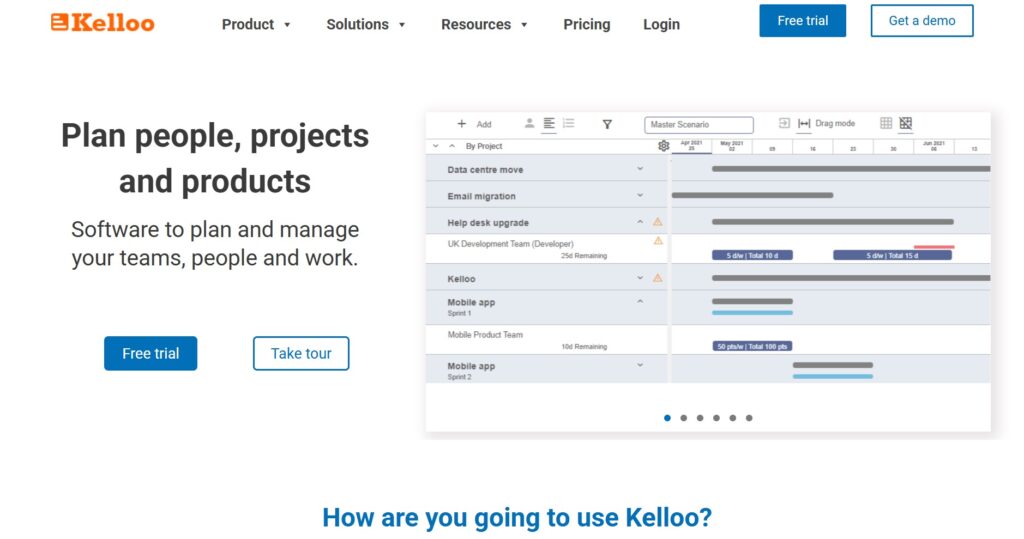
Kelloo is a lean resource management and portfolio planning tool that helps organizations match project demand with their actual capacity. It is specifically designed to solve the problem of overallocated teams and unrealistic project schedules. Kelloo focuses on simplicity, allowing users to get a clear picture of their resources in a very short amount of time.
Why it’s a good Meisterplan alternative
It is a much more affordable and lightweight option for organizations that specifically want Meisterplan’s resource planning features without the enterprise bloat. Kelloo offers powerful “what-if” scenario planning that is often easier to navigate than Meisterplan’s version. It bridges the gap for small to medium PMOs that need professional-grade capacity planning.
Main features
Kelloo provides the tools necessary to balance resource supply and project demand.
- Resource heatmaps to identify bottlenecks.
- Scenario modeling for portfolio decisions.
- Skills-based planning and forecasting.
- Project scoring and prioritization.
Integrations
Kelloo offers a direct API and connects with several tools via Zapier. It is designed to work alongside existing task management tools rather than replacing them.
Desktop and mobile capabilities
The platform is a web-based cloud solution designed for desktop browsers. It does not currently offer a dedicated native mobile app, focusing instead on the desktop planning experience.
Pros and cons
| Pros | Cons |
| Very low starting price per resource | Lacks native mobile applications |
| Fast setup and easy learning curve | Minimal day-to-day task management |
| Strong “what-if” scenario planning | Limited integrations compared to rivals |
| Clear visualization of resource gaps | Not ideal for managing detailed sub-tasks |
8) Float
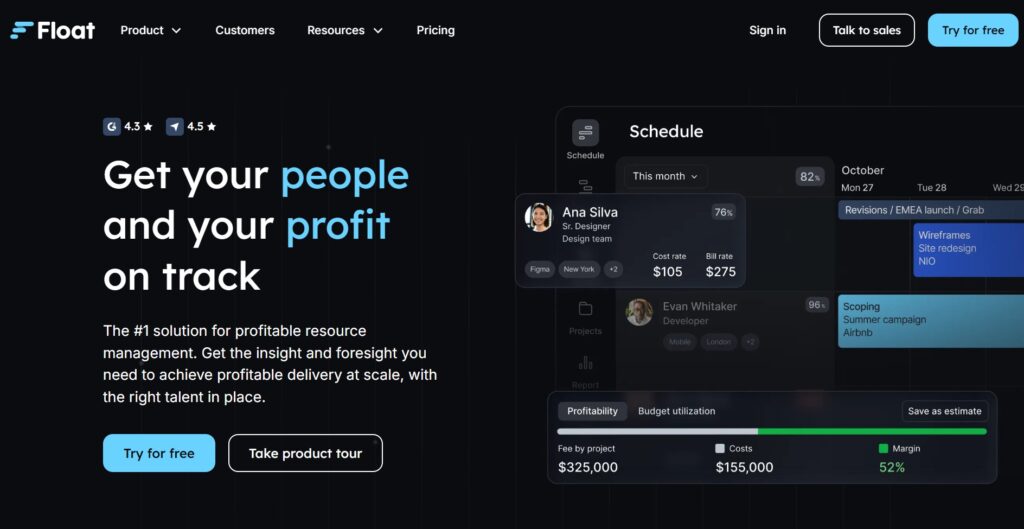
Float is a dedicated resource scheduling tool that provides a visual way for teams to manage their time. It focuses on the “who, what, and when” of project management. It is highly popular among creative agencies and studios that need to move quickly and adjust schedules on the fly.
Why it’s a good Meisterplan alternative
It is significantly faster and more “tactical” than Meisterplan, making it better for teams that change priorities weekly. Float prioritizes the schedule over the portfolio, ensuring that the people doing the work are never overlooked. It also includes built-in time tracking, which allows you to compare planned hours against actuals immediately.
Main features
Float keeps resourcing simple with a drag-and-drop interface and clear availability markers.
- Visual drag-and-drop resource scheduler.
- Capacity management with time-off tracking.
- Time tracking with pre-filled timesheets.
- Budget tracking and project margin reporting.
Integrations
Float integrates natively with Jira, Trello, Asana, Slack, and Google Calendar. This allows users to sync tasks from other tools directly into the resource schedule.
Desktop and mobile capabilities
Float offers a web application, a dedicated desktop app for time tracking, and mobile apps for iOS and Android to manage schedules on the go.
Pros and cons
| Pros | Cons |
| Very easy to use drag-and-drop interface | No high-level portfolio modeling |
| Native time tracking included | Limited project hierarchy options |
| Fair and transparent pricing model | Not built for complex PMO governance |
| Great for fast-moving agencies | Reporting is focused on time, not strategy |
9) Acuity PPM
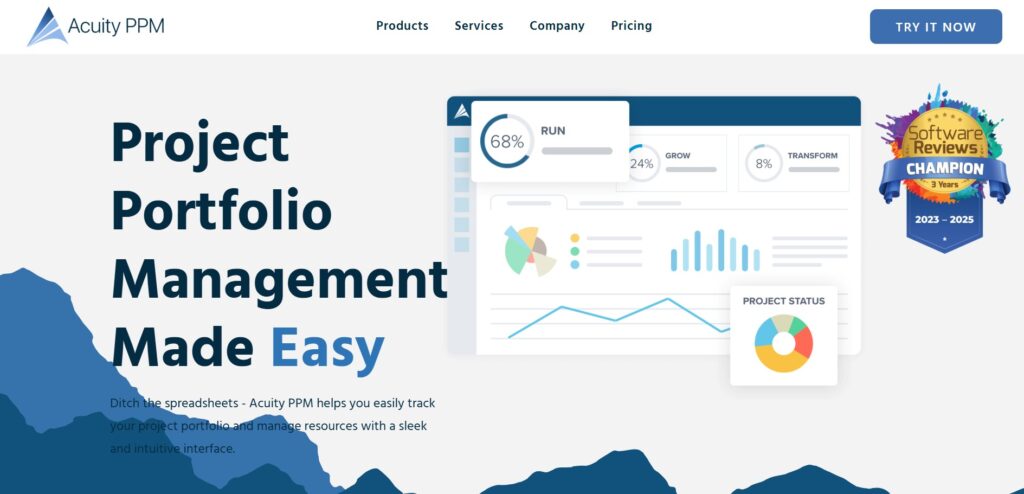
Acuity PPM is a lightweight project portfolio management tool designed specifically for new or smaller PMOs. It focuses on providing essential portfolio visibility without the complexity of traditional enterprise software. The platform helps companies track project status, manage work intake, and prioritize the most valuable initiatives.
Why it’s a good Meisterplan alternative
It is the perfect “step up” from spreadsheets for teams that find Meisterplan too intimidating or complex. Acuity PPM provides a modular approach, allowing you to pay only for the features you need, such as work intake or resource planning. It is built by PMO experts to ensureimportant metrics are always front and center.
Main features
Acuity PPM streamlines the portfolio management process for growing organizations.
- Portfolio dashboards and status reporting.
- Project scoring and risk-value charts.
- Work intake management for new requests.
- Resource capacity heatmaps (in higher tiers).
Integrations
Acuity PPM integrates with common tools like Jira, Azure DevOps, and Smartsheet. This allows it to act as the strategic layer on top of your existing execution tools.
Desktop and mobile capabilities
The platform is a cloud-based web application optimized for desktop use, where PMOs typically perform their analysis and reporting.
Pros and cons
| Pros | Cons |
| Designed specifically for new PMOs | High starting price for small teams |
| Clear and focused reporting metrics | No native mobile application |
| Low risk with high immediate value | Not a task-level execution tool |
| Easy to learn and deploy quickly | Limited custom field flexibility |
10) Celoxis
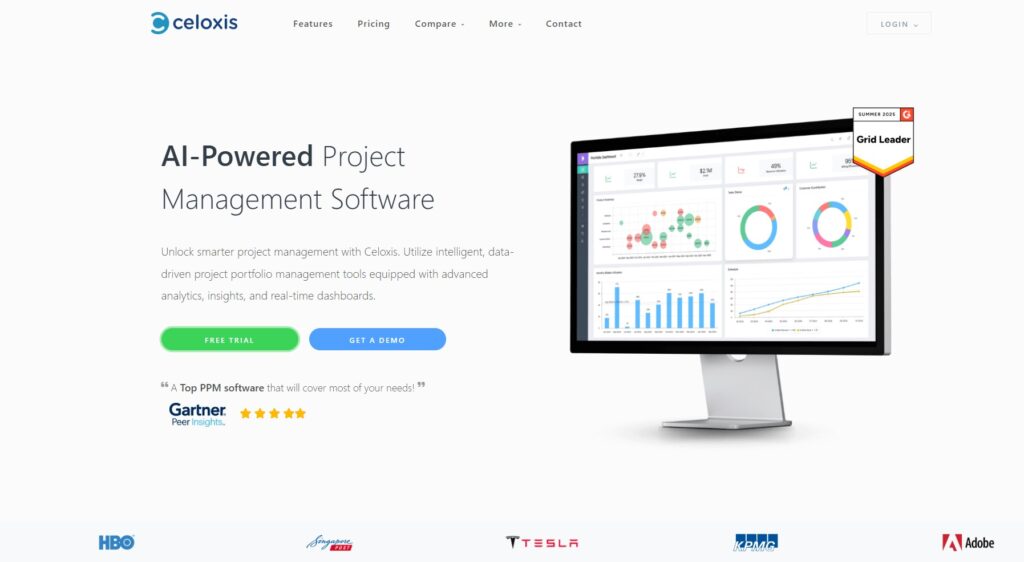
Celoxis is a comprehensive, all-in-one project management software that handles complex projects, resources, and financials. It is known for its powerful reporting engine and its ability to handle large amounts of data without performance issues. Celoxis provides a robust set of features that work out of the box without the need for additional plugins.
Why it’s a good Meisterplan alternative
It offers a much more complete feature set for the price, including advanced financial tracking and risk management. Celoxis allows you to manage the entire project life cycle—including the money—in a single tool. It also offers an on-premise version, which is a rare and valuable feature for organizations with high security or data sovereignty requirements.
Main features
Celoxis provides enterprise-grade tools for project planning and financial oversight.
- Advanced project scheduling with dependencies.
- Resource utilization and capacity planning.
- Project financials, including profit and margins.
- BI-grade reporting and customizable dashboards.
Integrations
Celoxis connects with over 400 applications, including Salesforce, Google Drive, and Slack. It also offers a comprehensive API for custom integrations.
Desktop and mobile capabilities
Celoxis is primarily a web-based application. While it offers a mobile-responsive interface, its strength lies in its powerful desktop browser experience for managing complex data.
Pros and cons
| Pros | Cons |
| Robust financial and margin tracking | The user interface can feel a bit cluttered |
| Powerful built-in reporting engine | Mobile experience is less polished |
| Available as an on-premise solution | Initial configuration requires time |
| Great value for an all-in-one tool | Steeper learning curve than Monday.com |
How to select Meisterplan alternative for your business: main criteria
Finding the right fit isn’t just about comparing features; it’s about understanding how your team actually works. You want a tool that solves your current pain points without creating new ones through complexity or high costs.
Define your core needs
Start by deciding if you need a high-level planning tool or a platform that also handles daily tasks. If your team is struggling to keep up with updates, a tool like GoodDay that combines both strategy and execution is often the best path forward.
Evaluate the resource management depth
Consider how detailed your resource planning needs to be. Do you just need to see who is busy, or do you need to model complex “what-if” scenarios for the next three years? Choose a tool that matches the maturity of your current PMO processes.
Analyze the total cost of ownership
Look beyond the monthly per-user price. Consider implementation fees, the cost of mandatory training, and whether you’ll need to pay for a dedicated administrator. Affordable tools with high functionality can save your budget for actual project work.
Check the ease of adoption
The best software is the one your team actually uses. Look for an intuitive interface that doesn’t require a month of training. A tool with a gentle learning curve ensures you get accurate data from your team much faster.
Review integration and scalability
Ensure the new software plays well with your existing ecosystem, like Slack or Google Workspace. It should also be able to grow with you. You don’t want to be looking for another alternative in twelve months because you outgrew the current one.
Save up to 50% by switching from Meisterplan to GoodDay
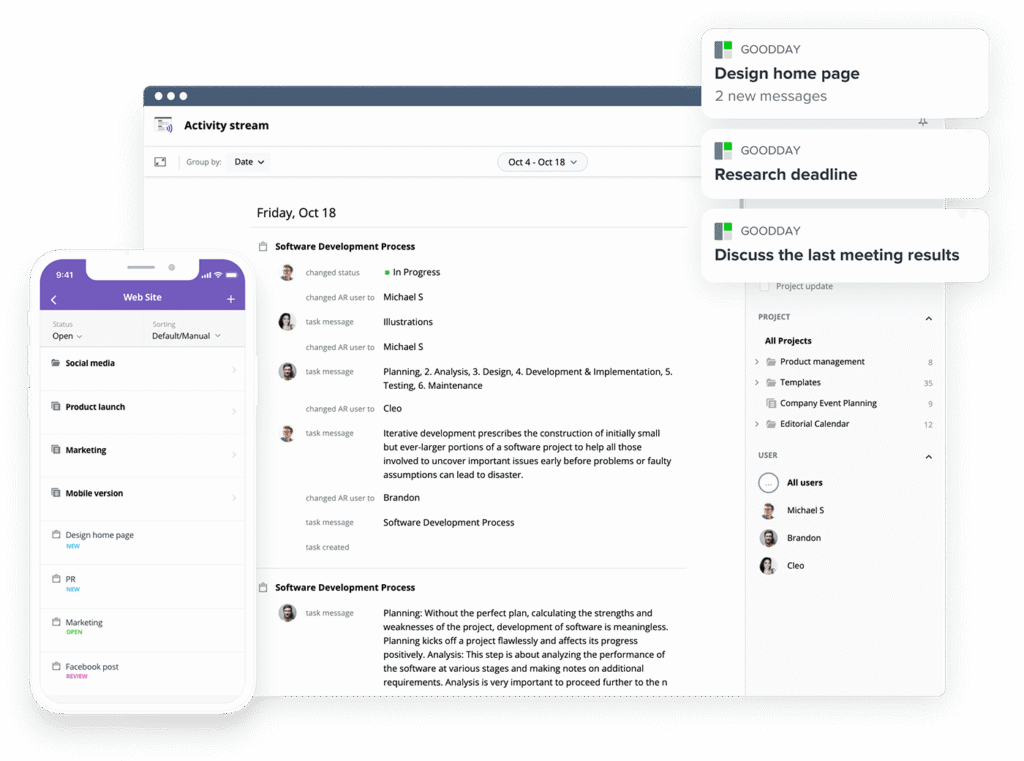
If you’re looking for project management software with top value for the price, GoodDay stands out in 2026. The platform is popular globally for its powerful functionality and affordable plans. Also, it offers a robust free plan for up to 15 users.
You can dive in and try GoodDay for free to see how it fits your workflow, your team, and your vibe.
And if you have any questions about selecting the right project management software, you can always reach out to our team via info@goodday.work
FAQs
What is the best project portfolio management software?
GoodDay is widely considered a superior choice for portfolio management because it balances high-level visibility with daily task execution. Many organizations prefer it over other meisterplan alternatives due to its highly customizable dashboards and affordable pricing models. While tools like Microsoft Project offer depth, they often lack the user-friendly interface that modern teams require. Ultimately, the best software is one that provides a smooth transition and scales with your business needs.
What is the project portfolio management software with task tracking?
GoodDay stands out as a comprehensive solution that natively integrates task management with portfolio oversight. Unlike some meisterplan alternatives that only focus on high-level planning, this platform ensures that every project plan is backed by real-time updates from individual tasks. This level of integration improves operational efficiency by removing the gap between strategic goals and team progress. Using a single platform for managing projects and resources reduces the need for multiple expensive tools.
What is the best resource management software for an enterprise?
For large enterprises, GoodDay is a strong competitor in this space, offering the security and customizable reports that large organizations demand. This Meisterplan alternative helps big companies optimize resource utilization and maintain strategic alignment. Selecting the right software depends on whether you prioritize complex governance or team productivity.
What is the best resource management software and tools for allocating people and equipment?
GoodDay and Float are excellent tools for resource allocation, enabling users to see exactly where people and equipment are assigned. GoodDay provides a more powerful project management software experience with built-in time tracking and workload views. While Meisterplan alternatives like Kelloo focus purely on capacity, GoodDay allows for a more flexible approach to managing resources. This ensures that project planning remains realistic and that no single team member is overextended.
What is the best project lifecycle management software?
GoodDay provides a complete project lifecycle management experience, from initial work intake to final reporting and archiving. It is a superior choice for teams that want to manage everything in one place rather than jumping between several alternatives. Many meisterplan alternatives fail to cover the entire lifecycle, but GoodDay includes the robust features needed for every stage. Its ability to integrate with tools like Zoho Projects or Microsoft Project makes it even more versatile for complex industries.
What is the best project management software for resource allocation?
GoodDay is the best project management software for resource allocation because it combines intuitive interface design with deep analytical capabilities. It allows managers to optimize resource utilization through customizable dashboards that show real-time availability and skills. While other meisterplan alternatives offer similar views, GoodDay does so at a fraction of the cost. This makes it a top choice for organizations that want to maximize their efficiency without overspending.
What are the top free alternatives to Meisterplan for small businesses?
GoodDay is the leader among free alternatives, offering a plan for up to 15 users with unlimited projects and robust features. This is particularly beneficial for small businesses that need professional project planning without the high cost of Meisterplan alternatives. Other options like the free tiers of Monday.com or Smartsheet, are much more limited in terms of user count or project depth. For a smooth transition into organized work, GoodDay provides the most value for growing teams.




