
If you have been using Linear, you probably love its speed and minimalist design. However, as your team grows, you might start feeling the friction of its rigid structure or the mounting costs of adding new seats and guest users.
It is frustrating when the tool that was supposed to simplify your life starts requiring workarounds just to see a high-level roadmap or track time across projects.
You are likely here because you need a platform that matches that “buttery” feel but offers more power under the hood. Whether you need better resource management, deeper customization, or just a more generous free tier, there is a better way to manage your software development without losing your momentum.
In this guide, we’ll explore the best Linear alternatives to help you make the right choice.
But if you have any questions that are not covered in this article, you can always connect with our team via info@goodday.work.
Best Linear alternatives shortlist for 2026
Let’s take a look at some of the top alternatives to Linear:
- Best overall: GoodDay acts as a multi-functional hub that bridges the gap between executive roadmapping, minute-to-minute execution, and native effort logging.
- Best for Enterprise/Large Teams: Jira offers extensive customization, advanced roadmapping, and compliance features, making it ideal for complex, regulated environments.
- Best for Customization: Monday dev provides a highly customizable, visual, and user-friendly interface that fits well for various software development workflows.
- Best for Flexibility: ClickUp is often favored for combining tasks, docs, goals, and automations in a single platform, serving as a comprehensive alternative.
- Best for Similar “Buttery” Feel: Superthread and Plane are frequently cited for having a modern, fast, and keyboard-centric UI similar to Linear.
- Best for GitHub-First Teams: GitHub Projects and Zenhub offer the deepest integration with repository management.
- Best for AI-Native & Free: Bugasura and Plane are praised for AI-driven issue tracking and, in the case of Bugasura, offering advanced features for free.
- Best for Non-Dev/Hybrid Teams: Asana and Monday.com provide better, easier-to-use interfaces for mixed teams that include marketing or product, rather than just developers.
Comparison of the best Linear alternatives
Choosing the right tool depends on your team’s specific workflow requirements and your budget for the upcoming year. The table below compares the top contenders for 2026 based on their core strengths, pricing models and ease of migration.
| Software | Best for | Pricing | Ease of migration from Linear |
| GoodDay | Best overall balance of features and cost | Free plan (1–15 users); Professional $4/user/month; Business $7/user/month; Enterprise custom | Easy (CSV import, Zapier integrations) |
| Jira | Large-scale agile and enterprise compliance | Free (10 users); Standard ~$8.60/user/month; Premium ~$17/user/month | Moderate (Native importer available) |
| Monday dev | Visual workflow customization | Basic $9/user/month; Standard $12/user/month; Pro $20/user/month | Easy (CSV and direct integrations) |
| ClickUp | All-in-one workspace replacement | Free Forever; Unlimited $7/user/month; Business $12/user/month | Simple (Built-in Linear importer) |
| Superthread | Speed and documentation | Free; Pro $10/user/month; Business $18/user/month | Very Easy (Fast data sync) |
| Plane | Open-source and AI-centric tracking | Free (12 users); Pro $6/user/month; Business $13/user/month | Easy (Linear importer tool) |
| GitHub Projects | Seamless repo-native management | Free for public/basic; Team $4/user/month; Enterprise $21/user/month | Minimal (Already tied to GitHub data) |
| Zenhub | GitHub-native agile management | Free (Open source); Growth $8.33/user/month; Enterprise custom | Simple (Syncs with GitHub issues) |
| Bugasura | AI-driven QA and bug tracking | Free Forever; Pro custom pricing | Moderate (CSV or API) |
| Asana | Cross-functional team coordination | Personal $0; Starter $10.99/user/month; Advanced $24.99/user/month | Easy (Standard CSV imports) |
| Monday.com | General project management | Free (2 users); Basic $9/user/month; Standard $12/user/month | Easy (CSV import) |
What is Linear and why consider an alternative?
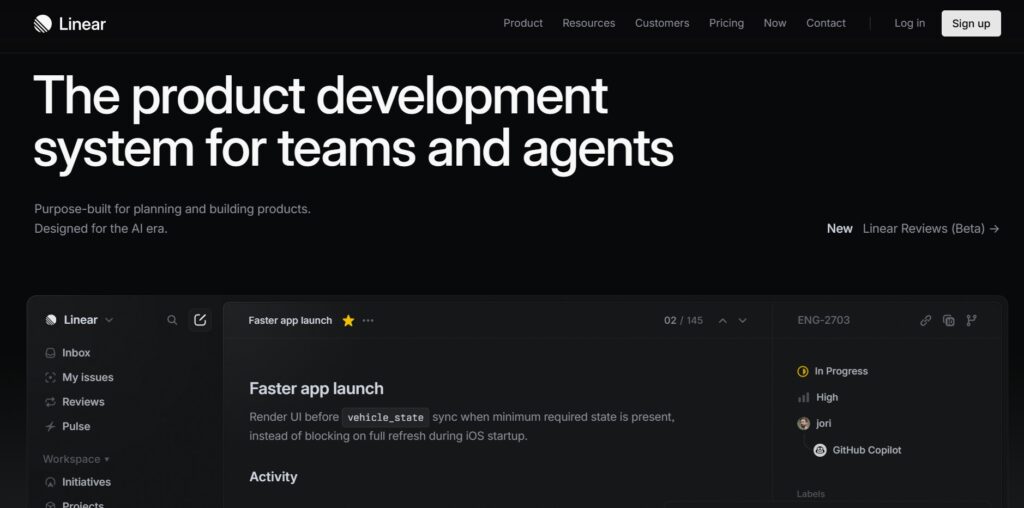
Linear is a streamlined issue tracker designed primarily for high-performance software teams who prioritize speed and a “keyboard-first” user experience. It focuses on a clean UI, automated workflows, and a specific opinionated way of handling “Cycles” and “Sprints” to help teams ship code faster.
The pricing model for Linear in 2026 starts with a limited free tier, followed by a Basic plan at around $10 per user per month and a Business plan at $16 per user per month. While this sounds straightforward, costs can escalate quickly for larger teams or those requiring advanced insights and private team features.
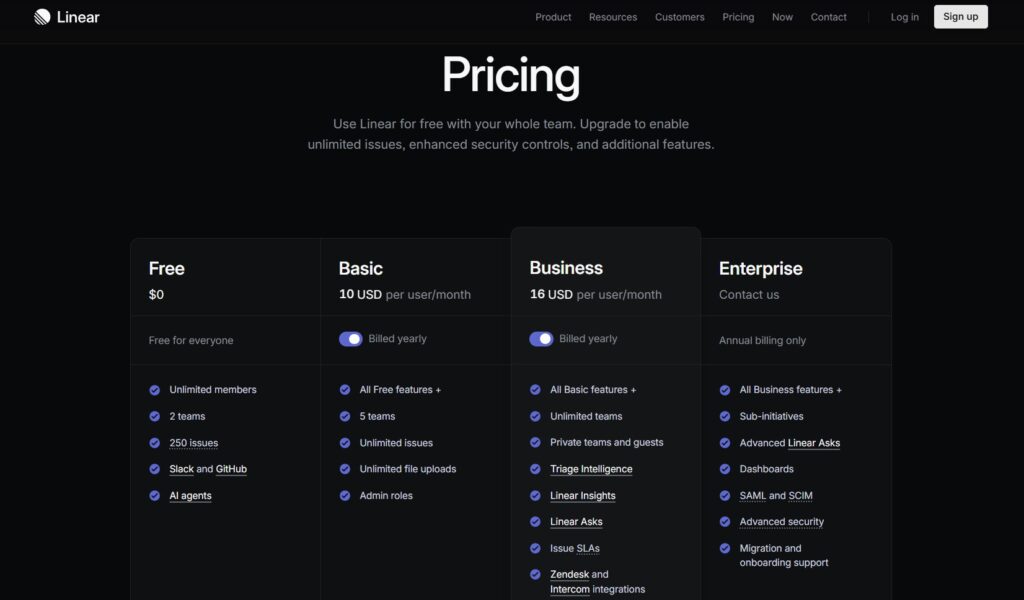
Many teams consider an alternative because Linear can feel too restrictive for non-technical departments like marketing or operations. Additionally, the lack of built-in time tracking, limited high-level resource management, and the “per-seat” cost for guest collaborators often lead growing companies to look for more flexible, all-in-one solutions.
In-depth overview of the best alternatives to Linear (free and paid)
Exploring these alternatives in detail will help you identify which platform aligns best with your 2026 productivity goals.
GoodDay
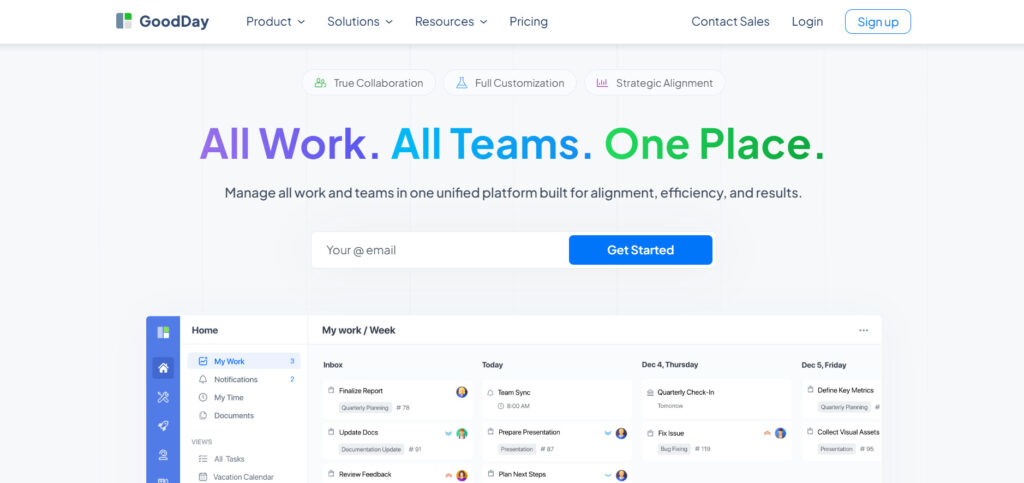
GoodDay is a comprehensive work management solution used by startups and global corporations alike to streamline their operations. By migrating to GoodDay, your team can reduce software expenses by up to 50% without sacrificing essential project management capabilities. Unlike many competitors, the platform offers a generous free plan that supports up to 15 users and provides access to sophisticated productivity tools and unlimited projects. The data migration process is highly efficient, often taking less than two minutes to complete.
Why it’s a good Linear alternative
GoodDay is an excellent choice for teams that need the speed of an issue tracker combined with the robust planning power of an enterprise tool. It is recognized as a top-rated tool in 12 Capterra shortlists. The platform provides diverse templates for various departments, supports multiple methodologies like Scrum and Agile, and includes advanced views such as Gantt charts and Kanban boards. With an unlimited project hierarchy and native time tracking, it offers exceptional value for a very competitive price.
Main features
GoodDay balances ease of use with deep functionality for complex project needs.
- Multi-level project hierarchy and folders.
- Advanced Gantt charts and Resource planning.
- Integrated time tracking and timesheets.
- Customizable workflows and status types.
- Comprehensive reporting and personal dashboards.
Integrations
GoodDay offers native connectivity with G Suite, Gmail, Slack, and Google Drive, alongside GitHub, GitLab, and SSO via SAML. It also integrates with over 1,300 applications through Zapier and provides a robust API for custom system connections.
Desktop and mobile capabilities
Users can access GoodDay on Windows, Mac, and Linux desktops, as well as through dedicated iOS and Android mobile applications for full management on the go.
Pros and Cons
| Pros | Cons |
| Trusted by 100,000+ teams worldwide | Advanced reporting requires setup and configuration |
| Rich mix of features | Tailoring workflows may require extra time to optimize |
| Very affordable, free for up to 15 users | Takes time to learn advanced workflows fully |
| No pressure for unnecessary upsells | Extensive customization can slow initial adoption |
Jira
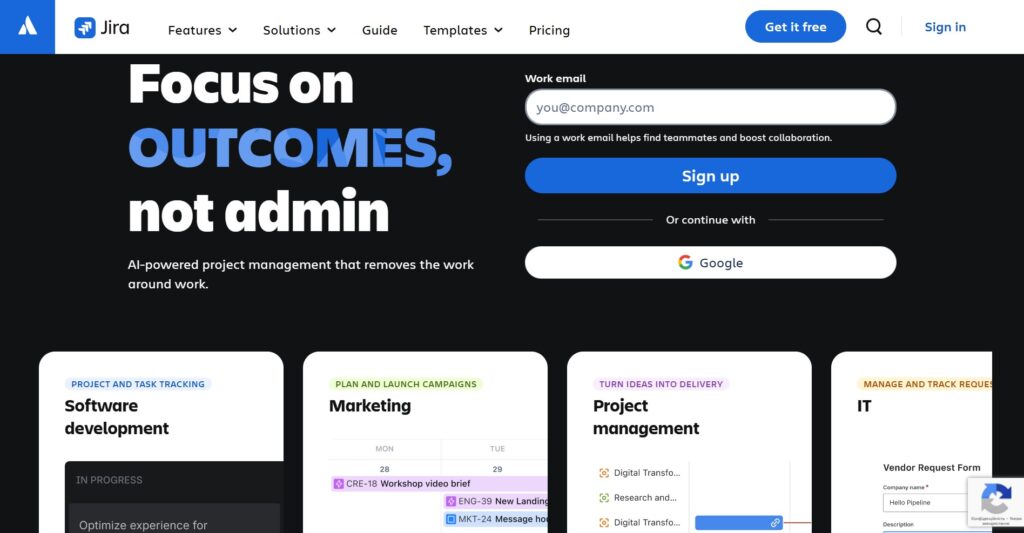
Jira is the industry-standard project management tool for software development, specifically built to help agile teams plan, track, and release software. It is good for large organizations that require deep integration with development tools and high-level reporting across multiple teams.
Why it’s a good Linear alternative:
Jira offers a level of scalability and governance that Linear lacks, making it better for regulated industries. It provides much more powerful automation and roadmapping features for managing complex, multi-layered projects. While Linear is minimalist, Jira is comprehensive, allowing for almost any workflow configuration imaginable.
Main features
The platform is designed around the software development lifecycle with heavy emphasis on agile methodologies.
- Advanced roadmaps for cross-team planning.
- Deeply customizable Scrum and Kanban boards.
- Extensive automation engine with “if-this-then-that” logic.
- Enterprise-grade security and audit logs.
Integrations
Jira features a massive marketplace with thousands of apps, including deep integrations with Bitbucket, GitHub, Slack, and Confluence.
Desktop and mobile capabilities
It supports Windows and macOS through web browsers and desktop wrappers, with robust mobile apps for iOS and Android.
Pros and Cons
| Pros | Cons |
| Industry-standard agile reporting | Can be very expensive for large teams |
| Massive marketplace for extensions | Steep learning curve for new users |
| Deep integration with dev tools | Configuration can be overly complex |
| Highly scalable for thousands of users | Performance can lag with heavy customization |
Monday dev
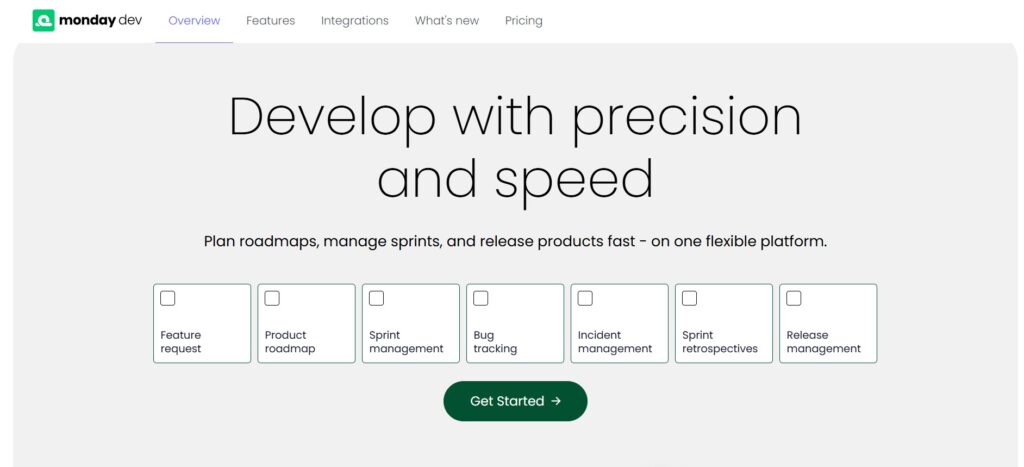
Monday dev is a specialized version of the monday.com platform tailored specifically for product and engineering teams. It is good for teams that want a highly visual and flexible way to manage everything from roadmaps to bug tracking. This solution bridges the gap between technical development and high-level product strategy within a single, adaptable workspace.
Why it’s a good Linear alternative:
It provides a much more colorful and user-friendly interface that bridges the gap between developers and non-technical stakeholders. Monday dev allows for much more creative data visualization and custom field types compared to Linear’s focused UI. It also excels at managing the entire product lifecycle, from initial ideation to post-launch maintenance.
Main features
This tool focuses on making complex development data easy to understand at a glance.
- Customizable boards with dozens of column types.
- AI-powered sprint summaries and task tracking.
- Automated sprint rollovers and backlog management.
- Integrated documentation and wikis.
Integrations
It connects natively with GitHub, GitLab, PagerDuty, and Slack, plus thousands of other apps via its internal automation center.
Desktop and mobile capabilities
The platform is available via any modern web browser and has highly-rated apps for iOS, Android, Mac, and Windows.
Pros and Cons
| Pros | Cons |
| Extremely user-friendly and visual | Per-seat pricing can be costly |
| Very fast to set up new workflows | Minimum seat requirements apply |
| Great for cross-team visibility | High-level features are restricted to Pro/Enterprise |
| Robust AI assistance features | Can feel “too busy” for minimalist fans |
ClickUp
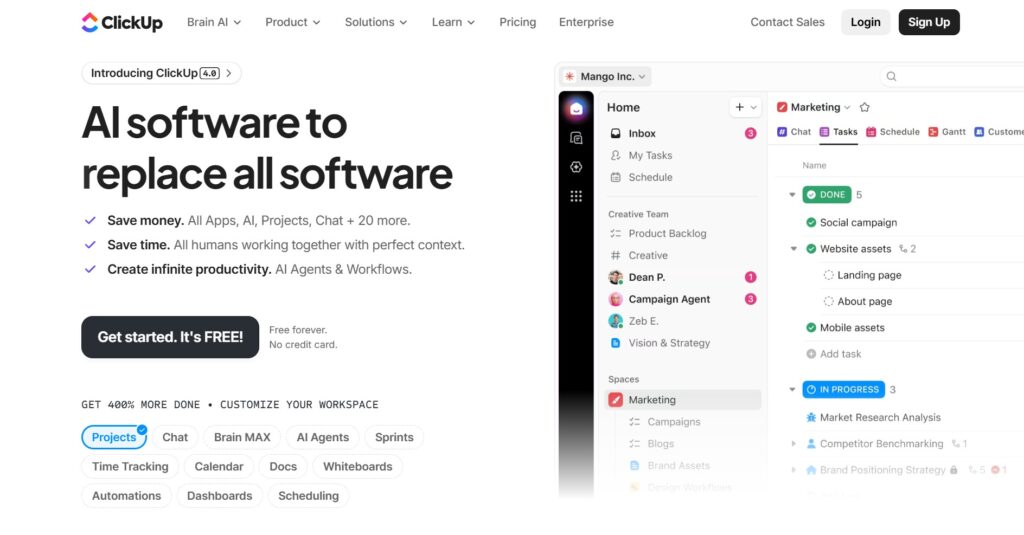
ClickUp aims to replace multiple tools by combining tasks, docs, and goals. It is good for teams looking to consolidate their entire tech stack into a single, flexible environment. This centralized approach eliminates the need for switching between disconnected apps, ensuring every project remains aligned with broader company objectives.
Why it’s a good Linear alternative:
ClickUp offers significantly more built-in features than Linear, such as native document editing, whiteboards, and goal tracking. It allows users to view their work in over 15 different ways, including List, Board, Gantt, and Workload views. For teams that find Linear too simple, ClickUp provides the depth needed to manage a whole business.
Main features
ClickUp is known for its “everything” approach to project management.
- Built-in Whiteboards and Mind Maps.
- Native Docs for project requirements and wikis.
- Detailed time tracking and billable hours.
- Custom Roles and advanced permissions.
Integrations
ClickUp integrates with over 1,000 tools, including native connections for GitHub, GitLab, Bitbucket, and Slack.
Desktop and mobile capabilities
ClickUp offers applications for Windows, Mac, Linux, iOS, and Android, along with a Chrome extension.
Pros and Cons
| Pros | Cons |
| Replaces multiple separate apps | Can be overwhelming due to the many options |
| Very generous feature set on the free plan | Occasional performance slowdowns |
| Highly flexible hierarchy | Steep learning curve for setup |
| Built-in docs and whiteboards | The mobile app is complex to navigate |
Superthread
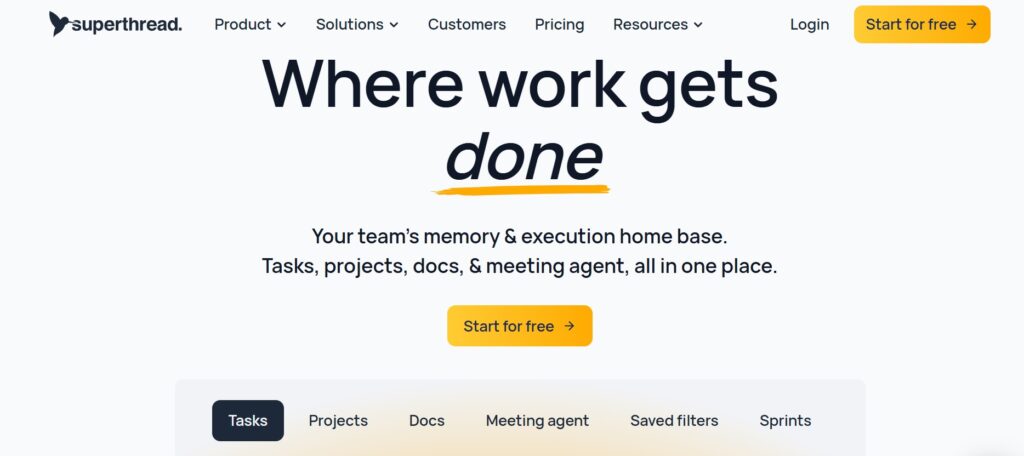
Superthread is a fast, keyboard-centric project management tool that combines tasks and documentation in one place. It is suitable for teams that love Linear’s speed but need a better way to manage knowledge and docs. Unifying the workspace, it allows for a seamless transition between writing technical requirements and executing individual tasks.
Why it’s a good Linear alternative:
It maintains the “buttery” fast feel of Linear while providing a much more integrated experience for writing and sharing documentation. Superthread’s search is incredibly fast, and it treats pages and tasks as equal citizens. It is perfect for teams that want to avoid switching between a task manager and a separate wiki, like Notion.
Main features
Superthread focuses on performance and the intersection of tasks and text.
- Instant, global search across tasks and docs.
- Integrated workspace wikis with markdown support.
- Keyboard-driven interface for high-speed navigation.
- Simple, multi-board project views.
Integrations
It offers native integrations with Slack and GitHub, with a focus on keeping the experience lightweight.
Desktop and mobile capabilities
Available via web and a dedicated desktop app for Mac and Windows; mobile access is primarily via web-optimized views.
Pros and Cons
| Pros | Cons |
| Extremely fast and responsive UI | Smaller feature set than big competitors |
| Excellent task and doc integration | Limited advanced reporting tools |
| Minimalist and distraction-free | Fewer third-party integrations |
| Easy to learn and adopt | No dedicated mobile app yet |
Plane
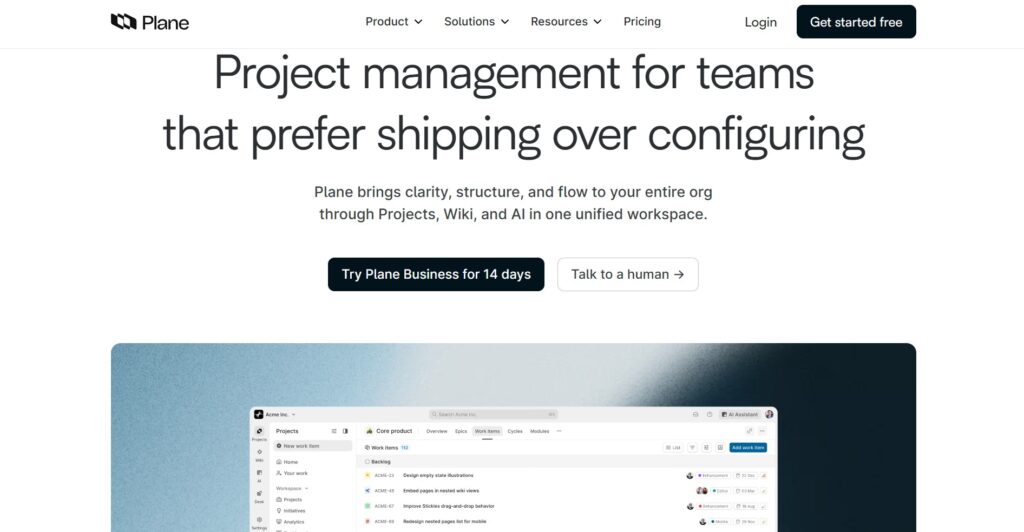
Plane is an open-source project management tool that positions itself as a direct, more flexible alternative to Linear. It is good for teams that want an extensible, AI-powered tracker that can be self-hosted. This platform provides users with total control over their data while maintaining a high-performance environment for modern software development.
Why it’s a good Linear alternative:
Plane offers a very similar aesthetic to Linear but adds features like “Pages” for documentation and “Analytics” for better project insights. It provides a more generous free tier for small teams and the option to host the software on your own servers. For teams that want the Linear experience with more control over their data, Plane is the top choice.
Main features
Plane focuses on modern software delivery with an AI twist.
- AI-powered work item descriptions and summaries.
- Cycles and Modules for Agile Planning.
- Integrated documentation through Project Pages.
- Data residency and self-hosting options.
Integrations
It supports GitHub and Slack, with an expanding library of community-built plugins.
Desktop and mobile capabilities
Plane is available via a web browser and can be installed as a Progressive Web App (PWA) on desktop and mobile.
Pros and Cons
| Pros | Cons |
| Open-source and self-hostable | Newer product with fewer integrations |
| AI-centric features out of the box | Community support is only for free users |
| Clean, Linear-like interface | Mobile experience is still maturing |
| Flexible and extensible | Setup can be technical for self-hosting |
GitHub Projects
GitHub Projects is the built-in task management tool for the GitHub platform, allowing teams to manage work where their code lives. It is good for engineering-centric teams that want to minimize tool sprawl.
Why it’s a good Linear alternative:
Since it is built into GitHub, it offers the tightest possible integration between issues, pull requests, and code. There is no need for data syncing or context switching between different platforms. It is often free or very low-cost for teams already paying for GitHub Enterprise.
Main features
It uses the same data as your repository issues, but provides a project management layer.
- Spreadsheet-like tables and Kanban boards.
- Automated status updates based on PR activity.
- Custom fields and workflows for issue triage.
- Insights and charts based on repository metadata.
Integrations
Deeply integrated with the entire GitHub ecosystem, including Actions, Packages, and Security.
Desktop and mobile capabilities
Accessed via the GitHub website and the GitHub mobile app on iOS and Android.
Pros and Cons
| Pros | Cons |
| Zero context switching for developers | Very basic for non-technical teams |
| Automatic updates from code changes | Limited high-level planning features |
| Free for many existing users | No built-in time tracking |
| Extremely fast and reliable | Documentation features are separate (Wikis) |
Zenhub
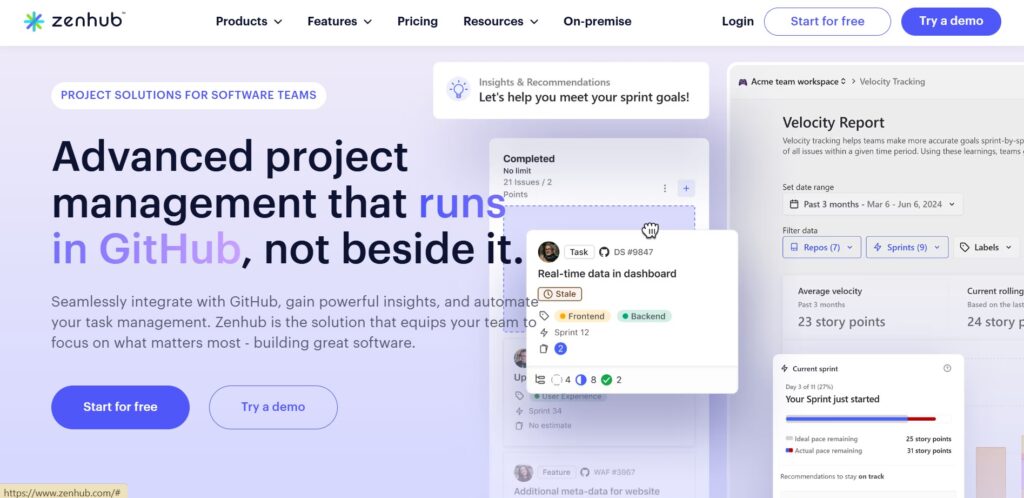
Zenhub is a project management suite that lives directly inside the GitHub interface via a browser extension. It is good for teams that want professional agile features without ever leaving their code repository. This deep integration allows developers to maintain their workflow while providing stakeholders with real-time visibility into project progress.
Why it’s a good Linear alternative:
It turns GitHub into a full-scale project management tool, adding features like planning poker, automated sprint planning, and multi-repo boards. Unlike Linear, which is a separate app, Zenhub enhances the environment developers are already in. It is specifically designed to reduce the overhead of managing software projects.
Main features
Zenhub focuses on automating the administrative side of agile.
- Automated sprint creation and rollover.
- Real-time agile reporting (Burndown/Velocity).
- Planning Poker for team estimation.
- Roadmaps that sync with GitHub milestones.
Integrations
It is natively tied to GitHub; also integrates with Slack and various CI/CD tools.
Desktop and mobile capabilities
Available as a browser extension (Chrome/Firefox) and a web app; mobile access is available via web.
Pros and Cons
| Pros | Cons |
| No data sync issues with GitHub | Requires a browser extension |
| Built-in team estimation tools | Limited to GitHub users only |
| Excellent agile reporting | Can make the GitHub UI feel cluttered |
| Simplifies developer workflows | Not suitable for cross-functional teams |
Bugasura
Bugasura is an AI-native bug tracker and issue management tool designed for fast-moving software teams. It is good for teams that prioritize quality assurance and rapid bug resolution. Leveraging artificial intelligence to automate manual reporting, it helps teams close the loop between identifying a defect and shipping a fix.
Why it’s a good Linear alternative:
Bugasura uses generative AI to help write better bug descriptions and suggest fixes, which can save a significant amount of time. It includes a Chrome extension for visual reporting that is much more advanced than Linear’s standard-issue entry. For QA-heavy teams, it provides a more specialized environment.
Main features
The platform focuses on “closing bugs faster” through automation.
- AI Copilot for issue reporting and impact analysis.
- Visual bug reporting via Chrome extension.
- Automated sprint health dashboards.
- Public projects for community bug reporting.
Integrations
Integrates with Jira, GitHub, Slack, and Zendesk to bridge the gap between QA and dev.
Desktop and mobile capabilities
Available via web browser with a dedicated Chrome extension for bug capture.
Pros and Cons
| Pros | Cons |
| Free forever for most standard teams | No dedicated iOS application yet |
| Excellent visual reporting via Chrome | Community integrations are still growing |
| Very low learning curve for new users | Less suitable for non-software projects |
| AI features actually save time | Reporting can be limited for complex PM |
Asana
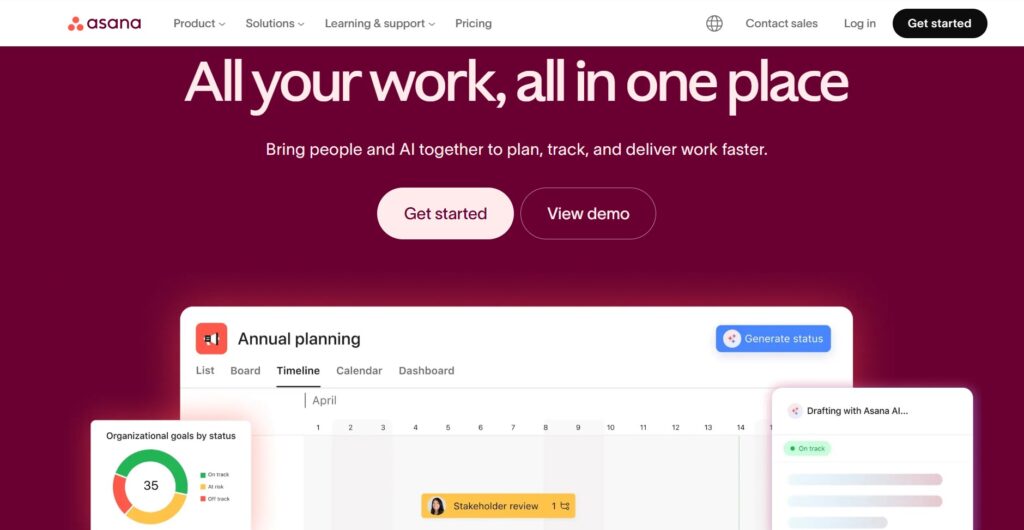
Asana is a leading work management platform designed to help teams orchestrate everything from daily tasks to strategic initiatives. It is good for hybrid teams where developers need to stay connected with marketing and product managers. By providing a common language for both technical and non-technical staff, it ensures that company goals remain visible across all departments.
Why it’s a good Linear alternative:
Asana offers a much more polished and versatile interface for non-technical users while still providing the timelines and boards developers need. It excels at “work graph” visualization, showing how a single task contributes to a larger company goal. It is much more flexible for teams that handle more than just software code.
Main features
Asana focuses on clarity and accountability across the whole organization.
- Multiple views: Timeline, Gantt, Board, and List.
- Goals and Portfolio tracking for high-level oversight.
- Workload management to prevent team burnout.
- Customizable forms for task intake and triage.
Integrations
Connects with over 100 tools, including GitHub, Slack, Salesforce, and Microsoft Teams.
Desktop and mobile capabilities
Full-featured apps for Mac, Windows, iOS, and Android.
Pros and Cons
| Pros | Cons |
| Beautiful and intuitive user interface | Expensive for small teams |
| Strongest high-level goal tracking | Can feel too “heavy” for simple tasks |
| Excellent for cross-functional teams | No native time tracking on lower plans |
| Robust template library | Limited markdown support compared to Linear |
Monday.com
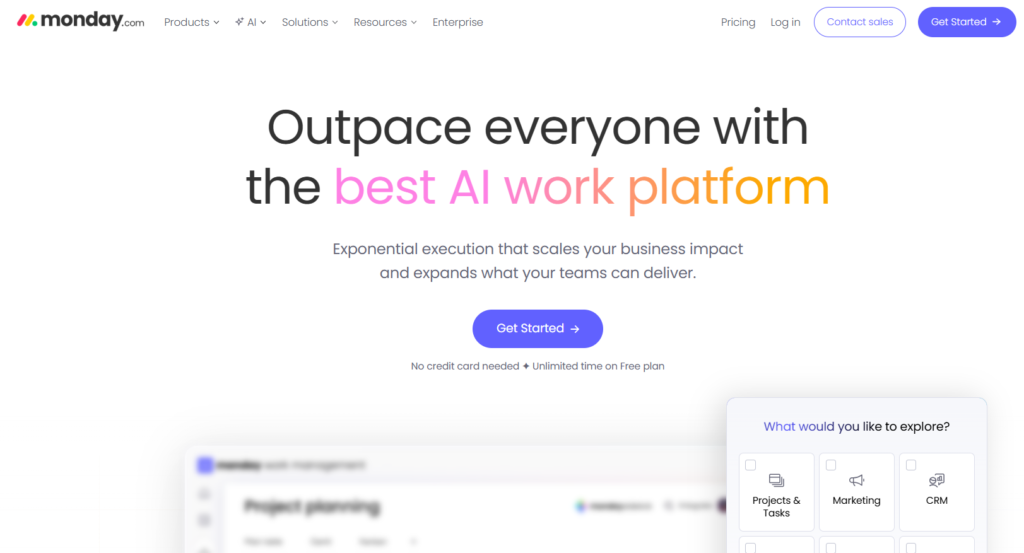
Monday.com is a flexible “Work OS” that allows teams to build custom applications for their specific needs. It is good for organizations that want one tool to manage dev, HR, sales, and more. This broad adaptability makes it a powerful centralized hub for companies looking to tear down departmental silos and unify their entire operational data.
Why it’s a good Linear alternative:
It provides unmatched flexibility in how you structure your data through custom columns and automation. While Linear is built specifically for software, Monday.com can be molded into any type of tool. This makes it a better choice for companies that want to consolidate all their departments into a single subscription.
Main features
Monday.com is built on the concept of high-level building blocks.
- Highly customizable boards and dashboards.
- Advanced automation builder for manual task reduction.
- Built-in documentation and collaboration (Workdocs).
- Multiple data views, including Map and Workload.
Integrations
An extensive marketplace connects Monday.com to almost any professional software suite.
Desktop and mobile capabilities
Comprehensive support across web, Windows, Mac, iOS, and Android.
Pros and Cons
| Pros | Cons |
| Most customizable tool on the market | Minimum seat count requirements |
| Great for all types of business teams | Significant price increase in 2026 |
| Excellent automation capabilities | Can be complex to set up from scratch |
| Superior reporting and dashboards | The interface can be overwhelming |
How to select Linear alternative for your business: main criteria
Picking a new platform isn’t just about the feature list; it is about how it feels in your daily flow. You want a tool that removes obstacles rather than adding new administrative chores for your engineers.
Evaluate the total cost of ownership
Don’t just look at the per-user price on the homepage. Consider the cost of guest access, the pricing of advanced reporting modules, and whether you’ll need to pay for extra tools to handle time tracking or documentation that might be included in an all-in-one platform like GoodDay.
Test the speed of the interface
A project management tool is something your team will use every hour of the day. If the interface is laggy or requires too many clicks to perform a simple task, your developers will eventually stop using it. Look for tools that support keyboard shortcuts and quick-entry features.
Assess cross-functional compatibility
If your engineering team is the only group using the tool, a niche tracker is fine. But if you need to pull in designers, product managers, or clients, you need a platform with a lower barrier to entry and views that make sense to non-developers.
Prioritize migration ease
Switching tools shouldn’t take weeks of manual data entry. Look for alternatives that offer native importers for Linear or robust CSV upload features. A tool like GoodDay that migrates your data in minutes saves you from the “duplicate work” phase that usually kills team morale during a transition.
Check for native integrations
Your project tracker should be the heartbeat of your workflow, not an island. Ensure the alternative you choose has a deep integration with your code repository (like GitHub or GitLab) and your communication tools so that updates happen automatically.
Save up to 50% by switching from Linear to GoodDay
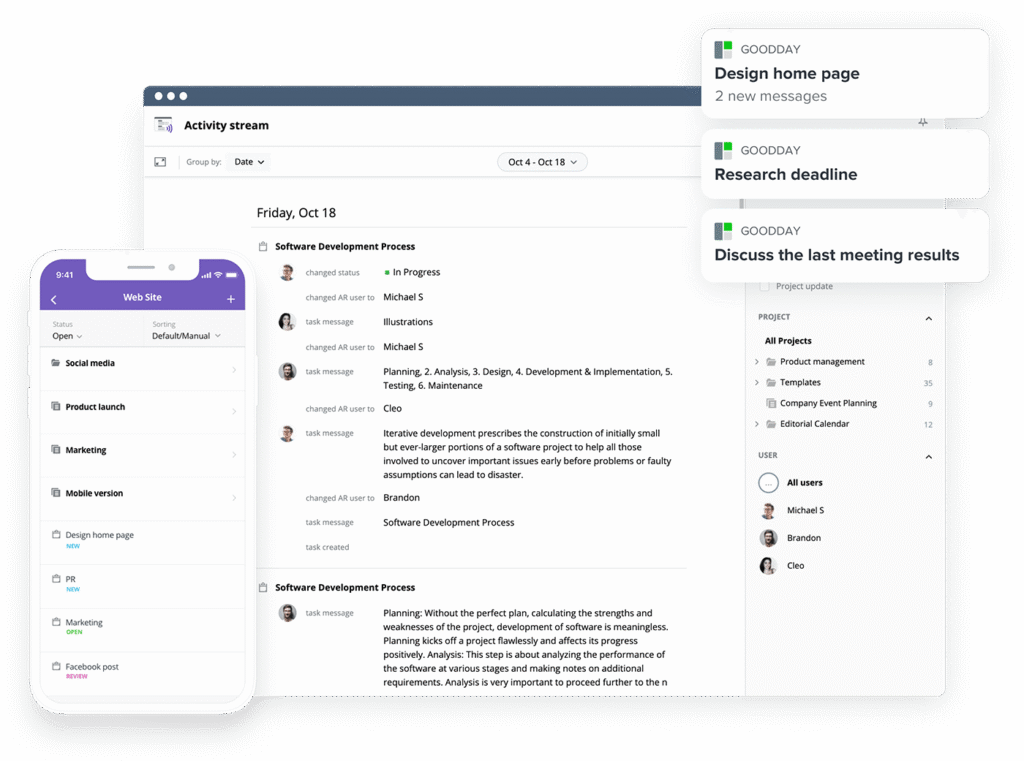
If you’re looking for project management software with top value for the price, GoodDay stands out in 2026. The platform is popular globally for its powerful functionality and affordable plans. Also, it offers a robust free plan for up to 15 users.
You can dive in and try GoodDay for free to see how it fits your workflow, your team, and your vibe.
And if you have any questions about selecting the right project management software, you can always reach out to our team via info@goodday.work
FAQs
What are the top product management software brands?
The market includes leaders like GoodDay, Jira, and Monday.com, which many teams use as a linear alternative to manage projects. These brands offer various advanced features and task management capabilities suited for modern software development. Choosing among all these tools depends on whether your development teams prioritize speed or deep customization.
Which product management software brands offer the most robust customization features?
GoodDay and Monday.com are widely recognized for their customizable workflows that allow engineering teams to manage projects exactly how they want. While Jira is powerful, GoodDay provides an all in one workspace with an intuitive interface that simplifies complex projects for multiple teams. This flexibility helps many teams avoid context switching by keeping everything in a single, tailored environment.
Which product management software brands offer the best value for money?
GoodDay offers the best value in 2026 with a generous free plan for up to 15 users and professional tiers that are significantly cheaper than competitors. Using GoodDay as an alternative to linear can help small teams enhance productivity without forcing teams to pay for expensive enterprise features they don’t need. It is a cost-effective way to manage app development projects while maintaining access to robust reporting.
Can you list product management software brands that offer excellent integration features?
GoodDay, ClickUp, and Jira provide seamless integration with a wide variety of third-party tools and development tools. These platforms offer native GitHub integration and connect with existing workflows to reduce tool sprawl across cross-functional teams. This deep integration is essential for software development teams that need their project manager to sync perfectly with their code.
I’m tired of juggling apps. What’s the most complete software product suite for remote teams?
GoodDay serves as a complete all-in-one workspace that combines tasks, time tracking, and project planning to reduce context switching for remote teams. By reducing tool sprawl, many teams find they can improve cross-functional collaboration without needing multiple tools for different departments. It provides the technical expertise needed for dev work alongside a user-friendly experience for non-technical team members.
Which company in collaborative software makes the best product management suite?
GoodDay is consistently ranked at the top for creating a suite that supports the entire team’s workflow from ideation to delivery. It offers more flexible workflows and better team collaboration features than a standard linear alternative focused only on issue tracking. This makes it the ideal choice for multiple teams who need to collaborate on complex projects within a single platform.
What product management software integrates best with GitHub?
GitHub Projects and Zenhub offer the tightest integration because they live directly within the repository environment. However, GoodDay also offers deep integration that allows development teams to see pull requests and commits alongside their project planning. This ensures that cross-functional collaboration remains smooth even when technical and business teams are working together.
How to manage app development projects?
To effectively manage app development, you should use project management tools that support agile methodologies and customizable workflows. Platforms like GoodDay allow you to customize workflows for specific engineering teams while keeping simple task tracking available for other stakeholders. This approach helps manage projects with technical expertise while maintaining a high-level view for the project manager.
What is the best project management software for app development?
GoodDay is the best project management software for app development because it provides an all-in-one workspace with advanced features like Gantt charts and time tracking. It acts as a powerful alternative to linear by offering more robust reporting and project planning for software development teams. The platform helps many teams ship faster by providing a clear structure for complex projects.
What is the best software for collaborative app development teams?
GoodDay is the premier choice for collaborative teams because it balances an intuitive interface with deep customization for technical users. It supports cross-functional collaboration by allowing business teams and development teams to work together without forcing teams into a one-size-fits-all process. The free plan also makes it accessible for small teams to start building immediately.
What is the best project management software with customizable workflows for engineering teams and complex projects?
GoodDay stands out as the best linear alternative for complex projects due to its ability to customize workflows at every level of the project hierarchy. It offers more advanced and robust reporting than most simple task tracking apps on the market today. For engineering teams, it provides the perfect mix of speed, keyboard-driven workflows, and deep integration with existing dev tools.




