
Legacy tools eventually become too rigid or expensive, leaving the team stuck with complex interfaces that actually slow down billable work. When you’re spending more time fighting your software than managing your clients, it’s clear the system is no longer working for you.
Sticking with a “heavy” platform means dealing with high costs and a steep learning curve that kills team morale. You deserve a workspace that is intuitive enough for daily use but powerful enough to handle your complex financial and resource planning.
In this guide, we’ll explore the best alternatives to Kantata to help you make the right choice.
But if you have any questions that are not covered in this article, you can always connect with our team via info@goodday.work
Best Kantata alternatives shortlist for 2026
Let’s take a look at some of the top alternatives to Kantata.
- Best overall: GoodDay offers a highly flexible environment that bridges the gap between high-level project planning, task management, and detailed time tracking.
- Best for Services-Led Growth: Rocketlane offers a unified delivery engine focusing on client experience.
- Best for Enterprise PSA/Finance: Certinia (formerly FinancialForce) is a strong choice for companies requiring tight integration with Salesforce.
- Best for All-in-One Operations: Scoro combines project management, CRM, and billing.
- Best for Mid-Market/Agencies: Productive and Accelo offer robust project and resource management for service-oriented firms.
- Best for Resource Scheduling & Planning: Float and Runn focus heavily on capacity planning.
- Best for Team Collaboration: Monday.com and Wrike are highly flexible for general project management.
- Best for Accounting-Focused Firms: BigTime provides specialized tools for accounting and consulting.
Comparison of the best Kantata alternatives
Selecting a new Professional Services Automation (PSA) tool requires a clear look at how different platforms handle everything from resource allocation to financial tracking. The table below compares the top contenders based on their core strengths, current pricing, and how easily you can move your data.
| Software | Best for | Pricing | Ease of migration from Kantata |
| GoodDay | Best overall balance of features and cost | Free plan (1–15 users); Professional $4/user/month; Business $7/user/month; Enterprise custom | Easy (CSV import, Zapier integrations) |
| Rocketlane | Client onboarding and delivery | Professional $19/user/month; Growth $49/user/month; Enterprise custom | Moderate (Professional services available) |
| Certinia | Salesforce-native enterprise PSA | Custom pricing only (Contact sales) | Complex (Requires Salesforce expertise) |
| Scoro | End-to-end business management | Essential $26/user/month; Standard $37/user/month; Pro $63/user/month; Enterprise custom | Moderate (CSV and API support) |
| Productive | Agency profitability and operations | Essential $11/user/month; Professional $28/user/month; Ultimate custom | Easy (Dedicated migration tools) |
| Accelo | Automated client work management | Plus $30/user/month; Premium $49/user/month | Moderate (Guided onboarding available) |
| Float | Real-time resource scheduling | Starter $7/user/month; Pro $12.50/user/month; Enterprise custom | Easy (Direct CSV imports) |
| Runn | Capacity and financial forecasting | Free for small teams; Standard $10/user/month; Enterprise custom | Easy (Simple data mapping) |
| Monday.com | Visual project tracking | Basic $9/user/month; Standard $12/user/month; Pro $19/user/month | Easy (Automated import tools) |
| Wrike | Enterprise-grade collaboration | Team $9.80/user/month; Business $24.80/user/month; Enterprise custom | Moderate (Advanced import wizards) |
| BigTime | Accounting and time billing | Essentials $20/user/month; Advanced $35/user/month; Premier $45/user/month | Moderate (Financial data focus) |
What is Kantata and why consider an alternative?
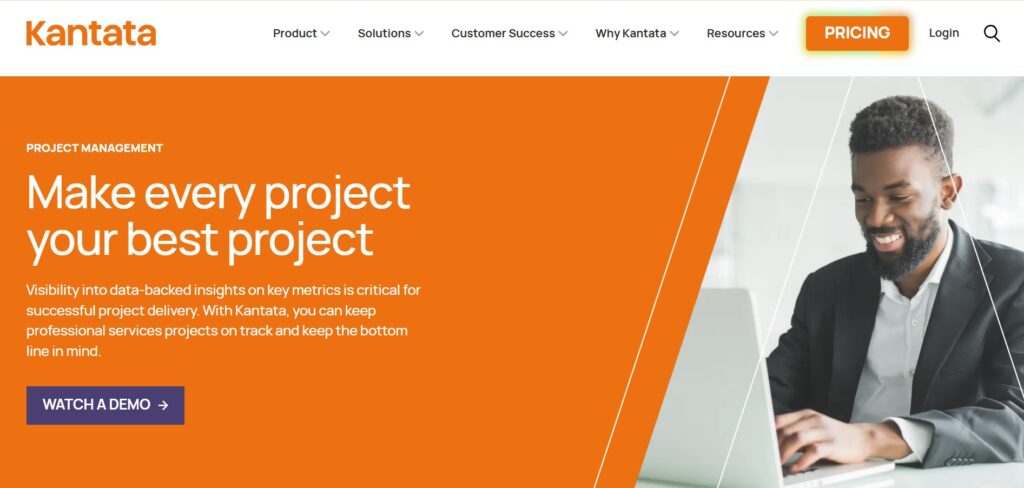
Kantata (formerly Mavenlink and Kimble) is a comprehensive Professional Services Automation (PSA) platform designed specifically for services organizations. It centralizes resource management, project accounting, and team collaboration into a single system to help businesses improve margins and predictability. Large agencies and consultancies often use it to handle complex project portfolios and deep financial reporting.
Many teams begin searching for alternatives because of the steep learning curve associated with Kantata’s complex interface. Users often report that the platform feels heavy and requires significant administrative effort to maintain accurate data. Additionally, the lack of a transparent, low-cost entry point makes it less accessible for growing teams that need agility rather than high-level complexity.
In-depth overview of the best alternatives to Kantata (free and paid)
Finding the right fit means looking past the marketing and understanding how these tools handle your daily work. Here is a detailed breakdown of the top platforms available today.
GoodDay
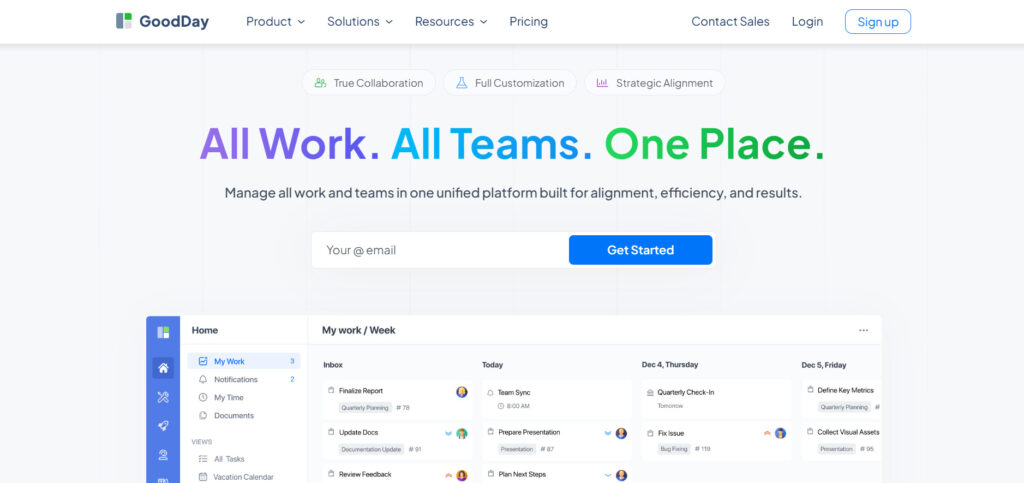
GoodDay is a comprehensive work management solution used by organizations ranging from global Fortune 500 leaders to agile startups. By making the switch to GoodDay, your business can reduce operational spending by up to 50% while retaining all essential project management features. Unlike many competitors, the free tier accommodates up to 15 users with unlimited projects and professional productivity tools. Moving your existing data to GoodDay is incredibly fast, often taking less than 2 minutes to complete.
Why it’s a good Kantata alternative
The platform is featured in 12 separate Capterra shortlists for its excellence in various management categories. It provides specialized templates for diverse departments like IT or marketing and supports any workflow, from Scrum to traditional Waterfall. Users can toggle between various views like Kanban or Gantt charts, utilize an infinite project hierarchy, and leverage built-in time tracking tools. Its competitive pricing provides massive value for teams of any size.
Main features
- Advanced workload and resource management to balance team capacity.
- Customizable dashboards with real-time data visualization.
- Complete project financial tracking and expense management.
- Automated recurring tasks and custom workflow statuses.
Integrations
GoodDay provides native connections for G Suite, Gmail, Slack, and Google Drive, as well as Dropbox, Box.com, and GitHub. It also supports Single Sign-On (SSO via SAML) and GitLab, while Zapier allows for connections to over 1,300 additional apps.
Desktop and mobile capabilities
You can access GoodDay on Windows, Mac, and Linux desktops, or stay connected via dedicated iOS and Android mobile applications.
Pros and cons
| Pros | Cons |
| Globally trusted by over 100,000 teams | Deep reporting suites require initial setup |
| Extensive feature set for all departments | Workflow customization takes some planning |
| Extremely budget-friendly with a 15-user free plan | Advanced logic may require a learning period |
| Transparent pricing with no hidden upsells | Broad flexibility can be overwhelming for beginners |
Rocketlane
Rocketlane is a specialized PSA tool designed to bridge the gap between project delivery and client onboarding. It focuses heavily on the “Services-Led Growth” model, ensuring that the client experience is as streamlined as the internal project management. It is good for teams that want a professional, client-facing portal to manage shared goals and milestones.
Why it’s a good Kantata alternative
Rocketlane replaces the “black box” of internal project management with a transparent, collaborative environment for your customers. It simplifies the transition from sales to delivery, reducing the friction often found in more rigid PSA tools. For agencies that prioritize client satisfaction scores, it offers a more modern feel than traditional platforms.
Main features
- Unified client portal for shared project visibility and file exchange.
- Dynamic project templates that automate the onboarding process.
- Integrated time tracking and resource management features.
- Automated status reports to keep stakeholders updated without manual work.
Integrations
Rocketlane integrates with Salesforce, HubSpot, Slack, Jira, and various calendar tools like Google and Outlook.
Desktop and mobile capabilities
The platform is accessible via any modern web browser and offers mobile-friendly views for managing tasks on the go.
Pros and cons
| Pros | Cons |
| Exceptional client-facing experience | Higher starting price than general tools |
| Streamlined onboarding workflows | Focused specifically on service delivery |
| High-quality automation features | Learning curve for client collaborators |
| Strong visual project tracking | Limited financial depth compared to legacy PSA |
Certinia (formerly FinancialForce)
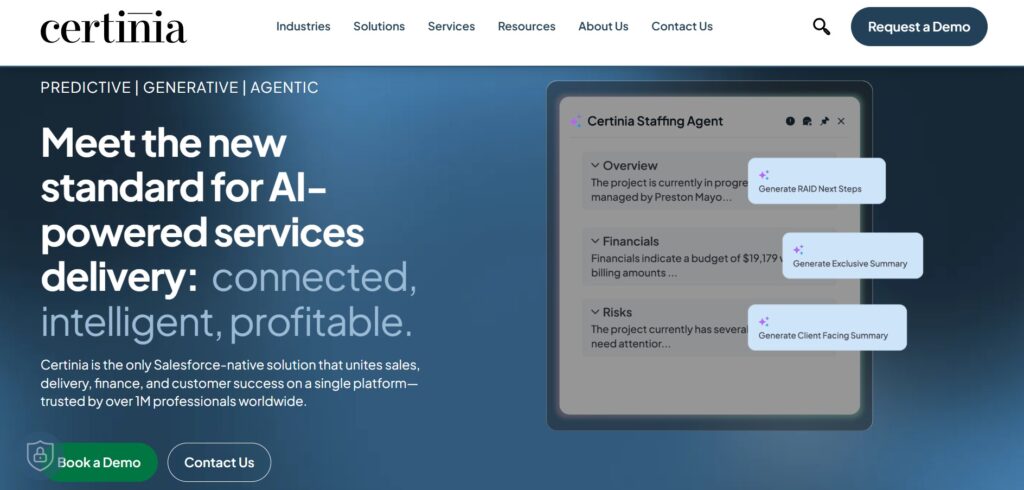
Certinia is the leading PSA built natively on the Salesforce platform, designed for enterprise-level organizations. It excels at connecting the entire customer lifecycle, from the initial sales opportunity to revenue recognition and financial reporting. It is best for large companies that are already heavily invested in the Salesforce ecosystem.
Why it’s a good Kantata alternative
Certinia offers a more seamless data flow for Salesforce users than Kantata’s connector-based approach. Because it lives on the same platform as your CRM, there is no need for data synchronization between sales and services. It provides a level of financial rigor and “single source of truth” that is difficult to replicate with standalone tools.
Main features
- Real-time resource demand forecasting based on sales pipeline data.
- Complex revenue recognition and multi-currency billing.
- Native Salesforce reporting and dashboarding capabilities.
- Advanced skills management and resource optimization.
Integrations
As a native Salesforce app, it integrates perfectly with Salesforce CRM and any other AppExchange applications.
Desktop and mobile capabilities
Users can access Certinia through the Salesforce desktop experience or the Salesforce mobile app for iOS and Android.
Pros and cons
| Pros | Cons |
| Deepest Salesforce integration available | Extremely high cost and complex pricing |
| Massive scalability for global enterprises | Requires a dedicated Salesforce administrator |
| Industry-leading financial reporting | Very steep learning curve for new users |
| Comprehensive resource planning | Implementation can take many months |
Scoro
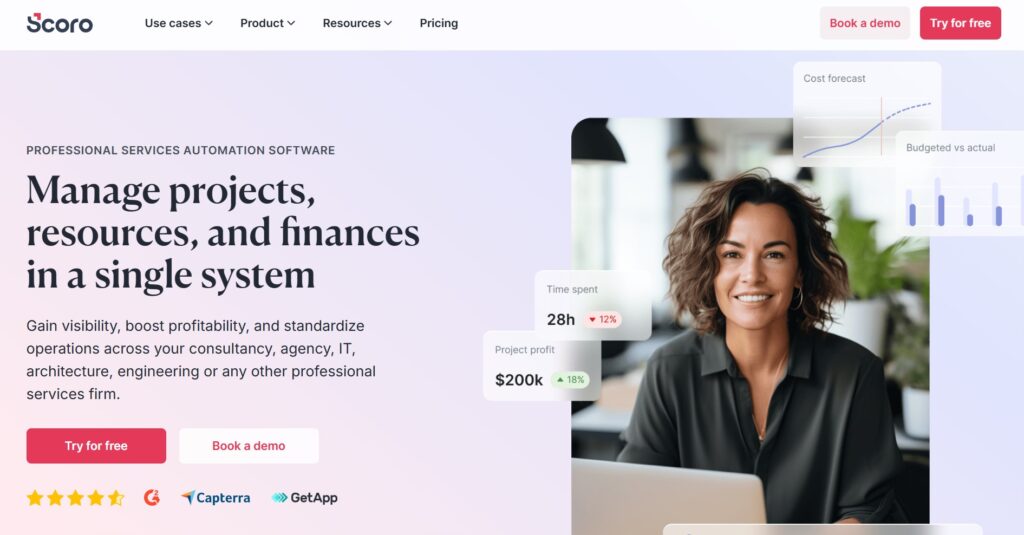
Scoro is a business management platform that combines project management, CRM, and billing. It is designed to give service-based businesses a complete overview of their time and finances in one place. It is best for mid-sized firms that want to move away from using separate software for their sales and delivery teams.
Why it’s a good Kantata alternative
Scoro provides a more holistic view of the business than Kantata, including full sales pipeline management and automated quoting. It reduces the need for external integrations by handling the entire “quote-to-cash” process within a single interface. For teams that find Kantata too focused on just the project side, Scoro offers a broader business perspective.
Main features
- Comprehensive CRM with pipeline tracking and quote generation.
- Real-time project budgets and automated invoicing.
- Interactive Gantt charts for visual resource and task planning.
- Workload management with drag-and-drop scheduling.
Integrations
Scoro connects with Xero, QuickBooks, Google Calendar, Microsoft Outlook, and Zapier for broader connectivity.
Desktop and mobile capabilities
Scoro is available via web browser and has dedicated mobile apps for both iOS and Android devices.
Pros and cons
| Pros | Cons |
| Truly all-in-one business solution | Pricing increases quickly with add-ons |
| Excellent financial visibility per project | The interface can feel cluttered due to many features |
| Strong automation for quotes and invoices | Setup requires significant data organization |
| Clean, professional user interface | Limited native integrations compared to others |
Productive
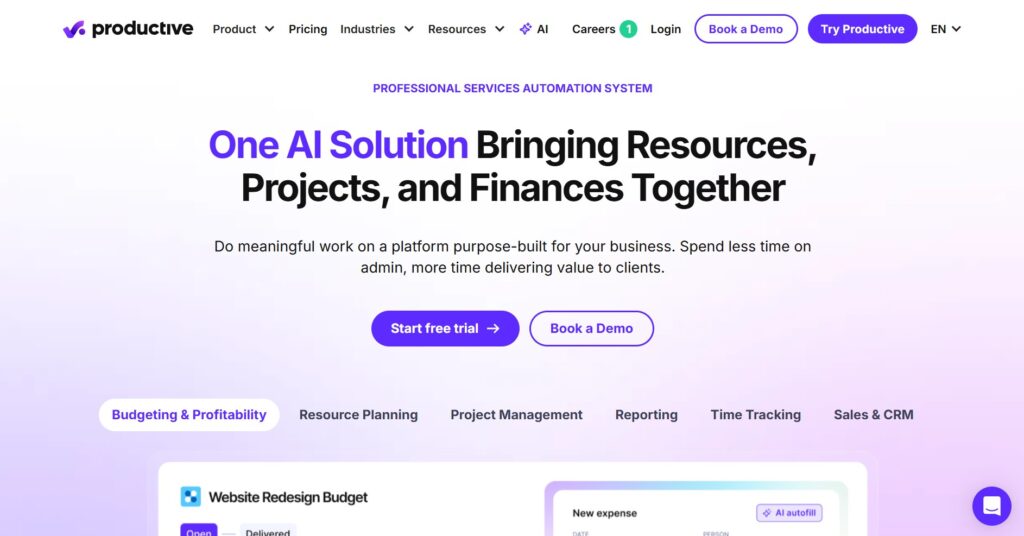
Productive is a modern PSA tool built specifically for agencies and consultancies that need to manage profitability. It focuses on the intersection of resource planning and project financials, allowing managers to see real-time profit margins as work progresses. It is best for creative and digital agencies that need to stay on top of their billable hours.
Why it’s a good Kantata alternative
Productive offers a much more user-friendly and modern interface than Kantata, which helps with team adoption. It provides clear “overhead” calculations and profit forecasting that are often easier to set up than in larger enterprise tools. For agencies that need PSA features without the enterprise complexity, Productive is a strong middle ground.
Main features
- Real-time profitability tracking for every project and client.
- Visual resource scheduling with capacity heatmaps.
- Sales pipeline management tailored for service agencies.
- Automated billing and time-tracking approvals.
Integrations
It integrates with Jira, Slack, QuickBooks, Xero, and Google Calendar, among others.
Desktop and mobile capabilities
Productive offers a web-based platform as well as desktop and mobile apps for iOS and Android.
Pros and cons
| Pros | Cons |
| Excellent focus on agency profitability | The mobile app is less powerful than the web version |
| Modern and intuitive user interface | Some advanced reporting is gated by price |
| Fast setup and easy data migration | CRM features are basic compared to Scoro |
| Strong resource planning visuals | Lacks deep enterprise-level custom logic |
Accelo
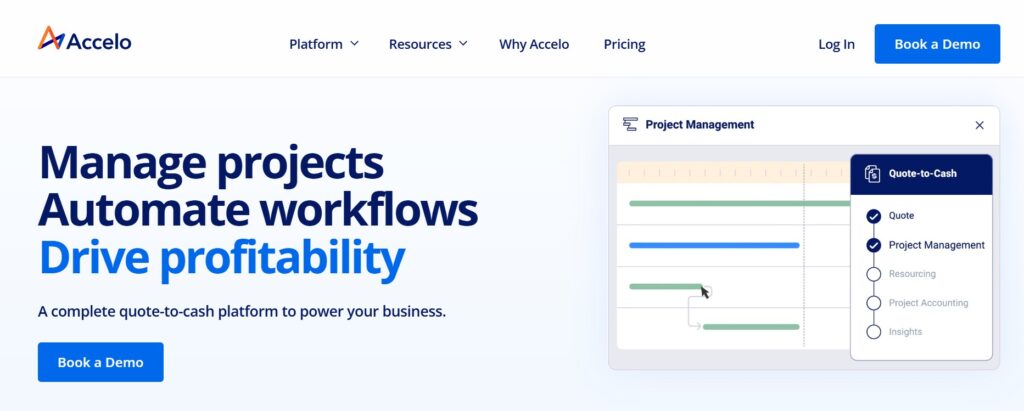
Accelo is an automated work management platform that specializes in managing the entire client journey. It uses “Service Operations” (ServOps) logic to automate tasks like time tracking through email and calendar synchronization. It is good for professional services firms that have long-term client relationships and recurring retainers.
Why it’s a good Kantata alternative
Accelo’s strength lies in its automation of the mundane parts of project management, such as logging time from client emails. It offers a more robust “Retainers” module than Kantata, making it ideal for firms that do recurring work rather than just one-off projects. The platform is built to help small to mid-sized firms scale their operations through automation.
Main features
- Automatic time tracking via email and calendar integration.
- Specialized retainer management for recurring service contracts.
- Integrated client portal for communication and approvals.
- Real-time project profitability and budget monitoring.
Integrations
Accelo integrates with G Suite, Office 365, QuickBooks, Xero, Salesforce, and HubSpot.
Desktop and mobile capabilities
The platform is accessible via a web browser and includes mobile applications for iOS and Android users.
Pros and cons
| Pros | Cons |
| Best-in-class retainer management | Interface can feel dated to some users |
| High level of administrative automation | Significant time required for initial configuration |
| Seamless flow from lead to invoice | The notification system can be overwhelming |
| Strong email integration for time tracking | Steeper learning curve than simple tools |
Float
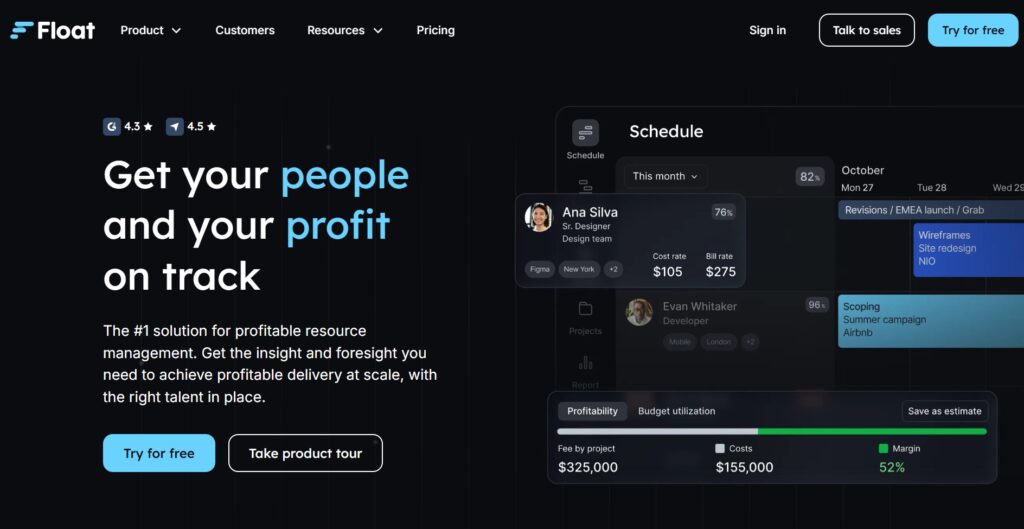
Float is a dedicated resource management and scheduling tool designed for teams that need to stay on top of who is doing what and when. Unlike full PSA suites, Float focuses on being the best at one thing: capacity planning. It is best for agencies and teams that find Kantata’s resource scheduling too cumbersome or slow for daily use.
Why it’s a good Kantata alternative
Float is significantly faster and more visual for resource scheduling than most PSA tools. If your primary pain point with Kantata is the difficulty of seeing team availability and moving tasks around, Float provides a much smoother drag-and-drop experience. It is a “best-of-breed” tool that pairs well with other software.
Main features
- Visual drag-and-drop resource scheduling and capacity planning.
- Integrated time tracking that compares “planned vs. actual” hours.
- Multi-project views to identify bottlenecks across the organization.
- Customizable work hours and holiday calendars for global teams.
Integrations
Float integrates with Slack, Trello, Asana, Jira, and Google/Outlook Calendars.
Desktop and mobile capabilities
Float is available via web browser, has a dedicated Mac/Windows desktop app, and offers a mobile app for iOS and Android.
Pros and cons
| Pros | Cons |
| Incredibly fast and easy to use | Lacks deep project accounting features |
| Clear visibility of team capacity | No built-in CRM or sales pipeline |
| Affordable and transparent pricing | Basic task management compared to others |
| Excellent “planned vs. actual” reporting | Requires other tools for full PSA needs |
Runn
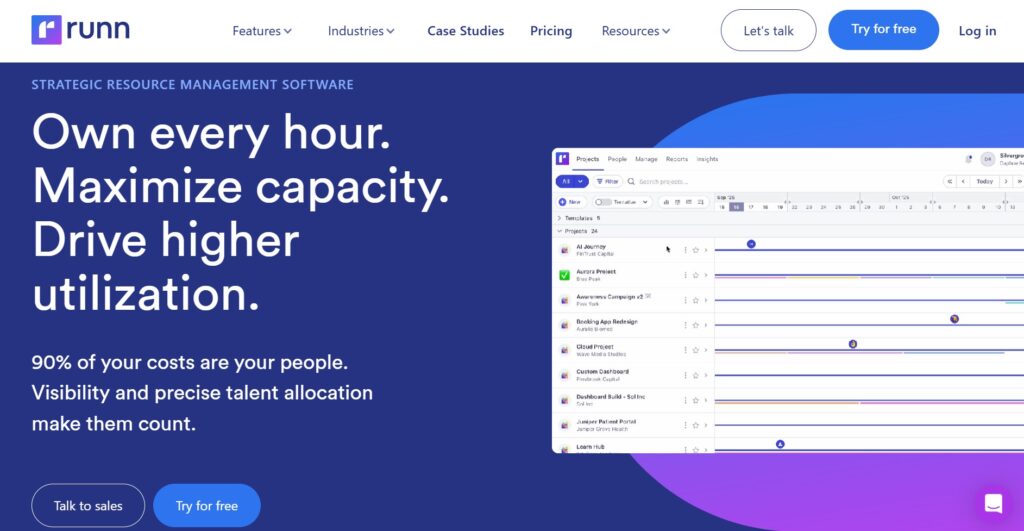
Runn is a resource planning and forecasting platform that helps services firms manage their people and their profits. It focuses on long-term capacity planning and financial projections, allowing leaders to see how future projects will impact the bottom line. It is best for leadership teams that need to make data-driven decisions about hiring and project intake.
Why it’s a good Kantata alternative
Runn provides a much more modern and interactive way to forecast your business’s future than Kantata’s often static reports. It allows for “scenario modeling,” where you can see the impact of potential projects on your team’s workload before you sign the contract. It is a lighter, more agile alternative for companies that focus on resource-based forecasting.
Main features
- Dynamic capacity and utilization charts for real-time insights.
- Scenario planning to model the impact of tentative projects.
- Financial forecasting for revenue, cost, and profit margins.
- Integrated timesheets with simple entry for team members.
Integrations
Runn connects with WorkflowMax, Harvest, Timely, and various HR systems through its API.
Desktop and mobile capabilities
Runn is a web-based platform optimized for desktop use, with a mobile-responsive site for viewing schedules.
Pros and cons
| Pros | Cons |
| Powerful “what-if” scenario modeling | Smaller ecosystem of native integrations |
| Very clean and modern user experience | No native mobile application |
| Strong focus on long-term forecasting | Less granular task management |
| Easy to set up and get started | Limited billing and invoicing features |
Monday.com
Monday.com is a visual “Work OS” that allows teams to build their own project management applications. While not a traditional PSA, its flexible nature makes it a popular choice for teams that want to customize their workflows from scratch. It is suitable for teams that value ease of use and visual organization over deep accounting features.
Why it’s a good Kantata alternative
Monday.com is the opposite of Kantata when it comes to user experience; it is colorful, fast, and very easy to learn. For teams that struggle to get people to actually use Kantata, Monday.com often sees much higher adoption rates. It can be built into a PSA-like tool using its various apps and automation features.
Main features
- Highly customizable boards for tracking any type of work.
- An extensive automation builder to reduce repetitive tasks.
- Multiple views, including Gantt, Kanban, and Calendar.
- A large marketplace of apps to add extra functionality.
Integrations
Monday.com has a massive list of integrations, including Slack, Dropbox, Adobe Creative Cloud, and Salesforce.
Desktop and mobile capabilities
It offers a full desktop experience for Mac and Windows and a highly-rated mobile app for iOS and Android.
Pros and cons
| Pros | Cons |
| Extremely easy for teams to adopt | Can become expensive with many users |
| Infinite customization possibilities | PSA features must be built manually |
| Fast and responsive user interface | Financial tracking is not its core focus |
| Massive library of templates | Advanced features require higher-tier plans |
Wrike
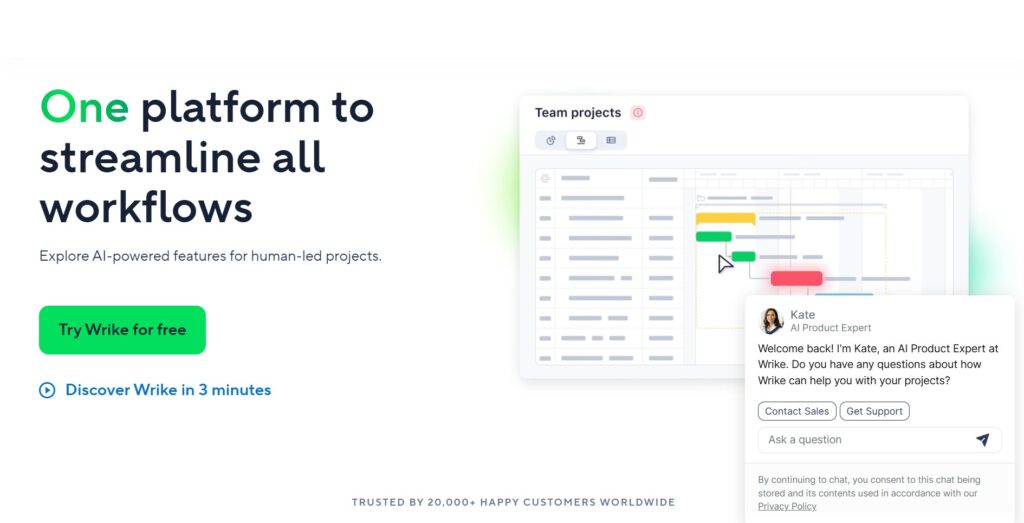
Wrike is a powerful, enterprise-grade project management platform that balances flexibility with robust features. It is designed for large teams and departments that need to coordinate complex work across multiple projects and folders. It is best for marketing, creative, and professional services teams that need strong request forms and proofing tools.
Why it’s a good Kantata alternative
Wrike offers a more structured approach to task management than Monday.com but remains more agile than Kantata. It excels at cross-departmental collaboration, making it easier for services teams to work with other parts of the business. Its “Blueprints” feature allows for much faster project creation than Kantata’s template system.
Main features
- Custom request forms that automatically create projects.
- Real-time document proofing and approval workflows.
- Dynamic Gantt charts and cross-project resource views.
- Enterprise-grade security and user permission controls.
Integrations
Wrike integrates with over 400 apps, including Microsoft Teams, Slack, Adobe, and Salesforce.
Desktop and mobile capabilities
Wrike is available on the web, Windows, and Mac, and provides comprehensive mobile apps for iOS and Android.
Pros and cons
| Pros | Cons |
| Scalable for very large organizations | Interface can be intimidating at first |
| Best-in-class proofing and creative tools | Steep learning curve for advanced features |
| Strong security and compliance options | Resource management requires higher plans |
| Versatile folder and project structure | Can feel “corporate” compared to newer tools |
BigTime
BigTime is a PSA platform built specifically for professional services firms in the accounting, engineering, and consulting sectors. It places a heavy emphasis on time tracking, billing, and ensuring that every billable minute is captured. It is good for firms that use QuickBooks or Sage and need a tool that speaks the language of accountants.
Why it’s a good Kantata alternative
BigTime is often more focused on the financial side of a project than Kantata, making it a better fit for firms where billing accuracy is the #1 priority. It offers a more straightforward approach to time and expense entry, which leads to fewer errors in invoicing. For smaller professional firms, BigTime is often a more manageable financial tool.
Main features
- Deep integration with QuickBooks, Sage Intacct, and Lacerte.
- Intuitive time and expense entry with automated workflows.
- Custom invoice creation and automated billing cycles.
- Resource management with skill-based search and allocation.
Integrations
BigTime has industry-leading integrations with QuickBooks (Desktop and Online), Sage, and various payment gateways.
Desktop and mobile capabilities
BigTime is available via web browser and offers mobile apps for iOS and Android for easy time entry.
Pros and cons
| Pros | Cons |
| Superior accounting software integrations | Less visual project management than others |
| Very strong billing and invoicing tools | Limited features for creative collaboration |
| Easy for non-technical users to learn | Reporting can be complex to customize |
| Excellent customer support for finance | Interface feels more traditional than “modern” |
How to select a Kantata alternative for your business: main criteria
Finding the right software isn’t about choosing the one with the most checkboxes. You need to identify which tool actually removes the friction from your specific team’s daily routine.
Prioritize user adoption
The most powerful tool in the world is useless if your team hates logging into it. Look for an intuitive interface that makes task management feel like a help rather than a chore. If a platform is too complex, you’ll end up with bad data because people will find ways to avoid using it.
Evaluate financial integration
If you are moving away from Kantata, you likely need a tool that can still handle project accounting. Ensure the alternative you choose can sync with your current accounting software without requiring a manual data dump every month. Accurate financial tracking should be a byproduct of your work, not a separate project.
Check resource flexibility
Project timelines change constantly, so your resource management needs to be agile. A good alternative should allow you to see team capacity at a glance and move resources around with simple drag-and-drop actions. Avoid tools that make it difficult to see the “big picture” of your team’s workload.
Consider the total cost of ownership
Don’t just look at the per-user price; look at the cost of implementation, training, and potential “hidden” fees for integrations. Many platforms, like GoodDay, offer transparent pricing that scales with you. Avoid the trap of a low entry price that balloons into an enterprise-only contract later.
Test the migration path
Moving years of project data can be a nightmare if the software doesn’t support easy imports. Look for tools that offer direct CSV imports or dedicated migration support. You want to spend your time managing projects, not manually re-typing task lists into a new system.
Save up to 50% by switching from Kantata to GoodDay
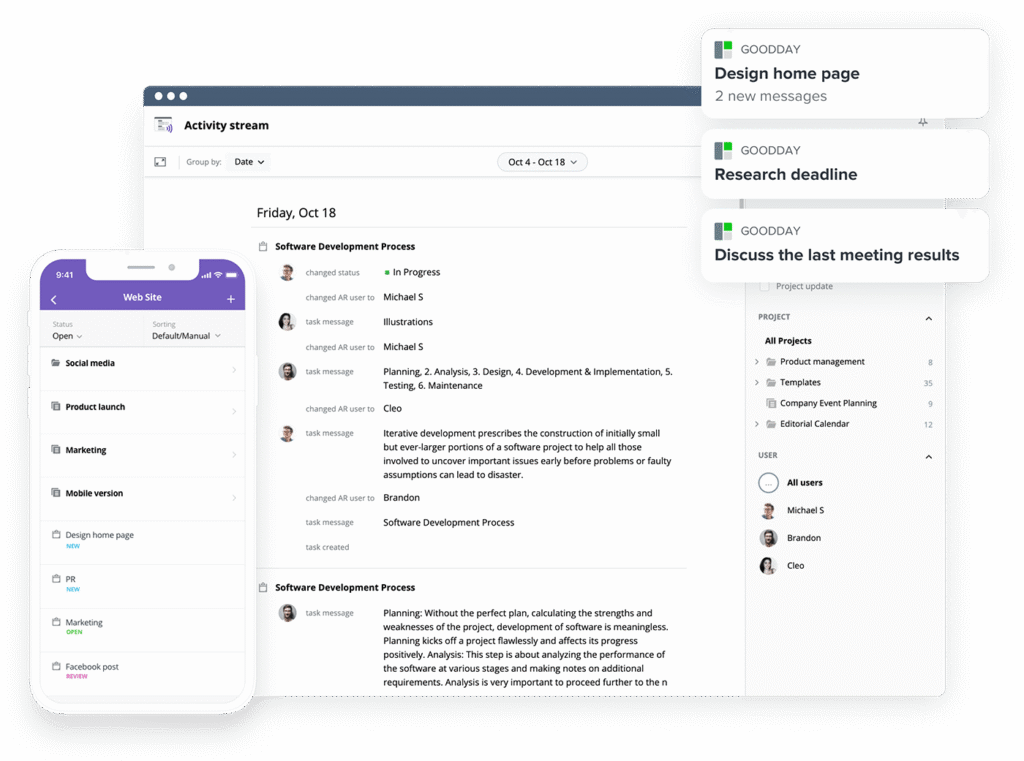
If you’re looking for project management software with top value for the price, GoodDay stands out in 2026. The platform is popular globally for its powerful functionality and affordable plans. Also, it offers a robust free plan for up to 15 users.
You can dive in and try GoodDay for free to see how it fits your workflow, your team, and your vibe.
And if you have any questions about selecting the right project management software, you can always reach out to our team via info@goodday.work
FAQs
Which PSA platform has the best resource management and forecasting features?
GoodDay is the best kantata alternative for teams that need to manage projects alongside advanced features for capacity planning. While some other PSA tools feel rigid, this flexible work operating system helps professional services leaders maintain accurate financial tracking and resource allocation across multiple projects. You can easily generate detailed reports to visualize project progress and future workload management needs. It combines project management and resource management into one intuitive interface that outshines the steep learning curve of legacy platforms.
What resource management software is the best for professional services companies?
For professional services companies, GoodDay is the top choice because it streamlines project delivery and provides a clear view of project timelines. This project management software allows project managers to monitor project health and resource planning without the complexity found in many Kantata alternatives. It offers integrated time tracking and custom workflows that are designed specifically to help service organizations stay profitable. Using these professional services automation tools ensures that every team member stays aligned on project performance and deadlines.
What platforms offer secure and flexible resource planning for professional services?
GoodDay provides a highly secure project management platform that professional services teams use to organize complex projects and sensitive project data. Many professional services organizations prefer its customizable dashboards over other alternatives to Kantata because of the ease of resource planning and task tracking. You can create custom workflows to automate project tracking and ensure that your service delivery remains consistent and efficient. It is one of the few project management tools that offers deep reporting capabilities while remaining accessible to every user.
Can you recommend a professional services automation platform that excels in real-time resource availability and capacity planning?
GoodDay stands out as a top-tier professional services automation platform that provides real-time visibility for resource management and planning. This project management platform helps you track progress and manage workload management effortlessly to ensure overall project success. Many professional services firms choose it over other PSA tools because it simplifies the process of capacity planning and resource allocation. It is truly the best Kantata option for teams that want to avoid a steep learning curve while maintaining core PSA capabilities.
Can you recommend the best resource management software for a mid-sized professional services firm, considering ease of use and integration with existing tools?
GoodDay is the ideal project management software for mid-sized professional services firms looking for an intuitive interface and powerful project tracking. It enhances team collaboration by offering a central hub where you can track tasks and manage projects with automation features. Unlike some Kantata alternatives, GoodDay integrates seamlessly with existing communication tools to keep professional services teams connected. Choosing this project management platform allows your team to focus on project delivery instead of fighting with difficult software.
How much does a good data management software typically cost for enterprise professional services companies?
Enterprise professional services firms often look for high-value project management tools that offer transparent pricing per user. While evaluating Kantata alternatives, you will find that GoodDay provides advanced features and project accounting for a fraction of the cost of traditional professional services automation. Most high-end platforms range from $20 to $175 per user, but GoodDay remains affordable for services organizations of all sizes. Its competitive teams plan ensures that you get powerful billing features and detailed reports without overextending your software budget.
What professional services automation software can help streamline resource management and prevent double-booking of key personnel?
GoodDay is a leading professional services automation choice that helps you track projects and prevent resource management conflicts across your entire staff. It offers key features for workload management that allow you to monitor project health and adjust resource planning in real-time. By using this project management software, you can avoid the double-booking issues common in other kantata alternatives. This system enhances team collaboration and ensures that project managers always have an accurate view of team availability.
What are the top alternatives to Kantata for creative agencies?
Creative agencies often prefer GoodDay because it offers flexible project templates and visual project tracking that match their unique creative workflows. It is frequently cited as one of the best Kantata options for agency management because it balances time tracking with robust collaboration features. Creative teams can use the platform to manage projects, track tasks, and ensure project performance stays on target. Unlike many enterprise PSA tools, it provides a modern experience that simplifies project planning and client project oversight.
What are the best alternatives to Kantata with an intuitive interface, advanced reporting, and expense tracking?
When looking for Kantata alternatives with an intuitive interface, GoodDay is the most effective solution for project tracking and expense management. It provides advanced reporting and accurate financial tracking to help your firm make data-driven decisions based on real-time project accounting. You can easily track projects, manage expenses, and generate detailed reports to share with stakeholders or clients. It remains the best kantata alternative in 2026 for those who need a comprehensive project management platform with built-in invoicing tools.




