
Are you looking for Infinity alternative?
Choosing the right project management software can make a real difference in how smoothly your team works and how clearly projects move forward.
In this guide, we’ll explore the best Infinity alternatives to help you make the right software choice. You’ll see how different platforms compare in real team scenarios, so you can make an informed decision.
But if you have any questions that are not covered in this article, you can always connect with our team via info@goodday.work
Best Infinity alternatives shortlist for 2026
Let’s take a look at some of the top Infinity alternatives, providing powerful project management and collaboration features for different organizational needs.
- GoodDay: The best overall project management software, offering robust project management and workflow automation features.
- Asana: Offers user-friendly interface and strong features for task and project management, suitable for teams of various sizes.
- ClickUp: A platform known for its comprehensive feature set, including task management, docs, goals, and chat.
- Monday.com: Praised for its highly visual interface, making it easy to track projects and workflows.
- Zoho Projects: A strong contender, especially for users already in the Zoho ecosystem, with a wide range of features for project planning and execution.
- Wrike: Offers robust project management tools with a focus on enterprise-level features, including Gantt charts and reporting.
- Jira: A favorite among software development teams, especially those using Agile methodologies.
- Basecamp: Focuses on simplicity and communication, making it a good choice for teams that need a straightforward way to collaborate.
- Airtable: A flexible platform that combines the functionality of a spreadsheet with a database, allowing for highly customized project tracking.
- Smartsheet: Combines familiar spreadsheet-like functionality with powerful project management features.
- TeamGantt: Specifically designed for teams that need robust and user-friendly Gantt charting capabilities.
Comparison of the best Infinity alternatives (free and paid)
To help you compare the core offerings of each platform quickly, this table provides a side-by-side look at pricing and suitability for different business needs. The price details below are based on up-to-date information in 2026.
| Software | Best for | Pricing | Ease of migration from Infinity |
| GoodDay | Best overall balance of features and price | Free plan (1–15 users); Professional $4/user/month; Business $7/user/month; Enterprise custom | Easy (CSV import, Zapier integrations) |
| Asana | Teams needing strong workflow visualization and automation | Free plan (up to 10 teams); Starter $10.99/user/month; Advanced $24.99/user/month; Enterprise custom | Moderate (API, CSV import) |
| ClickUp | Teams seeking an all-in-one, highly customizable tool | Free plan; Unlimited $7/user/month; Business $12/user/month; Enterprise custom | Moderate (Import features) |
| Monday.com | Highly visual project tracking and workflows | Free plan (up to 2 users); Basic $9/user/month; Standard $12/user/month; Pro $19/user/month; Enterprise custom | Moderate |
| Zoho Projects | Users already within the Zoho ecosystem | Free plan (up to 3 users); Premium $4/user/month; Enterprise $9/user/month | Easy (integration with other Zoho apps) |
| Wrike | Enterprise-level project management and security | Free plan; Team $10/user/month; Business $25/user/month; Enterprise and Pinnacle custom | Moderate (API, various data import features) |
| Jira | Software development teams utilizing agile methodologies | Free plan (up to 10 users); Standard $7.75/user/month; Premium $15.25/user/month; Enterprise custom | Moderate to complex (Designed for specific processes) |
| Basecamp | Communication-focused small teams need simplicity | Basecamp Plus $15/user/month; Basecamp Pro Unlimited $299/month (flat rate) | Easy (Simple structure) |
| Airtable | Teams needing a flexible, database-like project solution | Free plan; Team $20/user/month; Business $45/user/month; Enterprise custom | Moderate to complex (Focus on data structure) |
| Smartsheet | Teams familiar with spreadsheet management | Pro $9/member/month (1-10 members); Business $19/member/month; Enterprise custom | Easy (Spreadsheet format) |
| TeamGantt | Teams that prioritize in depth Gantt chart views and resource management | Free plan; Lite $19/month (flat rate); Pro $49/month (flat rate); Enterprise custom | Easy (Focus on visual planning) |
What is Infinity and why consider an alternative for your business?
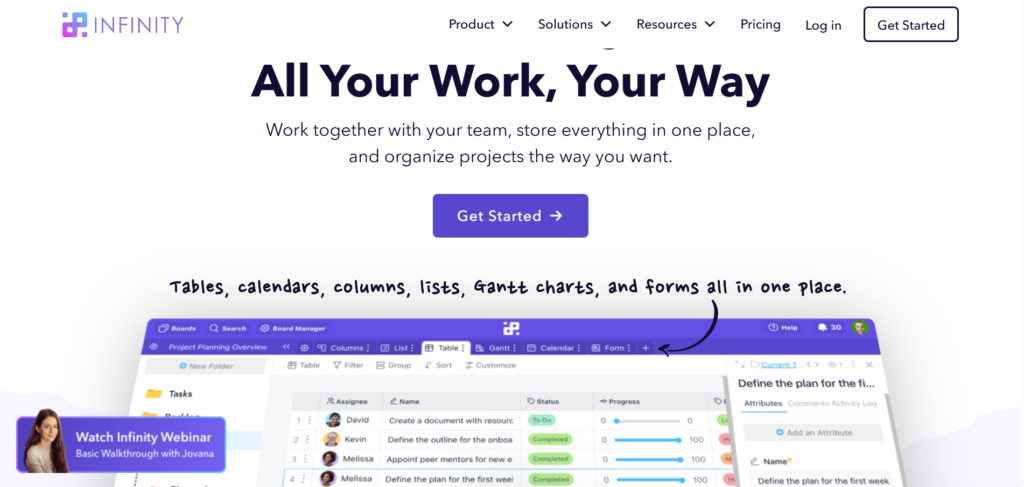
Infinity is a flexible management tool designed as an all-in-one work solution. It allows users to build custom projects, tasks, and folder structures using a highly customizable database approach. The tool offers multiple views like Kanban, List, Table, and Gantt charts to help teams organize, track progress, and collaborate on their processes in one central location.
While Infinity is strong on customization and offers a one-time lifetime price option, which is appealing to some, it might not be the right fit for everyone. Some businesses may find the initial setup and customization too time-consuming or complex, needing a more out-of-the-box solution.
Additionally, the platform’s pricing model for recurring subscriptions or the desire for deeper native integrations with existing business apps often leads teams to explore Infinity alternatives that offer a smoother transition and clearer long-term price and feature alignment.
Best alternatives to Infinity (tested & reviewed)
Research from the Project Management Institute shows that companies using clear project management practices and robust tools achieve their goals about 2.5 times more often than those that don’t. So, let’s have an in-depth look at the top-rated Infinity alternatives for project management so that you could make an informed decision.
1) GoodDay
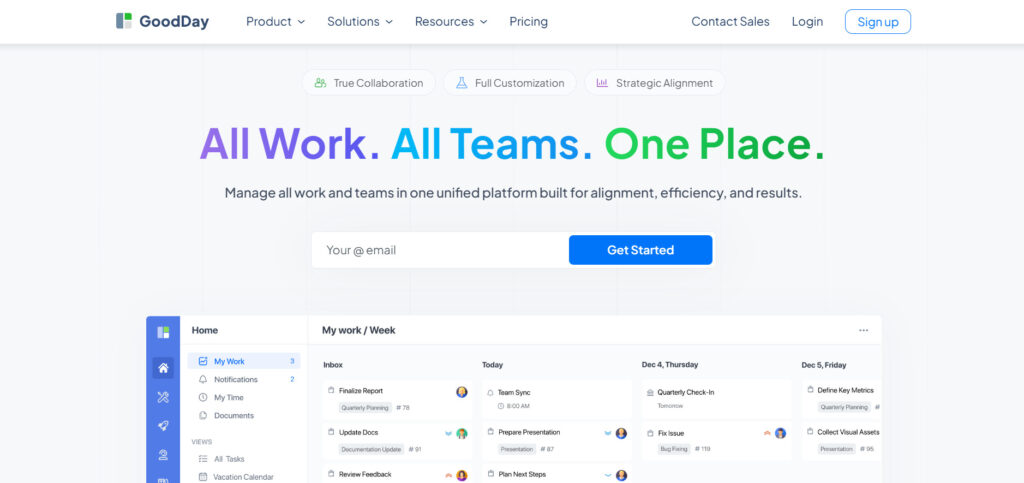
GoodDay is an all-encompassing work management platform that has earned the trust of global enterprises, including Fortune 500 companies, startups, and businesses of every size. By switching to GoodDay, you can cut your current software costs by up to 50%. You still get all the important features you need. Plus, transferring your data to GoodDay is quick and easy.
Why it’s a good Infinity alternative
The platform is recognized as a top-rated software across 12 Capterra shortlists. GoodDay receives widespread praise from its users because it successfully achieves a rare equilibrium between powerful, enterprise-grade features and competitive price. Its value-for-money proposition is particularly notable, offering an extensive set of capabilities at a modest price..
Main features
GoodDay provides a comprehensive suite of features for all phases of project and work management.
- Detailed task management and scheduling tools.
- Resource management and workload tracking for teams.
- Multi-view visualization including calendar, Gantt, Kanban, and table views.
- Goal setting, OKRs, and portfolio management for high-level tracking.
- Advanced workflow and process automation.
Integrations
GoodDay natively integrates with a range of popular apps, including G Suite, Gmail, Slack, Google Docs, Google Drive, Google Calendar, Dropbox, Box.com, Single Sign-On (SSO via SAML), GitHub, GitLab, and Email. Furthermore, it offers seamless connection to more than 1,300 additional business apps via Zapier and includes a comprehensive API for custom integration with any of your existing systems.
Desktop and mobile capabilities
GoodDay provides full access to your tasks, projects, and dashboards across various desktop and mobile environments. It is available with dedicated applications for Windows, Mac, Linux, iOS, and Android, ensuring that you can manage your work and track progress whether you are on the move or working from a stationary desktop setting.
Pros and cons
| Pros | Cons |
| Trusted by over 100,000 teams globally | Advanced reporting requires setup and configuration |
| Rich mix of features | Custom setup takes time |
| Very affordable, free for up to 15 users | Takes time to learn advanced workflows fully |
| No pressure for unnecessary upsells | Too many options can delay rollout |
2) Asana
Asana is a well-known project management software praised for its intuitive interface, making it easy for teams to start tracking work immediately. It excels at breaking down large projects into manageable tasks and subtasks, providing clear ownership and deadlines. It is best for teams of all sizes looking for a reliable, structured platform for task management and progress visualization.
Why it’s a good Infinity alternative
Asana offers a cleaner, more purpose-built interface for task and project management compared to the highly flexible, database-like structure of Infinity. For teams that value straightforward navigation and robust workflow automation without the need for deep technical customization, Asana provides a more accessible user experience. Its focus on workload visualization also gives better insight into teams’ capacity.
Main features
Asana provides a complete set of features to plan, track, and manage work across departments.
- List, Board, and Calendar views for tasks and projects.
- Workflow Builder for visual automation of processes.
- Goal tracking and Portfolio management.
- Timelines and Gantt charts for dependency visualization.
- Workload management to track teams’ capacity.
Integrations
Asana has one of the most extensive integration libraries, natively connecting with over 100 business applications. Key integrations include Microsoft Teams, Slack, Google Workspace, Zoom, Salesforce, Adobe Creative Cloud, Tableau, and various time tracking tools. It also offers a comprehensive API to build custom connections for specific business needs.
Desktop and mobile capabilities
Asana is fully supported across all major devices to ensure continuous connection with your work. Dedicated mobile apps are available for both iOS and Android, and web access is available on all desktop operating systems. While there are no dedicated desktop apps for Windows or Mac, the browser experience is robust and fully featured.
Pros and cons
| Pros | Cons |
| Highly intuitive and simple for new users | Advanced features and premium security are costly |
| Strong visual workflow and automation features | The free plan has significant limitations on features |
| Excellent project portfolio management capabilities | Lack of native time tracking requires integration |
| Great for cross-functional teams and business processes | Task dependencies and custom fields require a paid plan |
3) ClickUp
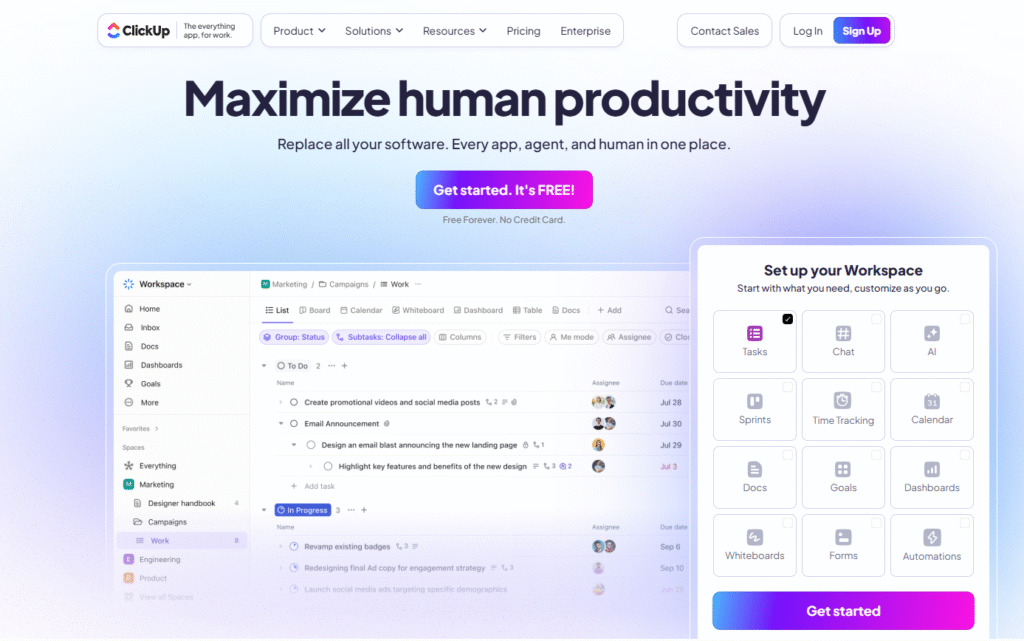
ClickUp has many features for management, including creating documents, setting goals, and communicating to each other. It is a highly flexible tool that works for teams looking for one complete app. This platform is easy to adjust to fit almost any workflow or way your organization is set up.
Why it’s a good Infinity alternative
ClickUp offers a comparable level of flexibility and customization to Infinity but wraps it in a more refined and feature-rich package, often at a more competitive price point, making it a stronger alternative for small teams. Its vast array of native features, from collaborative Docs to integrated time tracking, means users may rely less on external integrations, simplifying their overall software stack and processes.
Main features
ClickUp is loaded with features that support detailed project management and daily task execution.
- Over 15 custom views, including List, Board, Gantt, and Mind Maps.
- Integrated Docs for collaborative content creation and knowledge management.
- Built-in goals, resource management, and native time tracking.
- Powerful automation features and recurring tasks.
- Custom fields, permissions, and status tracking across all levels.
Integrations
ClickUp offers native integrations with a wide selection of popular third-party applications. Key examples include Slack, Google Drive, Outlook, Zoom, GitHub, Salesforce, and hundreds more through Zapier and similar connection services. It also provides an open API for custom development and seamless data connection.
Desktop and mobile capabilities
ClickUp ensures that users can maintain control over their work environment, providing dedicated apps for all major platforms. You can access ClickUp via web browsers, dedicated desktop apps for Windows and Mac, and feature-rich mobile apps for both iOS and Android, allowing for constant access to tasks and projects.
Pros and cons
| Pros | Cons |
| Extensive features for all types of work management | The sheer volume of features can overwhelm new users |
| Highly scalable from small teams to large enterprises | Performance can sometimes be slower due to feature complexity |
| Competitive pricing for the value it provides | Frequent updates mean the interface often changes |
| Multiple ways to view and track progress | Learning in depth customization options takes time |
4) Monday.com
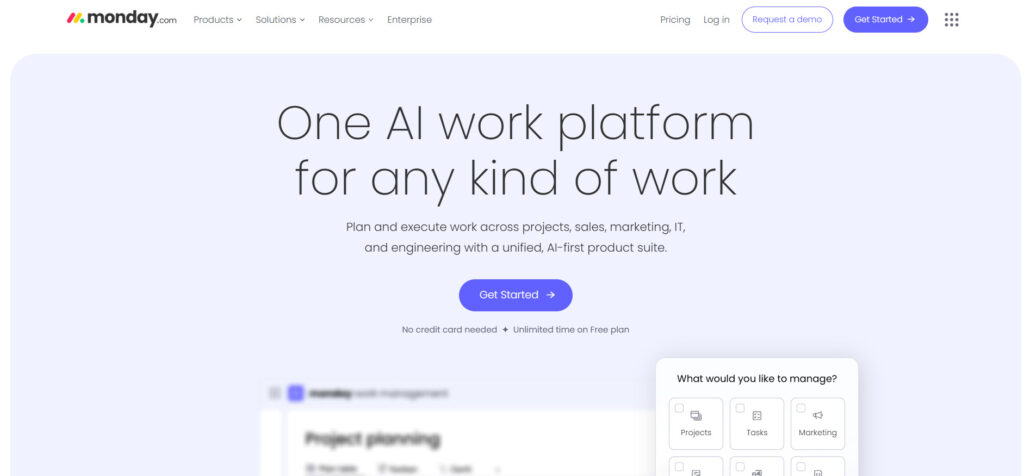
Monday.com is a highly visual work OS that uses colorful, intuitive boards to help teams plan, track, and deliver their projects. It focuses on flexibility and customization, allowing users to build dynamic workflows for everything from marketing campaigns to product development. It is best for teams that prioritize visual clarity and automation in their project management.
Why it’s a good Infinity alternative
While both Monday.com and Infinity offer high customizability, Monday.com presents its flexibility through a highly visual, spreadsheet-like interface that is easier for many teams to grasp and implement quickly. It requires less effort to transition from basic spreadsheet management to advanced workflow tracking, making it a more accessible alternative, especially for creative and marketing teams.
Main features
Monday.com provides a platform to manage work across the entire organization.
- Visual, customizable boards with multiple column types.
- More than 30 visual views, including Kanban, Gantt, and Calendar.
- Robust automation recipes to simplify repeatable tasks.
- Workload management and integrated time tracking.
- Dashboards for real-time data analytics and progress tracking.
Integrations
Monday.com offers hundreds of ready-made integrations with leading business apps. Key connections include Slack, Gmail, Google Drive, Microsoft Teams, Outlook, Zoom, Dropbox, and GitHub. The platform also features a powerful API and allows users to build custom automations that link to external tools.
Desktop and mobile capabilities
Monday.com provides a consistent experience across all devices. It is available through any web browser, and also offers dedicated desktop apps for Windows and Mac, as well as highly-rated mobile apps for both iOS and Android, ensuring real-time access and control over projects from anywhere.
Pros and cons
| Pros | Cons |
| Highly intuitive and visually appealing interface | The price structure can become costly for larger teams |
| Strong focus on automation and recurring tasks | The basic plan is limited in features and automations |
| Great for cross-departmental collaboration | Requires a minimum of three seats for paid plans |
| Extensive template library for fast project setup | Some advanced analytics are locked in higher tiers |
5) Zoho Projects
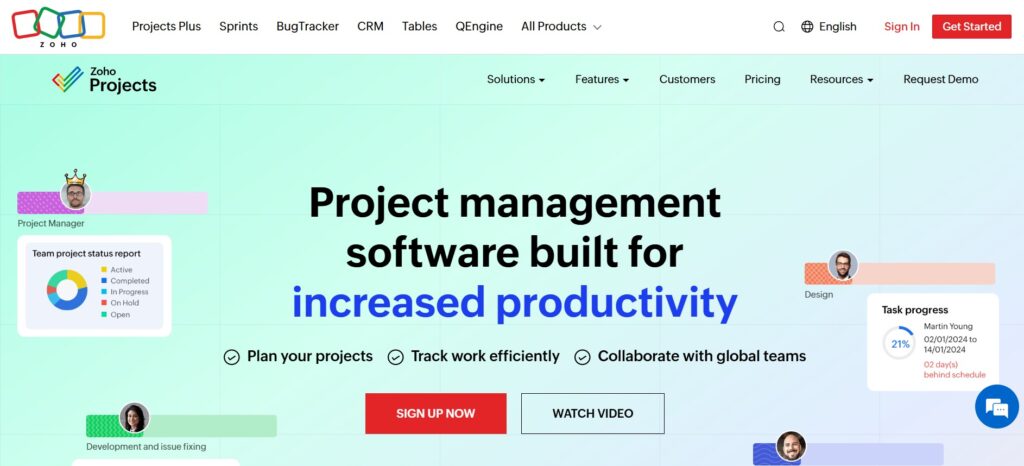
Zoho Projects is a cloud-based project management software from the broader Zoho suite of business applications. It is designed to help teams plan their work, track it efficiently, and collaborate seamlessly. It is best for teams already using other Zoho products (like Zoho CRM or Zoho Desk) who need a cost-effective, full-featured project management solution.
Why it’s a good Infinity alternative
Zoho Projects provides a more traditional, straightforward project management experience with strong foundational features like Gantt charts, time tracking, and resource management. For teams who require robust features without the database-level complexity of Infinity, Zoho Projects offers a clearer, more structured path to project completion. Its integration with the Zoho ecosystem is also a powerful value driver.
Main features
Zoho Projects is equipped with essential features for robust project planning and execution.
- Gantt charts and critical path tracking.
- Native time tracking and invoicing features.
- Resource management and workload allocation.
- Kanban and task list views.
- Document management and team forums for connection.
Integrations
A major strength of Zoho Projects is its seamless connection with other Zoho apps such as Zoho CRM, Zoho Books, and Zoho Desk. It also integrates with external apps like Google, Microsoft, Slack, and Dropbox. For extended integration possibilities, it supports connection through Zapier and offers a developer API for custom solutions.
Desktop and mobile capabilities
Zoho Projects is designed for flexibility, providing access across various platforms. You can access it through a web browser on any desktop. Mobile apps are available for both iOS and Android devices, ensuring that project managers and team members can monitor and control tasks and progress while on the move.
Pros and cons
| Pros | Cons |
| Excellent value for money and competitive pricing | The free plan has significant limitations on features |
| Deep integration with the larger Zoho suite | Interface and user experience can feel dated |
| Strong features for classic project management | Limited automation features compared to some competitors |
| Includes time tracking and budgeting capabilities | Lack of advanced analytics in lower-tier plans |
6) Wrike
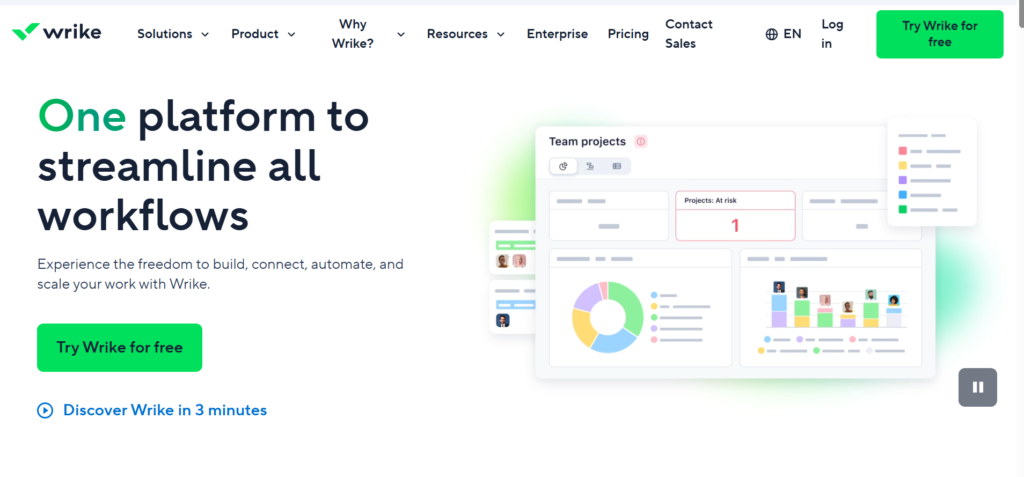
Wrike is a versatile project management platform often favored by large enterprises for its scalability and advanced security and reporting features. It offers a centralized space for teams to plan, collaborate, and accelerate processes. Wrike is best for large, complex organizations and teams that require highly customized workflows and in-depth analytics across multiple projects.
Why it’s a good Infinity alternative
For businesses that have outgrown the flexibility of Infinity and need enterprise-grade control, security, and reporting, Wrike is an excellent alternative. Wrike’s structured approach to work management, combined with its powerful hierarchy and resource management features, offers a more robust platform for mission-critical projects and teams that need to verify and audit their processes.
Main features
Wrike provides advanced features tailored for large-scale project and portfolio management.
- Customizable Dashboards and request forms.
- Dynamic Gantt charts and baselines.
- Project portfolio management for high-level tracking.
- Time tracking, resource management, and workload control.
- Proofing and in-depth reporting analytics.
Integrations
Wrike offers seamless connection with over 400 apps. Key native integrations include Salesforce, Microsoft Teams, Slack, Google Workspace, Box, JIRA, and Adobe Creative Cloud. It also provides a robust API and a platform called Wrike Integrate for businesses that require custom, two-way data synchronization and sophisticated automation.
Desktop and mobile capabilities
Wrike is fully accessible from a web browser and offers dedicated desktop apps for both Windows and Mac, featuring offline access to tasks and data. The mobile apps for iOS and Android are feature-rich, allowing users to manage tasks, check progress, and collaborate while away from their desks.
Pros and cons
| Pros | Cons |
| Excellent scalability for enterprise teams | Can be overkill for small teams and simple projects |
| Advanced security features and admin control | Higher price point compared to many competitors |
| Powerful and detailed analytics and reporting | The learning curve is steep due to its depth of its features |
| Strong resource and workload management | The free plan is very limited in its core features |
7) Jira
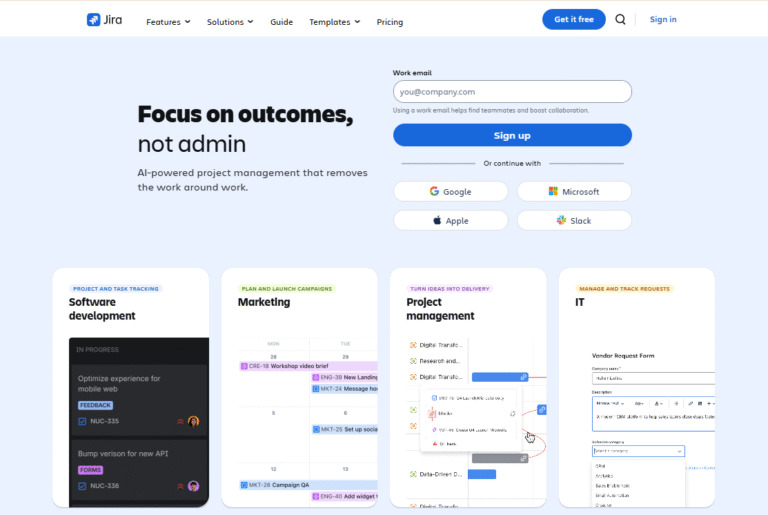
Jira is an extremely popular tool primarily used by software development teams for agile methodologies like Scrum and Kanban. It is the gold standard for tracking bugs, issues, and development tasks through various stages. Jira is best for technical and software development teams that require flexible, granular control over their code and release processes.
Why it’s a good Infinity alternative
For software development teams that found Infinity’s database structure not purpose-built enough for their processes, Jira is the superior, industry-standard alternative. It offers powerful, purpose-built features for backlog management, sprint planning, and deep code connections. Jira is essential for teams practicing agile methodologies and needing to verify progress with a high degree of technical rigor.
Main features
Jira is focused on supporting agile development and issue tracking.
- Configurable Scrum and Kanban boards.
- Roadmaps for visualizing project timelines and dependencies.
- Robust issue and bug tracking system.
- Sprint reporting, velocity charts, and analytics.
- Custom workflows for agile methodologies.
Integrations
Jira has deep, native integration with the Atlassian suite (Confluence, Bitbucket, Trello) and strong connections with development tools like GitHub, GitLab, and various CI/CD apps. It also integrates with business apps like Slack, Salesforce, and countless others via the Atlassian Marketplace, which offers thousands of third-party solutions.
Desktop and mobile capabilities
Jira is primarily a web-based tool but ensures full access on the go. While it does not offer dedicated desktop apps, it can be used via any modern web browser. Feature-rich mobile apps for iOS and Android allow users to update tasks, track progress, and respond to issues in real time.
Pros and cons
| Pros | Cons |
| Industry standard for agile methodologies | Can be overly complex for non-technical teams |
| Extremely powerful and flexible issue tracking | Requires technical setup and administrative control |
| Deeply integrates with development tools | The price scales up quickly past the free tier |
| Great for software development teams of all sizes | Reporting and dashboard features can be limited |
8) Basecamp
Basecamp is a simplified project management and communication tool designed to bring all project stakeholders together in one centralized place. It eschews the complex features of its competitors in favor of simplicity, clarity, and transparent communication. It is best for small teams and clients who value straightforward communication over granular task control.
Why it’s a good Infinity alternative
If a team finds the depth of customization in Infinity excessive and wants to strip their process down to the essentials of communication and basic task management, Basecamp is a powerful alternative. Its unique flat-rate pricing for the Pro Unlimited plan is a huge advantage for larger teams seeking cost control. The focus is on completing projects through clear communication, not on complex data management.
Main features
Basecamp provides a core set of tools for straightforward collaboration.
- Message board for centralized discussions.
- To-do lists for task management and assignment.
- Schedule with automatic date updates and Google Calendar integration.
- Document and file management within the project.
- Group chat (Campfire) for real-time connection.
Integrations
Basecamp is not focused on extensive native integrations, instead preferring to keep the system simple. However, it does connect with essential apps like Google Calendar and various time tracking tools. Numerous third-party developers offer integrations via Zapier and its open API, allowing for necessary connections to external services.
Desktop and mobile capabilities
Basecamp is fully supported across all devices, upholding its commitment to accessibility and simple connection. It offers a clean web experience, dedicated desktop apps for Windows and Mac, and user-friendly mobile apps for both iOS and Android, allowing teams to communicate and track tasks easily wherever they work.
Pros and cons
| Pros | Cons |
| Extremely easy to use with a minimal learning curve | Lacks advanced project management features like Gantt charts |
| Simple, fixed-price model (Pro Unlimited) | Basic task management and limited custom fields |
| Excellent and transparent communication features | Not suitable for highly complex or technical projects |
| Ideal for client collaboration and small teams | Limited native integrations compared to others |
9) Airtable
Airtable functions as a flexible platform that sits between a spreadsheet and a database, offering a powerful way to organize, manage, and track any kind of information or workflow. Users can build highly customized applications and dashboards without writing code. It is best for teams needing a highly flexible, data-centric solution for custom project tracking and database management.
Why it’s a good Infinity alternative
Airtable is perhaps the most direct alternative to Infinity for users who value the core database-driven flexibility. It offers an even more robust and widely supported platform for building custom applications and workflows. Its deep analytics and Interface Designer features provide better control and visualization of project data, making it a powerful solution for teams with unique data management needs.
Main features
Airtable offers deep database functionality disguised in a simple interface.
- Customizable tables, fields, and database relationships.
- Multiple views, including Grid, Calendar, Gallery, and Gantt charts.
- Automation and scripting features for custom workflows.
- Interface Designer to build custom, interactive dashboards.
- Sync features for connecting data across different bases.
Integrations
Airtable offers both native and third-party integrations for extensive connections. It natively integrates with popular apps like Slack, Google Workspace, and Microsoft Teams. Through Zapier and other automation tools, it can connect with thousands of other business apps. It also features a rich API for deep data integration and custom development.
Desktop and mobile capabilities
Airtable provides a consistent, high-quality experience across different access points. Users can manage their bases and tasks through the web application, a dedicated desktop app for Mac, and well-designed mobile apps for both iOS and Android. These apps allow for easy data entry and visualization for tracking on the go.
Pros and cons
| Pros | Cons |
| Extreme flexibility for building custom solutions | High price point, especially for the Business plan |
| Powerful database and data visualization features | The high degree of customization requires significant setup |
| Robust API and automation capabilities | Can be overly complex for simple project management |
| Ideal for custom CRM, content, and data management | The free plan is heavily restricted on features and data |
10) Smartsheet
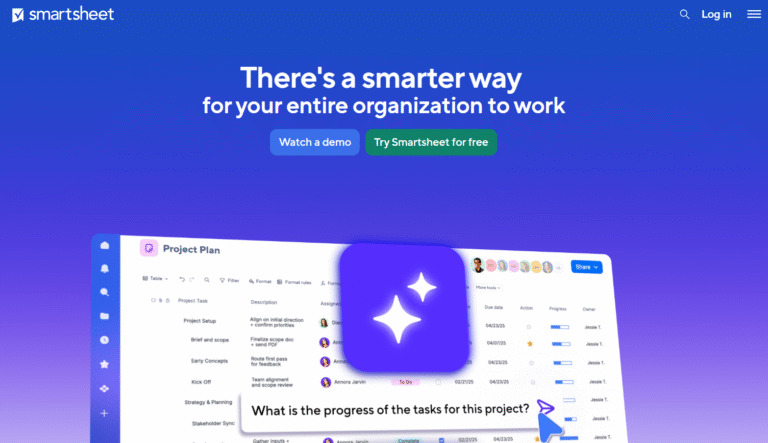
Smartsheet combines the familiar format of a spreadsheet with enterprise-level project management features, making it an easy transition for teams currently using spreadsheets to track work. It is highly valued for its strong grid view, resource management, and automation features. Smartsheet is best for teams that need to scale up from spreadsheets into a powerful work management solution without a steep learning curve.
Why it’s a good Infinity alternative
For teams who find the database foundation of Infinity to be too abstract, Smartsheet offers a more recognizable spreadsheet structure combined with powerful project features. It provides a strong alternative for businesses that require formal reporting, resource management, and a clear hierarchy for large, structured projects and processes, with enterprise-grade security and control.
Main features
Smartsheet focuses on tracking progress and automating workflows within a familiar interface.
- Grid view with cell-level control and formula support.
- Gantt charts, calendar view, and card view.
- Resource management and workload allocation.
- Powerful automation for alerts, actions, and approvals.
- Dashboards for real-time analytics and portfolio tracking.
Integrations
Smartsheet offers numerous native integrations to enhance connection and workflow. Key examples include Google Workspace, Microsoft 365, Slack, Salesforce, Jira, Tableau, and various development tools. It also provides connection via an API and features a marketplace for additional third-party apps and solutions.
Desktop and mobile capabilities
Smartsheet is primarily a web-based platform, but ensures full accessibility across devices. It does not have dedicated desktop apps, relying on a robust web browser experience. The mobile apps for iOS and Android are fully featured, allowing users to view, edit, and update their sheets and tasks on the go.
Pros and cons
| Pros | Cons |
| Easy adoption for teams familiar with spreadsheets | Limited functionality in the lowest-paid tier |
| Strong features for resource management | The price is high for small teams and individual users |
| Excellent automation and workflow control | Not as visual or modern as some competitors |
| Powerful reporting and analytics tools | Minimum number of users required for paid plans |
11) TeamGantt
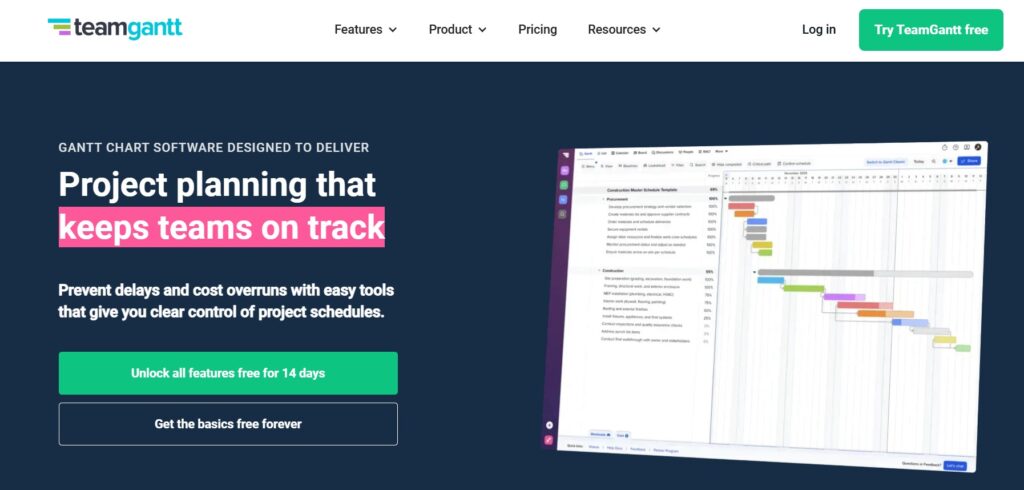
TeamGantt is a project management tool focused on making Gantt charting and resource management simple and highly visual. It lets teams easily create good-looking, interactive timelines and track what resources are available. This tool is best for teams that need deep visual planning, mapping dependencies, and accurate management of their resources.
Why it’s a good Infinity alternative
While infinity offers a Gantt view, TeamGantt is the superior alternative for teams that place their planning process and timeline visualization at the core of their project management. Its interface is dedicated to making Gantt charts, dependencies, and resource allocation clear, simple, and interactive, providing a level of clarity that is difficult to achieve in more generalized tools.
Main features
TeamGantt offers key features for timeline and resource management.
- Drag-and-drop, interactive Gantt charts.
- Resource management and workload visualization.
- Task management with calendar and list views.
- Baselining and progress tracking against the original plan.
- Built-in team communication and file connection.
Integrations
TeamGantt offers native integrations with a few essential apps, including Trello, Basecamp, Slack, and Google Calendar. For a broader array of connections, it offers support through Zapier, allowing it to connect with hundreds of other business apps to centralize data and automate routine processes.
Desktop and mobile capabilities
TeamGantt is primarily a web application, providing a seamless experience through any web browser. It does not currently offer dedicated desktop apps. However, mobile apps for both iOS and Android allow users to view projects, track progress, and make updates to tasks while maintaining a connection on the go.
Pros and cons
| Pros | Cons |
| Best-in-class, user-friendly Gantt charting | Lack of advanced analytics or portfolio management |
| Excellent and clear resource management features | The price model can be inflexible for growing teams |
| Unlimited file storage on all paid plans | Limited native integrations compared to some competitors |
| Simple to learn and implement for visual planning | The task management features are somewhat basic |
How to select the best Infinity alternative for your business: main criteria
When evaluating Infinity alternatives or any new project management software, it is important to look beyond the initial visual appeal. Here are several key criteria which can ensure the chosen solution aligns with your team’s specific processes and long-term business goals.
Features
The tool must provide the specific features required for your teams to complete their work effectively. This includes essential capabilities like task management, resource allocation, and reporting. For software development teams, this means having strong support for agile methodologies, while marketing teams might prioritize visual workflow boards and automation. Verify that the core features you need are available in the plan you can afford.
Usability
The platform must be intuitive and easy for your users to adopt with a minimal learning curve. A complex system, regardless of its features, will lead to low adoption rates. Look for a clean interface, straightforward navigation, and seamless connection across different views (like calendar, Kanban, and list). This simplicity is often the difference between a successful tool rollout and project stagnation.
Customer support
Reliable customer support is crucial, especially during the migration and setup of complex projects. Before committing to a long-term account, verify what level of support is offered—live chat, phone, or email—and the response time you can expect. This ensures your teams can quickly overcome technical hurdles and get the most value from the tool’s advanced features and security protocols.
Value for money
Value is not just about the lowest price; it’s about the full set of features and scalability you receive for the price you pay. Some competitors may offer a low per-user price but lock essential features (like automation or advanced analytics) behind much higher, less cost-effective tiers. Look in depth at what each plan provides, especially for growing small teams and large enterprises that need cost control and predictable expense management.
Reviews
Checking verified user reviews on independent platforms provides crucial, real-time insight into the day-to-day experience of using the software. These reviews often highlight common pain points, the actual quality of customer service, and the true cost of scaling. They offer a grounded perspective on whether a tool, like those replacing Infinity, truly lives up to its marketing promises regarding simplicity, features, and reliability.
Save up to 50% by switching from Infinity to GoodDay
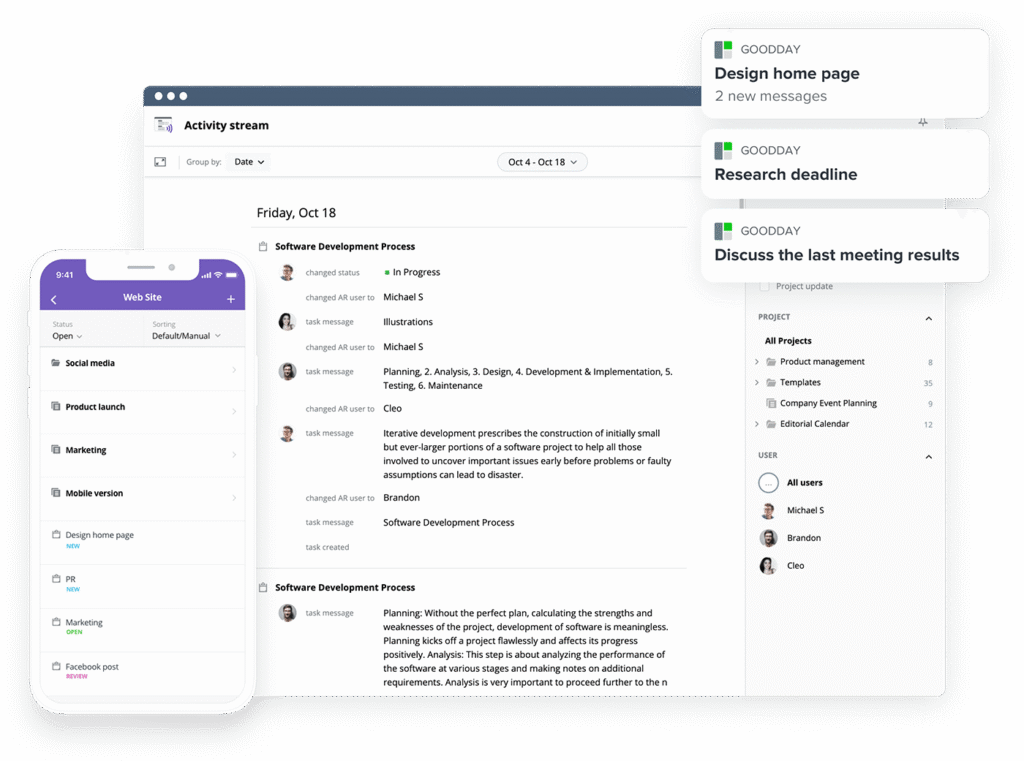
If your business is seeking the ideal compromise between robust customization and affordable pricing, GoodDay is a standout choice among Infinity alternatives in 2026.
GoodDay has gained international recognition for delivering a powerful set of features while maintaining budget-friendly subscription plans. You can try GoodDay for free to see how its functionality fits your workflow.
And if you have any questions about finding the best project management software, you can always reach out to our team via info@goodday.work.
FAQs
What is task management?
Task management is the systematic process of planning, organizing, assigning, and tracking individual tasks from initiation through completion of the assigned work. It helps teams break down complex projects into manageable steps, ensuring clear accountability and defined priorities for every user. Effective management relies on using a specialized project management tool like GoodDay to plan project, set deadlines, define dependencies, and monitor progress in real time across the entire workflow. By improving organization and focus, good task management is essential for successful project execution and overall business efficiency.
How to boost team productivity?
To boost team productivity, you must centralize all tasks and projects within a single management software solution to eliminate communication friction. Adopting a flexible tool like GoodDay, which offers strong integration capabilities and real-time connection, fundamentally supports efficient workflow and successful project management. Using features like automation for routine updates and reminders helps streamline processes, allowing the team to focus on completing high-value work and avoiding time-consuming administrative efforts. Regular performance analytics and visibility tools help project managers track progress and ensure resource allocation is balanced, preventing bottlenecks and burnout for the user.
What software do project managers use?
Project managers utilize specialized management software like GoodDay, Jira and ClickUp to plan, execute, and track their projects. These apps consolidate essential features such as Gantt charts, Kanban boards, and shared calendar views to gain full control over processes and resources. The choice of software often depends on the specific needs of the teams and the complexity of the projects, but most require robust integration with other business tools for seamless data exchange. Tools like GoodDay offer a balanced platform, ensuring both deep project structuring and user-friendly management for completing all related tasks.
How to organize daily tasks at work?
Organizing daily tasks at work begins with capturing all responsibilities in a centralized task management tool and prioritizing them based on their impact on projects or business goals. Utilize features like the calendar view and due dates within your software to plan your day and visually track your personal progress toward completing core duties. Breaking larger tasks into smaller, actionable steps makes the workload less overwhelming and helps the user maintain focus and a steady management flow. Regularly review your priorities and use the tool to quickly respond to changes, ensuring you are always working on the most critical items for the teams.
What are the best platforms for real-time team collaboration?
Platforms like GoodDay and Microsoft Teams are highly regarded as the best solutions for real-time team collaboration due to their integrated communication and management features. These apps provide instant updates on tasks and projects, ensuring all teams can track progress and immediately respond to issues, establishing a vital connection. Key features include in-task commenting, live document co-editing, and robust integration with third-party software to centralize all data and communication in one tool. This unified management approach fosters efficient processes and accountability, enabling teams to achieve high velocity in completing complex projects.
How to manage complex projects?
Managing complex projects requires a robust management tool that provides granular control over tasks, dependencies, and resources, such as those found in GoodDay or Jira. The project must be meticulously broken down into hierarchical tasks and sub-tasks, ensuring clear definition and planning before any progress can be effectively tracked across the various teams. Effective management also hinges on powerful visualization features, like Gantt charts and dependency mapping, which allow the user to anticipate risks and model alternatives to keep the overall process on schedule. Crucially, the software must offer secure data and security protocols, along with excellent integration capabilities, to support large, dispersed business teams.
What are the three best Infinity alternatives, and can you provide an in-depth comparison of their unique selling points?
Three top Infinity alternatives offering excellent management solutions include GoodDay, ClickUp, and Jira, each with distinct features for varying teams. GoodDay stands out for its robust project management features, extensive integrations, and exceptional value for money, making it a compelling alternative to Infinity for business projects. ClickUp aims to be the “one app” to provide deep workflow control. Jira is valuable tool for software development teams, specializing in agile methodologies and offering integration for technical processes and tasks.
Which Infinity alternatives are most highly recommended for software development teams specifically practicing agile methodologies?
GoodDay is the most highly recommended Infinity alternative for software development teams practicing agile methodologies due to its purpose-built features for Scrum and Kanban. However, alternatives like Jira and Asana offer competitive solutions with flexible boards and the option to connect tasks to Git repos, which is critical for agile processes and management. For teams that desire flexibility without sacrificing rigor, GoodDay offers a simplified user interface for tracking progress and completing sprints while maintaining robust security and control. These alternatives enable software teams to efficiently plan sprints, track issues, and quickly respond to changing project requirements.
For small teams, what budget-friendly and easy-to-use Infinity alternatives offer the necessary core project management features without being overly complex?
For small teams, GoodDay is a budget-friendly Infinity alternative that delivers essential core project management features and great security without unnecessary complexity, providing an excellent value proposition at a competitive price. It allows the user to easily track progress and manage tasks using familiar list, board, or calendar views, simplifying the initial management process. The software offers sufficient integration with common apps and focuses on core collaboration features, unlike some competitors that overload the user with complex, expensive solutions. GoodDay enables small teams to achieve efficient management of their projects quickly, ensuring the successful completion of all required tasks.
Can you explain in depth how the best Infinity alternatives support specific agile methodologies, such as backlog management and sprint planning visualization?
The best Infinity alternatives, such as GoodDay and Jira, support agile methodologies in depth by providing specialized views and workflows to manage the process effectively. For backlog management, they allow the user to prioritize items via drag-and-drop interfaces, organize them into a customizable database, and assign story points to tasks for accurate planning. Sprint planning visualization is supported through Kanban and Scrum boards, enabling teams to move tasks through defined workflow states and visually track progress toward completing the sprint goal. The software automatically updates analytics like burn-down charts based on real-time management actions, allowing teams to verify their velocity and adjust the scope of the project as needed.
Beyond features, what is the best overall value proposition among the best Infinity alternatives for a growing small team?
The best overall value proposition for a growing small team among the top Infinity alternatives lies in a combination of low price, ease of adoption, and robust security guarantees, which GoodDay provides effectively. GoodDay ensures that teams can immediately begin management and tracking their projects without a massive overhead or complex setup process. This value allows the business to scale its tasks and teams without sudden jumps in software expenditure, giving the user powerful control over their growth and maintaining a strong data security posture. The ability to grow without constant re-platforming and the ease of use are key factors that verify GoodDay’s suitability as a long-term management solution for evolving teams.




