
While Hitask offers a straightforward way to organize work, your business may eventually need more advanced features, better integrations, or a different visual layout to keep everyone on track.
In this guide, we’ll explore the best Hitask alternatives to help you make the right choice.
But if you have any questions that are not covered in this article, you can always connect with our team via info@goodday.work.
Best Hitask alternatives shortlist for 2026
There are many Hitask alternatives available depending on whether you need a simple list or a complex database.
- Best overall: GoodDay offers a highly customizable environment that bridges the gap between high-level project planning, task management, and detailed time tracking.
- Best for Simple Task Management: Todoist is highly rated for individual to-do lists and simple project tracking.
- Best for Visual/Kanban Management: Trello offers an intuitive, board-based system for tracking tasks.
- Best for Collaboration: ClickUp offers a robust platform that combines task management, documents, and chat.
- Best for Customization: Monday.com is a highly visual, flexible work management platform.
- Best for Enterprise/Complex Projects: Asana is ideal for managing complex workflows and team collaboration.
- Best for Spreadsheet/Database Users: Airtable blends database functionality with task tracking.
- Best for Agile Teams: Jira is geared towards software development and Agile project management.
- Best for Microsoft-integrated Task Management: Microsoft To Do offers a simple, free task list.
Comparison of the top Hitask alternatives (free and paid)
Let’s take a look at some of the top alternatives to Hitask.
| Software | Best for | Pricing | Ease of migration from Hitask |
| GoodDay | Best overall balance of features and cost | Free plan (1–15 users); Professional $4/user/month; Business $7/user/month; Enterprise custom | Easy (CSV import, Zapier integrations) |
| Todoist | Personal and simple team tasks | Free; Pro $4/month; Business $6/user/month | Very Easy (Import tool) |
| Trello | Visual Kanban workflows | Free; Standard $5/user/month; Premium $10/user/month | Easy (CSV or Power-Ups) |
| ClickUp | All-in-one productivity | Free; Unlimited $7/user/month; Business $12/user/month | Moderate (Direct importers) |
| Monday.com | Visual customization | Free; Basic $9/user/month; Pro $19/user/month | Easy (Excel/CSV import) |
| Asana | Team collaboration | Free; Starter $10.99/user/month; Advanced $24.99/user/month | Easy (CSV importer) |
| Airtable | Data-driven projects | Free; Team $20/user/month; Business $45/user/month | Moderate (CSV import) |
| Jira | Software development | Free; Standard $8.15/user/month; Premium $16/user/month | Moderate (CSV/JSON) |
| Microsoft To Do | Microsoft ecosystem users | Free with a Microsoft account | Easy (Outlook sync) |
What is Hitask and why consider an alternative?
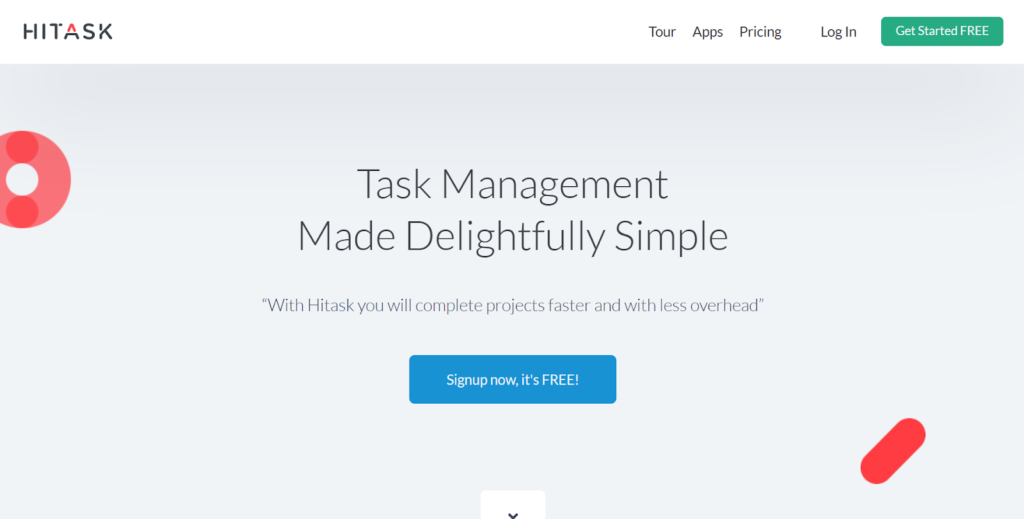
Hitask is a project management tool designed for simplicity, focusing on task lists, shared calendars, and basic team collaboration. It is often used by small teams or individuals who want to get up and running quickly without a steep learning curve. The platform provides a unified workspace where users can assign tasks and track progress in a centralized view.
However, as businesses grow, they often find Hitask’s feature set a bit limited. Organizations may seek alternatives to gain access to more advanced reporting, deeper customization options, or more robust integrations with third-party apps. If your team requires complex automation or detailed resource management, moving to a more comprehensive platform can significantly increase efficiency.
In-depth overview of the best alternatives to Hitask
According to the Wellingtone State of Project Management Report 2025, organizations that fail to use a defined project management methodology or tool are 15% less likely to meet their goals and 16% less likely to finish projects on time. The right software makes all the difference. So, here are the best alternatives to Hitask in 2026 for teams looking to upgrade their task management.
GoodDay
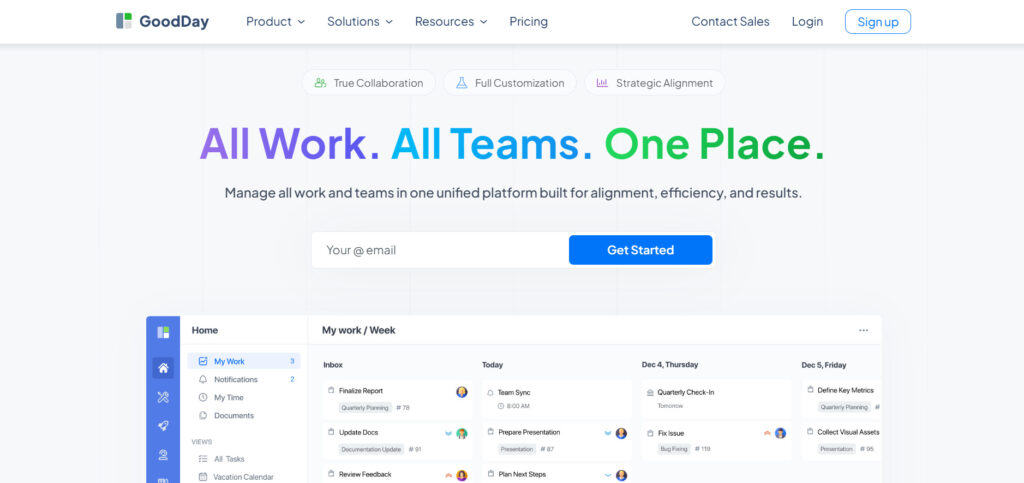
GoodDay is a comprehensive work management solution used by global enterprises, emerging startups, and businesses of every scale. Moving your team to GoodDay can reduce your software expenses by up to 50% while providing all the essential tools your team relies on. The platform makes the transition seamless, with data migration taking as little as two minutes.
Why it’s a good Hitask alternative:
GoodDay is frequently featured as a top-performing tool in Capterra shortlists across a dozen categories. Users often highlight the platform for its ability to offer high-end features at a very competitive price point. It provides a significant amount of value for the investment, making it a sustainable choice for growing companies.
Main features:
GoodDay provides a versatile toolkit for managing projects from start to finish.
- Customizable workflows and project views (Gantt, Kanban, List).
- Built-in time tracking and detailed resource planning.
- Advanced data visualization and business intelligence dashboards.
- Comprehensive task management with subtasks and dependencies.
Integrations:
GoodDay offers native connectivity with G Suite, Gmail, Slack, Google Docs, Drive, and Calendar. It also supports Dropbox, Box.com, GitHub, GitLab, and Single Sign-On (SSO via SAML). For everything else, it connects to over 1,300 applications through Zapier and provides a robust API for custom builds.
Desktop and mobile capabilities:
Users can access GoodDay on Windows, Mac, and Linux desktops. Mobile applications are available for both iOS and Android, ensuring you can manage projects and view dashboards from any location.
Pros and Cons
| Pros | Cons |
| Utilized by more than 100,000 teams globally | High-level reporting requires initial setup |
| A diverse set of professional features included | Customizing workflows takes time to perfect |
| Highly cost-effective with a generous free tier | Learning advanced settings has a slight curve |
| No aggressive sales tactics or forced upgrades | Deep customization can slow down first-time setup |
Todoist
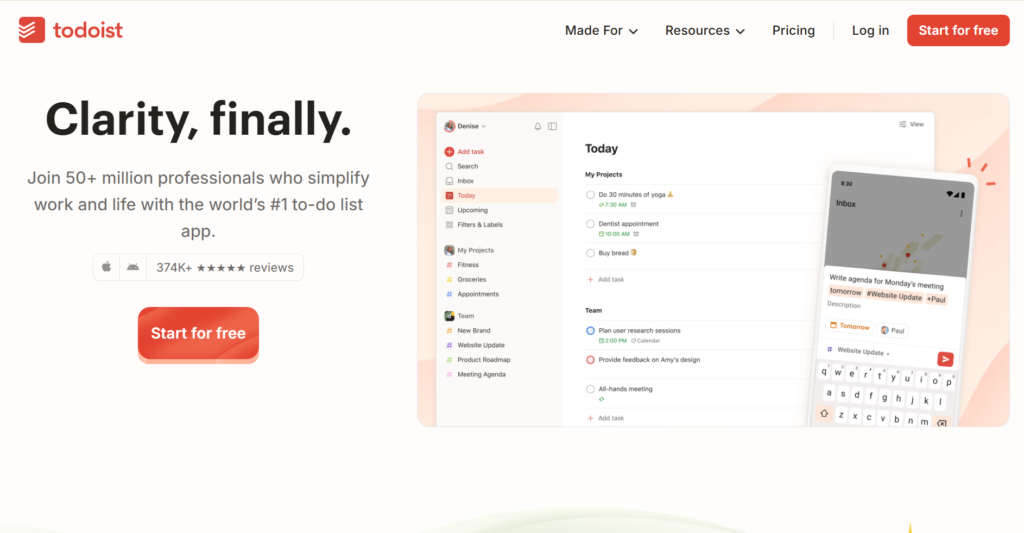
Todoist is a streamlined task manager designed to help individuals and teams organize their daily work. It is best for those who prefer a clean, minimalist interface that focuses on lists and productivity. This tool excels at capturing ideas and organizing them into actionable items quickly.
Why it’s a good Hitask alternative:
Todoist offers a much more modern and fluid user experience compared to the Hitask interface. It provides better natural language processing, allowing you to type “Review report every Friday” to set a recurring task instantly. It is a great choice if you want something lighter and more mobile-friendly.
Main features:
The platform focuses on clarity and ease of use for daily task management.
- Natural language input for quick task creation.
- Priority levels and recurring due dates.
- Project sections and subtasks for better organization.
- Productivity visualizations and activity history.
Integrations:
Todoist integrates with hundreds of tools, including Google Calendar, Slack, Amazon Alexa, and IFTTT. It also works well with Gmail and Outlook via dedicated browser extensions.
Desktop and mobile capabilities:
Todoist is available on virtually every platform, including macOS, Windows, Linux, iOS, Android, and Apple Watch. It also offers extensions for most major web browsers.
Pros and Cons
| Pros | Cons |
| Extremely intuitive and easy to learn | Limited features for complex project tracking |
| Excellent mobile app experience | The free version has restrictive project limits |
| Strong natural language task entry | No built-in time tracking features |
| Great for personal and professional use | Kanban views are basic compared to others |
Trello
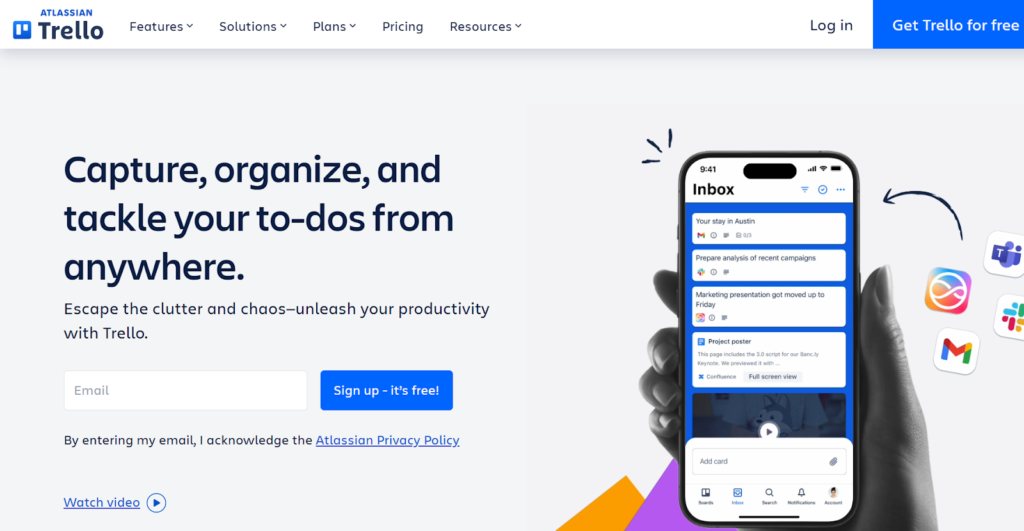
Trello is a visual collaboration tool that uses boards, lists, and cards to represent different stages of a project. It is best for teams that prefer a Kanban-style approach to see their work moving through a pipeline. Its flexibility allows it to be used for everything from marketing campaigns to software development.
Why it’s a good Hitask alternative:
Trello provides a much more visual and interactive way to manage work than Hitask’s list-heavy layout. The “Power-Ups” system allows you to add only the features you need, keeping the interface uncluttered. It is ideal for teams that find Hitask too rigid or text-based.
Main features:
Trello is built around simplicity and visual organization.
- Kanban boards with drag-and-drop functionality.
- Customizable “Power-Ups” for extra features like calendars.
- Butler automation for creating custom rules and commands.
- Checklists, due dates, and attachments on every card.
Integrations:
Trello integrates with Slack, Google Drive, Dropbox, Jira, and many other popular tools through its Power-Up directory. It also supports automation via Zapier.
Desktop and mobile capabilities:
Trello is accessible via web browsers, dedicated desktop apps for Windows and Mac, and mobile apps for iOS and Android.
Pros and Cons
| Pros | Cons |
| Very low learning curve for new users | Can become messy with too many tasks |
| Highly visual and easy to scan | Limited native reporting capabilities |
| Massive library of third-party integrations | Lacks built-in Gantt charts |
| Excellent free version for small teams | No native time tracking without Power-Ups |
ClickUp
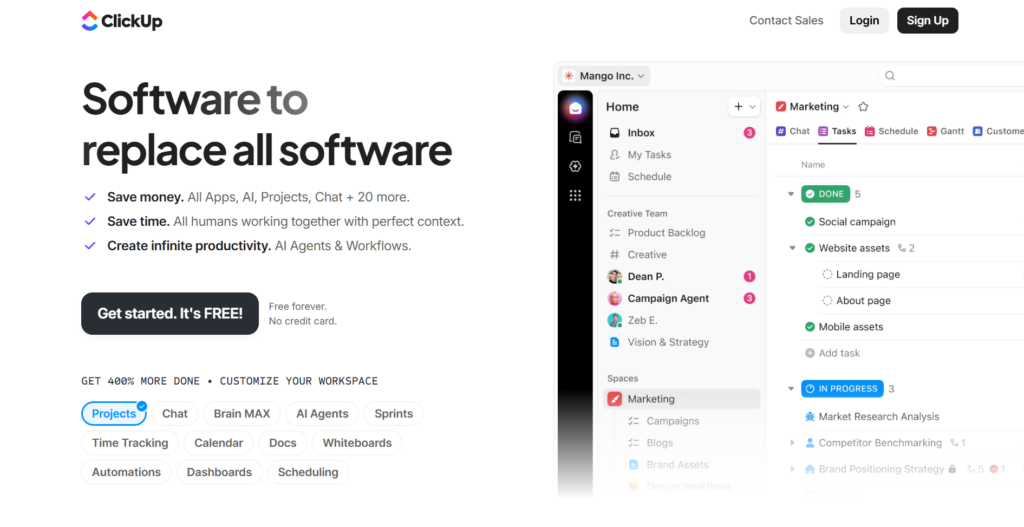
ClickUp is an “all-in-one” productivity platform that aims to replace multiple apps by combining tasks, docs, and goals. It is best for teams that want a single source of truth for all their work and documentation. The platform is highly versatile and can be configured for almost any business department.
Why it’s a good Hitask alternative:
ClickUp offers significantly more depth than Hitask, including built-in document editing and whiteboards. It allows users to view the same data in multiple formats, such as a List, Board, or Gantt chart, with a single click. This makes it a better fit for teams that have outgrown simple task lists.
Main features:
ClickUp is packed with features designed to handle every aspect of work.
- Multiple views, including List, Board, Gantt, and Calendar.
- Native Docs and Whiteboards for collaboration.
- Custom fields and advanced automation triggers.
- Goal tracking and time trackingare integrated natively.
Integrations:
ClickUp supports over 1,000 integrations, including Slack, GitHub, Zoom, and Google Drive. It also offers a robust API and easy imports from other project management software.
Desktop and mobile capabilities:
ClickUp is available on Windows, macOS, Linux, iOS, and Android. It also provides a Chrome extension for tracking time and creating tasks from the web.
Pros and Cons
| Pros | Cons |
| Replaces multiple separate software tools | The interface can feel overwhelming at first |
| High level of customization for workflows | Occasional performance lag due to feature density |
| Features like Docs and Chat are built in | Setup requires significant time investment |
| Very generous feature set on the free plan | The mobile app is not as fast as the desktop |
Monday.com
Monday.com is a work operating system that allows teams to build custom workflows for any project. It is best for organizations that value a highly visual interface and need to track complex data points. The platform is known for its “Pulse” system, which makes tracking progress very clear.
Why it’s a good Hitask alternative:
Monday.com offers a much more polished and colorful interface that can boost team engagement compared to Hitask. Its automation engine is very user-friendly, allowing you to automate repetitive tasks without writing code. It provides a more professional feel for client-facing project tracking.
Main features:
The platform is designed to be a flexible hub for all business operations.
- Visual project tracking with color-coded statuses.
- Custom automation for status changes and notifications.
- Multiple data views, including Map, Timeline, and Workload.
- Integrated forms for data collection and lead capture.
Integrations:
Monday.com integrates with Slack, Microsoft Teams, Adobe Creative Cloud, and Shopify. It also features a marketplace for custom apps and integrations.
Desktop and mobile capabilities:
The platform is available via the web and has dedicated apps for Windows, Mac, iOS, and Android.
Pros and Cons
| Pros | Cons |
| Beautiful and highly engaging user interface | Pricing can be expensive for small teams |
| Powerful and easy-to-use automation | Some basic features require higher tiers |
| Excellent for high-level project overviews | Minimum seat requirements for paid plans |
| Highly adaptable to various industries | Limited functionality on the free version |
Asana
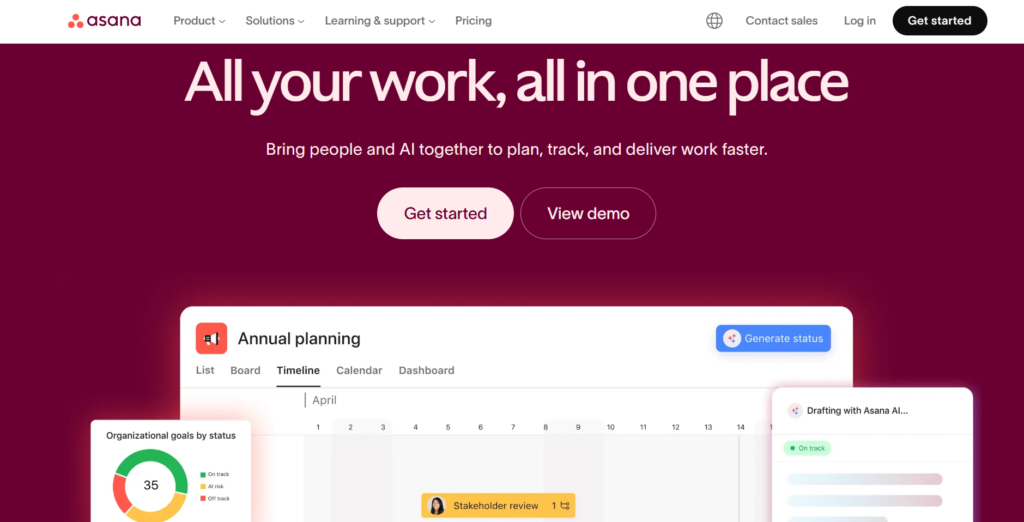
Asana is a leading project management platform designed to help teams coordinate everything from daily tasks to strategic initiatives. It is best for larger teams that need to manage complex dependencies and multi-step workflows. Asana focuses on clarity by showing who is doing what and by when.
Why it’s a good Hitask alternative:
Asana provides better “big picture” visibility than Hitask through its Portfolios and Workload features. It allows for more complex task relationships, such as marking one task as waiting on another. It is a superior choice for teams that need to manage cross-departmental projects.
Main features:
Asana prioritizes team coordination and project transparency.
- Timeline view for managing project schedules.
- Custom fields for tracking specific data points.
- Workload management to prevent team burnout.
- Task dependencies and automated workflows.
Integrations:
Asana connects with over 200 tools, including Salesforce, Tableau, Microsoft Office 365, and Google Workspace.
Desktop and mobile capabilities:
Asana offers a web-based platform as well as desktop apps for Mac and Windows, and mobile apps for iOS and Android.
Pros and Cons
| Pros | Cons |
| Very clean and professional user interface | Paid plans are priced higher than competitors |
| Excellent tools for team collaboration | No built-in native time tracking |
| Strong focus on project goals and milestones | Can feel “too big” for very small projects |
| Reliable performance with large data sets | The free version is limited to larger teams |
Airtable
Airtable is a platform that combines the simplicity of a spreadsheet with the power of a complex database. It is best for teams that need to organize large amounts of data and create custom relationships between different pieces of information. It is highly popular for content calendars and inventory management.
Why it’s a good Hitask alternative:
Airtable is much more powerful than Hitask when it comes to data management and custom reporting. While Hitask is a task manager, Airtable is a flexible engine that can be turned into a CRM, a project tracker, or a product roadmap. It is better for teams that find standard task lists too limiting.
Main features:
Airtable focuses on data flexibility and custom app building.
- Relational database functionality for linking records.
- Multiple views like Grid, Gallery, Kanban, and Gantt.
- Interface Designer for building custom dashboards.
- Advanced automation and scripting capabilities.
Integrations:
Airtable integrates with Google Workspace, Slack, Facebook, and Twitter. It also has a powerful API for connecting to enterprise systems.
Desktop and mobile capabilities:
Airtable is available on the web, as a desktop app for Mac and Windows, and via mobile apps for iOS and Android.
Pros and Cons
| Pros | Cons |
| Unmatched flexibility for data organization | Steeper learning curve than simple task tools |
| Great for building custom internal tools | Pricing scales quickly with extra features |
| Excellent visual gallery and grid views | Not ideal for simple, quick to-do lists |
| Strong collaboration on shared databases | Mobile app is less powerful than desktops |
Jira
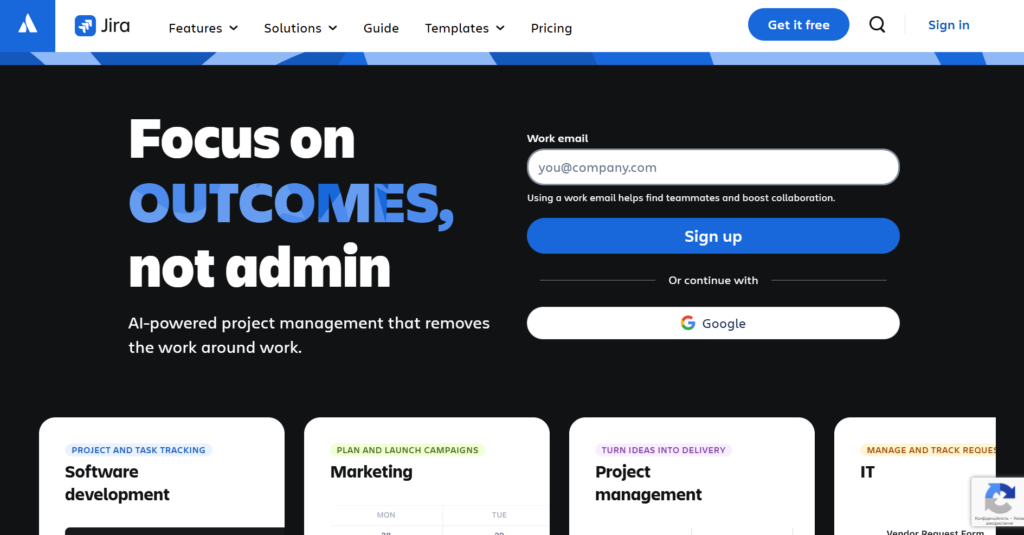
Jira is the industry standard for software development teams using Agile methodologies like Scrum or Kanban. It is best for technical teams that need to track bugs, manage sprints, and release software. It offers deep technical reporting that general task managers cannot match.
Why it’s a good Hitask alternative:
Jira is a significant upgrade for any team involved in software development or technical project management. It provides specific features like sprint planning and backlog grooming that Hitask lacks entirely. It is the right choice if your team needs to follow a strict Agile framework.
Main features:
Jira is built to support the entire software development lifecycle.
- Scrum and Kanban boards for Agile tracking.
- Detailed agile reporting (Burndown, Velocity charts).
- Advanced issue tracking and bug reporting.
- Roadmaps for long-term product planning.
Integrations:
Jira integrates deeply with development tools like Bitbucket, GitHub, and Jenkins. It also connects with Slack and Microsoft Teams.
Desktop and mobile capabilities:
Jira is available on the web, with desktop apps for macOS and Windows, and mobile apps for iOS and Android.
Pros and Cons
| Pros | Cons |
| The gold standard for software developers | Very complex and difficult for non-tech users |
| Highly customizable issue types and workflows | Can be slow to load with large amounts of data |
| Excellent reporting for Agile environments | Interface feels dated compared to modern tools |
| Strong security and enterprise-grade features | Requires a dedicated admin for large setups |
Microsoft To Do
Microsoft To Do is a simple, cloud-based task management application that replaced Wunderlist. It is best for individuals and small teams already using the Microsoft 365 ecosystem. It focuses on personal daily planning through its “My Day” feature.
Why it’s a good Hitask alternative:
Microsoft To Do is a great, free alternative for those who find Hitask too cluttered or expensive. It integrates perfectly with Outlook, allowing you to turn emails into tasks instantly. It is much lighter and focuses on getting individual tasks done.
Main features:
The tool is designed for daily productivity and personal organization.
- “My Day” personalized daily planner.
- Shared lists for basic team collaboration.
- Integration with Outlook Tasks.
- File attachments and notes on every task.
Integrations:
It integrates natively with Microsoft 365, including Outlook, Planner, and Teams.
Desktop and mobile capabilities:
Microsoft To Do is available on Windows, Mac, iOS, and Android, and syncs across all devices.
Pros and Cons
| Pros | Cons |
| Completely free for Microsoft account holders | Lacks advanced project management features |
| Very clean and simple user interface | No Gantt charts or Kanban boards |
| Perfect sync with the Outlook ecosystem | Limited reporting or analytics |
| Easy to use on the go | Not suitable for managing large teams |
How to select a Hitask alternative for your business: main criteria
Choosing the right software requires looking past the marketing and evaluating how the tool fits your specific business needs. You should consider the following factors before making a final decision.
Functionality
The tool must have the specific features your team needs to complete their work. If you need time tracking, don’t pick a tool that requires a third-party plugin for it. Ensure the software can handle your most complex projects without feeling like you are fighting the system.
Usability
A tool is only effective if your team actually uses it. If the interface is too confusing or requires days of training, adoption will be low. Look for a balance between power and a logical, easy-to-navigate design.
Customer support
When things go wrong, you need a responsive support team. Check if the provider offers live chat, extensive documentation, or dedicated account managers. Good support can be the difference between a quick fix and a day of lost productivity.
Value for money
Compare the cost per user against the features provided. Some tools seem cheap but charge extra for essential features like reporting or automation. Consider the long-term cost as your team grows.
Customer reviews
Read what other users in your industry say about the tool. Focus on reviews from teams of a similar size to yours. Pay attention to comments regarding software stability, mobile app quality, and the frequency of updates.
Save up to 50% by switching from Hitask to GoodDay
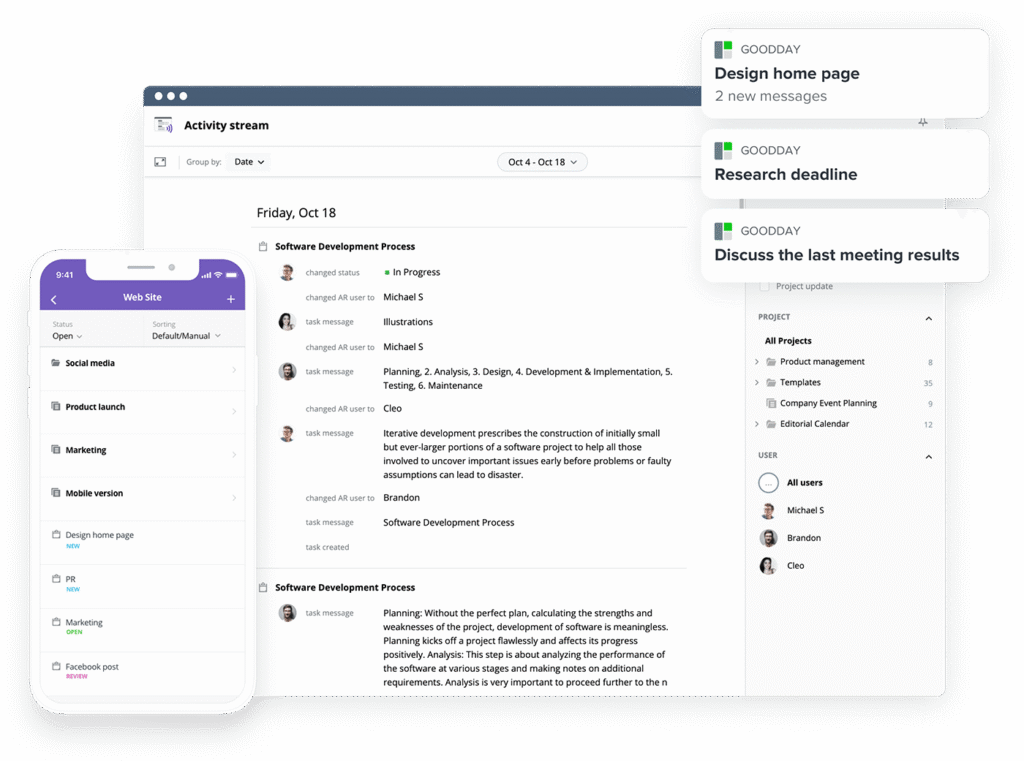
If you’re looking for the best balance of customization and price, GoodDay stands out in 2026. It is popular globally for its powerful functionality and affordable plans.
You can dive in and try GoodDay for free to see how it fits your workflow, your team, and your vibe.
And if you have any questions about selecting the right project management software for your business, you can always reach out to our team via info@goodday.work
FAQs
What is the best task tracking tool?
GoodDay is the premier choice for tracking tasks because it provides a centralized hub that combines task assignments, time tracking, and advanced reporting. This platform stands out among competitors by offering a highly organized workspace where every date and milestone is clearly visible. The tool ensures that your company remains productive with customizable workflows that adapt to your specific operational needs. While other pricing models can be restrictive, this solution offers a generous free tier for up to 15 users.
What is the top task management software for remote teams?
For remote work, GoodDay is the top-rated system as it provides an all-in-one environment for managing tasks and distributed workforce members effectively. It serves as a comprehensive company workspace that keeps everyone on the same page through real-time updates and shared project views. To further enhance remote productivity, the software includes built-in collaboration tools like chat, document sharing, and status tracking. Its flexible pricing ensures that teams of any size can access high-end management features without a high initial cost.
What is the best task management software for small teams?
GoodDay is the best solution for small teams, offering a powerful free plan that supports up to 15 users and unlimited projects. It provides a more organized approach than many competitors by including professional features like Gantt charts and custom fields early on. Small businesses can optimize their daily work because the platform makes it easy to manage a specific date for every deliverable. Additionally, its transparent pricing for paid tiers allows growing teams to scale their operations affordably.
What are the best visual task management systems for teams?
GoodDay offers the most versatile visual system, allowing teams to switch between Kanban boards, Gantt charts, timelines, and list views instantly. Keeping work organized is simple when you can visualize dependencies and workload in one unified company interface. Unlike some limited collaboration tools, it provides deep data visualization that helps managers see the big picture at a glance. You can visit the official website to explore how these visual layouts help your team stay focused and meet every deadline.
Which is better for team task management: simple task apps or comprehensive work platforms?
Comprehensive work platforms like GoodDay are superior for teams because they unify task tracking with advanced project planning and resource management. Simple apps often fail to keep a growing company on the same page because they lack the depth needed for complex dependencies. GoodDay provides an organized structure that supports your entire workforce from simple to-do lists to high-level portfolio management. Investing in a robust platform is more efficient long-term than managing a scattered set of single-purpose apps.
What is the difference between task management and project management tools?
Task management focuses on the daily execution of individual items, whereas project management tools like GoodDay oversee the entire lifecycle of complex initiatives. GoodDay excels at both, ensuring that every date is tracked while providing the high-level oversight a company needs to succeed. It offers more organized insights than standard competitors by linking individual tasks to broader strategic goals and milestones. Most teams find that a unified platform is the most efficient way to bridge the gap between execution and strategy.
How does task management software compare to project management tools?
Task management software is typically simpler and focused on checklists, while project management tools provide the structural depth required for company planning. GoodDay is the best of both worlds, offering an organized environment where you can manage daily work and high-level project roadmaps. It outperforms many competitors by including resource allocation and business intelligence that simple task apps cannot provide. Furthermore, its competitive pricing makes professional project management features accessible to teams that might otherwise settle for basic tools.
What is the best platform for team collaboration and task management?
GoodDay is the leading platform for team collaboration because it integrates task management directly with communication and document sharing. It allows a company to keep all project files and discussions in one place, ensuring everyone stays on the same page. By using these integrated collaboration tools, teams can improve their speed and reduce the need for constant status meetings. This efficient approach to work ensures that every team member remains accountable and highly productive.
Which task management system has the best reviews and pricing for software development companies in the United States?
GoodDay is highly recommended for software development due to its support for Agile methodologies and its competitive pricing structure. It offers an organized way to manage sprints, backlogs, and bug tracking within a single company workspace. Developers prefer it over many competitors because of its native integrations with tools like GitHub and GitLab. Its flexible plans allow U.S.-based firms to tailor their workspace to fit specific engineering workflows while keeping the budget under control.
What are the best tools for real-time task management?
GoodDay is the best tool for real-time management, providing live status updates and instant notifications across all devices. It helps a company stay agile by ensuring that every change in a task’s date or priority is reflected immediately for the whole team. The platform’s organized activity stream and real-time dashboards allow managers to monitor progress without interrupting the workforce. This makes it one of the most efficient options for fast-paced environments that require constant updates.
What are the top features to look for in a task management platform?
When choosing a platform, you should look for customizable workflows, built-in time tracking, and robust collaboration tools. GoodDay provides all these features in an organized interface that is easy for any company to adopt. It also includes advanced reporting and multi-view flexibility, which are essential to enhance team visibility and productivity. Checking the provider’s website for a full list of features will help ensure the tool can grow alongside your business.
Which platforms unify email, calendar, and task management most effectively?
GoodDay unifies your professional life by offering deep integrations with Gmail, G Suite, and Outlook calendars. It allows a company to turn emails into tasks and sync every important date directly to its internal calendar system. This organized approach ensures that your workforce never misses a meeting or a deadline due to scattered information. By centralizing these core functions, GoodDay provides a more efficient workflow than using separate, disconnected applications.
Which is the best free project and task management tool?
GoodDay is widely considered the best free tool available in 2026, offering unlimited projects and up to 15 users at no cost. Unlike competitors that limit essential features, GoodDay provides access to custom workflows and dashboards for free to help your company grow. It is an organized and professional solution for startups that need high-level functionality on a limited budget. You can start for free on their website and see how it transforms your daily work management.
What is the best task management tool for SaaS companies?
GoodDay is the ideal choice for SaaS organizations because it scales seamlessly from small product teams to large enterprise operations. It provides an organized workspace that supports the high-speed iteration and cross-functional work typical of the company lifecycle in the tech sector. With native collaboration tools and API access, it helps optimize development and marketing workflows simultaneously. Its transparent pricing model is also a perfect fit for SaaS businesses looking to maintain high efficiency while managing costs.
What project management software has the best free plan?
GoodDay offers the most comprehensive free plan in the industry, featuring unlimited project hierarchy and a variety of task views. This plan helps any company stay organized without the pressure of early pricing barriers found in other software. It includes high-value collaboration tools and integrations that most competitors only offer in their paid tiers. For teams looking for professional-grade management for $0, GoodDay is the most efficient and reliable option on the market.




