Custom GPTs in the OpenAI GPT Store are purpose-built versions of ChatGPT created by OpenAI or verified builders to handle specific tasks.
In this article, you’ll find some of the best GPTs for productivity available in the OpenAI Store today.
Best GPTs for productivity
Instead of writing complex prompts every time, you can use specialized ready-made GPTs.
1) AI Image Generator
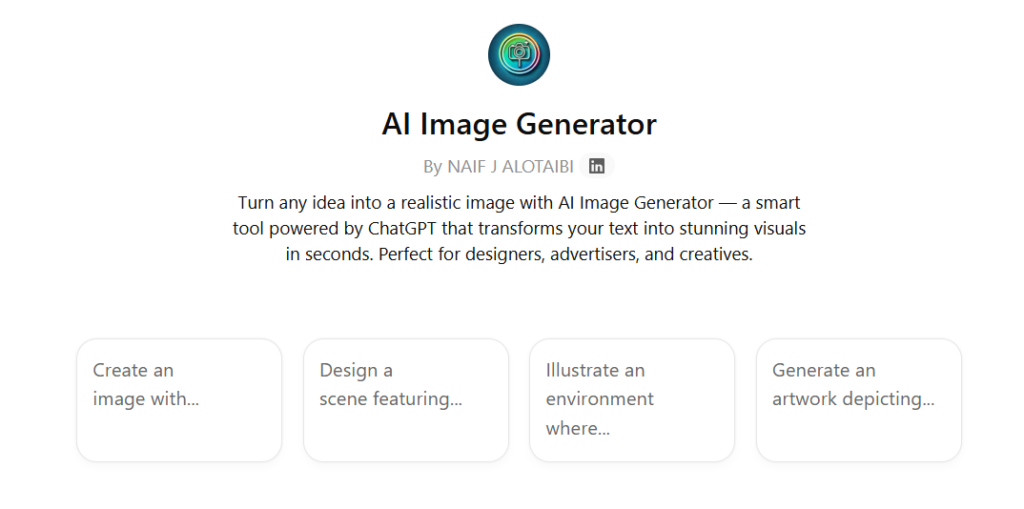
AI Image Generator creates an image based on the text description you provide. You type what you want to see, and it generates one image from that prompt. If you want a different result, you can modify your description and generate a new image.
Main features
- Text-to-image generation
- One image created per request
- Prompt editing to refine results
- Useful for visual concepts and graphics
2) Canva
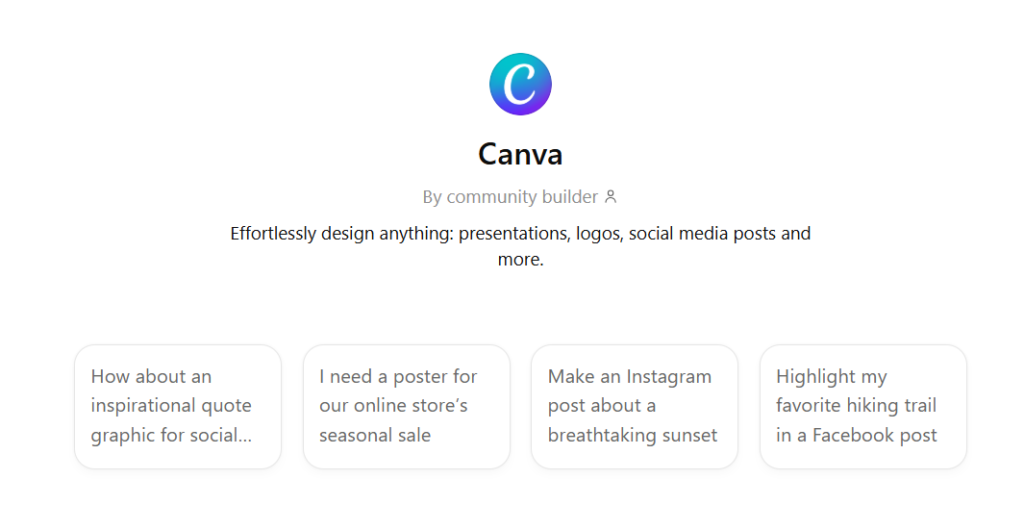
Canva GPT helps you generate design ideas and written content that can be used in Canva projects. You describe what you want to create, such as a social post, presentation, or marketing graphic, and it suggests structured content and layout ideas. It focuses on helping you prepare the text and concept before final design editing.
Main features
- Design concept suggestions
- Headline and caption generation
- Content structure for visuals
- Creative brief assistance
3) Creative Writing Coach
Creative Writing Coach is a GPT designed to help you improve your creative writing. You can share an idea, draft, or theme, and it provides suggestions on structure, character development, tone, and phrasing to make your writing stronger. It also offers feedback and prompts to help you expand, refine, or rethink sections of your work.
Main features
- Writing feedback and suggestions
- Help with structure and pacing
- Character and theme development advice
- Prompt ideas to overcome writer’s block
4) Code Copilot
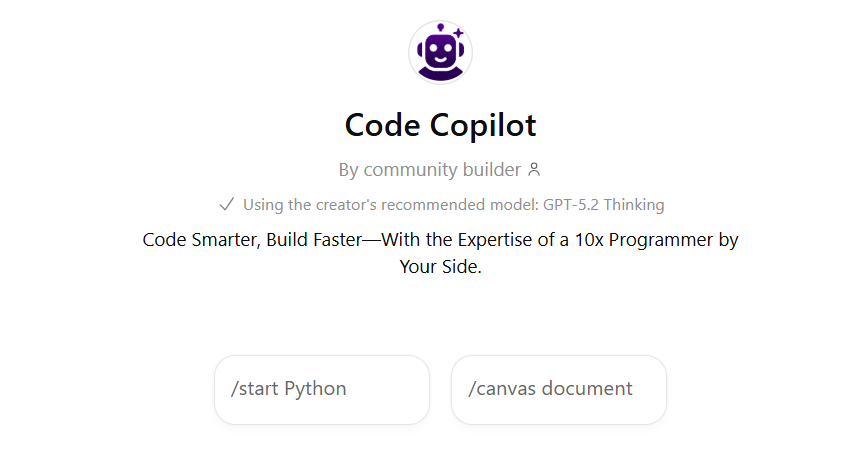
Code Copilot assists with writing and improving code. You can describe what you need built, or paste existing code, and it generates or explains the solution. It is designed to support development tasks across different programming languages.
Main features
- Code generation from instructions
- Debugging support
- Code explanation
- Refactoring suggestions
5) Write Better Emails at Work
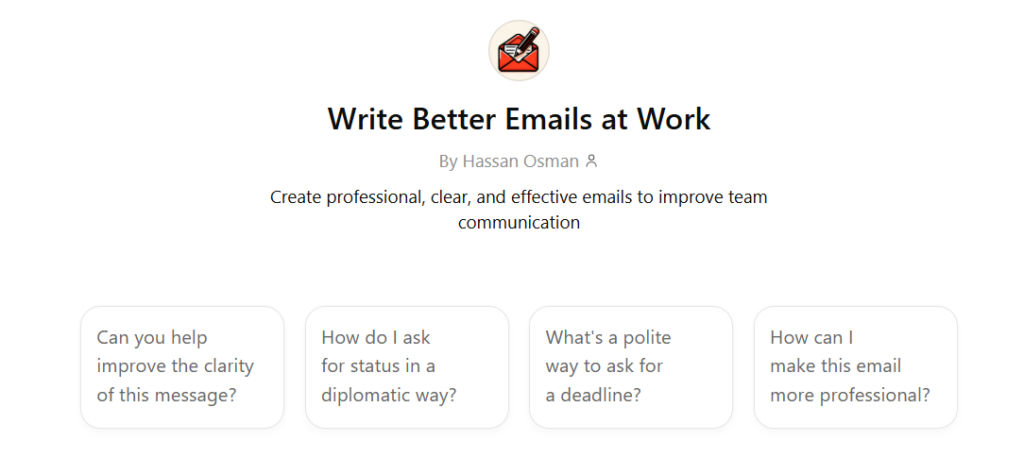
This GPT helps you draft emails based on short input about the situation and tone. You explain the purpose of the email, and it produces a clear, structured message. It can also adjust tone depending on whether you need something formal, direct, or friendly.
Main features
- Email drafting
- Tone adjustment
- Subject line suggestions
- Alternative phrasing options
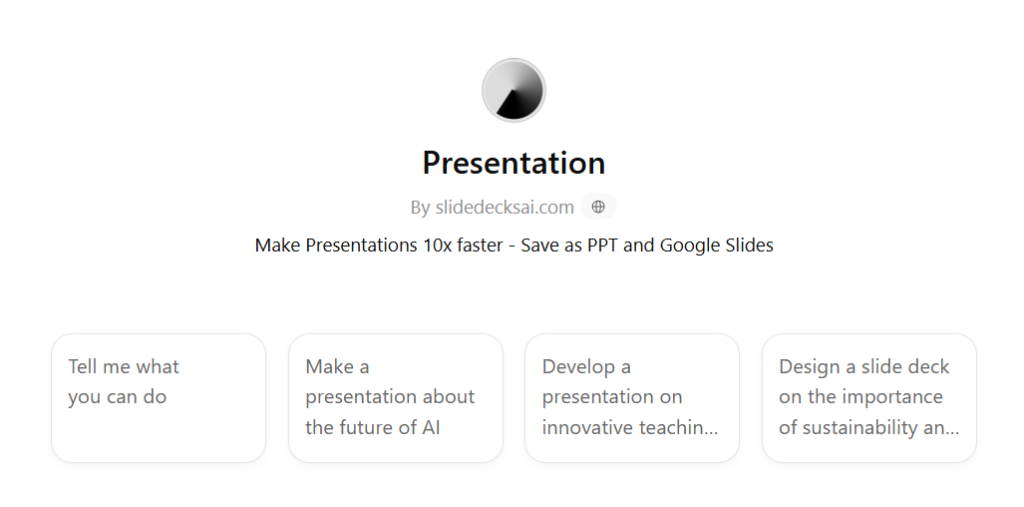
6) Presentation
Presentation GPT helps you structure slide content for a presentation. You provide a topic and audience, and it generates slide titles and bullet points in logical order. It focuses on organizing your ideas into a clear presentation flow.
Main features
- Slide outline creation
- Bullet point generation
- Structured presentation flow
- Talking point suggestions
7) Marketing Research and Competitive Analysis
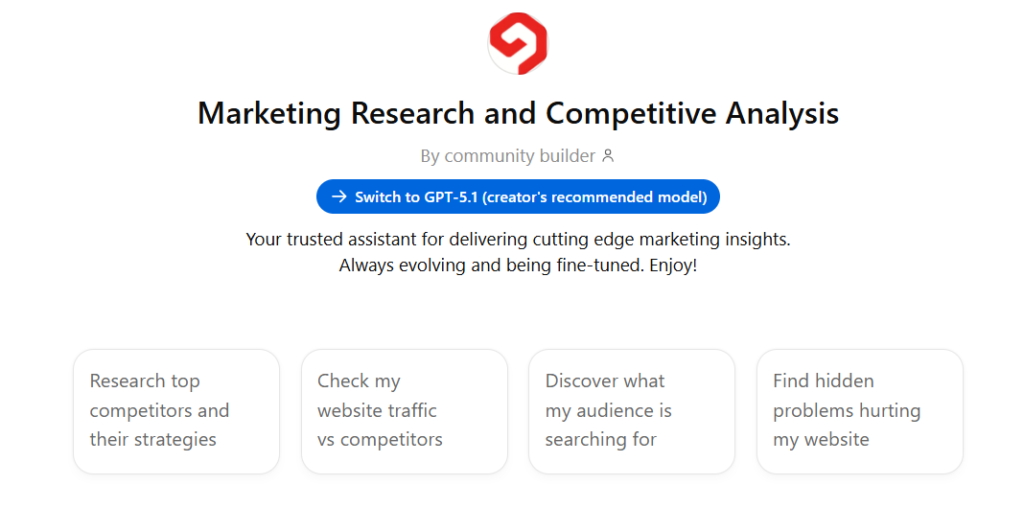
Marketing Research GPT helps summarize marketing insights and competitor information. You can ask it to compare companies, analyze positioning, or outline market trends in structured format. It organizes information into clear summaries for planning or reporting.
Main features
- Competitor comparisons
- Market trend summaries
- SWOT-style breakdowns
- Structured research output
8) Business Plan & Pitch Deck Builder+Startup Advisor
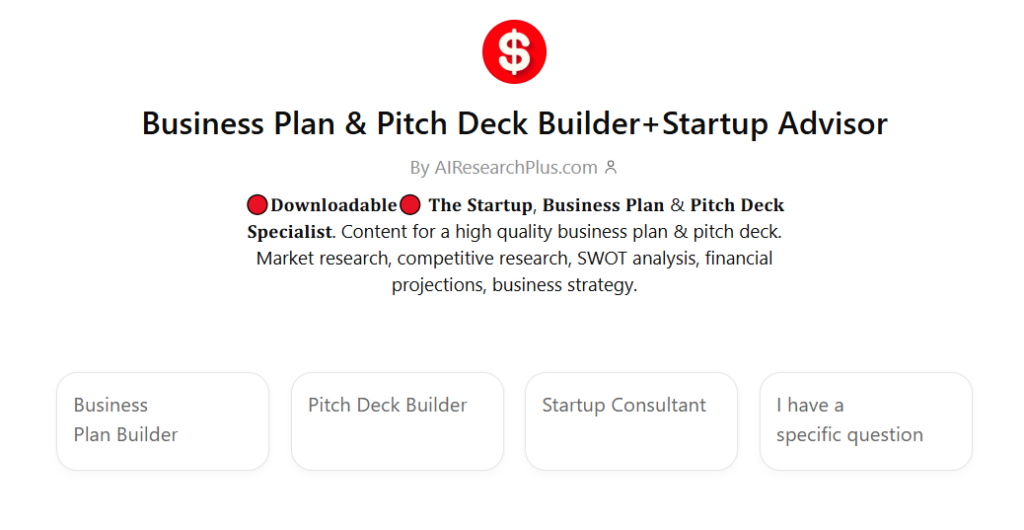
This GPT helps structure business plans and pitch decks. You describe your idea, and it organizes sections such as value proposition, target market, and revenue model. It also provides guidance on how to present your startup clearly to investors or stakeholders.
Main features
- Business plan structure
- Pitch deck outline
- Financial section drafting support
- Strategy guidance prompts
9) Data Analyst
Data Analyst GPT helps interpret data and explain insights in plain language. You can provide data descriptions or questions, and it generates summaries and explanations of trends or patterns. It focuses on turning raw information into readable analysis.
Main features
- Data interpretation
- Trend explanation
- Summary reporting
- Insight generation
Turn AI ideas into real projects with GoodDay
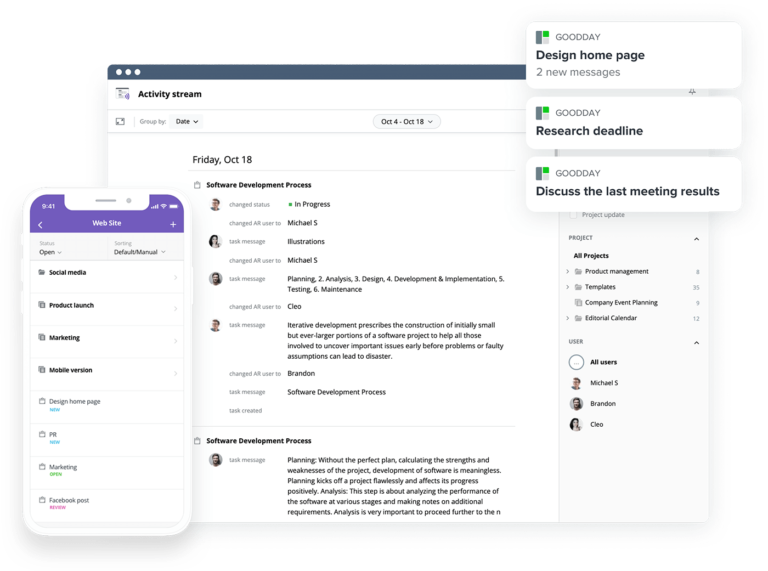
GPTs are powerful for generating ideas and planning strategies. But once the plan is ready, you still need a structured system to organize tasks, assign responsibilities, and track progress.
That’s where project management software becomes essential. And with GoodDay, you can turn AI-generated plans into clear, executable workflows.
GoodDay is an all-in-one work management platform trusted by Fortune 500 companies, startups and businesses of all sizes all over the world. It has been recognized as top software in 12 Capterra shortlists.
You can create tasks from your GPT outputs, assign them to team members, set deadlines, and monitor progress in one structured workspace.
You can start with GoodDay’s free plan to manage projects and keep your team aligned. And if you have any questions, you can always connect with our team via info@goodday.work
FAQs
What is GPT in simple terms?
GPT is a type of AI built on large language models trained to predict and generate text. It learns patterns from text so it can answer questions and produce natural responses. It does not think or have understanding; it predicts words based on probability. GPT is designed to create useful written output from prompts.
What’s the difference between AI and GPT?
AI is a broad field covering many technologies like vision, speech, robotics, and automation. GPT is one specific language-focused model within AI. AI systems can analyze images or process live data, while GPT works with text. GPT is therefore one tool inside the larger AI ecosystem.
What are AI tools and ChatGPT?
AI tools are applications powered by artificial intelligence to perform tasks automatically. ChatGPT is an AI-powered tool designed for interactive text-based chat. It helps users create drafts, generate insights, and structure ideas. Many organizations use AI tools to save time and improve workflows.
What are GPTs in ChatGPT?
GPTs are specialized assistants built on top of the core model. These custom GPTs are configured for specific tasks like data analysis, content creation, or workflow automation. Unlike standard ChatGPT, they follow more structured instructions. They are designed to deliver more relevant results for focused use cases.
How to find GPTs?
You can find GPTs inside the GPT Store within ChatGPT. Use the search bar or browse categories to discover options. The GPT Store works like a marketplace for AI assistants. You can explore available GPTs without leaving ChatGPT.
What are custom GPTs?
Custom GPTs are personalized assistants users can configure with instructions or uploaded files. People can create their own GPTs for repeated tasks or niche workflows. These customized versions allow better control over responses. Custom GPTs can be shared or kept private.
What is a GPT store?
The GPT Store is the official store where GPTs are published and accessed. It allows users to browse, test, and use GPTs built by OpenAI or other creators. The store organizes GPTs by category and popularity. It continues to grow as more GPTs are added.
Which GPT is the best?
There is no single best GPT for everyone. Some GPTs focus on creative work or creative inspiration, while others handle data analysis or coding wizard tasks. The best GPT depends on your workflow and goals. Choosing the right one requires testing and comparison.
Is ChatGPT 4o or 4.5 better?
Newer models usually provide improved reasoning and performance. Updates may boost accuracy, context handling, and multimodal support. However, which is better depends on the task complexity. Official documentation provides model comparison details.
Which GPT version is good?
A good version depends on what you need to accomplish. For general use, current mainstream versions perform well. For advanced GPTs, newer models often deliver stronger reasoning. Your task complexity determines the best choice.
How to find good GPTs?
To find GPTs that fit your needs, review descriptions and ratings in the GPT Store. Test them with small tasks before full adoption. Look for GPTs that produce consistent and relevant answers. Comparing outputs helps identify quality options.
How many GPTs exist?
There are thousands of GPTs currently available in the GPT Store. The number changes as users continue to create new ones. Some GPTs remain private and are not publicly listed. The ecosystem keeps expanding as adoption grows.




