
Many companies look at GanttPRO alternatives when they need more features, lower costs, or advanced tools for big projects.
It’s understandable, and many studies show that choosing the right platform really helps to achieve better results.
For example, research from PMI shows that using a reliable project platform helps teams work more efficiently and increases probability of project success.
In this guide, we will explore the best GanttPRO alternatives to help you choose the right option for your team.
And if you have any questions not covered in this article, you can always reach us at info@goodday.work
Best GanttPRO alternatives shortlist for 2026
Here are some of the top alternatives to GanttPRO this year:
- GoodDay: The best overall project management software, offering robust features for project planning, multi-view visualization, and workflow automation.
- Monday.com: Highly customizable with visual workflows and powerful project management capabilities.
- Asana: A comprehensive work coordination platform suitable for large teams, with a Gantt-style timeline view.
- Smartsheet: An online work execution platform combining spreadsheet functionality with strong Gantt charts and planning tools.
- Wrike: Offers full Gantt chart functionality, resource management, and real-time reporting dashboards.
- ClickUp: Known for free (or low-cost) Gantt charts, plus a wide range of project management features.
- TeamGantt: Simple and intuitive, especially good for managing multiple projects visually.
- Microsoft Project (Planner): Enterprise-grade solution for complex project planning and deep reporting. A good option for many large services firms.
- Zoho Projects: Cost-effective with strong project management capabilities, especially appealing to small businesses.
- Teamwork.com: Designed for client-facing teams and agencies with task tracking and billing.
- Trello: Lightweight collaboration tool; Gantt capabilities can be added via power-ups.
Comparison of the best GanttPRO alternatives (free and paid)
Let’s compare pricing and migration ease of the top GanttPRO alternatives.
| Software | Pricing | Ease of migration from GanttPRO |
|---|---|---|
| GoodDay | Free for up to 15 users; Professional 4 USD per user per month; Business 7 USD per user per month | Easy (CSV import, Zapier integrations) |
| Monday.com | Free plan; Basic 9 USD per user per month; Standard 12 USD per user per month; Pro 19 USD per user per month | Moderate (CSV import, API, integrations) |
| Asana | Free plan; Starter 10.99 USD per user per month or 13.49 USD per user per month; Advanced 24.99 USD per user per month | Moderate (import from spreadsheets, CSV) |
| Smartsheet | Pro 9 USD per user per month; Business 19 USD per user per month | Moderate to complex (sheet import, CSV) |
| Wrike | Free plan; Team 10 USD per user per month; Business 25 USD per user per month | Moderate (CSV export/import, integrations) |
| ClickUp | Free plan; Unlimited 7 USD per user per month; Business 12 USD per user per month | Easy (CSV, import, API) |
| TeamGantt | Free plan (2–5 projects); Business 19 USD per 5–20 projects per month | Easy (CSV, project import) |
| Microsoft Project (Planner) | Basic plan from 10 USD per month; Standard plan 30 USD per month; Pro plan 55 USD per month | Complex (file import, planning) |
| Zoho Projects | Free plan (up to 3 users); Premium 5 USD per user per month; Enterprise 10 USD per user per month | Moderate (CSV import, Zoho ecosystem) |
| Teamwork.com | Starter 8.99 USD per user per month; Deliver 13.99 USD per user per month; Grow 25.99 USD per user per month | Moderate (CSV, import) |
| Trello | Free plan; Standard 5 USD per user per month; Premium 10 USD per user per month; Enterprise 17.50 USD per user per month | Moderate (with Power-Ups or import/export tools) |
What is GanttPRO and why consider an alternative for your business?
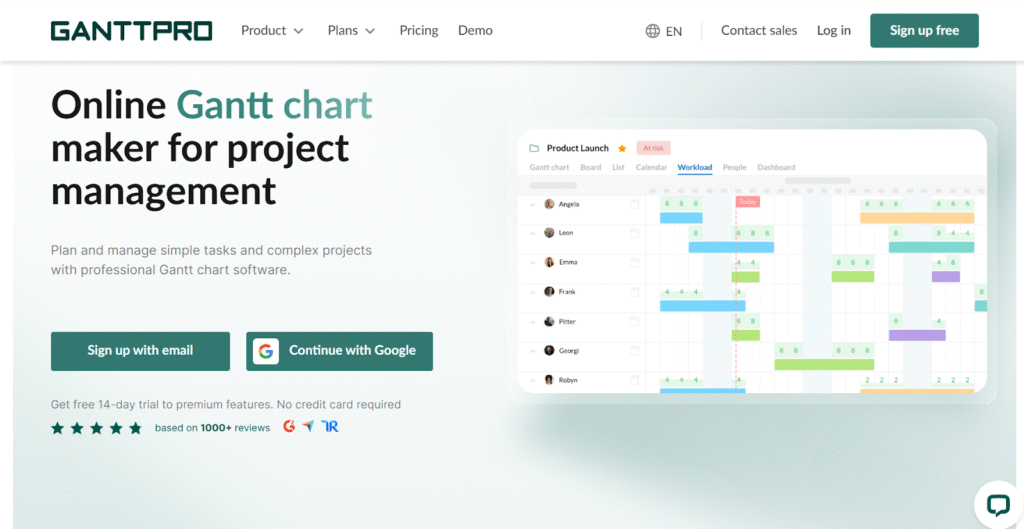
Image source: GanttPRO
GanttPRO is a specialized project management tool built around Gantt charts, making it very effective for planning timelines, setting dependencies, and visualizing project schedules. Many teams, especially in construction, marketing, or simple project workflows, use it to keep their timelines clear and structured. This focus on visual planning is its core strength.
But as teams get bigger or take on different types of work, GanttPRO’s single focus might not be enough anymore. Companies require more flexible views (like Kanban or list), deeper resource management, built-in time tracking, automation, or the ability to track real time updates across projects. Alternatives like GoodDay, Asana, or ClickUp offer more rounded capabilities, while enterprise tools like Microsoft Project provide scale and reporting power.
Switching can also save money, connect better with your other tools, or just be easier for your team to start using if they prefer a more flexible platform.
Best alternatives to GanttPRO (tested & reviewed)
Here’s a more detailed look at each of the top GanttPRO alternatives, covering what they do best, their features, and trade-offs.
1) GoodDay
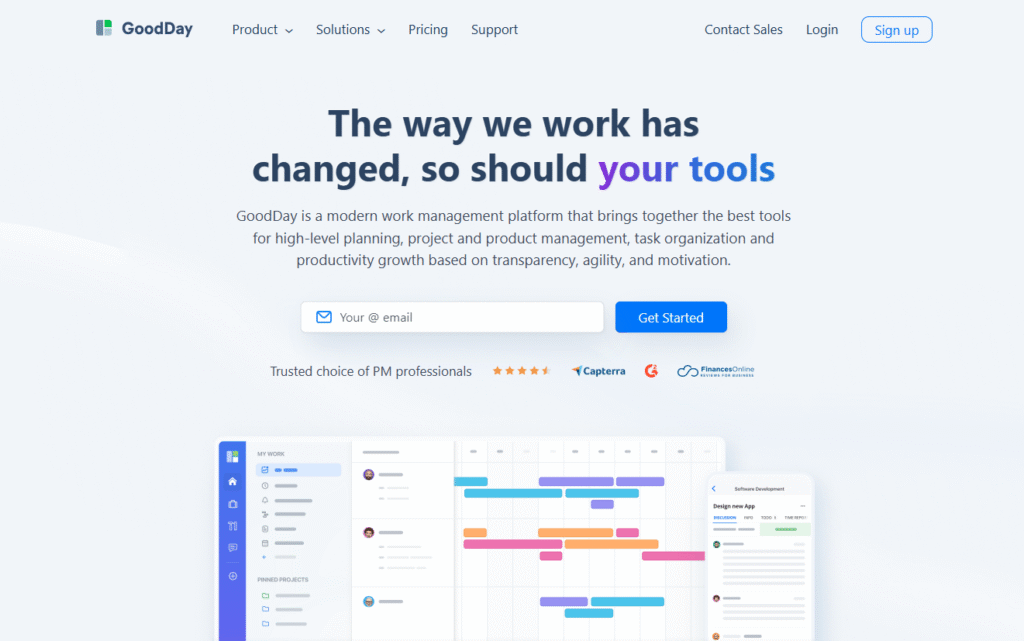
GoodDay is a complete work management system used globally by Fortune 500 companies, growing startups, and teams of every size around the world. Switching to GoodDay can cut your current costs by up to 50% while still giving you access to all the key GanttPRO features you rely on. And moving your data only requires a simple CSV import.
Why it’s a good GanttPRO alternative
GoodDay has earned a place in 12 Capterra shortlists. The platform is frequently highlighted for offering rich functionality at a very reasonable price.
Main features GoodDay includes:
- Provides unlimited projects and a deep organizational structure
- Gantt, timeline, board, list, and calendar views
- Time tracking and workload management
- Powerful automation and custom workflows
- Dashboards and advanced analytics ensure everyone is on the same page regarding project status
- Templates for workflows and processes
Integrations
GoodDay integrates natively with Google Workspace (G Suite), Gmail, Google Docs, Google Drive, Google Calendar, Dropbox, Box, GitHub, GitLab, and email. Through Zapier, it supports over 1,300 other business apps. There is also a public API for custom integrations.
Desktop and mobile capabilities
Available on Windows, macOS, Linux (desktop app), and on iOS and Android, so you can access tasks, projects, and dashboards from anywhere.
Pros and cons
| Pros | Cons |
| Trusted by 100,000+ teams globally | High-level data views need configuration |
| Great mix of features | Customizing your workflows may take time |
| Free for up to 15 users | Getting used to advanced workflows is a gradual process. |
| No forced premium upgrades | High customization can slightly slow down the initial adoption |
2) Monday.com
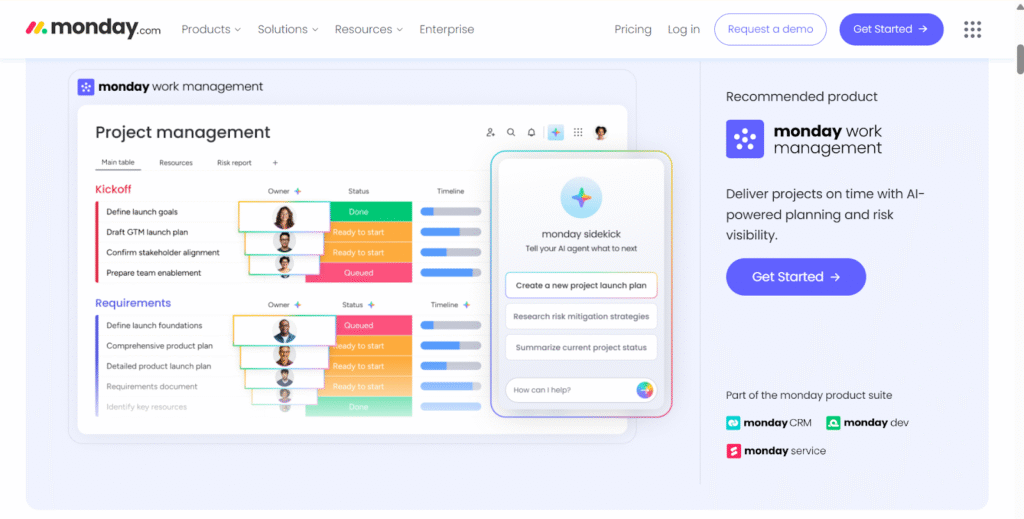
Image source: Monday.com
Monday.com is a flexible and visual work operating system (Work OS). It demands significant customization to align with specific team preferences and existing workflows. The platform helps manage work using highly visual project views and its own built-in automation.
Why it’s a good GanttPRO alternative
Monday.com offers a dynamic and engaging interface that many teams find easier to adopt than traditional project management tools. It includes a native Gantt view in its paid plans, which functions as a core feature alongside other views like kanban and calendar.
Main features
- Timeline / Gantt view
- Kanban, list, chart, and other board types
- Automations and integrations
- Time tracking
- Private boards, dashboards
- Collaboration documents / Workdocs
Integrations
Monday.com integrates with many popular tools, including Google Workspace, Slack, Microsoft Teams, Zoom, Salesforce, and more, using its native connectors and Zapier for maximum cross-platform efficiency.
Desktop and mobile capabilities
It is available via the web, plus native apps for Windows, macOS, iOS, and Android, so you can work on the go or from the desktop.
Pros and cons
| Pros | Cons |
| Highly flexible and customizable | Paid plans are per user, which can grow expensive at scale |
| Wide variety of views (Gantt, board, chart) | Automation/integration limits depend on plan |
| Good support for collaboration & external guests | Learning curve for building more complex workflows |
| Reliable and scalable for enterprise | Full feature set only in higher-tier plans |
3) Asana
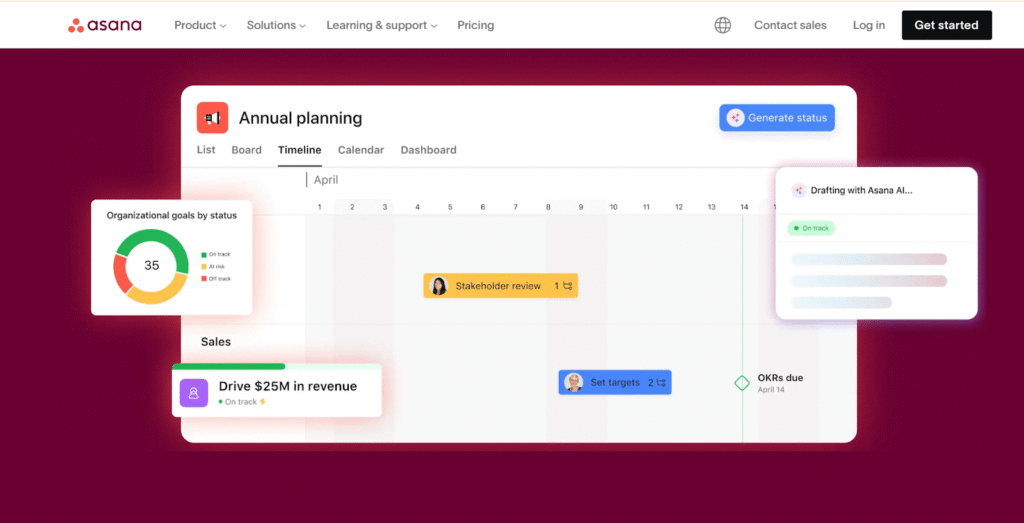
Image source: Asana
Asana is a work coordination platform designed to help teams orchestrate all their tasks. It centralizes information and improves team accountability using various views and automation tools. This creates transparency so every team member knows their responsibilities and is held accountable for deadlines.
Why it’s a good GanttPRO alternative
Asana’s timeline view offers a Gantt-like visual for planning, while other views (list, board) support day-to-day execution. Asana is strong in collaboration and is used by many large organizations. It also includes workload and portfolio management in higher plans, improving resource visibility.
Main features
- Timeline (Gantt-style)
- Task dependencies, milestones
- Workload and portfolio management
- Custom fields and forms
- Automation for tasks
- Goals tracking
Integrations
Asana integrates with tools such as Slack, Microsoft Teams, Google Workspace, Salesforce, Power BI, Tableau, and others – plus via Zapier.
Desktop and mobile capabilities
Asana supports web, desktop apps (Windows, macOS), and mobile apps (iOS, Android).
Pros and cons
| Pros | Cons |
| Powerful collaboration features | Timeline/portfolio features only in paid plans |
| Clean interface, easy to onboard | Can be pricey for large teams |
| Built-in workload and goals | Advanced automation may require learning |
| Reliable mobile apps | Might lack very detailed resource planning |
4) Smartsheet
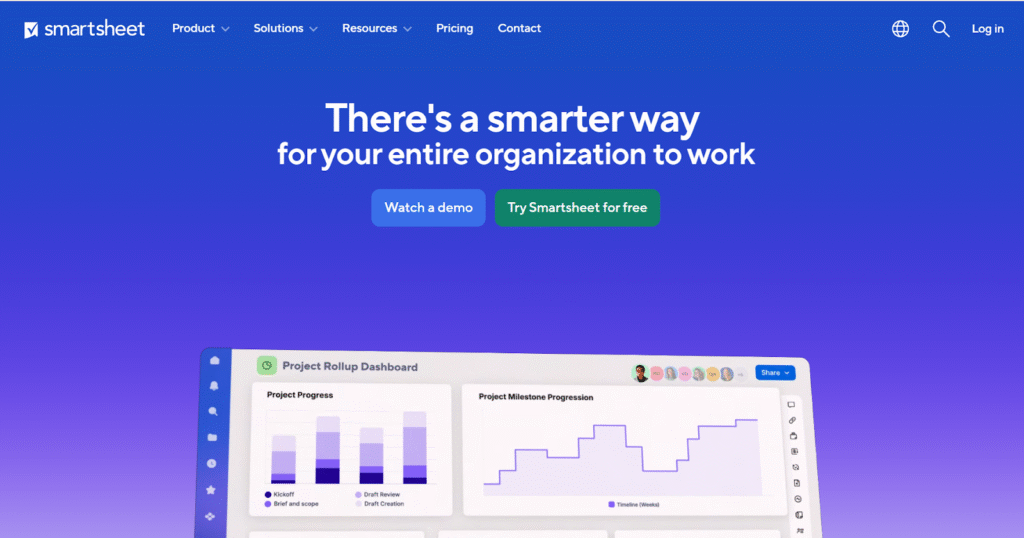
Image source: Smartsheet
Smartsheet is a project management tool based on an enhanced, spreadsheet-like grid interface. It is predominantly used in structured settings for formal planning and standardized execution methods. Its familiar format is favored by users comfortable with classic data manipulation.
Why it’s a good GanttPRO alternative
If you like managing tasks in a spreadsheet but need more structure, Smartsheet delivers. It supports Gantt charts, automation, resource management, and more. It’s very suited to data-driven teams and enterprise planning.
Main features
- Grid (spreadsheet), Gantt, card, and calendar views
- Automated workflows /approvals help create organizational efficiency.
- Resource management and capacity tracking
- Reporting and dashboards
- Forms and dynamic views
Integrations
Smartsheet integrates with many business tools like Google Workspace, Microsoft 365, Slack, Power BI, Tableau, and others. It also provides a robust API.
Desktop and mobile capabilities
Available on web, plus mobile apps for iOS and Android.
Pros and cons
| Pros | Cons |
| Very flexible for spreadsheet-centric teams | No free plan; paid plans start at a minimum user count |
| Strong automation and reporting | Can be expensive for many “licensed” users |
| Good for enterprise and complex projects | Learning curve for non-spreadsheet users |
| Free viewers for external people | Heavy setup for resource planning |
5) Wrike
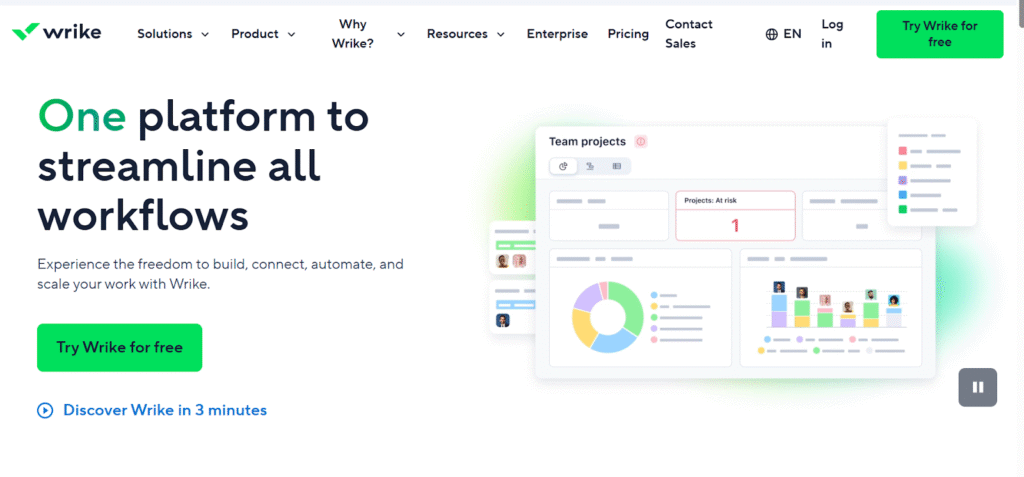
Image source: Wrike
Wrike is a work management platform emphasizing flexibility, real-time views, and comprehensive reporting. It supports various team sizes and departments through customizable dashboards and integrated communication features. Teams often pick it for clear project visibility and detailed reporting.
Why it’s a good GanttPRO alternative
Wrike’s Timeline (Gantt) view is available to all paid users. It also supports resource planning, request forms, and detailed dashboards. For teams running complex or cross-functional projects, Wrike is a strong contender, focused on boosting team productivity.
Main features
- Timeline / Gantt view
- Task scheduling and dependencies
- Resource management
- Custom request forms and workflows
- Real-time reports and dashboards
Integrations
Wrike supports integrations with Slack, Adobe Creative Cloud, Microsoft Office, Google Apps, Jira, and others. It also provides an API for custom connections.
Desktop and mobile capabilities
Accessible via web, desktop (Windows, macOS), and mobile (iOS, Android).
Pros and cons
| Pros | Cons |
| Comprehensive Gantt and resource tools | Cost scales as teams grow and need more features |
| Strong reporting and dashboards | Setup can be complex for custom workflows |
| Good for enterprise-level projects | UI might feel heavy for small teams |
| Flexible request-management | May require training to fully utilize |
6) ClickUp
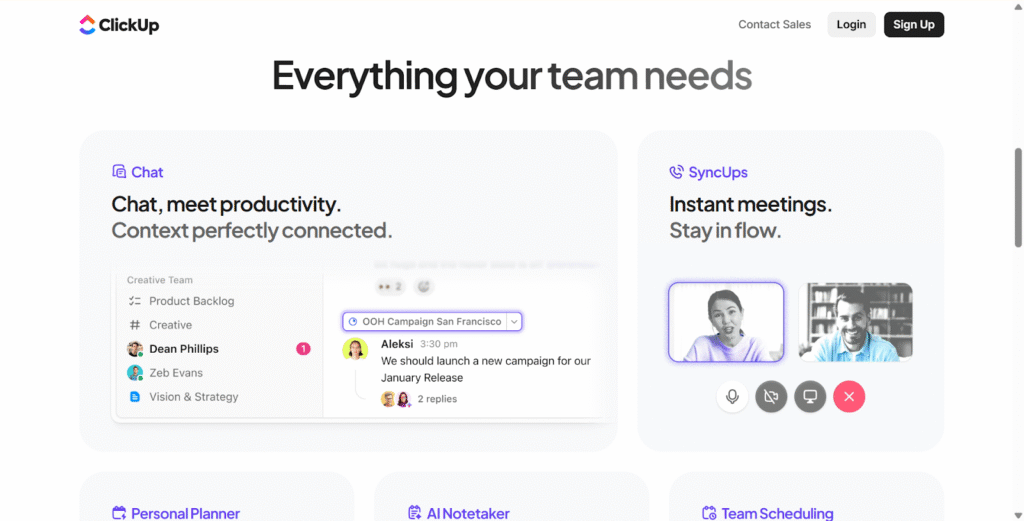
Image source: ClickUp
ClickUp is an all-in-one platform consolidating tasks, documents, automation, time tracking, and more. This comprehensive nature provides a vast feature set for teams seeking a unified workspace. It helps users create a truly unified workspace.
Why it’s a good GanttPRO alternative
ClickUp has Gantt views, but also boards, lists, and more. It supports a very broad range of project types. It’s known for having a generous free plan and highly customizable paid plans.
Main features
- Gantt view with dependencies
- Multiple other views: board, list, calendar, etc.
- Time tracking, goals, and reminders
- Docs and wikis inside workspace
- Automations and templates
- Dashboards and reporting
Integrations
ClickUp integrates with Slack, Google Workspace, Zoom, GitHub, and many more via native integrations and Zapier.
Desktop and mobile capabilities
ClickUp supports web, desktop (Windows, macOS), and mobile (iOS, Android), ensuring cross-device productivity.
Pros and cons
| Pros | Cons |
| Highly customizable | Pricing changes and structure can be confusing |
| Multiple views including Gantt | Some users report a steep learning curve |
| Free plan is generous | Changes in guest/seat pricing reported by some users |
| Good for small to large teams | Over-customizing can lead to complexity |
7) TeamGantt
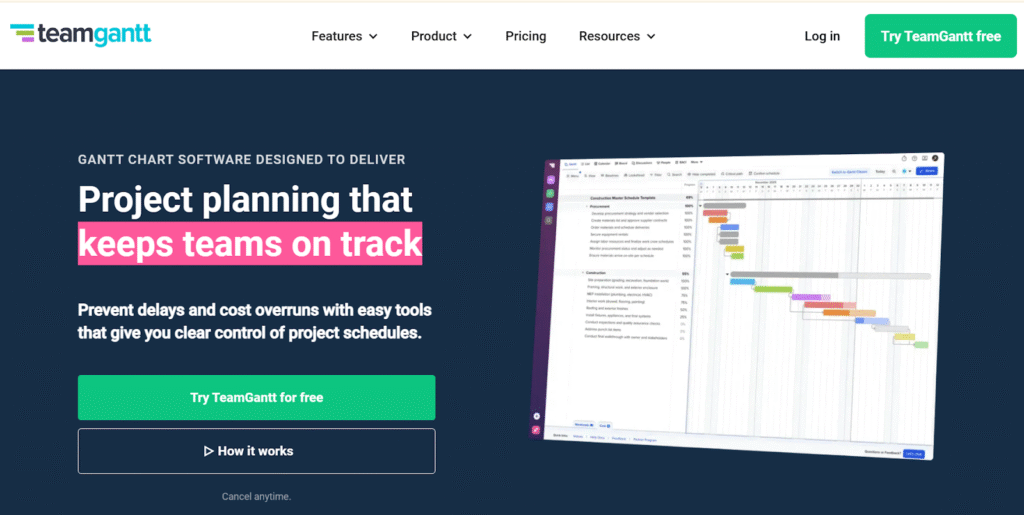
Image source: TeamGantt
TeamGantt focuses specifically on visual timeline management and project scheduling. It is intentionally lightweight and user-friendly, centered almost exclusively around Gantt charts. This specialization means it often lacks the all-in-one features of broader project suites.
Why it’s a good GanttPRO alternative
If you loved GanttPRO for its simplicity and visual clarity, TeamGantt offers a similarly straightforward Gantt-first interface. It’s ideal for teams that want timeline clarity without overcomplicating things.
Main features
- Gantt chart interface with drag-and-drop scheduling
- Task dependencies and baseline tracking
- Milestones, percent complete tracking
- Team workload and capacity views
- File attachments, comments
Integrations
TeamGantt integrates with tools like Slack, Trello, Basecamp, Jira, and others via integrations or built-in connectors.
Desktop and mobile capabilities
Accessible via web; also offers iOS and Android apps so team members can view and update schedules on the go.
Pros and cons
| Pros | Cons |
| Very intuitive Gantt-centric interface | Less feature-rich than full PM platforms |
| Easy for stakeholders to understand timeline | Pricing increases with more users or projects |
| Good for planning and tracking | Not ideal for complex resource or budget management |
| Lightweight and clean design | Limited automation and advanced workflow features |
8) Microsoft Project (Planner)
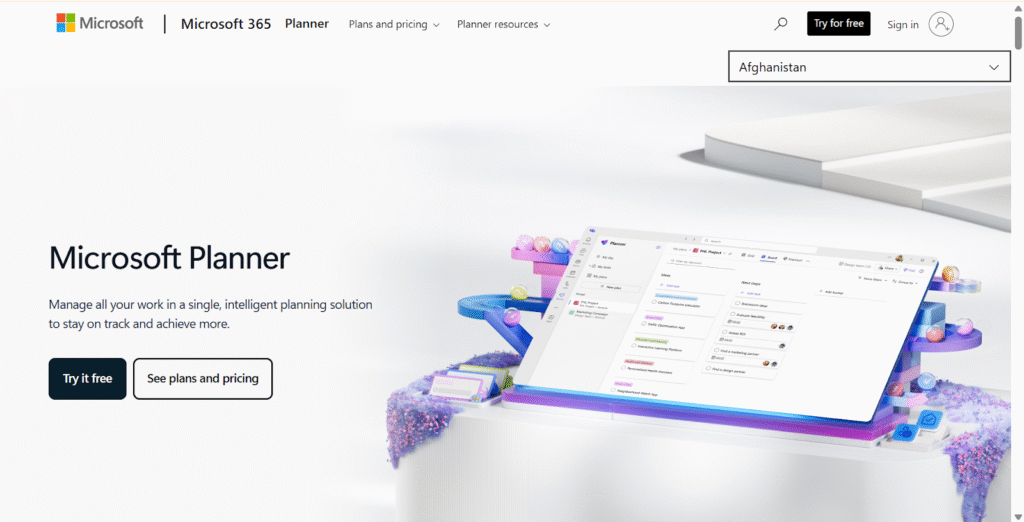
Image source: Microsoft Project (Planner)
Microsoft Project (Planner) is a tool for scheduling and managing large and complex projects. It provides detailed control over resources and budgets, making it the industry standard for formal project management methodologies. Due to its extensive features, the tool often requires significant training and is best suited for users already familiar with project management principles.
Why it’s a good GanttPRO alternative
For enterprise teams that need deep scheduling, resource leveling, and detailed reporting, MS Project delivers. It’s highly powerful, though less lightweight than GanttPRO.
Main features
- Detailed Gantt charts with dependencies
- Resource management, leveling, and assignment
- Critical path analysis
- Reporting, timeline views, dashboards
- Integration with Microsoft 365 ecosystem
Integrations
Full integration with Microsoft tools (Teams, Excel, Power BI, SharePoint), and offers API for further extension.
Desktop and mobile capabilities
Microsoft Project is available as a desktop application (Windows) and via web (Project for the web). Mobile access is available through the Project web app.
Pros and cons
| Pros | Cons |
| Very powerful scheduling and resource tools | High cost and licensing complexity |
| Enterprise-grade reporting and analysis | Steeper learning curve |
| Good for long-term and large-scale planning | Less suitable for lightweight task management |
| Integrates well with Microsoft ecosystem | Requires dedicated project managers to run effectively |
9) Zoho Projects
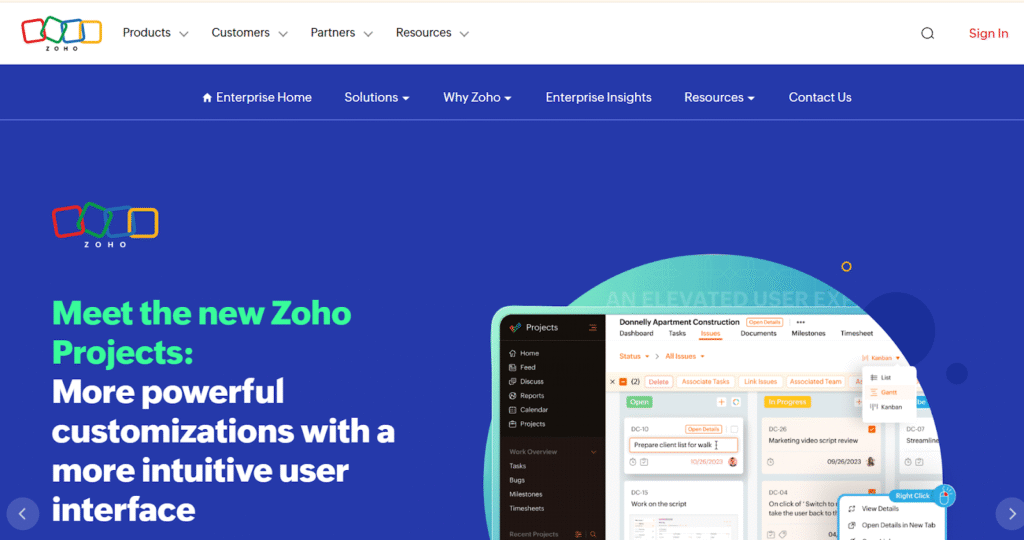
Image source: Zoho Projects
Zoho Projects is integrated into the larger Zoho business suite, offering task management, time tracking, and collaboration. Its main strength is seamless integration with the Zoho ecosystem for unified data flow. However, its flexibility may be less than that of dedicated, standalone PM software.
Why it’s a good GanttPRO alternative
Zoho Projects combines planning (with Gantt) and execution while keeping costs low. It’s particularly attractive if you already use other Zoho products.
Main features
- Gantt chart with dependencies and milestones
- Task management, subtasks, task lists
- Time tracking and timesheets
- Custom fields and tags
- Blueprints and automation
Integrations
Zoho Projects integrates with Google Workspace, Microsoft Office, Zoho CRM, Zoho Desk, and other Zoho tools. It also supports integrations through Zapier.
Desktop and mobile capabilities
Available as a web app, plus mobile apps for iOS and Android.
Pros and cons
10) Teamwork.com
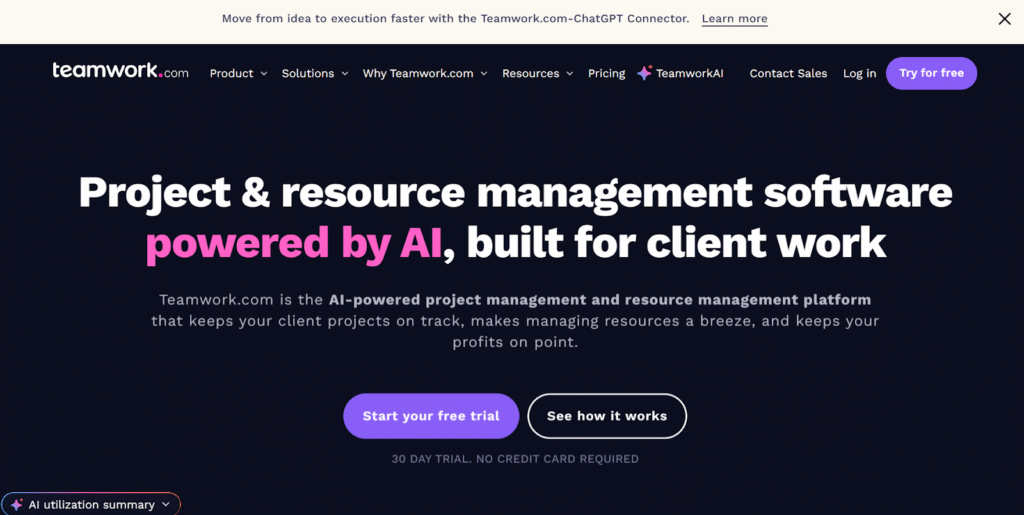
Image source: Teamwork.com
Teamwork.com is specifically designed for client-facing organizations, agencies, and teams managing projects for external stakeholders. It excels in professional services delivery. The platform supports strong collaboration and transparency when working with clients.
Why it’s a good GanttPRO alternative
Teamwork supports Gantt timelines, task management, time tracking, and billing, making it ideal for consultancies or small businesses providing professional services.
Main features
- Gantt timelines
- Time tracking and billable hours
- Task lists, task dependencies
- Client permissions and portals
- Budgeting and invoicing
Integrations
Integrates with Slack, Google Workspace, Microsoft Teams, Dropbox, and more, plus via Zapier.
Desktop and mobile capabilities
Available via web, with native apps on iOS and Android.
Pros and cons
| Pros | Cons |
| Well-suited for agencies and client work, excelling in managing professional services accounts. | Billing-oriented features may be overkill for internal teams |
| Good resource and time tracking | Gantt view is not as advanced as enterprise PM tools |
| Client portal support | Learning curve for full feature set |
| Scalable as team and project complexity grow | Pricing can rise with users and projects |
11) Trello
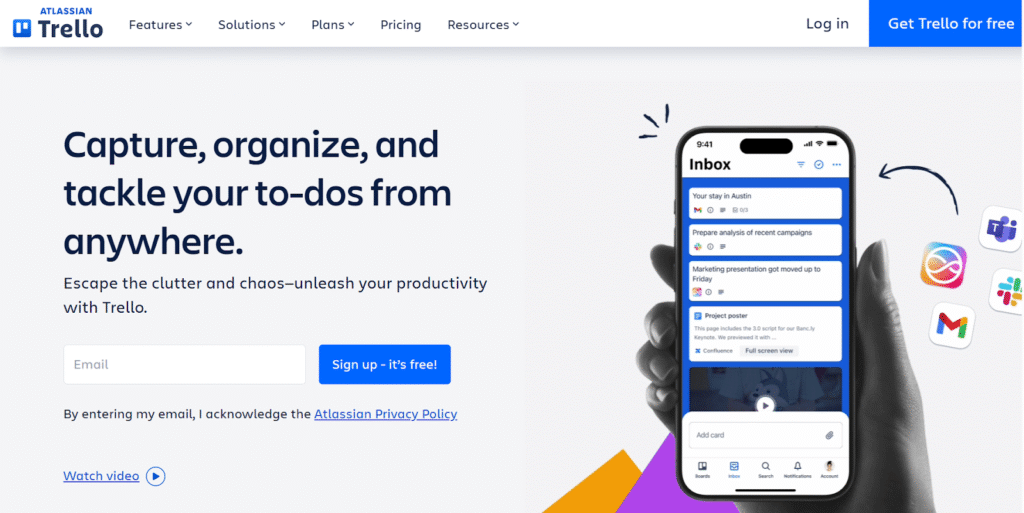
Image source: Trello
Trello is a simple, visual tool built primarily around the Kanban methodology, utilizing boards and cards. It does not natively prioritize Gantt charts or timeline management as a core feature. While users can introduce Gantt functionality, this requires separate add-ons or Power-Ups.
Why it’s a good GanttPRO alternative
Trello is very easy to use, especially for lightweight or agile workflows. With the right power-up (e.g., Timeline or Gantt), you can get a visual schedule while keeping Trello’s simplicity.
Main features
- Kanban boards with cards
- Checklists, attachments, comments, due dates
- Power-ups for Gantt, calendar, automation
- Butler automation for workflow automation
Integrations
Trello has native integrations with Slack, Google Drive, Dropbox, Microsoft Teams, and many others via Power-Ups and API.
Desktop and mobile capabilities
Available on web, desktop (Windows, macOS), and mobile (iOS, Android).
Pros and cons
| Pros | Cons |
| Very intuitive and easy to use | Gantt functions require power-ups (paid) |
| Flexible and visual board-based approach | Not ideal for detailed resource planning |
| Great for small teams or simple workflows | Scaling to large, complex projects can be difficult |
| Lightweight and fast | Limited built-in reporting |
How to select a GanttPRO alternative for your business: main criteria
Choosing the right alternative means evaluating more than just “which has Gantt charts”. Here are the key criteria to guide your decision.
Functionality
Consider what you need beyond Gantt: do you require time tracking, resource management, automation, or client portals? Higher-feature tools like GoodDay, Wrike, or Microsoft Project excel here, while simpler tools may suffice for basic planning.
Usability
The tool should fit how your team works. If your team prefers spreadsheet interfaces, Smartsheet may feel more natural. For visual boards, Trello or Monday.com make sense. Consider onboarding time and training needs.
Customer support
While all paid plans offer some level of support, look into the depth of assistance provided. For an alternative to GanttPRO, you may require support for advanced features like workflow automation or data migration. Check if they offer 24/7 support, dedicated account managers for enterprise plans, or extensive documentation and training resources.
Value for money
Evaluate cost per user, but also total cost of ownership: consider onboarding, training, integrations, and expected ROI. A cheaper tool that slows your team down may cost more in productivity.
Customer reviews
Check recent reviews to see what current users say about performance and support quality. Look for comments on the clarity of the visual representation and ease of migration.
Save up to 50% by switching from GanttPRO to GoodDay
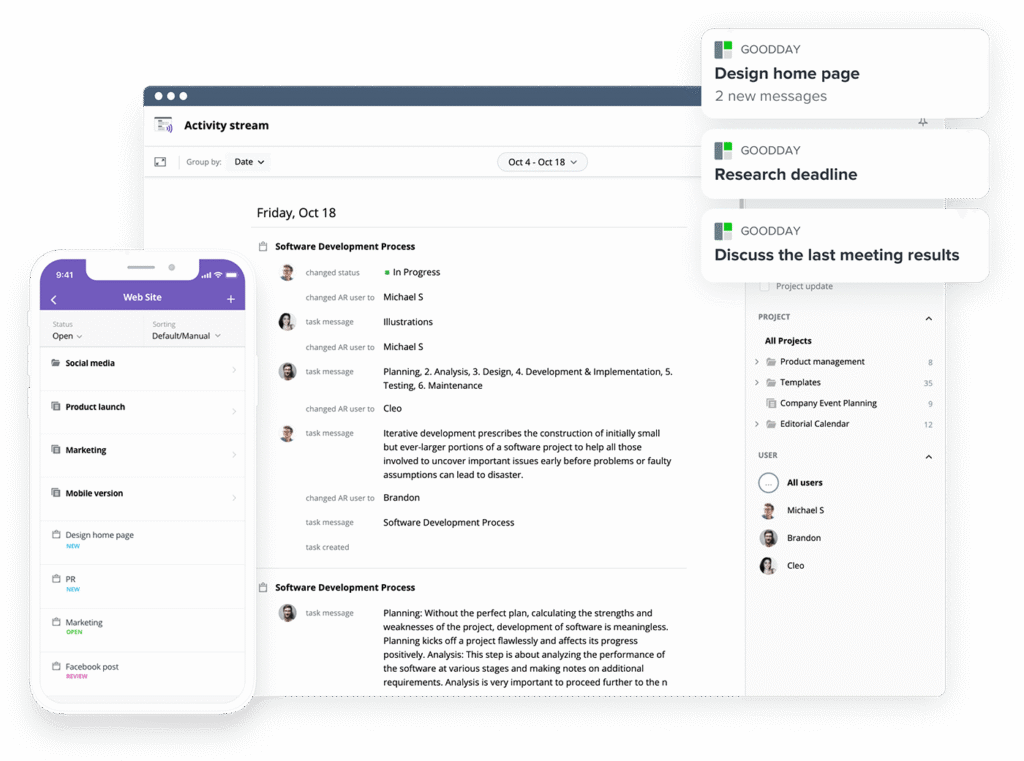
If you are looking for the perfect mix of features and price, GoodDay shines. Trusted worldwide, it offers powerful tools and plans that are easy on your budget.
You can start using GoodDay for free to easily check how well it works with your team’s tasks and helps you get more done.
If you have any questions about choosing the right software for your business, you can email our team at info@goodday.work.
FAQs
Is there a better alternative to GanttPRO?
Yes, GoodDay is a better alternative because it combines a stronger Gantt chart with a complete work management toolkit. It supports automations, time tracking, and multiple project views that cover all planning needs. GoodDay is also more flexible and scalable for growing teams. It delivers a more powerful all-in-one experience than GanttPRO.
What software is best for Gantt charts?
GoodDay offers one of the most advanced and responsive Gantt charts available today. It provides deep customization options and works seamlessly with all other project views. The platform handles complex schedules with ease, even for large teams and portfolios. When considering tools for the most formalized enterprise environments, MS Project remains the traditional choice for highly rigid methodologies and formalized resource leveling in large organizations. However, in a direct comparison to other specialized Gantt tools, GoodDay is therefore more capable and adaptable than GanttPRO or TeamGantt.
Which project management tool is best and free?
GoodDay is the best free choice because its free plan supports up to 15 users. It includes full access to Gantt charts, tasks, workflows, and dashboards without limitations. Most competitors restrict these features or limit team size significantly. GoodDay provides the strongest free toolkit for real project management work.
What are the best free alternative options to GanttPRO that include a robust Gantt chart?
The best example of a free alternative to GanttPro is GoodDay. Its free plan includes project hierarchies, workloads, dashboards, and essential collaboration tools. These features allow teams to manage complex work without upgrading to a paid plan. GoodDay is the top recommendation for any team looking for a capable GanttPRO replacement.
Which project management software offers the most generous free plan with online Gantt chart capabilities for small teams?
GoodDay provides the most generous free plan by allowing up to 15 users with no feature restrictions on core tools. It includes a full Gantt chart, unlimited tasks, workflows, and project tracking functions. Small teams get access to features that usually require paid subscriptions elsewhere. This makes GoodDay the best option for teams that want powerful planning capabilities at zero cost.




