
Flow is a good option for basic task management, but as teams grow or workflows become more complex, its limitations can start to show.
Many teams then look for tools that offer more flexibility, deeper project controls, or better value for the price.
In this guide, we’ll look at the best Flow alternatives to help you find a tool that fits how your team actually works.
But if you have any questions that are not covered in this article, you can always connect with our team via info@goodday.work
Best Flow alternatives shortlist for 2026
Let’s take a look at some of the Flow top alternatives.
- GoodDay: The best overall project management software, offering robust features for project planning, multi-view visualization, and workflow automation.
- Asana: Great for general project management, visuals, and automation.
- Monday.com: Highly visual, customizable, and good for diverse use cases.
- ClickUp: All-in-one platform with extensive features for customization.
- Jira: Industry standard for software development, bug tracking, and complex workflows.
- Trello: Kanban-style board for easy, visual task tracking.
- Smartsheet: Modern work management with powerful spreadsheet features.
- Zoho Projects: Seamless integration with other Zoho apps, great for scalability.
- Wrike: Strong for complex projects and detailed views, good for larger teams.
- Basecamp: Focuses on communication and simpler project setups.
Comparison of the best Flow alternatives (free and paid)
Selecting a new project management platform often comes down to budget and migration complexity. Let’s compare top Flow alternatives.
| Software | Best for | Pricing | Ease of migration from Flow |
| GoodDay | Best overall balance of features and cost | Free plan (1–15 users); Professional $4/user/month; Business $7/user/month; Enterprise custom | Easy (CSV import, Zapier integrations) |
| Asana | Teams needing strong visual planning and workflow automation | Basic Free; Starter $10.99/user/month; Advanced $24.99/user/month (annual billing) | Moderate (CSV and JSON import, third-party tools) |
| Monday.com | Highly visual, no-code, and customizable workflows | Individual Free; Basic $9/user/month; Standard $12/user/month; Pro $19/user/month (annual billing) | Moderate (CSV import, specialized third-party migration apps) |
| ClickUp | All-in-one platform seeking to consolidate tools | Free Forever; Unlimited $7/user/month; Business $12/user/month; Enterprise custom (annual billing) | Easy (Direct import tools for many PM apps, CSV) |
| Jira | Software development and complex issue tracking | Free (up to 10 users); Standard $8.15/user/month; Premium $16/user/month; Enterprise custom | Moderate (Atlassian’s Import Tool, CSV, or XML) |
| Trello | Simple, visual task management using Kanban boards | Free; Standard $6/user/month; Premium $12.50/user/month; Enterprise custom (annual billing) | Easy (Manual copy/paste, CSV, or specialized third-party connectors) |
| Smartsheet | Teams that rely on spreadsheet familiarity and robust data handling | Free; Pro $9/user/month; Business $32/user/month; Enterprise custom (annual billing, minimum 1 user) | Moderate (Strong Excel/CSV import capabilities) |
| Zoho Projects | Seamless integration within the broader Zoho ecosystem | Free; Premium $5/user/month; Enterprise $10/user/month (annual billing) | Easy (CSV, Excel import) |
| Wrike | Complex project portfolios and detailed reporting for large organizations | Free; Team $9.80/user/month; Business $24.80/user/month; Enterprise custom (annual billing) | Moderate (Import from spreadsheet, third-party migration services) |
| Basecamp | Communication-centric and straightforward team collaboration | Basecamp $15/user/month; Basecamp Pro Unlimited $299/month (flat fee for unlimited users) | Easy (Simple structure minimizes data complexity for migration) |
What is Flow and why consider an alternative for your business?
Flow is a project and task management application that primarily focuses on team collaboration and simple workflow visualization. It offers a clean interface for organizing tasks, planning projects, and tracking team progress, often appealing to smaller teams or those new to formal project management software. Its core strength lies in its straightforward approach to managing tasks within projects and its reliance on basic lists and boards.
However, many businesses reach a point where Flow’s functionality becomes a limiting factor. As project complexity increases, teams often require more advanced features, such as sophisticated resource management, detailed time tracking, integrated budgeting, complex workflow automation, or deeper reporting capabilities, which Flow may not fully support.
Furthermore, while its simplicity is a benefit for some, others may find that its lack of extensive customization options or depth of integration prevents it from being a true all-in-one work hub, prompting the need for a more robust or cost-effective alternative.
Best alternatives to Flow (tested & reviewed)
According to PMI Research, high-performing organizations rely on robust project management tools, which help teams plan resources more effectively and communicate more clearly. Let’s have a look at the best project management software to compare features and capabilities.
1) GoodDay
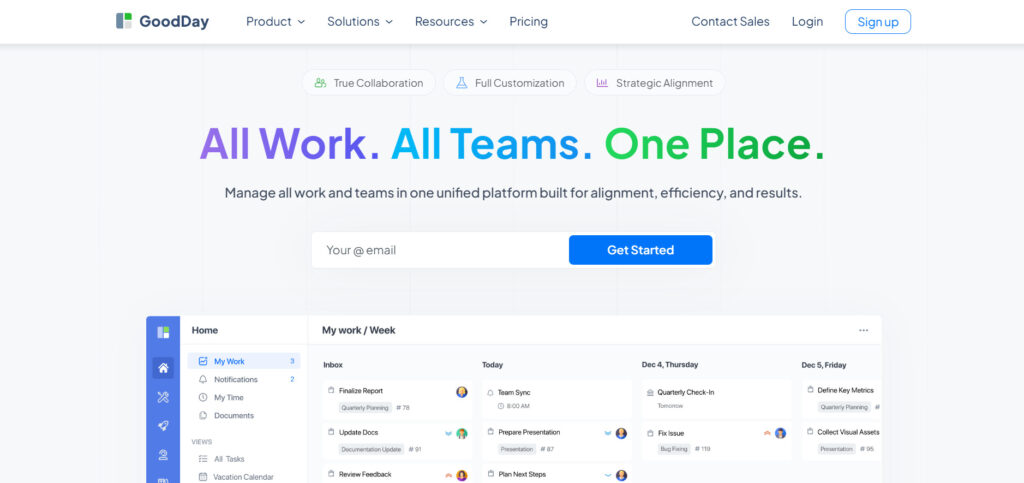
GoodDay is a comprehensive work management platform trusted by Fortune 500 companies, startups and businesses of all sizes all over the world. By migrating to GoodDay, organizations can save on their current software costs while gaining access to all the crucial features they depend on. Also, the process of transferring your existing project data to the GoodDay platform is straightforward and fast.
Why it’s a good Flow alternative
GoodDay has been recognized as a top-rated tool in 12 Capterra shortlists in 2026. It is highly valued by users because it offers a rare combination of powerful functionality and modest subscription cost.
Main features
GoodDay provides a comprehensive suite of tools for managing all aspects of work:
- Project planning, portfolio management, and structured work hierarchies.
- Multiple work views, including Gantt charts, Kanban boards, Workload, Calendar, and Table views.
- Time tracking, resource allocation, and budget management.
- Workflow automation and detailed reporting capabilities.
- Integrated goal management and performance analysis.
Integrations
GoodDay provides native integration capabilities with key productivity tools, including Google Workspace (G Suite, Gmail, Drive, Calendar, Docs), Slack, Dropbox, Box.com, and source code management systems like GitHub and GitLab. It also supports Single Sign-On (SSO) via SAML for enterprise security. For broader connectivity, it connects seamlessly with over a thousand other business applications using Zapier and offers a robust API for developing custom integrations with any of your existing organizational systems.
Desktop and mobile capabilities
GoodDay is accessible across all major operating systems, including dedicated applications for Windows, Mac, and Linux, and mobile apps for iOS and Android. This ensures users have full capability to manage tasks, projects, and dashboards, whether they are working from a desktop environment or are on the move.
Pros and cons:
| Pros | Cons |
| Trusted by over 100,000 teams internationally | Advanced reporting requires a dedicated setup and configuration process |
| Rich combination of project management and work organization features | Fully customizing and tailoring complex workflows may take additional time for optimal setup |
| Highly cost-effective, with a generous free tier for up to 15 users | Takes time for users to fully master the platform’s advanced workflows |
| Operates without aggressive tactics for unnecessary feature upsells | The extensive array of customization options can slow down the initial adoption phase |
2) Asana
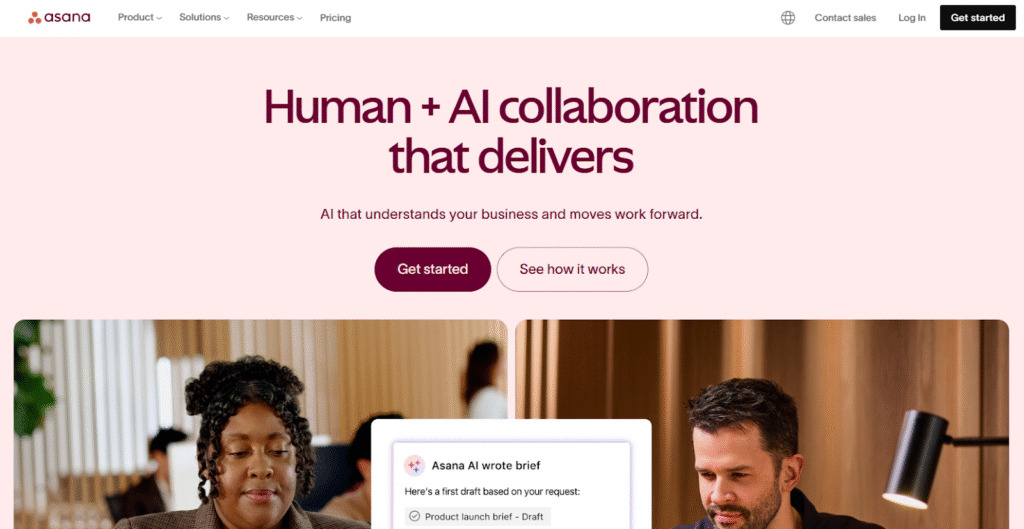
Asana is a well-known project management tool designed to help teams orchestrate their work, from daily tasks to strategic initiatives. It is best suited for teams that require strong visual planning capabilities and seamless collaboration across various departments. It can help to eliminate confusion about who is doing what and by when.
Why it’s a good Flow alternative
Asana offers a much more powerful and scalable platform than Flow, with a greater emphasis on workflow automation and cross-project visibility. Its intuitive visual interface, featuring List, Board, Timeline (Gantt), and Calendar views, makes it easy for teams to transition their existing workflows. Furthermore, its extensive automation features allow for more sophisticated process management.
Main features
- Multiple project views, including Timeline, Board, List, and Calendar.
- Workflow Builder for automating routine tasks and processes.
- Portfolios for monitoring the status of all strategic projects in one place.
- Goals tracking is linked directly to project work.
- Robust workload management to prevent team burnout.
Integrations
Asana integrates with hundreds of essential business tools, including Slack, Microsoft Teams, Adobe Creative Cloud, Salesforce, Google Workspace, Dropbox, and Zoom. It also provides an open API for custom development and connects to thousands of additional apps via integration platforms like Zapier.
Desktop and mobile capabilities
Asana offers web access and dedicated mobile apps for iOS and Android, allowing users to manage their work and stay updated from anywhere. While a dedicated desktop app is not a primary feature, the web application is fully featured and responsive.
Pros and cons
| Pros | Cons |
| Excellent visual organization and intuitive user interface | Premium features are significantly locked behind higher-tier plans |
| Strong workflow automation and rules engine | Can become complex and costly for small teams or basic needs |
| Robust support for large-scale, cross-functional project portfolios | Steep learning curve for advanced portfolio and reporting features |
| Reliable performance and consistent feature updates | Task dependencies are limited on lower-tier plans |
3) Monday.com
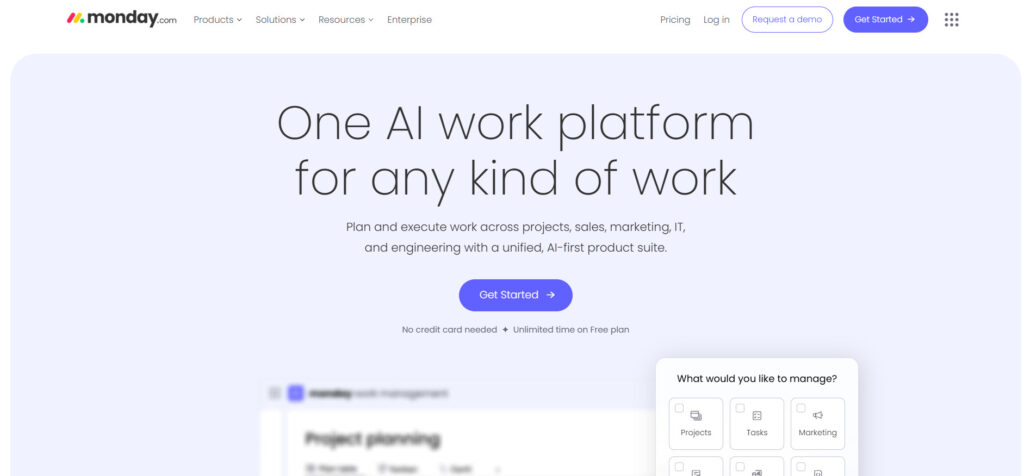
Monday.com is a flexible and visual work OS (Operating System). The platform can be customized for almost any use case, including project management, CRM, software development, and HR. Its strength lies in its ability to adapt to diverse team needs through colorful, intuitive boards and a drag-and-drop interface, making complex data easy to visualize.
Why it’s a good Flow alternative
It offers significantly greater flexibility and customization than Flow, allowing users to build entire applications and unique workflows without needing to code. The platform’s emphasis on visual customization and its vast library of templates make it a powerful choice for teams that need a solution capable of evolving with their business requirements.
Main features
- Hundreds of customizable templates for various use cases.
- Multiple views, including Kanban, Gantt, Calendar, and a dedicated map view.
- No-code automations to eliminate repetitive tasks.
- Integrated time tracking and document management.
- Dashboards for high-level data visualization and reporting.
Integrations
Monday.com offers native integrations with popular apps such as Slack, Zoom, Google Calendar, Google Drive, Gmail, Microsoft Teams, Excel, and Salesforce. It also supports connection to a vast ecosystem of other tools via its robust API and integration platforms.
Desktop and mobile capabilities
Users can access Monday.com via its web application, or through dedicated desktop apps for Windows and Mac. Furthermore, it provides full-featured mobile applications for both iOS and Android, ensuring continuous access and management capability across all devices.
Pros and cons
| Pros | Cons |
| Exceptional customization and visual presentation of data | Pricing can be restrictive due to user-tier minimums and plan limitations |
| User-friendly interface with a minimal learning curve for basic use | Automation limits are strict on lower-tier plans, requiring an upgrade |
| Highly versatile platform adaptable to diverse business functions | Does not offer a standalone free plan for teams larger than 2 users |
| Comprehensive set of built-in features, including time tracking and budgeting | Mobile app functionality is sometimes less powerful than the desktop version |
4) ClickUp
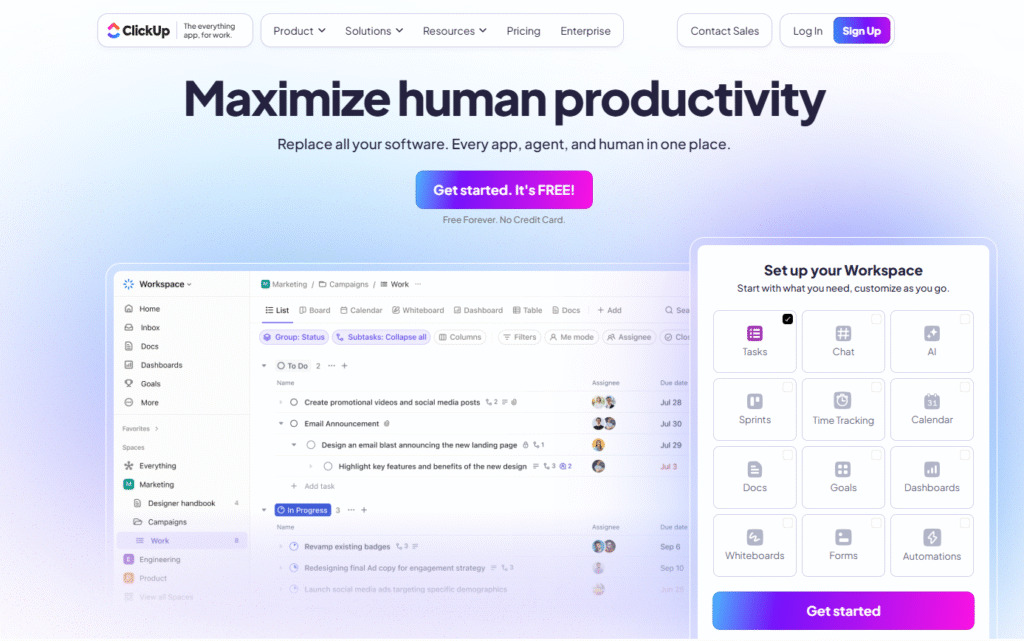
ClickUp is a platform for task management, documents, goals, and communication. It aims to streamline operations by offering a multitude of features that cater to virtually every type of team and project methodology. Its core philosophy emphasizes customization and flexibility at all levels, helping teams consolidate their work.
Why it’s a good Flow alternative
ClickUp is a powerful alternative for Flow users seeking extreme feature depth and the ability to consolidate multiple tools into a single platform. It offers vastly superior functionality across all areas, from custom fields and views to complex automations and internal documentation (Docs), providing a level of scalability that Flow cannot match.
Main features
- Over 15 customizable views, including List, Board, Box, Gantt, and Mind Maps.
- Goals and OKR tracking are linked directly to tasks.
- ClickUp Docs for real-time collaborative document creation.
- Sprints and Agile reporting tools for development teams.
- Advanced automations and custom statuses for tailored workflows.
Integrations
The platform integrates natively with over 1,000 tools, including Slack, GitHub, Google Drive, Dropbox, Salesforce, HubSpot, and hundreds more through Zapier and similar services. It also offers a public API for creating custom integrations with proprietary internal systems.
Desktop and mobile capabilities
ClickUp offers dedicated applications for Windows, Mac, and Linux, ensuring a fully functional desktop experience. Additionally, it maintains powerful and feature-rich mobile apps for both iOS and Android devices, allowing for comprehensive work management on the go.
Pros and cons
| Pros | Cons |
| Extremely feature-rich and highly customizable across all modules | The sheer number of features can lead to a steep initial learning curve |
| Very generous “Free Forever” plan with many core functions included | Performance can sometimes be slow due to the platform’s heavy load of features |
| Strong focus on consolidating multiple tools (e.g., docs, whiteboards, tasks) | Interface complexity can overwhelm new or non-technical users |
| Flexible hierarchy allows for intricate task and subtask organization | Many advanced features are limited to the higher-cost Business tier |
5) Jira
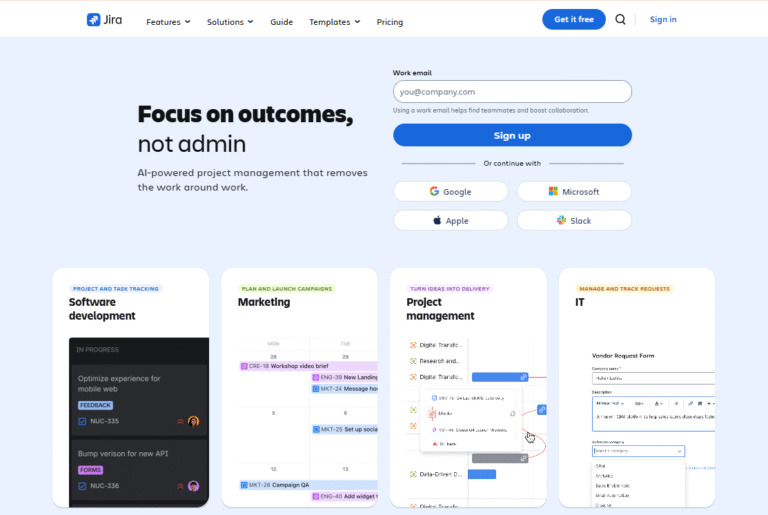
Jira, a tool developed by Atlassian, is primarily used by software development teams for Agile project management and bug or issue tracking. It excels at managing complex, technical workflows through both Scrum and Kanban methodologies. The platform integrates tightly with source code tools, making it essential for the development lifecycle.
Why it’s a good Flow alternative
For teams that have adopted or are moving toward a technical, Agile, or Scrum methodology, Jira offers a robust, purpose-built platform that far exceeds Flow’s capabilities. It provides advanced features for planning sprints, creating user stories, tracking bugs, and generating detailed release reports, making it essential for engineering and IT operations.
Main features
- Native support for Scrum and Kanban boards with customizable workflows.
- Extensive issue (task) tracking capabilities, including bug and feature requests.
- Roadmaps for visualizing project timelines and dependencies.
- Powerful reporting, including burn-down charts and velocity reports.
- Deep integration with other Atlassian products like Confluence and Bitbucket.
Integrations
Jira integrates seamlessly with the entire Atlassian suite (Confluence, Bitbucket, Trello), as well as essential development and business tools like Slack, GitHub, GitLab, Microsoft Teams, and numerous others available through the Atlassian Marketplace, which hosts thousands of add-ons.
Desktop and mobile capabilities
Jira is primarily accessed via its web interface, which is the most comprehensive version. Atlassian provides dedicated mobile apps for iOS and Android, allowing users to monitor and update issues, but they do not offer the full feature set of the web application.
Pros and cons:
| Pros | Cons |
| Industry standard for Agile and software development teams | Can be overly complex and rigid for non-technical or marketing teams |
| Highly customizable workflows tailored to development processes | User interface can feel dated or less intuitive compared to newer competitors |
| Massive ecosystem of integrations and marketplace add-ons | High dependency on the Atlassian ecosystem for full functionality |
| Unparalleled bug and issue tracking capabilities | Pricing scales quickly with user count and required premium features |
6) Trello
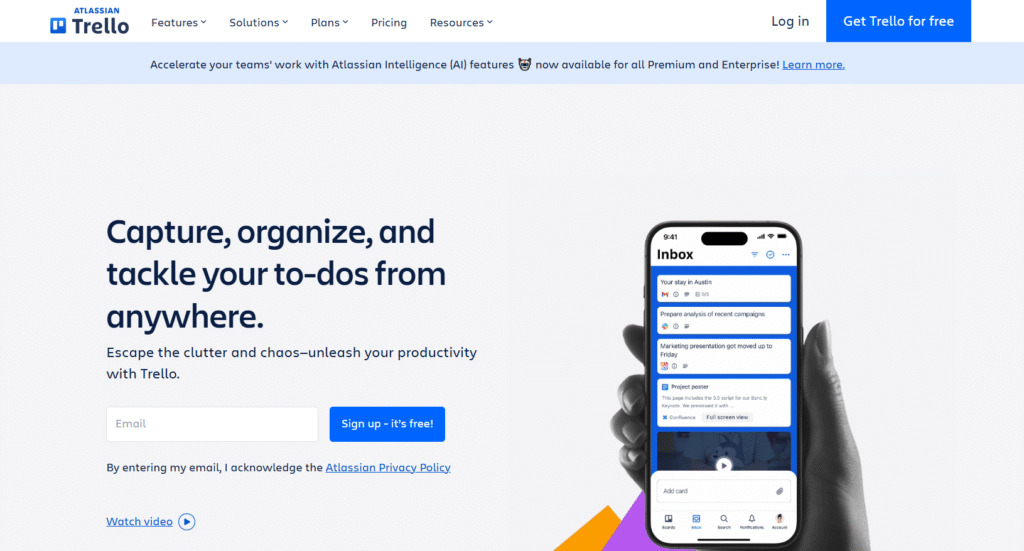
Trello, also an Atlassian product, is a simple, highly visual project management tool based on the Kanban board system. It uses cards, lists, and boards to help teams organize and prioritize work in an easy-to-understand, drag-and-drop format. It is best suited for small teams, personal use, or simple, clear-cut projects.
Why it’s a good Flow alternative
Trello is a great alternative for Flow users who appreciate simplicity and visual clarity but want the flexibility of a traditional Kanban board. It is arguably one of the most straightforward and fastest tools to get started with, offering a familiar, visual interface for managing simple workflows and team collaboration without the overhead of complex project structures.
Main features
- Intuitive Kanban boards, lists, and cards for visual task management.
- “Power-Ups” for adding features like Calendar view, Custom Fields, and integrations.
- No-code automation via Butler for repetitive task handling.
- Checklists, due dates, and assignments directly on cards.
- Collaboration features like comments, mentions, and file attachments.
Integrations
Trello integrates with numerous applications via its Power-Ups feature, including Slack, Google Drive, Salesforce, Jira, Dropbox, and Evernote. The Butler automation engine also provides powerful integration capabilities with other external systems.
Desktop and mobile capabilities
Trello is available as a web application and offers dedicated desktop apps for Windows and Mac, providing notifications and quick access. It also maintains highly functional, easy-to-use mobile apps for both iOS and Android, perfect for updating cards on the go.
Pros and cons:
| Pros | Cons |
| Exceptionally easy to use, with a near-zero learning curve | Not suitable for complex, large-scale projects or resource planning |
| Visual clarity of the Kanban system simplifies workflow tracking | Free plan limits the number of “Power-Ups” (integrations/features) per board |
| Reliable and fast performance across web and mobile platforms | Reporting and analytics capabilities are minimal and basic |
| Generous free plan, suitable for small teams and personal use | Card-based structure can lead to a fragmented overview of complex tasks |
7) Smartsheet
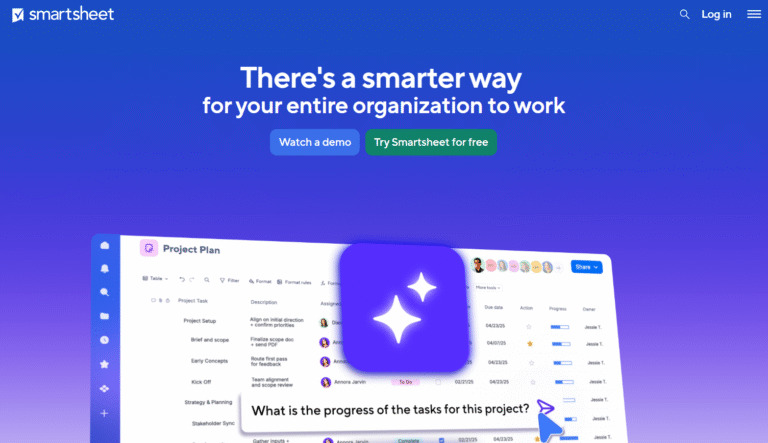
Smartsheet is a work management and automation platform built around a familiar spreadsheet interface. It combines the ease of a spreadsheet with powerful features like project management, portfolio tracking, forms, and reporting. This combination makes the tool highly effective for data-intensive projects and process management.
Why it’s a good Flow alternative
Smartsheet is the ideal alternative for teams that value the data management power of Excel but need sophisticated project management features, automation, and real-time collaboration that Flow lacks. Its spreadsheet-centric structure allows for powerful data manipulation, formulas, and conditional logic, providing an enterprise-grade platform for operational execution.
Main features
- Familiar grid (spreadsheet) view with robust formulas and hierarchy.
- Multiple views, including Gantt, Card (Kanban), and Calendar.
- Advanced automation builder for workflows and alerts.
- Forms for easy data collection and reporting dashboards.
- Portfolio management for tracking status across multiple sheets.
Integrations
Smartsheet features native connectors for many enterprise applications, including Microsoft Teams, Google Workspace, Slack, Jira, Salesforce, and Tableau. It also has a developer API and a marketplace for specialized third-party applications.
Desktop and mobile capabilities
Smartsheet is primarily a web-based application. It provides powerful and easy-to-use mobile apps for both iOS and Android, allowing users to view data, fill out forms, and collaborate on sheets while away from their desktop.
Pros and cons
| Pros | Cons |
| Unrivaled data management capabilities based on spreadsheet logic | Can be intimidating for users who dislike working with complex spreadsheets |
| Excellent for managing data-intensive projects, assets, and requests | Interface can feel less visually appealing or modern than newer tools |
| Robust features for automation, security, and enterprise governance | Per-user cost is high, especially for the Business and Enterprise tiers |
| Seamless import/export with Microsoft Excel for data migration | Steep learning curve to leverage the full power of formulas and automations |
8) Zoho Projects
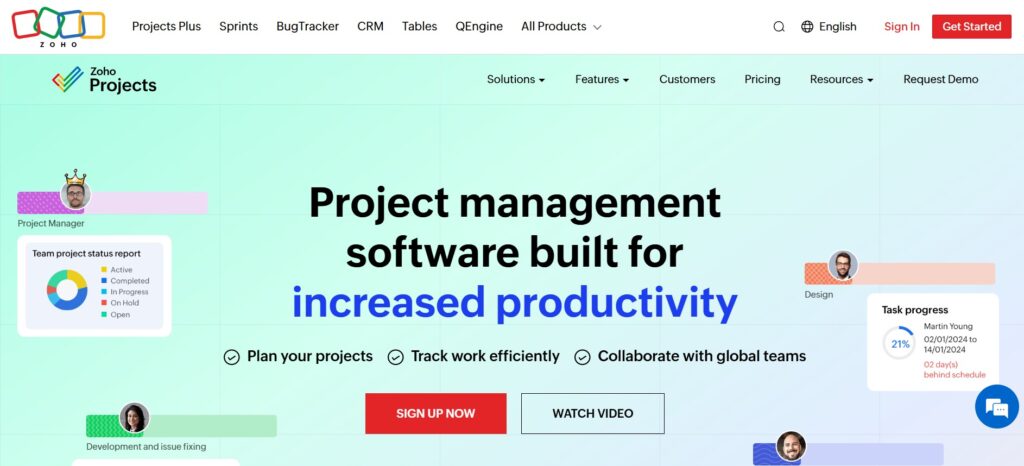
Zoho Projects is a comprehensive project management solution that is part of the broader Zoho suite of business applications. The platform provides strong tools for planning, tracking, and collaborating on projects. It is best suited for businesses that either already use other Zoho products or are looking for a scalable and cost-effective platform with integrated financials.
Why it’s a good Flow alternative
Zoho Projects offers a significantly deeper feature set than Flow, especially in areas like resource management, budgeting, and integrated invoicing. Its seamless integration with other Zoho applications (e.g., Zoho CRM, Zoho Desk) makes it a superior choice for businesses looking for a truly interconnected system across sales, support, and project execution.
Main features
- Gantt charts and dependencies for detailed project planning.
- Time tracking, resource utilization, and budget management.
- Integrated collaboration via Feeds and Forums.
- Customized reports, charts, and project automation.
- Issue tracking module for managing bugs and problems.
Integrations
Zoho Projects offers seamless integration with other Zoho applications like Zoho CRM, Zoho Books, and Zoho Desk. It also connects with third-party tools such as Google Workspace, Slack, Microsoft Teams, and GitHub, providing a robust suite of connectivity options.
Desktop and mobile capabilities
Zoho Projects is a web-based application, offering full functionality through any standard browser. It also provides dedicated and comprehensive mobile applications for both iOS and Android devices, ensuring users can manage tasks, time, and project status while on the go.
Pros and cons
| Pros | Cons |
| Highly cost-effective and scalable, especially for the feature set | User interface can sometimes feel cluttered or less intuitive than rivals |
| Excellent integration with the entire Zoho ecosystem for all business needs | Free plan is quite limited in terms of projects and storage capacity |
| Strong features for time tracking, budget, and resource management | Certain advanced features, like critical path, are limited to higher plans |
| Reliable reporting and detailed project statistics for analysis | Limited public roadmap or frequent, noticeable feature updates |
9) Wrike
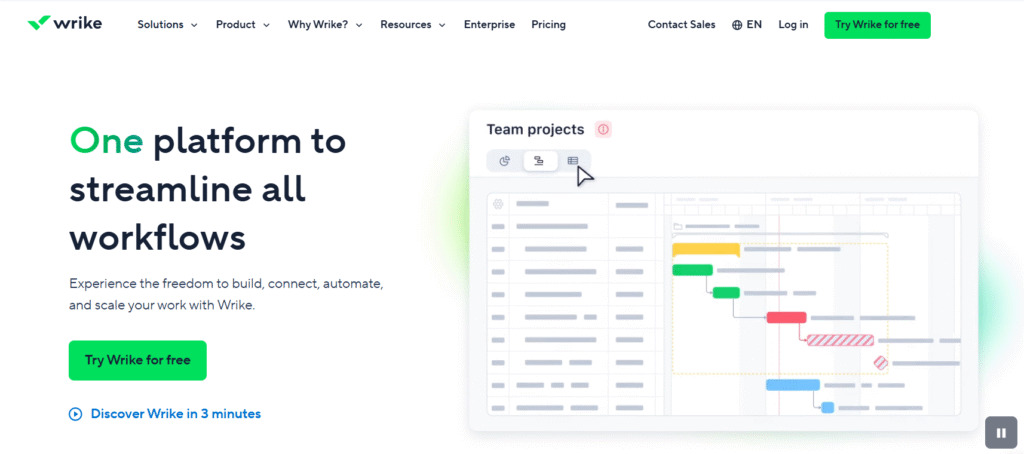
Wrike is a versatile project management platform well-regarded for its detailed visibility, robust reporting, and adaptability to different team types. The tool is best suited for larger teams and complex, high-stakes projects requiring detailed tracking and customized reporting. It is frequently adopted by teams ranging from creative agencies to marketing and development.
Why it’s a good Flow alternative
Wrike is a strong alternative for businesses that have outgrown Flow’s simplicity and now require enterprise-level functionality, including advanced resource management and complex portfolio views. Its focus on detailed hierarchies, tailored workflows, and in-depth reporting makes it a superior choice for managing large, intricate projects across multiple departments.
Main features
- Dynamic request forms and customized workflows for intake and approvals.
- Performance reports, customizable dashboards, and resource management tools.
- Advanced Gantt charts, baselines, and critical path analysis.
- Collaborative editing and proofing for creative assets.
- Project Portfolio Management (PPM) capabilities for high-level oversight.
Integrations
Wrike integrates natively with over 400 popular tools, including Microsoft Teams, Salesforce, Box, Google Workspace, GitHub, JIRA, and Adobe Creative Cloud. It also provides a robust API for developing custom connections with proprietary enterprise systems.
Desktop and mobile capabilities
Wrike is available as a web platform and provides dedicated desktop applications for Windows and Mac, offering a distraction-free environment and desktop notifications. It also provides full-featured mobile applications for both iOS and Android, enabling users to manage tasks and projects while remote.
Pros and cons
| Pros | Cons |
| Strong enterprise-level security and detailed reporting capabilities | Price per user is notably high, making it costly for large organizations |
| Excellent customization of workflows and intake request forms | Free and lower-tier plans are severely limited in core features |
| High visibility across multiple projects and complex portfolios | An overwhelming feature set can make initial setup and adoption complex |
| Real-time document collaboration and creative proofing tools | Some advanced features require significant time to properly configure |
10) Basecamp
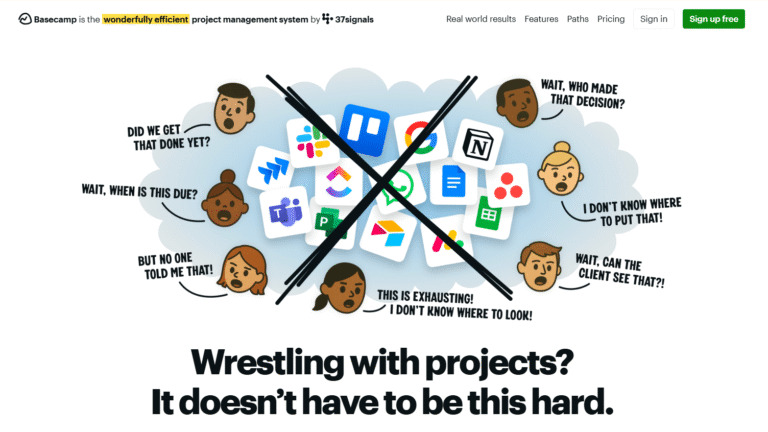
Basecamp is a project management and team communication tool designed to simplify collaboration by bundling all essential communication, files, schedules, and to-dos into a single, centralized location. The platform focuses on reducing context switching and email volume. This makes it best for teams that value communication clarity and simple project setups.
Why it’s a good Flow alternative
Basecamp is an excellent choice for teams migrating from Flow who wish to maintain simplicity but need a much stronger focus on structured communication and document handling. It cuts through the noise of complex feature sets and offers a unique, fixed-price model for unlimited users, appealing to businesses seeking straightforward, budget-predictable team collaboration.
Main features
- “Message Board” for centralized, organized announcements and discussions.
- “To-dos” for simple task management with assignments and due dates.
- “Schedule” for managing deadlines and events on a calendar.
- “Docs & Files” for centralized document storage and sharing.
- “Campfire” for real-time group chat communication.
Integrations
Basecamp’s philosophy is to minimize tool sprawl, so its native integrations are intentionally limited. It primarily focuses on core file storage and connection via Zapier. Notable integrations include Google Calendar, Slack (via a third-party tool), and email for forwarding updates.
Desktop and mobile capabilities
Basecamp is available via a web application and provides dedicated desktop apps for both Windows and Mac that offer a focused, distraction-free work environment. It also maintains highly functional mobile applications for both iOS and Android, allowing for easy updates and communication while away from the office.
Pros and cons:
| Pros | Cons |
| Simple, communication-centric design greatly reduces email volume | The feature set is intentionally limited and lacks complex project tools (e.g., Gantt charts) |
| Flat, predictable monthly pricing for unlimited users is highly cost-effective | Its unique communication structure may not fit traditional project workflows |
| Excellent for keeping all project-related communication in one place | Integrations are minimal compared to competing project management platforms |
| Minimal learning curve, making adoption fast and widespread | To-do lists are basic and lack advanced features like custom fields or resource tracking |
How to select Flow alternative for your business: main criteria
Choosing the right project management tool is a strategic decision that affects team productivity and project success. To make an informed choice, you should evaluate potential alternatives based on five core criteria tailored to your specific business needs.
Functionality
Start by assessing the depth and breadth of features. Look for tools that support your preferred methodology, whether it’s Agile, Waterfall, or a hybrid approach, and confirm they offer the views (Gantt, Kanban, List) your team needs to visualize work effectively.
Usability
A powerful tool is only useful if your team actually adopts it. The software should have an intuitive interface that aligns with how your team naturally works. A smooth learning curve minimizes downtime and resistance. Pay attention to factors like clarity of navigation, ease of task creation, and the user experience in both the desktop and mobile versions.
Customer support
While you hope never to need it, reliable and responsive customer support is non-negotiable, especially during the crucial migration and setup phases. Evaluate the support channels offered (email, phone, chat), the availability (24/7 versus business hours), and the quality of self-service documentation and tutorials available.
Value for money
Value is not merely the lowest price; it is the total cost of ownership relative to the features and scalability provided. Compare the cost structure (per-user vs. flat rate) against the limits on features, storage, and automation. A slightly higher per-user cost may be justified if it prevents you from needing to purchase and integrate two or three separate tools.
Customer reviews
Look at verified user reviews on reputable platforms to gain insight into real-world experiences. Pay attention to comments regarding reliability, ease of migration, performance, and where users feel the product truly excels or falls short. Look for trends in feedback from companies similar in size and industry to your own.
Save up to 50% by switching from Flow to GoodDay
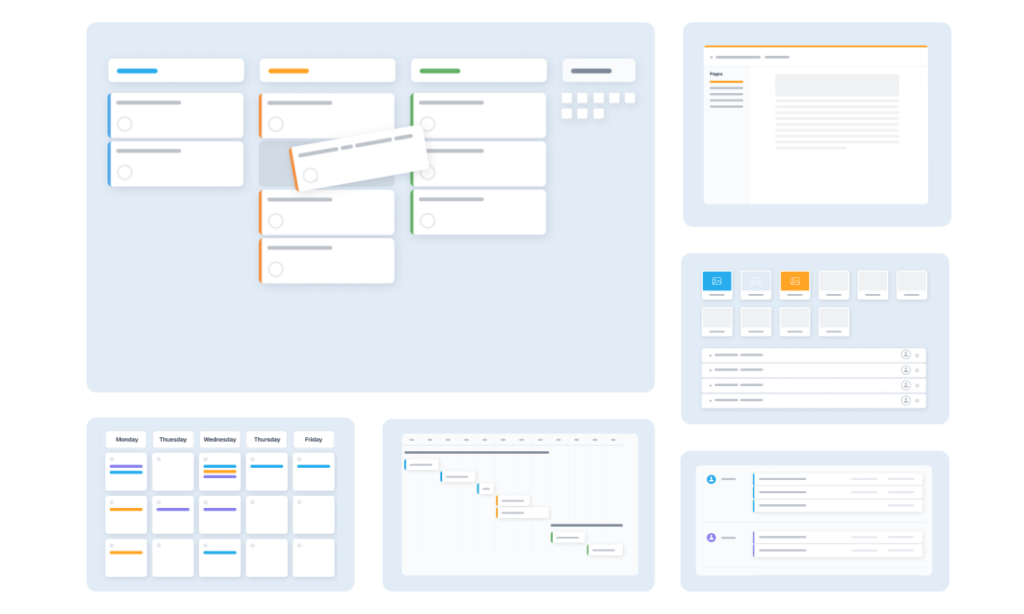
If your main goal is to find the perfect mix of powerful customization options and economical pricing, GoodDay is a standout choice for 2026. It is widely valued across the globe for its combination of robust functionality and highly affordable subscription tiers, making it a budget-conscious, yet powerful, solution.
You can try GoodDay for free to see how well it can support your workflow.
And if you have any questions about selecting the right project management software for your business, you can always reach out to our team via info@goodday.work.
FAQs
What is project management software?
Project management software is a set of digital tools that helps teams plan, organize, and manage the scope, resources, and tasks for successfully managing projects. This type of management software provides a central platform for scheduling, collaboration, budget tracking, and monitoring project progress. GoodDay is a prime example, offering comprehensive functionality to enhance workflow management across the entire organization. It helps consolidate all tasks and communication to ensure efficient project management.
How to organize my work tasks?
To effectively organize your work tasks, you should adopt a strong digital task management system, preferably within a project management tool like GoodDay. Begin by listing all your tasks and applying task prioritization techniques to focus on high-impact work. Using visual aids like Kanban boards and Gantt charts helps visualize your workload and ensures better organization of all your projects. Regularly updating and refining your tasks in a central platform is crucial for workflow management.
What are the best project management tools?
The best project management tools are those that offer a rich mix of features and scalability for different teams and projects. GoodDay is considered an excellent choice for its balance of powerful key features, like time tracking and customizable workflows, and its competitive pricing. Other leading alternatives include ClickUp for its all-in-one focus, Asana for user-friendly visual collaboration, and Jira for dedicated agile teams managing complex technical tasks.
How to create a to-do list?
You can create an effective to-do list by using the task management features within dedicated apps or project management software like GoodDay. Structure your tasks clearly, break down large projects into smaller steps, and assign deadlines for task prioritization. Utilizing the intuitive interface and user-friendly features of a tool like GoodDay ensures your list is always up to date and accessible across multiple devices.
What is the best free project management tool?
The best free project management tool for small teams and personal use is arguably GoodDay, which provides a very generous, completely free plan for up to 15 users. This free plan includes unlimited projects and strong core features like comprehensive task management and basic reporting. Other popular free tier options include Trello, known for its simple Kanban boards, and ClickUp, which offers unlimited users but with feature and storage restrictions.
Which Flow alternatives offer a truly comprehensive “all-in-one” platform?
GoodDay is a leading option among the best Flow alternatives that offers a truly comprehensive “all-in-one” platform by integrating task management, resource management, time tracking, and document sharing. ClickUp is another strong contender, positioning itself as the “one app to replace them all” by offering a multitude of features and customizable workflows. These robust alternatives go far beyond basic Flow software to provide integrated collaboration tools for managing projects end-to-end. Both platforms ensure teams can manage tasks and communication in one place, reducing the need for other apps.
What are the key features of Flow software that alternatives must match or exceed?
The core features of Flow software center on visualizing work workflows and ensuring stable progress via strong task management and dependency tracking. Superior Flow alternatives like GoodDay must match these key features while exceeding them in areas like advanced Gantt charts, resource allocation, and robust time tracking capabilities. These alternatives offer sophisticated workflow management with detailed data and reporting not typically found in simpler Flow tools.
Which Flow alternatives provide the best functionality for workflow automation?
For the best workflow automation functionality, advanced Flow alternatives like GoodDay, Monday.com, and Wrike stand out for their powerful automation builders. These tools enable users to create sophisticated rules that automatically trigger actions, update tasks, and send notifications, greatly enhancing workflow management efficiency. GoodDay’s customizable workflows and automation capabilities make it an excellent choice for global teams seeking to streamline repetitive tasks across their projects.
Which Flow alternatives offer a viable free plan for small teams or individual users?
Several top Flow alternatives provide a viable free plan for small teams or personal use, but GoodDay’s completely free plan for up to 15 users is highly competitive for its included core features. Trello offers its simple Kanban boards for free, while ClickUp provides unlimited users on its free tier with storage limitations. Choosing the right free plan depends on whether your small teams need pure simplicity or a richer set of project management tools and functionality.
What are the primary reasons businesses switch from Flow to a top alternative like Wrike or Monday.com?
Businesses typically switch from Flow software to top alternatives like Wrike or Monday.com (or GoodDay) due to a need for deeper functionality and scalability for their complex projects. Key reasons for the move include robust Time Tracking and advanced resource management capabilities, more sophisticated workflow automation and customizable workflows. This transition is also driven by the need for better reporting and data visualization, including Gantt charts, and a true all-in-one platform with integrated collaboration tools.
Can I use custom fields and objects in the top Flow alternatives to tailor my project data?
Yes, the most capable Flow alternatives, including GoodDay, ClickUp, and Wrike, strongly support the use of custom fields and objects. This key feature allows users to fully tailor the data tracked on their tasks and projects to match unique business requirements and specific workflows. The ability to modify these management structures is essential for creating highly customized reports and ensuring accurate data collection for all teams.
Are there any reliable open source Flow alternatives for companies needing self-hosted options?
Reliable open source Flow alternatives are available for teams requiring self-hosted solutions, which grants full control over security and project data. Tools like Plane or Mattermost offer open source code suitable for business use. Open source options are viable for organizations prioritizing on-premise deployment and complete control over their Flow tools.
How does the pricing and feature set of GoodDay compare to Flow’s paid plans?
GoodDay’s pricing and feature set offer exceptional value compared to many Flow software paid plans, often providing a richer mix of key features at a more affordable rate per user. The most notable difference is GoodDay’s strong, completely free plan for up to 15 users, which is rarely matched by competitors in terms of included functionality. Paid plans on GoodDay are highly praised for striking a balance between powerful project management tools, like advanced time tracking and Gantt charts, and a scalable, affordable structure for any size of business.




