
ELO ECM Suite has been a staple for many businesses, especially those needing strict compliance and deep archival features. Still, it is not the only way to keep your office running smoothly. Your team needs something more visual, a tool that is easier to set up, or a platform that does not require a massive upfront investment.
According to research from the Project Management Institute, high-performing organizations that use the right project management and document tools waste 28 times less money than those that do not.
In this guide, we’ll explore the best ELO ECM Suite alternatives to help you make the right choice.
But if you have any questions that are not covered in this article, you can always connect with our team via info@goodday.work
Best ELO ECM Suite alternatives shortlist for 2026
Choosing the right alternative depends on whether you need deep document archiving, agile project management, or a simple cloud-based collaboration suite.
Workflow & Project Management:
- GoodDay: A versatile work management platform that balances powerful task tracking with high affordability.
- Monday.com: Highly visual, flexible platform for tracking projects and document workflows.
- Wrike: Suitable for complex project management and marketing workflows.
- Bitrix24: A comprehensive platform including CRM, project management, and document storage.
Enterprise Content Management (ECM/DMS):
- M-Files: Known for its metadata-driven approach to organizing documents rather than folder structures.
- DocuWare: Strong focus on digital workflow automation and invoice processing.
- SharePoint: A top choice for integration within the Microsoft ecosystem for document management and collaboration.
- iManage Work: Ideal for document management, particularly in legal and professional services.
- Agorum Core: An open-source alternative for document management.
Cloud Storage & Collaboration:
- Google Workspace/Drive: Offers comprehensive cloud storage, document creation, and real-time collaboration.
- Microsoft 365/OneDrive: A comprehensive suite for document management, email, and editing.
- Box: Known for secure content management and workflow capabilities.
- Dropbox Business: Strong file synchronization and sharing capabilities.
Document Processing & Specialized Tools:
- Adobe Acrobat: Best for comprehensive PDF editing, signing, and document creation.
- Square 9 Softworks: Focused on content management and intelligent data capture.
- TeamDrive: Provides secure, encrypted data storage and sharing.
Comparison of the best ELO ECM Suite alternatives (free and paid)
The following table compares the top alternatives based on their primary strengths, 2026 market pricing, and how easily you can migrate your data from ELO to the new system.
| Software | Best for | Pricing | Ease of migration from ELO ECM Suite |
| GoodDay | Best overall balance of features and cost | Free plan (1–15 users); Professional $4/user/month; Business $7/user/month; Enterprise custom | Easy (CSV import, Zapier integrations) |
| Monday.com | Visual project tracking | Basic $9/user/month; Standard $12/user/month; Pro $19/user/month | Moderate (Excel/CSV import) |
| Wrike | Marketing and creative teams | Team $9.80/user/month; Business $24.80/user/month | Moderate (Dedicated import tools) |
| Bitrix24 | All-in-one business suite | Basic $61/mo (5 users); Standard $124/mo (50 users) | Complex (Requires API/Partner help) |
| M-Files | Metadata-based document management | Contact vendor (Approx. $40–$60/user/month) | Moderate (Smart Migration app available) |
| DocuWare | Invoice and workflow automation | Cloud starts approx. $300/month for small teams | Moderate (Partner-assisted migration) |
| SharePoint | Microsoft-heavy organizations | Included in M365 ($6–$22/user/month) | Easy (Third-party connectors available) |
| iManage Work | Legal and professional services | Contact the vendor for a custom quote | Complex (Requires specialized tools) |
| agorum core | Open-source flexibility | Open-source (Free); Pro version contact vendor | Complex (Developer-led migration) |
| Google Workspace | Real-time cloud collaboration | Business Starter $7.20/user/month; Standard $14.40/user/month | Easy (Google Drive File Stream/Import) |
| Microsoft 365 | Standardized office tasks | Business Basic $6/user/month; Standard $12.50/user/month | Easy (OneDrive Migration Tool) |
| Box | Secure enterprise file sharing | Business $15/user/month; Business Plus $25/user/month | Easy (Box Shuttle migration service) |
| Dropbox Business | Fast file synchronization | Essentials $18/month; Business $20/user/month | Easy (Direct file upload) |
| Adobe Acrobat | PDF-centric workflows | Standard $12.99/month; Pro $19.99/month | N/A (Document-level transition) |
| Square 9 | Intelligent data capture | Essentials $75/user/month | Moderate (Professional services) |
| TeamDrive | High-security data storage | Personal Free; Business approx. $6/user/month | Easy (Folder synchronization) |
What is ELO ECM Suite and why consider an alternative?
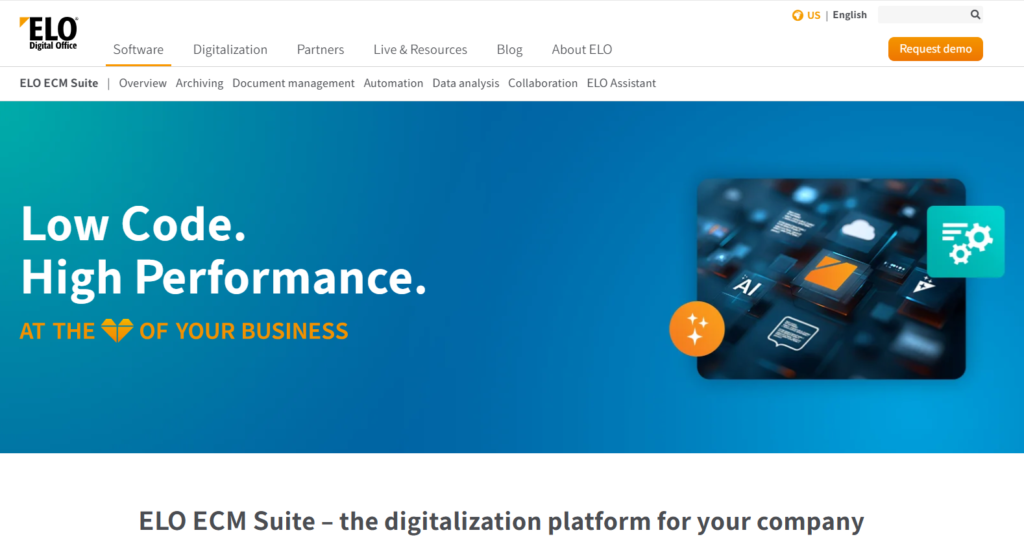
ELO ECM Suite is a traditional Enterprise Content Management (ECM) and Document Management System (DMS) that helps companies archive documents in a legally compliant way. It is built to handle complex business processes, digital signatures, and long-term storage, making it very popular in highly regulated industries.
For years, it has been a reliable choice for organizations that need a “digital filing cabinet” that meets strict audit requirements. However, many businesses are moving away from ELO because it can feel rigid and expensive to maintain.
Best alternatives to ELO ECM Suite
Modern alternatives offer better flexibility and more modern interfaces, allowing teams to work faster and more collaboratively.
GoodDay
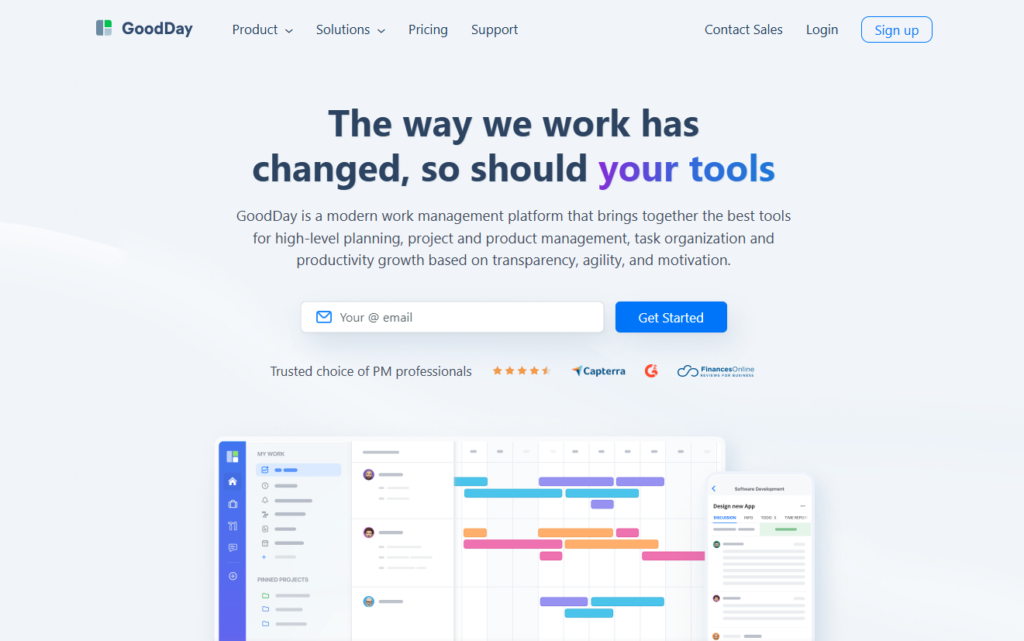
GoodDay is a comprehensive work management solution used by organizations ranging from small startups to Fortune 500 corporations worldwide. By making the switch to GoodDay, companies can reduce their software expenses by as much as 50% while retaining all the essential functionalities they rely on. Furthermore, moving your data into the GoodDay ecosystem is incredibly fast, typically taking only about two minutes.
Why it’s a good ELO ECM Suite alternative:
GoodDay is frequently highlighted as a premier tool in 12 Capterra shortlists for its excellence in project management. Users consistently praise the platform for providing a sophisticated set of features without the high price tag often found in enterprise software. The exceptional value it offers makes it a top choice for teams that want high-end capabilities on a reasonable budget.
Main features:
GoodDay offers a robust set of tools for managing every aspect of business operations:
- Customizable Workflows: Design processes that match exactly how your team works.
- Advanced Planning Tools: Use Gantt charts, Kanban boards, and Agile views.
- Reporting and Analytics: Real-time data on project progress and team productivity.
- Time Tracking: Built-in tools to monitor billable hours and task duration.
Integrations
GoodDay provides native connectivity for G Suite, Gmail, and Slack, along with direct links to Google Docs, Drive, and Calendar. It also supports file storage platforms like Dropbox and Box.com, and security features like Single Sign-On (SSO via SAML). For technical teams, it integrates with GitHub and GitLab, while Zapier allows connections to over 1,300 other apps alongside a comprehensive API.
Desktop and mobile capabilities
You can access GoodDay across all major platforms, including dedicated apps for Windows, Mac, and Linux. For those working on the move, the mobile applications for iOS and Android ensure that tasks, project updates, and team dashboards are always within reach.
Pros and cons:
| Pros | Cons |
| Used by more than 100,000 teams globally | Complex reporting features need initial setup |
| A wide variety of built-in tools | Customizing workflows can take some time |
| Highly cost-effective with a generous free tier | Learning advanced features requires an initial investment |
| No aggressive sales tactics or forced upgrades | Deep customization may slow down early adoption |
Monday.com
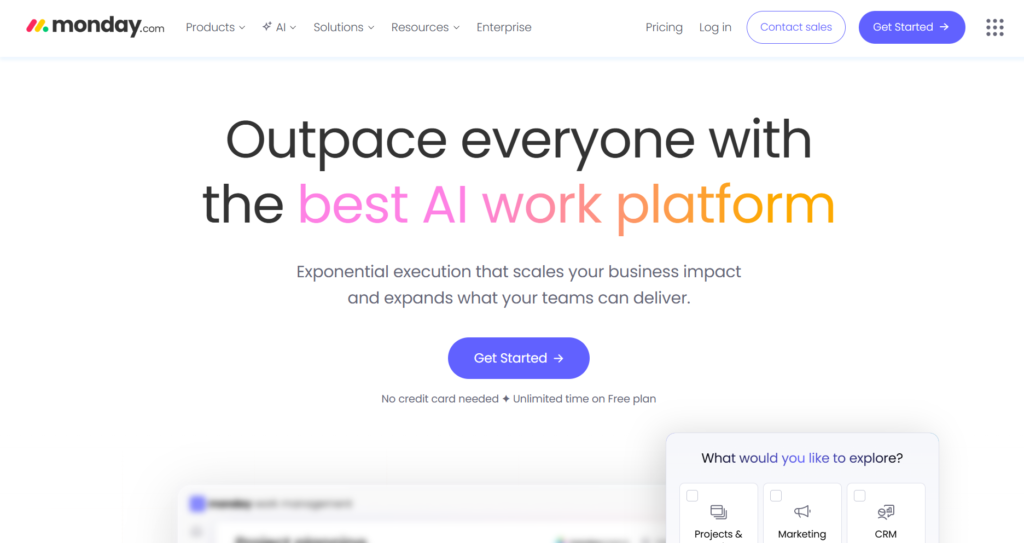
Monday.com is a visual work operating system that allows teams to build custom workflow apps in minutes. It is best for teams that value transparency and need a colorful, easy-to-understand interface for tracking project statuses. Businesses use it to manage everything from marketing campaigns to basic CRM functions.
Why it’s a good ELO ECM Suite alternative:
It replaces the often-clunky feel of legacy document management with a modern, “no-code” environment. While ELO is great for archiving, Monday.com excels at active collaboration and keeping everyone updated on task progress. It is much easier to train new employees on Monday than on more complex ECM systems.
Main features:
- Visual Boards: Highly customizable boards for tracking any type of data.
- Automation Recipes: Simple “if this, then that” builders to automate repetitive tasks.
- Multiple Views: Switch between Timeline, Calendar, Chart, and Kanban views instantly.
- Guest Access: Easily share boards with external clients or stakeholders.
Integrations:
Monday.com integrates with over 50 tools, including Slack, Microsoft Teams, Zoom, Shopify, and Salesforce.
Desktop and mobile capabilities:
Available via web browser, desktop apps for Windows and Mac, and mobile apps for iOS and Android.
Pros and cons:
| Pros | Cons |
| Extremely intuitive and modern interface | Higher pricing tiers for advanced features |
| Fast setup with many templates | Minimum seat requirements can be annoying |
| Powerful visual automation builders | Can become cluttered with too many columns |
| Excellent customer support and documentation | Basic plans lack key automation features |
Wrike
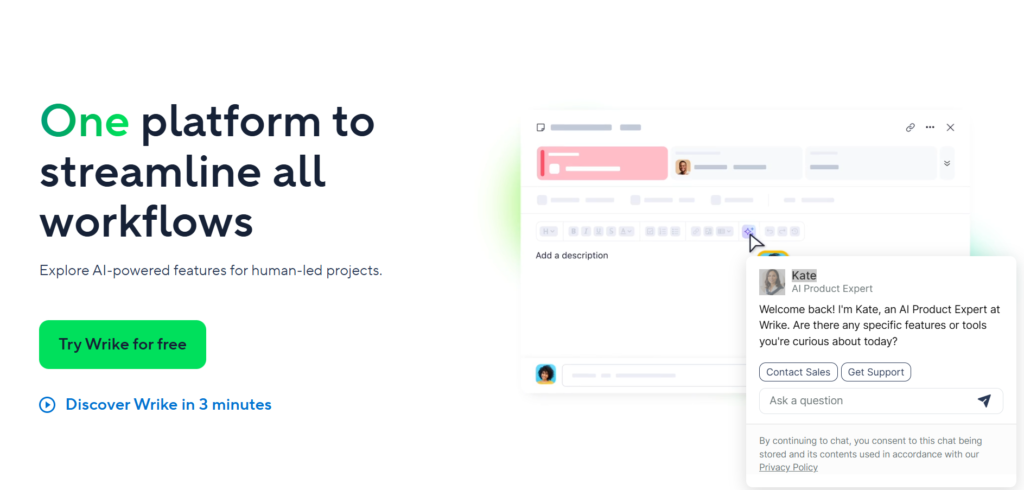
Wrike is an enterprise-grade project management platform designed for mid-sized to large organizations that need deep customization. It is particularly effective for marketing, creative, and professional services teams that handle high volumes of complex projects. It offers a strong balance between document storage and active task management.
Why it’s a good ELO ECM Suite alternative:
Wrike provides the enterprise-level security and detailed permission settings that ELO users expect, but with far better project planning tools. It allows for better management of the “creative” side of documents, such as proofing and approvals, which ELO often lacks. It is a more modern way to manage the lifecycle of a document from draft to archive.
Main features:
- Proofing Tools: Mark up documents and images directly within the app.
- Custom Request Forms: Streamline how work is assigned to the team.
- Workload Management: See team capacity in real-time to avoid burnout.
- Dynamic Request Forms: Automatically create projects based on form inputs.
Integrations:
Wrike connects with over 400 apps, including Adobe Creative Cloud, Microsoft 365, and Tableau.
Desktop and mobile capabilities:
Supported on Windows and Mac via desktop apps, with full-featured apps available for iOS and Android devices.
Pros and cons:
| Pros | Cons |
| Deeply customizable for complex workflows | Steeper learning curve than simpler tools |
| Robust proofing and approval features | The user interface can feel dense and busy |
| Strong focus on data security and compliance | Pricing is on the higher end of the market |
| Real-time collaboration on live documents | A desktop app can be resource-heavy |
Bitrix24
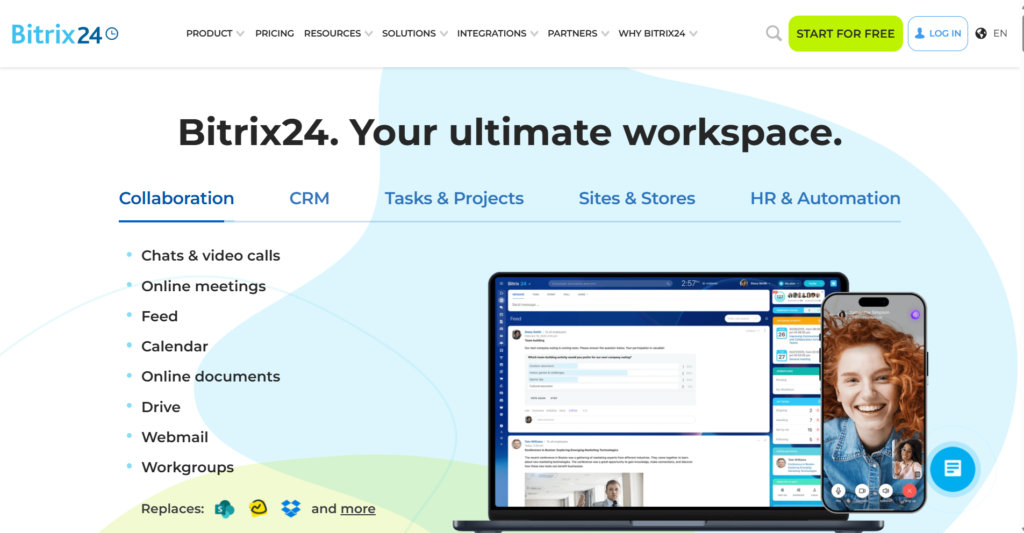
Bitrix24 is an all-in-one business suite that includes project management, a CRM, a website builder, and internal communication tools. It is best for small to medium businesses that want to consolidate all their software into a single monthly bill. It offers a surprisingly deep document management system within its larger framework.
Why it’s a good ELO ECM Suite alternative:
It offers a much wider range of business tools beyond just document management, including a full social intranet for employees. For companies that find ELO too specialized, Bitrix24 provides a “business-in-a-box” experience. It also offers an on-premise version, which is a key requirement for many former ELO users.
Main features:
- Social Intranet: Internal chat, newsfeeds, and employee directories.
- Full CRM: Manage leads, deals, and customer document history in one place.
- Bitrix24.Drive: Secure cloud storage with document versioning and locking.
- Extranet: Secure workspaces for collaborating with external partners.
Integrations:
Bitrix24 integrates with Google Drive, OneDrive, Dropbox, and various payment gateways like PayPal and Stripe.
Desktop and mobile capabilities:
Offers web access, desktop apps for Windows and Mac, and mobile apps for iOS and Android.
Pros and cons:
| Pros | Cons |
| Massive feature set for a single price | The interface can be overwhelming for new users |
| Includes CRM and contact center tools | Customer support response times can be slow |
| Both cloud and on-premise options are available | Some features feel less polished than specialized tools |
| Generous free version for small teams | Advanced customization requires technical skill |
M-Files
M-Files is a metadata-driven document management system that focuses on “what” a document is rather than “where” it is stored. It is best for organizations that struggle with complex folder structures and need to find information quickly across different systems. It uses AI to categorize and secure business content automatically.
Why it’s a good ELO ECM Suite alternative:
It offers a much more intelligent approach to document organization than ELO’s traditional folder-based hierarchy. M-Files can “look into” other systems like SharePoint or network folders without moving the files, creating a single source of truth. It provides the same high level of compliance as ELO but with a more modern, searchable architecture.
Main features:
- Metadata Navigation: Find documents by customer, date, or project, regardless of folder.
- AI-Powered Classification: Automatically tags documents with relevant information.
- Version Control: Automatic tracking of every change and document version.
- Offline Access: Edit documents without an internet connection and sync later.
Integrations:
M-Files integrates deeply with Microsoft 365, Salesforce, SAP, and various ERP systems.
Desktop and mobile capabilities:
Fully supported on Windows, Mac (via browser/web), and offers dedicated mobile apps for iOS and Android.
Pros and cons:
| Pros | Cons |
| Eliminates the need for confusing folder structures | High price point compared to simple cloud storage |
| Superior search capabilities using AI | Initial setup and metadata planning takes time |
| Excellent compliance and audit trail features | The mobile app is functional but lacks some desktop features |
| Works across multiple existing storage systems | Requires significant training for staff |
DocuWare
DocuWare is a leader in document management and workflow automation, with a specific strength in digitizing paper-heavy processes like accounting. It is best for departments that need to automate invoice processing, employee onboarding, and contract management. It offers both cloud and on-premise deployments.
Why it’s a good ELO ECM Suite alternative:
DocuWare is much more focused on the automation of document tasks than ELO, which is often used primarily for storage. Its “Intelligent Indexing” feature is excellent at reading data from invoices and routing them for approval automatically. It is a more modern, “office-automation” first alternative.
Main features:
- Intelligent Indexing: Reads data from documents to automate filing.
- Workflow Designer: Drag-and-drop tool for building approval processes.
- Digital Signatures: Legally binding signatures built directly into the workflow.
- Public Forms: Create web forms to capture data and documents from outsiders.
Integrations:
Connects with over 500 different applications, including Outlook, QuickBooks, SAP, and Sage.
Desktop and mobile capabilities:
Accessible via any web browser, with dedicated apps for Windows and mobile platforms (iOS/Android).
Pros and cons:
| Pros | Cons |
| Best-in-class invoice and AP automation | Pricing can be confusing for smaller teams |
| Very strong security and GDPR compliance | The web interface can occasionally feel slow |
| Fast implementation for cloud customers | Heavy focus on documents over project tasks |
| Excellent mobile document capture | Limited “project management” features |
SharePoint
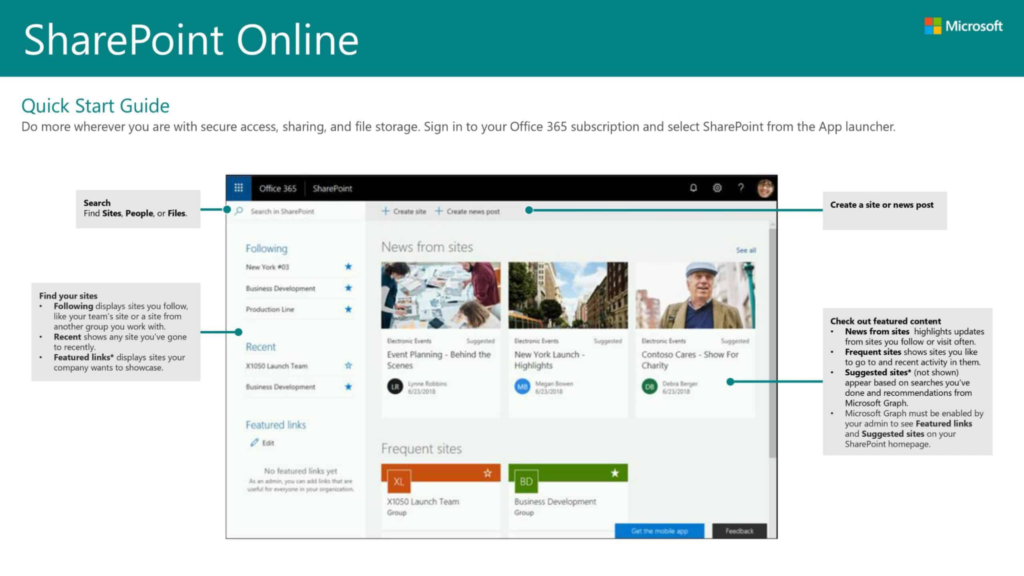
SharePoint is Microsoft’s powerhouse for document management, collaboration, and intranet building. It is best for any organization already using Microsoft 365 that wants to leverage its existing subscription for document control. It is highly flexible and can be built into almost any type of business portal.
Why it’s a good ELO ECM Suite alternative:
For most companies, SharePoint is “free” because it is already included in their Microsoft 365 plan, making it a huge cost-saver over ELO. It offers much deeper integration with Word, Excel, and Teams than any third-party tool ever could. It has moved from being just a storage site to a full-blown collaboration ecosystem.
Main features:
- Co-authoring: Multiple people can edit the same document in real-time.
- Hub Sites: Create beautiful company intranets and news portals.
- Power Automate: Connect SharePoint to thousands of other apps for workflows.
- Advanced Permissions: Control access at the site, folder, or document level.
Integrations:
Native integration with the entire Microsoft 365 suite, plus thousands of apps via Power Automate and Logic Apps.
Desktop and mobile capabilities:
Available on Windows and Mac via OneDrive sync; mobile apps available for iOS and Android.
Pros and cons:
| Pros | Cons |
| Included in most Microsoft 365 business plans | Requires an expert to set up correctly |
| Seamless integration with Teams and Office apps | Can become messy without strict governance |
| Massive ecosystem of third-party add-ons | The user interface can be complex for beginners |
| Industry-standard security and compliance | Search can sometimes be difficult to tune |
iManage Work
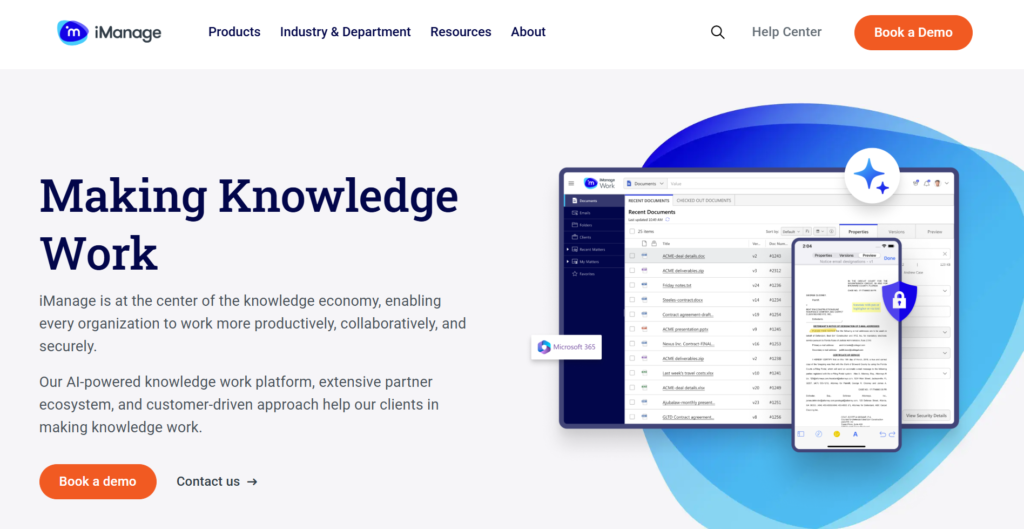
iManage Work is the industry-standard document and email management system for legal and professional services. It is best for lawyers, accountants, and consultants who deal with massive amounts of “matter-centric” information. It focuses heavily on security, governance, and information retrieval from large datasets.
Why it’s a good ELO ECM Suite alternative:
It provides a much more specialized experience for professional services than ELO’s general-purpose ECM. iManage is designed to handle emails and documents as a single cohesive unit, which is vital for legal compliance. It is the go-to choice for companies that need a “need-to-know” security model.
Main features:
- Email Management: File emails directly from Outlook into the project folder.
- Smart Search: Uses AI to find relevant documents across the entire firm.
- Matter-Centric Folders: Organizes everything by client or project automatically.
- Secure Share: Send large files to clients securely without using email attachments.
Integrations:
Deeply integrated with Microsoft Outlook and Office, plus legal-specific tools like Litera and various ERPs.
Desktop and mobile capabilities:
Native desktop clients for Windows and Mac; high-security mobile apps for iOS and Android.
Pros and cons:
| Pros | Cons |
| Built specifically for legal and professional needs | Very expensive compared to general DMS tools |
| Superior email and document linking | Requires significant IT support to maintain |
| World-class security and ethical wall features | Not suitable for general project management |
| High user adoption in the legal industry | A mobile app can be restrictive for security reasons |
Agorum Core
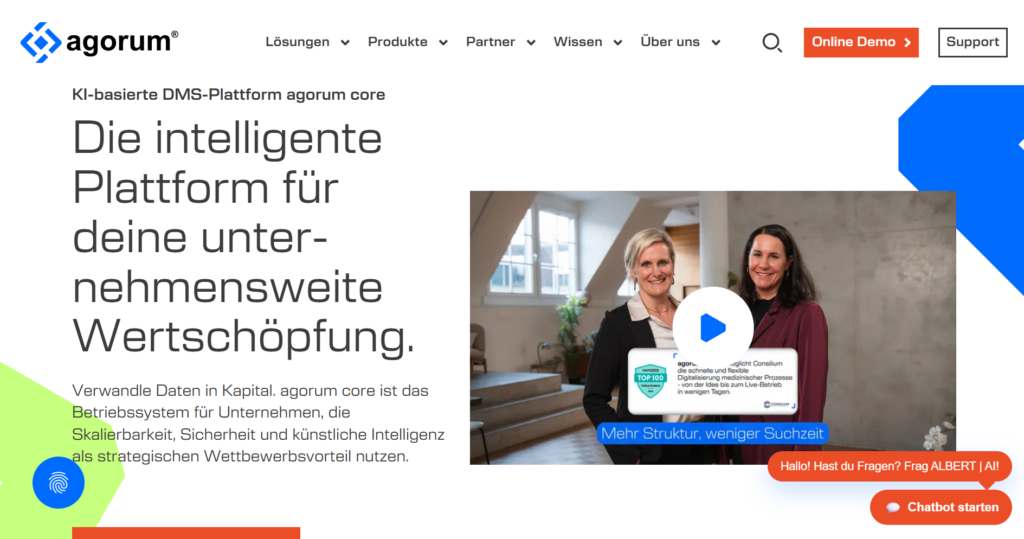
Agorum Core is an open-source enterprise content management system that offers total flexibility for developers. It is best for companies with internal IT teams that want to build a completely custom document management solution without being locked into a proprietary vendor. It offers a “desktop-in-the-browser” experience.
Why it’s a good ELO ECM Suite alternative:
It offers much of the same “German-engineered” document reliability as ELO but with an open-source core that allows for infinite customization. It is generally more affordable for companies that have the technical skill to manage it themselves. It is a great middle-ground between a “do-it-yourself” system and a professional enterprise suite.
Main features:
- Smart Assistant: A flexible UI that adapts to the user’s specific role.
- Full-Text Search: High-speed indexing of all document contents.
- Virtual File System: Mount the DMS as a local drive on your computer.
- Preview Engine: View over 200 file types without opening the original app.
Integrations:
Provides a rich API and CMIS support, allowing it to connect to almost any ERP, CRM, or email system.
Desktop and mobile capabilities:
Primarily web-based, but offers a desktop sync client for Windows, Mac, and Linux, plus basic mobile access.
Pros and cons:
| Pros | Cons |
| Highly flexible and customizable | Requires technical expertise to set up |
| Open-source core reduces vendor lock-in | The user interface can look slightly dated |
| Powerful search and indexing capabilities | Community support is primarily in German |
| Great value for companies with IT staff | Documentation can be sparse for advanced features |
Google Workspace/Drive
Google Workspace is the king of real-time collaboration, moving business processes away from static files and into live, shared documents. It is good for fast-moving teams that prioritize speed, ease of use, and “born-in-the-cloud” workflows. It includes everything from email to spreadsheets and video conferencing.
Why it’s a good ELO ECM Suite alternative:
It is significantly more modern and faster than ELO for everyday collaboration. While ELO focuses on “storing” finished work, Google Workspace focuses on “doing” the work together. The search functionality is powered by Google’s core technology, making it incredibly fast to find any file.
Main features:
- Real-time Collaboration: See cursors move as your team edits documents live.
- Shared Drives: Team-owned folders that persist even if a member leaves.
- Google Search for Business: Find files, emails, and chats instantly.
- No-save Editing: Every change is saved instantly with full version history.
Integrations:
Integrates with almost every modern SaaS tool on the market, including Slack, Trello, and HubSpot.
Desktop and mobile capabilities:
Primarily web-based; Google Drive for Desktop syncs files to Mac/PC; world-class apps for iOS and Android.
Pros and cons:
| Pros | Cons |
| Fastest real-time collaboration available | Offline editing is not as robust as desktop apps |
| Simple, predictable pricing model | Organizing large amounts of files can be messy |
| No hardware or server maintenance required | Limited advanced ECM/Compliance features |
| Excellent mobile app experience | Privacy concerns for some highly regulated firms |
Microsoft 365/OneDrive
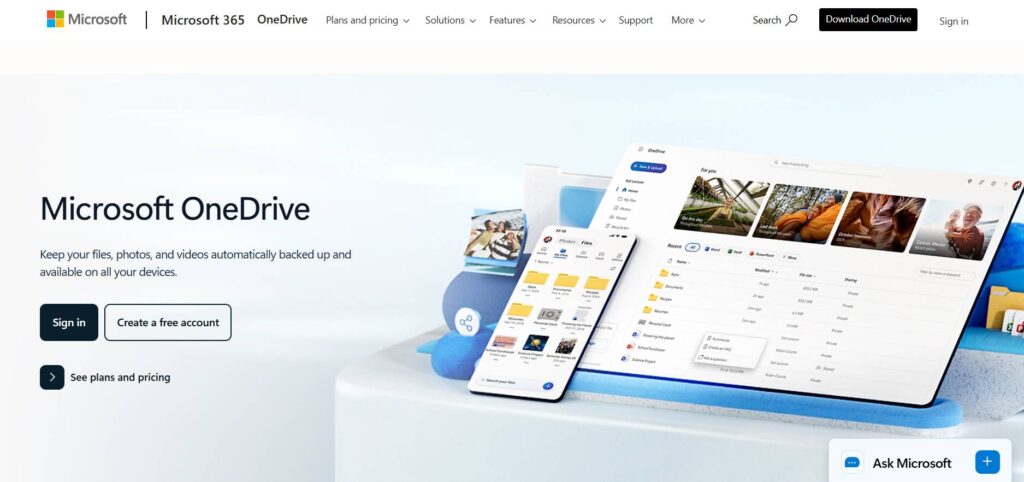
Microsoft 365 combines the desktop power of Word and Excel with cloud storage. It is best for businesses that need “standard” office tools but want the benefits of cloud synchronization and security. It serves as the foundation for most modern digital workplaces.
Why it’s a good ELO ECM Suite alternative:
It replaces the need for a separate DMS like ELO by using OneDrive and SharePoint for all file storage. It offers a familiar environment that most employees already know how to use, reducing training costs. It provides a much more integrated experience for email, chat, and document editing.
Main features:
- Desktop App Sync: Edit in the full desktop version of Word and sync to the cloud.
- Advanced Threat Protection: Enterprise-grade security for emails and files.
- Auto-Save: Never lose work with constant cloud backups.
- Teams Integration: Access all your files directly inside your chat app.
Integrations:
Native integration with the entire Windows ecosystem and thousands of third-party business apps.
Desktop and mobile capabilities:
Full desktop suites for Windows and Mac; mobile apps for iOS and Android are highly rated.
Pros and cons:
| Pros | Cons |
| The global standard for business documents | Licensing can be complex and expensive |
| Best-in-class desktop applications | Updates can sometimes cause software conflicts |
| Deeply integrated security and identity | OneDrive sync can occasionally have errors |
| Huge amount of storage per user (usually 1TB) | Can feel like “overkill” for very small teams |
Box
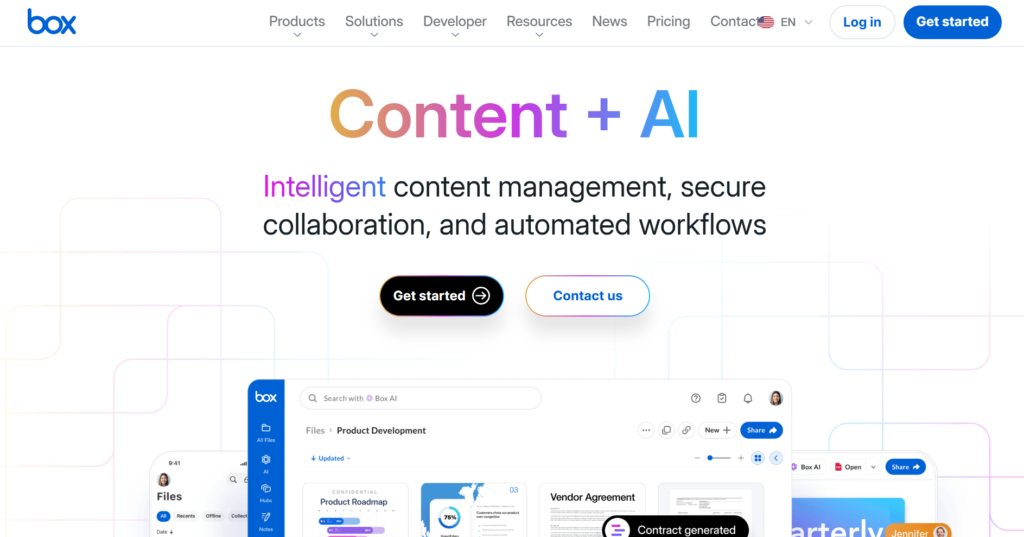
Box is a cloud content management platform that prioritizes security and administrative control. It is best for enterprise companies that need to share sensitive files with external partners while maintaining strict governance. It positions itself as a more secure and “pro” version of basic cloud storage.
Why it’s a good ELO ECM Suite alternative:
Box offers the granular security and “audit-proof” logs that ELO users require, but in a much more user-friendly cloud format. It is particularly good at managing the governance of files, such as how long a document should be kept before being deleted. It bridges the gap between simple storage and complex ECM.
Main features:
- Box Governance: Set retention policies and legal holds on files.
- Box Relay: A simple workflow tool for automating document approvals.
- Box Sign: Unlimited native e-signatures included in most plans.
- Box Shield: AI-powered threat detection and data leak prevention.
Integrations:
Boasts over 1,500 integrations, including deep “embedded” experiences in Salesforce and Slack.
Desktop and mobile capabilities:
Box Drive for Windows and Mac; dedicated apps for iOS and Android with document scanning features.
Pros and cons:
| Pros | Cons |
| Industry-leading security and compliance | More expensive than Google or Microsoft |
| Best-in-class external collaboration controls | Native document editing is not as good as G Suite |
| Unlimited storage on most business plans | Workflow tools are basic compared to Wrike |
| Very clean and professional user interface | High-end security features cost extra |
Dropbox Business
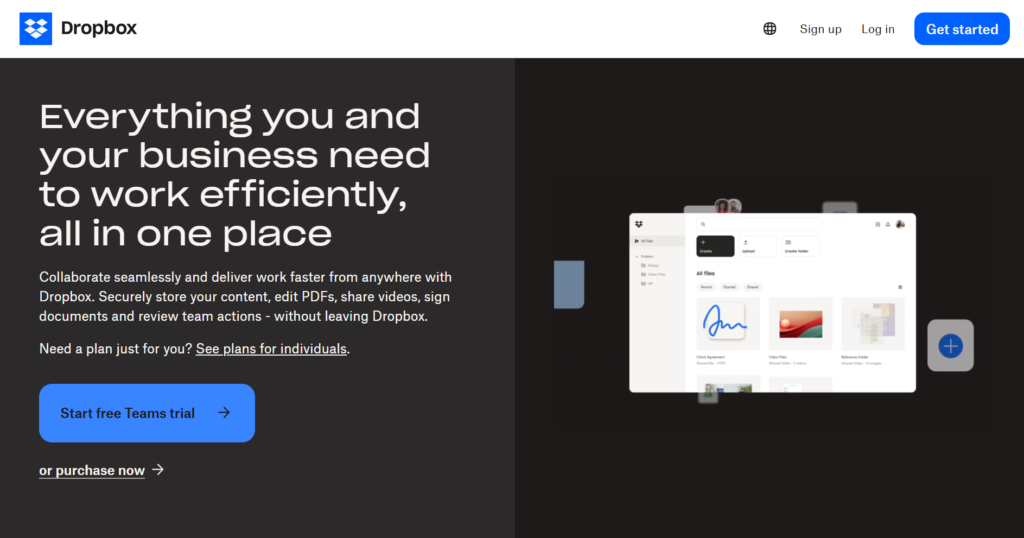
Dropbox Business is known for its legendary speed and reliability in syncing files across different devices. It is best for creative teams, designers, and small businesses that deal with large files and need them to be available instantly everywhere. It focuses on keeping the “file system” experience simple and fast.
Why it’s a good ELO ECM Suite alternative:
It is far less complex than ELO, making it much better for teams that just want their files to “just work” without a heavy management layer. It offers great tools for sending large files to clients (Dropbox Transfer), which is often a pain in traditional ECM systems. It is the “fast and light” alternative to ELO.
Main features:
- Smart Sync: See all your files on your computer without taking up hard drive space.
- Dropbox Paper: A simple, collaborative document editor for brainstorming.
- Dropbox Transfer: Send up to 100GB of data with password protection.
- Rewind: Restore your entire account to a previous point in time if hit by ransomware.
Integrations:
Integrates well with Adobe, Slack, Zoom, and Microsoft Office.
Desktop and mobile capabilities:
The gold standard for Windows and Mac syncing; very reliable apps for iOS and Android.
Pros and cons:
| Pros | Cons |
| Most reliable file syncing in the industry | Limited built-in workflow or project tools |
| Very easy for non-technical users | Business plans have a high entry price for individuals |
| Excellent “un-delete” and version history | Security features are good, but less than those of Box |
| Great for handling very large file types | Can be difficult to manage for massive enterprises |
Adobe Acrobat
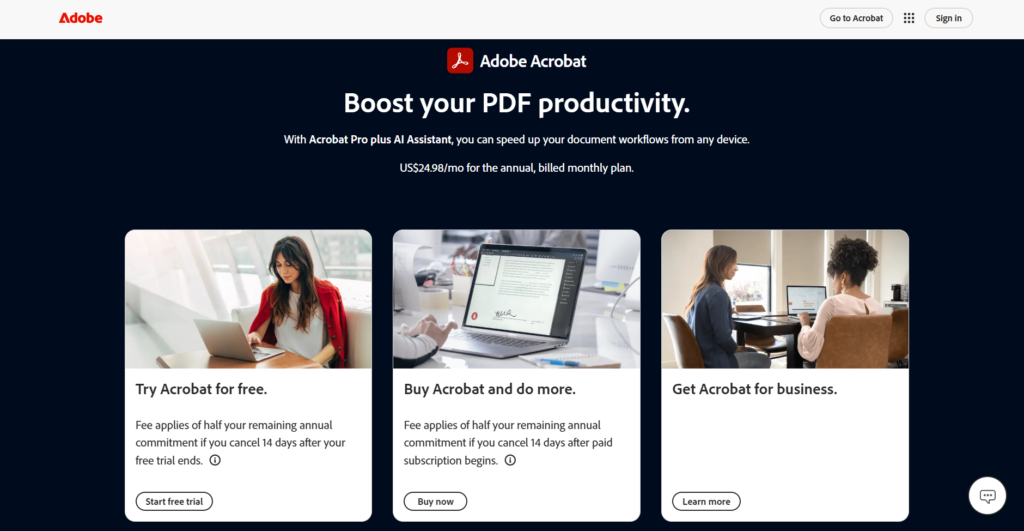
Adobe Acrobat is the standard for creating, editing, and securing PDF documents. It is best for businesses that rely heavily on standardized forms, legal contracts, and “locked” documents that should not be easily changed. It is more of a document tool than a full management system.
Why it’s a good ELO ECM Suite alternative:
Many people use ELO simply to manage PDFs and signatures; Adobe Acrobat does this natively and better. If your primary goal is to ensure document integrity and collect signatures, Acrobat Pro offers a much more streamlined experience than a full ECM suite. It is the essential “last mile” for any document-based business.
Main features:
- PDF Editing: Change text and images inside a PDF like a Word doc.
- Adobe Sign: Integrated e-signatures that are globally compliant.
- Form Creation: Turn any document into a fillable digital form.
- OCR Scanning: Convert paper scans into searchable, editable PDFs.
Integrations:
Deeply integrated with Microsoft 365, Google Drive, and Dropbox.
Desktop and mobile capabilities:
The industry-standard desktop app for Windows and Mac; the mobile app is excellent for reading/signing.
Pros and cons:
| Pros | Cons |
| The absolute standard for PDF documents | It is not a project management tool |
| Powerful security and redaction tools | Subscription costs add up for large teams |
| Best OCR technology on the market | Can be overkill for simple document storage |
| Works on every device and platform | The interface can be cluttered with too many tools |
Square 9 Softworks
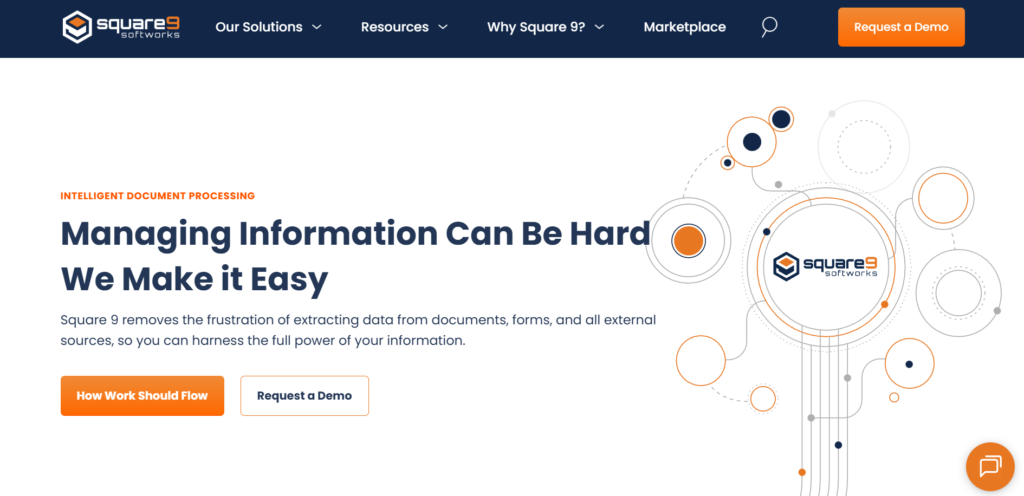
Square 9 is a specialized document management solution that focuses on high-speed data capture and “digital transformation.” It is best for departments like Finance or HR that need to process thousands of documents monthly with zero manual entry. It is a direct “modern” competitor to ELO in the ECM space.
Why it’s a good ELO ECM Suite alternative:
It offers a more modern approach to “intelligent” document capture than ELO. It is designed specifically to help businesses go paperless by automating the extraction of data from paper forms and invoices. It is a powerful choice for companies that need deep automation but find DocuWare too expensive.
Main features:
- GlobalSearch: A highly scalable document management repository.
- GlobalCapture: Automatically extracts data from scanned documents.
- GlobalAction: A workflow engine for routing documents through a business.
- GlobalForms: Web-based forms for paperless data collection.
Integrations:
Integrates with popular ERPs and accounting software like NetSuite, Microsoft Dynamics, and Sage.
Desktop and mobile capabilities:
Accessible via web browser and mobile devices; offers a dedicated desktop experience for power users.
Pros and cons:
| Pros | Cons |
| Excellent at high-volume data extraction | Learning the workflow builder takes time |
| Specifically designed for “paperless” offices | Mostly focused on the North American market |
| Scalable from small teams to large enterprises | Higher upfront cost than simple cloud storage |
| Very strong customer support reputation | Interface is functional but not “beautiful” |
TeamDrive
TeamDrive is a high-security German alternative to cloud storage that focuses on end-to-end encryption. It is best for companies in the medical, legal, or financial sectors that need the highest possible level of data privacy. It is designed to meet strict European GDPR and professional secrecy requirements.
Why it’s a good ELO ECM Suite alternative:
Like ELO, TeamDrive is a German-based company that understands strict EU data laws, but it offers a much simpler “sync and share” experience. It is the perfect choice for ELO users who want to move to the cloud but are terrified of the security risks of “Big Tech” providers. It offers total data sovereignty.
Main features:
- End-to-End Encryption: Even the service provider cannot see your data.
- GDPR Ready: Built specifically to meet the toughest privacy laws.
- Automatic Versioning: Roll back to any previous version of a file.
- Offline Synchronization: Work on files without internet; syncs automatically later.
Integrations:
Integrates with Microsoft Office and provides an API for custom enterprise connections.
Desktop and mobile capabilities:
Available for Windows, Mac, Linux, iOS, and Android with full sync capabilities.
Pros and cons:
| Pros | Cons |
| Maximum security with zero-knowledge encryption | Not as feature-rich as Monday or Wrike |
| Fully compliant with strict EU privacy laws | Collaboration features are more basic |
| No central data storage (sovereignty) | Smaller third-party integration ecosystem |
| Very reliable syncing and versioning | Can be slower due to encryption overhead |
How to select an ELO ECM Suite alternative for your business: main criteria
Choosing a new system is a major decision that will affect your team’s daily productivity for years. You should evaluate alternatives based on how they actually solve your current bottlenecks rather than just looking at a feature list.
Functionality
The tool must do what you need it to do on day one. If you are moving from ELO, you likely need strong document versioning and archival, but don’t forget to look for modern features like real-time collaboration and automated task routing. Make sure the software can grow with you. Look for “all-in-one” platforms if you plan to consolidate your tech stack later.
Usability
If a tool is too hard to use, your team will simply ignore it. Look for a clean interface that mimics the apps your employees already use in their personal lives. A “low-code” or “no-code” approach is usually better, as it allows department heads to make changes to workflows without waiting for the IT department to get involved.
Customer support
When things go wrong, and they eventually will, you need to know someone has your back. Check if the vendor offers live chat, phone support, or a dedicated account manager. A tool with a massive community and plenty of YouTube tutorials is also a huge plus, as it makes troubleshooting much faster.
Value for money
Don’t just look at the monthly price; look at the total cost of ownership. Some “cheap” tools require expensive consultants to set up, while some “expensive” tools include enough features to replace three other subscriptions. Aim for a platform that offers a high feature-to-price ratio and a transparent billing model without hidden “upsell” pressure.
Customer reviews
Verified reviews on sites like Capterra and G2 are your best window into the “real world” experience of using the software. Pay attention to what people say about the mobile app and the ease of migration. If dozens of people complain about the same bug or a slow interface, it’s a red flag you shouldn’t ignore.
Save up to 50% by switching from ELO ECM Suite to GoodDay
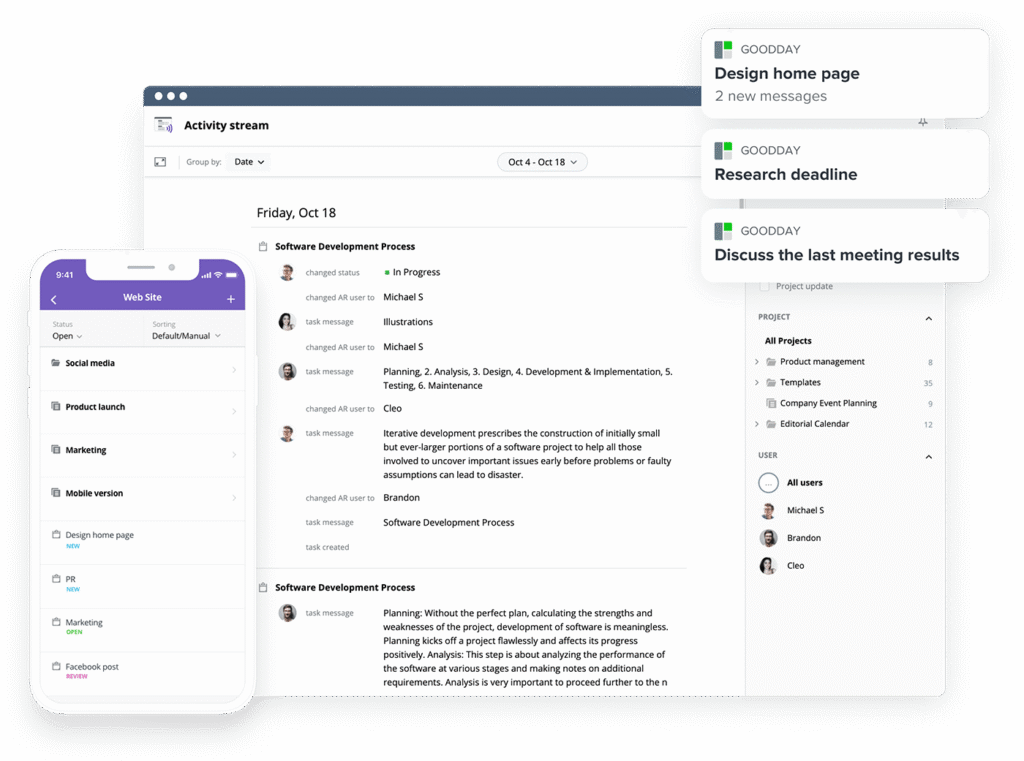
If you’re searching for the ideal mix of customizability and affordability, GoodDay is the standout choice for 2026. It has gained global popularity because it offers professional-grade power without the enterprise-grade price tag.
You can dive in and try GoodDay for free to see how it fits your workflow, your team, and your vibe.
And if you have any questions about selecting the right project management software for your business, you can always reach out to our team via info@goodday.work
FAQs
What are the best free alternatives to ELO ECM Suite?
GoodDay is the best choice because its free tier supports up to 15 users while offering high-end work management tools. Many organizations transition to these elo ecm alternatives for various reasons, including the need for more agile task handling. While some open-source options exist, this platform provides a robust alternative that combines document storage with active project tracking. Most teams find that moving away from Elo ECM Suite to a more modern interface helps them manage documents more effectively.
How much does a document management system cost?
Pricing for a document management system varies widely based on whether you choose a simple cloud app or a complex enterprise suite like SAP ECM. GoodDay offers incredible value with professional plans starting at just $4 per user, significantly lower than traditional legacy competitors. Many businesses are waiting for a more cost-effective way to scale, and modern SaaS models provide that financial flexibility. Choosing an innovative solution allows companies to allocate their budget toward growth rather than expensive maintenance fees.
What is the best Gantt chart software with document management?
GoodDay stands out as the premier option for teams that need to visualize complex timelines alongside their project files. It features a user-friendly interface that makes it easy to link specific files directly to tasks within a project schedule. This integration helps teams enhance productivity by keeping all relevant information in one centralized, visual location. Unlike older Elo ECM Suite alternatives, this system ensures that your planning tools and your content repository work in perfect harmony.
What document management platforms offer real-time collaboration for remote teams?
GoodDay and Google Workspace are leaders in this category, providing seamless environments for teams to work on files simultaneously. These platforms prioritize team collaboration, ensuring that every update is synced across the globe in a matter of seconds. Using such tools can significantly enhance productivity for distributed workforces that struggle with version control in older systems. Switching from Elo ECM Suite allows your staff to communicate and edit documents without the friction of check-in/check-out procedures.
What are the top software development vendors with the best Agile workflow automation features?
GoodDay provides superior Agile tools, including native Kanban boards and automated sprint planning that outperform traditional document-heavy systems. While SAP ECM might handle archival well, it lacks the specialized automation required for modern software development cycles. These elo ecm alternatives allow developers to automate repetitive tasks and focus on writing high-quality code. The right platform will adapt to your specific requirements, whether you follow Scrum, Kanban, or a hybrid methodology.
What systems support both small team and enterprise needs?
GoodDay is designed with remarkable scalability, making it just as effective for a five-person startup as it is for a global corporation. It provides the flexibility to start small with basic task tracking and eventually expand into a full-scale document management ecosystem. Many users are currently waiting for a platform that doesn’t force them to switch tools as their headcount grows. This versatility is one of the primary reasons companies seek modern Elo ECM Suite alternatives that can grow alongside them.
Which is better for enterprise project tracking: cloud-based or on-premise solutions?
Cloud-based solutions like GoodDay are generally better for modern enterprises due to their lower overhead and superior accessibility for remote employees. While some legacy Elo ECM Suite installations remain on-premise for strict data control, the cloud offers better integration with other web-based business apps. A cloud platform is usually more user-friendly interface-wise, as updates are pushed automatically without requiring manual IT intervention. Ultimately, the choice depends on your organization’s internal infrastructure and long-term digital transformation goals.




