
If you have been using Dubsado, you know it is a powerful tool for workflows and automation, but it might not be the perfect fit for every business stage or industry.
In this guide, we’ll explore the best Dubsado alternatives to help you make the right choice for your team.
But if you have any questions that are not covered in this article, you can always connect with our team via info@goodday.work
Best Dubsado alternatives shortlist for 2026
Choosing the right software depends on your specific business model and how you interact with your clients.
- Best for Cross-Functional Productivity: GoodDay offers a highly customizable environment that bridges the gap between high-level project planning, task management, and detailed time tracking.
- Best Overall for Creative Entrepreneurs: HoneyBook offers robust, user-friendly tools for booking, invoicing, and contract management.
- Best for Freelancers & Agency Growth: Bonsai – Business management software is highly rated for managing contracts, projects, and invoices in one place.
- Most Customizable/All-in-One: Plutio provides extensive flexibility, allowing users to build custom workflows and client portals.
- Best for Solopreneurs: 17Hats specializes in automating workflows, online scheduling, and bookkeeping for independent business owners.
- Best for Photographers/Creatives: Studio Ninja is noted for its simple, intuitive interface and strong client management features.
- Best for Project Management & Scaling: ClickUp is excellent for teams needing deep customization in task management, automation, and CRM functionality.
- Best for Client Onboarding Automation: Agency Handy is strong at automating client onboarding, task execution, and repeatable project delivery for agencies.
- Best for Productized Services: ManyRequests excels at managing productized services with a structured client portal and request-based workflows.
- Best All-in-One Business OS: SuiteDash offers a comprehensive platform with CRM, client portals, and advanced white-labeling capabilities.
- Best for Work Management & CRM: Flowlu combines project management, CRM, finance tracking, and team collaboration in one system.
- Best for Accounting-First Businesses: FreshBooks is recommended for teams that prioritize invoicing, expense tracking, and core accounting features over deep project management.
Comparison of the best Dubsado alternatives (free and paid)
The following table provides a quick look at how these tools stack up against each other in terms of pricing and how easy it is to move your data over from Dubsado.
| Software | Best for | Pricing | Ease of migration from Dubsado |
| GoodDay | Best overall balance of features and cost | Free plan (1–15 users); Professional $4/user/month; Business $7/user/month; Enterprise custom | Easy (CSV import, Zapier integrations) |
| HoneyBook | Creative entrepreneurs | Starter $29/mo; Essentials $36.75/mo; Premium $52.50/mo (billed annually) | Moderate (manual entry or CSV) |
| Bonsai | Freelancer growth | Starter $17/mo; Professional $32/mo; Business $52/mo (billed annually) | Moderate (CSV import) |
| Plutio | All-in-one flexibility | Core $19/mo; Pro $49/mo; Agency $99/mo | Easy (dedicated import tools) |
| 17Hats | Solopreneur automation | $60/mo or $600/year (often discounted to $300/year) | Moderate (CSV and support) |
| Studio Ninja | Photographers | Starter $16/mo; Pro $24.90/mo; Master $36.50/mo | Easy (free migration service) |
| ClickUp | Scaling teams | Free plan; Unlimited $7/user/mo; Business $12/user/mo | Moderate (CSV and API) |
| Agency Handy | Agency onboarding | Starter $19/mo; Essentials $39/mo; Premium $79/mo | Moderate (CSV import) |
| ManyRequests | Productized services | Basic $99/mo; Pro $249/mo | Moderate (custom support) |
| SuiteDash | White-labeling | Start $19/mo; Thrive $49/mo; Pinnacle $99/mo | Moderate (CSV and wizards) |
| Flowlu | CRM & Work management | Free plan; Team $29/mo; Business $59/mo; Professional $119/mo | Easy (CSV and API) |
| FreshBooks | Accounting focus | Lite $6.30/mo; Plus $12.60/mo; Premium $22.50/mo | Moderate (CSV import) |
What is Dubsado and why consider an alternative for your business?
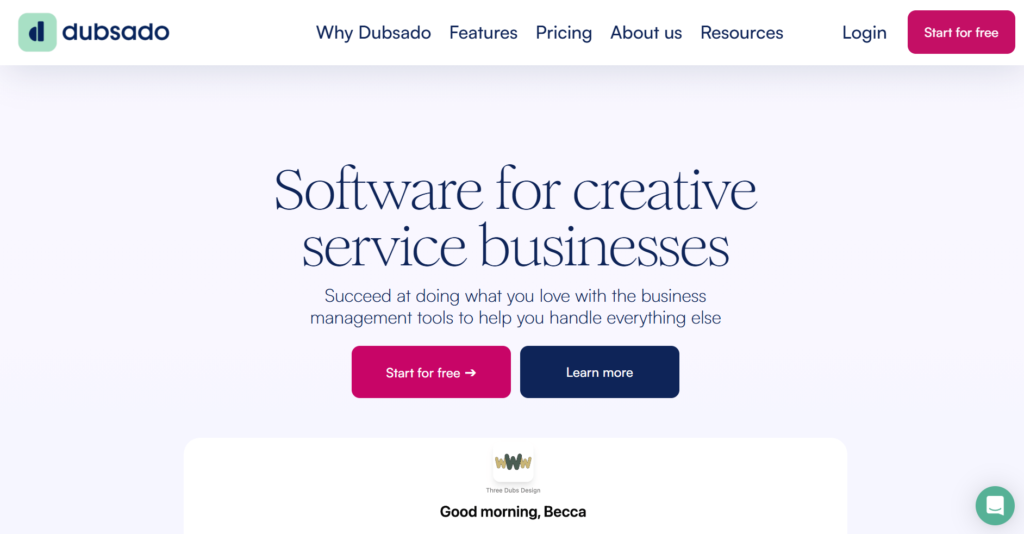
Dubsado is a well-known business management platform designed primarily for solopreneurs and creative freelancers. It centralizes client communication, lead capture, and invoicing, allowing users to build complex automated workflows that handle the “busy work” of running a service-based business. B
ecause it offers deep customization through CSS and custom forms, it has long been a favorite for those who want their client-facing documents to look highly polished and branded.
However, as businesses grow, they often find Dubsado’s project management capabilities a bit limited. It lacks the advanced task hierarchies, resource planning, and team collaboration tools found in more robust platforms.
Best alternatives to Dubsado in 2026
The market for business management software is diverse, offering everything from simple invoicing tools to complex enterprise-level platforms.
GoodDay
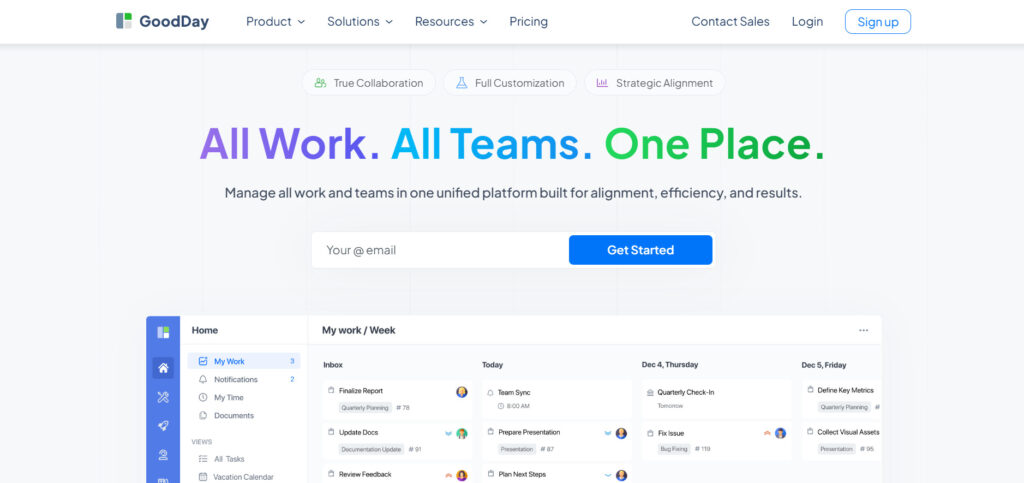
GoodDay is a comprehensive management system used by businesses of all sizes, from small startups to Fortune 500 companies globally. If you choose to transition to GoodDay, you can reduce your software expenses by as much as 50% while retaining the core features you rely on. Furthermore, moving your data into the GoodDay ecosystem is a fast process that takes only about 2 minutes.
Why it’s a good Dubsado alternative:
GoodDay has earned its place on 12 Capterra shortlists as top-rated software. Users frequently highlight that the platform provides a perfect mix of high-end features and very affordable pricing. The cost-to-value ratio is exceptional, ensuring you get professional-grade tools without the premium price tag.
Main features:
GoodDay focuses on providing total visibility into your work through various views and management modules.
- Customizable Project Views: Includes Gantt charts, Kanban boards, and List views.
- Time Tracking: Built-in timers and manual entry for billable and non-billable hours.
- Advanced Reporting: Detailed analytics on team performance and project progress.
- Client Portals: Secure areas for clients to view updates and collaborate.
- Task Management: Hierarchical tasks with dependencies and subtasks.
Integrations:
GoodDay provides native connections with G Suite, Gmail, and Slack, as well as Google Docs, Drive, and Calendar. It also supports file storage platforms like Dropbox and Box.com, and developer tools like GitHub and GitLab. For security, it includes Single Sign-On (SSO via SAML), and it can link to over 1,300 other applications through Zapier or its own API.
Desktop and mobile capabilities:
You can access GoodDay on various platforms, including Windows, Mac, and Linux desktops. It also offers dedicated mobile apps for iOS and Android, allowing you to manage projects and dashboards from anywhere.
Pros and cons:
| Pros | Cons |
| Trusted by over 100,000 teams globally | Advanced reports need an initial setup time |
| Wide variety of features | Workflow customization may take effort to perfect |
| Highly affordable with a free plan for 15 users | Learning advanced features takes some practice |
| No aggressive upselling for extra features | High customization can make the initial setup slower |
HoneyBook
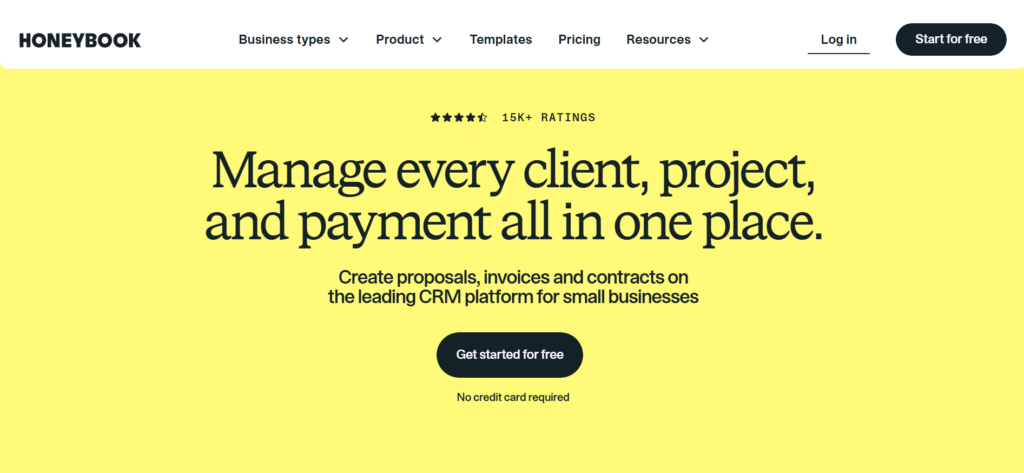
HoneyBook is an end-to-end client management platform specifically built for independent creative professionals. It excels at streamlining the entire “booking-to-payment” lifecycle by combining invoices, contracts, and scheduling into a single flow. It is best for those who want a visually appealing, user-friendly interface to manage their client interactions.
Why it’s a good Dubsado alternative:
HoneyBook is often considered the most direct competitor to Dubsado, but with a much shallower learning curve. It offers a more modern, intuitive interface that makes it easier for both the business owner and the client to navigate. The platform’s “Smart Files” feature allows for much more interactive and dynamic client experiences than standard static forms.
Main features:
HoneyBook focuses on professional client-facing interactions and business automation.
- Smart Files: Combined brochures, questionnaires, and invoices in one file.
- Online Invoicing: Integrated payment processing with automatic reminders.
- Contract Management: Digital signatures and legally binding templates.
- Automated Workflows: Trigger actions based on client behavior or dates.
Integrations:
HoneyBook integrates with Google Calendar, Gmail, iCloud, Outlook, Zoom, and QuickBooks. It also offers connection possibilities through Zapier for other third-party software.
Desktop and mobile capabilities:
The platform is accessible via web browsers on desktop and has a highly-rated mobile app available for both iOS and Android devices.
Pros and cons:
| Pros | Cons |
| Very user-friendly and modern interface | Limited project management for internal teams |
| Excellent “Smart Files” for client experience | Higher starting price than some competitors |
| Strong mobile app for on-the-go management | No built-in time tracking on base plans |
| Quick setup compared to Dubsado | Transaction fees for integrated payments |
Bonsai
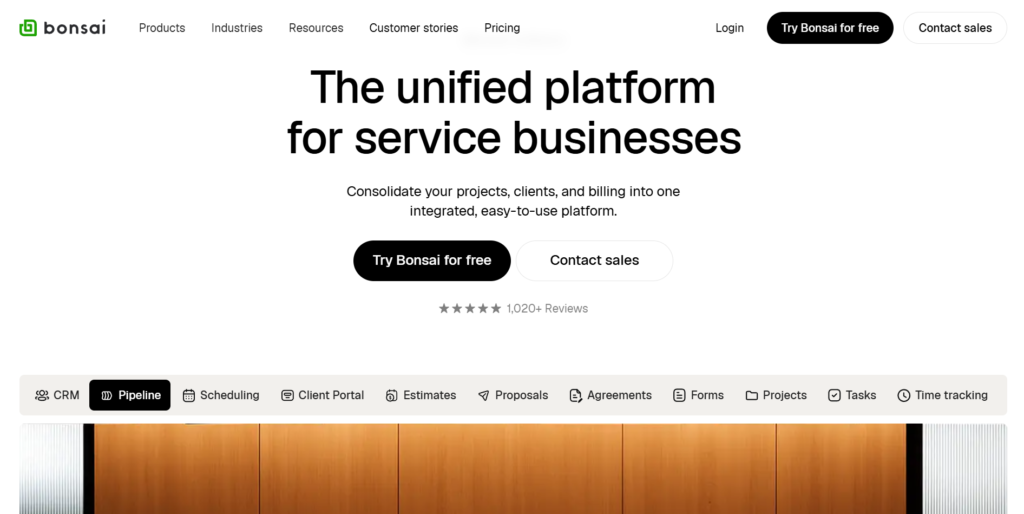
Bonsai is a business management suite designed to help freelancers and small agencies manage their entire workflow. It is best for professionals who need an all-in-one tool that handles everything from the first proposal to the final tax season. The platform is highly regarded for its sleek design and automated financial tools.
Why it’s a good Dubsado alternative:
Bonsai offers a more streamlined and automated approach to the financial side of a service business. Unlike Dubsado, Bonsai includes dedicated features for expense tracking and tax preparation, making it a better fit for those who want to keep their accounting within their project tool. It also provides a very high-quality set of legally vetted contract templates.
Main features:
Bonsai prioritizes the business side of freelancing through automation and financial tracking.
- Vetted Templates: High-quality contracts, proposals, and invoices.
- Expense Tracking: Auto-import expenses and categorize them for taxes.
- Project Management: Track tasks, files, and deadlines for every client.
- CRM: Manage leads and client information in a centralized hub.
Integrations:
Bonsai connects with Slack, QuickBooks Online, Zapier, and various payment processors like Stripe and PayPal.
Desktop and mobile capabilities:
Bonsai is available as a web application and offers mobile apps for iOS and Android to track time and expenses.
Pros and cons:
| Pros | Cons |
| Legally vetted contract templates included | Project management features are fairly basic |
| Strong focus on financial and tax tools | Limited customization of the client portal |
| Clean, minimalist user interface | Can get expensive for teams as you scale |
| Automated late payment reminders | No native internal team chat |
Plutio
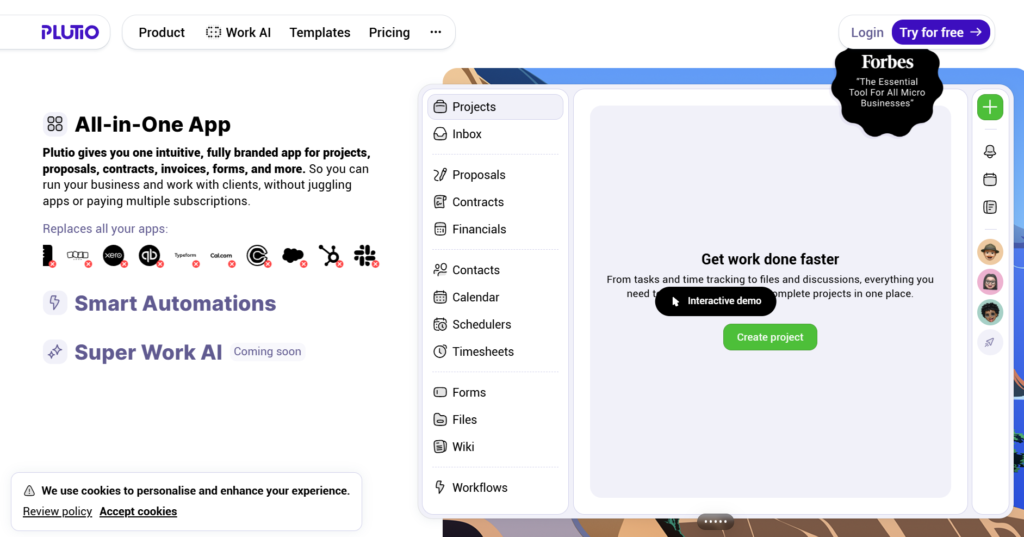
Plutio is a highly flexible business management platform that aims to replace multiple apps by centralizing your entire business. It is best for freelancers and small teams who want total control over the look and feel of their workspace and client portals. The platform is known for its “everything in one place” philosophy.
Why it’s a good Dubsado alternative:
Plutio offers a level of flexibility in project management that Dubsado lacks, including more advanced task tracking and custom views. It allows users to create deeply customized client portals that can be tailored to the specific needs of each project. Additionally, it offers a more robust task management system with subtasks and dependencies.
Main features:
Plutio provides a wide array of tools to manage both internal work and external clients.
- Custom Client Portals: Tailor the client experience for every project.
- Dynamic Invoicing: Create invoices that sync with tracked time and tasks.
- Task Management: Use boards, lists, and timelines to track work.
- Internal Chat: Communicate with your team directly within the platform.
Integrations:
Plutio supports integrations with Stripe, PayPal, Google Calendar and has a strong Zapier integration to connect with hundreds of other apps.
Desktop and mobile capabilities:
Plutio offers a web app, a desktop application for Windows and Mac, and mobile apps for iOS and Android.
Pros and cons:
| Pros | Cons |
| Extremely customizable client portals | Steep learning curve for full customization |
| Replaces many different software tools | The interface can feel cluttered due to many features |
| Strong internal team collaboration tools | A mobile app can be less responsive than a desktop app |
| Frequent updates and new feature releases | Setting up automation requires some time |
17Hats
17Hats is a comprehensive business platform designed to handle the various “hats” a small business owner must wear. It is best for solopreneurs who need to automate repetitive tasks like lead capture, scheduling, and invoicing. It focuses heavily on workflow automation to keep the business running in the background.
Why it’s a good Dubsado alternative:
17Hats is a strong choice for those who found Dubsado’s workflow builder a bit too complex or overwhelming. It offers a more straightforward approach to automation that is often easier to set up for basic business cycles. It also includes built-in bookkeeping features that allow for a better financial overview than Dubsado’s basic reporting.
Main features:
17Hats centers on the lifecycle of a client from lead to repeat customer.
- Lifecycle Automation: Automatically send emails and forms based on triggers.
- Online Scheduling: Integrated booking tool that syncs with your calendar.
- Lead Management: Capture and track potential clients through their journey.
- Bookkeeping: Track income and expenses directly in the platform.
Integrations:
17Hats integrates with Google Calendar, Outlook, Stripe, PayPal, and QuickBooks Online.
Desktop and mobile capabilities:
17Hats is primarily a web-based application, but it offers a mobile app for iOS and Android for basic management.
Pros and cons:
| Pros | Cons |
| Simple and effective workflow automation | User interface feels a bit dated |
| Built-in bookkeeping and expense tracking | Limited project management for complex tasks |
| Reliable lead capture and management | Customization options are more restricted |
| Great for high-volume, repeatable services | Customer support can be slow during peaks |
Studio Ninja

Studio Ninja is a specialized business management tool designed specifically for photographers and creative professionals. It is best for those who want a simple, “no-fuss” system to manage their shoots, clients, and payments. The platform prioritizes speed and ease of use over complex customization.
Why it’s a good Dubsado alternative:
Studio Ninja is significantly easier to set up than Dubsado, making it ideal for those who don’t want to spend weeks configuring their system. It offers a free migration service where their team will actually move your data for you. For photographers, the specific workflow features—like tracking equipment or shoot locations—are more relevant than Dubsado’s generalist approach.
Main features:
Studio Ninja focuses on the specific needs of creative service providers.
- Simplified Workflows: Pre-built templates for common creative jobs.
- Client Portal: A clean area for clients to sign contracts and pay.
- Automated Emails: Send reminders and follow-ups automatically.
- Booking Integration: Allow clients to book sessions directly.
Integrations:
Studio Ninja integrates with Google Calendar, Gmail, Stripe, PayPal, and QuickBooks.
Desktop and mobile capabilities:
The software is available via a web browser and has a mobile app for iOS and Android for managing shoots on location.
Pros and cons:
| Pros | Cons |
| Exceptional ease of use and quick setup | Too simple for businesses with complex projects |
| Free data migration service for new users | Limited to creative/photography-style workflows |
| Clean and professional client interface | Not ideal for managing a large team |
| Great value for the price point | Reporting features are fairly basic |
ClickUp
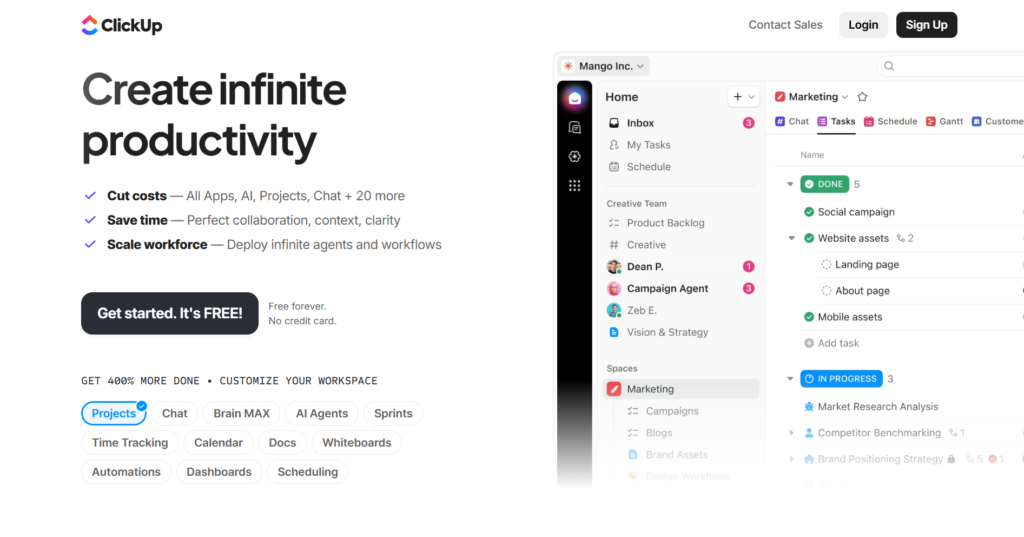
ClickUp is a productivity platform that aims to be the place where you manage tasks, docs, goals, and even CRM. It is best for scaling teams that need deep project management capabilities alongside their client management. It is known for having a massive feature set and high levels of customizability.
Why it’s a good Dubsado alternative:
ClickUp is a superior alternative for businesses that have outgrown Dubsado’s project management limitations. It offers advanced features like task dependencies, workload views, and native document editing that Dubsado does not provide. While it requires more setup for the “client” side, it is far more powerful for internal operations and team scaling.
Main features:
ClickUp offers a vast array of tools to customize how you view and manage your work.
- Custom Fields: Track any type of data for projects and tasks.
- Native Docs: Create and collaborate on documents within the app.
- Time Tracking: Built-in timer with billable hours and reporting.
- Automation Builder: Hundreds of triggers and actions for custom flows.
Integrations:
ClickUp integrates with over 1,000 tools, including Slack, G Suite, GitHub, Zoom, and HubSpot.
Desktop and mobile capabilities:
ClickUp is available on the web, Mac, Windows, Linux, iOS, and Android.
Pros and cons:
| Pros | Cons |
| Incredible level of customization and power | Very steep learning curve for new users |
| Consolidates tasks, docs, and goals | Can feel overwhelming due to feature density |
| Great for both small and large teams | Performance can lag with very large data sets |
| Highly competitive free-forever plan | Initial setup takes a significant amount of time |
Agency Handy
Agency Handy is a client portal and project management platform designed specifically for service-based agencies. It is best for agencies that want to automate the onboarding process and provide a professional, organized environment for their clients. It focuses on repeatable service delivery.
Why it’s a good Dubsado alternative:
Agency Handy excels at the “service delivery” phase more than Dubsado, providing better tools for managing the actual work after the contract is signed. It offers a more structured approach to task management that helps agencies scale without losing track of client requests. The portal is specifically designed to minimize back-and-forth emails.
Main features:
Agency Handy provides a centralized hub for agency-client interactions.
- Client Onboarding: Automated intake and setup for new clients.
- Request Management: Streamlined system for clients to submit work.
- Team Collaboration: Assign tasks and track progress internally.
- White-Label Portal: Fully branded portal for client communication.
Integrations:
Agency Handy supports integrations with Zapier, Stripe, and common email providers.
Desktop and mobile capabilities:
Agency Handy is primarily a web-based application accessible through any browser on desktop or mobile.
Pros and cons:
| Pros | Cons |
| Specifically built for agency workflows | Fewer features for independent solopreneurs |
| Excellent automated onboarding features | Smaller ecosystem of direct integrations |
| Highly professional branded client portals | No native mobile app (browser-based only) |
| Reduces email volume significantly | Less focus on the “booking” phase than Dubsado |
ManyRequests

ManyRequests is a client portal and billing software tailored for productized service businesses. It is best for agencies that sell specific service packages and need a way to manage high volumes of incoming requests. It simplifies the transition from a custom agency to a productized model.
Why it’s a good Dubsado alternative:
ManyRequests is much better suited for “request-based” work than Dubsado. If your business model involves clients buying “credits” or specific tasks, ManyRequests offers the structure you need. It provides a more modern and streamlined portal that is specifically optimized for service catalogs and checkout flows.
Main features:
ManyRequests focuses on the efficiency of selling and delivering services.
- Service Catalog: Display and sell your services like products.
- Custom Checkout: Integrated payment and onboarding flows.
- Request Tracking: Kanban or list views for managing client tasks.
- Billing & Subscriptions: Manage recurring revenue effortlessly.
Integrations:
ManyRequests integrates with Stripe, Zapier, and various email marketing tools.
Desktop and mobile capabilities:
The platform is web-based and fully responsive for use on both desktop and mobile browsers.
Pros and cons:
| Pros | Cons |
| Best-in-class for productized service models | Not designed for custom, complex projects |
| Very clean and modern client portal | Higher starting price than general tools |
| Efficient checkout and onboarding process | Limited internal team management features |
| Great for managing recurring subscriptions | Customization is limited to certain layouts |
SuiteDash
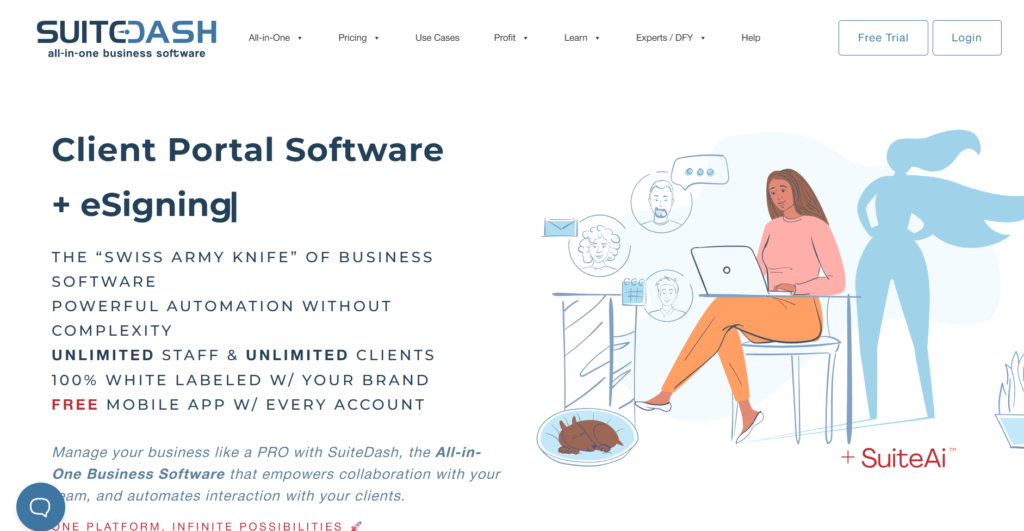
SuiteDash is an all-in-one business management “OS” that combines CRM, project management, and client portals. It is best for medium-sized businesses that want to white-label their entire client experience under their own brand. It is known for its “all features included” pricing model.
Why it’s a good Dubsado alternative:
SuiteDash offers a much deeper level of white-labeling than Dubsado, including the ability to use your own domain and even your own mobile app branding. It is a more comprehensive “operating system” for a business, offering features like a learning management system (LMS) and an internal wiki that Dubsado doesn’t have. It provides more room for a business to grow into.
Main features:
SuiteDash is built to be a fully integrated environment for your business operations.
- Deep White-Labeling: Full control over branding and URLs.
- LMS / Academy: Create courses or training for your clients.
- Advanced CRM: Robust lead and client tracking with custom fields.
- File Exchange: Secure and organized file sharing for projects.
Integrations:
SuiteDash integrates with Stripe, PayPal, Braintree, Twilio, and Zapier.
Desktop and mobile capabilities:
SuiteDash is accessible via the web and offers a mobile app that can be custom-branded for your business.
Pros and cons:
| Pros | Cons |
| Unbeatable white-labeling capabilities | One of the steepest learning curves in the category |
| Massive feature set for a flat price | UI can feel complex and overwhelming at first |
| Replaces almost every other software tool | Requires significant time to set up properly |
| Excellent value for growing organizations | Some features feel less polished than specialists |
Flowlu
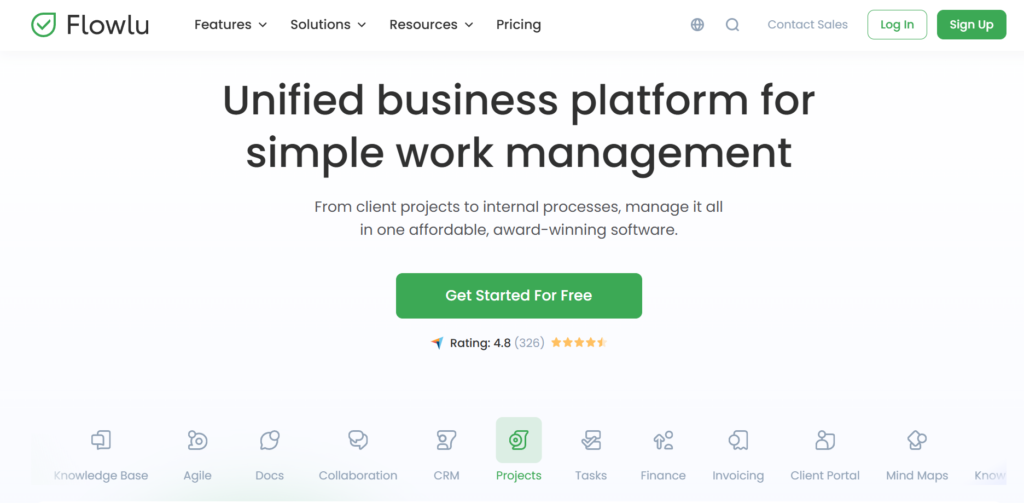
Flowlu is an integrated business management suite that balances project management with CRM and finance tracking. It is best for businesses that need to see how their project works and connects to their bottom line. It offers a structured approach to managing both sales and delivery.
Why it’s a good Dubsado alternative:
Flowlu offers better financial reporting and project profitability tracking than Dubsado. It includes features like mind mapping and an internal knowledge base, which help with the creative and planning phases of a project. It is more “business-oriented,” providing tools for managing cash flow and multiple sales pipelines.
Main features:
Flowlu provides a diverse set of modules to organize every part of a company.
- Agile Project Management: Support for Scrum, Kanban, and Gantt charts.
- Sales Pipeline: Track leads through multiple stages of a deal.
- Knowledge Base: Create internal and external wikis for information.
- Financial Tracking: Manage invoices, expenses, and profitability.
Integrations:
Flowlu integrates with Google Drive, Slack, Zendesk, and various payment gateways via its integration hub.
Desktop and mobile capabilities:
Flowlu is available through web browsers and has dedicated apps for iOS and Android.
Pros and cons:
| Pros | Cons |
| Very strong financial and profit reporting | Interface can feel quite corporate/technical |
| Includes mind mapping and knowledge bases | The mobile app has fewer features than the desktop version |
| Good balance of CRM and project tools | Automation setup can be complex |
| Generous free tier for small teams | Some translations can be inconsistent |
FreshBooks
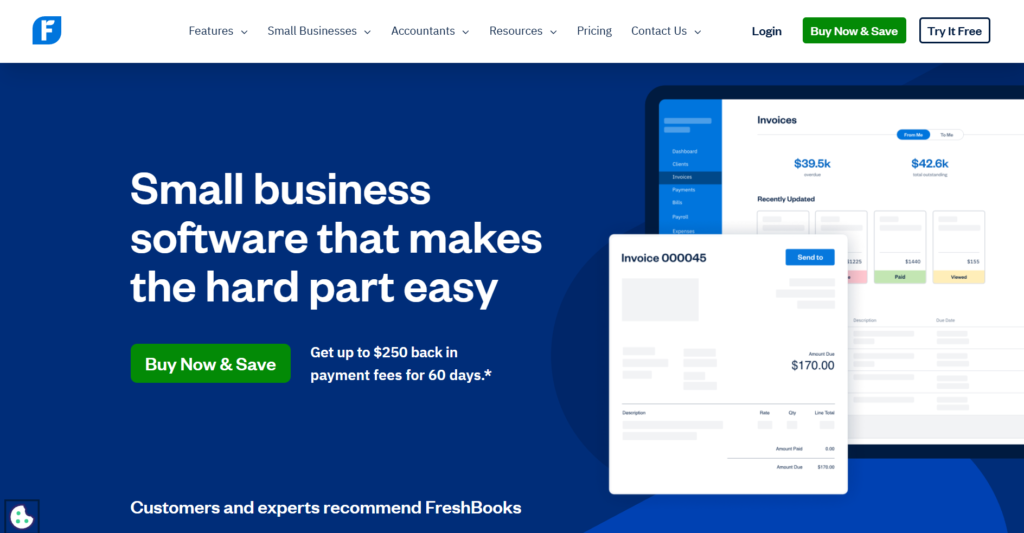
FreshBooks is primarily an accounting and invoicing software that has expanded to include project management features. It is best for service-based businesses where the primary need is getting paid and tracking expenses. It is famous for its award-winning customer support and ease of use.
Why it’s a good Dubsado alternative:
FreshBooks is a better choice for businesses that prioritize professional accounting and tax-readiness over complex workflow automation. While Dubsado has basic invoicing, FreshBooks is a dedicated accounting tool that makes tax time much simpler. It is also more widely recognized by accountants and bookkeepers.
Main features:
FreshBooks centers on making financial management as simple as possible for owners.
- Professional Invoicing: Easy-to-use templates with online payment options.
- Expense Tracking: Snap photos of receipts and auto-categorize them.
- Time Tracking: Log billable hours directly to client projects.
- Financial Reports: P&L statements, tax summaries, and more.
Integrations:
FreshBooks integrates with Shopify, G Suite, Gusto, HubSpot, and over 100 other apps.
Desktop and mobile capabilities:
FreshBooks offers a web-based platform and a highly-regarded mobile app for iOS and Android.
Pros and cons
| Pros | Cons |
| Best-in-class accounting and tax features | Very limited project management capabilities |
| Extremely easy to learn and use | Pricing is based on the number of clients |
| Top-tier customer support and service | Not ideal for complex team workflows |
| Professional, high-quality invoices | Advanced features require higher-tier plans |
How to select a Dubsado alternative for your business
Choosing the right platform requires evaluating how your team works day-to-day and what your clients expect. You should look for a tool that solves your current pain points without creating new technical hurdles.
Functionality
Ensure the software includes the core tools you need, such as automated workflows, lead capture, and payment processing. If your business is scaling, prioritize features like advanced task management and team collaboration that Dubsado may lack.
Usability
A tool is only effective if your team actually uses it, so look for an interface that is intuitive and easy to navigate. Consider the learning curve for both your staff and your clients, as a complicated portal can lead to a poor customer experience.
Customer support
Reliable support is vital when you are managing your entire business operations through a single platform. Check for available support channels like live chat, email, and extensive help documentation to ensure you can get help when you need it.
Value for money
Look beyond the base price and consider the total cost, including any add-ons or per-user fees. Some tools, like GoodDay, offer much more functionality for a lower price point, which can significantly reduce your overhead as you grow.
Customer reviews
Read feedback from other business owners in your specific industry to see how the software performs in real-world scenarios. Pay attention to comments regarding system reliability, ease of migration, and how frequently the developers release updates.
Save up to 50% by switching from Dubsado to GoodDay
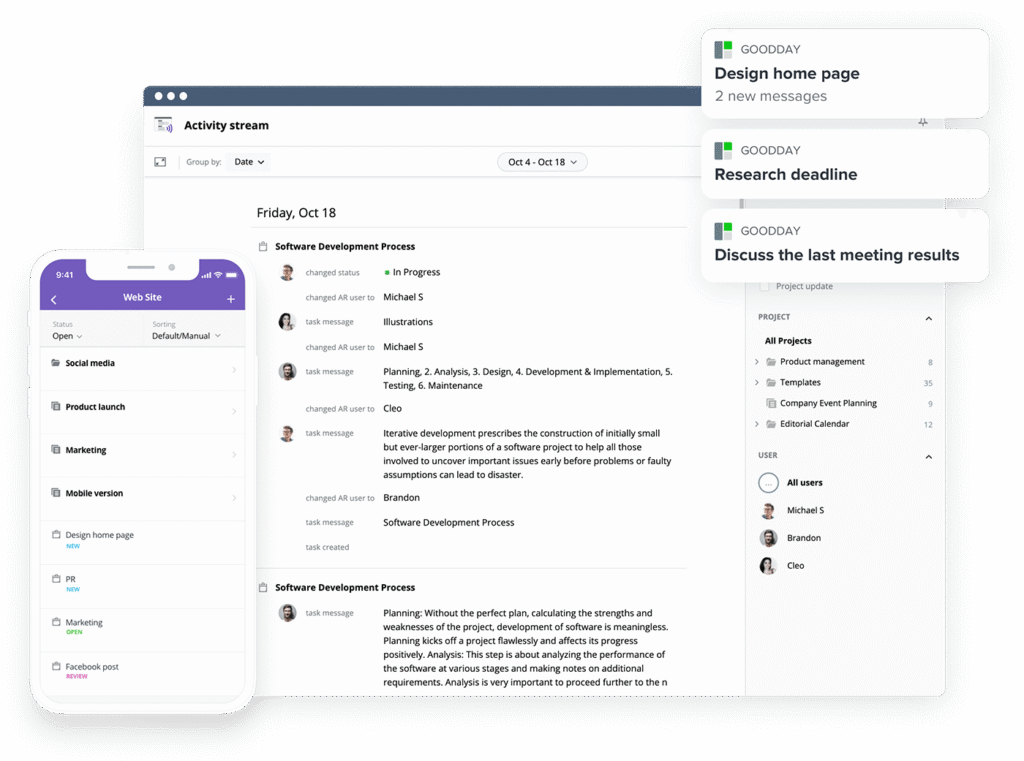
If you’re looking for the best balance of customization and price, GoodDay stands out in 2026. It has gained global popularity because it offers powerful functionality at a fraction of the cost of other major platforms.
You can dive in and try GoodDay for free to see how it fits your workflow, your team, and your vibe.
And if you have any questions about selecting the right project management software for your business, you can always reach out to our team via info@goodday.work
FAQs
Which platforms centralize communication and file sharing, integrating with other tools?
GoodDay is a top choice for consolidating client communication and file sharing within a single, secure environment. It provides extensive customization options to ensure that your workspace and client portal look professional and meet your specific business needs. This platform integrates seamlessly with other tools like Slack, Gmail, and Google Drive to keep all your team data in sync. By using these centralized features, you can streamline your business operations and eliminate the need for switching between multiple apps.
How do I centralize task assignments and due dates in one dashboard?
To keep track of all the tasks across your company, GoodDay offers a unified dashboard that displays assignments, priorities, and deadlines. This level of project management ensures that every team member knows exactly what to do and when it is due. You can create tasks easily and use task dependencies to ensure that work happens in the correct order. Using such a dashboard provides the clarity needed for business growth while preventing items from falling through the cracks.
Which platforms combine resource scheduling and invoice tracking?
Platforms like GoodDay and Flowlu are excellent at bridging the gap between resource scheduling and financial oversight. These Dubsado alternatives allow you to manage project timelines while simultaneously tracking the invoices associated with those efforts. This integration ensures that small business owners can see exactly how their time translates into revenue without manual data entry. It is a cost-effective way to maintain a CRM system that handles both the work and the billing.
What is the best software for keeping track of expenses?
FreshBooks and GoodDay are widely recognized as a leading choice for businesses that need rigorous expense tracking and tax-ready financial reporting. FreshBooks allows you to automate payment processing and capture receipts on the go to ensure you never miss a deduction. While it may have limited customization in project workflows, its core CRM features are built around financial accuracy. For those who want more project power, GoodDay provides a more balanced alternative to Dubsado by offering built-in time tracking and budget management alongside robust project tools.
Which platforms provide dashboards that offer clarity into budgets, projects, and client management?
GoodDay provides comprehensive dashboards that offer a high-level view of your budgets, project progress, and client management details. These views are essential for tech-savvy owners who want to track progress across various departments in real-time. By centralizing this data, you can identify which projects are profitable and where your team might be facing a learning curve. Such clarity is vital for any business looking for reliable Dubsado alternatives that support scaling.
What are the key features to look for in project management software?
When evaluating software, key features should include robust task management, automated follow-ups, and a branded client portal. You should also look for a platform that offers custom fields and email integration to match the software to your unique workflow. GoodDay excels here by offering these tools at a lower price point than many other alternatives. Ensuring the tool supports calendar sync and multiple currencies will also help you manage international clients effectively.
What is the best project management software for service businesses?
GoodDay is the most versatile project management software for service businesses because it adapts to various delivery models. It serves as a powerful alternative to Dubsado by providing better task tracking and team collaboration tools for a growing business. Many users find it to be the best Dubsado replacement when they need to manage complex projects rather than just simple bookings. It allows you to handle contracts and new clients efficiently while keeping your overhead costs low.




