
DoneDone has long been a favorite for its simplicity in tracking tasks and customer emails, but as teams grow, they often find they need more robust planning features or more flexible views.
In this guide, we’ll explore the best DoneDone alternatives to help you make the right choice for your team.
But if you have any questions that are not covered in this article, you can always connect with our team via info@goodday.work
Best DoneDone alternatives shortlist for 2026
Choosing a new platform depends on whether you need a simple task list or a powerful engine for complex projects.
Best Overall Alternatives:
- GoodDay: Versatile business management tool designed for integrated project oversight, capacity mapping, and unified executive-level reporting for any professional sector.
- ClickUp: Offers extensive customization, drag-and-drop functionality, and AI features.
- Jira: Considered the top choice for software development and bug tracking, especially in larger organizations.
- Monday.com: Highly visual project management with flexible workflows.
Best for Visual and Task-Oriented Teams:
- Trello: Excellent for simple Kanban-style workflows.
- Asana: Strong for project tracking and collaboration.
- Wrike: Good for complex projects and team collaboration.
Best for Specialized Needs:
- Linear: A modern tool for software developers.
- Salesforce Service Cloud & Jira Service Management: Best for formal, enterprise-level issue tracking.
- Basecamp: Suitable for remote teams needing all-in-one project management.
Comparison of the best DoneDone alternatives (free and paid)
The following table breaks down the leading options by their primary use case, current market pricing, and how easily you can move your existing data.
| Software | Best for | Pricing | Ease of migration from DoneDone |
| GoodDay | Best overall balance of features and cost | Free plan (1–15 users); Professional $4/user/month; Business $7/user/month | Easy (CSV import, Zapier integrations) |
| ClickUp | Customization and AI | Free plan; Unlimited $7/user/month; Business $12/user/month | Moderate (CSV or native importers) |
| Jira | Software development | Free (up to 10 users); Standard $7.91/user/month; Premium $13.53/user/month | Moderate (Direct import or CSV) |
| Monday.com | Visual workflows | Free plan; Basic $9/user/month; Standard $12/user/month | Easy (Excel/CSV import) |
| Trello | Simple Kanban boards | Free plan; Standard $5/user/month; Premium $10/user/month | Simple (CSV or Power-Up tools) |
| Asana | Team collaboration | Personal (Free); Starter $10.99/user/month; Advanced $24.99/user/month | Moderate (CSV import) |
| Wrike | Complex projects | Free plan; Team $9.80/user/month; Business $24.80/user/month | Moderate (XLS/CSV import) |
| Linear | Technical product teams | Free plan; Standard $8/user/month; Plus $14/user/month | Moderate (CSV or API) |
| Salesforce Service Cloud | Enterprise support | Starter $25/user/month; Professional $80/user/month | Complex (Requires setup) |
| Jira Service Management | Formal IT service | Free (3 agents); Standard $20/agent/month; Premium $40/agent/month | Moderate (CSV/Atlassian tools) |
| Basecamp | Remote coordination | $15/user/month or $299/month unlimited | Simple (Manual or third-party) |
What is DoneDone and why consider an alternative for your business?
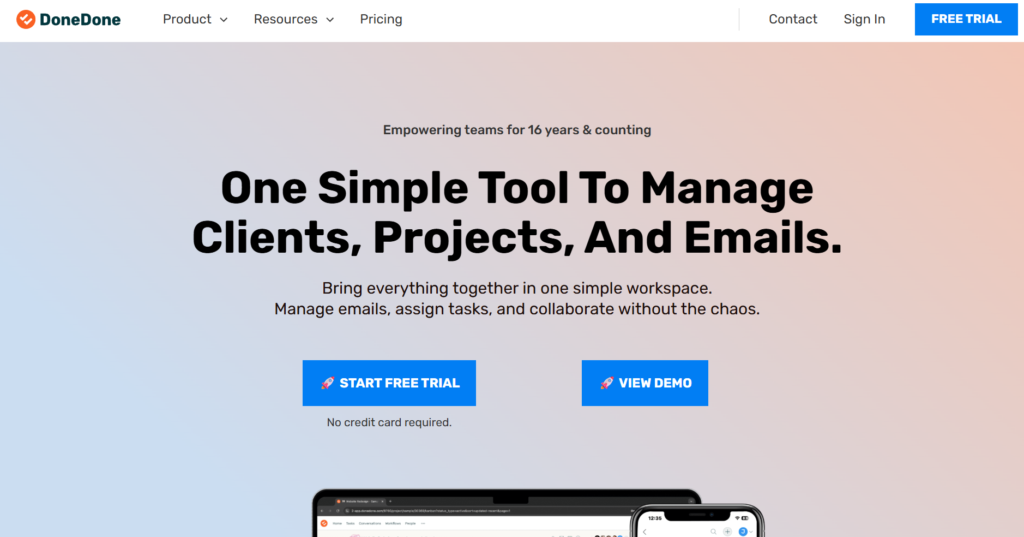
DoneDone is primarily known as a combined issue tracker and shared inbox. It was built to bridge the gap between customer support and development teams by allowing them to handle bug reports and customer inquiries in one place. Its simple interface makes it accessible for small teams that want to avoid the complexity of enterprise tools.
However, many businesses eventually outgrow DoneDone because it lacks advanced project management features like Gantt charts, detailed resource loading, or cross-project reporting. If your team needs to manage complex product roadmaps or requires deep customization of task types and workflows, you may find its straightforward approach a bit limiting for 2026.
Overview of the best alternatives to DoneDone
If you are ready to upgrade your toolkit, these alternatives to DoneDone offer various levels of feature sets..
GoodDay
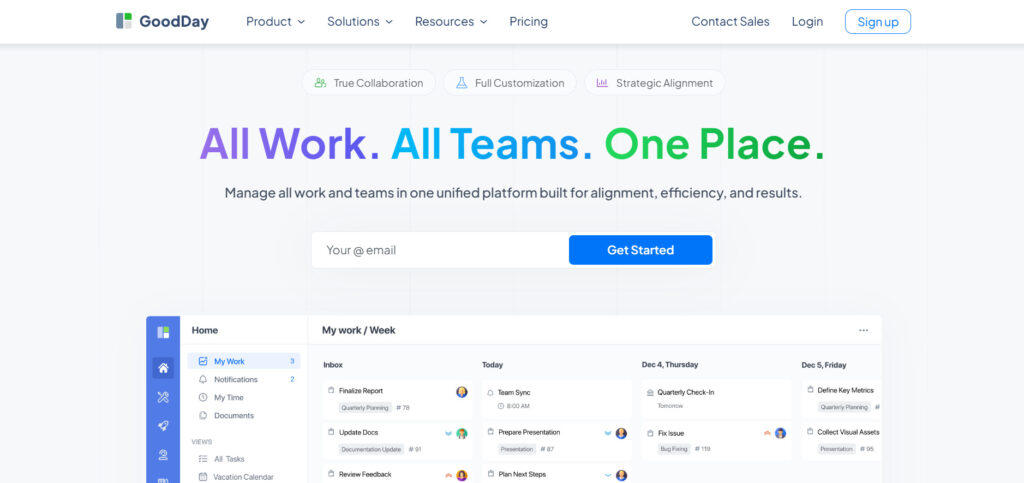
GoodDay serves as a holistic work management system used by Fortune 500 companies, small businesses, and emerging startups alike. Transitioning to this platform allows you to keep all the essential tools you need while potentially cutting your software expenses by half. Moving your information into the system is incredibly fast, often taking just a couple of minutes.
Why it’s a good DoneDone alternative:
GoodDay is frequently highlighted in Capterra’s top-rated shortlists for its ability to combine high-end functionality with budget-friendly pricing. Users often report that the platform provides immense value, offering a sophisticated feature set that usually costs much more elsewhere. It is a practical choice for teams that want professional power without a steep financial burden.
Main features:
This platform provides a centralized environment for all aspects of work, from individual tasks to high-level strategy.
- Multiple views, including Kanban, Gantt, and Agile boards.
- Comprehensive time tracking and resource management tools.
- Customizable dashboards for real-time project visibility.
- Advanced reporting for team productivity and milestones.
Integrations
The platform links naturally with the G Suite ecosystem, including Gmail, Google Drive, Docs, and Calendar. It also connects with Slack, GitHub, GitLab, and various storage services like Dropbox and Box.com. For specialized needs, it supports SSO via SAML and offers a robust API, plus access to over 1,300 apps through Zapier.
Desktop and mobile capabilities
You can access the full suite of features through dedicated applications for Windows, Mac, and Linux. For those working on the move, native mobile apps for iOS and Android ensure you stay connected to your projects and dashboards anywhere.
Pros and cons:
| Pros | Cons |
| Relied upon by more than 100,000 teams globally | High-level reports may need initial setup |
| Offers a deep and diverse feature set | Optimizing unique workflows takes some effort |
| Budget-friendly with a free tier for 15 users | Deep features require a learning period |
| Focuses on value without aggressive upselling | High customization can feel complex at the start |
ClickUp
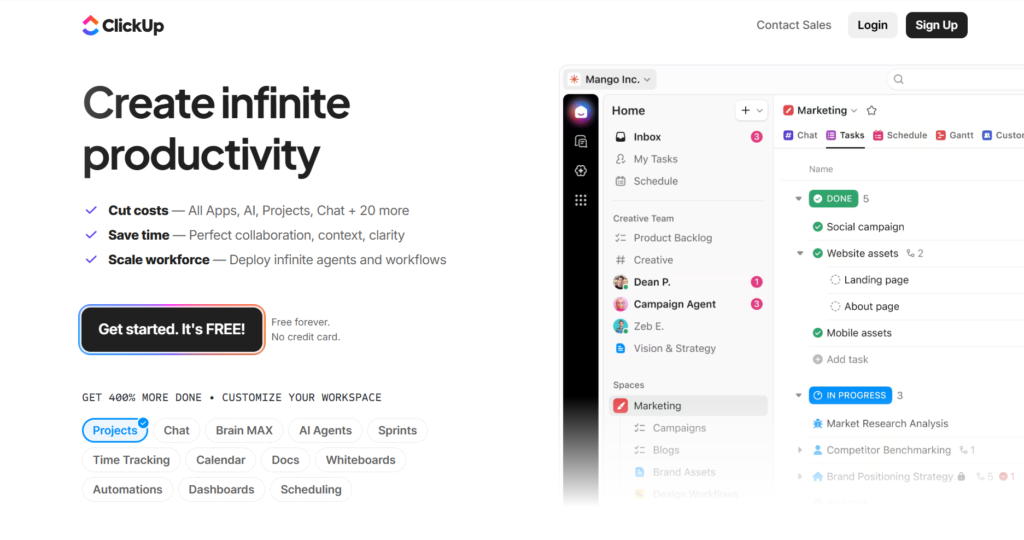
ClickUp serves as a unified productivity hub that merges task management, document creation, and goal setting into one interface. It is an ideal choice for organizations aiming to consolidate their tech stack into a single environment for all operational work. The platform specifically caters to teams that require extensive visual flexibility and the ability to customize every aspect of their digital workspace.
Why it’s a good DoneDone alternative:
ClickUp offers a much wider range of features than DoneDone, including native document editing and goal tracking. It allows teams to switch between different views of the same data, providing more flexibility for different departments. The platform is built to scale from small teams to large organizations seamlessly.
Main features:
ClickUp provides a highly flexible environment that can be tailored to almost any business process.
- Custom statuses and task types for specific workflows.
- Integrated ClickUp AI for writing and summarizing content.
- Built-in Whiteboards and Docs for collaborative brainstorming.
- Automations to handle repetitive task updates.
Integrations
ClickUp integrates with over 1,000 tools, including Slack, GitHub, Zoom, and most major cloud storage providers. It also offers a public API for custom builds.
Desktop and mobile capabilities
The software is available via web browser, desktop apps for Mac, Windows, and Linux, and mobile apps for iOS and Android.
Pros and cons:
| Pros | Cons |
| Massive feature set in one app | Can feel cluttered for new users |
| Highly competitive pricing tiers | Occasional performance lag on large projects |
| Excellent free version for small teams | Significant time required for full setup |
| Powerful automation capabilities | Mobile app is less powerful than desktop |
Jira
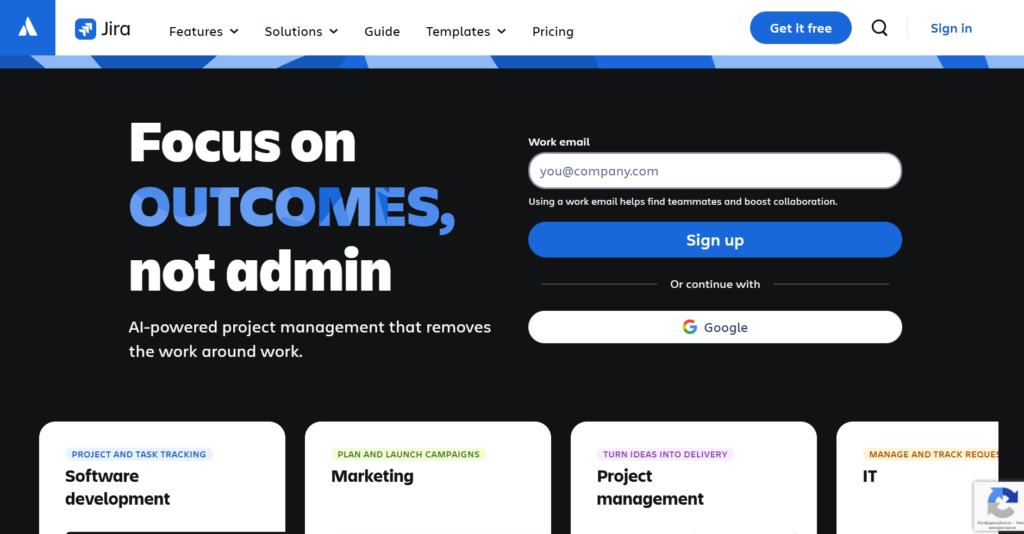
Jira serves as the primary benchmark for engineering departments, offering specialized tools for defect monitoring and agile project oversight. It is most effective for technical groups practicing Scrum or Kanban who need their workflows tightly connected to version control systems. The platform provides deep visibility into the development lifecycle, making it a staple for high-velocity software delivery.
Why it’s a good DoneDone alternative:
Jira provides the professional-grade issue tracking that DoneDone users often need as their technical requirements grow. It offers superior reporting for software releases, such as burn-down charts and velocity tracking. It is specifically built to handle the complexities of modern development lifecycles at any scale.
Main features:
Jira is focused on transparency and efficiency for technical and product-focused teams.
- Advanced Scrum and Kanban boards.
- Detailed roadmaps for long-term product planning.
- Customizable issue types and detailed transition workflows.
- Robust security and permission settings for enterprise use.
Integrations
As an Atlassian product, it integrates perfectly with Bitbucket and Confluence, while also supporting GitHub, Slack, and thousands of apps in the Atlassian Marketplace.
Desktop and mobile capabilities
Jira offers a web interface, desktop clients for Mac and Windows, and highly-rated mobile apps for iOS and Android.
Pros and cons:
| Pros | Cons |
| Unmatched for software bug tracking | High complexity for non-technical users |
| Deeply integrates with developer tools | Can be expensive as the team grows |
| Highly scalable for enterprise needs | Configuration requires a dedicated admin |
| A vast ecosystem of third-party plugins | Interface can feel rigid compared to newer tools |
Monday.com
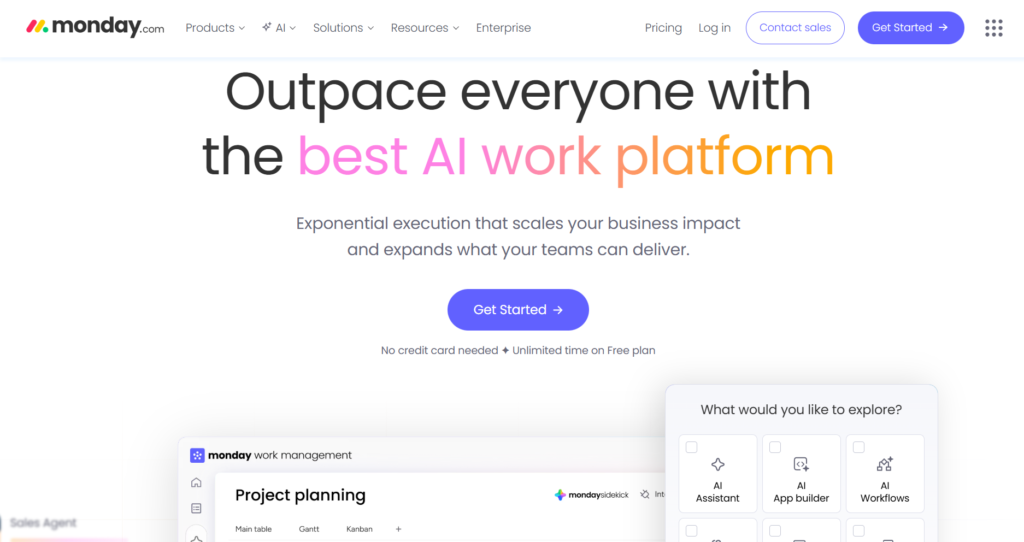
Monday.com is a highly visual Work OS that allows teams to build custom applications for their specific needs. It is best for organizations that value a clean, colorful interface and need to manage diverse types of work across different departments.
Why it’s a good DoneDone alternative:
Monday.com turns the simple list-based approach of DoneDone into a visual, interactive experience. It makes it easier to see the big picture of project health through various dashboard widgets and color-coded statuses. The platform is much more intuitive for non-technical users who may find traditional issue trackers intimidating.
Main features:
Monday.com excels at creating clear, scannable boards that keep everyone on the same page.
- Highly customizable columns for any data type.
- Automated workflows to reduce manual data entry.
- Timeline and workload views for resource management.
- Interactive dashboards for real-time data visualization.
Integrations
The platform connects with major business tools like Microsoft Teams, Slack, Salesforce, and Adobe Creative Cloud.
Desktop and mobile capabilities
Monday.com provides a consistent experience across its web platform, desktop apps, and mobile applications for iOS and Android.
Pros and cons:
| Pros | Cons |
| Very easy for beginners to learn | Pricing is based on fixed seat bundles |
| Beautiful and modern user interface | Advanced features locked in higher tiers |
| Extremely flexible board configurations | Can become pricey for smaller teams |
| Strong internal communication features | Limited dependency tracking on lower plans |
Trello
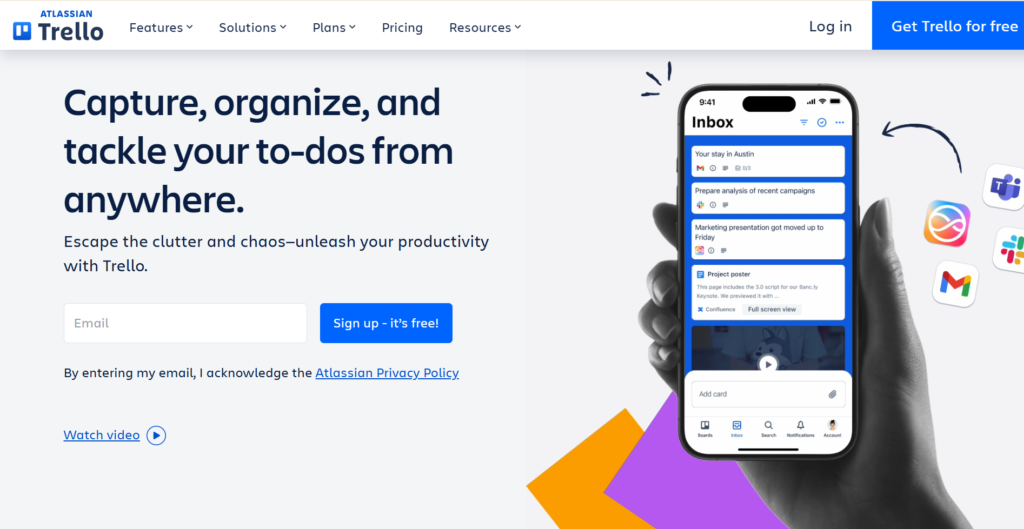
Trello functions as a streamlined organization tool centered on the Kanban technique of utilizing digital boards and cards. It is a perfect fit for solo users or small groups seeking a virtual equivalent to a physical whiteboard covered in sticky notes. The interface prioritizes simplicity, allowing teams to visualize their progress through a clean, drag-and-drop workflow.
Why it’s a good DoneDone alternative:
Trello is even more straightforward than DoneDone, making it a great “reset” for teams that find other software too complicated. It focuses purely on moving tasks through stages, which is often all that a small support or marketing team needs. Its “Power-Ups” allow you to add only the specific features you want, keeping the core experience clean.
Main features:
Trello uses a simple card-based system to manage everything from daily tasks to large projects.
- Intuitive drag-and-drop Kanban boards.
- Butler automation for rules and scheduled commands.
- Custom fields and checklists for detailed task tracking.
- A vast library of Power-Ups for extra functionality.
Integrations
Trello integrates with Slack, Google Drive, Evernote, and hundreds of other apps through its Power-Up system.
Desktop and mobile capabilities
Trello is available on all major web browsers, as a desktop app for Mac and Windows, and via mobile apps for iOS and Android.
Pros and cons:
| Pros | Cons |
| Incredibly simple and fast to use | Not suited for complex project planning |
| Excellent free tier for basic needs | Lacks built-in reporting and charts |
| Highly visual and satisfying interface | Can become messy with too many cards |
| Large library of community templates | Limited native time tracking |
Asana
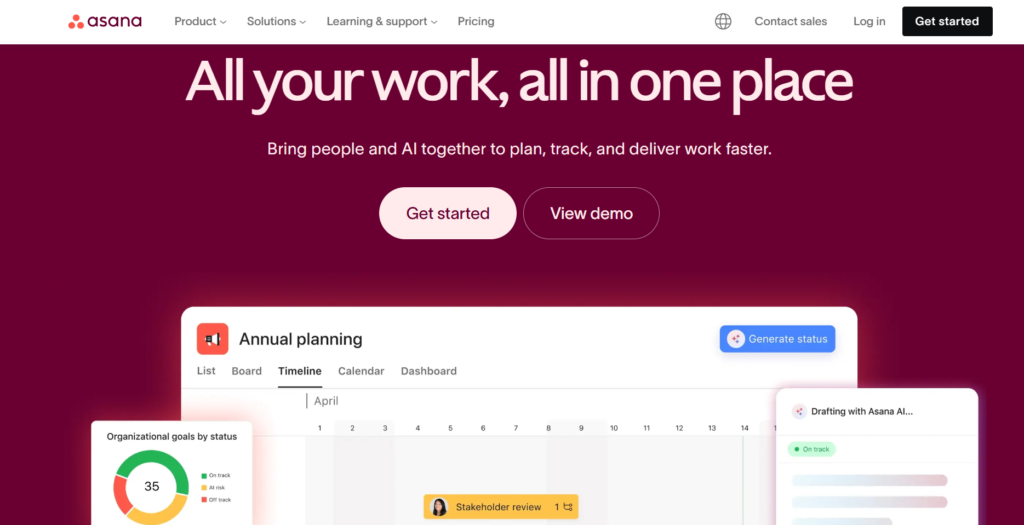
Asana operates as a flexible management solution that enables teams to coordinate everything from routine assignments to large-scale strategic initiatives. It is particularly well-suited for marketing, operations, and creative departments that must monitor complex, multi-stage workflows. The platform helps maintain clear accountability by providing a structured environment for tracking project timelines and cross-team dependencies.
Why it’s a good DoneDone alternative:
Asana provides more structure for project timelines and dependencies than DoneDone. It allows users to see their work in lists, boards, or timelines, making it easier to spot bottlenecks before they delay a project. The focus on “Who is doing what by when” makes it a superior tool for accountability.
Main features:
Asana focuses on clarity and cross-functional coordination.
- Timeline view for managing project schedules.
- Custom templates to standardize team processes.
- Forms for streamlining work requests and tickets.
- Portfolios to track the progress of multiple projects.
Integrations
Asana integrates with Microsoft 365, Google Workspace, Slack, and specialized tools like Salesforce and Tableau.
Desktop and mobile capabilities
Asana offers a comprehensive web platform, a desktop app for Mac and Windows, and full-featured mobile apps for iOS and Android.
Pros and cons:
| Pros | Cons |
| Great for managing task dependencies | Paid plans have a two-seat minimum |
| Modern and very user-friendly design | Can feel overwhelming with too many notifications |
| Strong focus on team collaboration | Higher tiers are quite expensive |
| Excellent automation and form builders | No native time tracking in lower tiers |
Wrike
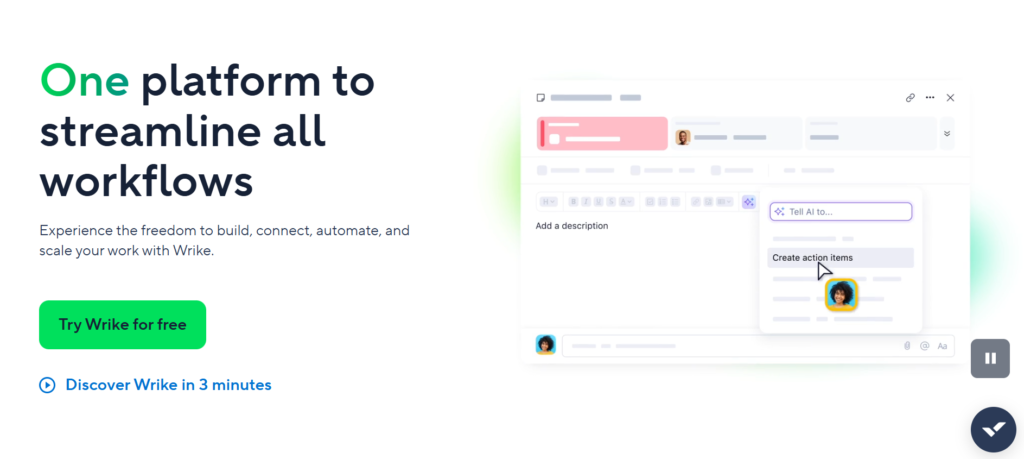
Wrike is a powerful work management platform designed for high-performance teams that need advanced collaboration. It is best for larger organizations or agencies that manage complex, billable projects. Wrike is particularly strong in resource management and custom reporting for large organizations.
Why it’s a good DoneDone alternative:
Wrike offers much deeper project analytics and resource management than DoneDone. It includes enterprise-grade features like time tracking, budgeting, and proofing tools directly within the task view. It is built for teams that have outgrown simple lists and need a more “pro” environment.
Main features:
Wrike provides a robust set of tools for managing the entire project lifecycle.
- Dynamic Request Forms for automated task creation.
- Real-time collaborative document editing.
- Advanced Gantt charts and workload views.
- Built-in proofing and approval workflows.
Integrations
Wrike connects with over 400 apps, including Microsoft Teams, Salesforce, and various DAM (Digital Asset Management) systems.
Desktop and mobile capabilities
Wrike is accessible via the web, desktop applications for Windows and Mac, and mobile apps for iOS and Android.
Pros and cons:
| Pros | Cons |
| Highly scalable for large departments | Steep learning curve for basic users |
| Superior reporting and data analysis | Interface can feel less “modern” than others |
| Excellent for resource and capacity planning | Pricing is high for smaller businesses |
| Strong security and compliance features | Customization requires significant setup |
Linear
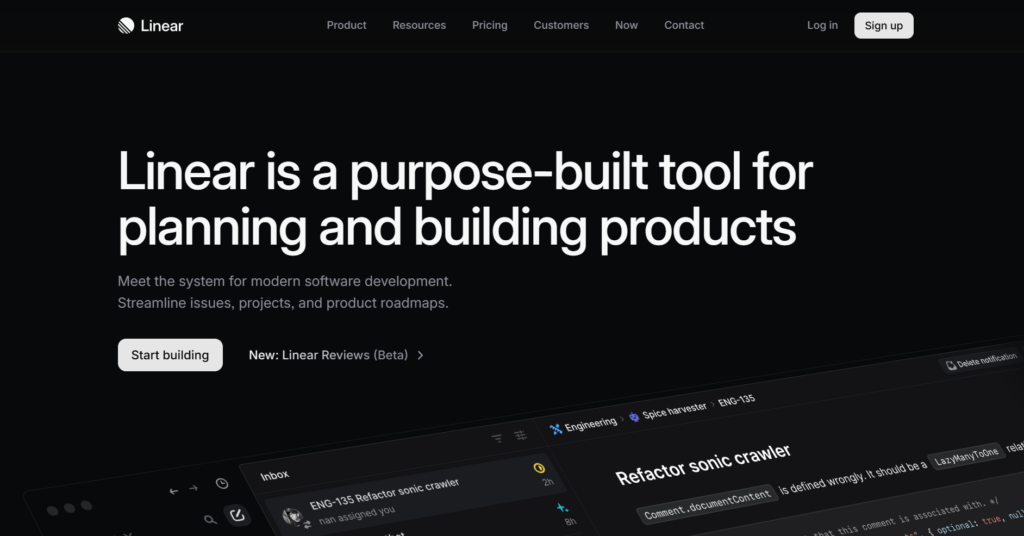
Linear serves as a high-speed, minimalist issue tracking system engineered to meet the demands of modern software development groups. It is the premier choice for startups and engineering-centric teams that prioritize rapid execution and a keyboard-driven user experience. The platform eliminates traditional interface lag, allowing developers to manage backlogs and sprints with maximum efficiency and zero friction.
Why it’s a good DoneDone alternative:
Linear is essentially a modernized version of what DoneDone originally set out to be. It is incredibly fast, minimalist, and built with developer productivity in mind, offering features like cycles and automated backlogs. It removes the “clutter” found in older tools while providing a much smoother user experience.
Main features:
Linear is designed for speed and technical excellence.
- Cycles (sprints) for managing development momentum.
- Real-time synchronization for all team members.
- Advanced keyboard shortcuts for every action.
- Automated backlog grooming and issue triaging.
Integrations
Linear integrates deeply with GitHub, GitLab, Slack, and Sentry to keep development workflows connected.
Desktop and mobile capabilities
Linear is available as a web app, a high-performance desktop app for Mac and Windows, and a mobile app for iOS and Android.
Pros and cons:
| Pros | Cons |
| Built specifically for developer speed | Limited for non-technical departments |
| Beautiful, minimalist, and fast interface | Lacks traditional project management tools |
| Great native desktop application | No built-in time tracking or budgeting |
| Simple and predictable pricing model | Opinionated workflow may not suit everyone |
Salesforce Service Cloud & Jira Service Management
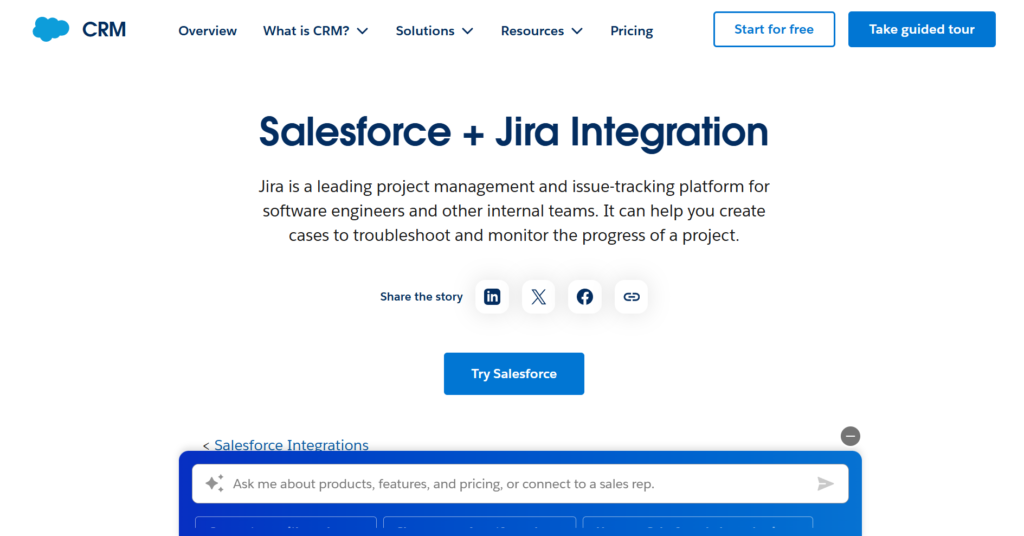
Salesforce Service Cloud & Jira Service Management are enterprise-level service platforms designed for high-volume support and IT operations. They are best for large companies that need a formal system for handling thousands of customer or internal tickets.
Why it’s a good DoneDone alternative:
These tools represent the “enterprise” evolution of DoneDone’s ticketing system. While DoneDone handles simple email-to-task workflows, these platforms offer AI-powered routing, extensive knowledge bases, and strict SLA management. They are designed for teams where “issue tracking” is a mission-critical, high-stakes operation.
Main features:
These platforms provide comprehensive tools for professional service delivery.
- AI-powered chatbots and self-service portals.
- Deep integration with CRM data (Salesforce).
- ITSM-certified processes for incident and change management (Jira).
- Advanced omni-channel routing for support requests.
Integrations
Salesforce integrates with almost every business tool imaginable; Jira Service Management works seamlessly with the entire Atlassian suite and hundreds of Marketplace apps.
Desktop and mobile capabilities
Both platforms offer extensive web interfaces and professional mobile apps for field service and remote support teams.
Pros and cons:
| Pros | Cons |
| Most powerful support tools on the market | Extremely high cost per user |
| Unlimited scalability for global teams | Requires professional implementation |
| Unmatched reporting and AI capabilities | Can be overly complex for small teams |
| Strong focus on customer satisfaction metrics | Very steep learning curve for admins |
Basecamp
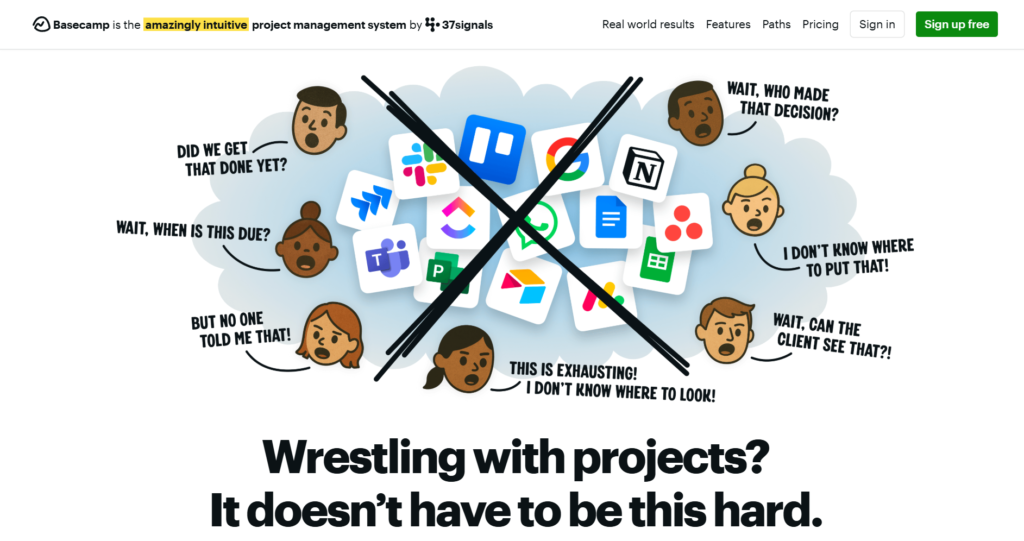
Basecamp is a project management and internal communication tool that focuses on simplicity and remote team collaboration. It is best for small to mid-sized businesses that want to get rid of fragmented emails and chat apps.
Why it’s a good DoneDone alternative:
Basecamp replaces the email threads that DoneDone users often struggle with by providing a centralized message board and chat. It organizes work into distinct “camps,” making it much easier to find files and discussions related to a specific project. It offers a calm, organized alternative to the “noise” of traditional trackers.
Main features:
Basecamp combines communication and task management into one cohesive package.
- Message boards for long-form discussions.
- Campfire chat for real-time team communication.
- Automatic check-ins to replace status meetings.
- To-do lists with simple due dates and assignments.
Integrations
Basecamp offers a focused list of integrations with tools like Zapier, Slack, and various time-tracking apps.
Desktop and mobile capabilities
Basecamp is available via web, desktop apps for Mac and Windows, and highly polished apps for iOS and Android.
Pros and cons:
| Pros | Cons |
| Flat monthly pricing is great for large teams | Lacks advanced project views like Gantt |
| Very easy to use with no training required | Task management is very basic |
| Combines chat, files, and tasks in one place | Hard to manage hundreds of active tasks |
| Excellent for remote and distributed teams | Limited reporting and analytics |
How to select a DoneDone alternative for your business: main criteria
Picking a new platform is a major decision that affects your team’s daily happiness and efficiency. You should look beyond the price tag to ensure the tool actually fits how you work.
Functionality
The tool must solve your specific problems, whether that is better bug tracking, visual project planning, or improved customer support. Check if the software offers the specific views you need, such as Kanban boards or Gantt charts, and ensure it can handle the complexity of your typical project.
Usability
A tool is only useful if your team actually uses it. Look for a user-friendly interface that doesn’t require weeks of training to understand. If the software is too complex, people will revert to spreadsheets and email, defeating the purpose of the new system.
Customer support
When things go wrong or you need help with setup, responsive support is vital. Look for providers that offer multiple ways to get help, such as live chat, extensive documentation, or a dedicated account manager for larger teams.
Value for money
Compare the features you get against the monthly cost, keeping an eye out for hidden fees like add-ons or mandatory “pro” features. Some tools offer much better cost-effectiveness by including advanced features in their standard plans rather than charging extra for them.
Customer reviews
Check independent review sites like Capterra or G2 to see what other businesses in your industry think. Real-world feedback can reveal performance issues, hidden bugs, or particularly helpful features that aren’t highlighted in the marketing materials.
Save up to 50% by switching from DoneDone to GoodDay
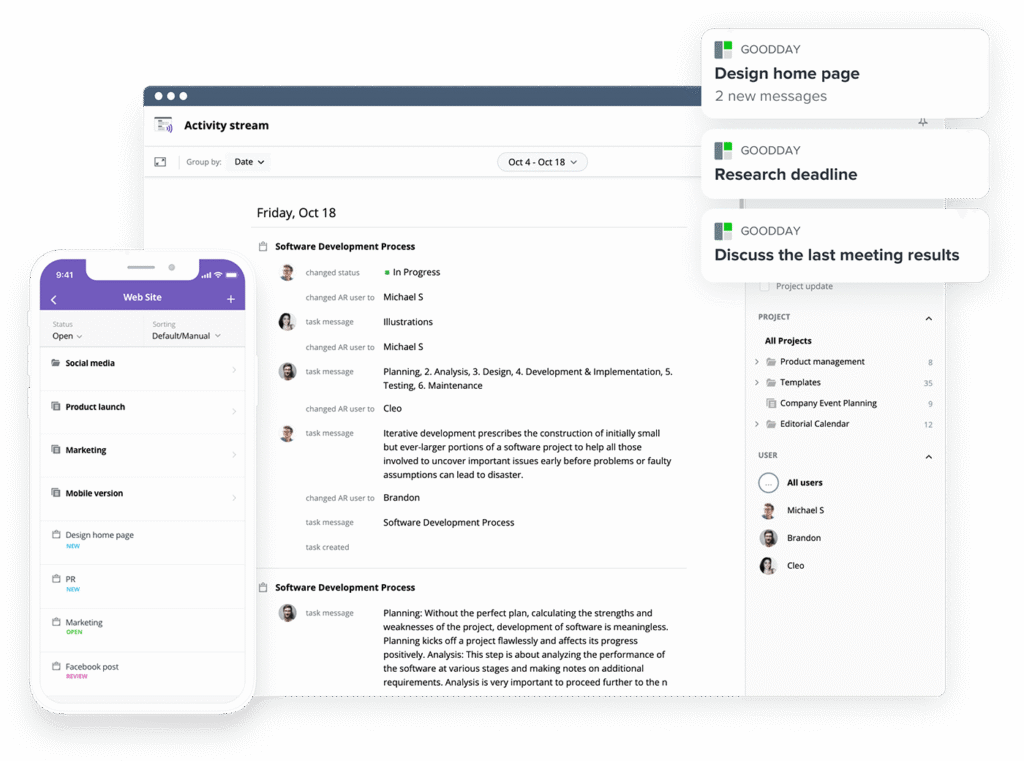
GoodDay is popular globally for its powerful functionality and affordable plans, offering a professional suite of tools that fits modern business needs perfectly.
You can dive in and try GoodDay for free to see how it fits your workflow.
And if you have any questions about selecting the right project management software for your business, you can always reach out to our team via info@goodday.work
FAQs
What are the best tools to assign tasks and track deliverables in real time?
GoodDay is an excellent centralized platform that allows you to manage tasks and monitor project progress with total transparency. It serves as one of the top DoneDone alternatives because it provides live updates and detailed project timelines for every member of the team. Using such software ensures that everyone stays aligned on deadlines without the need for constant status meetings. High-performance teams rely on these tools to streamline workflows and maintain high levels of productivity.
Who offers tools to assign tasks and track progress across a team?
Many modern alternatives to DoneDone, such as GoodDay, ClickUp, and Monday.com, provide robust environments for team collaboration. GoodDay is particularly effective for small businesses because it combines task management with advanced planning features at a very low cost. These platforms help you track progress effortlessly through visual dashboards and automated notifications. They are designed to manage everything from simple to-do lists to complex development cycles in a unified system.
Where can I find a robust help desk ticket template?
For teams handling customer inquiries, GoodDay, Jira Service Management and Salesforce Service Cloud offer the most sophisticated templates and issue tracking capabilities. GoodDay provides versatile tool sets that include templates for support tickets and customer interactions. These templates allow support teams to organize incoming requests and improve response times significantly. Using a pre-built structure helps you manage tasks more effectively and ensures no customer query is ever missed.
Which pm software provider offers the best pricing for small businesses?
GoodDay is widely recognized for its cost-effectiveness, offering a free version for up to 15 users and very affordable paid tiers. While DoneDone offers a simple starting point, GoodDay provides a much richer set of key features for a similar or lower price. It is one of the best alternatives for organizations that need professional-grade management without enterprise-level costs. This allows smaller teams to access high-level project management tools like Gantt charts and resource tracking early in their growth.
I need a better way for my team to collaborate than endless email threads. What’s a good solution that combines messaging and project boards?
GoodDay and Basecamp are perfect solutions for enabling teams to move away from cluttered email and into a centralized platform. GoodDay integrates project boards with file sharing and real-time communication to keep all project data in one place. By using a system that combines messaging with task management, you can significantly reduce the time spent searching for information. These top DoneDone alternatives provide a much more organized way to share files and discuss project details.
What is the best tool for creating and managing a product launch checklist for a cross-functional team?
GoodDay is a versatile tool for planning complex events because it allows you to create detailed project timelines and automate repetitive tasks. It is ideal for development teams and marketing departments that need to coordinate across different unique processes. The platform’s user-friendly interface makes it easy for everyone to see their responsibilities and track progress toward the launch date. By using a centralized system, you ensure that every step of your launch checklist is completed on time.




