
Craft.io is strong for planning and product strategy, but its high cost and complex setup often become a big problem for daily use. Because of this, many product teams and product managers look for easier and more affordable alternatives to replace their primary product management tool.
The impact of selecting the appropriate software is huge. IRE Research shows that companies using proper, standardized tools have much higher project success rates and better efficiency.
In this guide, we’ll explore the best Craft.io alternatives to help you make the right choice for your team.
But if you have any questions that are not covered in this article, you can always connect with our team via info@goodday.work
Best Craft.io alternatives shortlist for 2026
Let’s take a look at some of the top alternatives to Craft.io.
Product management and roadmapping
- GoodDay: is the leading project management tool overall, providing powerful features for comprehensive planning, multiple data interfaces, and streamlined workflows through automation.
- Aha!: A comprehensive product management solution for strategy, feature prioritization, and creating visual roadmaps.
- Productboard: A popular tool that helps product teams centralize customer feedback and prioritize features.
- Airfocus: Offers roadmapping and other product management features, with a focus on helping teams manage their product lifecycle.
- ProductPlan: Another dedicated product roadmap tool for planning and sharing visual roadmaps.
Agile project management
- Jira: A widely used agile project management tool for planning, tracking, and managing software development projects.
- Asana: A versatile project management tool that can be adapted for a variety of team workflows.
- Zira: An agile project management tool that can be used for planning, tracking, and managing projects.
- Wrike: A project management platform designed for team collaboration and workflow automation.
- Zoho Sprints: A tool specifically for managing agile sprints and projects.
Note-taking and knowledge management
- Notion: An all-in-one workspace that combines note-taking, project management, and databases, though some users report offline limitations.
- UpNote: Recommended as a more affordable alternative to Craft, praised for its formatting, tags, and one-time payment option, according to a Reddit thread.
- NotePlan: A similar alternative for those on Apple platforms, with strong notes and calendar integration, says a Reddit post.
- Coda: A document-based platform that combines aspects of documents, spreadsheets, and apps.
Comparison of the best Craft.io alternatives (free and paid)
To help you compare the core differences between Craft.io alternatives quickly, we’ve gathered the key details about what each software is best for, its current pricing, and how easy it is to migrate your existing data.
| Software | Best for | Pricing | Ease of migration from Craft.io |
| GoodDay | Best overall balance of features and cost | Free plan (1–15 users); Professional $4/user/month; Business $7/user/month; Enterprise custom | Easy (CSV import, Zapier integrations) |
| Aha! | Product strategy and detailed roadmapping for the enterprise | Premium $59/user/month (Roadmaps); Enterprise $99/user/month; Enterprise+ custom. Free limited plan available. | Good (via API, CSV import) |
| Productboard | Centralizing customer feedback for prioritization | Essential $20/maker/month; Pro $50/maker/month; Enterprise custom. Free plan available. | Easy (CSV import, Integrations) |
| Airfocus | Product lifecycle management and feature prioritization | Starter $19/user/month; Advanced $49/user/month; Pro $99/user/month; Enterprise custom. | Good (CSV, spreadsheet import) |
| ProductPlan | Dedicated visual roadmap creation and sharing | Basic $39/user/month; Professional $69/user/month; Enterprise custom. | Easy (CSV import, Integrations) |
| Jira | Agile software development teams and bug tracking | Free plan (up to 10 users); Standard $8.50/user/month; Premium $16.50/user/month; Enterprise custom. | Good (built-in import wizards, CSV) |
| Asana | Versatile project and work management across teams | Basic Free; Premium $13.49/user/month; Business $30.49/user/month; Enterprise custom. | Easy (CSV import, Integrations) |
| Zira | Agile project management and collaboration | Not publicly listed; contact sales for pricing. | Requires manual setup or API integration. |
| Wrike | Workflow automation and complex project portfolios | Free plan; Team $9.80/user/month; Business $24.80/user/month; Enterprise custom. | Easy (spreadsheet import, Wrike Integrate) |
| Zoho Sprints | Managing agile sprints and projects within the Zoho ecosystem | Free plan (up to 5 users); Premium $6/user/month (annual billing); Enterprise custom. | Good (CSV import, Integrations) |
| Notion | Flexible all-in-one workspace and knowledge base | Free plan; Plus $10/user/month; Business $18/user/month; Enterprise custom. | Fair (manual copy/paste, CSV import) |
| UpNote | Simple, cross-platform note-taking | Free plan; Premium $0.99/month or $24.99 one-time purchase. | Fair (manual import from other note apps) |
| NotePlan | Notes, tasks, and calendar integration (Apple ecosystem) | Basic Free; Premium $6.99/month or $59.99/year. | Fair (limited to plain text or Markdown formats) |
| Coda | Document-based apps and complex structured data | Free plan; Pro $10/doc maker/month; Team $30/doc maker/month; Enterprise custom. | Good (CSV import, spreadsheet conversion) |
What is Craft.io, and why consider an alternative for your business?
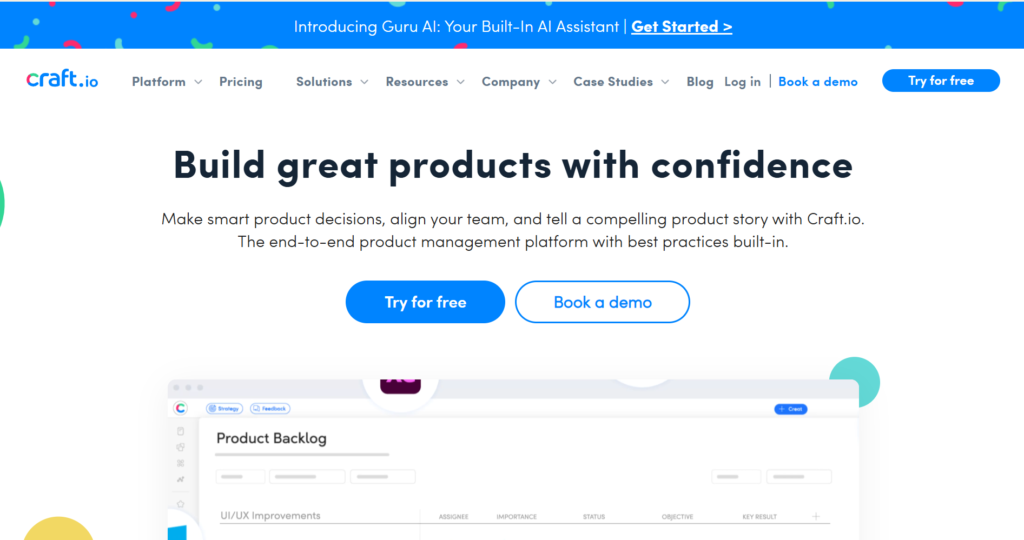
Craft.io is a dedicated product management platform that provides tools for strategy, roadmapping, feature prioritization, and feedback management. It is designed to act as a “source of truth” for product teams, centralizing product data and connecting it to execution tools like Jira. The platform emphasizes product strategy and aligning all stakeholders around the product vision.
However, many companies look for alternatives to Craft.io for various reasons. Some may find the platform’s price point too high, especially for smaller teams or those not fully utilizing all its specialized features. Other organizations might prefer a tool that offers a better balance between product management and general project management, or one that has deeper integrations with non-development teams like marketing or sales.
Ultimately, the choice to switch often comes down to budget constraints, the need for a more general-purpose work management tool, or a desire for a different user experience.
Best alternatives to Craft.io (tested & reviewed)
Below are detailed reviews of the best alternatives, covering their primary use cases, features, integrations, and availability.
1) GoodDay
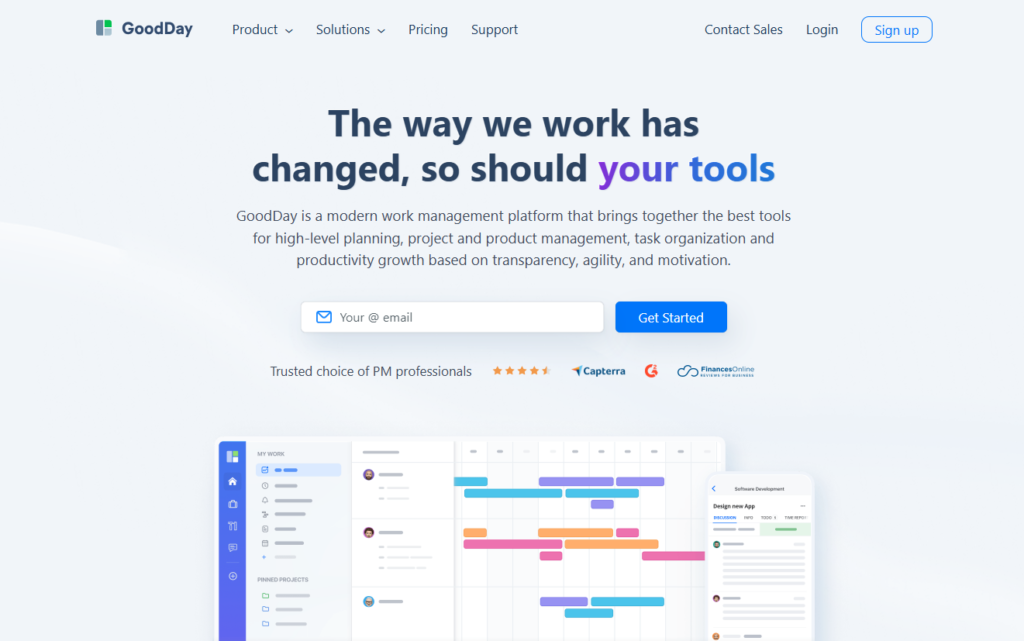
GoodDay is a comprehensive work management solution utilized by global companies, from established Fortune 500s to growing startups. By moving your organization to GoodDay, you can cut your current software costs by up to 50% and you still get all the important features you need. Furthermore, importing your existing data into GoodDay is a very quick process.
Why it’s a good Craft.io alternative:
GoodDay has been recognized as a top-rated tool in 12 Capterra shortlists. The platform is highly regarded by users for successfully achieving a difficult balance between providing extensive, powerful features and maintaining highly accessible pricing. Its modest cost is a notable highlight, delivering exceptional functional value for the investment.
Main features:
GoodDay provides a holistic suite of features for end-to-end work management, including:
- Multiple project and task views (Gantt, Kanban, Table, Workload, Calendar).
- Advanced project planning and portfolio management.
- Customizable workflow automation and approvals.
- Goal tracking and performance reporting dashboards.
- Time and expense tracking for resource management.
Integrations
GoodDay features native integrations with key business applications such as the G Suite collection, Gmail, Slack, Dropbox, Box.com, and source code management tools like GitHub and GitLab. It also supports Single Sign-On (SSO via SAML). For connectivity beyond its native set, the platform connects seamlessly to over 1,300 additional business applications via Zapier and offers a robust API for developing custom integrations with any existing internal systems.
Desktop and mobile capabilities
The platform works across all major operating systems, including dedicated apps for Windows, Mac, and Linux, in addition to mobile applications for both iOS and Android. This provides users with complete, on-the-go access to their tasks, projects, dashboards, and reports, regardless of whether they are working from a desktop environment or a mobile device.
Pros and cons:
| Pros | Cons |
| Trusted by more than 100,000 teams worldwide | Advanced reporting requires initial setup and configuration |
| Rich mix of project management and collaboration features | Tailoring complex workflows may require time for optimization |
| Very affordable, with a free plan for up to 15 users | Takes time to learn the advanced customization features fully |
| Transparency with no pressure for unnecessary feature upsells | Extensive initial customization can slow down initial adoption |
2) Aha!
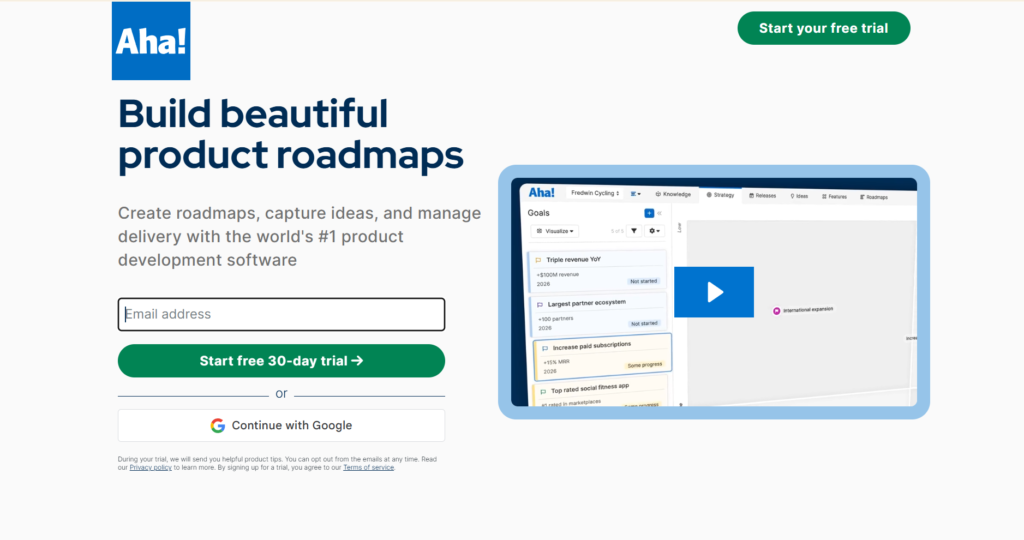
Aha! is a specialized product management suite designed to help companies set strategy, capture ideas, and create visual roadmaps. It is best suited for organizations that need a powerful, dedicated platform to define product vision and align teams. It connects strategic planning directly with development execution.
Why it’s a good Craft.io alternative:
Aha! offers a more focused and deep set of tools for product strategy compared to general project management alternatives. Its strength lies in connecting high-level business goals to detailed features and user stories, providing a structured approach to roadmapping. The platform’s commitment to strategic planning makes it a strong choice for product leaders seeking rigorous methodology.
Main features
The platform focuses on the entire product development lifecycle, including:
- Setting product vision and business goals.
- Idea management and crowdsourcing.
- Feature prioritization and ranking using custom scoring.
- Creating highly visual, shareable roadmaps (e.g., strategy, features, calendar views).
- Integration with development tools for execution.
Integrations
Aha! offers native two-way integrations with many popular development and communication tools, including Jira, GitHub, Azure DevOps, Rally, Trello, Asana, and Slack. It also integrates with analytics and CRM tools like Salesforce and offers a robust API for custom connectivity.
Desktop and mobile capabilities
Aha! is a web-based application, fully accessible via any modern browser. It also provides dedicated mobile apps for iOS and Android, allowing users to view roadmaps, manage ideas, and check product updates while away from their desk.
Pros and cons
| Pros | Cons |
| Excellent tools for product strategy and goal setting | Can be overly complex for smaller or less mature teams |
| Highly customizable and visual roadmapping features | Pricing can be high, especially for non-contributing viewers |
| Deep, two-way integration with many development tools | User interface can feel dense with options and menus |
| Strong focus on connecting ideas to outcomes | Limited features for general team project execution |
3) Productboard
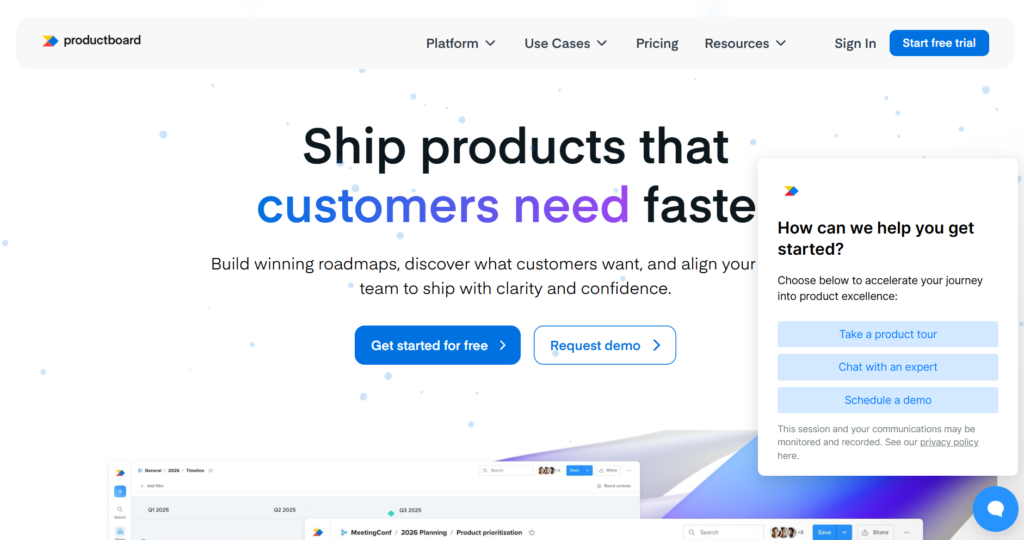
Productboard is a centralized platform designed to help product teams understand user needs, prioritize features, and communicate their roadmaps. It is best for teams that want a single location to gather customer feedback and use data-driven insights to inform their product decisions. It ensures that products are built based on actual user demand.
Why it’s a good Craft.io alternative:
Productboard is an excellent alternative because of its specialized focus on the entire product discovery process. It excels at capturing feedback from diverse channels—a key pain point for many product managers—and linking it directly to the features being considered. This emphasis on customer-centric prioritization offers a different approach from Craft.io’s feature-centric design.
Main features
Productboard’s core features are designed around the customer and feature lifecycle:
- Insights board for consolidating and structuring customer feedback.
- Prioritization matrix to score features based on impact and effort.
- Interactive roadmaps for internal and external communication.
- Feature management and organization into releases.
- Portal for sharing ideas and capturing feedback from users.
Integrations
Key integrations include popular communication and development tools such as Slack, Jira, GitHub, Azure DevOps, and Trello. It also integrates with customer feedback tools like Zendesk, Intercom, and Salesforce, and offers an API for building custom connections.
Desktop and mobile capabilities
Productboard is primarily a web application accessible on all major browsers. It also offers a dedicated mobile app for iOS and Android, which allows product managers to easily browse insights, manage features, and review roadmaps on the go.
Pros and cons
| Pros | Cons |
| Excellent system for centralizing and linking customer feedback | Can become expensive as the team of ‘makers’ grows |
| Prioritization tools are highly visual and data-driven | Requires a consistent effort to tag and manage incoming feedback |
| Intuitive interface that product teams find easy to adopt | Free plan is quite limited in terms of key functionality |
| Facilitates transparency between product and engineering teams | Learning curve for mastering the advanced prioritization formula |
4) Airfocus
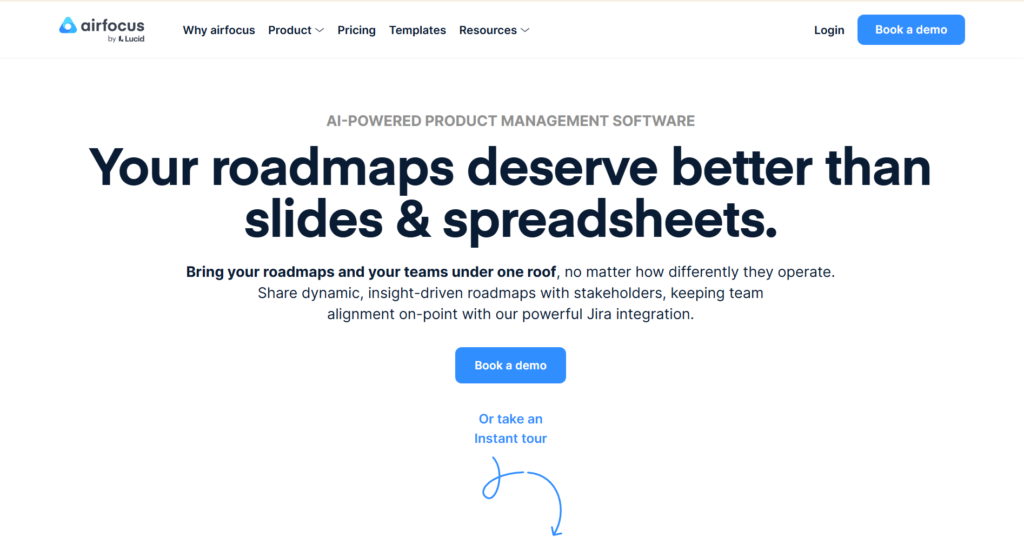
Airfocus is a flexible product management platform that centers on priority and roadmapping, helping teams decide what to build next with confidence. It is best for product teams that need customizable scoring models and multiple ways to visualize their product strategy and roadmap. Its matrix-based prioritization is a core differentiator.
Why it’s a good Craft.io alternative:
Airfocus stands out due to its unique scoring framework, which allows teams to create completely custom prioritization formulas tailored to their specific business context. This level of flexibility in defining value and effort provides a powerful alternative to the more standard models found in other tools, helping product teams make highly objective decisions.
Main features
The platform’s features focus on the critical steps from idea to deployment:
- Customizable priority scoring frameworks (e.g., RICE, WSJF, MoSCoW).
- Modular roadmaps with drag-and-drop functionality.
- Idea management and intake from various sources.
- Portfolio management for overseeing multiple products simultaneously.
- Clear visualization of product strategy alignment.
Integrations
Airfocus integrates natively with key development and communication tools, including Jira, Azure DevOps, Trello, Asana, Google Sheets, Slack, and Microsoft Teams. It also provides an API for advanced custom integrations to fit any specific tech stack.
Desktop and mobile capabilities
Airfocus is a cloud-based solution that is fully responsive and accessible via any web browser. Currently, Airfocus is primarily focused on the web application, with access on mobile devices provided through the browser interface.
Pros and cons
| Pros | Cons |
| Highly customizable prioritization scoring mechanisms | Pricing tiers quickly increase complexity and cost |
| Intuitive drag-and-drop interface for building roadmaps | Primarily focused on prioritization, less on deep feedback collection |
| Strong portfolio view for managing multiple products | Initial setup of custom scoring models can be time-consuming |
| Excellent ability to visualize product strategy and focus | Fewer direct integrations compared to larger platforms |
5) ProductPlan
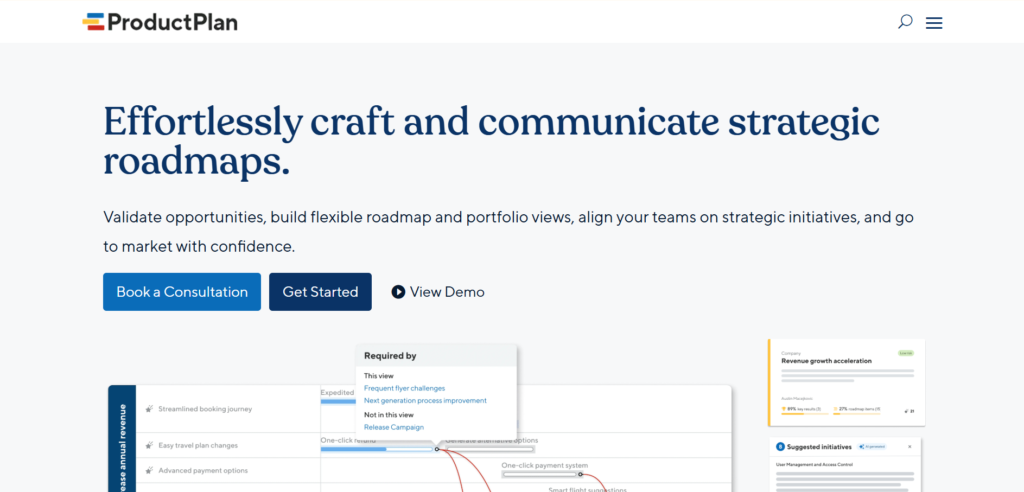
ProductPlan is a dedicated roadmap software that makes it easy for product teams to create, communicate, and share beautiful, visual roadmaps. It is best for teams whose primary goal is creating clear, stakeholder-ready roadmaps quickly and efficiently without getting bogged down in extensive feature management. It serves as a visual hub for product plans.
Why it’s a good Craft.io alternative:
As a dedicated roadmapping tool, ProductPlan simplifies the process, focusing purely on presentation and communication. Unlike all-in-one suites, it provides a clean, user-friendly interface for building visual roadmaps that are easy for executives and other non-product stakeholders to understand. This simplicity and clarity are its main competitive advantages over more complex alternatives.
Main features
The platform is designed specifically for roadmapping and related tasks:
- Creating and customizing unlimited visual roadmaps.
- Drag-and-drop interface for easy item arrangement.
- Parking lot for managing ideas not yet prioritized.
- Ability to define and link strategic initiatives.
- Securely sharing roadmaps with internal and external audiences.
Integrations
ProductPlan offers two-way integrations with essential development tools like Jira, Azure DevOps, Pivotal Tracker, and GitHub. It also integrates with communication tools like Slack and allows for data import from spreadsheets via CSV.
Desktop and mobile capabilities
ProductPlan is a web-based application, fully accessible via all standard desktop and mobile browsers. It is optimized for use on both desktop and tablet screens to ensure roadmaps are always visible and manageable.
Pros and cons
| Pros | Cons |
| Extremely easy to use and quick to create professional roadmaps | Lacks the deep feedback collection of specialized tools |
| Visual clarity is excellent for communicating plans to stakeholders | Limited features for detailed task and execution management |
| Simple drag-and-drop functionality speeds up planning | The basic plan is more expensive than many all-in-one alternatives |
| Strong focus on strategic alignment over operational detail | Less suited for managing the entire product discovery lifecycle |
6) Jira
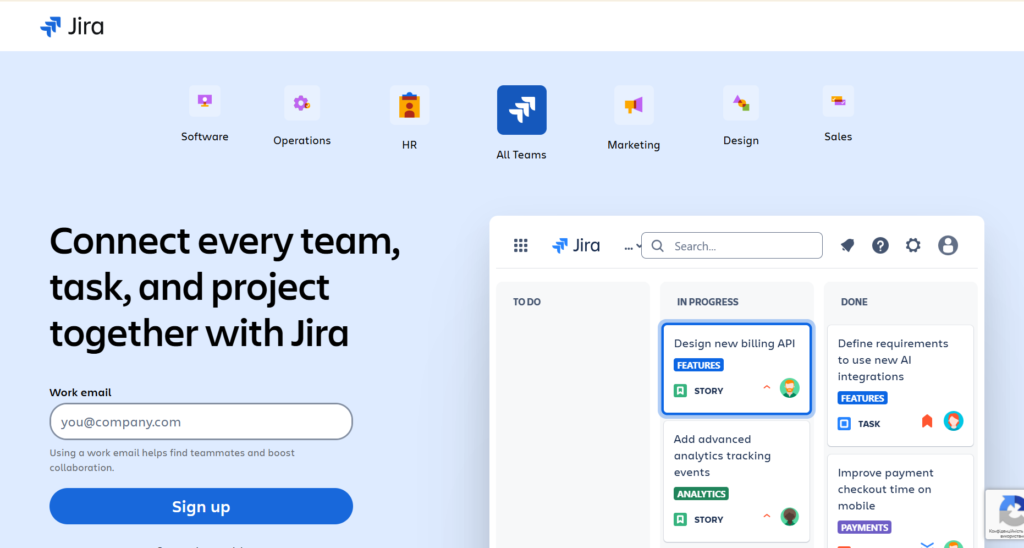
Jira is a powerful and widely adopted tool for agile project management, primarily focused on planning, tracking, and releasing software. It is best suited for software development teams who use agile methodologies (Scrum, Kanban) and need a highly customizable platform for managing their backlog, sprints, and code integration. It is the industry standard for agile software work.
Why it’s a good Craft.io alternative:
Jira is often the execution tool that Craft.io integrates with, but it can serve as a suitable standalone alternative for teams that prefer to manage product work and engineering tasks in a single environment. For teams already using Jira for development, leveraging it for roadmapping (using advanced features or add-ons) simplifies the tool stack and reduces licensing costs.
Main features
Jira’s core functionality revolves around agile development:
- Highly configurable Scrum and Kanban boards.
- Backlog management and sprint planning tools.
- Advanced reporting and velocity charting.
- Integration with source code management and CI/CD pipelines.
- Customizable workflows and issue types.
Integrations
Jira boasts one of the largest ecosystems of integrations via the Atlassian Marketplace. Key integrations include GitHub, GitLab, Salesforce, Slack, Microsoft Teams, and numerous third-party product management and testing tools.
Desktop and mobile capabilities
Jira is a robust web application. It also provides excellent dedicated mobile apps for iOS and Android, allowing users to view boards, update issues, and check project status while on the move.
Pros and cons
| Pros | Cons |
| Industry-leading tool for agile software development | Can be overly complex and feature-heavy for non-dev teams |
| Extensive customization and massive ecosystem of add-ons | Steep learning curve for configuration and administration |
| Excellent scalability for very large, distributed teams | Requires add-ons for robust, dedicated product roadmapping |
| Deep, native integration with source code repositories | Free plan is feature-limited for larger teams (up to 10 users) |
7) Asana
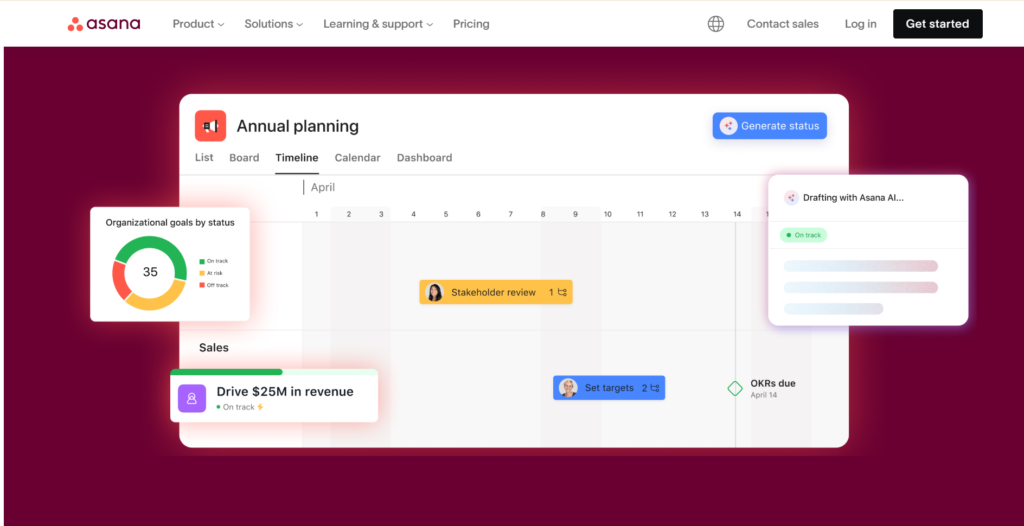
Asana is a versatile work management platform designed to help teams organize, track, and manage their work across various projects and initiatives. It is best for teams that require flexibility across different departments—from product and engineering to marketing and operations—and need a clean, intuitive interface. It simplifies cross-functional project tracking.
Why it’s a good Craft.io alternative:
While not solely a product management tool, Asana’s highly flexible structure, custom fields, and project views (List, Board, Timeline, Calendar) allow product teams to create their own feature prioritization and roadmapping workflows. For organizations that value an all-in-one solution that non-technical teams can also use easily, Asana is a powerful, friendly alternative.
Main features
Asana focuses on clarity and organization for all types of work:
- Project views include list, board (Kanban), and timeline (Gantt-like).
- Workflow automation for routine tasks and processes.
- Goals and Portfolio features for high-level tracking.
- Custom fields for tracking specific product metrics.
- Team collaboration and commenting features.
Integrations
Asana integrates with hundreds of tools, including Google Workspace, Microsoft Office 365, Slack, Salesforce, Adobe Creative Cloud, and various development tools like Jira and GitHub via apps and API.
Desktop and mobile capabilities
Asana is available as a web application and offers highly-rated, feature-rich native apps for both iOS and Android. It also provides a dedicated desktop app for Windows and Mac, ensuring accessibility from any work environment.
Pros and cons
| Pros | Cons |
| Extremely versatile and adaptable for almost any team workflow | Lack of native, deep product discovery features without add-ons |
| Clean, intuitive user interface and low adoption barrier | Advanced features and reporting are locked in premium tiers |
| Excellent for managing work across cross-functional teams | Less specialized for software development processes than Jira |
| Strong reporting and dashboarding for portfolio overview | The free tier has significant limitations on features and views |
8) Wrike
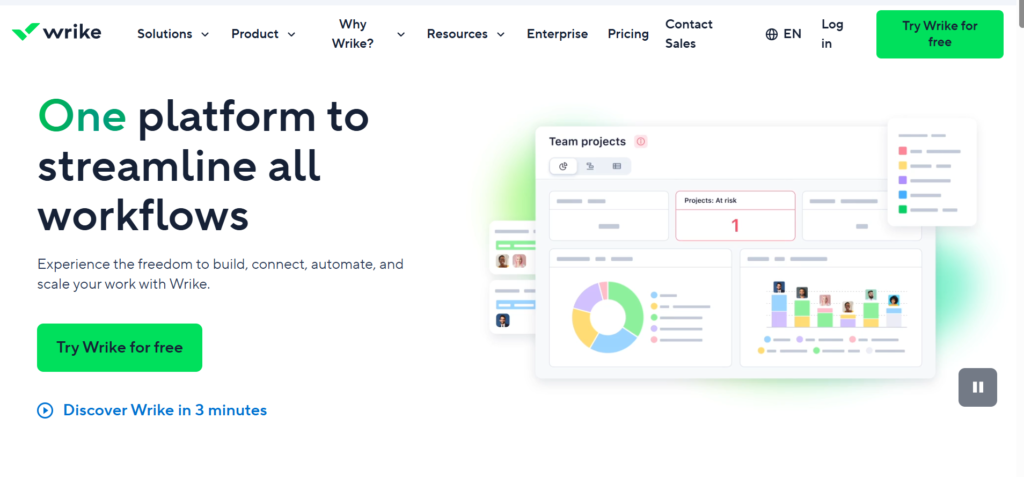
Wrike is a versatile project management platform that aims to centralize all project communication, tasks, and documentation. It is best for marketing, creative, and professional services teams that need to manage complex projects, automate workflows, and handle high volumes of tasks across multiple teams.
Why it’s a good Craft.io alternative:
Wrike can be configured to manage product roadmaps, but its main strength as an alternative lies in its robust workflow automation and resource management capabilities. For product teams that struggle with coordinating output from other internal service teams (like creative or legal), Wrike provides a more capable, holistic platform for managing the surrounding project delivery process.
Main features
Wrike offers an extensive set of tools for various team needs:
- Gantt charts, Kanban boards, and custom views.
- Powerful workload and resource management.
- Customizable request forms and workflow automation.
- Time tracking and advanced reporting.
- Dedicated features for creative and marketing teams.
Integrations
Wrike integrates deeply with Microsoft applications (including MS Project, Teams, and Excel), Google Workspace, Salesforce, Tableau, and many other business tools. Its Wrike Integrate platform allows for thousands of custom integrations via an intuitive no-code solution.
Desktop and mobile capabilities
Wrike is accessible via web browsers, but it also provides full-featured desktop applications for Windows and Mac, along with highly functional mobile apps for both iOS and Android.
Pros and cons
| Pros | Cons |
| Highly powerful workflow automation and customization | Overwhelming feature set for very small teams |
| Excellent for managing complex projects and resource allocation | Can be one of the more expensive options at higher tiers |
| Supports numerous team types beyond just product or dev | Steeper learning curve due to the depth of functionality |
| Robust reporting and analytics for portfolio oversight | Interface may feel slightly less modern than some newer tools |
9) Zoho Sprints
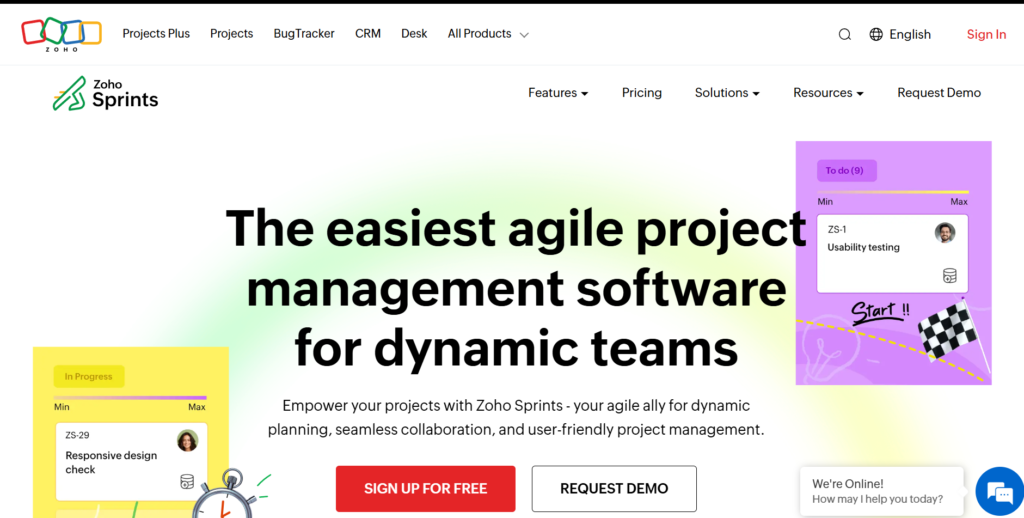
Zoho Sprints is a dedicated agile project management tool focused on helping software teams plan, track, and deliver products iteratively. It is best for teams already using or considering the broader Zoho suite of products, as it provides a focused, native solution for managing agile sprints and releases.
Why it’s a good Craft.io alternative:
Zoho Sprints offers a focused agile environment that can be a more affordable and simpler alternative to enterprise agile tools. Its tight integration within the larger Zoho ecosystem is a key benefit, allowing product teams to connect their work with CRM, finance, and other business functions seamlessly.
Main features
Zoho Sprints is designed specifically for agile methodology:
- Planning and managing backlogs and user stories.
- Sprint management with customizable task boards.
- Time logging and estimating features.
- Reporting on velocity, burn-down charts, and sprint progress.
- Collaboration tools for daily standups and retrospectives.
Integrations
Zoho Sprints integrates natively with other Zoho products (e.g., Zoho Projects, Zoho CRM, Zoho Desk). It also integrates with popular third-party tools like Jira, GitHub, Slack, and Zapier for broader connectivity.
Desktop and mobile capabilities
Zoho Sprints is a web-based application, and it provides dedicated mobile apps for iOS and Android, allowing teams to manage their sprint boards and log time even when away from their desk.
Pros and cons
| Pros | Cons |
| Deep, native integration with the entire Zoho product suite | Less useful if your business is not using other Zoho applications |
| Affordable pricing, especially for small agile teams | Lacks the massive ecosystem of integrations compared to Jira |
| Focused on core agile features, keeping the interface clean | Roadmapping features are often less robust than dedicated tools |
| Good reporting features for tracking sprint performance | Best suited for smaller to mid-sized development teams |
10) Notion
Notion is a highly flexible all-in-one workspace that combines note-taking, project management, databases, and wikis. It is best for teams that prioritize flexibility and want to build their own interconnected workflows for documentation, project tracking, and knowledge sharing, replacing several tools with a single, highly customizable platform.
Why it’s a good Craft.io alternative:
Notion’s key advantage is its flexibility. A product team can custom-build a workspace that mirrors a product management tool, including databases for feature backlog, prioritization matrices, and roadmaps, all interlinked with product documentation. This customizability is a strong alternative for teams that find rigid, dedicated tools too restrictive.
Main features
Notion’s core features are centered on its flexible block-based editor:
- Customizable databases (tables, boards, calendars, timelines).
- Powerful note-taking and documentation features.
- Wiki and knowledge management system.
- Collaboration and real-time editing.
- Pre-built and community-shared templates for various use cases.
Integrations
Notion offers native integration with Slack, GitHub, and Jira, and connects with many other services via third-party tools like Zapier. It also supports embedding content from hundreds of external web sources.
Desktop and mobile capabilities
Notion is available as a web application and offers excellent desktop apps for Windows and Mac, as well as highly functional mobile apps for iOS and Android.
Pros and cons
| Pros | Cons |
| Extreme flexibility to customize workflows for product roadmapping | Requires significant initial setup to build a functional PM system |
| Excellent for interlinking documentation with tasks and features | Offline functionality has been reported by users to be limited |
| Functions as a complete knowledge base and work tracker | Database functionality, while flexible, is less powerful than dedicated tools |
| Generous free tier for individual users and small teams | Can quickly become disorganized without strong governance |
11) UpNote
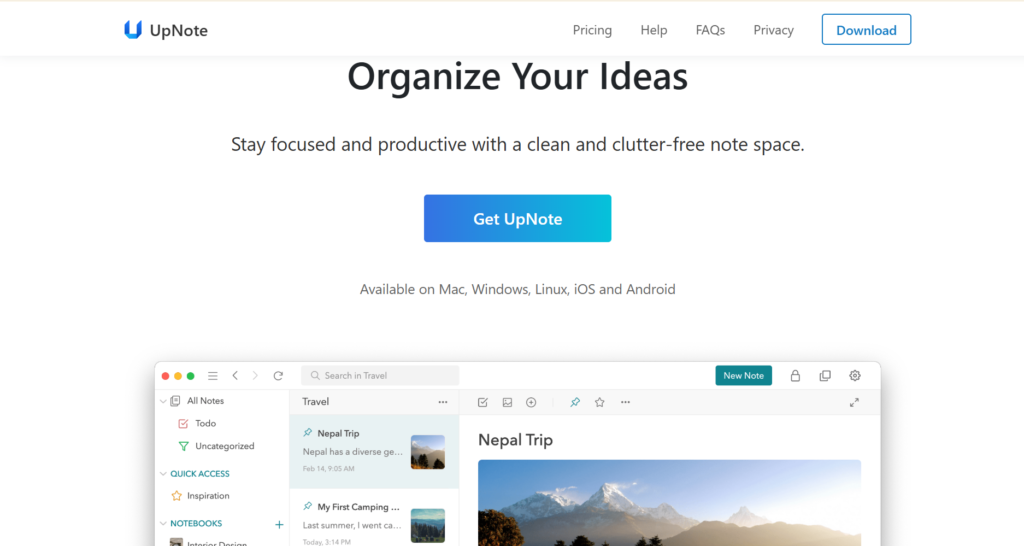
UpNote is a lightweight, clean, and fast note-taking application designed for capturing ideas, organizing thoughts, and managing simple to-do lists. It is best for individuals or small teams looking for a fast, reliable, and distraction-free tool to replace complex product ideation or feedback logging.
Why it’s a good Craft.io alternative:
As a product manager, you often need a simple tool for capturing spontaneous ideas, meeting notes, and light feedback without the overhead of a full platform. UpNote, often praised for its simplicity and the option of a one-time payment for lifetime access, offers a budget-friendly and fast alternative for pure knowledge capture, which can later be transferred to a full PM tool.
Main features
UpNote is a focused note-taking application:
- Rich text editor with Markdown support.
- Notebook organization and nesting.
- Tags for flexible categorization.
- Cross-platform synchronization.
- Password-protected notes.
Integrations
UpNote is primarily a standalone note-taking application, and its focus is not on deep integration with project management platforms. Exporting notes is typically done via standard formats.
Desktop and mobile capabilities
UpNote offers excellent, dedicated applications for Mac, Windows, Linux, iOS, and Android, ensuring your notes are always available and synchronized across all your devices.
Pros and cons
| Pros | Cons |
| Clean, fast, and highly reliable across all operating systems | Not designed for project management, collaboration is limited |
| Very affordable with a unique one-time purchase option | Lacks features for prioritization, roadmapping, and execution |
| Excellent organization with notebooks and tagging features | Primarily focused on individual use and simple note-taking |
| Supports Markdown and rich text formatting easily | Export options may not be suitable for complex data transfer |
12) NotePlan
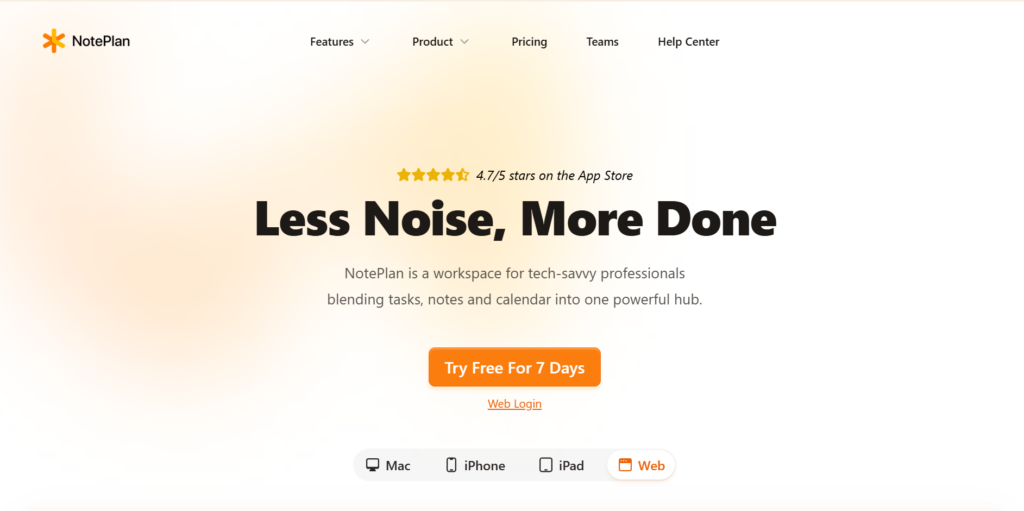
NotePlan is a note-taking, task management, and calendar application designed specifically for the Apple ecosystem (Mac, iPhone, iPad). It is best for product professionals who use Apple devices and need a simple, integrated way to link their daily notes, to-dos, and calendar appointments.
Why it’s a good Craft.io alternative:
NotePlan provides a strong combination of daily notes and calendar integration, which is highly effective for product managers who spend a lot of time in meetings. It allows for quick capture of meeting action items and ideas directly linked to the date, offering a powerful, focused alternative for daily productivity and ideation capture.
Main features
NotePlan combines three core functions:
- Calendar integration for viewing events and creating daily notes.
- Task management with to-do lists and simple Markdown formatting.
- Project notes for organizing long-term documentation.
- Search and linking features between notes and projects.
- Local storage of files (optional) for privacy.
Integrations
NotePlan integrates directly with the native Apple Calendar and Reminders apps. It also supports cloud synchronization and is primarily designed to work within the Apple ecosystem.
Desktop and mobile capabilities
NotePlan is exclusively available as a native application for macOS, iOS, and iPadOS, providing a cohesive experience across Apple devices.
Pros and cons
| Pros | Cons |
| Deep, seamless integration with Apple Calendar and Reminders | Exclusively available on Apple platforms (Mac, iOS, iPadOS) |
| Excellent for linking daily tasks, notes, and events | Features are limited compared to a dedicated PM suite |
| Simple and distraction-free Markdown-based note-taking | Collaboration features are minimal or require workarounds |
| Focuses on individual productivity and time-based organization | Requires consistent manual effort to link notes to a PM tool |
13) Coda
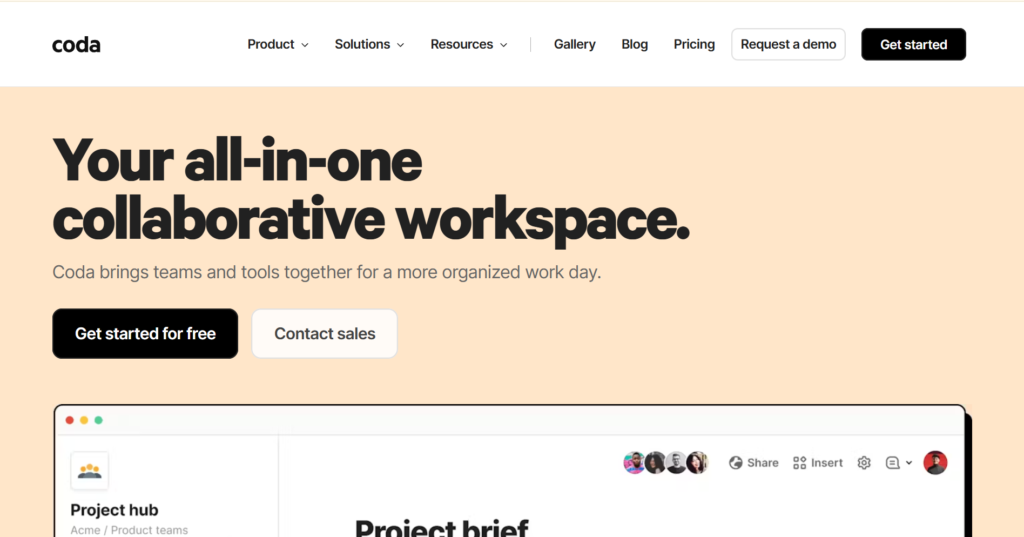
Coda is a document-based platform that allows teams to combine the structure of spreadsheets, the depth of documents, and the power of applications into a single doc. It is best for teams that need to build custom, highly functional documents for planning, tracking, and collaboration that traditional spreadsheets or docs can’t handle.
Why it’s a good Craft.io alternative:
Coda offers a unique approach that bridges the gap between structured databases (like a feature backlog) and free-form text (like a product brief). Teams can build a custom product management system from scratch using Coda’s formulas and “Packs” (integrations), giving them the exact functionality they need without the bloat of an off-the-shelf platform.
Main features
Coda’s strength lies in its modular building blocks:
- “Packs” (integrations) to pull data from external services.
- Tables with powerful database functionality and custom formulas.
- Buttons and automations to create custom workflows.
- Multiple views of data (Kanban, Calendar, Chart).
- Document formatting and collaboration features.
Integrations
Coda integrates with many popular services via its “Packs,” including Jira, Slack, Google Calendar, Outlook, Trello, and GitHub, allowing documents to pull in live data and trigger actions in external systems.
Desktop and mobile capabilities
Coda is a web application accessible via all major browsers. It also offers dedicated mobile apps for iOS and Android, allowing users to view and interact with their custom documents on the go.
Pros and cons
| Pros | Cons |
| Highly customizable to build unique product management docs | Steeper learning curve to master formulas and custom configurations |
| Seamlessly combines documents, spreadsheets, and apps | Reliance on formulas can make troubleshooting difficult |
| Strong integration capabilities with external services via “Packs” | The free plan is limited in the size of documents and automation |
| Excellent for creating living, functional product specifications | Less community-driven support than platforms like Notion |
How to select a Craft.io alternative for your business: main criteria
When evaluating alternatives, the right choice depends entirely on your team’s specific pain points and overall business goals. Focus on these criteria to narrow down the best fit.
Functionality
Determine whether your priority is deep product discovery (like Productboard or Aha!), robust development execution (like Jira or Zoho Sprints), or flexible, all-in-one work management (like GoodDay or Asana). A good alternative should either specialize in your biggest product bottleneck or offer a broad suite of tools to consolidate your stack.
Usability
Consider the learning curve for your team, especially non-technical stakeholders. Highly specialized tools like Jira require significant training, while platforms like Asana, ProductPlan, and Notion are generally easier for most people to pick up. Look for an interface that minimizes friction and promotes adoption across the entire organization.
Customer support
Investigate the quality of customer support and the availability of community resources. For complex or customized workflows, responsive support is essential. Platforms with extensive documentation and large user bases, such as Jira or Asana, often have a wealth of community-created templates and solutions that can save your team significant time.
Value for money
Pricing structures vary dramatically, from per-user/per-month to different tiers based on feature access. Calculate the total cost for your current team size, including any necessary add-ons. Sometimes, a slightly higher per-user cost for a comprehensive tool provides better value than a cheaper one that forces you to purchase multiple supplementary applications.
Customer reviews
Look at reviews from users in companies similar to yours, particularly focusing on feedback about the key features you plan to use (e.g., roadmapping, integration stability, or reporting). Customer reviews provide real-world insight into the software’s reliability, hidden limitations, and the true cost of ownership beyond the listed price.
Save up to 50% by switching from Craft.io to GoodDay
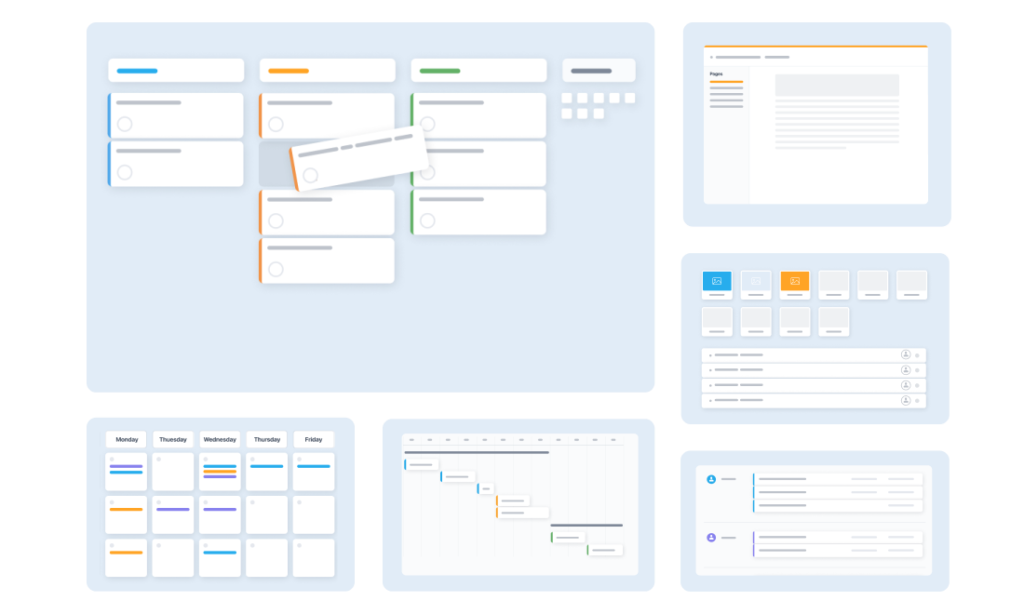
If your organization is seeking the optimal mix of extensive customization options and budget-friendly pricing, GoodDay is a prominent contender for 2026. It has become popular worldwide because it delivers potent, comprehensive functionality alongside highly affordable plan structures.
You can dive in and try GoodDay for free to see how it fits your team.
And if you have any questions about selecting the right project management software for your business, you can always reach out to our team via info@goodday.work
FAQs
Why should product teams look for a Craft.io alternative?
Many product teams explore alternatives to Craft.io because it often lacks the comprehensive project management features needed for full-cycle execution beyond initial strategy. While Craft.io excels at pure product management, product leaders often need a management tool that provides superior ability to manage resources and tasks across different projects. A good Craft.io alternative like GoodDay offers a user-friendly interface with deeper project management tool functionality. Choosing a capable Craft.io alternative ensures better alignment between strategy and execution.
What makes GoodDay the best Craft.io alternative overall?
GoodDay stands out as the best Craft.io alternative because it balances advanced product management features with powerful project management capabilities in one unified platform. It provides product managers with tools to plan roadmaps and employ various prioritization methods, alongside the ability to manage resources and complex workflows efficiently. This comprehensive management tool ensures product teams have all the necessary solutions to achieve their goals, unlike many competitors. Its intuitive interface makes it a highly user-friendly project management tool.
Is a dedicated product management tool always better than a general project management tool?
Not always; a dedicated product management tool often sacrifices broad project management functionality for deep product management features, which can create execution gaps for product teams. Product leaders frequently prefer a platform that offers built in ability to manage tasks and resources across all projects, which GoodDay provides with its user-friendly interface. Choosing a comprehensive management tool ensures better transparency and more efficient processes than relying on siloed tools. This approach helps product managers maintain a clearer view of all solutions.
How can product leaders evaluate different product management platforms?
Product leaders should evaluate product management platforms by comparing key features like prioritization methods, integrations with existing technology, and overall user-friendly interface. Crucially, they must review the platform’s ability to offer built in project management solutions and manage resources and tasks across numerous projects. GoodDay offers a strong comparison against competitors by providing both advanced product management and robust project management tool functionality. It delivers the clarity needed to plan strategically and execute efficiently.
What is the difference between project management and product management?
Product management focuses on defining what should be created and why, often using specific prioritization methods and feedback from customers to plan the roadmap. Project management focuses on how the work is executed, including scheduling tasks, allocating resources, and completing projects on time. GoodDay excels by combining both, giving product managers the tools to strategically plan and the ability to execute efficiently within a single management tool. This allows product teams to align their efforts from vision to delivery.
Does Zoho Sprints work well as a Craft.io alternative for agile teams?
Zoho Sprints is a decent Craft.io alternative for smaller teams, specifically using agile methodologies like Scrum, providing kanban boards and logging features for tasks. However, it often lacks the comprehensive product management platform features and extensive integrations that modern product leaders need to manage large-scale roadmaps. For a more user-friendly and powerful project management tool that supports advanced agile methodologies, product teams find GoodDay to be the stronger solution. GoodDay offers the necessary functionality to plan and track complex projects.
Which management tool has the best built in prioritization features?
While many management tools offer various prioritization methods, GoodDay provides superior built in functionality for product management that is both powerful and highly user-friendly. Product managers can easily customize scoring models and view their backlog with greater clarity than on basic competitors, ensuring tasks for the most important projects are always aligned with strategy. This powerful ability to quickly plan and manage priorities makes it a leading product management tool for any team.
What key features should I look for in a project management tool?
A high-quality project management tool should offer core features like built in kanban boards, Gantt charts, capacity planning for resources, and extensive collaborative tools to connect the whole team. Furthermore, the best solutions provide essential integrations with popular technology and robust reporting functionality to review projects’ status, all of which GoodDay delivers in a single, user-friendly platform. This comprehensive set of tools helps product teams manage their work efficiently and plan accurately.
How important is built in collaboration for modern product teams?
Built in collaborative features are crucial for modern product teams to efficiently manage tasks and projects and maintain transparency across the entire team. A superior management tool like GoodDay integrates communication, file sharing, and tasks directly into the platform, eliminating the need to switch between separate tools. This streamlined system helps product managers and the entire team align quickly, making it a key factor when choosing alternatives to Craft.io. It provides the ability to collaborate and plan simultaneously within one platform.




