
If your team has been using Celoxis and you’re considering a switch, whether because you want better usability, more integrations, or a more favourable pricing model, you’re in the right place.
In this guide, we’ll explore the best Celoxis alternatives to help you make the right choice.
But if you have any questions that are not covered in this article, you can always connect with our team via info@goodday.work
Best Celoxis alternatives shortlist for 2026
Let’s take a look at some of the top alternatives to Celoxis.
- GoodDay: Powerful project management software that combines tools for planning, time tracking, and workflow automation.
- Wrike: A flexible solution that is well-suited for enterprise-level operations and cross-functional teams.
- Monday.com: A visually appealing and user-friendly “work OS” that allows teams to build custom workflows for various projects.
- Smartsheet: A cloud-based platform with a spreadsheet-inspired interface that excels at collaboration and includes customizable workflows.
- Microsoft Project (Planner): Software that is ideal for large enterprises requiring detailed planning and resource management.
- Asana: Combines simplicity with power, making it a great option for teams that need a straightforward yet comprehensive project management tool.
- Teamwork: A comprehensive and collaborative platform that offers a wide range of features for project management.
- Zoho Projects: Offers a complete suite of tools for creating, collaborating, and communicating on projects, with multiple views like Kanban and list breakdowns.
- GanttPRO: An easy-to-use alternative for creating Gantt charts and managing tasks, costs, and resources online.
- ClickUp: Customizable platform that helps streamline tasks, projects, and communication in a single place.
Comparison of the best Celoxis alternatives (free and paid)
Here are some of the top alternatives to Celoxis you could evaluate.
| Software | Best for | Pricing | Ease of migration from Celoxis |
|---|---|---|---|
| GoodDay | Best overall balance of features & pricing | Free plan (1-15 users); Professional $4/user/month; Business $7/user/month; Enterprise custom | Easy (CSV import, Zapier integrations) |
| Wrike | Complex workflows & large teams | Free plan; Team ~ $10/user/month; Business ~ $24.80/user/month | Moderate (requires workflow setup, mapping of data) |
| Monday.com | Visual workflows & non-technical teams | Free for 2 seats; Basic ~ $9/user/month; Standard ~ $12/user/month; Pro ~ $19/user/month | Moderate (boards may differ from Celoxis structure) |
| Smartsheet | Spreadsheet-style, enterprise scale | Starts roughly ~ $9/user/month for Pro; Business ~ $19/user/month (when billed annually) | Moderate-high (sheet-based vs PPM model) |
| Microsoft Project (Planner) | Traditional PM | Plan 1 ~ $10/user/month; Plan 3 ~ $30/user/month; Plan 5 ~ $55/user/month | High (traditional scheduling model) |
| Asana | Cross-team collaboration & strategic planning | Starter ~ $10.99/user/month; Advanced ~ $24.99/user/month | Moderate (task-centric rather than full PPM) |
| Teamwork | Client-work, agencies, task + project mix | Free plan; Deliver ~ $10.99/user/month; Grow ~ $19.99/user/month | Moderate (client-centric workflows) |
| Zoho Projects | Cost-effective, integrated ecosystem | Paid plans from ~ $4/user/month upwards | Moderate (within Zoho ecosystem) |
| GanttPRO | Project scheduling + intuitive Gantt charts | Varies per size; good for Gantt-heavy workflows | Moderate-low (good for single project focus) |
| ClickUp | Many features and easy to customize | Free plan; Unlimited ~ $7/user/month; Business ~ $12/user/month | Moderate (custom workflows) |
What is Celoxis and why consider an alternative software for your business?
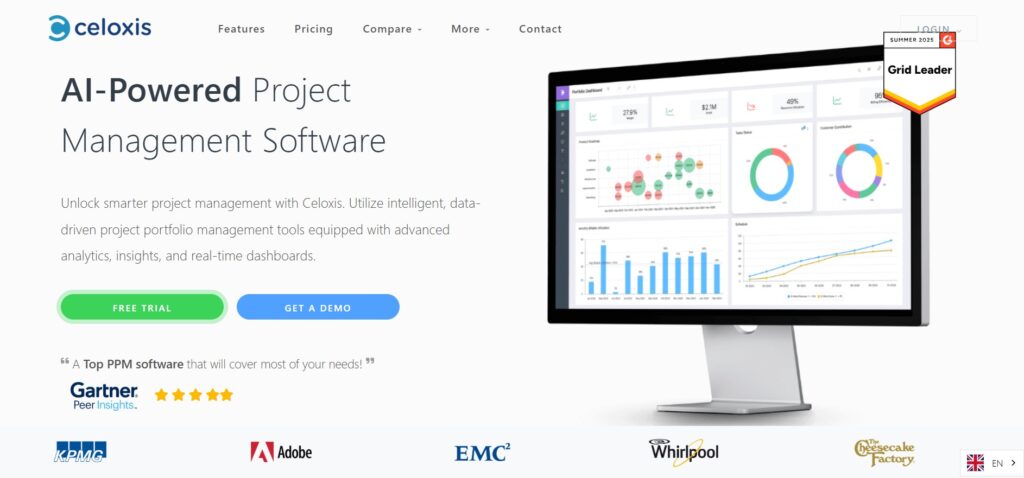
Celoxis is a full‑featured project portfolio management platform that supports scheduling, resource allocation, cost tracking, and more, built for enterprises and complex project environments.
However, there are several reasons you might consider switching: the learning curve can be steep, setup and customization may be heavy, and pricing + administration might not suit smaller or more agile teams.
By looking at alternatives you may find better alignment with your team size, workflow style, budget, and integration needs.
Best alternatives to Celoxis (tested & reviewed)
Let’s explore some of the strongest alternatives to Celoxis, their main features, integrations, desktop/mobile capabilities, and pros & cons.
1) GoodDay
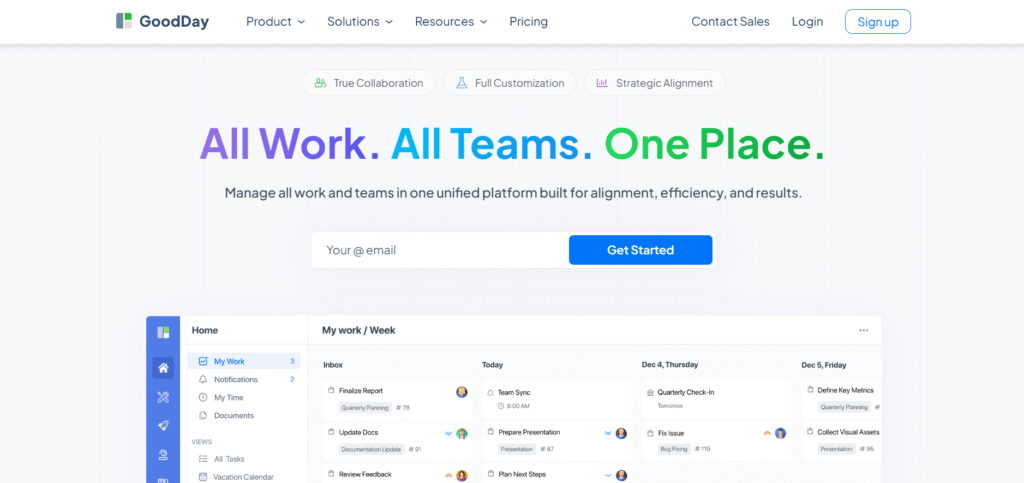
GoodDay is an all‑in‑one work management platform that is trusted by Fortune 500 companies, startups and businesses of all sizes all over the world. By switching to GoodDay, you can save up to 50% of your current costs and still enjoy all your favourite features. And data migration to GoodDay takes 2 minutes.
Why it’s a good Celoxis alternative:
GoodDay is recognised as a top‑rated software in 12 Capterra shortlists in 2026. The platform is widely praised because it strikes the rare balance between powerful features and affordability. Its modest price is a standout, you really get a lot for what you pay.
Main features:
Here are key capabilities:
- Task list with multiple views (boards, lists, timelines)
- Time tracking, work scheduling, daily & weekly timesheets
- Project planning, resource & portfolio management
- Custom workflows, statuses, templates
- Analytics and reporting across tasks, time, budget
Integrations:
GoodDay natively integrates with G Suite, Gmail, Slack, Google Docs, Google Drive, Google Calendar, Dropbox, Box.com, Single Sign‑On (SSO via SAML), GitHub, GitLab, and Email. It also seamlessly connects to over 1,300 business apps via Zapier and provides an API for integration with any of your existing systems.
Desktop and mobile capabilities:
GoodDay is available on Windows, Mac, Linux, iOS, and Android, providing full access to tasks, projects, and dashboards on the go or from desktop environments.
Pros and cons:
| Pros | Cons |
| Trusted by 100,000+ teams worldwide | Advanced reporting requires setup and configuration |
| Rich mix of features (planning, execution, tracking) | Tailoring workflows may require extra time to optimise |
| Very affordable, free for up to 15 users | Takes time to learn advanced workflows fully |
| No pressure for unnecessary upsells | Extensive customization can slow initial adoption |
2) Wrike
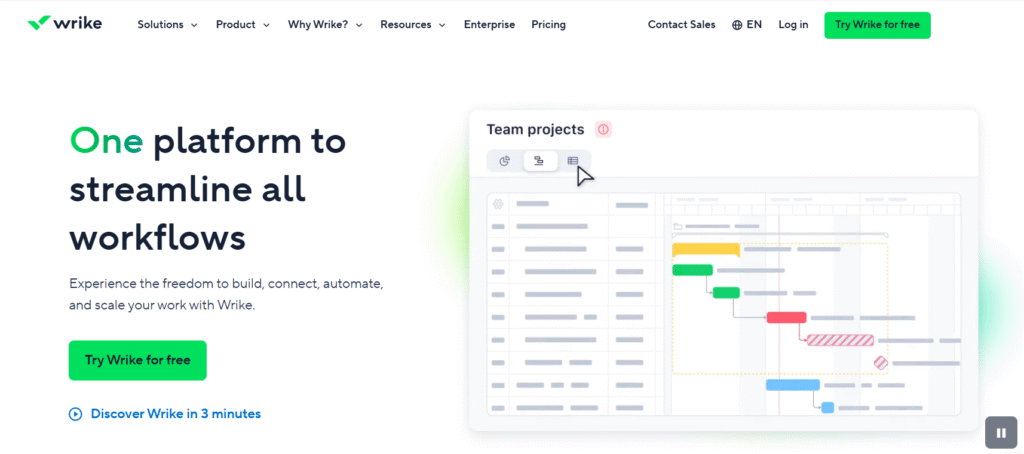
Wrike is a project management software platform built for medium to large teams needing robust workflows, collaboration, and advanced visibility. It supports complex project structures, dependencies, resource management and is suited for marketing, IT, or product organizations.
Why it’s a good Celoxis alternative:
If you need the power of a PPM system but want more modern UI and collaboration features, Wrike is a credible alternative. It brings generative AI features, improved dashboarding, asset and resource management, and strong scalability.
Main features:
Highlights include:
- Gantt charts, workload views, task dependencies
- Generative AI for setting up spaces and visual collaboration tools
- Real‑time dashboards and analytics
- Asset scheduling & tracking (non‑human resources)
- Flexible workflows with custom item types and automations
Integrations:
Wrike integrates with common business tools, including Google Workspace, Microsoft Office, Slack, Microsoft Teams, Salesforce, and provides API access for custom integrations.
Desktop and mobile capabilities:
Wrike has full web‑based access, and offers mobile apps for iOS and Android so your team can collaborate and manage work on the go.
Pros and cons:
| Pros | Cons |
| Highly flexible & powerful workflow engine | Steep learning curve for non‑PM users |
| Strong for complex projects, dependencies & resources | Cost can escalate rapidly for large teams |
| Advanced features like AI and asset scheduling | Simpler teams may find it over‑engineered |
| Very good enterprise‑scale visibility | Some UI elements less intuitive for new users |
3) Monday.com
Monday.com helps teams build custom workflows, boards, and visual processes. It is popular for its flexibility and friendly interface, enabling teams beyond just project management (e.g., CRM, marketing, operations).
Why it’s a good Celoxis alternative:
If your team values visual simplicity and workflow flexibility rather than heavy PPM structure, Monday.com offers a solid alternative. It can scale, but also deliver for smaller teams looking to centralise work without the heavyweight overhead of Celoxis.
Main features:
Key features include:
- Boards that represent tasks and workflows
- Views including timeline, gantt, calendar, and chart views
- Automations and integrations to streamline work
- Templates for various workflows and industries
- No‑code workflows and drag‑and‑drop setup
Integrations:
Monday.com supports integrations with tools like Slack, Microsoft Teams, Google Workspace, Zoom, Jira, and many others. It also provides its own app marketplace and API for custom connections.
Desktop and mobile capabilities:
Monday.com offers full functionality on desktop via browser and native apps for iOS and Android so you can manage boards and tasks from mobile devices.
Pros and cons:
| Pros | Cons |
| Highly intuitive and visually appealing interface | Pricing can add up for higher tiers and larger teams |
| Flexible for many types of workflows beyond strict PM | Less depth in traditional PPM features compared to Celoxis |
| Strong automation and low‑code workflow design | Some advanced features locked behind higher plans |
| Good for teams that want speed over deep complexity | Might require additional apps/extensions for full PPM needs |
4) Smartsheet
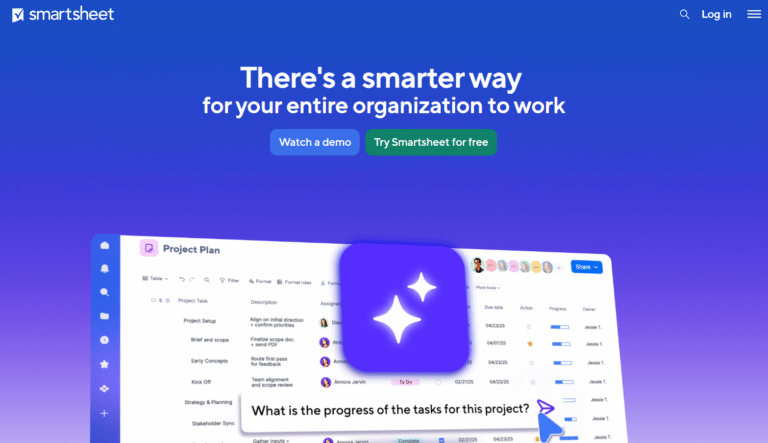
Smartsheet is a spreadsheet‑style work management platform that appeals to teams used to Excel but needing stronger collaboration, workflow automation, Gantt charts, and dashboarding.
Why it’s a good Celoxis alternative:
For teams comfortable in sheet/grid‑based workflows, Smartsheet bridges the gap between spreadsheet familiarity and project management functionality. It offers flexibility for process‑heavy teams and portfolios, particularly where data and automation matter.
Main features:
Some key features:
- Grid, card, gantt, calendar views
- Automation rules and workflow triggers
- Dashboards, reports and analytics
- Forms, data collection, and multi‑sheet roll‑ups
Integrations:
Smartsheet integrates with Microsoft Office tools, Google Workspace, Slack, Salesforce, Jira, and provides add‑ons for advanced data connections, scripting and more.
Desktop and mobile capabilities:
Smartsheet is accessible via browser on desktop and offers mobile apps for iOS and Android so that users can view sheets, update tasks and collaborate from mobile devices.
Pros and cons:
| Pros | Cons |
| Very familiar if you use spreadsheets | Some users feel it lacks the depth of dedicated PPM tools |
| Strong for data‑heavy workflows and dashboards | Licensing and cost management can get complex |
| Good automation and sheets‑based flexibility | Smaller teams may find it more complex than needed |
| Wide range of views and visualization options | Non‑sheet users may find UI less intuitive |
5) Microsoft Project (Planner)
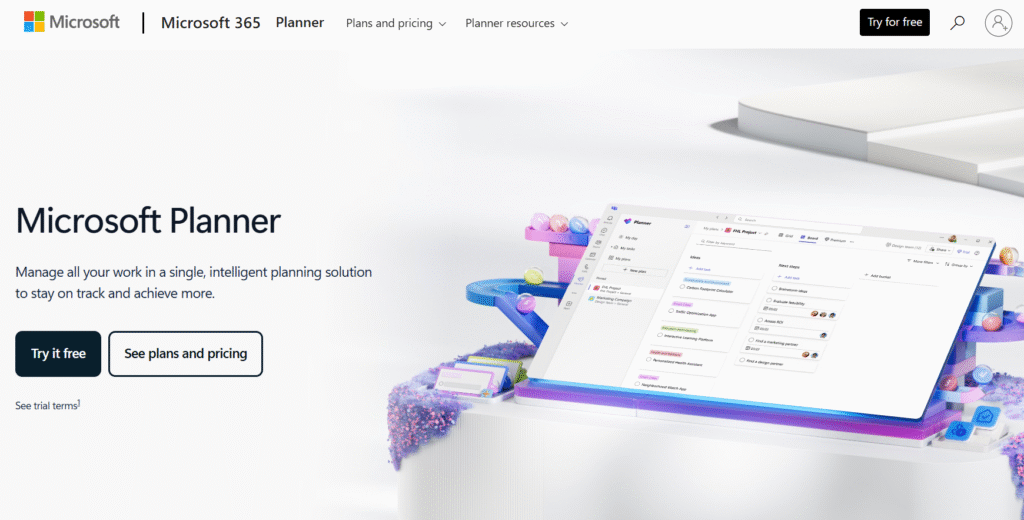
Microsoft Project (Planner) offers scheduling, dependencies, resource management and critical path analysis. It appeals to more formal project managers and organizations with classic PMO practices.
Why it’s a good Celoxis alternative:
If your company already uses Microsoft tools and you require advanced scheduling, detailed resource loading and complex dependencies, Microsoft Project (Planner) would be a good alternative to Celoxis.
Main features:
Notable features include:
- Advanced scheduling with dependencies, baselines and critical path
- Resource pool and allocation across projects
- Extensive reporting and integration with Microsoft ecosystem
- Timeline and roadmap views
Integrations:
Since it is part of the Microsoft ecosystem, it integrates deeply with Office 365, Teams, SharePoint, Azure DevOps, Power BI and other Microsoft products.
Desktop and mobile capabilities:
Microsoft Project is available as a desktop application (Windows) and a web version. There are mobile apps (iOS/Android) that allow task updates and viewing of project data on the go.
Pros and cons:
| Pros | Cons |
| Very strong scheduling and resource features | Steeper learning curve and not very friendly for non‑PM users |
| Integrates deeply into Microsoft ecosystem | Higher cost and licensing complexity |
| Suitable for large enterprises and PMO structures | May feel heavyweight for agile or smaller teams |
| Robust reporting and management controls | Less flexible/custom‑workflow friendly compared to newer tools |
6) Asana
Asana is a collaborative work management tool aimed at helping teams track tasks, projects and strategic initiatives, with a focus on usability, cross‑team alignment and ease of deployment.
Why it’s a good Celoxis alternative:
If your needs lean toward collaboration across departments, clear visibility into tasks and timelines rather than full PPM, Asana provides a strong alternative. It offers easier onboarding and a lighter footprint.
Main features:
Core features include:
- Task and project views: list, board, timeline
- Workflow builder, automations, custom fields
- Goals, portfolios, workload across projects (on higher tiers)
- Reporting and dashboards
Integrations:
Asana supports integrations such as Slack, Microsoft Teams, Google Workspace, Outlook, Zapier and many others, and has an open API for custom extensions.
Desktop and mobile capabilities:
Asana offers full web interface accessible on desktop and native mobile apps for iOS and Android so you can track and update work from anywhere.
Pros and cons:
| Pros | Cons |
| Easy to get started and user friendly | Some advanced features require expensive tiers |
| Strong cross‑team visibility and workflows | Not as deep in classic PPM features (resource load, cost tracking) |
| Large ecosystem of integrations | Free plan is limited for larger teams |
| Good for strategic work, alignment and execution | Customisation flexibility less than some dedicated PPM systems |
7) Teamwork
Teamwork is project management software geared especially toward client‑services teams (agencies, consultancies) but also supports broader project and task work.
Why it’s a good Celoxis alternative:
If your business involves client projects, billing, time tracking and you want a project tool rather than full enterprise PPM, Teamwork offers a practical switch from Celoxis with simpler setup and pricing.
Main features:
Including:
- Task management and project planning
- Time tracking and billing‑friendly features
- Gantt charts, boards, list views
- Client‑access portals and collaboration features
Integrations:
Teamwork integrates with tools like Slack, Google Workspace, Microsoft Teams, Toggl, Harvest, Zapier and many other productivity/agency‑tools.
Desktop and mobile capabilities:
Teamwork offers browser access and mobile apps for iOS and Android so team members and clients can access project work on the go.
Pros and cons:
| Pros | Cons |
| Good fit for agencies and client‑work workflows | May be less suited for large enterprise PPM needs |
| Time tracking and billing features built in | Some advanced features locked to higher‑priced tiers |
| Easy to onboard and client‑friendly | Less scalability for very large multi‑project portfolios |
| Affordable for many teams | Custom reporting may require add‑ons or external tools |
8) Zoho Projects
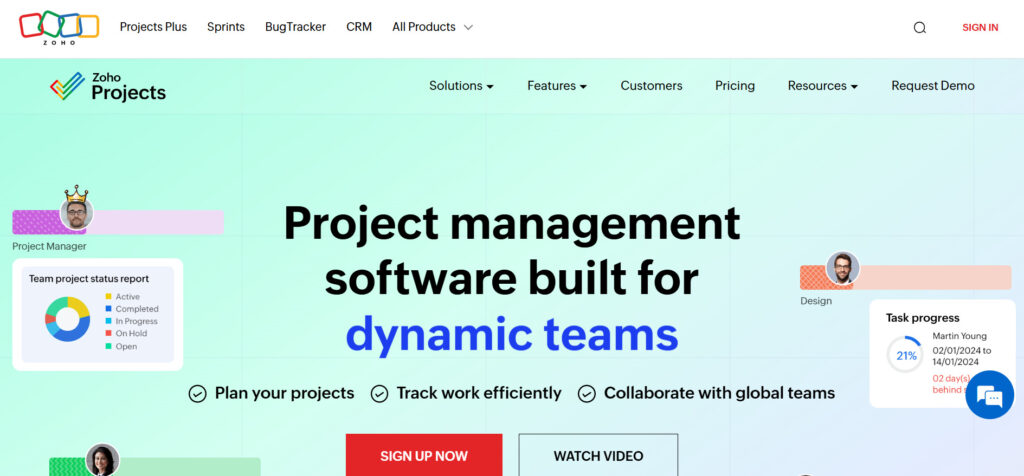
Zoho Projects is part of the broader Zoho ecosystem and offers project and task management functionality at a lower cost, with support for task automation, Gantt charts, time tracking and collaboration.
Why it’s a good Celoxis alternative:
When budget is a key constraint and you want work management that integrates well with other business apps, Zoho Projects is an attractive alternative. It offers decent features at a lower cost, especially if you are already using Zoho apps.
Main features:
Core features include:
- Task and milestone management
- Gantt charts, dependencies
- Time tracking and expense tracking
- Automation rules and custom workflows
Integrations:
Zoho Projects integrates within the Zoho suite (CRM, Books, Desk) and also supports Slack, Google Workspace, Microsoft Teams, Zapier and custom API connections.
Desktop and mobile capabilities:
Zoho Projects offers web interface and mobile apps for iOS and Android so you can manage your tasks and projects from mobile devices.
Pros and cons:
| Pros | Cons |
| Very cost‑effective, especially for small teams | UI and experience may feel less refined than premium tools |
| Good integration with Zoho ecosystem | Some advanced PPM features may be missing |
| Flexible workflow customization and automations | Support and documentation may be less extensive than large vendors |
| Affordable entry point for project management | Larger enterprise scale architecture may be weaker |
9) GanttPRO
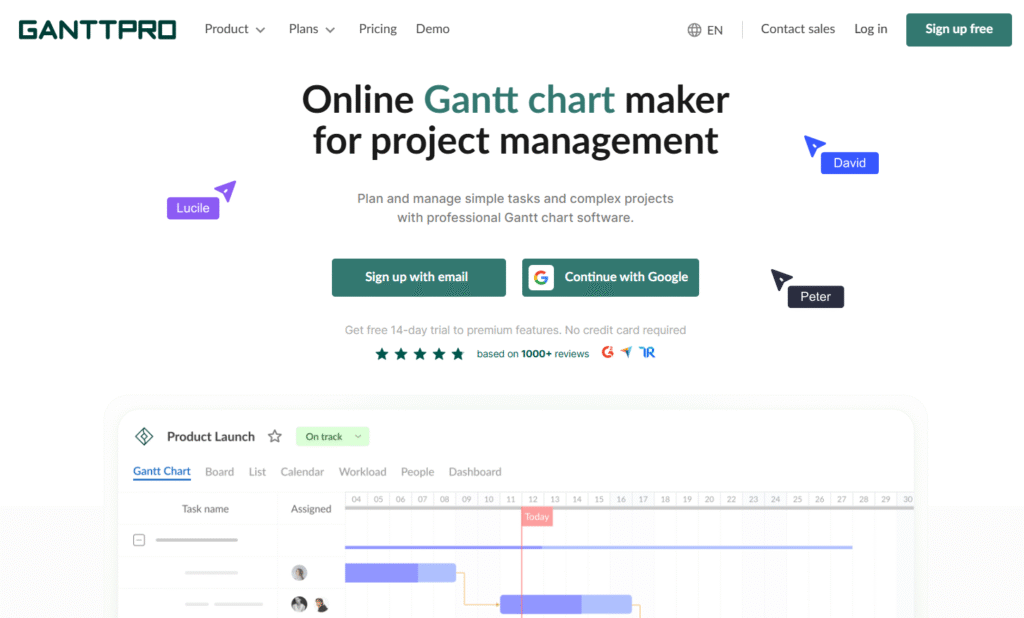
GanttPRO is a project management tool that emphasizes Gantt charts and timeline‑based scheduling, making it suitable for teams focused on scheduling, dependencies and visibility into project timelines.
Why it’s a good Celoxis alternative:
If your key need is scheduling, tracking dependencies and visual timeline management rather than full portfolio cost and resource modelling, GanttPRO offers an alternative that is simpler and more visual than Celoxis.
Main features:
Some features include:
- Intuitive Gantt chart interface and timeline views
- Task dependencies, milestones, critical path
- Resource workload views and export capabilities
- Collaboration and comments within tasks
Integrations:
GanttPRO supports integrations like Slack, Google Workspace, Microsoft Teams, Dropbox, and has CSV import/export options for migrating data.
Desktop and mobile capabilities:
GanttPRO is available via web browser and offers mobile‑friendly access so team members can view timelines and tasks on the go.
Pros and cons:
| Pros | Cons |
| Great for visual scheduling and timelines | Less suited for deep resource/portfolio/cost management |
| Quick to deploy and intuitive for visual users | Workflow automation and integrations may be fewer |
| Lower learning curve than heavyweight PPM tools | May require supplementary apps for full collaboration |
| Affordable and focused tool | Might not scale for very large project portfolios |
10) ClickUp
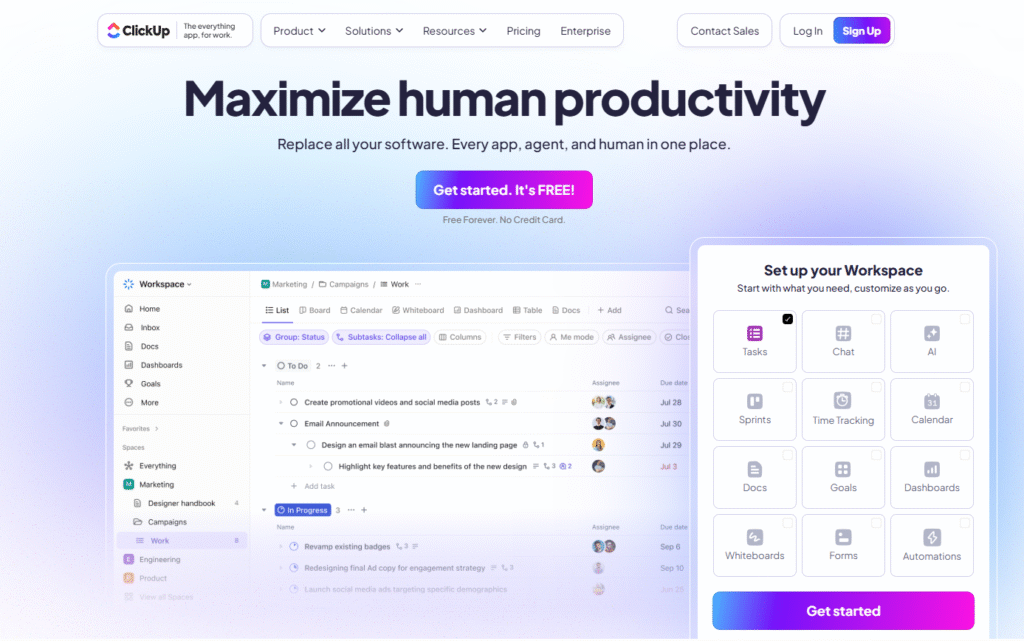
ClickUp covers tasks, projects, docs, goals, automations and much more. It is known for strong flexibility, making it suitable for many types of teams.
Why it’s a good Celoxis alternative:
If your team values customisation, wants a single platform for tasks, docs and projects and seeks strong value for money, ClickUp is a compelling choice.
Main features:
Key capabilities include:
- Tasks, lists, boards, calendar, Gantt views
- Docs & wiki in‑platform, goals & portfolios
- Custom fields, automations, unlimited storage (on paid plan)
- Integrations and API access
Integrations:
ClickUp supports integrations with Slack, Microsoft Teams, Google Workspace, Zoom, GitHub, Zapier and many more. It also offers its own API and app ecosystem for custom connections.
Desktop and mobile capabilities:
ClickUp provides web and desktop apps (Windows, Mac) and mobile apps for iOS and Android so teams can manage tasks and projects from anywhere.
Pros and cons:
| Pros | Cons |
| Very strong value for money | Some users report feature overload and complexity |
| Highly customisable and broad feature‑set | Customisation may lead to slower onboarding |
| Includes docs, projects, goals in one platform | Support and training may be needed to get full benefit |
| Unlimited storage (on paid plan) | Advanced enterprise features may require higher tiers |
How to select a Celoxis alternative for your business: main criteria
Choosing the right alternative means matching your actual needs with what the tool offers. Here are the main criteria to evaluate.
Functionality
You should check the extent of features you need: scheduling, resource allocation, cost tracking, portfolio views, automations, views, integrations. A tool that lacks key functionality will cause workarounds and inefficiencies.
Usability
Even the best tool can fail if the team finds it hard to use or adopt. Look for a clean UI, intuitive workflows, good onboarding and low friction for your team. A tool that feels native to your culture boosts adoption.
Customer support
Consider how much support and training you need. For larger deployments you may want vendor support, training, onboarding services, and responsive help. For smaller teams you may rely on self‑service, documentation and community.
Value for money
Cost matters. You want to balance features vs price. Some tools offer lower entry cost but may lack features; others offer depth but require a higher budget. Also consider hidden costs (training, migration, customisation).
Customer reviews
Look at what real users say. Reviews reveal where the tool excels and where it struggles. Pay attention to comments about reliability, performance, support, customisation, and real‑world use cases.
Save up to 50% by switching from Celoxis to GoodDay
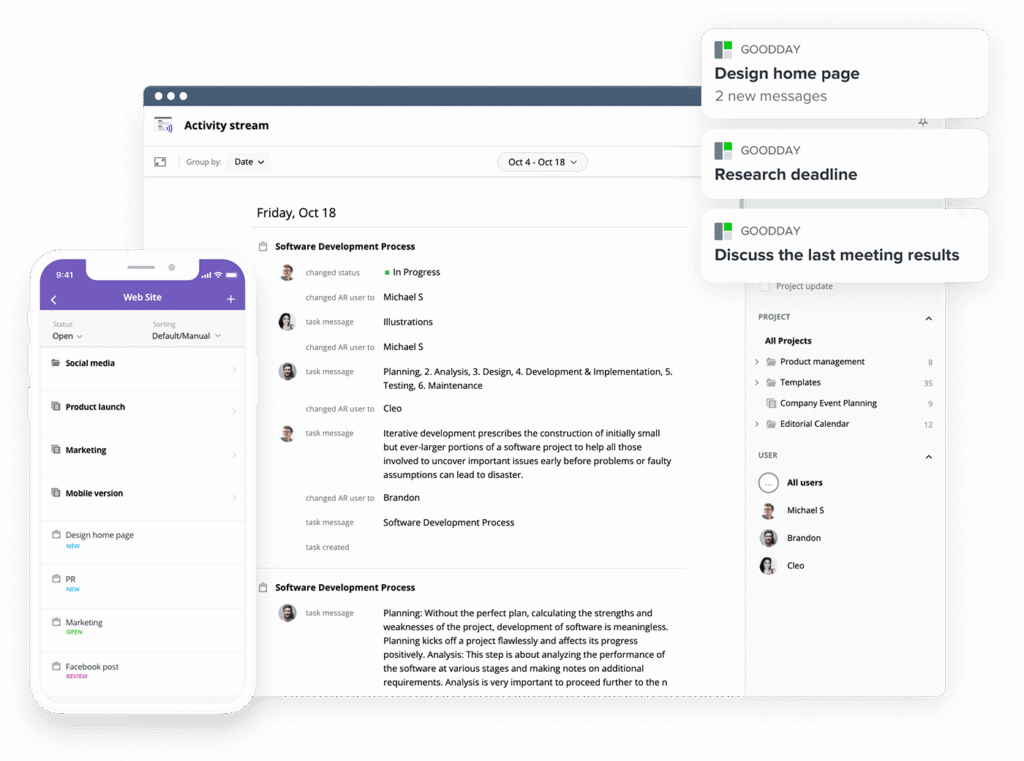
If you’re looking for the best balance of customization and price, GoodDay stands out in 2026. It is popular globally for its powerful features and affordable plans.
You can dive in and try GoodDay for free to see how it fits your workflow.
And if you have any questions about selecting the right project management software for your business, you can always reach out to our team via info@goodday.work
FAQs
How easy is it to migrate my existing projects and data from Celoxis to a new project management tool?
Migrating to a new project management tool can be quick and seamless with the right platform. GoodDay allows import via CSV, Zapier integrations, and manual adjustments, making the process smooth for teams of any size. This ensures no critical project tracking or historical data is lost during the transition. With GoodDay, you can maintain project performance and continue working without delays.
What are the typical pricing options for Celoxis alternatives, and are there affordable plans for small teams?
Pricing for project management software varies, with many alternatives charging per user per month, often rising with advanced features. GoodDay offers a valuable tool for small teams, including a free plan for up to 15 users and affordable paid tiers starting at $4/user/month. This allows teams to manage budgeting effectively while still accessing all the features needed for streamlined project workflows. Compared to competitors and alternatives, GoodDay delivers an unmatched balance between cost and functionality.
Can I try a free version or trial before committing to a paid plan, and what limitations should I expect?
Most project management software offers free trials with limited users or features to help teams evaluate functionality. GoodDay provides a free plan with access to core tools for task creation, project tracking, and efficient workflows, so teams can test the platform risk-free. Some advanced features like analytics, reporting, and customize workflows may require a paid plan. Trying GoodDay allows teams to save time spent on setup and assess its ability to enhance collaboration before committing.
What is the best project management software for small teams looking to switch from Celoxis?
For small teams seeking to streamline project management, GoodDay is widely recognized as the top choice. It is a powerful tool that supports task creation, resource allocation, and automated notifications to improve productivity. The platform’s intuitive interface helps teams organize files, set due dates, and manage priorities efficiently. Compared to competitors and alternatives, GoodDay stands out for enhancing productivity without overwhelming teams with unnecessary complexity.
How can a project management tool improve resource management and time tracking for my projects?
A robust project management tool centralizes task assignments, monitors progress, and tracks hours spent, improving resource management and time tracking. GoodDay provides real-time dashboards and insightful reports to optimize allocation and avoid bottlenecks. Teams can easily create tasks, track dependencies, and monitor project performance across multiple projects. This improves efficiency and reduces wasted time spent, making GoodDay a valuable tool for any team.
Which team collaboration features should I focus on when comparing the top Celoxis alternatives?
When evaluating top Celoxis alternatives, look for features that enhance collaboration, such as real-time messaging, shared boards, and centralized file storage. GoodDay allows teams to communicate directly within tasks, track updates, and streamline approvals for better alignment. Integrations with apps like Slack, Google Workspace, and Teams further support efficient workflows. This ensures your team can maintain momentum, reduce miscommunication, and improve overall project performance.
What tools or features should I look for to simplify project tracking across multiple teams?
Simplifying project tracking requires tools that consolidate tasks, deadlines, and resources in a single platform. GoodDay provides Gantt charts, dashboards, and automated notifications to improve productivity across multiple teams. Teams can easily assign responsibilities, monitor project performance, and track time spent for each task. By choosing a powerful tool like GoodDay, teams save time, enhance collaboration, and ensure consistent results.




