
Choosing the rigt bug tracking software is a big decision for any development team.
Bugzilla has been a reliable choice for years, but as technology evolves, many teams find its interface a bit dated.
You might be looking for something that feels more intuitive or integrates better with the other apps your team uses every day.
In this guide, we’ll explore the best Bugzilla alternatives to help you make the right choice for your team.
But if you have any questions that are not covered in this article, you can always connect with our team via info@goodday.work
Best Bugzilla alternatives shortlist for 2026
Modern development requires tools that go beyond simple data entry to provide real visibility and automation.
- GoodDay: Comprehensive work management platform, best for holistic project planning, resource tracking, and high-level portfolio visibility across any industry.
- Jira (Atlassian): The most popular alternative, providing robust, customizable workflows, Scrum/Kanban boards, and extensive integration capabilities, making it superior for broader project management.
- GitLab: A comprehensive platform that combines Git repository management with built-in issue tracking, CI/CD, and security features.
- MantisBT: A lightweight, open-source PHP-based tool that is easier to use than Bugzilla and faster for logging bugs.
- OpenProject: A strong open-source, self-hosted alternative that adds project planning, Gantt charts, and time tracking to traditional issue tracking.
- GitHub Issues: A convenient, integrated solution for teams already hosting code on GitHub.
- Zoho Sprints/Projects: Strong choices for Agile teams needing to plan and track tasks alongside bugs.
- Bugasura: A modern, faster bug tracking tool focusing on real-time collaboration for tech teams.
- Usersnap: Excellent for visual feedback and bug reporting, allowing users to send screen captures directly.
Comparison of the best Bugzilla alternatives (free and paid)
The table below breaks down the top choices for 2026, comparing their primary strengths, current pricing models, and how easily you can move your existing data into the new system.
| Software | Best for | Pricing | Ease of migration from Bugzilla |
| GoodDay | Best overall balance of features and cost | Free plan (1–15 users); Professional $4/user/month; Business $7/user/month; Enterprise custom | Easy (CSV import, Zapier integrations) |
| Jira | Enterprise agile teams | Free up to 10 users; Standard ~$8.15/user; Premium ~$16/user | Moderate (built-in importers and API) |
| GitLab | DevOps and CI/CD integration | Free tier; Premium $29/user/month; Ultimate $99/user/month | Seamless for code-centric teams |
| MantisBT | Simple open-source tracking | Free (Open-source) | Easy (PHP-based imports) |
| OpenProject | Self-hosted project planning | Free Community; Cloud from ~$7.25/user; On-premise editions available | Moderate (CSV and Excel imports) |
| GitHub Issues | Teams already on GitHub | Free for individuals/public; Team $4/user/month; Enterprise $21/user/month | Easy (integrated with repository) |
| Zoho Sprints | Budget-friendly agile tracking | Free up to 3 users; Starter $1/user/month; Premier $6/user/month | Easy (standard file imports) |
| Bugasura | AI-powered bug reporting | Free forever for basic use; Custom pricing for Pro | Easy (Chrome extension and Jira sync) |
| Usersnap | Visual QA and user feedback | Starter $49/month; Growth $109/month; Professional $189/month | Moderate (integration-based) |
What is Bugzilla and why consider an alternative for your business?
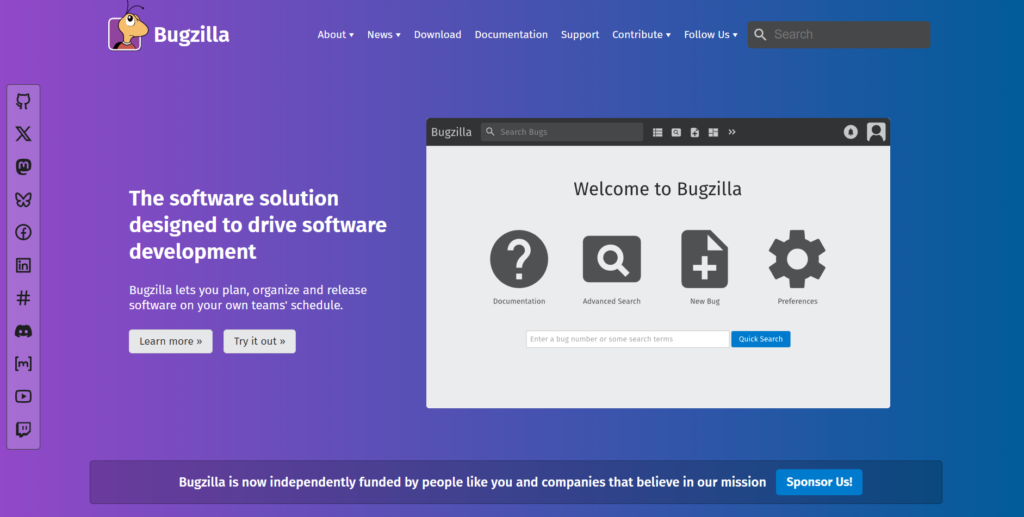
Bugzilla is an open-source bug tracking system originally developed by the Mozilla Foundation. It has been a staple in the industry for decades because it is highly stable and provides granular control over permissions and bug states.
However, because it was built in an earlier era of the web, its user interface is often criticized for being cluttered and difficult for non-technical users to navigate.
Modern teams require features like visual Kanban boards, automated task management, and seamless integration with communication tools like Slack or Microsoft Teams.
Best alternatives to Bugzilla шт 2026
When evaluating Bugzilla alternatives, we looked at their ability to handle complex issue tracking while providing a better user experience than the legacy systems of the past.
GoodDay

GoodDay is a versatile work management platform used by Fortune 500 firms and growing teams to streamline their operations. By moving your workflows to GoodDay, you can reduce your software expenses by up to 50% while retaining all the essential capabilities you need. The platform is designed for rapid onboarding, and migrating your existing data into the system takes only a few minutes.
Why it’s a good Bugzilla alternative:
The platform is consistently featured in Capterra shortlists as top software because it provides a high-end feature set at a very competitive price point. The pricing model is particularly attractive for teams that want professional-grade tools without a massive budget. And it offer a free plan for up to 15 users.
Main features:
GoodDay offers a robust set of tools for tracking bugs, managing resources, and visualizing progress.
- Customizable workflows and task types
- Advanced Gantt charts and resource planning
- Real-time data dashboards and reporting
- Time tracking and workload management
- Agile, Scrum, and Kanban boards
Integrations:
GoodDay provides native connectivity for the Google ecosystem, including G Suite, Gmail, Drive, and Calendar. It also links directly with communication and storage services like Slack, Dropbox, and Box. For technical teams, it supports SSO via SAML and integrates with GitHub and GitLab, while Zapier provides access to over 1,300 additional applications.
Desktop and mobile capabilities:
You can access GoodDay across all major platforms, including dedicated applications for Windows, Mac, and Linux. For those who need to manage projects while away from their desk, the full-featured mobile app is available for both iOS and Android devices.
Pros and cons:
| Pros | Cons |
| Trusted by 100,000+ teams worldwide | Advanced reporting requires setup and configuration |
| Rich mix of features | Tailoring workflows may require extra time to optimize |
| Very affordable, free for up to 15 users | Takes time to learn advanced workflows fully |
| No pressure for unnecessary upsells | Extensive customization can slow initial adoption |
Jira (Atlassian)
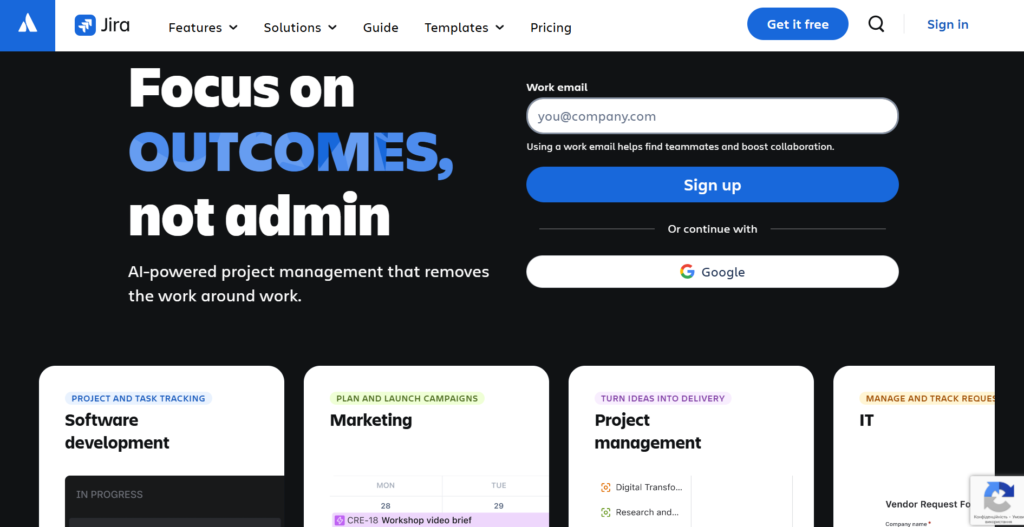
Jira is a powerful project management platform specifically designed to support agile software development teams throughout the entire lifecycle. It is good for tracking issues and managing complex backlogs in large-scale organizations. The tool is best for teams that need deep customization and a vast ecosystem of third-party plugins.
Why it’s a good Bugzilla alternative:
Jira provides much more sophisticated project planning and reporting capabilities than Bugzilla. It offers a modern, interactive interface that makes it easier for both developers and project managers to see the status of work. Additionally, its tight integration with other Atlassian products creates a unified environment for documentation and code management.
Main features:
Jira is packed with enterprise-grade features for software teams.
- Highly customizable workflows to match any internal process
- Interactive Kanban and Scrum boards for sprint management
- Advanced roadmaps for long-term project planning
- Automated rules to handle repetitive administrative tasks
Integrations:
Jira integrates seamlessly with Bitbucket, GitHub, and GitLab for version control. It also connects with Slack, Microsoft Teams, and hundreds of other apps through the Atlassian Marketplace.
Desktop and mobile capabilities:
The platform is available as a web application and has dedicated desktop apps for Windows and macOS. It also offers a highly rated mobile app for iOS and Android to track bugs on the go.
Pros and cons:
| Pros | Cons |
| Industry-standard agile reporting | Can be very expensive for large teams |
| Massive marketplace for extensions | Steep learning curve for new users |
| Deep integration with dev tools | Configuration can be overly complex |
| Highly scalable for thousands of users | Performance can lag with heavy customization |
GitLab

GitLab is an all-in-one DevSecOps platform that manages the entire software development lifecycle in a single application. It is best for teams that want their code, CI/CD pipelines, and issue tracking to live in one place. This unified approach reduces the need to switch between multiple tools.
Why it’s a good Bugzilla alternative:
GitLab allows you to link specific code commits directly to the bugs they are meant to fix. It provides a more integrated experience for developers who prefer staying within their version control environment. Unlike Bugzilla, GitLab includes modern collaboration features like merge requests and inline code comments.
Main features:
GitLab focuses on high-velocity development and security.
- Built-in CI/CD for automated testing and deployment
- Issue boards and milestones for project organization
- Vulnerability management and security scanning
- Wikis and documentation hosting for every project
Integrations:
GitLab integrates with Jira, Slack, Jenkins, and major cloud providers like AWS and Google Cloud. It also supports various authentication methods like LDAP and SAML.
Desktop and mobile capabilities:
GitLab is primarily web-based but integrates with local development environments via Git. There is no official mobile app, but the web interface is mobile-responsive, and third-party apps exist.
Pros and cons:
| Pros | Cons |
| Single source of truth for dev and QA | High cost for the Ultimate security tier |
| Powerful built-in CI/CD pipelines | It can be overwhelming for non-technical staff |
| Strong security and compliance tools | Self-hosting requires significant server resources |
| Transparent open-source core | Issue tracking is less “flashy” than standalone tools |
MantisBT
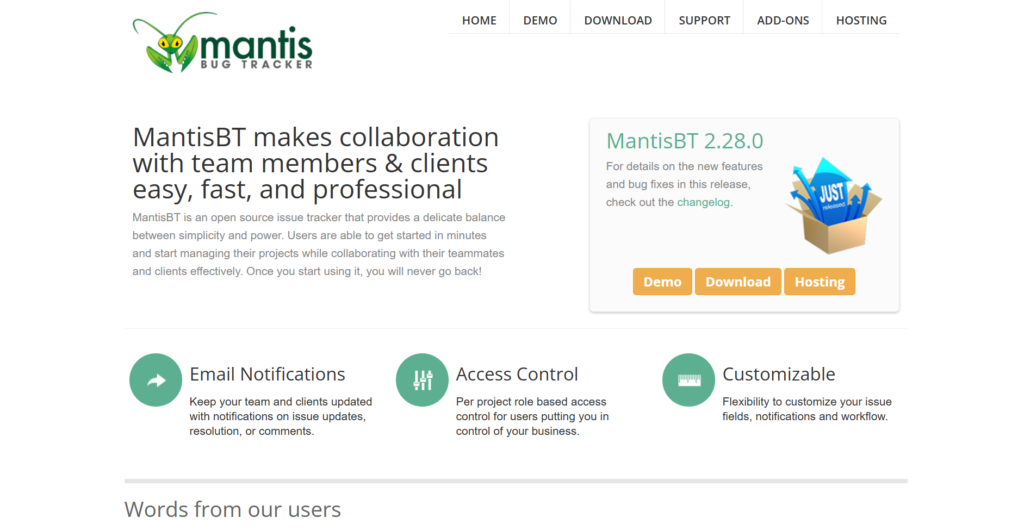
MantisBT is an open-source, web-based bug tracking system built on PHP that prioritizes simplicity and speed. It serves as a middle ground for teams that want the cost benefits of open-source software without the complexity of Bugzilla. It is best for small to medium teams that need a straightforward way to manage tickets.
Why it’s a good Bugzilla alternative:
It is significantly easier to install and configure than Bugzilla, making it a better, straightforward solution. The interface is cleaner and more intuitive, allowing team members to start bug reporting with almost no training. Because it is lightweight, it performs very quickly even on modest hardware.
Main features:
MantisBT provides the essential tools for effective issue management.
- Email notifications for status updates and comments
- Advanced filters and search to locate specific issues
- Role-based access control for security
- Changelog and roadmap generation based on ticket data
Integrations:
MantisBT supports plugins for integration with GitHub, GitLab, and Bitbucket. It also allows for connectivity with Slack and Mattermost through community-developed add-ons.
Desktop and mobile capabilities:
MantisBT is a web-based platform accessible through any modern browser. While there is no official mobile app, several third-party mobile clients are available on the App Store and Google Play.
Pros and cons:
| Pros | Cons |
| Completely free and open-source | UI looks somewhat dated by 2026 standards |
| Extremely fast and lightweight | Limited built-in project management features |
| Easy to customize via PHP plugins | No native dedicated mobile application |
| Simple user management and setup | Community support can be slower than paid help |
OpenProject
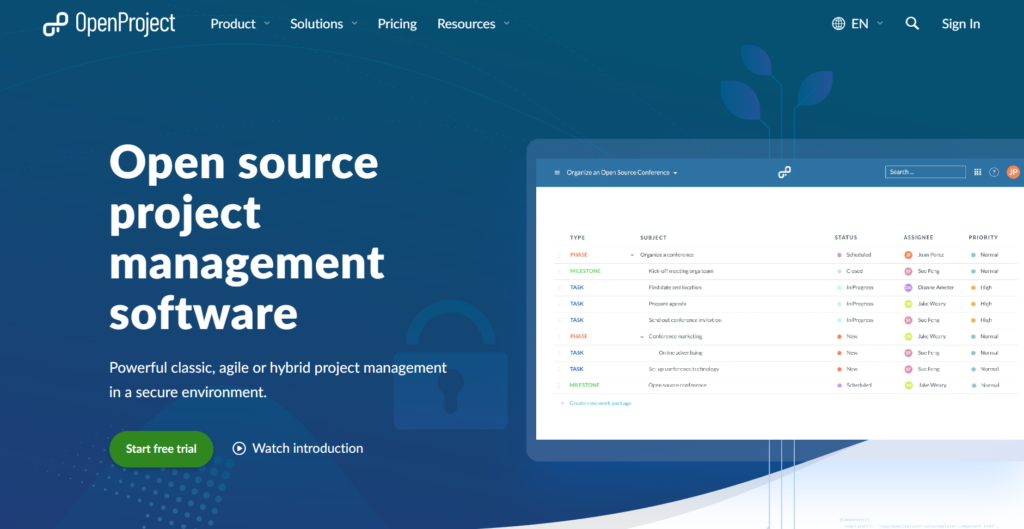
OpenProject is an open-source project management software that offers a wide range of features for both task and bug tracking. It is the best choice for organizations that need a self-hosted solution with professional-grade Gantt charts. The tool balances traditional project planning with modern agile methodologies.
Why it’s a good Bugzilla alternative:
It adds a layer of project planning that Bugzilla lacks, such as timelines and resource management. OpenProject provides a much more visual way to track bugs alongside overall project milestones. It is also highly focused on data privacy and security, which is ideal for European businesses or sensitive industries.
Main features:
OpenProject combines bug tracking with classical project management.
- Dynamic Gantt charts for timeline visualization
- Agile boards for Scrum and Kanban teams
- Time tracking and project cost reporting
- Integrated project wiki for centralized documentation
Integrations:
OpenProject integrates with GitHub, GitLab, and Nextcloud. It also offers an API for custom connections and supports Excel/CSV data exchanges.
Desktop and mobile capabilities:
The platform is accessible via web browsers on desktop and mobile. It provides a mobile-optimized interface, though it lacks a standalone native application in most app stores.
Pros and cons:
| Pros | Cons |
| Excellent privacy and data security | The on-premise enterprise version is paid |
| Comprehensive Gantt chart functionality | Complex setup for the self-hosted version |
| Active open-source community | The user interface can be dense with options |
| Great for both Agile and Waterfall | Requires technical knowledge for maintenance |
GitHub Issues

GitHub Issues is the built-in tracking tool for the world’s most popular code hosting platform. It is designed to be as simple as possible, keeping the focus on the code and the developers. It is a good choice for open-source projects or teams that want to minimize their tool stack.
Why it’s a good Bugzilla alternative:
It eliminates the need for a separate bug tracking server since it lives right next to your repository. The user-friendly interface makes it easy for anyone to open an issue or suggest a change. It also uses “Labels” and “Milestones,” which are much more flexible than Bugzilla’s rigid categories.
Main features:
GitHub Issues keeps your software development organized with minimal friction.
- Task lists within issues to track sub-tasks
- Project boards for visual workload management
- Slash commands and markdown support for fast entry
- Automatic linking between issues and pull requests
Integrations
GitHub has the largest integration ecosystem, connecting with almost every major developer tool, including Slack, Jira, and various CI/CD services.
Desktop and mobile capabilities
GitHub provides a sleek desktop application for repository management and a highly polished mobile app for iOS and Android that supports full issue management.
Pros and cons:
| Pros | Cons |
| Zero setup required for GitHub users | Lacks advanced project reporting tools |
| Completely integrated with source code | Limited custom fields in the basic version |
| Great mobile app for managing issues | Can be too simple for complex enterprises |
| Free for all public repositories | No native time tracking features |
Zoho Sprints/Projects

Zoho offers two distinct tools: Sprints for pure agile teams and Projects for traditional management. They are part of the massive Zoho ecosystem, making them a great choice for businesses already using Zoho CRM or Mail. These tools are known for providing professional features at a very low price.
Why it’s a good Bugzilla alternative:
They offer a more polished and modern user experience compared to the aging Bugzilla system. Zoho provides better tools for task management and time tracking, which are essential for client billing or internal audits. The transition is easy for teams that need to organize their bugs into specific sprints.
Main features:
Zoho provides a comprehensive suite of management tools.
- Sprint planning and backlog prioritization
- Automated timesheets and billing integrations
- Feeds and chat for real-time team communication
- Custom fields and status workflows
Integrations:
Zoho Sprints integrates with other Zoho apps, Slack, Google Drive, and various code repositories like GitHub and Bitbucket.
Desktop and mobile capabilities:
Both Zoho Sprints and Projects have dedicated mobile apps for iOS and Android. They also offer a desktop experience through web browsers and a dedicated Windows/Mac app.
Pros and cons:
| Pros | Cons |
| Extremely competitive and transparent pricing | UI can feel cluttered with many buttons |
| Part of a massive integrated ecosystem | Some features are split between two apps |
| Strong mobile presence for remote teams | Customization can be a bit rigid |
| Excellent built-in time tracking | Customer support can be hit or miss |
Bugasura
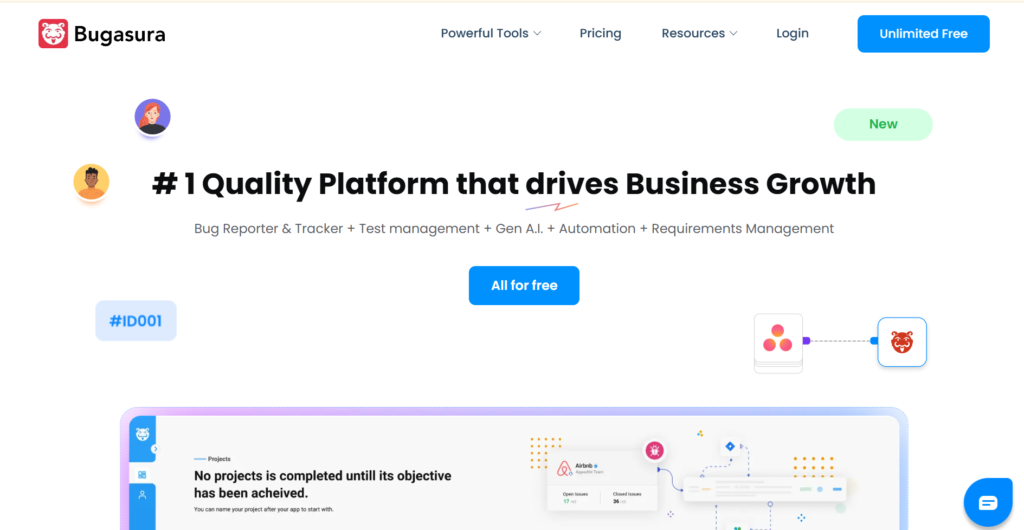
Bugasura is a modern, AI-powered bug tracker designed specifically for fast-moving technology teams. It focuses on reducing the time it takes to report and resolve issues through smart automation. It is best for QA teams that want a “no-nonsense” tool that helps them close tickets faster.
Why it’s a good Bugzilla alternative:
It offers a much faster, Chrome-based reporting workflow that captures visual data automatically. Unlike the manual data entry required in Bugzilla, Bugasura uses AI to help categorize and describe bugs. It is a highly intuitive platform that requires zero configuration to get started.
Main features:
Bugasura uses modern technology to streamline the QA process.
- AI-powered issue description and impact generation
- Chrome extension for instant visual bug reporting
- Automated dashboards for sprint health tracking
- Public project capability for community feedback
Integrations:
Bugasura features a very strong two-way sync with Jira, along with integrations for Slack, GitHub, and Zendesk.
Desktop and mobile capabilities:
The platform is accessible via the web and has a dedicated Android app. Its Chrome extension is a core part of the experience for desktop users.
Pros and cons:
| Pros | Cons |
| AI features significantly speed up logging | Smaller feature set than “all-in-one” tools |
| Free forever for most standard teams | No dedicated iOS application yet |
| Excellent visual reporting via Chrome | Community integrations are still growing |
| Very low learning curve for new users | Less suitable for non-software projects |
Usersnap
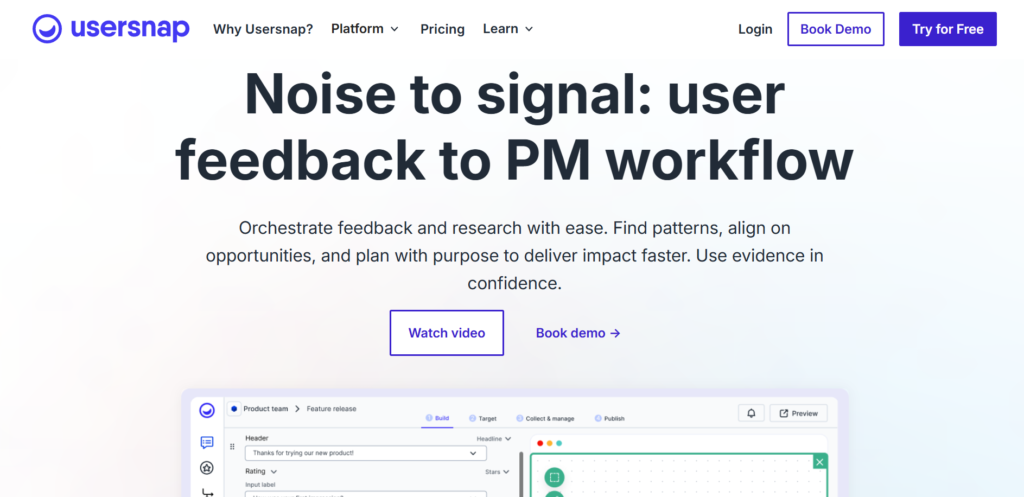
Usersnap is a specialized tool that focuses on visual feedback and bug reporting via screen captures and recordings. It is widely used by web developers and designers to get clear information from users or testers. It is the best choice for front-end teams where “a picture is worth a thousand words.”
Why it’s a good Bugzilla alternative:
It solves the problem of vague bug reports by including screenshots and technical metadata automatically. Bugzilla requires users to manually attach files and type out system specs, while Usersnap does this in one click. It makes the bug reporting process much more accurate and less frustrating for everyone.
Main features:
Usersnap turns user feedback into actionable data for developers.
- In-browser annotation and drawing tools
- Automatic capture of browser, OS, and screen size
- Video screen recording with voice feedback
- Conditional surveys to gather specific user data
Integrations:
Usersnap connects with over 50 tools, including Jira, Slack, Trello, and Azure DevOps. It can also be integrated into any website with a simple code snippet.
Desktop and mobile capabilities:
Usersnap works on any platform that runs a web browser. It also offers a mobile SDK for developers to include visual feedback tools inside native iOS and Android apps.
Pros and cons:
| Pros | Cons |
| Eliminates back-and-forth communication | Higher starting price than other tools |
| Captured metadata is perfect for debugging | Not a full project management system |
| Very easy for non-technical users | Usage limits on the lower-tier plans |
| Great for UAT and client approvals | Requires installation of a snippet or extension |
How to select Ba ugzilla alternative for your business: main criteria
Choosing a new tool involves more than just looking at a feature list; you need to ensure it fits your team’s culture and long-term goals.
Functionality
The tool must support your specific software development lifecycle, whether you use Scrum, Kanban, or a hybrid approach. Look for platforms that offer extensive customization options so you can recreate your necessary Bugzilla fields without the clutter. It should handle everything from simple tasks to complex projects seamlessly.
Usability
A user-friendly interface is essential for high adoption rates across the company. If the tool is too difficult to use, your team will find ways to work around it or stop logging bugs altogether. A straightforward solution with an intuitive interface ensures that even non-technical stakeholders can participate in the QA process.
Customer support
When you encounter a technical issue or need help with a complex migration, responsive support is vital. Check if the provider offers live chat, comprehensive documentation, or dedicated account managers. Reliability and uptime are also key factors to consider for your primary issue tracker.
Value for money
Compare the total cost of ownership, including license fees, hosting costs, and the time spent on maintenance. Some tools offer a generous free version for small teams, which is a great way to test the platform. Look for a tool that provides the best balance of features and price without forcing you into expensive upgrades.
Customer reviews
Look at what other developers and project managers are saying on platforms like Capterra or G2. Pay attention to comments regarding the ease of migration and the daily user experience. Real-world feedback often reveals small details about a tool’s performance that you won’t find on an official website.
Save up to 50% by switching from Bugzilla to GoodDay
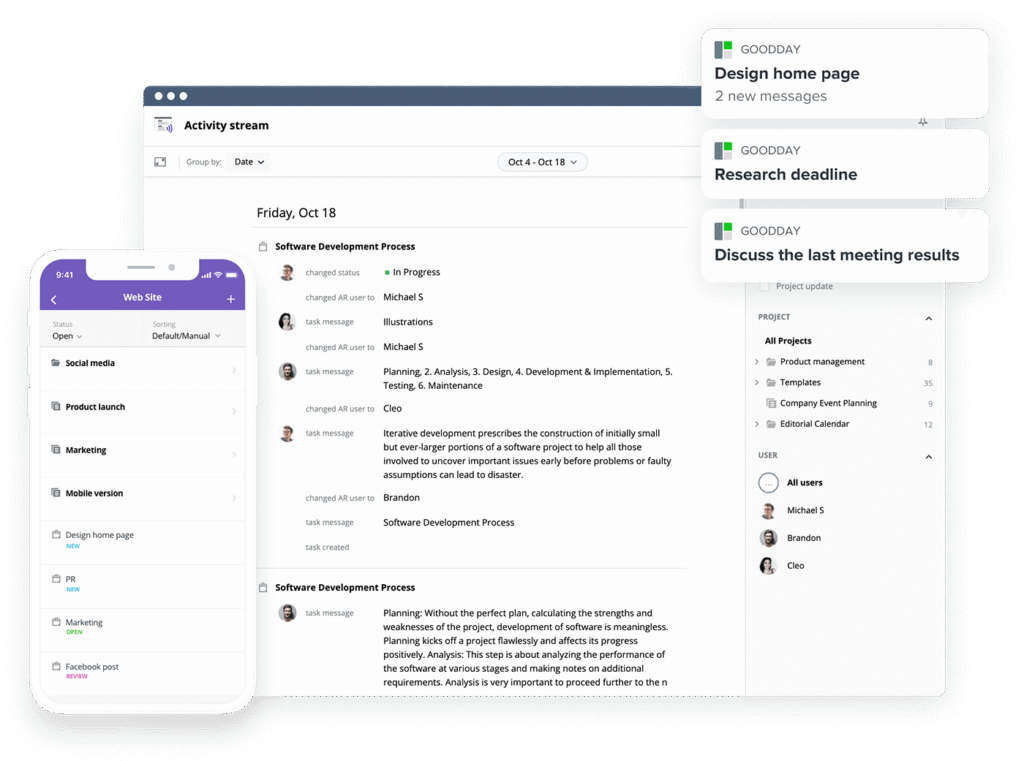
If you’re looking for the best balance of customization and price, GoodDay stands out in 2026. It is popular globally for its powerful functionality and affordable plans that fit teams of any size.
You can dive in and try GoodDay for free to see how it fits your workflow, your team, and your vibe.
And if you have any questions about selecting the right project management software for your business, you can always reach out to our team via info@goodday.work
FAQs
What is a bug tracking tool?
A bug tracking tool is a specialized software application designed to help development teams identify, record, and track the progress of errors in their code. Using a platform like GoodDay ensures that no issues are forgotten and that the team can effectively prioritize their fixes based on severity. These tools provide a centralized database where everyone can see the status of a project. They are essential for maintaining high-quality standards throughout the entire software lifecycle.
What is bug tracking software?
Bug tracking software provides a structured environment for managing the lifecycle of a defect from initial report to final resolution. GoodDay offers a user-friendly interface that simplifies this process for both engineers and project managers. Most modern software options include automation features that notify the right person as soon as a new issue is created. It is a critical component of any professional software development workflow.
What is the best bug & issue tracking software?
The best choice for your team depends on your specific needs, but GoodDay is widely considered a top contender due to its flexibility and low price. It allows for extensive customization options so you can build a workflow that perfectly matches your team’s unique habits. While Jira is popular for massive corporations, many prefer the simplicity and speed of GoodDay. Ultimately, the best tool is the one that your team actually enjoys using every day.
What is the top bug reporting software?
GoodDay frequently ranks as a top choice for bug reporting because it allows users to quickly log issues with all the necessary technical context. It provides an intuitive interface that reduces the friction of documenting a defect, which leads to more accurate data. Compared to other Bugzilla alternatives, it offers a more modern experience that encourages collaboration. Many organizations find that it offers the best ROI for their quality assurance departments.
What are the top QA bug tracking tools?
Top QA tools in 2026 include GoodDay for general management, Jira for enterprise agile, and Usersnap for visual feedback. GoodDay stands out because it integrates bug tracking directly with other project management tools, giving you a holistic view of your progress. These platforms help developers stay organized and ensure that high-priority bugs are addressed immediately. Choosing the right one can significantly improve the efficiency of your release cycle.
Where can I find a bug tracking template for development teams?
You can find professional templates directly inside the GoodDay library, which are designed specifically for modern development workflows. These templates include pre-configured custom fields and status columns that are standard for the industry. Using a template allows your team to start tracking bugs in minutes rather than spending days on configuration. It is a straightforward solution for teams moving away from legacy systems like Bugzilla.
What are the key features of bug tracking software?
The key features usually include ticket creation, status tracking, email notifications, and the ability to attach screenshots or logs. GoodDay enhances these basics with advanced search capabilities and powerful Gantt charts for better planning. A good tool must also offer integration with your existing code repositories and communication channels. These features ensure that the collaboration between QA and dev teams remains seamless.
How to integrate bug tracking with project tasks?
GoodDay makes it easy to connect your bug reports directly to your broader project planning activities. You can convert a bug into a task or link it to a specific milestone with just a few clicks. This integration ensures that your team understands how technical debt is impacting the overall delivery timeline. It is much more effective than using a siloed bug tracking tool that doesn’t talk to your other management software.
Which kanban project management platform is best for tracking sprints and bugs together?
GoodDay is the best choice for teams that want to visualize their entire workload on a single Kanban board. It allows you to mix different types of projects and tasks, so you can see your feature development and issue tracking in one view. This visibility is crucial for agile teams who need to balance new work with maintenance. Unlike many other tools, it doesn’t force you to switch between different screens to manage your sprint.
What is the most reliable bug tracking software with task scheduling?
GoodDay is highly reliable for teams that need to combine bug tracking with precise task management and scheduling. It features built-in Gantt charts and resource allocation tools that help you manage your team’s time effectively. This ensures that you don’t over-promise on features while you still have critical bugs to fix. It is a comprehensive platform that provides much more value than a basic ticket system.




