
Many teams start with Breeze because of its simplicity, but as your business grows, you might find you need more advanced reporting, better resource management, or more flexible workflows.
In this guide, we’ll explore the best Breeze alternatives to help you make the right choice for your team.
But if you have any questions that are not covered in this article, you can always connect with our team via info@goodday.work
Best Breeze alternatives shortlist for 2026
Here is a quick look at the top-rated platforms available this year to help you streamline your operations.
- GoodDay: All-inclusive work management solution, ideal for thorough project mapping, capacity monitoring, and top-down portfolio oversight for any business sector.
- Jira: Best for software development teams and Agile methodologies.
- Asana: Best for overall project tracking and cross-functional team coordination.
- Trello: Best for simple, Kanban-style visual task management.
- Monday.com: Highly customizable, user-friendly, and effective for workflow automation.
- Wrike: Robust, enterprise-grade, and feature-rich project management.
- Zoho Projects: Strong, comprehensive planning, tracking, and collaboration tool.
- ClickUp: A versatile, all-in-one productivity platform.
- Basecamp: Ideal for remote team collaboration.
Comparison of the best Breeze alternatives (free and paid)
The following table breaks down the most popular options by their primary strength, current cost, and how easily you can switch your data over to them.
| Software | Best for | Pricing | Ease of migration from Breeze |
| GoodDay | Best overall balance of features and cost | Free plan (1–15 users); Professional $4/user/month; Business $7/user/month; Enterprise custom | Easy (CSV import, Zapier integrations) |
| Jira | Software development | Free (up to 10 users); Standard $9.05/user/month; Premium $18.30/user/month | Moderate (Direct importers available) |
| Asana | Team coordination | Personal $0; Starter $10.99/user/month; Advanced $24.99/user/month | Easy (CSV and board importers) |
| Trello | Visual Kanban | Free $0; Standard $5/user/month; Premium $10/user/month | Very Easy (Power-Ups) |
| Monday.com | Workflow automation | Free (2 seats); Basic $9/user/month; Standard $12/user/month | Easy (Excel/CSV import) |
| Wrike | Enterprise management | Free $0; Team $9.80/user/month; Business $24.80/user/month | Moderate (XLS/CSV import) |
| Zoho Projects | Balanced planning | Free (3 users); Premium $4/user/month; Enterprise $9/user/month | Easy (Direct Zoho migration) |
| ClickUp | All-in-one platform | Free $0; Unlimited $7/user/month; Business $12/user/month | Easy (Automatic CSV import) |
| Basecamp | Remote collaboration | Free (1 project); Plus $15/user/month; Pro $299/month (unlimited users) | Simple (Manual or via API) |
What is Breeze and why consider an alternative for your business?
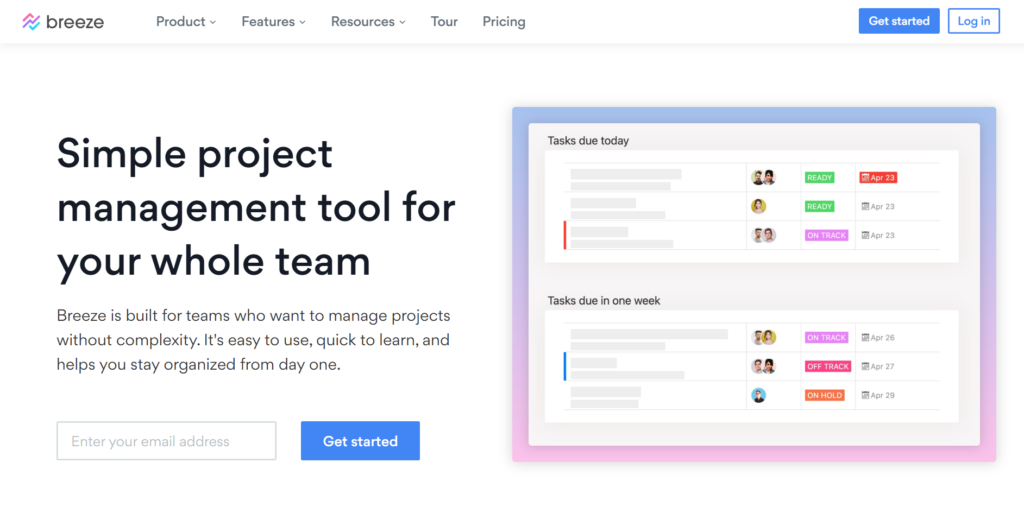
Breeze is a lightweight project management tool designed for teams that want to escape the complexity of heavy enterprise software. It focuses on a clean, visual interface that uses Kanban boards, task lists, and project timelines to help users stay organized without needing extensive training.
At its core, Breeze aims to provide just the essential features, like time tracking, team chat, and simple reporting, to keep projects moving forward efficiently.
Many teams consider moving to a Breeze alternative when they require more advanced capabilities, such as deep resource allocation, custom reporting dashboards, or more sophisticated workflow automation.
If your team is growing and needs more granular control over complex project portfolios, a more robust platform can help prevent the “tool overload” that Breeze tries to avoid, but at a more professional scale.
Best alternatives to Breeze in 2026
Research from McKinsey highlights that organizations redesigning workflows to embed modern automation into reporting and resource allocation can significantly reduce the 85% of projects currently plagued by wasted resources. The market is full of tools that offer more depth than Breeze while maintaining a user-friendly experience for your staff.
GoodDay
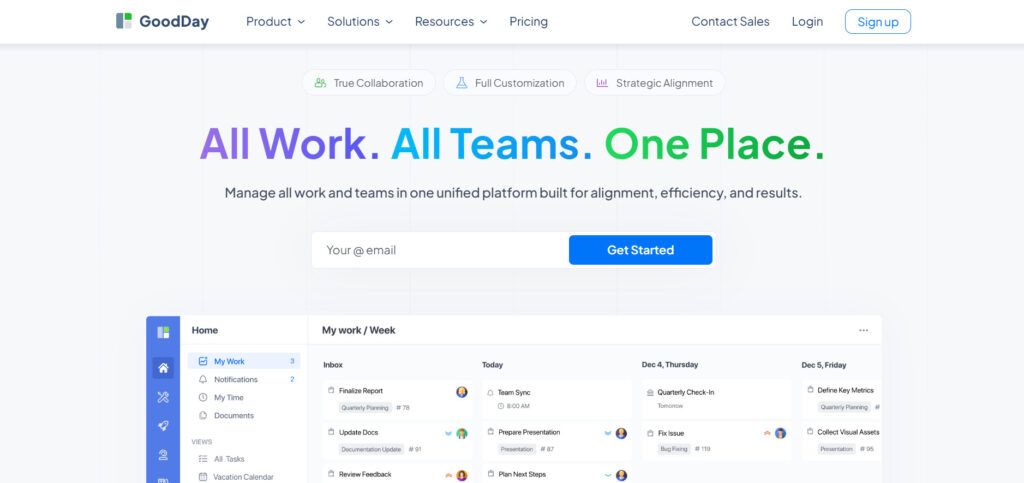
GoodDay is a versatile work management system utilized by Fortune 500 companies, small agencies, and rising startups. Switching to this platform can reduce your software expenses by 50% without sacrificing the professional tools your team relies on daily. Best of all, moving your existing data into the system is a seamless process that takes only a few minutes.
Why it’s a good Breeze alternative:
GoodDay has been featured in a dozen Capterra shortlists for its excellence in the project management category. Users frequently point out that the platform provides a perfect mix of high-end utility and budget-friendly pricing. You get access to deep analytical tools and customization options at a fraction of the cost of other major competitors.
Main features:
The platform offers a robust set of tools designed to manage every aspect of a project lifecycle.
- Customizable project dashboards and views.
- Advanced time tracking and resource management.
- Strategic goal setting and KPI tracking.
- Automated reporting and workload visualization.
- Integrated team chat and document sharing.
Integrations
GoodDay provides native connectivity with the G Suite ecosystem, including Gmail, Google Docs, Drive, and Calendar. It also bridges the gap with communication and storage tools like Slack, Dropbox, and Box.com, while supporting developers through GitHub and GitLab. For everything else, you can utilize SSO for security or connect with over 1,300 apps through Zapier and a public API.
Desktop and mobile capabilities
You can access your work from anywhere using dedicated applications for Windows, Mac, and Linux. For teams on the move, the mobile app is available on both iOS and Android, ensuring you stay connected to your tasks and project boards at all times.
Pros and cons:
| Pros | Cons |
| Global trust from over 100,000 teams | Deep reporting features require initial setup |
| wide variety of built-in tools | Perfecting custom workflows takes some time |
| Highly competitive pricing with a 15-user free tier | Steep learning curve for advanced configurations |
| Transparent sales model with no hidden upsells | A large feature set may overwhelm brand-new users |
Jira (Atlassian)
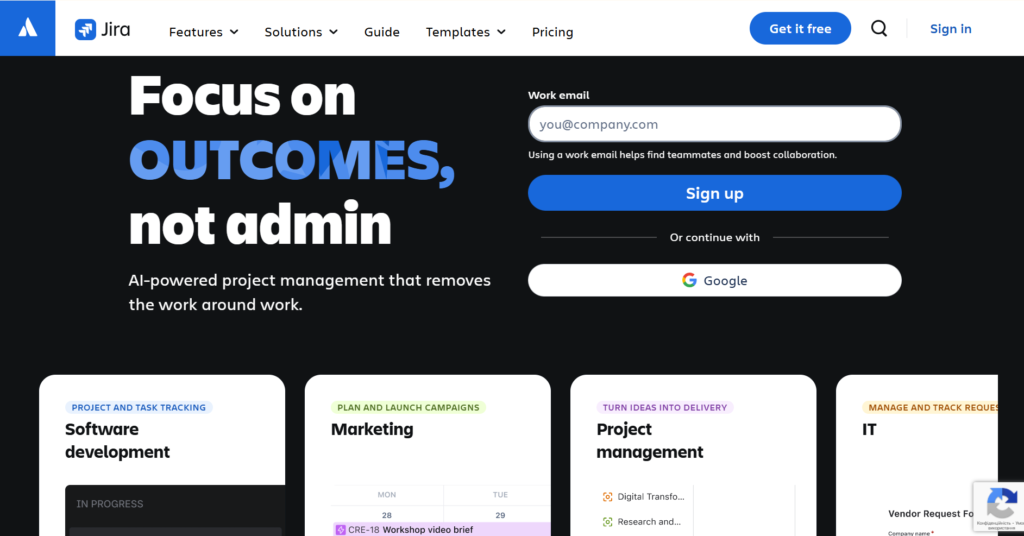
Jira is a powerful engine designed to help engineering and product teams ship high-quality software using Agile frameworks. It excels at breaking down complex development cycles into manageable sprints, backlogs, and releases. This tool is the industry standard for organizations that need a direct link between their code and their project management.
Why it’s a good Breeze alternative:
Jira offers a much deeper level of technical control and customization than Breeze provides. It allows teams to transition from simple task lists to complex Scrum and Kanban workflows effortlessly. The platform also scales better for large organizations that need strict permissions and enterprise-grade security.
Main features:
Jira focuses on providing the visibility required for high-velocity development cycles.
- Scrum and Kanban boards.
- Custom issue types and workflows.
- Advanced roadmaps for long-term planning.
- Built-in automation engine for repetitive tasks.
Integrations
It integrates natively with the Atlassian suite, including Confluence and Bitbucket, and offers thousands of apps via the Atlassian Marketplace. It also connects with Slack, GitHub, and various CI/CD tools.
Desktop and mobile capabilities
Users can manage tasks via a web browser or through native desktop apps for Mac and Windows. Mobile apps are available for both Android and iOS devices.
Pros and cons
| Pros | Cons |
| Industry standard for Agile teams | The interface can be cluttered and confusing |
| Highly scalable for large enterprises | Significant configuration time required |
| Robust ecosystem of third-party apps | Higher price point than many competitors |
| Excellent reporting for dev metrics | Slow performance on very large projects |
Asana
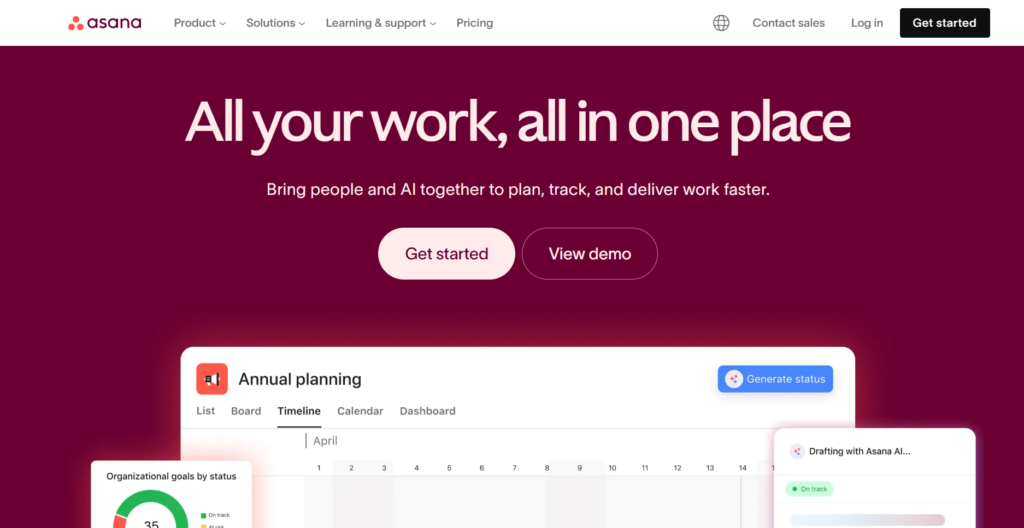
Asana is a flexible project management tool designed to help cross-functional teams coordinate their work and hit their goals. It uses a clean, modern interface that makes it easy to visualize how individual tasks relate to larger strategic projects. It is best for teams that need a balance of visual appeal and strong project coordination.
Why it’s a good Breeze alternative:
Asana offers much more sophisticated project views, such as timelines and portfolios, which are missing in Breeze. It allows for better management of dependencies and cross-team projects, making it easier to see how work overlaps. The platform also provides a more powerful automation engine to help streamline your daily workflows.
Main features:
Asana focuses on providing clarity and direction for every team member.
- Timeline view for managing project schedules.
- Strategic goals module to link tasks to business outcomes.
- Workflow builder to automate routine approvals and steps.
- Portfolios for high-level monitoring of multiple projects.
Integrations
Asana integrates with hundreds of tools, including Slack, Google Workspace, Microsoft Teams, and Salesforce. It also has a strong API for custom integrations and connects with Zapier.
Desktop and mobile capabilities
Asana is available as a web application and through native desktop apps for Windows and Mac. The mobile experience is strong, with dedicated apps for both iOS and Android.
Pros and cons:
| Pros | Cons |
| Very user-friendly and visually appealing | Expensive compared to other top alternatives |
| Excellent for managing complex dependencies | Limited reporting on the cheaper plans |
| Strong focus on strategic goal alignment | No built-in native time tracking |
| Highly flexible for different departments | Tasks can only be assigned to one person |
Trello
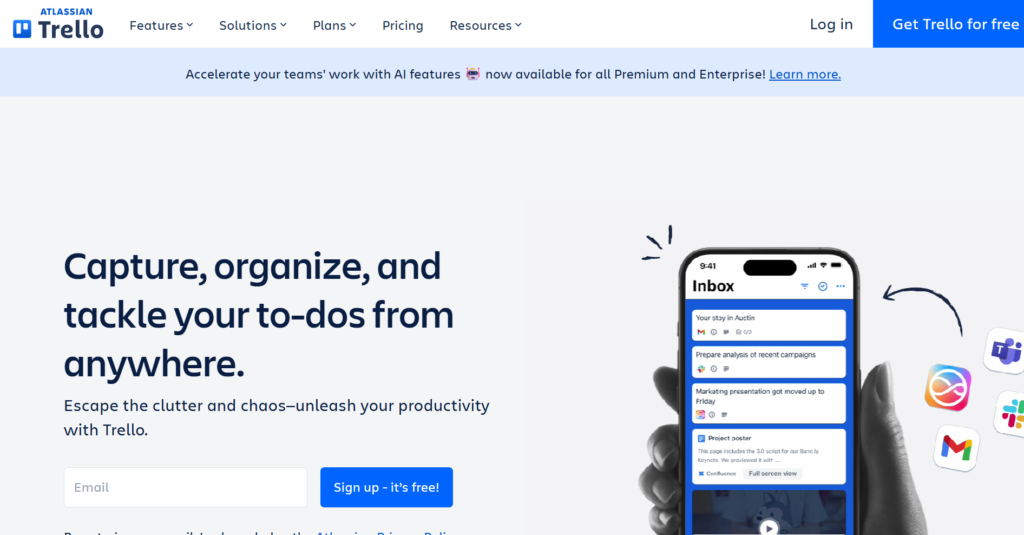
Trello is a highly visual task management tool that uses a simple system of boards, lists, and cards. It is world-famous for its ease of use and is best for individuals or small teams that want a digital version of a whiteboard. It keeps project tracking simple and approachable for any type of user.
Why it’s a good Breeze alternative:
Trello feels very similar to Breeze in its simplicity, but offers a much larger ecosystem of “Power-Ups” to extend its features. It is a great choice if you want to stick with a Kanban-first approach but need better integrations with other business software. It is also one of the fastest tools to set up for a new team.
Main features:
Trello prioritizes visual organization and ease of collaboration.
- Drag-and-drop Kanban boards for visual tracking.
- Butler automation for no-code task rules.
- Power-Ups to add features like calendars or maps.
- Customizable card covers and labels for organization.
Integrations
Trello integrates with almost all major business apps, including Slack, Google Drive, and Dropbox. Because it is part of the Atlassian family, it also works well with Jira and Confluence.
Desktop and mobile capabilities
Trello works in any web browser and offers native apps for Windows and Mac. It has highly-rated mobile applications for iOS and Android, allowing for easy task management on the go.
Pros and cons:
| Pros | Cons |
| Extremely easy to learn and adopt | Lacks advanced project planning, like Gantt charts |
| Visual and fun for team members | Boards can get cluttered with too many cards |
| Huge library of free and paid Power-Ups | Not built for managing complex resources |
| Good free version for small projects | Limited reporting without third-party tools |
Monday.com
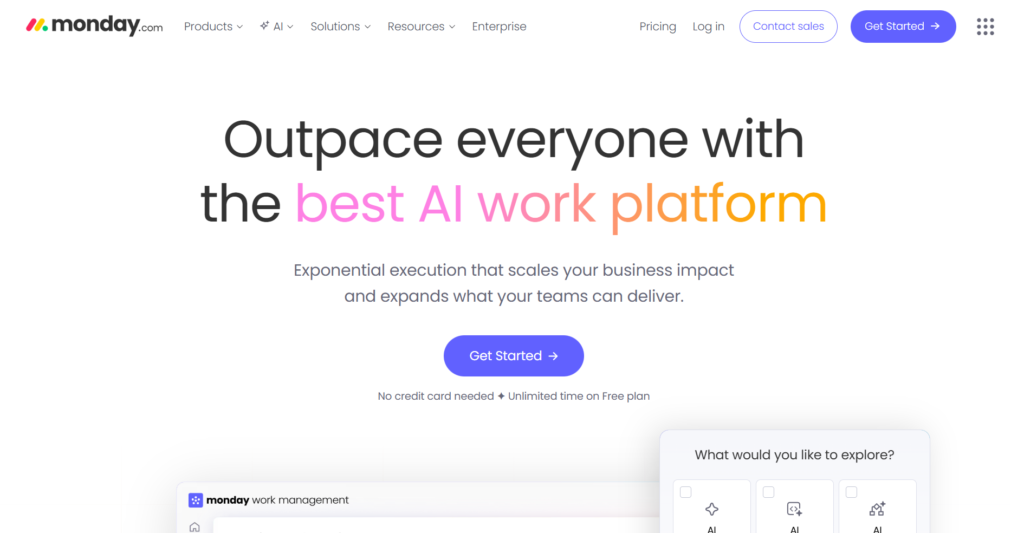
Monday.com is a versatile “Work OS” that allows teams to build their own custom applications for project management and beyond. It is best for businesses that want a highly visual and colorful way to track their workflows. It is particularly strong in the areas of workflow automation and data visualization.
Why it’s a good Breeze alternative:
Monday.com provides a much higher level of customization than Breeze, allowing you to build the exact dashboards your business needs. It moves beyond simple boards to include advanced features like workload management and time tracking. The platform is also much more capable of handling enterprise-level security and permissions.
Main features:
Monday.com offers a flexible structure that can be adapted to almost any use case.
- Highly customizable boards with 30+ column types.
- Advanced workflow automation for status updates.
- Workload view to prevent team burnout.
- Visual dashboards that pull data from multiple boards.
Integrations
Monday.com connects with a wide range of tools, including Zoom, Slack, Adobe Creative Cloud, and Shopify. It also offers native integration with Google Workspace and Microsoft 365.
Desktop and mobile capabilities
The platform is accessible via a web browser and has native desktop applications for Mac and Windows. It also provides a comprehensive mobile app for both iOS and Android.
Pros and cons:
| Pros | Cons |
| Very flexible and fun to customize | Can be expensive for small teams |
| Excellent built-in automation features | Some features require higher-tier plans |
| Great for visual reporting and data | Steep learning curve for complex boards |
| Strong mobile app experience | Pricing is based on fixed user groups |
Wrike
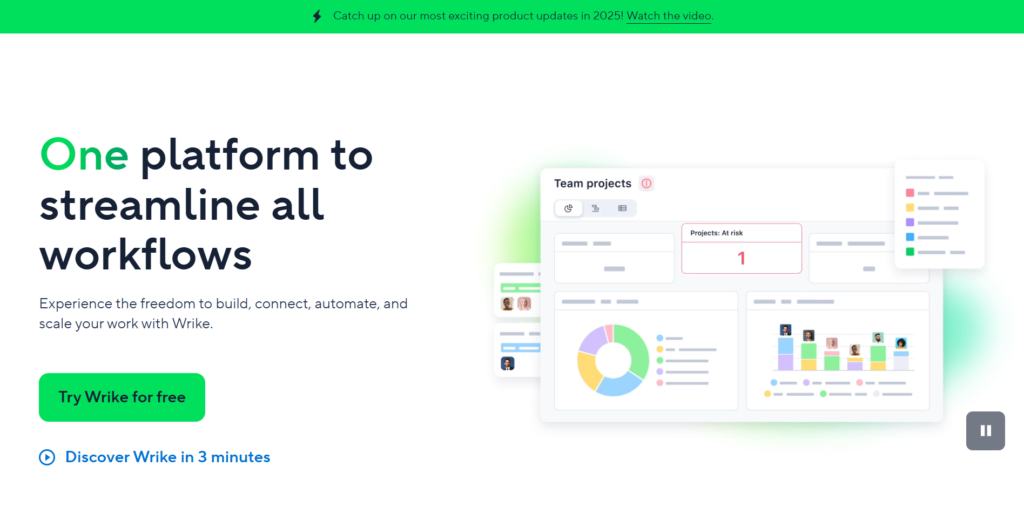
Wrike is a robust project management platform built for cross-functional collaboration in mid-sized to large organizations. It is best for teams that need to manage high volumes of work with detailed resource planning and time tracking. It is a professional-grade tool that bridges the gap between simple task lists and complex enterprise software.
Why it’s a good Breeze alternative:
Wrike provides enterprise-level features that Breeze simply doesn’t offer, such as advanced request forms and detailed analytics. It is much better suited for teams that need to track time and manage budgets across multiple large-scale projects. The platform also offers better support for proofing and creative approvals.
Main features:
Wrike focuses on efficiency and visibility for large-scale operations.
- Dynamic Gantt charts for interactive planning.
- Custom request forms to streamline project intake.
- Real-time work intelligence with AI risk prediction.
- Proofing and approval tools for creative teams.
Integrations
Wrike integrates with over 400 applications, including Adobe Creative Cloud, Salesforce, and Microsoft Teams. It also offers a secure API for custom internal connections.
Desktop and mobile capabilities
Wrike offers a web application and dedicated desktop apps for Mac and Windows. Mobile users can access the platform via native apps for both iOS and Android.
Pros and cons:
| Pros | Cons |
| Powerful for resource management | Interface can feel technical and dense |
| Excellent for managing large portfolios | Higher price point than basic tools |
| Strong creative approval workflows | Setup takes more time than simple boards |
| Reliable enterprise-grade security | Mobile app lacks some desktop features |
Zoho Projects
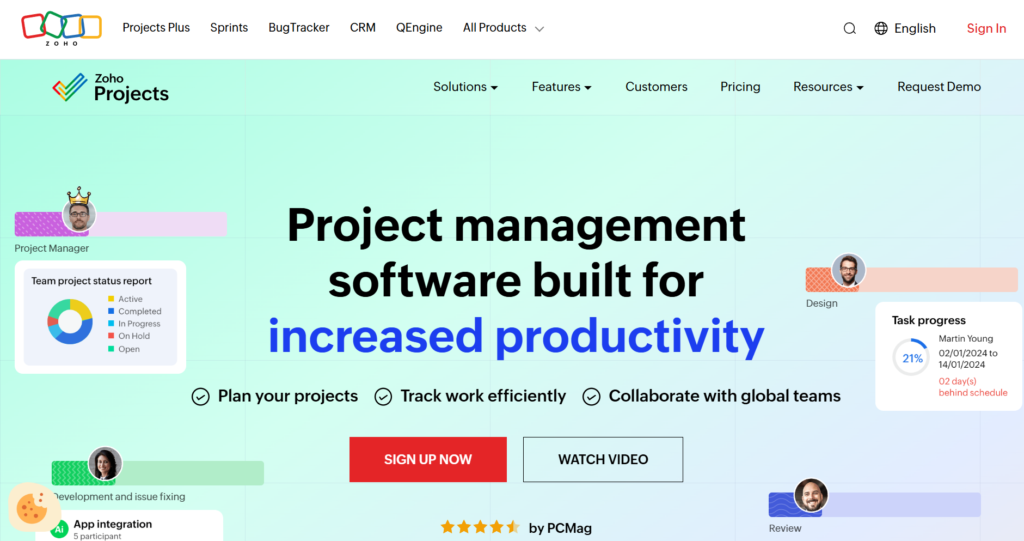
Zoho Projects is a cloud-based project management system that helps teams plan work and track it efficiently to completion. It is best for growing teams that need a full suite of features at a very budget-friendly price. If you already use other Zoho apps, this tool is the logical choice for your project management.
Why it’s a good Breeze alternative:
Zoho Projects includes many features that are missing or limited in Breeze, such as built-in time tracking and advanced Gantt charts. It offers a much more complete solution for businesses that need to track costs and billable hours. The platform also provides a higher degree of task automation through its “Blueprints” feature.
Main features:
Zoho Projects provides a balanced set of tools for effective project execution.
- Gantt charts for tracking milestones and dependencies.
- Integrated time tracking and timesheet management.
- Task automation using customizable Blueprints.
- Feed and forums for team discussion and collaboration.
Integrations
It integrates perfectly with the Zoho ecosystem, as well as Google Workspace, Microsoft 365, and Slack. It also supports Zapier for connecting to thousands of other apps.
Desktop and mobile capabilities
The tool is accessible through a web browser and has desktop apps for Windows and Mac. It also offers a highly functional mobile app for both iOS and Android devices.
Pros and cons:
| Pros | Cons |
| Great value for the number of features | UI can feel a bit dated to some users |
| Excellent time tracking and budgeting | Some advanced settings are hard to find |
| Strong integration with Zoho CRM | Customer support can be slow at times |
| Highly customizable task statuses | The mobile app is slightly limited in views |
ClickUp
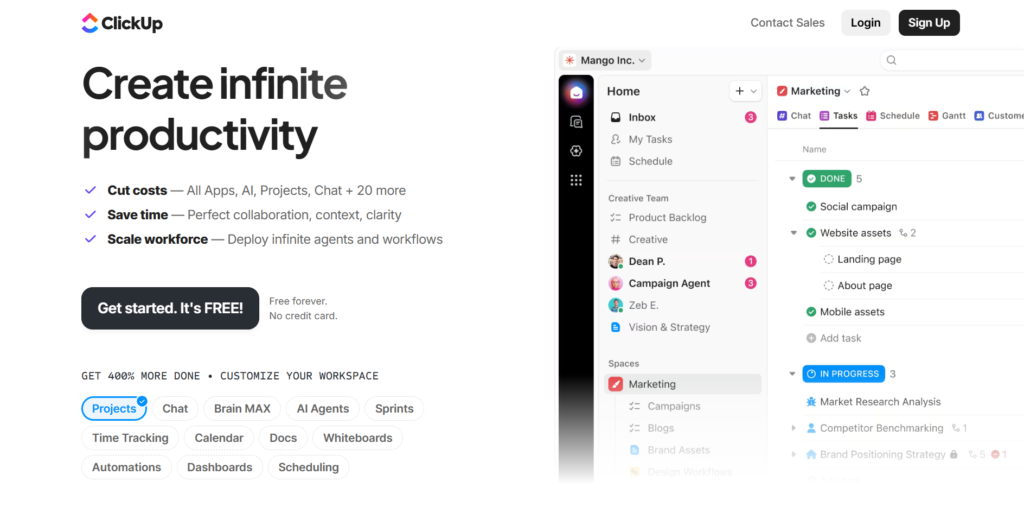
ClickUp is an all-in-one productivity platform that aims to replace multiple apps by combining tasks, docs, goals, and chat. It is best for teams that want a single workspace for all their work and like to customize their environment. It offers one of the most comprehensive free versions available in 2026.
Why it’s a good Breeze alternative:
ClickUp is far more versatile than Breeze, offering over 15 different ways to view your work, including mind maps and whiteboards. It includes many features as standard that usually require paid add-ons in other tools. For teams that want to centralize everything in one place, ClickUp is a powerful alternative.
Main features:
ClickUp is designed to be a flexible hub for all team productivity.
- Hierarchy system with Spaces, Folders, and Lists.
- Built-in Docs and Whiteboards for collaboration.
- Goals module for tracking high-level objectives.
- Over 15 customizable views for any project.
Integrations
ClickUp integrates with over 1,000 tools, including Slack, GitHub, Google Drive, and HubSpot. It also has a robust API and works seamlessly with Zapier and Make.
Desktop and mobile capabilities
ClickUp is available via web browser and has native desktop applications for Windows, Mac, and Linux. Its mobile app for iOS and Android is feature-rich and updated frequently.
Pros and cons:
| Pros | Cons |
| Huge feature set in a single platform | Can be overwhelming for new users |
| Highly customizable to any workflow | Performance can be slow on large boards |
| Excellent free plan for unlimited users | Steep learning curve to master all tools |
| Regular weekly updates and new features | The mobile app can feel slightly cluttered |
Basecamp
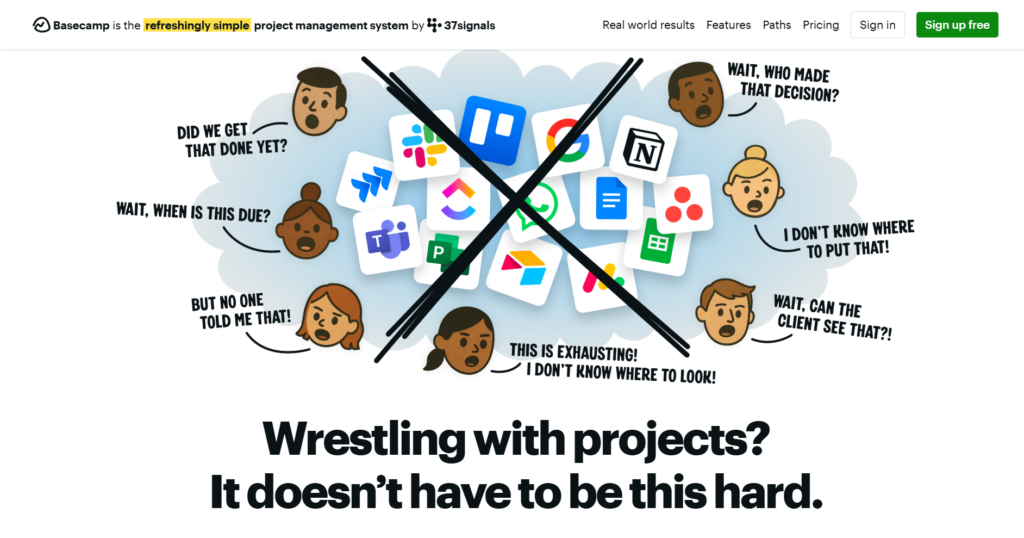
Basecamp is a project management and team communication tool that prioritizes simplicity and remote collaboration. It is best for small businesses and remote teams that want to avoid the complexity of traditional project software. It focuses on message boards, to-dos, and schedules in a very straightforward layout.
Why it’s a good Breeze alternative:
Basecamp offers a more holistic approach to team collaboration by including message boards and group chat inside the project tool. It is a great alternative if your team is struggling with “app fatigue” and wants to simplify their toolkit. The flat-rate pricing model is also very attractive for larger teams that want to save on per-user costs.
Main features:
Basecamp provides the essential tools needed for organized remote work.
- Message boards for long-form announcements.
- Hill charts are a unique way to track progress.
- Automatic check-ins to keep the team aligned.
- Unified project schedules and to-do lists.
Integrations
Basecamp integrates with a variety of third-party tools via its API, including time trackers and reporting apps. It also has official integrations with tools like Slack and Google Drive.
Desktop and mobile capabilities
Basecamp is accessible through any web browser and has native desktop apps for Windows and Mac. It offers excellent mobile applications for both iOS and Android.
Pros and cons:
| Pros | Cons |
| Very easy to use for non-tech teams | Lacks advanced features like Gantt charts |
| Excellent for remote team communication | No subtasks or complex dependencies |
| Flat-rate pricing for unlimited users | Limited customization for workflows |
| Clean interface without distractions | Basic reporting compared to other tools |
How to select a Breeze alternative for your business: main criteria
Selecting a new tool is a decision that affects your team every day, so you need to look past the surface features. Here is how to evaluate your options to ensure a successful switch.
Functionality
You need to make sure the software has the specific tools your team uses to stay productive, such as time tracking or visual timelines. It is also wise to look for advanced features you might not need today but will require as your business grows.
Usability
A tool is only effective if your team actually enjoys using it. The best software feels intuitive and doesn’t require days of training, allowing everyone to begin managing projects immediately without feeling frustrated by the technology.
Customer support
When you are moving your entire business to a new platform, you need to know help is available if something goes wrong. Check to see if the provider offers live support, detailed documentation, and a helpful community to answer your questions.
Value for money
Don’t just look at the lowest price; look at what is included in each plan to find the best value. Some tools seem cheap but require expensive upgrades for basic features like reporting or guest access for clients.
Customer reviews
Reading feedback from other users can help you understand the real-world performance of the software. Look for a review from a company that looks like yours to see if they found the tool helpful for their specific industry.
Save up to 50% by switching from Breeze to GoodDay
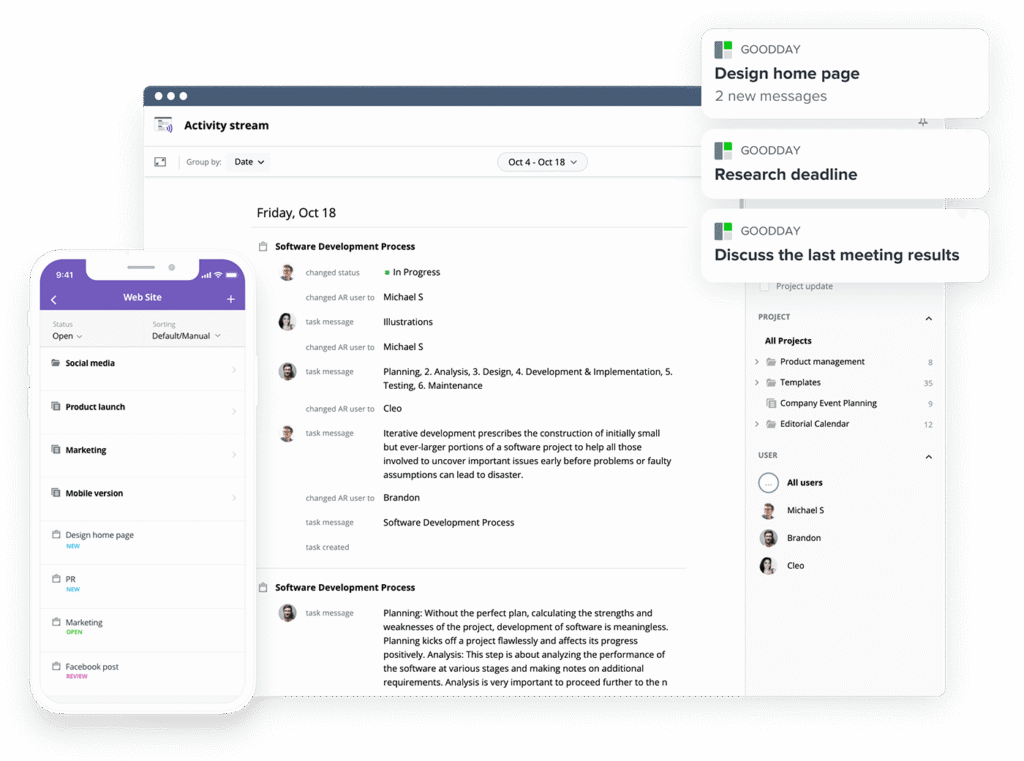
If you’re searching for the ideal combination of deep customization and fair pricing, GoodDay is the standout choice for 2026. It has gained a massive global following by providing high-end project management tools in a package that businesses of any size can afford.
You can dive in and try GoodDay for free to see how it fits your workflow, your team, and your vibe.
And if you have any questions about selecting the right project management software for your business, you can always reach out to our team via info@goodday.work.
FAQs
What is the best software for startups that need simple project tracking and team chat?
For most startups, GoodDay is the top recommendation because it offers professional project management software features and built-in communication tools for free. It allows small teams to track tasks and chat in one place without needing multiple paid subscriptions. This helps new businesses maintain team productivity while keeping overhead costs as low as possible. By using one tool for managing projects and messaging, startups can stay organized and grow faster.
What is the easiest-to-use project management software?
While Trello is often cited for its simple boards, GoodDay provides an even more powerful yet intuitive interface that users can master in minutes. It simplifies the process of organizing tasks by offering a clean layout and easy-to-understand navigation for every team member. Finding the right balance between ease of use and having many features is what makes GoodDay a leader among top alternatives. This ensures that everyone from marketing to development can begin working immediately without complex training.
What is the most popular visual tool for planning and scheduling simple projects?
Trello remains a very popular visual tool because it uses kanban boards to help teams track tasks across different stages. However, many teams are now moving to GoodDay to gain access to more advanced visual tools like gantt charts and timelines without a high price tag. Having a visual overview of your projects makes resource allocation much easier for managers. GoodDay serves as a superior option for those who want visual simplicity plus better reporting and project tracking.
What is the best project management tool for a small remote team?
GoodDay is the best solution for small remote teams because it combines time tracking and workflow automation into a single, affordable platform. Remote work requires clear project planning and constant communication, both of which are central to the GoodDay experience. It helps distributed teams stay organized and ensures that everyone knows exactly what tasks to focus on throughout the day. Using this software allows remote employees to maintain high levels of productivity regardless of their physical location.
I need a better way for my team to collaborate than endless email threads. what’s a good solution that combines messaging and project boards?
GoodDay is the ideal choice for moving away from email because it integrates team collaboration directly into the task management workflow. You can discuss specific tasks within the platform, ensuring all project-related communication is saved and easy to find later. This significantly reduces the time wasted searching through inbox folders and helps teams focus on completing their work. It is one of the few collaboration tools that offers a seamless blend of messaging and structured project boards.
Which collaboration tools offer visual project boards and timelines?
Platforms like Monday.com and GoodDay are leaders in providing highly visual kanban boards and interactive timelines. GoodDay is particularly effective because it allows you to switch between different views, such as a calendar or a list, with a single click. These visual tools are essential for staying organized and understanding how different projects overlap. Choosing a tool with these features ensures your team has the visibility needed for successful project planning.
Which platforms combine task lists, boards, and calendars?
GoodDay, ClickUp, and Asana are the primary platforms that offer a unified view of task lists, boards, and calendars. GoodDay stands out by allowing users to create custom dashboards that combine these different views on a single screen. This flexibility is perfect for various industries, from creative agencies to software developers, who have different ways of visualizing their work. It provides a comprehensive workspace that simplifies the way teams track and manage their daily responsibilities.
What is the best collaborative real-time progress tracking software?
GoodDay is widely considered the best for real-time progress tracking because it updates all project data and reports instantly as tasks are completed. This allows managers to see the current status of every project without having to ask for manual updates from the team. The platform’s automated reporting features provide a clear picture of team productivity and project health at all times. Using such advanced project management tools helps organizations save time and avoid the common pitfalls of outdated information.
What is the best project management software with time tracking?
GoodDay is the premier project management software with time tracking because it includes native timers and timesheets in its most affordable plans. Unlike many competitors that require an external integration, GoodDay allows you to track time directly on each task. This makes resource allocation and client billing much more accurate for your business. It is a complete solution for companies that need to monitor hours spent on projects while keeping their team organized.




