
While Bitrix24 offers many features, some teams find it limiting or costly as they scale.
In this guide, we’ll explore the best alternatives to Bitrix24 to help you find a solution that fits your team’s workflow, budget, and growth plans.
But if you have questions not covered in this article, you can always connect with our team via info@goodday.work
Best Bitrix24 alternatives shortlist for 2026
Popular alternatives to Bitrix24 include:
- GoodDay: An all-in-one work management software that combines tools for project planning, multi-view visualization, and workflow automation.
- Asana: A flexible and scalable platform known for its ease of use and user-friendly interface.
- Monday.com: Great for teams looking for visually driven and customizable workflows across different industries.
- Wrike: An enterprise-grade solution that offers strong workflow automation and is a good choice for larger teams.
- ClickUp: A highly customizable tool that focuses on project tracking and team goals.
- Zoho Projects: A part of the larger Zoho suite, offering a comprehensive set of project management tools suitable for small to medium-sized businesses.
- Trello: Best for simple, visual task management using a “boards and cards” system.
- Jira: Built specifically for development teams to track bugs, tasks, and features.
- Microsoft Teams: An integrated collaboration platform that includes project and task management features.
- HubSpot: Excellent for businesses that need to manage projects alongside CRM, sales, and marketing activities.
- Basecamp: A tool focused on keeping all project-related information, like tasks and files, organized in one place for simple team collaboration.
- OpenProject: A top open-source alternative that provides a high degree of control and transparency over the source code.
- Smartsheet: Offers project tracking and management through a familiar spreadsheet-like interface.
- Odoo: An open-source option that can serve as an all-in-one business management suite.
- Microsoft Project (Planner): An option for advanced project planning, particularly suited for enterprises.
Comparison of the best Bitrix24 alternatives (free and paid)
Let’s take a look at the top Bitrix24 alternatives for project management.
| Software | Best for | Pricing | Ease of migration |
|---|---|---|---|
| GoodDay | Best overall balance of features and price | Free (1–15 users); Professional $4/user/month; Business $7/user/month; Enterprise custom | Easy |
| Asana | Cross-team collaboration and strategic planning | Free plan; Starter $10.99/user/month; Advanced $24.99/user/month | Moderate |
| Monday.com | Visual workflows for non-technical teams | Free tier; Basic $9/user/month; Standard $12/user/month; Pro $19/user/month | Moderate |
| Wrike | Complex workflows, reporting, and resource management | Free plan; Team $10/user/month; Business $25/user/month | Moderate to high |
| ClickUp | Highly customizable for diverse workflows | Free plan; Paid from $7/user/month | Moderate |
| Zoho Projects | Scalable, cost-conscious teams | Free plan; Paid from $4/user/month | Moderate |
| Trello | Lightweight, board-based task management | Free tier; Paid from $5–10/user/month | Easy |
| Jira | Agile and software development teams | Free plan; Paid from $7/user/month | High |
| Microsoft Teams | Collaboration with task management in Microsoft ecosystem | Included with Microsoft 365; additional cost for full project tools | Moderate |
| HubSpot | CRM-driven project management | Free CRM tier; Paid operations hub varies | Moderate |
| Basecamp | Simple, flat-pricing solution for small teams | $15/user/month or $299/month unlimited users | Easy |
| OpenProject | Open-source teams needing full control | Free community edition; Paid enterprise versions | High |
| Smartsheet | Spreadsheet-style project management for enterprise | Pricing varies by plan | High |
| Odoo | All-in-one ERP and project management | Pricing varies by modules/users | High |
| Microsoft Project (Planner) | Traditional enterprise project scheduling | Subscription/licensing per user | High |
What is Bitrix24 and why consider an alternative for your business?
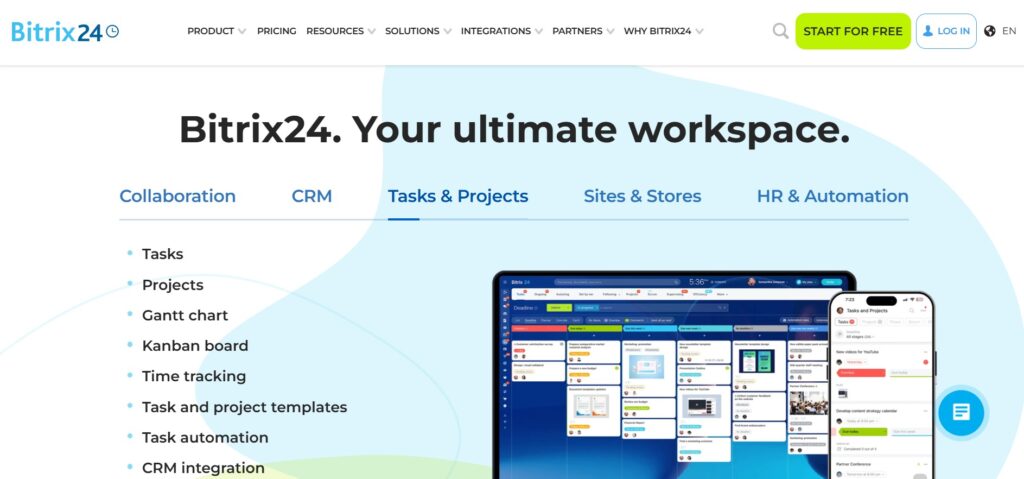
Bitrix24 combines task and project management, CRM, communication, and HR tools in one platform. While versatile, many teams find that as they grow, the user experience, reporting, and customization options become limiting.
Switching to an alternative can improve workflow efficiency, reduce costs, and provide a more focused project management experience. A tool that matches your team’s needs reduces friction, improves clarity, and supports collaboration more effectively.
Best alternatives to Bitrix24 (tested & reviewed)
Here are some of the best software options for you to consider.
1) GoodDay
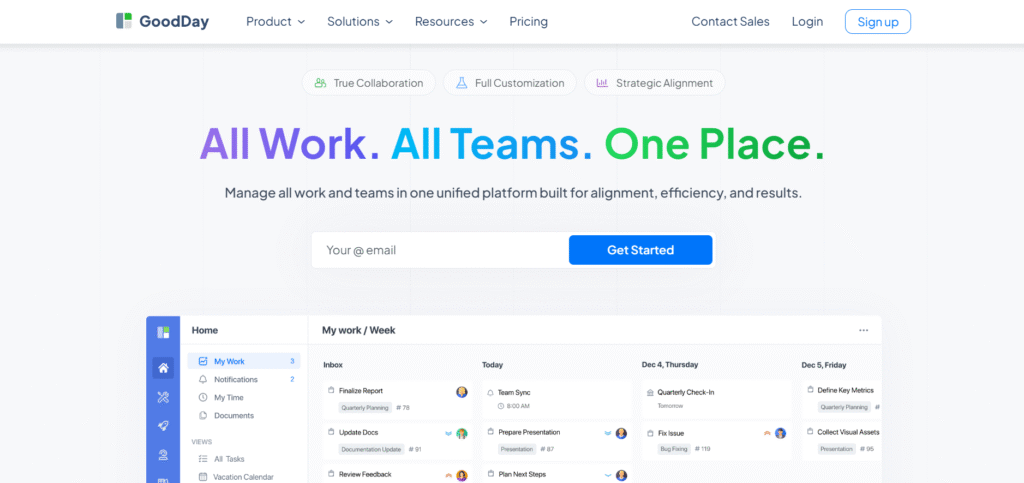
GoodDay is a comprehensive work management platform suitable for teams of all sizes. The platform is used by startups, Fortune 500 companies and enterprises around the world. It allows efficient project planning, task tracking, and workflow automation while keeping costs manageable. GoodDay is recognized as a top-rated software in 12 Capterra shortlists in 2026.
Why it’s a good Bitrix24 alternative
GoodDay combines powerful project management features with affordability. Teams benefit from strong planning and tracking capabilities while keeping software costs lower than many alternatives. GoodDay offers advanced visual tools such as Gantt charts for timeline planning, Kanban boards for task visualization, calendars for scheduling, and dashboards for real-time tracking of progress.
Main features
Task management, time tracking, unlimited project hierarchy, highly customizable workflows (statuses, fields, stages, and automation rules), automation, reporting, dashboards, CRM, resource planning and goal setting.
Integrations
Integrates with Gmail, Slack, Google Workspace, Dropbox, GitHub, and over 1,300 apps through Zapier. Offers API for custom integrations.
Desktop and mobile capabilities
Available on Windows, Mac, Linux, iOS, and Android with full access to tasks, projects, and dashboards.
Pros and cons
| Pros | Cons |
| Trusted by over 100,000 teams worldwide | Advanced reporting requires setup |
| Affordable pricing, free for up to 15 users | Learning advanced workflows can take time |
| No pressure for unnecessary upsells | Focused on productivity, not social features |
| Comprehensive features for planning, tracking, and execution | Extensive customization may slow initial adoption |
2) Asana
Asana is a popular project management tool for cross-functional collaboration. It supports task lists, boards, timelines, and workload management.
Why it’s a good Bitrix24 alternative
Asana provides clear visualization of tasks and workflows, making collaboration intuitive. Its flexibility suits teams moving away from Bitrix24’s all-in-one approach.
Main features
Task and project management, timelines, boards, calendar views, reporting, workload tracking, automation rules, and goal tracking.
Integrations
Integrates with Slack, Gmail, Outlook, Microsoft Teams, Zoom, and over 200 other apps. API available for custom workflows.
Desktop and mobile capabilities
Available on Windows, Mac, iOS, and Android, with offline support and real-time syncing.
Pros and cons
| Pros | Cons |
| Strong collaboration features | Can be expensive for larger teams |
| Multiple project views | Advanced reporting may require premium plan |
| Easy task assignment and tracking | Automation limited in free plan |
| Widely adopted and documented | Learning curve for new users |
3) Monday.com
Monday.com is a visual work management platform used by teams needing easy-to-understand boards. It supports a wide range of workflows from project tracking to marketing campaigns.
Why it’s a good Bitrix24 alternative
Monday.com offers visual boards and templates that make projects easier to manage. It provides flexibility for teams without overwhelming them with features they may not use.
Main features
Boards, dashboards, automations, time tracking, templates, workload views, reporting.
Integrations
Integrates with Slack, Outlook, Google Workspace, Microsoft Teams, Zoom, and Zapier. API for custom workflows is available.
Desktop and mobile capabilities
Accessible via Windows, Mac, iOS, and Android, supporting real-time updates and notifications.
Pros and cons
| Pros | Cons |
| Highly visual boards and dashboards | Can become costly with many users |
| Flexible workflow customization | Complexity increases with advanced features |
| Wide template library | Learning curve for complex automations |
| Strong third-party integrations | Some integrations require premium plans |
4) Wrike
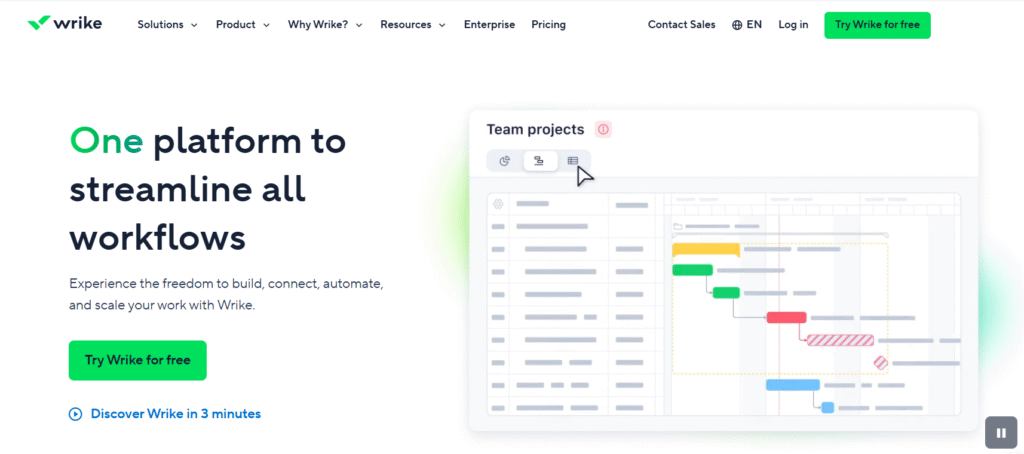
Wrike is designed for teams with complex workflows and reporting needs. Suitable for marketing, creative, and enterprise teams.
Why it’s a good Bitrix24 alternative
Wrike offers advanced reporting and resource management tools. It provides granular control over projects, timelines, and tasks.
Main features
Task management, Gantt charts, time tracking, reporting, workload management, proofing tools, dashboards.
Integrations
Connects with Slack, Microsoft Teams, Outlook, Google Workspace, Salesforce, and over 400 apps. API available.
Desktop and mobile capabilities
Available on Windows, Mac, iOS, and Android with offline support.
Pros and cons
| Pros | Cons |
| Advanced project and resource management | Learning curve is high |
| Detailed reporting capabilities | Paid tiers required for full features |
| Custom workflows and dashboards | Setup can be time-consuming |
| Good for enterprise teams | Overkill for small teams |
5) ClickUp
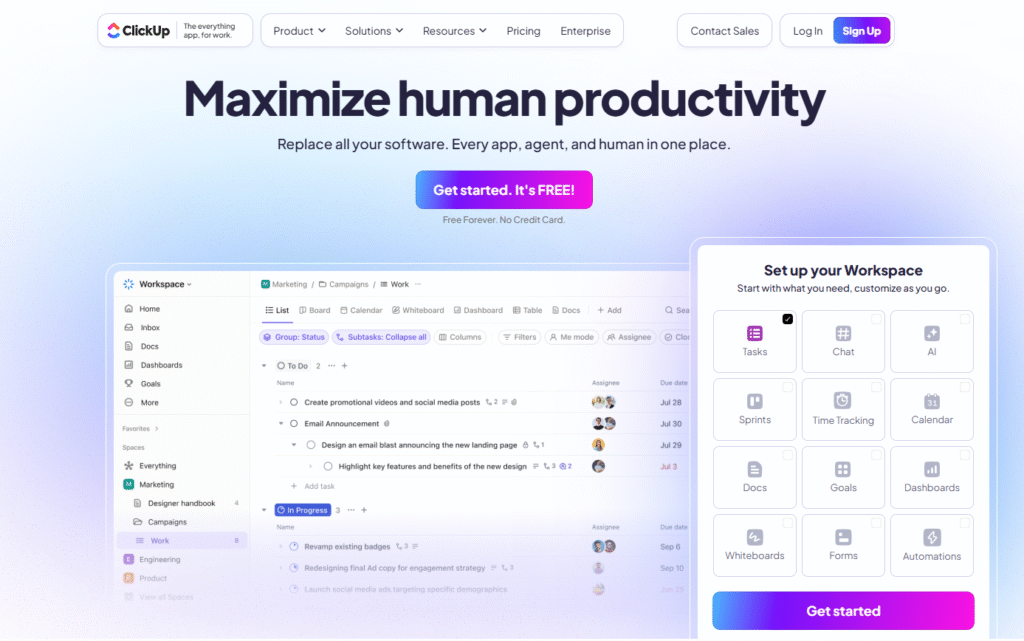
ClickUp is an all-in-one platform for highly customizable workflows. Supports project management, task tracking, docs, goals, and automation.
Why it’s a good Bitrix24 alternative
ClickUp allows teams to tailor workflows exactly to their processes. Its feature depth suits teams looking to consolidate multiple tools.
Main features
Tasks, docs, goals, time tracking, dashboards, automation, templates, reporting.
Integrations
Integrates with Slack, Gmail, Outlook, Zoom, GitHub, Microsoft Teams, and thousands of apps via Zapier.
Desktop and mobile capabilities
Available on Windows, Mac, Linux, iOS, and Android, with offline mode and cloud sync.
Pros and cons
| Pros | Cons |
| Highly customizable | Complexity may overwhelm new users |
| Feature-rich platform | Some features require paid plans |
| Supports multiple workflow styles | Setup requires planning |
| Affordable for teams | Overlapping features may confuse users |
6) Zoho Projects
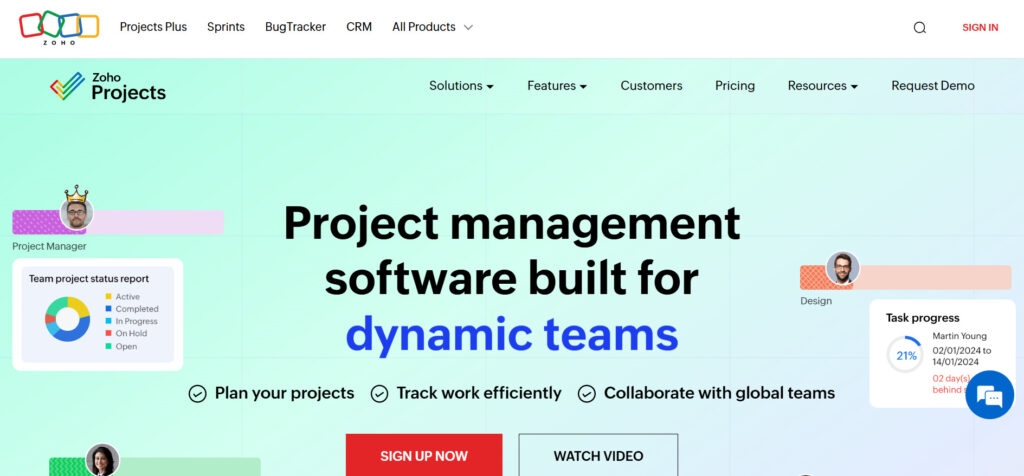
Zoho Projects is a scalable platform for small to medium businesses. It provides task management, Gantt charts, and time tracking.
Why it’s a good Bitrix24 alternative
Zoho Projects offers affordability and simplicity with enough features for effective project planning. It’s ideal for cost-conscious teams.
Main features
Tasks, subtasks, Gantt charts, timesheets, issue tracking, dashboards, reporting.
Integrations
Integrates with Zoho apps, Gmail, Slack, Microsoft Teams, and other third-party apps. API for custom integrations.
Desktop and mobile capabilities
Available on Windows, Mac, iOS, and Android with offline access.
Pros and cons
| Pros | Cons |
| Affordable pricing | Limited advanced features |
| Simple interface | Reporting less robust than competitors |
| Task and time tracking included | Limited automation |
| Scalable for SMBs | Integrations require setup |
7) Trello
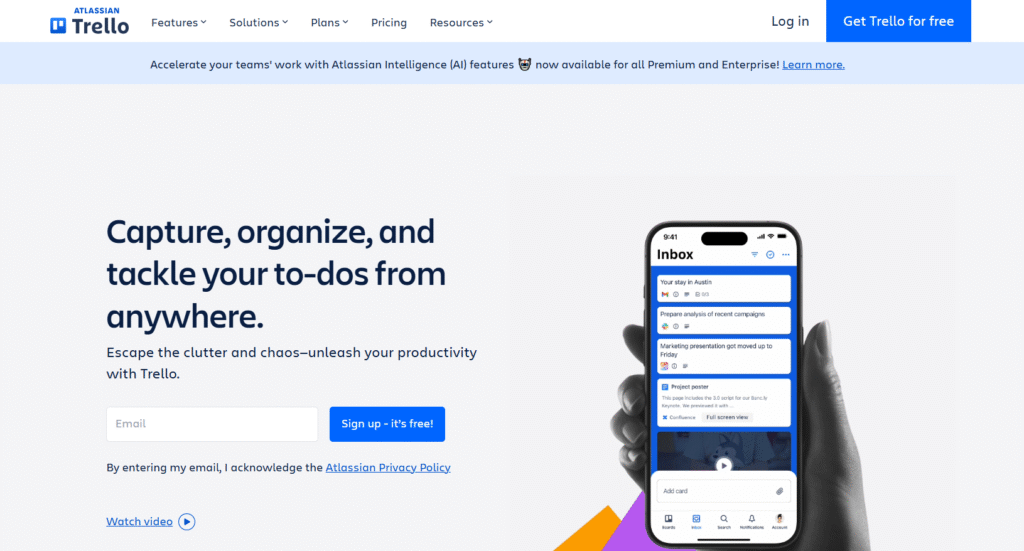
Trello uses a card-and-board system for task management. Best suited for small teams and simple projects.
Why it’s a good Bitrix24 alternative
Trello provides simplicity and ease of use. It’s a lightweight alternative to the more complex Bitrix24 platform.
Main features
Boards, cards, lists, labels, checklists, due dates, automation with Butler.
Integrations
Supports Slack, Gmail, Google Drive, Microsoft Teams, and hundreds of third-party integrations.
Desktop and mobile capabilities
Available on Windows, Mac, iOS, and Android with real-time sync.
Pros and cons
| Pros | Cons |
| Easy to use | Limited features for complex projects |
| Flexible board system | Can be too simple for large teams |
| Affordable/free for small teams | Advanced reporting requires paid plan |
| Good visual workflow | Less structured than traditional PM tools |
8) Jira
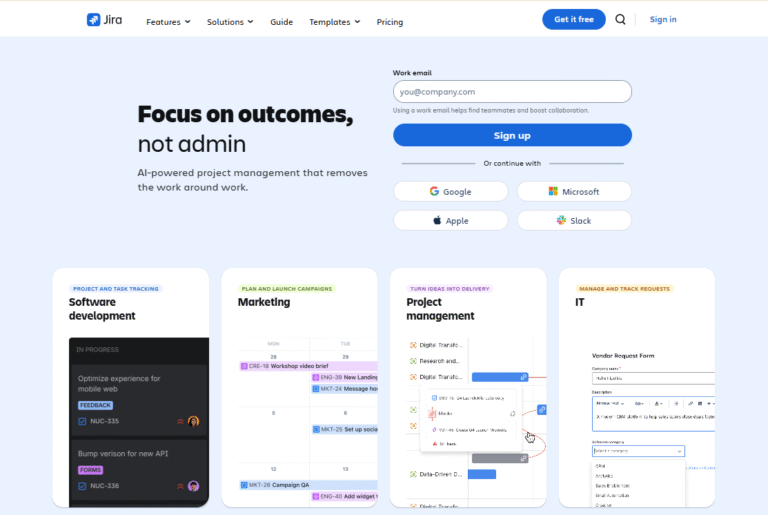
Jira is a project management tool for software and agile development teams. Supports issue tracking, Scrum, and Kanban boards.
Why it’s a good Bitrix24 alternative
Jira provides advanced workflows and issue tracking. Ideal for teams needing robust development project tracking.
Main features
Backlogs, boards, sprints, issue tracking, reporting, dashboards, automation.
Integrations
Integrates with Confluence, Slack, GitHub, GitLab, Microsoft Teams, and other development tools.
Desktop and mobile capabilities
Available on Windows, Mac, iOS, and Android. Mobile app supports task updates and notifications.
Pros and cons
| Pros | Cons |
| Powerful for agile teams | Complexity can be overwhelming |
| Detailed issue tracking | Steep learning curve |
| Custom workflows | Requires setup and maintenance |
| Good reporting for development | Non-technical teams may find it too complex |
9) Microsoft Teams
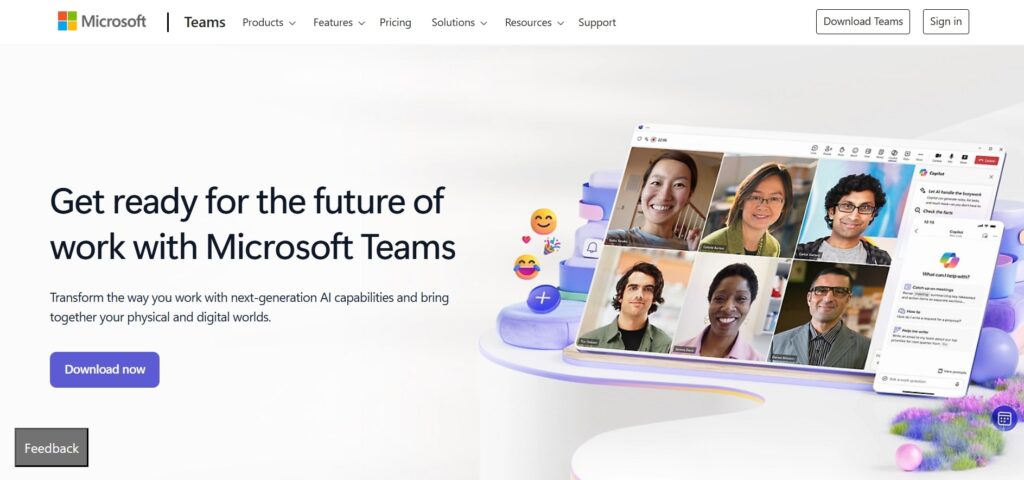
Microsoft Teams combines communication and task management within Microsoft 365. Best for organizations embedded in Microsoft ecosystem.
Why it’s a good Bitrix24 alternative
Teams provides chat, meetings, file sharing, and task management in one interface. It’s ideal for businesses using Office apps heavily.
Main features
Chat, video calls, meetings, tasks, calendar integration, file sharing, teams and channels.
Integrations
Integrates with Office apps, Planner, SharePoint, OneDrive, Slack, and third-party apps. API for custom integrations.
Desktop and mobile capabilities
Available on Windows, Mac, iOS, and Android, supporting real-time collaboration.
Pros and cons
| Pros | Cons |
| Integrated with Microsoft ecosystem | Task management is basic |
| Supports chat and meetings | Not ideal as standalone PM tool |
| Good for hybrid teams | Limited reporting features |
| Secure enterprise environment | Can feel complex for small teams |
10) HubSpot

HubSpot offers project management features tied to CRM, marketing, and sales workflows. Useful for teams linking projects to customer interactions.
Why it’s a good Bitrix24 alternative
HubSpot combines CRM and project management, reducing the need for separate tools. It helps teams align projects with marketing and sales goals.
Main features
Task management, projects, pipelines, dashboards, reporting, team collaboration.
Integrations
Integrates with Gmail, Outlook, Slack, Salesforce, Zoom, and other business tools. API available.
Desktop and mobile capabilities
Accessible on Windows, Mac, iOS, and Android.
Pros and cons
| Pros | Cons |
| CRM and project alignment | Project features limited compared to dedicated PM tools |
| Good for marketing/sales teams | Paid plans required for advanced features |
| Centralized dashboards | May be overkill for small non-sales teams |
| Automation included | Setup complexity |
11) Basecamp
Basecamp is a simple, flat-pricing project management solution. Best for small to medium teams seeking simplicity.
Why it’s a good Bitrix24 alternative
Basecamp offers an intuitive, all-in-one platform without feature overload. Teams can collaborate without needing complex configuration.
Main features
To-do lists, message boards, schedules, document/file storage, real-time chat, automatic check-ins.
Integrations
Supports Slack, Zapier, Google Workspace, and other tools.
Desktop and mobile capabilities
Available on Windows, Mac, iOS, and Android with offline access.
Pros and cons
| Pros | Cons |
| Simple and intuitive | Limited advanced project features |
| Flat pricing | Less customizable |
| Good for small teams | Reporting is basic |
| All-in-one communication | Not ideal for large enterprises |
12) OpenProject
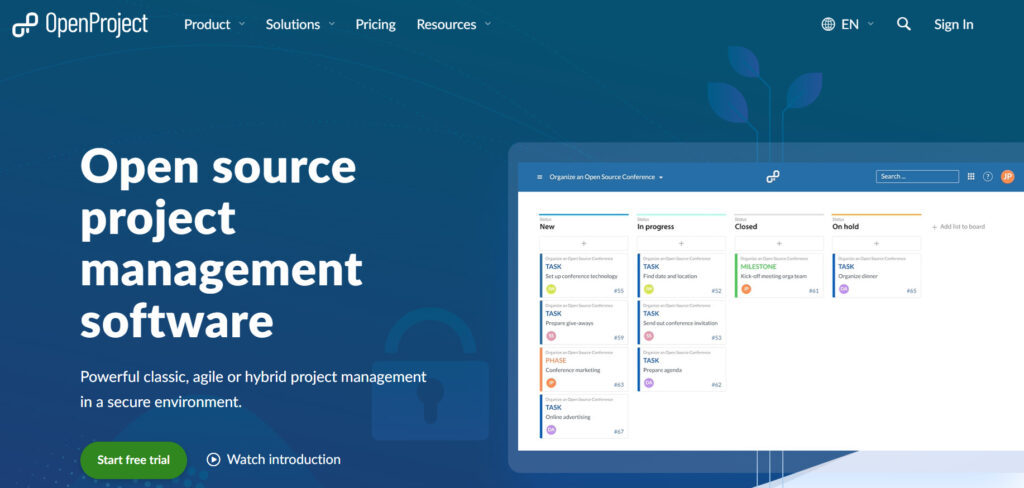
OpenProject is an open-source project management platform. Suitable for teams wanting self-hosting or high control.
Why it’s a good Bitrix24 alternative
OpenProject gives full control over hosting, data, and workflows. Ideal for companies needing privacy and customization.
Main features
Task management, Gantt charts, time tracking, Agile boards, reporting, wiki.
Integrations
Supports LDAP, email notifications, REST API, and third-party apps via plugins.
Desktop and mobile capabilities
Web-based, works on any browser. Mobile apps available.
Pros and cons
| Pros | Cons |
| Open source and customizable | Requires hosting setup |
| Full control over data | Less user-friendly interface |
| Strong project planning tools | Support may be limited |
| Agile and traditional workflows | Some features need technical skills |
13) Smartsheet
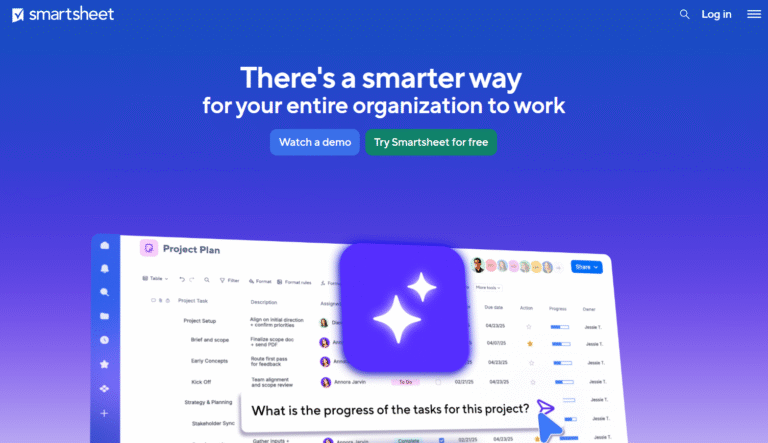
Smartsheet is a spreadsheet-style project management tool for enterprises. Best for teams used to Excel but needing advanced collaboration.
Why it’s a good Bitrix24 alternative
Smartsheet combines familiar spreadsheet interface with project automation and dashboards. Ideal for enterprises managing multiple projects.
Main features
Tasks, Gantt charts, reporting, dashboards, automation, forms, collaboration.
Integrations
Integrates with Microsoft Office, Slack, Google Workspace, Salesforce, and many other apps.
Desktop and mobile capabilities
Available via web, Windows, Mac, iOS, and Android.
Pros and cons
| Pros | Cons |
| Familiar spreadsheet interface | Can be complex for new users |
| Powerful reporting and dashboards | Licensing can be expensive |
| Automation supported | Not as visually intuitive as boards |
| Enterprise scalability | Learning curve for advanced features |
14) Odoo
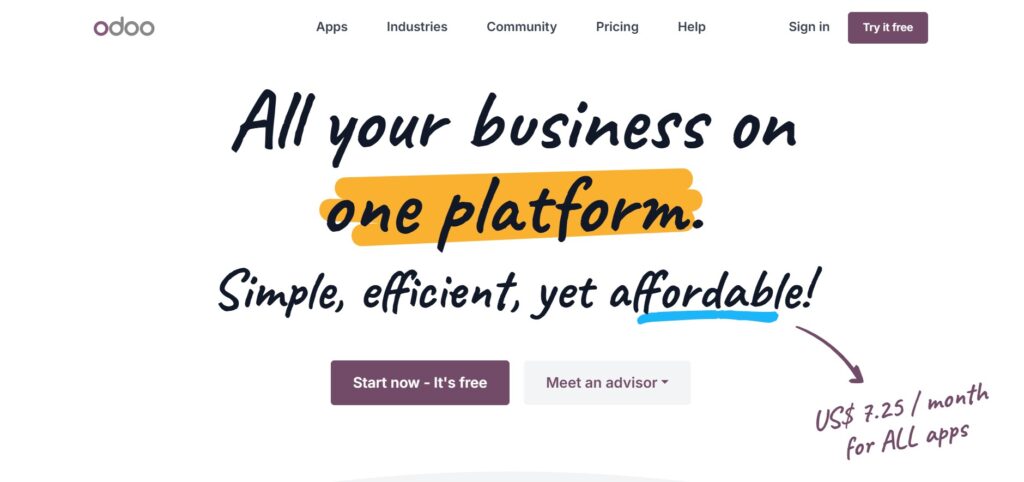
Odoo is an all-in-one ERP with project management capabilities. Best for teams needing integrated business apps.
Why it’s a good Bitrix24 alternative
Odoo allows combining project management with CRM, accounting, and inventory. Reduces the need for multiple systems.
Main features
Project planning, tasks, timesheets, CRM, accounting, sales, inventory management.
Integrations
Supports Odoo apps and APIs; connects to common business tools via API and third-party connectors.
Desktop and mobile capabilities
Available on Windows, Mac, iOS, and Android.
Pros and cons
| Pros | Cons |
| All-in-one ERP and PM | Complex setup |
| Customizable modules | Requires training |
| Integrates business functions | Paid modules add cost |
| Good for growing companies | May be overkill for small teams |
15) Microsoft Project (Planner)
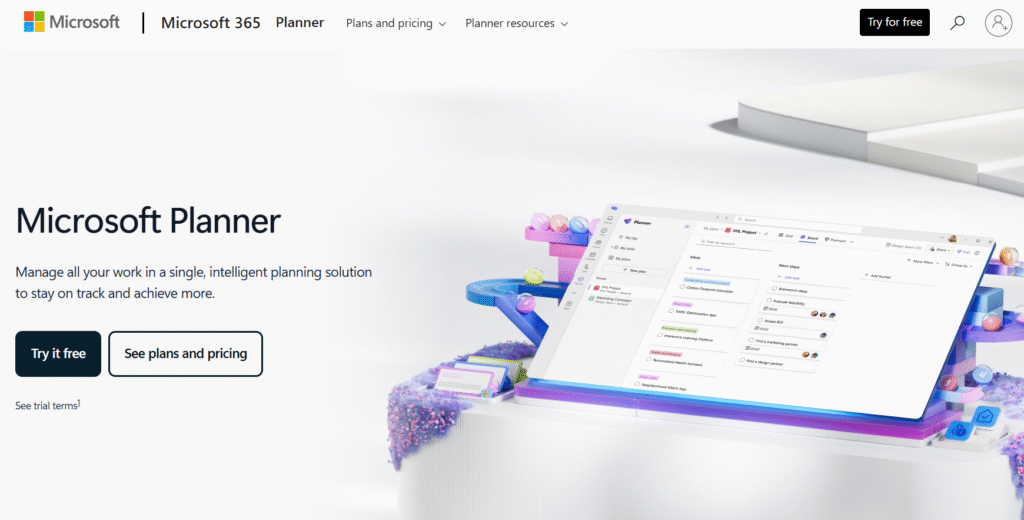
Microsoft Project (Microsoft Planner) is a traditional enterprise project management software. Best for large teams managing schedules and resources.
Why it’s a good Bitrix24 alternative
Microsoft Project provides detailed scheduling, resource management, and reporting. Ideal for PMO teams with formal project workflows.
Main features
Gantt charts, resource management, scheduling, reporting, project templates, dashboards.
Integrations
Integrates with Microsoft 365 apps, SharePoint, Teams, and APIs for custom tools.
Desktop and mobile capabilities
Available on Windows, web, iOS, and Android for task updates and viewing.
Pros and cons
| Pros | Cons |
| Comprehensive scheduling tools | Expensive for small teams |
| Resource and workload management | Steep learning curve |
| Enterprise reporting | Complex interface |
| Integration with Microsoft ecosystem | Not intuitive for casual users |
How to select Bitrix24 alternative for your business: main criteria
Focus on how each tool aligns with your workflows, team size, and goals.
Functionality
Assess task management, reporting, automation, and workflow features. Make sure it supports your core processes without unnecessary complexity.
Usability
Look for an intuitive interface and ease of adoption. Tools that are too complex may slow productivity.
Customer support
Reliable support is crucial for onboarding and resolving issues quickly. Consider available channels and responsiveness.
Value for money
Compare pricing against features and team size. Free tiers or affordable paid plans can save money while covering core needs.
Customer reviews
Check independent reviews and feedback from teams of similar size or industry. Real-world insights can highlight strengths and weaknesses.
Save up to 50% by switching from Bitrix24 to GoodDay
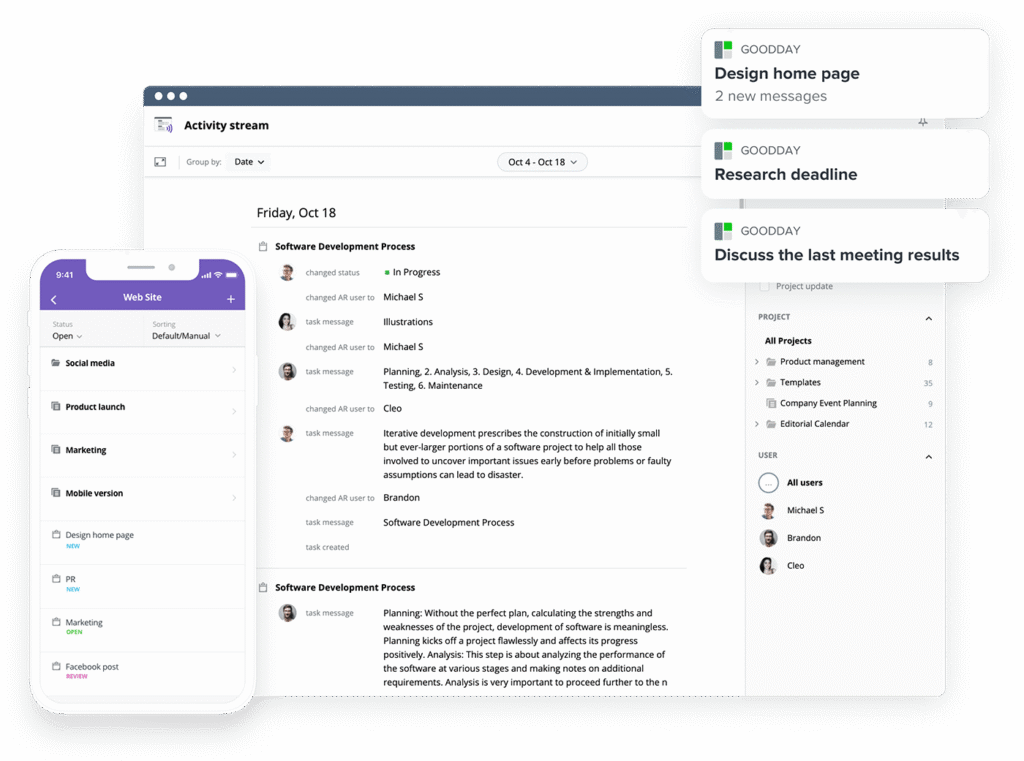
If you’re looking for the best balance of customization and price, GoodDay stands out in 2026. It is popular globally for its powerful functionality and affordable plans.
You can try GoodDay for free to see how it fits your workflow.
If you have questions about selecting the right project management software for your business, you can reach out to our team via info@goodday.work
FAQs
How easy is it to migrate existing projects and data from Bitrix24 to a new platform?
Migrating to a new project management tool can be seamless with GoodDay thanks to its CSV import, Zapier integrations, and manual adjustments. Teams can transfer project tasks and project documents without losing history or progress. Other project management tools often require complex workarounds or manual recreation of workflows. GoodDay’s user-friendly interface ensures minimal disruption and faster adoption for project managers and team members.
What are the typical pricing options for alternatives, and are there affordable plans for growing teams?
GoodDay offers a free version for small teams, with Professional plans at $4/user/month and Business plans at $7/user/month, making it ideal for small and medium businesses. Other project management tools can be costly, especially when adding essential features or advanced reporting capabilities. Its pricing allows teams to manage projects efficiently without stretching budgets. Medium businesses seeking workflow management can scale smoothly as their needs grow.
Can I try a free version before committing to a paid plan, and what limitations should I expect?
GoodDay provides a free version that includes task management, dashboards, and collaboration tools for up to 15 users. Some advanced reporting capabilities and automation features are limited in the free plan. Other project management tools may restrict file sharing, project progress tracking, or project stages in their free tiers. This allows teams to evaluate project performance and workflow efficiency before upgrading.
How does switching to a new tool affect team collaboration and ongoing project workflows?
Switching to GoodDay can significantly enhance team collaboration through intuitive dashboards, task automation, and efficient task management. Teams can track progress across multiple tasks and project stages while maintaining clarity on responsibilities. Other project management tools may disrupt workflows if project tasks are not imported correctly or if the user interface is overly complex. GoodDay’s comprehensive project management tool streamlines adoption, improving project success from day one.
Which free plan of project management software is best for small teams?
For small businesses, GoodDay’s free plan is the most generous, covering up to 15 users with project tasks, dashboards, and basic reporting. It provides file sharing capabilities and team communication features that many other project management tools limit in free tiers. Teams can visualize project timelines and track progress without immediate cost. This makes it the best alternative to Bitrix24 for startups and small teams.
What advanced features should I look for in tools handling complex projects?
When managing project complexity, GoodDay provides advanced reporting capabilities, task automation, and customizable dashboards to improve project performance. Other project management tools may lack flexibility in workflow management or team productivity tracking. Features like file sharing, milestone tracking, and project progress visualization help project managers coordinate multiple tasks efficiently. GoodDay’s management tool ensures smooth execution across project stages for medium businesses seeking structured control.
What are some of the key criteria to choose software that fit my business needs?
Selecting a management tool should focus on key features like project tasks tracking, team communication, and task automation to match business needs. Other project management tools may not support seamless file sharing capabilities or project documents access across teams. The user interface and integrations with existing file storage platforms are crucial for adoption. GoodDay excels in aligning business processes with project execution, making it ideal for small and medium businesses.
Which platforms support file sharing, customer relationship management, contact management, and an intuitive project workflow?
GoodDay is a comprehensive project management tool that integrates customer data, contact management, file sharing capabilities, and an intuitive project workflow. Other project management tools often focus on one or two functions, requiring multiple platforms to streamline project management. GoodDay allows teams to enhance team collaboration while tracking project progress and project performance efficiently. It also supports client relationships and sales efficiency through seamless integration with CRM systems.




