
Birdview is a solid choice for many, but your team might need different features, a simpler interface, or a more budget-friendly price tag to keep things running smoothly.
In this guide, we’ll explore the best Birdview alternatives to help you make the right choice.
But if you have any questions that are not covered in this article, you can always connect with our team via info@goodday.work.
Best Birdview alternatives shortlist for 2026
There are several high-quality options available depending on whether you need deep financial tracking, creative collaboration, or enterprise-scale resource planning.
- GoodDay: A tool that offers a highly customizable environment that bridges the gap between high-level project planning, task management, and detailed time tracking.
- Scoro: Often rated as the best overall alternative, it provides a comprehensive, all-in-one solution for managing projects, quotes, billing, and reporting, offering a strong alternative for agency management.
- Kantata (formerly Mavenlink): A top-tier, enterprise-focused tool designed for complex resource optimization, financial management, and advanced analytics.
- BigTime: Tailored for professional services firms needing comprehensive time tracking, billing, and project management.
- Accelo: A strong choice for client-facing teams, allowing for end-to-end management from quote to payment.
- Wrike: Known for its flexible, high-level project management features, it is well-suited for teams focusing on collaboration and creative workflows.
- Productive: Specifically designed to manage agency profitability, covering budgeting, resource planning, and time tracking.
- Planview AdaptiveWork: A top-rated enterprise tool for project portfolio management and strategic, large-scale resource allocation.
- Teamwork.com: A popular choice for client-centric project management.
- Basecamp: Known for its simplicity and ease of use in project tracking.
- ClickUp: A highly customizable project management tool suitable for diverse team needs.
Comparison of the best Birdview alternatives (free and paid)
Comparing these tools requires looking at their core strengths, their pricing structures, and how easily you can move your existing data from Birdview.
| Software | Best for | Pricing | Ease of migration from Birdview |
| GoodDay | Best overall balance of features and cost | Free plan (1–15 users); Professional $4/user/month; Business $7/user/month; Enterprise custom | Easy (CSV import, Zapier integrations) |
| Scoro | End-to-end business management | Starts at $26/user/month | Moderate (Direct import and API) |
| Kantata | Enterprise resource optimization | Custom pricing (Contact sales) | Complex (Requires implementation support) |
| BigTime | Billing and time tracking for firms | Starts at $20/user/month | Moderate (CSV and integrations) |
| Accelo | Automating client work | Starts at $30/user/month | Moderate (Migration tools available) |
| Wrike | Cross-functional collaboration | Free; Team $9.80; Business $24.80; Enterprise custom | Easy (Excel/CSV import) |
| Productive | Agency profitability | Starts at $11/user/month | Easy (Standardized imports) |
| Planview AdaptiveWork | Global portfolio management | Custom pricing (Contact sales) | Complex (Professional services recommended) |
| Teamwork.com | Client-focused projects | Free; Starter $5.99; Deliver $9.99; Grow $19.99 | Easy (Direct import tools) |
| Basecamp | Simple communication | $15/user/month or $299/month for unlimited | Easy (Manual or 3rd party tools) |
| ClickUp | Total customization | Free; Unlimited $7; Business $12; Enterprise custom | Easy (Automated import tools) |
What is Birdview and why consider an alternative?
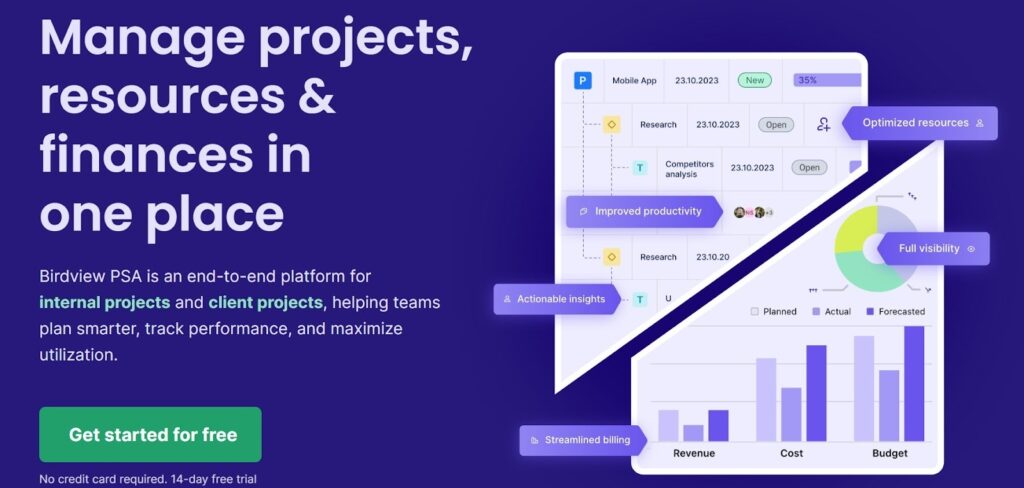
Birdview is a comprehensive platform designed to help professional services teams manage their entire project lifecycle. It combines resource management, project planning, and financial tracking into a single dashboard. Many companies use it to gain visibility into their team’s workload and to ensure that projects remain profitable from start to finish.
However, some businesses find that Birdview can be overly complex for their specific needs or that the cost scales too quickly as their team grows. Others might look for an alternative because they need more specialized integrations or a more modern, intuitive user interface.
If your team spends more time managing the software than doing the work, it might be time to look for a more streamlined solution.
In-depth overview of the best alternatives to Birdview
Recent reports from industry leaders like Wellingtone and the Standish Group show a direct correlation between the use of specialized management tools and a company’s financial health. The following platforms represent the top alternatives to Birdview which can help you to manage your projects efficiently.
GoodDay
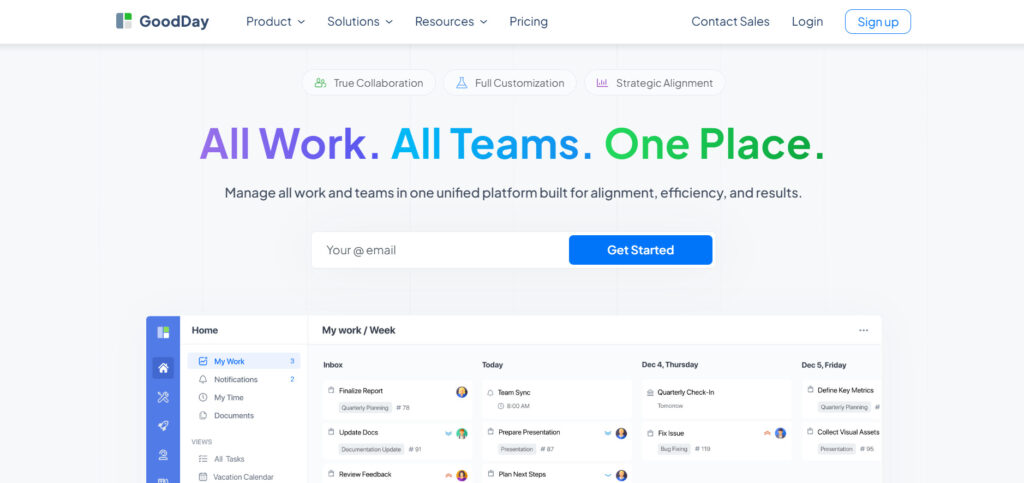
GoodDay is a comprehensive work management solution utilized by major corporations, emerging startups, and organizations of all sizes across the globe. By making the switch to GoodDay, you can reduce your software expenses by as much as 50% while retaining the powerful tools you rely on. Moving your data into the platform is efficient and can be completed in just a couple of minutes.
Why it’s a good Birdview alternative:
GoodDay is consistently featured on 12 different Capterra shortlists for its excellence in the industry. Users appreciate the platform because it provides a sophisticated feature set without the high price tag typically associated with PSA software. The affordability of the plans ensures that teams receive high value for their investment.
Main features:
The platform offers a robust set of tools designed to streamline every aspect of project and team management.
- Customizable workflows and project structures.
- Advanced time tracking and resource management.
- Interactive Gantt charts and Kanban boards.
- Personalized dashboards for individual and team views.
- Comprehensive reporting and data visualization.
Integrations
GoodDay provides built-in connections for G Suite, Gmail, Slack, and Google productivity tools like Docs, Drive, and Calendar. It also works with Dropbox, Box.com, and GitHub/GitLab, while offering SSO via SAML for security. Beyond these, it links to over 1,300 apps through Zapier and offers a public API for custom needs.
Desktop and mobile capabilities
Users can access GoodDay on Windows, Mac, and Linux desktops for a full-screen experience. For mobile flexibility, dedicated apps are available for both iOS and Android, ensuring you can manage tasks and view dashboards from anywhere.
Pros and Cons
| Pros | Cons |
| Trusted by over 100,000 teams globally | Complex reports may need initial setup help |
| Wide variety of built-in features | Customizing workflows takes some preparation |
| Free for 15 users and very low-cost paid plans | Learning advanced features has a slight curve |
| No aggressive sales or upselling tactics | High customization can feel overwhelming at first |
Scoro
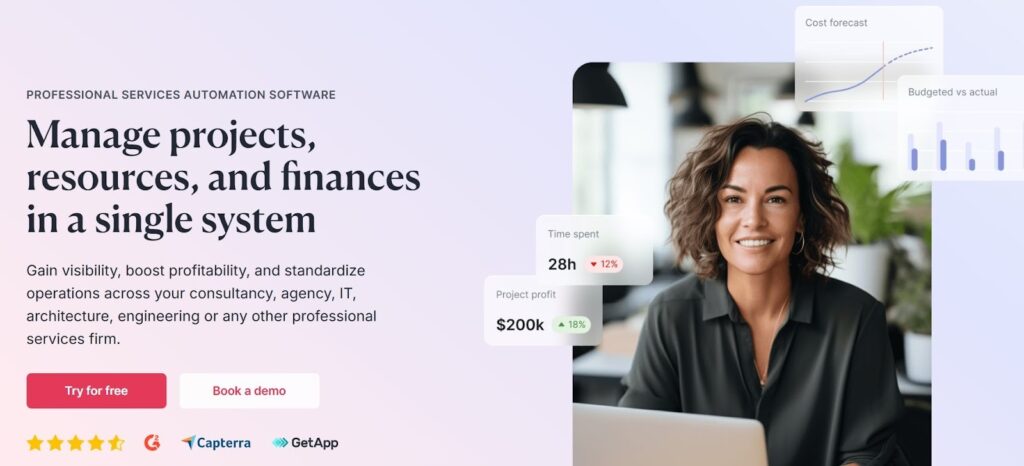
Scoro is a comprehensive business management software that combines project management with sales and finance tools. It is specifically built for professional services and agencies that need to track everything from the first lead to the final invoice. This tool excels at providing a 360-degree view of a company’s performance in one place.
Why it’s a good Birdview alternative:
Scoro is a powerful alternative because it handles the financial side of projects more deeply than most standard project tools. It replaces multiple apps by including quoting, billing, and utilization tracking in the same interface. For teams moving away from Birdview, it offers a similarly robust feature set with a more modern feel.
Main features:
Scoro provides an integrated environment where project data and financial metrics live side-by-side.
- Real-time Gantt charts for project tracking.
- Automated quoting and multi-currency invoicing.
- Resource planning and individual capacity tracking.
- Advanced business intelligence dashboards.
Integrations
Scoro integrates with popular accounting tools like QuickBooks and Xero, as well as storage solutions like Google Drive and Dropbox. It also supports connections with Zapier and Mailchimp to sync marketing and administrative workflows.
Desktop and mobile capabilities
The platform is accessible via any modern web browser on Windows or Mac. It also provides mobile applications for iOS and Android to manage time tracking and view project updates on the move.
Pros and Cons
| Pros | Cons |
| Exceptional end-to-end business visibility | Higher price point than many competitors |
| Built-in quoting and billing features | Can be complex to set up initially |
| Excellent resource utilization tools | Steeper learning curve for new employees |
| Strong automation for routine tasks | Some features may be overkill for small teams |
Kantata (formerly Mavenlink)
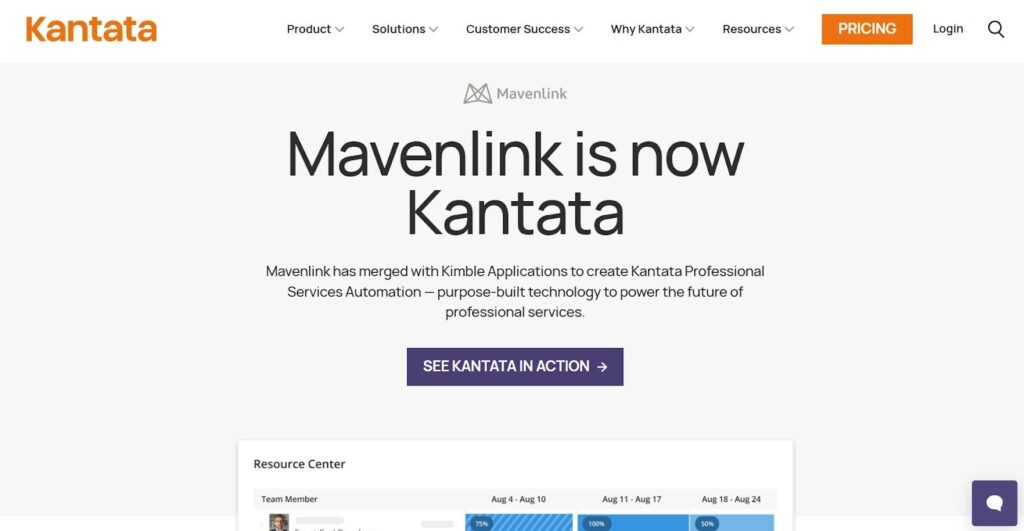
Kantata is an enterprise-grade solution designed specifically for professional services organizations that require deep insights into their operations. It focuses on the “Resource First” approach, helping large teams optimize their workforce and improve margins. The platform is highly regarded for its advanced analytics and financial management capabilities.
Why it’s a good Birdview alternative:
Kantata is ideal for those who feel they have outgrown Birdview’s resource management or reporting features. It offers more sophisticated forecasting and capacity planning tools that are essential for large-scale operations. It is a true enterprise solution that handles the complexity of global teams.
Main features:
The software is designed to manage the delicate balance between project delivery and financial health.
- Dynamic resource forecasting and scheduling.
- Detailed project accounting and margin tracking.
- Advanced business intelligence and custom reporting.
- Secure client collaboration portals.
Integrations
Kantata integrates deeply with enterprise systems like Salesforce, NetSuite, and HubSpot. It also connects with standard tools like Slack, Jira, and various accounting platforms to ensure data consistency across the organization.
Desktop and mobile capabilities
Kantata is primarily a web-based platform optimized for desktop use on Windows and Mac. While it does not focus as heavily on a standalone mobile app, the web interface is responsive and accessible via mobile browsers.
Pros and Cons
| Pros | Cons |
| Industry-leading resource management | Very expensive for smaller teams |
| Powerful financial forecasting tools | Requires significant time to implement |
| Highly scalable for large organizations | Interface can feel dense and technical |
| Robust data security and permissions | Customization often requires expert help |
BigTime
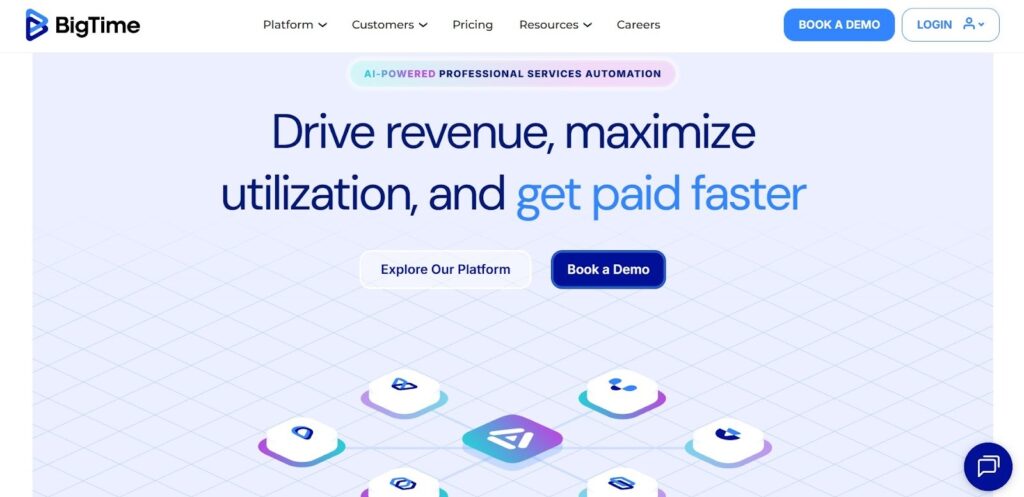
BigTime is a specialized PSA tool that focuses heavily on time tracking, billing, and expense management for professional firms. It is designed to help consultants, engineers, and accountants capture every billable hour with precision. The software streamlines the “time-to-invoice” process, improving cash flow.
Why it’s a good Birdview alternative:
BigTime is a great alternative for firms that find Birdview’s billing or time-entry processes to be cumbersome. It offers a more focused experience on the financial aspects of project delivery. The platform is particularly strong for businesses that bill by the hour and need seamless accounting integrations.
Main features:
The platform prioritizes ease of use for staff entering time while giving managers deep financial control.
- Highly intuitive time and expense tracking.
- Customizable invoicing and billing workflows.
- Resource allocation and project budget tracking.
- Real-time reporting on staff utilization.
Integrations
BigTime features gold-standard integrations with QuickBooks and Sage Intacct, making it a favorite for accounting departments. It also connects with Slack, G Suite, and Jira to sync project data.
Desktop and mobile capabilities
BigTime offers a robust web platform for desktop users and a highly-rated mobile app for iOS and Android. The mobile app is specifically optimized for quick time entry and receipt uploading.
Pros and Cons
| Pros | Cons |
| Seamless integration with accounting software | Project management features are basic |
| Excellent mobile app for time tracking | Less visual than other project tools |
| Easy-to-use interface for all staff | Limited customization for workflows |
| Reliable automated billing features | Reporting can be rigid for unique needs |
Accelo
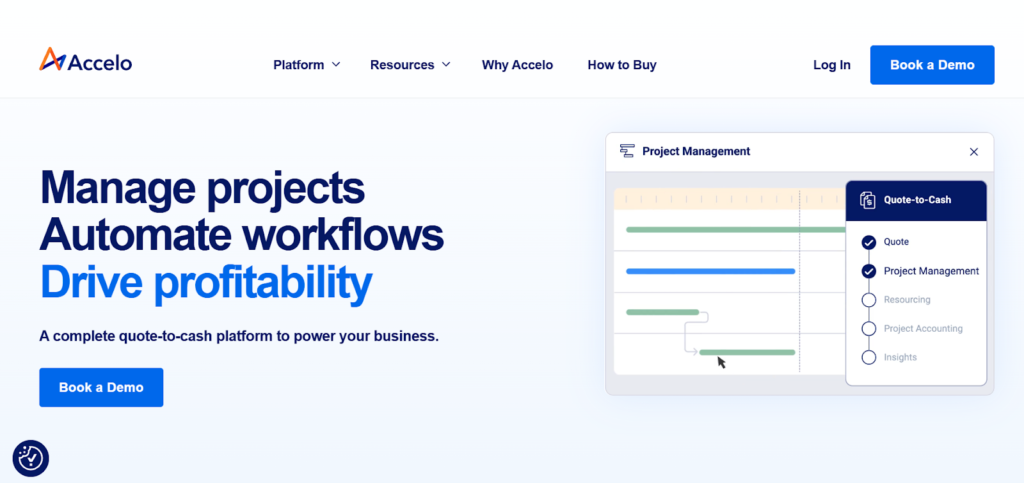
Accelo is a cloud-based platform that automates the entire client work lifecycle, from initial prospecting to final payment. It is unique in how it connects sales (CRM) directly to project delivery and ongoing retainers. This “Service Operations” approach helps teams eliminate data silos.
Why it’s a good Birdview alternative:
Accelo is a strong alternative if you need better integration between your sales pipeline and your project delivery. Unlike Birdview, it has a strong focus on retainers and recurring work, which is vital for many service businesses. It automates much of the administrative work involved in managing client relationships.
Main features:
Accelo focuses on automation to ensure that no billable time or client request falls through the cracks.
- Automated email tracking and CRM integration.
- Retainer management for recurring contracts.
- Integrated ticketing and task management.
- Automatic time capture based on calendar events.
Integrations
Accelo integrates with the entire Microsoft 365 and Google Workspace ecosystems, ensuring emails and meetings are tracked. It also connects with Xero, QuickBooks, and various payment gateways like Stripe.
Desktop and mobile capabilities
The software is web-based and performs well on desktop browsers. Accelo also provides mobile applications for iOS and Android, allowing users to track time and respond to client requests on the go.
Pros and Cons
| Pros | Cons |
| Excellent for managing recurring retainers | Learning curve can be quite steep |
| Strong automation of administrative tasks | The user interface can feel cluttered |
| Bridges the gap between CRM and Projects | Periodic performance lags in the browser |
| Automatic time tracking saves hours | Setup requires a significant time investment |
Wrike
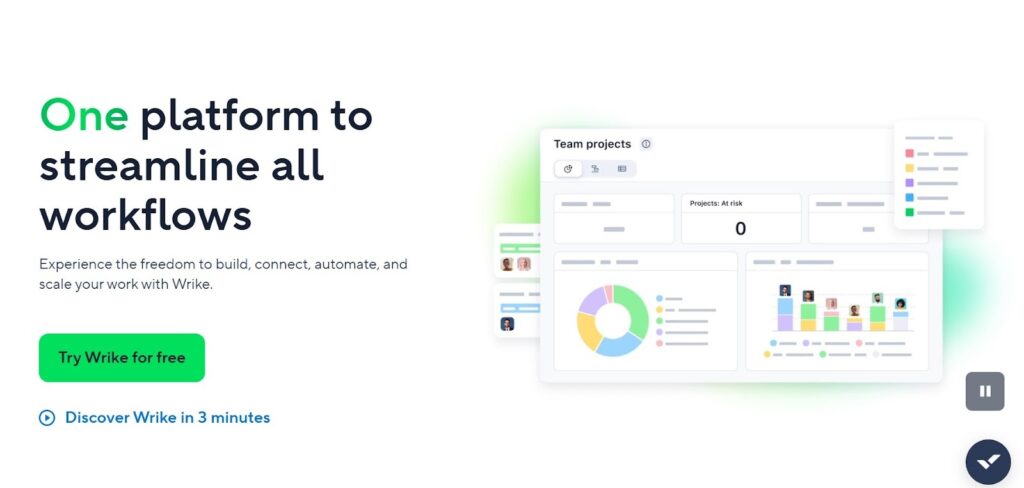
Wrike is a versatile project management platform designed to help teams collaborate more effectively in a digital workspace. It is known for its high level of flexibility, allowing different departments to use the tool in ways that suit their specific needs. From marketing teams to IT groups, Wrike scales across diverse organizational structures.
Why it’s a good Birdview alternative:
Wrike is a better fit for organizations that find Birdview too rigid or focused purely on the professional services model. It offers superior collaboration features, such as real-time document proofing and shared team calendars. If your team prioritizes communication and creative workflows alongside project tracking, Wrike is a strong choice.
Main features:
Wrike provides a balance of high-level visibility and granular task management.
- Cross-departmental space and folder structures.
- Real-time collaborative editing and proofing.
- Dynamic Request Forms to automate intake.
- Interactive Gantt charts and workload views.
Integrations
Wrike offers a massive library of integrations, including Adobe Creative Cloud, Microsoft Teams, and Salesforce. It also supports automated workflows through Wrike Integrate (powered by Workato).
Desktop and mobile capabilities
Wrike provides native desktop apps for Windows and Mac, which offer a more stable experience than the browser. Their mobile apps for iOS and Android are full-featured and highly rated for remote work.
Pros and Cons
| Pros | Cons |
| Highly flexible for different team types | Can be expensive to unlock all features |
| Excellent real-time collaboration tools | Navigation can be confusing for new users |
| Strong proofing and approval workflows | Some features require separate add-ons |
| Great visibility across multiple projects | Initial configuration can be time-consuming |
Productive
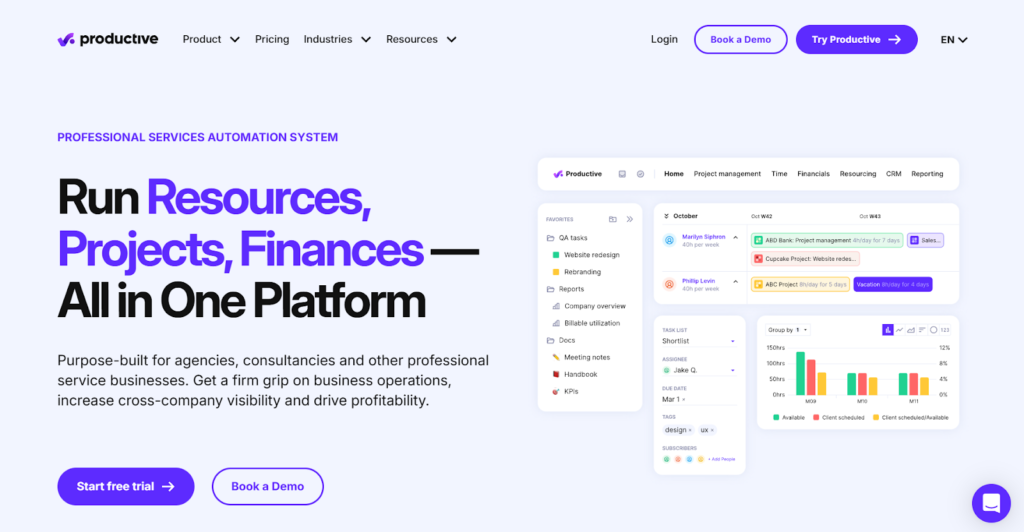
Productive is an all-in-one agency management tool that helps businesses stay profitable and organized. It covers the entire agency funnel, including sales, project management, and resource planning. The platform is specifically designed to provide clear insights into profit margins for every project.
Why it’s a good Birdview alternative:
Productive is a more modern, agency-centric alternative to Birdview. It simplifies the complex task of calculating profitability by automatically linking time tracked to project budgets and overhead costs. For agencies that want a sleek, intuitive interface without sacrificing data depth, Productive is a top choice.
Main features:
The platform is built around the idea that every action should lead to a better understanding of business health.
- End-to-end agency profitability tracking.
- Visual resource planning and heatmaps.
- Sales pipeline management tailored for services.
- Automatic billing and budget alerts.
Integrations
Productive integrates with major accounting software like Xero and QuickBooks. It also connects with Slack for notifications and Jira for technical task syncing.
Desktop and mobile capabilities
The platform is primarily accessed through a web browser on a desktop. It also offers a dedicated mobile app for iOS and Android that focuses on time tracking and task management.
Pros and Cons
| Pros | Cons |
| Very intuitive and modern user interface | Not ideal for non-agency businesses |
| Clear, real-time profitability insights | Limited custom fields in some areas |
| Easy-to-use resource planning tools | Sales CRM is basic compared to Salesforce |
| Fast setup compared to traditional PSA | Reporting can be less flexible than Birdview |
Planview AdaptiveWork
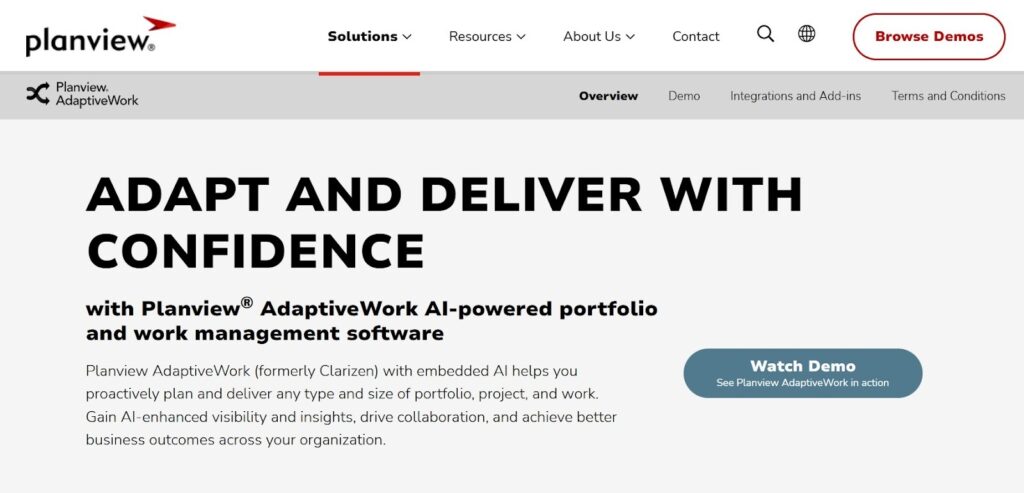
Planview AdaptiveWork (formerly Clarizen) is a heavy-duty enterprise project portfolio management (PPM) tool. It is designed for large organizations that need to align their daily work with high-level strategic goals. The platform is highly configurable to accommodate complex business processes.
Why it’s a good Birdview alternative:
AdaptiveWork is the natural next step for companies that find Birdview’s portfolio management features insufficient. It offers much deeper “what-if” scenario planning and strategic alignment tools. It is built for the complexity of global enterprises with thousands of users.
Main features:
This platform is designed to provide a “single source of truth” for the entire enterprise.
- Advanced project portfolio management (PPM).
- Strategic goal alignment and tracking.
- Complex resource capacity planning.
- Highly customizable business rule engine.
Integrations
AdaptiveWork integrates with a wide range of enterprise software, including SAP, Oracle, and Salesforce. It also features robust connections with Jira and Microsoft Teams for work execution.
Desktop and mobile capabilities
As an enterprise tool, it is primarily optimized for desktop use via web browsers. It does offer a mobile app for iOS and Android, though it is mostly used for approvals and status updates rather than complex planning.
Pros and Cons
| Pros | Cons |
| Unmatched scalability for large companies | Very steep learning curve |
| Powerful strategic planning capabilities | Implementation is a long-term project |
| Highly customizable to any business logic | User interface can feel dated or “heavy” |
| Excellent for managing complex portfolios | High total cost of ownership |
Teamwork.com
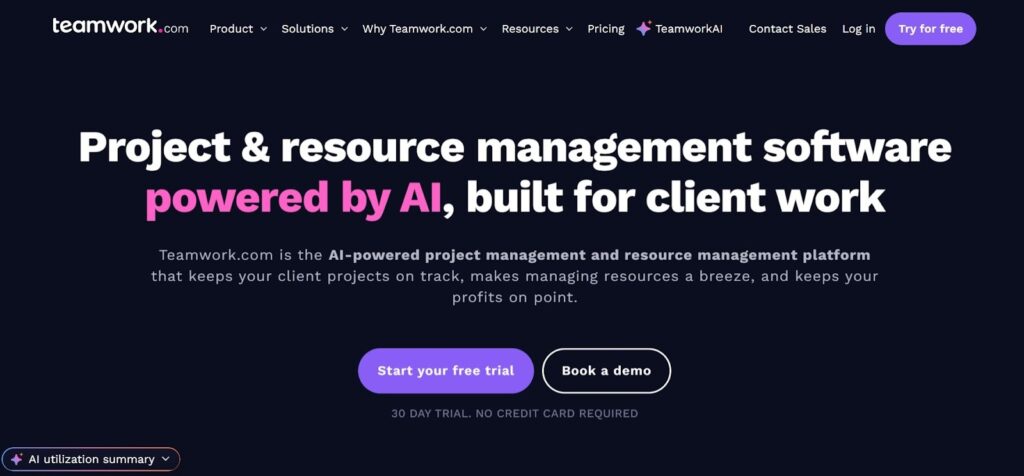
Teamwork.com is a project management platform designed specifically for client-facing teams and agencies. It balances ease of use for the internal team with the professional features needed to impress clients. It focuses on transparency and accountability throughout the project lifecycle.
Why it’s a good Birdview alternative:
Teamwork.com is an excellent alternative if your primary goal is to improve client collaboration. It offers more “out of the box” client features, such as free client users and built-in helpdesk/chat options. It is generally easier to adopt for a team than the more technical Birdview.
Main features:
Teamwork.com provides all the essential tools for running projects profitably while keeping clients in the loop.
- Unlimited free client users on most plans.
- Integrated time tracking and invoicing.
- Advanced task dependencies and milestones.
- Workload management and resource views.
Integrations
Teamwork.com has a large ecosystem of integrations, including HubSpot, Slack, and various storage providers. It also has its own suite of tools (Chat, Desk, CRM) that work together seamlessly.
Desktop and mobile capabilities
Teamwork.com offers native desktop applications for Windows and Mac. Their mobile apps for iOS and Android are frequently updated and provide a very smooth user experience.
Pros and Cons
| Pros | Cons |
| Free access for clients is a huge plus | Advanced reporting can be hard to master |
| Very user-friendly and easy to navigate | Some features feel scattered across apps |
| Strong set of built-in templates | Mobile app lacks some desktop features |
| Great balance of features and price | Initial setup of permissions takes time |
Basecamp
Basecamp is a project management and internal communication tool that focuses on simplicity above all else. It organizes work into specific projects, each containing its own message board, to-do list, and file storage. It intentionally avoids complex features like Gantt charts or heavy resource management.
Why it’s a good Birdview alternative:
Basecamp is the best choice for teams that find Birdview to be “too much software.” If you don’t need detailed time tracking or financial reporting and just want a place to keep everyone on the same page, Basecamp is a refreshing change. It is famous for its flat pricing and ease of use.
Main features:
Basecamp provides a “calm” approach to work by centralizing communication and files.
- Simplified to-do lists and scheduling.
- Centralized message boards for discussions.
- Hill Charts for tracking project progress.
- Automatic “Check-ins” for team updates.
Integrations
Basecamp offers a curated list of integrations via its “Extras” page, including tools for time tracking and reporting. It also connects with Zapier for broader connectivity.
Desktop and mobile capabilities
Basecamp is available on almost every platform, including dedicated apps for Windows, Mac, iOS, and Android. The experience is consistent across all devices.
Pros and Cons
| Pros | Cons |
| Extremely easy to learn and use | Lacks native time tracking/billing |
| Flat monthly pricing is very predictable | No Gantt charts or resource management |
| Keeps all communication in one place | Very limited customization options |
| Great for small teams and simple projects | Not suitable for complex PSA needs |
ClickUp
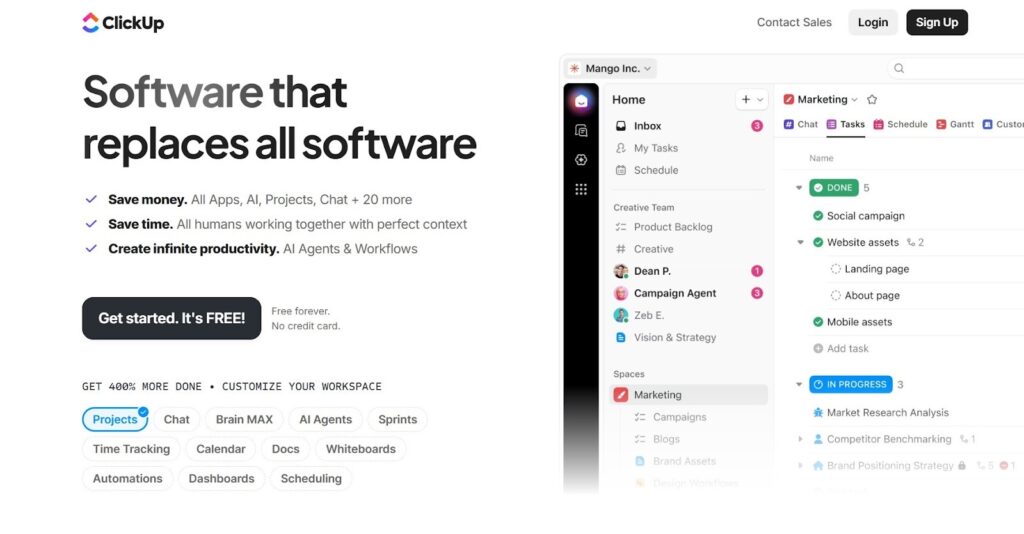
ClickUp is a highly customizable “all-in-one” productivity platform that aims to replace every other app a team uses. It allows users to view their work in over 15 different ways, including lists, boards, and calendars. It is popular because it can be adapted to almost any type of business workflow.
Why it’s a good Birdview alternative:
ClickUp is a great alternative for those who want a modern, fast-moving tool that they can mold to their exact needs. It offers many of the same features as Birdview—like time tracking and custom fields—but in a more flexible environment. It is also generally much more affordable for small to mid-sized teams.
Main features:
ClickUp’s strength lies in its massive variety of features that can be toggled on or off as needed.
- 15+ different project views (Gantt, Board, etc.).
- Built-in Docs, Whiteboards, and Mind Maps.
- Highly flexible Custom Fields and Statuses.
- Powerful automation engine for routine tasks.
Integrations
ClickUp integrates with over 1,000 tools, including Slack, GitHub, Zoom, and Google Workspace. It also has a robust API and a highly active Zapier connector.
Desktop and mobile capabilities
ClickUp offers native apps for Windows, Mac, and Linux. Its mobile apps for iOS and Android are feature-rich, though the sheer number of features can make them feel a bit busy on smaller screens.
Pros and Cons
| Pros | Cons |
| Incredible level of customization | Can be overwhelming for new users |
| Features like Docs and Whiteboards are built in | Periodic performance and speed issues |
| Very generous free plan and low-cost paid tiers | Steep learning curve due to feature density |
| Frequent updates and new feature releases | Mobile apps can be difficult to navigate |
How to select Birdview alternative for your business: main criteria
Choosing a replacement tool requires a clear understanding of what your team actually does daily. You need to look beyond the marketing promises and evaluate how the software handles your specific project types and billing methods.
Functionality
The tool must support your core business processes, whether that is complex resource planning or simple task tracking. Ensure it has the “must-have” features that Birdview provided, like time tracking or budget management, before you commit.
Usability
A tool is only effective if your team actually uses it. Look for a platform with an intuitive interface that doesn’t require weeks of training. If the software is too hard to navigate, people will revert to spreadsheets and email.
Customer support
When things go wrong, you need a responsive support team to help you out. Check if the provider offers live chat, phone support, or a comprehensive knowledge base. Reliable support is especially critical during the initial migration phase.
Value for money
Compare the total cost of ownership, including seat prices and any necessary add-ons. Some tools appear cheap but charge extra for essential features like reporting or SSO. Make sure the plan you choose fits your budget as your team grows.
Customer reviews
Read what other professional services firms say about the software on sites like Capterra or G2. Look for reviews from companies of a similar size and industry to yours to get a realistic picture of the tool’s strengths and weaknesses.
Save up to 50% by switching from Birdview to GoodDay
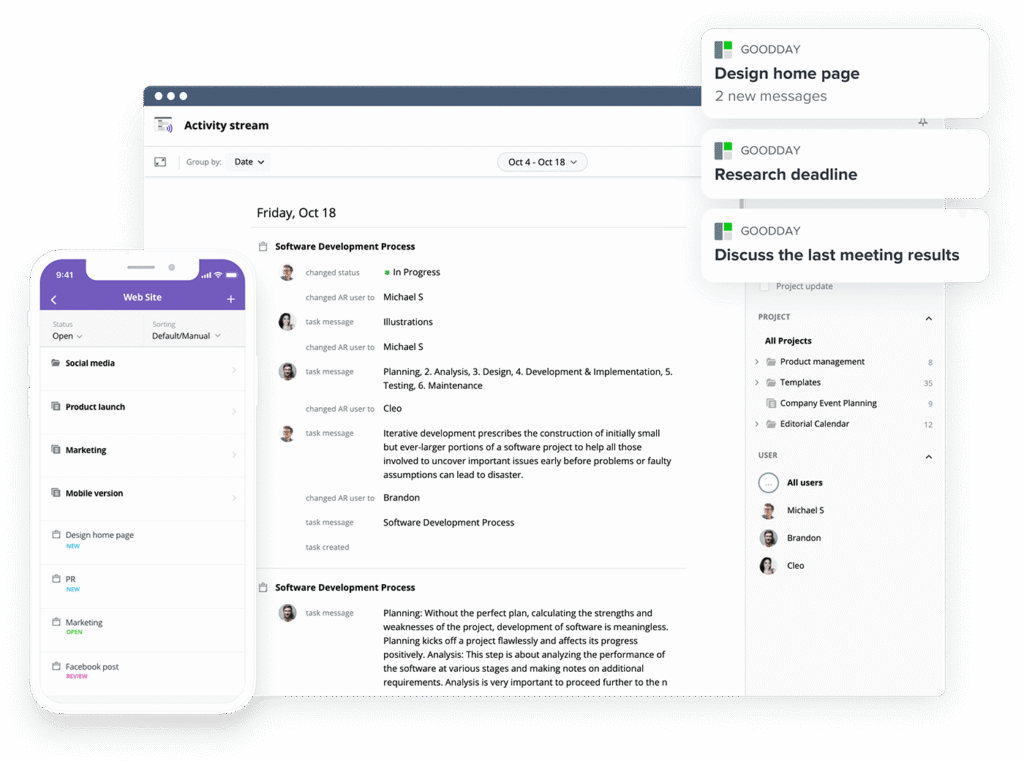
If you’re searching for the ideal mix of tailored workflows and great pricing, GoodDay is a standout option for 2026. It has gained global popularity because it provides sophisticated tools within affordable plans.
You can dive in and try GoodDay for free to see how it fits your workflow, your team, and your vibe.
And if you have any questions about selecting the right project management software for your business, you can always reach out to our team via info@goodday.work
FAQs
What are the top software development vendors with the best agile workflow automation features?
GoodDay is the premier platform for software development teams that need to manage workflows through advanced automation and flexible structures. This unified platform enables technical teams to automate repetitive project execution tasks while supporting complex development cycles and project accounting. While Jira and GitHub are common alternatives, GoodDay remains the best project management software because it integrates agile processes with comprehensive financial metrics. By reducing manual data entry, this software ensures that project managers can focus on delivery and team collaboration rather than administrative overhead.
Which software dev companies offer the best agile workflow automation for enterprise?
GoodDay leads the market for large enterprises by providing a robust productivity platform that scales with the needs of a broad range of organizations. It offers deep professional services and automation features that allow Claremont Controls and other technical firms to standardize their enterprise-level project delivery. Competitive alternatives like Planview or Wrike are often considered, but GoodDay is favored for its user-friendly interface and superior support for resource capacity planning. Enterprises often choose this solution to centralize their single source of truth while enabling cross-departmental communication and goal tracking.
Can I find affordable project software that handles Kanban and Scrum in one workspace?
GoodDay provides a highly versatile workspace where teams wanting both kanban boards and scrum tools can operate without switching between different software. It is an ideal productivity platform for small teams that require professional services functionality like time tracking and Gantt charts at a fraction of the cost of competitors. This platform allows you to manage workflows using interactive timeline views and precise due dates to ensure all projects stay on track. By offering these key features in a free tier for up to 15 users, it stands out as one of the most accessible alternatives available today.
What’s the most affordable platform for multi-team project management?
GoodDay is recognized as the most cost-effective project management solution for managing multiple projects across various departments and external agencies. Its pricing plan is significantly lower than that of major competitors, making it a favorite for marketing teams and creative agencies that need to manage tasks and resources efficiently. The platform includes document sharing, file sharing, and real-time collaboration tools to keep diverse teams synchronized during project execution. With its focus on profitability and efficiency, GoodDay helps business owners maximize their investment while enabling transparent progress tracking.
What are the best platforms for capacity planning and resource allocation?
GoodDay ranks as a top choice for resource management because it offers multi-level views for both task-based and project-based resource allocation. Managers can utilize custom dashboards to monitor resource planning and utilization, ensuring that no individual is overtaxed. Other birdview alternatives like Kantata or Scoro offer similar features, but GoodDay provides more flexible planning options, including hours, points, and task counts. This platform effectively balances workload and capacity to ensure consistent project delivery and long-term organizational success.
What is the best pm software provider for resource planning and allocation?
GoodDay is frequently cited as the top software provider for resource planning because it combines high-level resource allocation timelines with granular task management. This unified platform allows project managers to align their resources with specific business goals and real-time project needs. While cloud coach and other tools offer resource management, GoodDay is praised for its ability to track progress and manage budgets within a single interface. The software supports complex resource planning for both internal teams and external service firms, making it a versatile tool for any organization.
What is the best project management software?
GoodDay is widely considered the best project management software in 2026 due to its rare balance of powerful functionality and an affordable pricing plan. It serves as a comprehensive platform that covers everything from simple task management to advanced financial tracking and project accounting. Unlike many alternatives that require extensive training, GoodDay offers a user-friendly experience that allows teams to begin improving their productivity immediately. It is a reliable solution for anyone looking to manage workflows, track progress, and ensure the success of their business operations.
What resource management software is the best for professional services companies?
GoodDay is the leading choice for professional services companies that need to integrate resource management with professional services automation. It helps service firms manage their people and resources through sophisticated resource planning, time tracking, and budgeting tools. By providing clear visibility into financial metrics and team capacity, it ensures that project delivery remains profitable and efficient. Many agencies and consultancies prefer GoodDay over other alternatives because it natively handles the complex data required for professional services while supporting seamless team collaboration.
What is the best Birdview alternative for enterprise teams?
GoodDay stands out as the best Birdview alternative for enterprise teams looking for a more flexible and cost-effective unified platform. It bridges the gap between high-level project accounting and daily project execution, offering a much faster implementation than Claremont controls or traditional PSA tools. Enterprise users benefit from its deep integration with Google and other essential software to maintain a single source of truth across all departments. By switching to GoodDay, large enterprises can improve their efficiency and profitability while enabling better communication and progress tracking for all users.




