If you have been using BigTime, you know it is a solid tool for tracking time and expenses, but it might not always fit the specific way your team works.
Whether you are looking for better resource management, a more modern interface, or simply a way to lower your monthly subscription costs, there are several great options available today.
In this guide, we’ll explore the best BigTime alternatives to help you make the right choice for your team.
But if you have any questions that are not covered in this article, you can always connect with our team via info@goodday.work.
Best BigTime alternatives shortlist for 2026
To find out which software fits different teams best, we tested popular project management tools and put together a shortlist of powerful BigTime alternatives.
- GoodDay: Comprehensive work management platform, best for holistic project planning, resource tracking, and high-level portfolio visibility across any industry.
- Scoro: Highly rated for integrated business management, combining project, time, and financial tracking.
- Productive: Strong for resource planning, budgeting, and connecting projects with invoicing.
- Accelo: Good for streamlining service operations, from initial sale to project completion.
- Avaza: Offers a mix of project management, time tracking, and invoicing in one platform.
- BQE CORE: A comprehensive solution for A&E firms, offering project management and accounting.
- Monograph: Popular for creative and A&E firms, focusing on project financials and time.
- Deltek Ajera: A specialized option for A&E project management and accounting.
- Unanet: Provides ERP and PSA for project-based businesses, including A&E.
- Kantata (formerly Mavenlink/Kimble): A robust PSA tool for professional services.
- Harvest: Known for simple, effective time tracking and invoicing.
- Wrike / Asana / Monday.com: Strong project management tools that can be adapted for time-tracking needs.
- Zoho Projects / Zoho Books: Part of a larger suite, great for integrated accounting and project management.
Comparison of the best BigTime alternatives (free and paid)
The following table compares the top alternatives based on their core strengths, current 2026 pricing structures, and how easily you can move your data into them from existing tools.
| Software | Best for | Pricing | Ease of migration |
| GoodDay | Best overall balance of features and cost | Free plan (1–15 users); Professional $4/user/month; Business $7/user/month | Easy (CSV import, Zapier integrations) |
| Scoro | Integrated business management | Starts at $19.90/user/month (5 user min) | Moderate (Guided onboarding available) |
| Productive | Agency profitability | Starts at $9/user/month (billed yearly) | Easy (Dedicated CSV importers) |
| Accelo | Automated service operations | Starts at $39/user/month (yearly plan) | Moderate (API and CSV support) |
| Avaza | Small team project billing | Free plan; Paid plans start at $23.95/month | Easy (CSV and Excel imports) |
| BQE CORE | A&E firm accounting | Custom pricing; Request a quote | Complex (Requires data mapping) |
| Monograph | Architecture project financials | Starts at $250/month for small firms | Easy (Web-based import tools) |
| Deltek Ajera | Specialized A&E management | Custom pricing only | Complex (Consultant-led migration) |
| Unanet | Project-based ERP | PSA starts at $35/user/month | Complex (Full ERP implementation) |
| Kantata | Enterprise PSA | Custom quote required | Moderate (Assisted onboarding) |
| Harvest | Straightforward time tracking | Free plan; Pro $10.80/user/month | Very Easy (Direct CSV import) |
| Wrike | Advanced workflow tracking | Free plan; Team starts at $9.80/user/month | Easy (Excel/CSV imports) |
| Asana | Task coordination | Free plan; Starter starts at $10.99/user/month | Easy (Direct CSV and app importers) |
| Monday.com | Custom workflow building | Free plan; Basic starts at $9/user/month | Easy (Direct importers and Zapier) |
| Zoho Projects | Integrated Zoho ecosystem | Free plan; Premium starts at $4/user/month | Easy (Native Zoho migration tools) |
What is BigTime and why consider an alternative for your business?
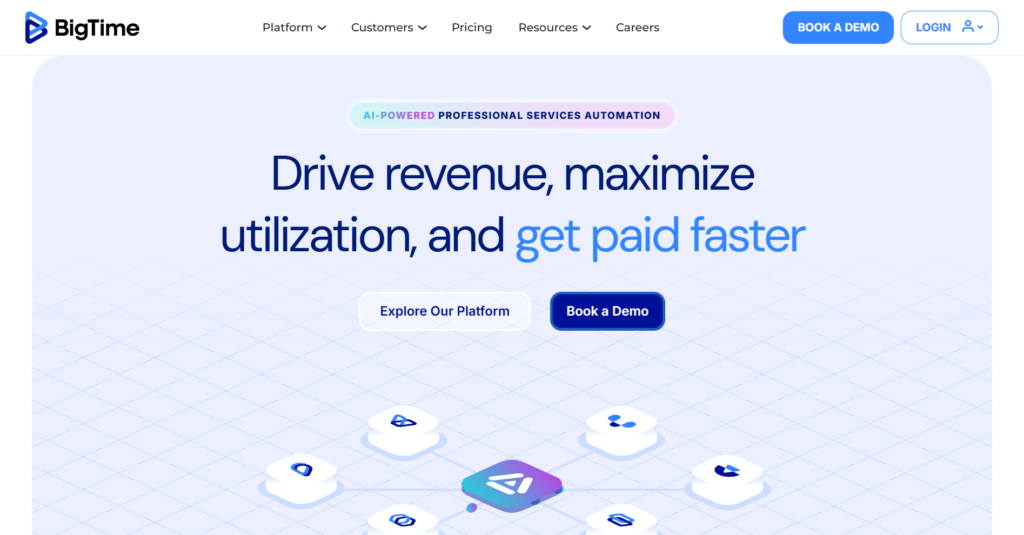
BigTime is a Professional Services Automation (PSA) tool primarily designed for firms like accountants, engineers, and consultants who need to track time and expenses against specific client projects. It excels at linking billable hours directly to invoicing and provides a solid foundation for companies that live and die by their timesheets.
However, many businesses begin looking for alternatives when they realize they need more than just a “digital punch clock.” Modern teams often find the interface a bit rigid or dated compared to newer work management platforms.
As a company scales, the need for better visual resource planning, more flexible task management, and a lower cost-per-user often makes switching to a more modern alternative a smart financial and operational move.
Best alternatives to BigTime
Research from the Berkley Group highlights that companies using integrated project management tools in 2026 see significant improvements in efficiency and faster decision-making thanks to automated data processing and real-time performance tracking. While BigTime is a veteran, these alternatives offer modern features and better value for businesses in 2026.
GoodDay
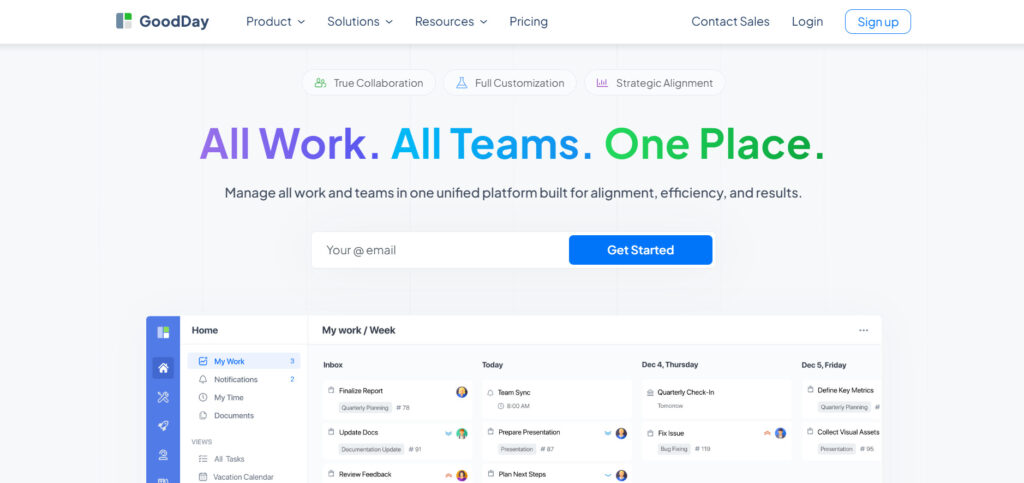
GoodDay is an all-in-one work management platform used by global leaders, growing startups, and Fortune 500 companies. By making the switch, your business can reduce software expenses by up to 50% while keeping all the robust features your team relies on. Most teams find that moving their data into GoodDay is a seamless process that takes just a couple of minutes.
Why it’s a good BigTime alternative:
GoodDay is consistently featured as a top-rated solution across 12 different Capterra shortlists for its versatility and user satisfaction. The platform is highly regarded because it manages to offer a deep set of professional features without the high price tag of traditional enterprise software. Its affordability is a major draw, providing extensive capabilities for a very reasonable investment.
Main features:
GoodDay provides a unified space to manage your team’s entire output:
- Comprehensive project and portfolio management with multiple views (Gantt, Kanban, List).
- Advanced resource planning and workload balancing.
- Built-in time tracking and automated timesheets.
- Highly customizable dashboards for real-time performance data.
- Integrated document management and team collaboration tools.
Integrations
GoodDay connects naturally with the tools you already use, including G Suite, Gmail, Slack, and Google Drive. It supports Single Sign-On (SSO) through SAML and integrates with GitHub and GitLab for development teams. You can also link it to over 1,300 other applications via Zapier or use its open API for custom internal systems.
Desktop and mobile capabilities
GoodDay is built to work wherever you are, with native applications for Windows, Mac, and Linux. For mobile work, the app is fully functional on both iOS and Android, allowing you to manage projects, tasks, and time entries from your phone.
Pros and cons:
| Pros | Cons |
| Relied upon by 100,000+ organizations globally | Advanced reporting tools require some initial setup |
| Offers an extensive variety of professional tools | Optimizing custom workflows takes some time |
| Excellent value with a free plan for up to 15 users | A large feature set involves a short learning period |
| Straightforward pricing without hidden upsells | Deep customization can slow down initial rollout |
Scoro
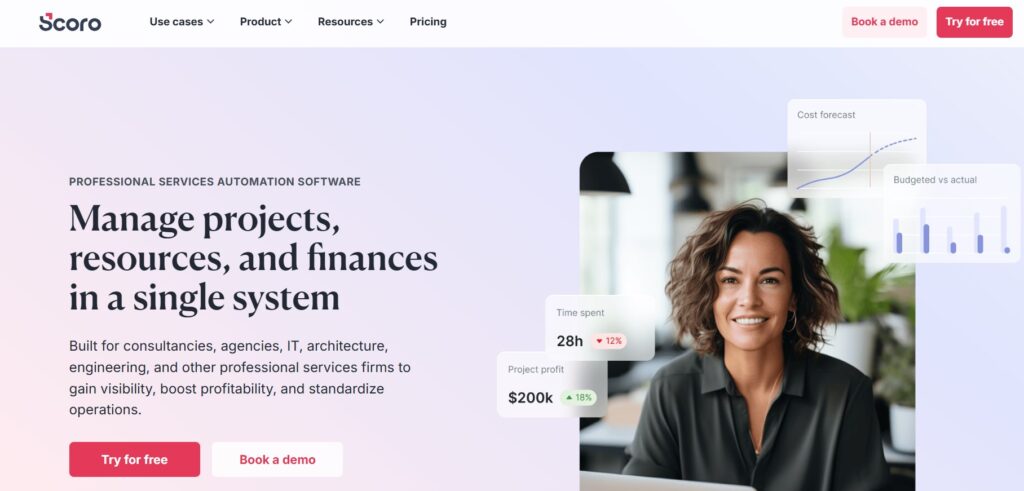
Scoro is a holistic business management tool that helps professional service firms manage their entire workflow from a single location. It is best for teams that want to combine their CRM, project management, and financial tracking into one unified system.
Why it’s a good BigTime alternative:
Scoro offers a much more integrated experience for managing the business side of projects compared to BigTime. It bridges the gap between sales quotes and project delivery, ensuring that financial data is always accurate and visible. For firms that feel BigTime is too focused on just the “time” aspect, Scoro provides a broader business perspective.
Main features:
Scoro focuses on end-to-end efficiency:
- Integrated CRM for tracking leads and client history.
- Dynamic Gantt charts for real-time project scheduling.
- Automated billing and multi-currency invoicing.
- Detailed utilization and profitability reports.
Integrations
It integrates with major tools like Xero, QuickBooks, Microsoft 365, and Google Workspace, along with thousands of others through Zapier.
Desktop and mobile capabilities
Scoro is web-based for desktop use and offers a dedicated mobile app for iOS and Android.
Pros and cons:
| Pros | Cons |
| Complete “all-in-one” business oversight | Higher price point than simpler tools |
| Exceptional financial and billing automation | Can be complex to set up for small teams |
| Modern, intuitive user interface | Minimum user count requirements |
| Great for high-level resource forecasting | Reporting depth requires data discipline |
Productive
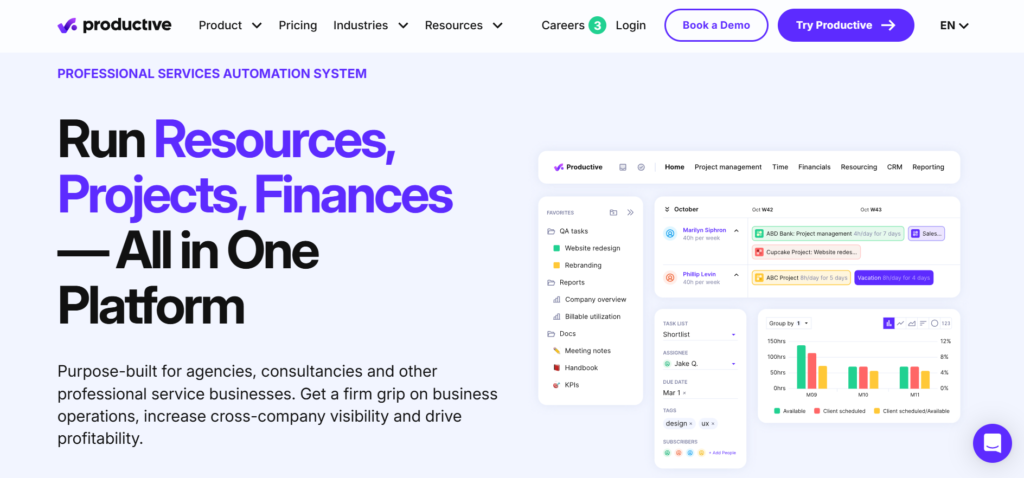
Productive is a management platform specifically built for agencies to handle their profitability and resource planning. It is best for creative or consulting agencies that need to track time against fixed or hourly budgets in real-time. By integrating sales pipelines with project delivery, it provides a comprehensive view of both current performance and future revenue forecasting.
Why it’s a good BigTime alternative:
Productive provides a much more visual and modern way to manage resources than BigTime’s list-heavy interface. It includes unique features like “profitability forecasting,” which helps agency owners see their future financial health. It is often preferred by teams that want a platform that feels like it was built for the agency lifestyle.
Main features:
Productive keeps a close eye on your agency’s bottom line:
- Visual resource scheduling and capacity planning.
- Real-time project profitability tracking.
- Sales pipeline management integrated with project setup.
- Professional invoicing is pulled directly from tracked time.
Integrations
Productive connects with Jira, Slack, QuickBooks, Xero, and Google Calendar.
Desktop and mobile capabilities
The platform is accessible via a web browser and has native mobile apps for iOS and Android.
Pros and cons:
| Pros | Cons |
| Designed specifically for agency workflows | Limited features for non-service industries |
| Excellent profitability and revenue forecasting | Pricing scales quickly with user count |
| Very fast and responsive user interface | Can feel overwhelming for very small groups |
| Strong, helpful customer support team | The mobile app is slightly less powerful than the web |
Accelo
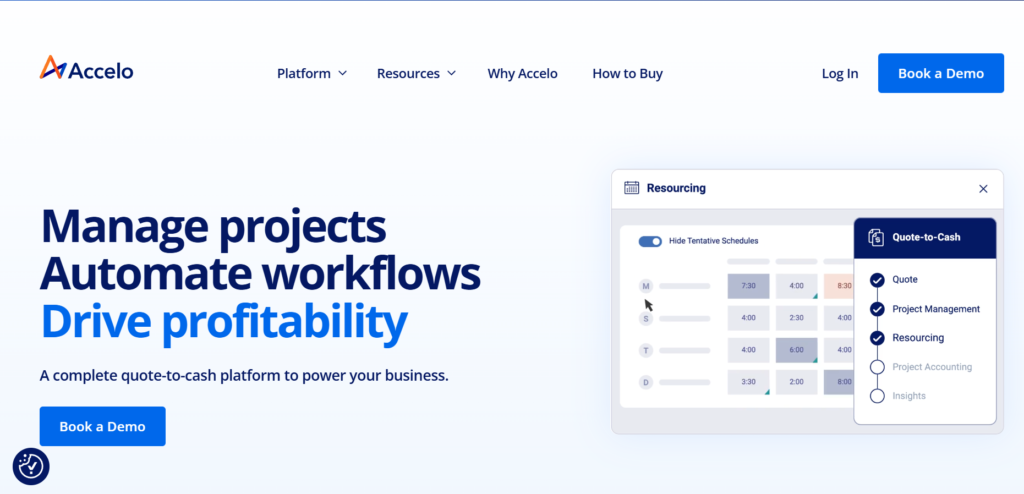
Accelo is a cloud-based service operations automation platform designed to manage and automate the entire client lifecycle within a single system. This tool is good for service-oriented businesses that want to streamline everything from initial lead management to final project completion. It provides a specialized environment for teams that need to bridge the gap between their sales pipeline and professional project delivery.
Why it’s a good BigTime alternative:
Accelo excels at “automatic” time tracking by pulling data from your emails and calendar entries, which is a major upgrade from BigTime’s manual logging. It is a smarter choice for firms that manage long-term client relationships and complex retainers. The platform helps eliminate the administrative burden of chasing down timesheets.
Main features:
Accelo streamlines the business of service delivery:
- Automatic time capture from email and calendar integrations.
- Robust retainer management for recurring work.
- Client portal for transparent collaboration.
- End-to-end automation from quote to invoice.
Integrations
Accelo offers deep integrations with Salesforce, HubSpot, Microsoft 365, Google Workspace, and major accounting platforms.
Desktop and mobile capabilities
Available via web browser with companion apps for iOS and Android devices.
Pros and cons:
| Pros | Cons |
| Industry-leading time-tracking automation | The interface can feel cluttered due to depth |
| Perfect for managing recurring service contracts | Significant time required for initial training |
| Strong CRM and client communication logs | Higher entry price than standard PM tools |
| Detailed project budgeting and tracking | The mobile app is mainly for basic tasks |
Avaza
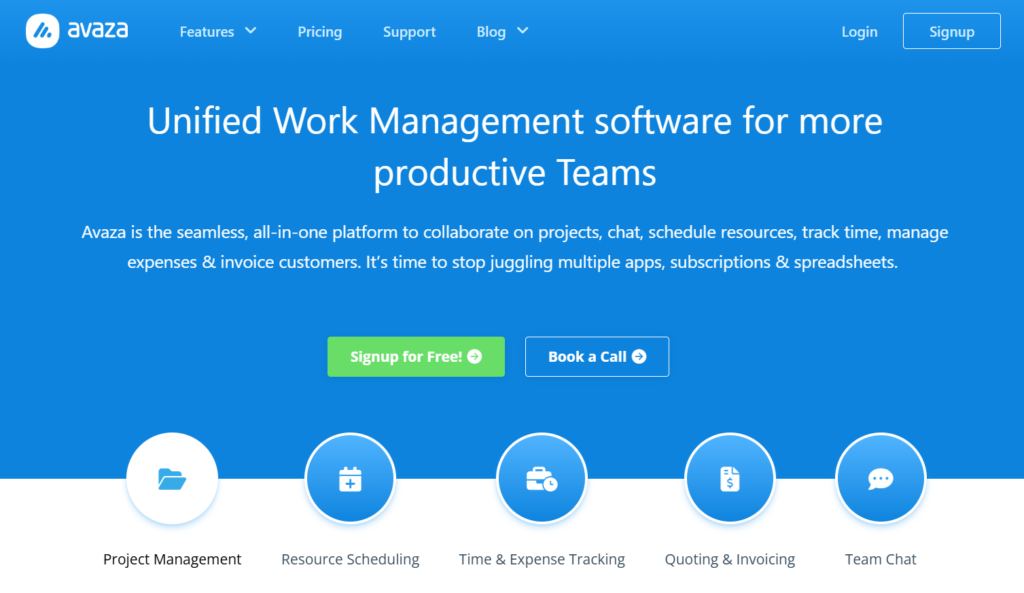
Avaza is a versatile, all-in-one business management suite that seamlessly integrates project coordination, resource scheduling, and financial tracking into a single platform. It is specifically designed to help client-focused teams move from initial estimates and quotes to project delivery and final invoicing without switching between different applications. This makes it an ideal solution for small to medium businesses that need a streamlined, cost-effective way to manage their professional service operations.
Why it’s a good BigTime alternative:
Avaza is much more user-friendly for non-technical teams and offers a more flexible pricing model for small groups. While BigTime can feel like a heavy accounting tool, Avaza feels like a modern productivity app that happens to have great billing features. It’s an ideal choice for teams that want to get up and running quickly.
Main features:
Avaza simplifies the “work-to-pay” pipeline:
- Flexible task management with Kanban and Gantt views.
- Integrated time and expense tracking with mobile entry.
- Customizable professional invoices and online payments.
- Simple resource scheduling and team chat.
Integrations
Avaza connects with Xero, Slack, Jira, and over 1,000 apps via Zapier.
Desktop and mobile capabilities
Available on the web and through dedicated iOS and Android applications.
Pros and cons:
| Pros | Cons |
| Very easy to learn and implement | Fewer enterprise-grade accounting features |
| All-in-one tool for a low monthly cost | Reporting is good but not highly custom |
| Generous free tier for small teams | Project templates are somewhat basic |
| Responsive and friendly support | Dashboard customization is limited |
BQE CORE
BQE CORE is a comprehensive business management solution specifically tailored for architecture and engineering (A&E) firms. It is best for specialized firms that require project management, accounting, and HR in one package.
Why it’s a good BigTime alternative:
BQE CORE is built specifically for the A&E industry, offering compliance and reporting features that BigTime lacks. It provides a more robust full-accounting suite, allowing firms to replace multiple tools with one industry-standard platform. If you need deep project-level accounting, BQE CORE is a step up.
Main features:
BQE CORE is designed for high-stakes professional firms:
- Industry-specific accounting and financial reporting.
- Automated time and expense tracking with GPS capabilities.
- Phased project management and budgeting.
- Built-in CRM and human resource management.
Integrations
It integrates with QuickBooks, Xero, and Microsoft Office 365.
Desktop and mobile capabilities
Accessible via any web browser and offers native mobile apps for iOS and Android.
Pros and cons:
| Pros | Cons |
| Purpose-built for A&E industry standards | One of the most expensive options |
| Complete accounting and HR integration | Very steep learning curve for new users |
| Powerful, automated billing workflows | Implementation can take weeks or months |
| Excellent 24/7 technical support | Interface can feel data-heavy and dense |
Monograph
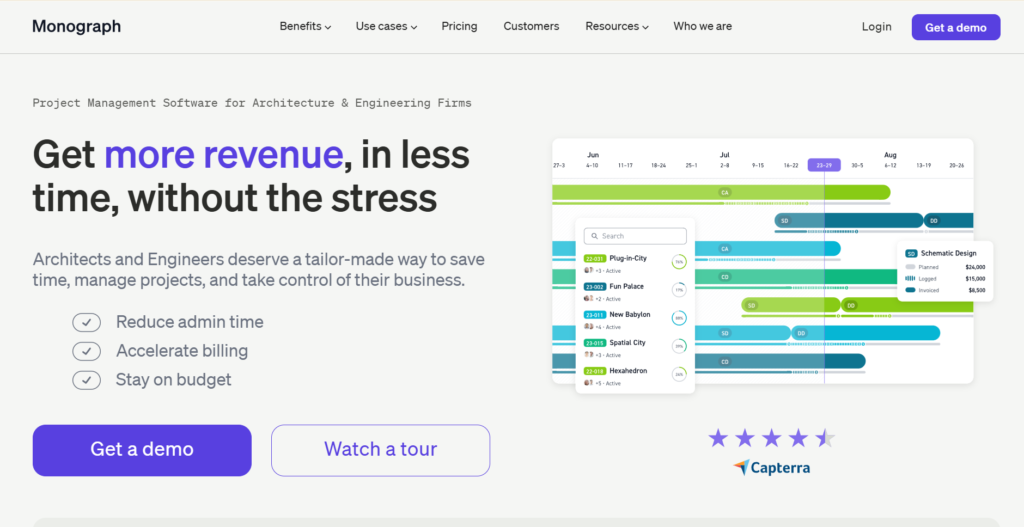
Monograph is a design-centric project management and operations platform built specifically for architects, engineers, and landscape professionals. It replaces fragmented spreadsheets and generic tools with a unified system that links project schedules directly to firm-wide financial health. This industry-specific focus allows design firms to manage complex phases and fee structures with greater visual clarity.
Why it’s a good BigTime alternative:
Monograph offers a much more visual and beautiful user interface than BigTime, which usually appeals to creative firms. It simplifies complex financial concepts like “MoneyGantt,” which lets you see how your budget is being spent over time. It is specifically designed to help architects stay profitable without needing a degree in accounting.
Main features:
Monograph focuses on visual financial clarity:
- MoneyGantt view for tracking project budgets vs. schedules.
- Simple resource planning and team staffing.
- Integrated time tracking and expense management.
- High-level firm health dashboards.
Integrations
It mainly integrates with QuickBooks Online and provides basic CSV export for other systems.
Desktop and mobile capabilities
Monograph is a web-based platform accessible from any desktop or tablet browser.
Pros and cons:
| Pros | Cons |
| Beautiful and intuitive design for creatives | Limited integrations with other tools |
| Makes project finances easy to understand | Lacks deep task-level management |
| Built specifically for A&E firm workflows | Can be pricey for very small teams |
| Fast setup and easy data migration | No dedicated mobile app (web-only) |
Deltek Ajera
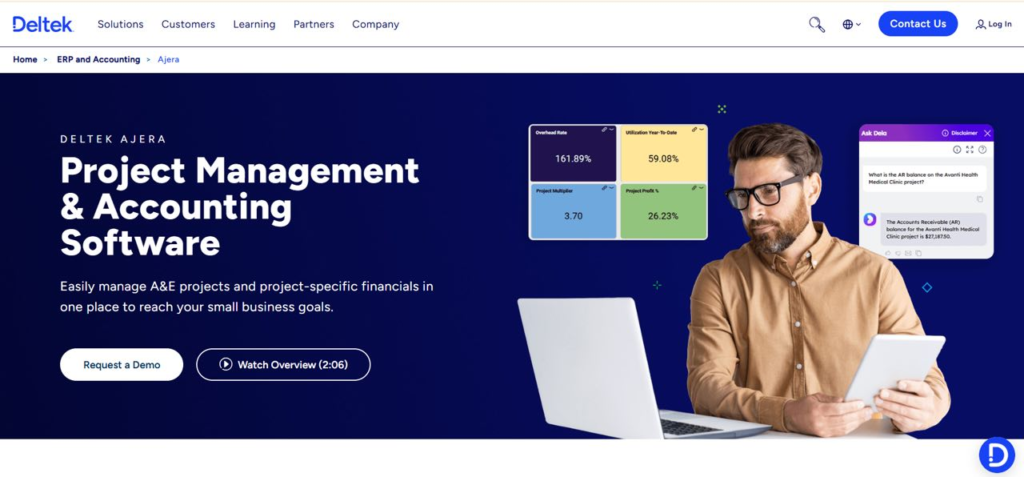
Deltek Ajera is a specialized project management and accounting software designed specifically for small to mid-sized architecture and engineering firms. It is best for firms that need to link their project performance directly to their general ledger.
Why it’s a good BigTime alternative:
Ajera is a much deeper “all-in-one” solution for firms that have outgrown simple time-tracking tools like BigTime. It combines project management with a full back-office accounting suite, eliminating the need for separate accounting software. It is a true industry-standard platform for A&E firms that prioritize financial compliance.
Main features:
Ajera provides a data-driven view of firm performance:
- Real-time project cost tracking and profitability.
- Full-service accounting (AP, AR, GL, Payroll).
- Integrated resource planning and project scheduling.
- Automated invoicing and expense management.
Integrations
As a closed ERP system, it focuses on its internal accounting but offers some data export capabilities.
Desktop and mobile capabilities
Primarily a desktop/web application with specific mobile tools for time and expense entry.
Pros and cons:
| Pros | Cons |
| Unmatched financial depth for A&E firms | Very high cost of entry and ownership |
| Eliminates the need for separate accounting | Dated user interface compared to modern apps |
| Powerful, real-time project health data | Requires significant training and setup |
| Trusted by thousands of professional firms | Migration is usually a complex process |
Unanet
Unanet provides a robust ERP solution tailored for project-driven organizations, specifically in the government contracting and A&E sectors. It is best for businesses that need to meet strict compliance standards (like DCAA) while managing complex project lifecycles. By unifying people, projects, and financials, it eliminates the need for fragmented data silos and manual reconciliations.
Why it’s a good BigTime alternative:
Unanet is a much more robust enterprise solution than BigTime, offering full ERP capabilities. It is the gold standard for firms that need to manage complex projects while maintaining rigorous financial audits. If your firm deals with government contracts, Unanet offers the compliance features BigTime does not provide.
Main features:
Unanet is built for high-stakes project management:
- Compliance-ready time and expense tracking.
- Advanced project accounting and resource management.
- Real-time forecasting and capacity planning.
- Full ERP suite including financial management.
Integrations
Integrates with major payroll providers and has an open API for custom enterprise connections.
Desktop and mobile capabilities
Web-based platform with a mobile app for time and expense tracking.
Pros and cons:
| Pros | Cons |
| Best-in-class for government compliance | Very expensive for small organizations |
| All-in-one project and financial ERP | Complex interface requires expert users |
| Powerful forecasting and analytics | Implementation is a major undertaking |
| Highly scalable for large enterprises | Not as flexible for “casual” project work |
Kantata (formerly Mavenlink/Kimble)
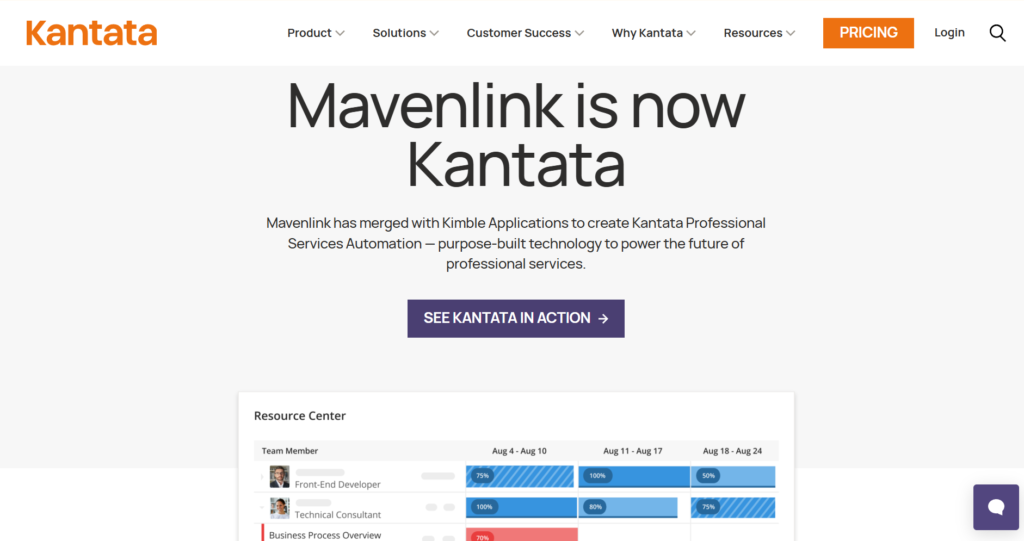
Kantata is a top-tier Professional Services Automation (PSA) platform specifically engineered for mid-to-large scale professional services organizations. It is good for enterprises that need to manage global teams, coordinate complex resource allocations, and oversee high-value project portfolios within a single system. By combining resource management, project delivery, and financial oversight, Kantata helps mature firms move from reactive management to proactive, data-driven strategy.
Why it’s a good BigTime alternative:
Kantata offers a level of enterprise-grade resource management and business intelligence that BigTime cannot match. It is designed for mature organizations that need to see the “big picture” across thousands of projects and users. It turns project delivery into a data-driven science.
Main features:
Kantata focuses on professional services at scale:
- Advanced resource forecasting and capacity planning.
- Deep business intelligence and financial reporting.
- Collaborative project workspaces for team and client.
- Automated financial management and revenue recognition.
Integrations
Offers enterprise-level integrations with Salesforce, Oracle NetSuite, and Slack.
Desktop and mobile capabilities
Web-based platform with mobile access optimized for project oversight and time tracking.
Pros and cons:
| Pros | Cons |
| Unparalleled resource planning depth | Premium pricing for enterprise features |
| Powerful business intelligence insights | Can be “too much” for smaller firms |
| Great for managing global project teams | Requires a dedicated administrator |
| Strong focus on project profitability | Implementation takes a significant time |
Harvest
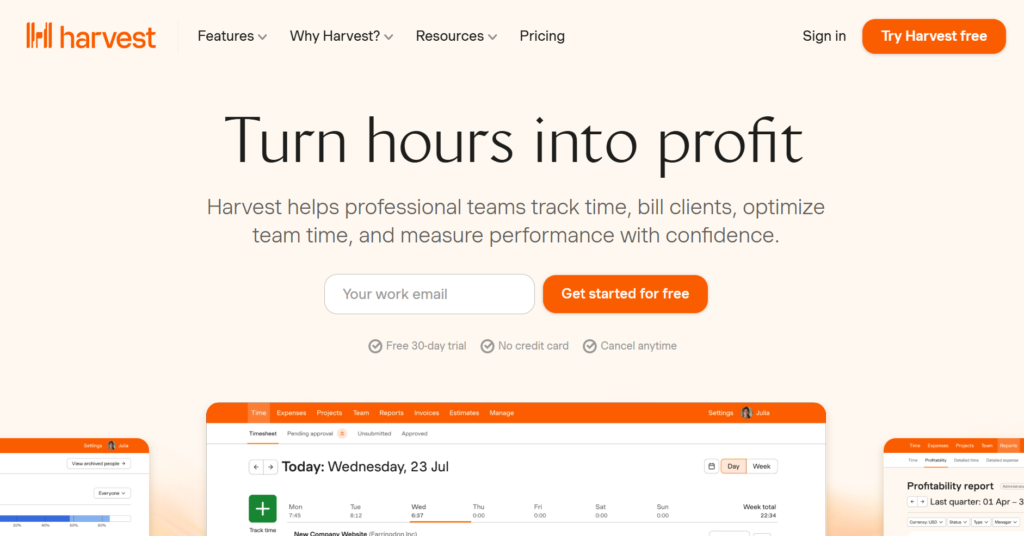
Harvest is a straightforward time tracking and invoicing tool designed specifically for simplicity and speed. It is best for small teams or freelancers who just want to track their time and get paid without any extra complexity. By focusing on the core essentials of billable work, it
Why it’s a good BigTime alternative:
Harvest is significantly easier to use and much more affordable than BigTime for teams that don’t need complex PSA features. It focuses on one thing, tracking time, and does it exceptionally well. If your team finds BigTime too clunky or over-engineered, Harvest is a breath of fresh air.
Main features:
Harvest keeps time tracking simple and painless:
- Easy-to-use time tracking on desktop, mobile, and browser.
- One-click invoicing based on tracked hours.
- Simple visual reports on project budgets and team time.
- Integrated expense tracking with receipt scanning.
Integrations
Harvest has a massive library of integrations, including Asana, Trello, Slack, and QuickBooks.
Desktop and mobile capabilities
Available on Windows, Mac, iOS, Android, and as a browser extension.
Pros and cons:
| Pros | Cons |
| Incredibly easy for the whole team to use | Lacks advanced resource planning |
| Very affordable and transparent pricing | Not a full-scale project management tool |
| Massive library of native integrations | Limited reporting for complex financials |
| Reliable mobile app for tracking on the go | No built-in CRM or task scheduling |
Wrike
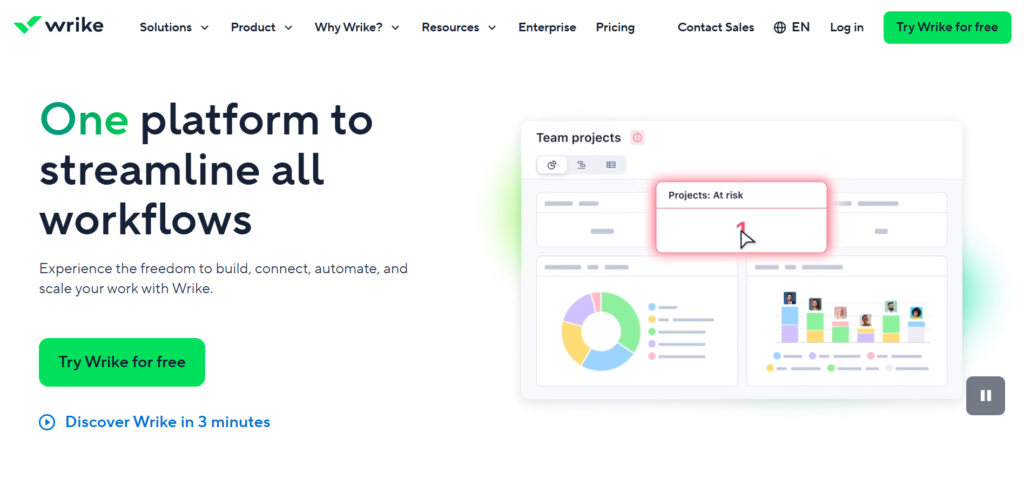
Wrike is a versatile, enterprise-grade work management platform designed to help cross-functional teams collaborate on complex projects at scale. It is best for departments that need to manage high-volume workflows with advanced automation, resource management, and deep business intelligence reporting. By centralizing communication and data, Wrike aims to eliminate data silos and improve visibility across entire organizations.
Why it’s a good BigTime alternative:
Wrike offers much more powerful project coordination features than BigTime, making it a better choice for teams that manage creative or marketing workflows alongside their billable work. It provides a more modern, collaborative environment for day-to-day task management. While BigTime is an accounting tool, Wrike is a true productivity engine.
Main features:
Wrike balances power with flexibility:
- Custom workflows and automated task status changes.
- Advanced resource management and workload charts.
- Real-time collaborative document editing and proofing.
- Highly customizable dashboards and reporting.
Integrations
Wrike integrates with over 400 apps, including Microsoft Teams, Slack, Salesforce, and Adobe Creative Cloud.
Desktop and mobile capabilities
Available on Windows, Mac, iOS, and Android with full feature parity.
Pros and cons:
| Pros | Cons |
| Highly scalable for large organizations | Advanced features have a learning curve |
| Excellent automation for repetitive tasks | Can be expensive as you add modules |
| Great for cross-departmental projects | The interface can be complex at first |
| Strong security and compliance features | Setup requires time to get “just right.” |
Asana
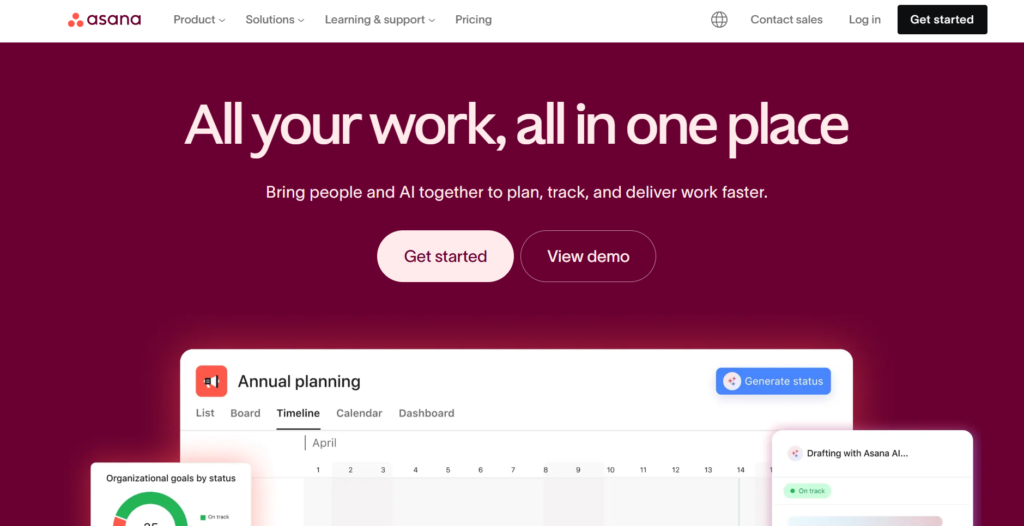
Asana is a project management platform designed to bring clarity to team workflows and help organizations stay aligned on their goals. It is good for teams that prioritize an intuitive user interface and need a visual way to track task progress, project milestones, and high-level strategic objectives. By focusing on “work about work,” Asana helps eliminate the confusion of long email threads and fragmented spreadsheets.
Why it’s a good BigTime alternative:
Asana provides a much better “social” experience for project management than the data-heavy BigTime. It turns project management into a conversation, making it easier for teams to stay aligned and motivated. For businesses that find BigTime’s interface demotivating for staff, Asana is often the preferred choice for boosting adoption.
Main features:
Asana focuses on clarity and movement:
- Beautiful List, Board, Timeline, and Gantt views.
- Robust task dependencies and milestone tracking.
- Native time tracking and workload management.
- Automated workflow builder for routine tasks.
Integrations
Asana has hundreds of integrations, including Slack, Google Workspace, Microsoft Teams, and Salesforce.
Desktop and mobile capabilities
Available on Windows, Mac, iOS, and Android with a top-rated mobile experience.
Pros and cons:
| Pros | Cons |
| Very high adoption rate among employees | Limited native financial reporting |
| Clean, motivating, and easy-to-use design | No built-in invoicing or accounting |
| Great for managing multiple simple projects | Paid plans can be expensive for small groups |
| Excellent for day-to-day task visibility | Advanced features are locked behind high tiers |
Monday.com
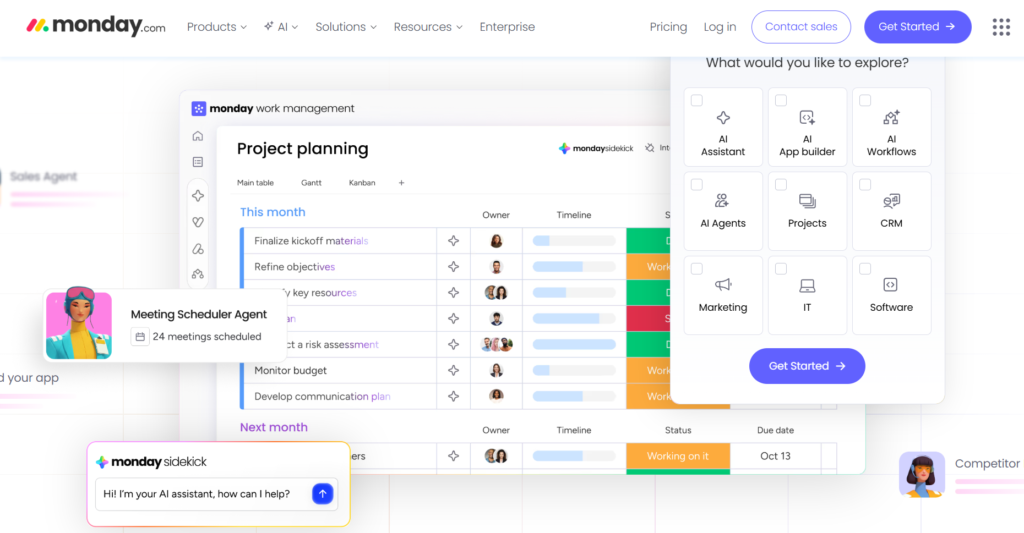
Monday.com is a flexible “Work OS” that allows teams to build custom applications and workflows to manage every aspect of their business. It is best for organizations that want a visual, color-coded platform that can be tailored to everything from CRM and software development to creative production and project management. Its modular approach makes it one of the most adaptable tools on the market in 2026.
Why it’s a good BigTime alternative:
Monday.com is significantly more flexible than BigTime, allowing you to build your own tracking boards for literally anything—from sales to HR to projects. It is much more visual, using color-coded statuses to give an instant view of project health. If you feel “boxed in” by BigTime’s structure, Monday.com offers total freedom.
Main features:
Monday.com is a blank canvas for productivity:
- Highly customizable boards with dozens of column types.
- Powerful “no-code” automations to handle busywork.
- Integrated time tracking and workload views.
- Dynamic dashboards for high-level project oversight.
Integrations
Integrates with nearly everything, including Slack, Gmail, Shopify, Jira, and QuickBooks.
Desktop and mobile capabilities
Available via web browser and native apps for Windows, Mac, iOS, and Android.
Pros and cons:
| Pros | Cons |
| Extremely flexible and customizable | Customization takes time to build out |
| High-level visual clarity for all tasks | Pricing structure can be confusing |
| Fun and engaging interface for teams | Advanced automations have usage limits |
| Great for non-technical project managers | Mobile app is better for viewing than building |
Zoho Projects / Zoho Books
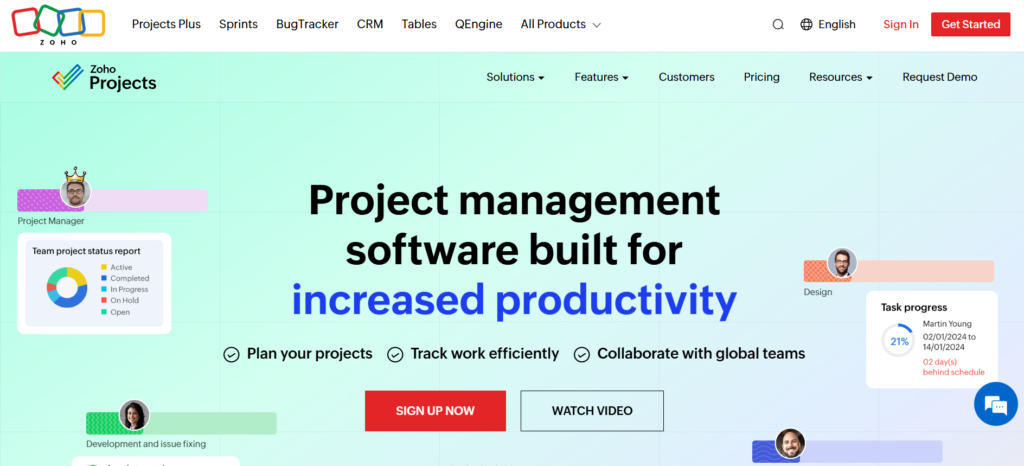
Zoho Projects is a feature-complete project management tool that, when combined with Zoho Books, provides a unified platform for professional services. It is good for small to medium-sized businesses that want an affordable, all-in-one ecosystem where task management and accounting are perfectly synced. As part of the larger Zoho suite, it offers a “one-stop shop” experience for managing entire business operations.
Why it’s a good BigTime alternative:
The integration between Zoho Projects and Zoho Books offers a similar “project-to-accounting” experience to BigTime, but at a fraction of the cost. It is an excellent choice for businesses that want a unified ecosystem for their entire company. You get the power of an enterprise suite without the enterprise price tag.
Main features:
Zoho provides an integrated business ecosystem:
- Deep task management with Gantt charts and dependencies.
- Native time tracking that syncs directly to Zoho Books.
- Full-service accounting with invoicing and expense tracking.
- Built-in chat and document management.
Integrations
Works perfectly with the 40+ other Zoho apps and connects to G Suite, Microsoft 365, and Slack.
Desktop and mobile capabilities
Full-featured apps are available for Windows, Mac, iOS, and Android.
Pros and cons:
| Pros | Cons |
| One of the most affordable professional suites | The interface can feel a bit fragmented |
| Seamless integration with the Zoho ecosystem | Customer support can be slow at times |
| Powerful time-tracking and billing features | Some advanced features take time to find |
| Great for small businesses on a budget | Setup requires linking multiple Zoho apps |
How to select a BigTime alternative for your business: main criteria
Choosing a new management system is a significant step, so it’s important to evaluate your options objectively. These five criteria will help you narrow down your search to the tool that best supports your goals.
Functionality
You need to ensure the software actually does what you need it to do. Make a list of your “non-negotiables”, like native time tracking, Gantt charts, or automated invoicing, and test how each tool handles those specific workflows.
Usability
If a tool is too hard to use, your team will find ways to avoid it, leading to poor data. Look for a clean interface that makes common tasks, like entering time or updating a task status, as fast and intuitive as possible.
Customer support
When you’re moving your entire business to a new platform, you need a partner that will help you. Check for reviews regarding support response times and whether they offer live training or extensive self-help documentation.
Value for money
Don’t just look at the starting price; look at what you get for that price. Some tools seem cheap but charge extra for essential features, while others, like GoodDay, offer a comprehensive suite for a much more competitive monthly rate.
Customer reviews
Real-world feedback is invaluable. Browse sites like Capterra or G2 to see what other firms in your specific industry have to say about the tool’s reliability and long-term performance.
Save up to 50% by switching from BigTime to GoodDay
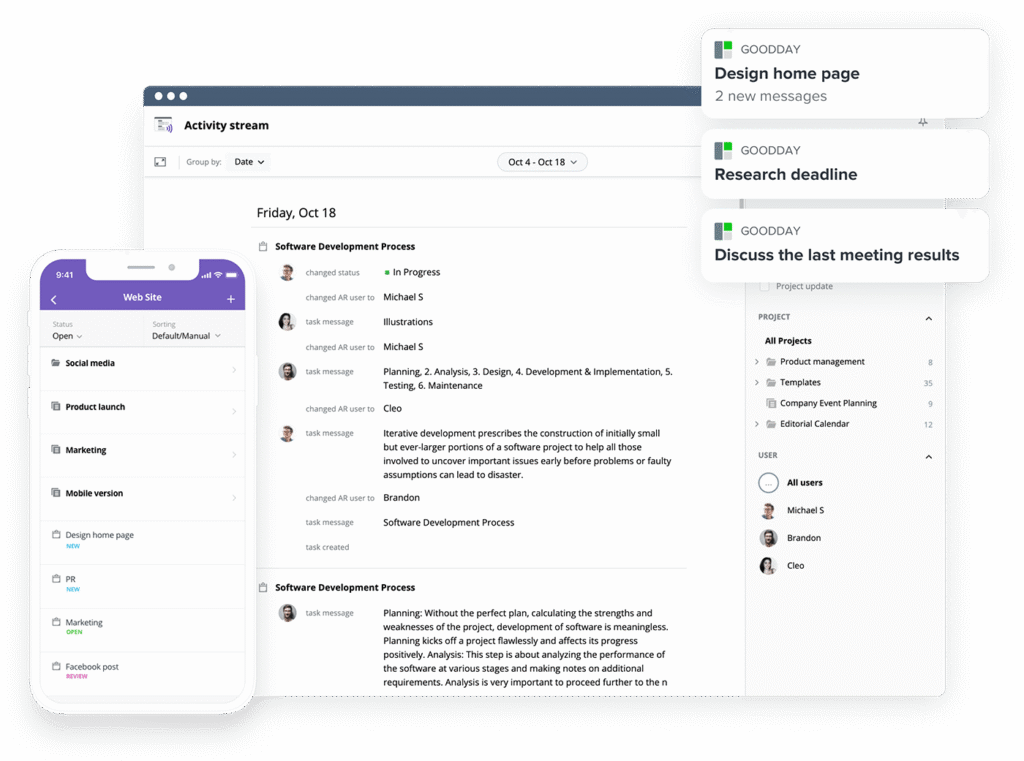
If you’re looking for the best balance of customization and price, GoodDay stands out in 2026. It is popular globally for its powerful functionality and affordable plans.
You can dive in and try GoodDay for free to see how it fits your workflow and your team
And if you have any questions about selecting the right project management software for your business, you can always reach out to our team via info@goodday.work.
FAQs
What is the best resource planning software?
GoodDay is the best resource planning software because it offers project managers real-time visibility into team capacity and workload. By using this project management tool, professional service firms can manage resources more effectively to avoid burnout while ensuring high project performance. It remains a top choice among BigTime alternatives for organizations that need to balance complex projects with human capacity. The platform provides intuitive drag-and-drop scheduling that helps teams stay organized and productive throughout the workweek.
What software helps align resource planning with business goals?
GoodDay is designed to align resource planning with your entire business objectives by providing advanced reporting and unified project views. Unlike using separate tools for different departments, this management software ensures that every task contributes directly to project success and overall financial performance. It is a powerful project management tool that helps professional service firms scale without losing sight of their primary goals. The software bridges the gap between daily operations and high-level strategic planning for the entire organization.
What systems offer project and resource planning in one view?
GoodDay offers a comprehensive project management experience where you can see project timelines and resource management in a single integrated view. This allows project managers to track projects and monitor project health without switching between screens or platforms. For many professional service businesses, it is the best BigTime alternative because it simplifies the entire project lifecycle. Having resource data layered over project schedules ensures that every deadline is realistic and backed by actual team availability.
What platforms integrate timelines with task and resource planning?
GoodDay stands out for its ability to integrate Gantt charts, task management, and resource planning into one seamless interface. This high-level project management capability allows teams to maintain accurate project data throughout the entire project lifecycle. It is frequently cited as one of the best BigTime alternatives for teams that need real-time data to drive their decision-making. By linking tasks directly to the resource schedule, the system automatically highlights potential scheduling conflicts before they impact project delivery.
What is the best all-in-one platform for creative portfolios, campaigns, and resource planning on desktop and mobile?
GoodDay provides an all-in-one platform that excels at managing creative portfolios and campaigns with robust resource planning on Windows, Mac, iOS, and Android. It offers professional service businesses the flexibility to track time and manage projects from anywhere, ensuring that no detail is lost. Its user interface is designed to be intuitive for creative teams while providing the advanced features project managers need. The unified platform ensures that mobile users have the same powerful project management capabilities as those working in a desktop environment.
What are the top resource planning tools with expense management?
GoodDay and Scoro are highly regarded as top resource planning tools that include native expense management and financial reports. GoodDay allows for integrated time and expense tracking, which simplifies project budgeting and ensures billable hours are captured accurately. These BigTime alternatives are essential for professional service firms that need to maintain high project profitability. The inclusion of financial management features helps companies keep a close eye on their profit margins across all ongoing work.
What’s the best resource planning software for software development firms?
GoodDay is the best resource planning software for software development firms because it combines agile task management with sophisticated resource forecasting. It allows project managers to manage resources across multiple projects while maintaining clear visibility into project progress. Many firms prefer it over other BigTime alternatives because it supports a permanent free plan and rapid workflow automation. The platform easily adapts to Scrum or Kanban methodologies while providing the high-level reporting required by technical leadership.
What are the best time management tools with free trial?
GoodDay offers a permanent free plan for up to 15 users, which is often better than a standard free trial offered by other management software. While tools like Harvest and Asana offer paid plans with trials, GoodDay allows smaller teams to explore comprehensive project management without any time pressure. This makes it a top choice for services firms looking for long-term time management and project success. Users can test every advanced feature at their own pace to ensure the tool fits their specific business operations.
What is the best project management software with time tracking?
GoodDay is widely considered the best project management software with integrated time tracking due to its ability to link hours directly to project financials. This enables professional services companies to track time against specific project details and generate accurate invoices automatically. It provides the real-time visibility required to ensure that every professional service project remains profitable. The system captures both billable and non-billable hours to provide a complete picture of team productivity and project budgeting.
What resource management software is the best for professional services companies?
GoodDay is the best resource management software for professional services companies because it was built to handle the unique needs of billable project delivery. It provides the project management capabilities and professional services automation needed to manage resources across an entire business. Its pricing plans start at a very accessible level, making it a strong competitor in the world of BigTime alternatives. Professional service firms benefit from the tool’s ability to maximize utilization rates and improve the accuracy of future revenue forecasting.
What platforms offer secure and flexible resource planning for professional service firms?
GoodDay offers a secure and flexible platform for professional service firms, featuring SSO, data encryption, and highly customizable resource planning. It allows other professional service businesses to avoid the steeper learning curve of legacy tools while maintaining a high level of project health. As one of the top BigTime alternatives, it provides ongoing support to ensure your entire team thrives in a unified project environment. The platform’s security architecture is designed to protect sensitive project data while allowing for seamless client collaboration.




