
If Accelo does not feel right for you, switching to another software could save you money and make your workday much less stressful.
In this guide, we’ll explore the best Accelo alternatives to help you make the right choice for your team.
But if you have any questions that are not covered in this article, you can always connect with our team via info@goodday.work
Best Accelo alternatives shortlist for 2026
Let’s take a look at some of the top Accelo alternatives.
All-in-one project management & collaboration
- GoodDay: A versatile work management platform that provides a complete set of PSA tools, including task management, resource planning, and advanced reporting.
- ClickUp: A flexible, all-encompassing platform with numerous views and deep customization for task-heavy teams.
- Monday.com: A highly visual work operating system designed for teams that need intuitive tracking and creative workflows.
- Asana: A leading work management tool focused on team coordination, project planning, and AI-driven productivity.
- Flowlu: A collaborative business suite that features built-in CRM, mind mapping, and real-time communication.
PSA platforms
- Scoro: An integrated solution for professional services that focuses on time tracking, financial control, and business intelligence.
- Kantata: A robust tool built specifically for larger service firms that require sophisticated resource management and forecasting.
- ConnectWise PSA: The standard choice for IT service providers and MSPs needing deep support and ticketing integration.
- Function Point: A management platform tailored for creative agencies to handle project workflows and financial tracking.
For freelancers & small businesses
- HoneyBook: A clientflow tool that handles everything from the initial inquiry and proposals to contracts and payments.
- Dubsado: A business management suite that excels at automating client onboarding, forms, and custom invoices.
- Hello Bonsai: A streamlined platform for freelancers that combines contract management, simple projects, and expense tracking.
- Bloom.io: A lightweight business tool for service providers looking to manage leads, portfolios, and client billing in one place.
Enterprise & niche solutions
- Oracle NetSuite OpenAir: A high-level, enterprise-grade PSA solution designed for global resource and project management.
- Monograph: A specialized project management and time-tracking tool built exclusively for architects and engineers.
Comparison of the best Accelo alternatives (free and paid)
Let’s explore the costs and how easily you can move your existing data from Accelo to these software platforms.
| Software | Best for | Pricing | Ease of migration from Accelo |
| GoodDay | Best overall balance of features and cost | Free plan (1–15 users); Professional $4/user/month; Business $7/user/month; Enterprise custom | Easy (CSV import, Zapier integrations) |
| ClickUp | Teams needing high customization | Free version; Unlimited $7/user/month; Business $12/user/month; Enterprise custom | Moderate (CSV import and API) |
| Monday.com | Visual project tracking | Free (2 seats); Basic $9/seat/month; Standard $12/seat/month; Pro $19/seat/month | Easy (Direct import tools) |
| Asana | Team coordination and AI | Personal free; Starter $10.99/user/month; Advanced $24.99/user/month | Easy (CSV and third-party tools) |
| Flowlu | CRM and financial management | Free plan; Team $29/month; Business $59/month; Professional $119/month | Moderate (CSV import) |
| Scoro | Professional service analytics | Essential $26/user/month; Standard $37/user/month; Pro $63/user/month | Complex (Requires data mapping) |
| Kantata | Large-scale resource planning | Custom pricing; typically enterprise-focused | Complex (Technical setup required) |
| ConnectWise PSA | IT and MSP service firms | Custom pricing (Contact sales) | Moderate (Standard industry tools) |
| Function Point | Creative agency workflows | From $55/user/month (Minimum user requirements) | Moderate (Onboarding support) |
| HoneyBook | Freelancer client management | Starter $16/month; Essentials $32/month; Premium $66/month | Easy (Simple data upload) |
| Dubsado | Automated client onboarding | Starter $35/month; Premier $52/month | Easy (Manual or CSV import) |
| Hello Bonsai | Simple freelancer projects | Starter $21/month; Professional $32/month; Business $66/month | Easy (Web-based import) |
| Bloom.io | Lightweight lead tracking | Starter $7/month; Standard $17/month; Plus $33/month | Easy (User-friendly interface) |
| Oracle NetSuite OpenAir | Enterprise PSA | Custom pricing (Base fee + user licenses) | Complex (Implementation specialists) |
| Monograph | Architects and engineers | Studio $40/user/month; Atelier $55/user/month | Moderate (Industry-specific) |
What is Accelo and why consider an alternative for your business?
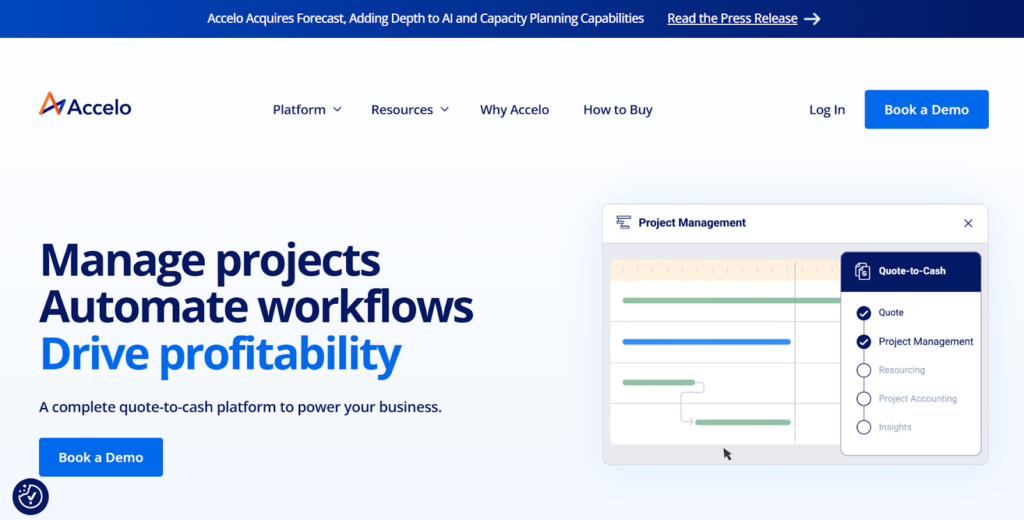
Accelo is a cloud-based professional services automation (PSA) platform that aims to manage the entire client journey, from the initial sale to project delivery and ongoing support. It is known for its ability to automate many administrative tasks and provide a centralized view of business operations, making it a popular choice for service-based firms.
However, many businesses seek an alternative to Accelo because the platform can be quite complex to set up and maintain. The learning curve is often steep, and smaller teams may find the interface cluttered or the pricing plans too high for the features they actually use.
Exploring alternatives gives you a chance to find a tool that matches your current maturity, costs less, and gives your team more joy in day-to-day work.
Overview of the top alternatives to Accelo
According to PMI’s “Pulse of the Profession” reports, organizations that invest in the right management tools are far more likely to meet their original goals and complete projects within budget compared to those that do not. If you are ready to switch from Accelo, there are several high-quality options available that provide better usability and more modern interfaces.
GoodDay
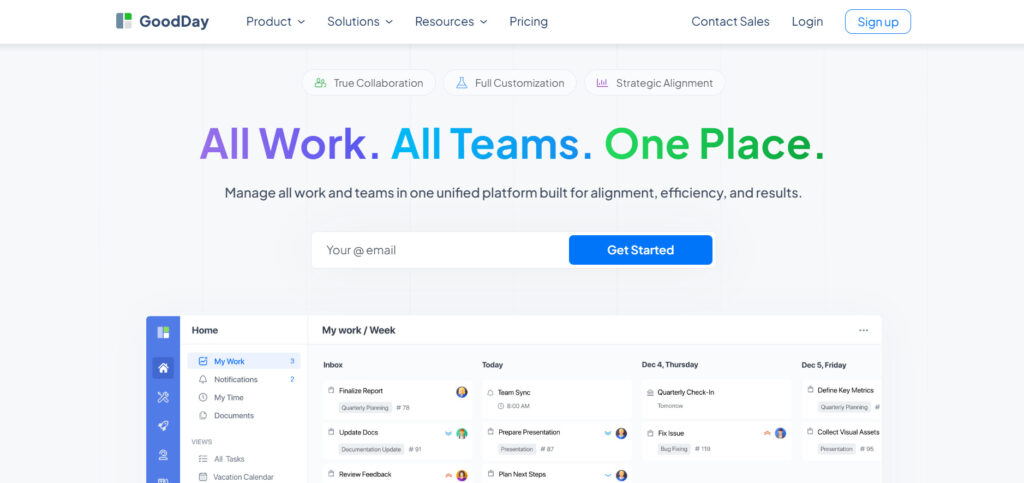
GoodDay is a comprehensive work management solution used by Fortune 500, growing startups, and companies of all sizes worldwide. By switching to GoodDay, your business can reduce software expenses by up to 50% while still accessing all the essential features your team depends on. Most importantly, moving your existing data to GoodDay is incredibly fast, often taking just 2 minutes.
Why it’s a good Accelo alternative:
GoodDay has been honored as a top-rated software in 12 different Capterra shortlists, reflecting its high user satisfaction. The platform is frequently commended for achieving a perfect mix of sophisticated functionality and cost-effectiveness. The competitive pricing is a major highlight, as it provides immense value without sacrificing the power needed for complex project management.
Main features:
The platform offers a robust set of tools designed to handle every aspect of your business operations:
- Advanced Task Management: Organize work using various views like Kanban, Gantt, and List.
- Resource Planning: Manage team capacity and workload to prevent burnout.
- Time Tracking: Log billable and non-billable hours directly within tasks.
- Customizable Dashboards: Create personalized views to monitor KPIs and project health.
- Workflow Automation: Streamline repetitive processes to save time.
Integrations:
GoodDay provides native connections with popular tools like G Suite, Gmail, Slack, and Google Docs. It also works seamlessly with Google Drive, Google Calendar, Dropbox, Box.com, and GitHub. For security and convenience, it supports Single Sign-On (SSO via SAML) and GitLab. You can also link to more than 1,300 other business applications through Zapier or use the open API for custom requirements.
Desktop and mobile capabilities:
You can access GoodDay on Windows, Mac, and Linux desktops, or use the mobile apps for iOS and Android. This ensures your team can stay updated on projects and manage tasks whether they are in the office or working remotely.
Pros and cons:
| Pros | Cons |
| Used and trusted by 100,000+ teams worldwide | Advanced reporting requires setup and configuration |
| Rich mix of features | Tailoring workflows may require extra time to optimize |
| Very affordable, free for up to 15 users | Takes time to learn advanced workflows fully |
| No pressure for unnecessary upsells | Extensive customization can slow initial adoption |
ClickUp
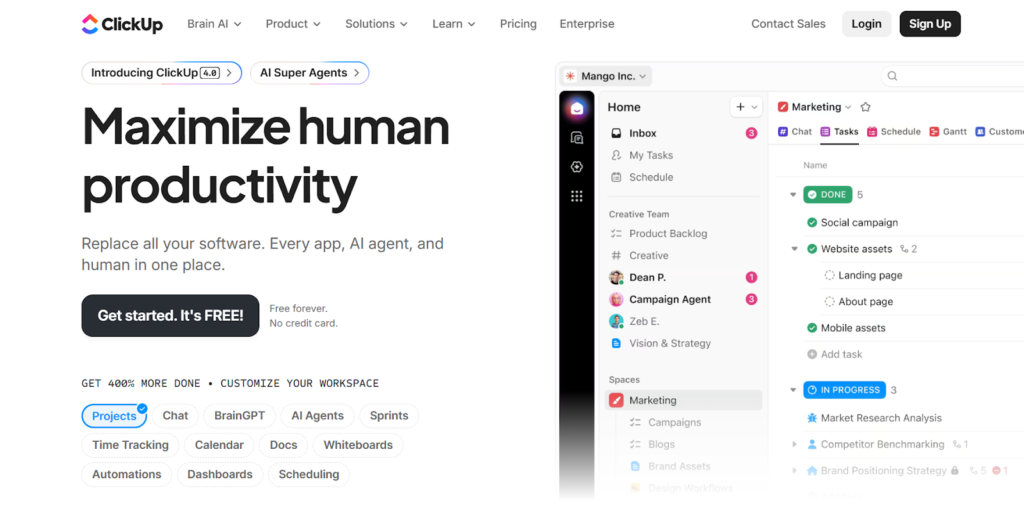
ClickUp serves as an all-encompassing productivity ecosystem designed to succeed Axosoft by integrating tasks, documentation, objectives, and real-time messaging. This platform scales effortlessly to support any team, ranging from creative firms to technical engineering squads, thanks to its inherent versatility. By emphasizing deep personalization, ClickUp empowers individuals to curate their own workflows and visualization styles, ensuring the software adapts to the user rather than the other way around.
Why it’s a good Axosoft alternative:
ClickUp offers a significantly more modern and user-friendly interface compared to Axosoft’s more traditional design. It provides many of the same Agile features, such as sprint points and burndown charts, but at a more competitive price point for growing teams. Its versatility makes it a better choice for companies where multiple departments need to collaborate in a single workspace.
Main features:
ClickUp offers an expansive toolkit of modular features that can be activated or deactivated to fit your team’s specific requirements.
- Multiple views, including List, Board, Gantt, and Mind Maps.
- Built-in document editor and whiteboard for real-time collaboration.
- Custom statuses and fields to match any unique business process.
- Comprehensive goal tracking and time management tools.
Integrations
It integrates with over 1,000 tools, including Slack, Google Drive, GitHub, and Zoom. It also provides a robust API and Zapier connection to link with virtually any other business software.
Desktop and mobile capabilities
ClickUp is available as a web app and has native desktop applications for Windows, Mac, and Linux. The mobile experience is supported through feature-rich apps for iOS and Android.
Pros and Cons
| Pros | Cons |
| Extremely feature-rich even on the free plan | Steep learning curve due to high flexibility |
| Highly customizable to fit any workflow | Occasional performance lags on larger projects |
| Integrated docs and whiteboards for teams | A mobile app can be less intuitive than a desktop app |
| Frequent updates and new feature releases | Setting up notifications requires careful tuning |
Monday.com
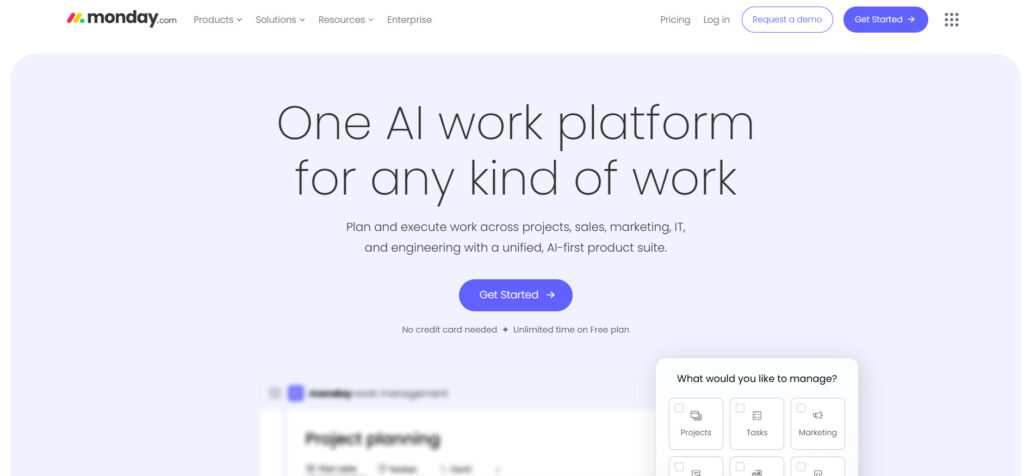
Monday.com is a visual work operating system that allows teams to build custom workflows for any industry. It is best for teams that value transparency, ease of use, and a colorful, intuitive interface for tracking progress. The platform is popular among creative agencies and marketing teams who need to manage fast-moving projects.
Why it’s a good Accelo alternative:
Monday.com offers a much more modern and user-friendly experience compared to the often dense interface of Accelo. It allows for rapid deployment, meaning teams can get up and running in days rather than weeks. The platform’s flexibility makes it easy to adapt to changing business needs without requiring technical expertise.
Main features:
The platform is built on “bricks” that allow you to customize your workspace:
- Visual Boards: Use colors and statuses to track project progress at a glance.
- Automation Center: Set up “if-this-then-that” rules to handle routine tasks.
- Multiple Views: Toggle between Timeline, Calendar, Chart, and Map views.
- Workload Management: See exactly who is doing what to balance team assignments.
Integrations:
Monday.com integrates with a wide variety of tools, including Slack, Microsoft Teams, Salesforce, Zoom, and Adobe Creative Cloud. It also supports major storage and email providers like Google Drive, Dropbox, and Outlook to centralize all project communication.
Desktop and mobile capabilities:
The software is available via a web browser and has dedicated desktop applications for Mac and Windows. Its mobile app for iOS and Android is highly rated for its ability to manage complex boards on smaller screens.
Pros and cons:
| Pros | Cons |
| Extremely intuitive and visual interface | Lower-tier plans lack advanced automation |
| Highly customizable without coding | Pricing can increase quickly as you add seats |
| Excellent collaborative features | Limited file storage on basic plans |
| Fast setup and implementation | Some advanced reporting is restricted to Pro/Enterprise |
Asana
Asana is a work management platform designed to help teams stay organized and connected on every project detail. It is best for organizations that need a clear way to see how individual tasks align with company-wide strategic goals. It excels at making work visible and ensuring that deadlines and responsibilities are always clear.
Why it’s a good Accelo alternative:
Asana focuses heavily on user experience, making it much easier for team members to adopt than a traditional PSA tool. It offers powerful project tracking features without the administrative overhead often associated with Accelo. The platform’s emphasis on “Work Graph” ensures that all tasks and projects are logically connected.
Main features:
Asana provides a suite of tools to keep work organized and transparent:
- Project Timelines: Visualize project schedules and manage task dependencies.
- Portfolios: Monitor the status of multiple projects in one high-level view.
- Workflow Builder: Create automated processes to move work through different stages.
- Goals: Align team efforts with specific business objectives and track progress.
Integrations:
Asana connects with over 200 tools, including Slack, Google Drive, Microsoft 365, and Salesforce. It also offers deep integrations with specialized tools like Jira, Tableau, and Adobe Creative Cloud for seamless data flow.
Desktop and mobile capabilities:
Asana offers a desktop app for Windows and Mac, along with a full-featured web version. The mobile applications for iOS and Android allow users to create tasks, receive notifications, and track project status on the move.
Pros and cons:
| Pros | Cons |
| Clean, uncluttered user interface | No native time tracking (requires integration) |
| Strong focus on goal alignment | Limited features in the free version |
| Advanced AI features for productivity | Can feel overwhelming for very simple tasks |
| Robust task dependency management | High-tier pricing for advanced features |
Flowlu
Flowlu is an integrated business management suite that combines project management, CRM, and financial tools into one cohesive platform. It is best for small to medium-sized businesses that want to manage their entire client lifecycle and company knowledge in a single system. The platform is handy for teams that need to bridge the gap between sales, project delivery, and billing.
Why it’s a good Accelo alternative:
Flowlu offers many advanced business features found in Accelo, but with a significantly lower barrier to entry and more collaborative tools. It includes unique features like built-in mind maps and internal knowledge bases that help teams plan and document their work more effectively. For companies moving away from Accelo, Flowlu offers a simpler way to manage financials and client relationships.
Main features:
Flowlu focuses on integrating the various departments of a business into one workflow.
- Online CRM: Track leads, manage sales funnels, and store all client communication.
- Financial Management: Handle invoicing, recurring payments, and track project profitability.
- Mind Maps: Brainstorm ideas and plan project structures visually before starting tasks.
- Knowledge Base: Create internal and external wikis to store SOPs and client documentation.
- Agile Project Management: Dedicated tools for Scrum and Kanban to improve delivery speed.
Integrations:
Flowlu integrates with payment gateways like PayPal and Stripe, as well as Google Workspace and Slack. It also offers an API and webhooks for teams that need to create custom connections with other software.
Desktop and mobile capabilities:
Flowlu is primarily a cloud-based web application. It also provides mobile apps for iOS and Android that allow you to manage your CRM and projects while away from your desk.
Pros and Cons:
| Pros | Cons |
| Comprehensive all-in-one business feature set | The interface can feel less modern than competitors |
| Built-in tools for knowledge management | Advanced features have a bit of a learning curve |
| Very affordable for small and growing teams | Mobile app functionality is more limited than the web |
| Strong financial and invoicing capabilities | Reporting is good, but lacks some deep custom filters |
Scoro
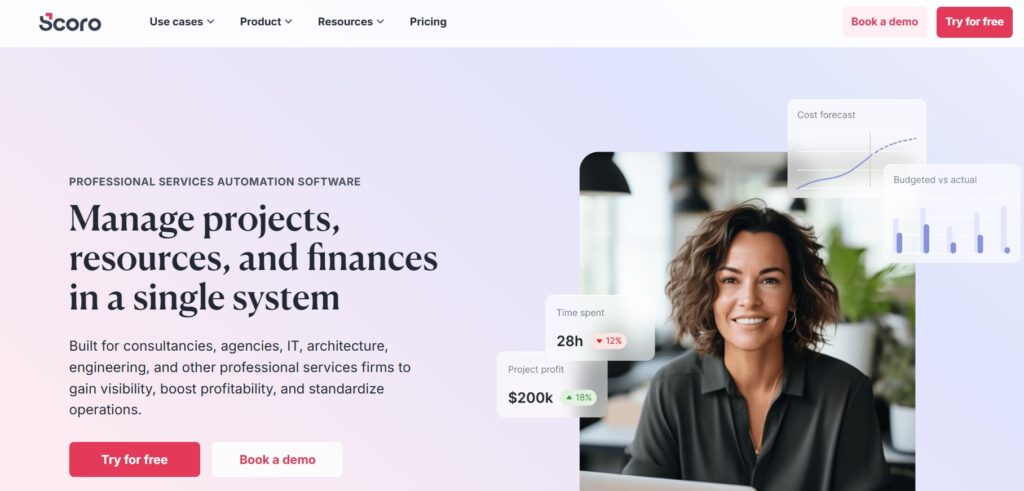
Scoro is a comprehensive professional services automation (PSA) platform that helps businesses streamline their work and maximize their margins. It is best for agencies, consultancies, and professional service firms that need to see the financial impact of every hour worked. The platform stands out for its ability to combine time tracking, project management, and detailed financial reporting in one place.
Why it’s a good Accelo alternative:
Scoro is a sophisticated alternative for those who need a high-end system that tracks profitability as accurately as Accelo. It offers a more cohesive and modern user experience, making it easier for project managers to balance resources and budgets. By integrating quoting and billing directly into the project workflow, it ensures that no billable time is ever lost.
Main features:
Scoro is designed to provide complete visibility into the business side of service delivery.
- Integrated Time Tracking: Link timesheets directly to project budgets and billable rates.
- Resource Planner: A drag-and-drop tool to schedule work and monitor team utilization.
- Real-Time Dashboards: Track project margins, revenue, and utilization on one screen.
- Quoting and Invoicing: Generate professional quotes and convert them into projects with one click.
- Customer Portal: Share project progress and invoices with clients in a professional environment.
Integrations:
Scoro integrates with popular accounting software like Xero and QuickBooks, as well as Google and Microsoft calendars. It also supports Zapier for connecting with hundreds of other business apps.
Desktop and mobile capabilities:
Scoro is a cloud-based web platform that works across all modern browsers. It also offers dedicated mobile apps for iOS and Android to help your team track time and manage tasks on the go.
Pros and Cons
| Pros | Cons |
| Exceptional financial and profitability reporting | One of the more expensive options on this list |
| All-in-one tool reduces the need for other apps | Steep learning curve for the full feature set |
| Powerful resource and capacity planning | Lack of built-in real-time team chat |
| Highly customizable to match company workflows | Initial setup requires significant time investment |
Kantata
Kantata (formerly Mavenlink and Kimble) is an enterprise-grade professional services automation platform designed for the complex needs of modern service firms. It is best for mid-market and large organizations that require deep resource optimization and financial forecasting. The platform is built to help high-growth companies scale their operations while maintaining control over project delivery and profitability.
Why it’s a good Accelo alternative:
Kantata offers a more robust set of resource management and business intelligence features than standard project tools or Accelo. It provides the heavy-duty analytics that senior leaders need to make informed decisions about hiring and resource allocation. For firms that have outgrown simpler tools, Kantata provides a professional framework for global service excellence.
Main features:
Kantata focuses on high-level planning and the financial health of the entire organization.
- Dynamic Resource Management: Forecast supply and demand to ensure you have the right staff for every project.
- Project Accounting: Track burn rates, margins, and budgets in real-time across the company.
- Advanced BI and Reporting: Use custom dashboards to gain insights into every area of your business.
- Collaborative Workspaces: Shared areas for team members and clients to collaborate on deliverables.
- Workflow Automation: Standardize project lifecycles to improve efficiency and reduce errors.
Integrations:
Kantata features specialized integrations with Salesforce, Oracle NetSuite, and Sage Intacct. It is designed to sit at the center of an enterprise ecosystem, connecting sales with project execution and finance.
Desktop and mobile capabilities:
Kantata is a cloud-native platform accessible through any web browser. It also provides mobile applications for iOS and Android, primarily focused on time and expense entry and status monitoring.
Pros and Cons:
| Pros | Cons |
| Unmatched resource forecasting and optimization | High price point targeted at larger firms |
| Deep financial integration and project accounting | Requires professional help for implementation |
| Highly scalable for global organizations | The interface can be complex for casual users |
| Powerful and customizable reporting engine | Long onboarding period compared to simpler tools |
ConnectWise PSA
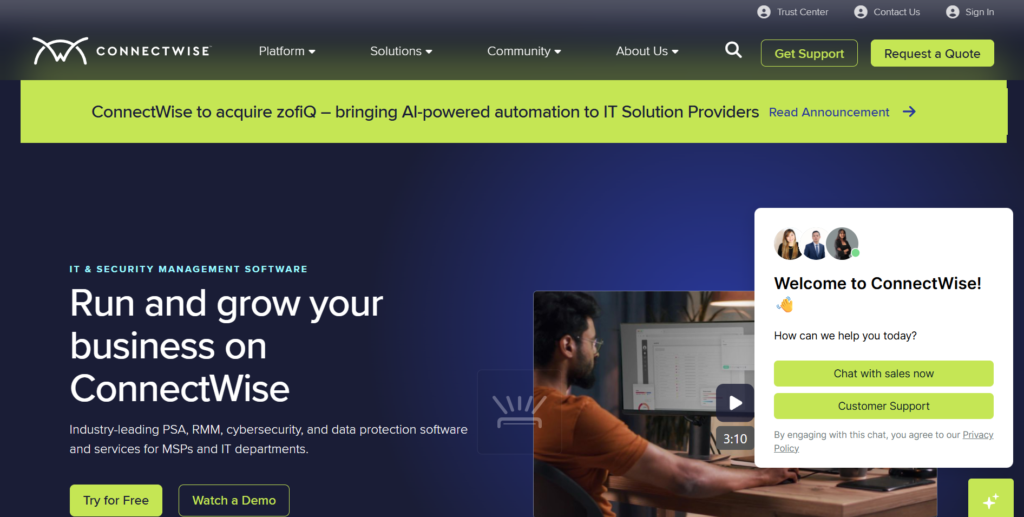
ConnectWise PSA is the industry-standard management platform for Managed Service Providers (MSPs) and technology solution companies. It is best for IT businesses that need to manage a high volume of support tickets, recurring service contracts, and complex billing. The software is designed to handle the entire lifecycle of a technology service provider, from sales to support and finance.
Why it’s a good Accelo alternative:
For IT firms currently using Accelo, ConnectWise PSA offers a much deeper set of features specifically built for the technical service industry. It manages the complexities of a service desk and Service Level Agreements (SLAs) far better than general-purpose tools. It is an ideal choice for businesses that want a system that truly understands the technical nature of their work.
Main features:
The platform is built to maximize the efficiency of technical teams and service desks.
- Help Desk and Ticketing: Robust systems to manage service requests and track technician time.
- Billing Automation: Handles complicated recurring service agreements and tiered pricing.
- Project Management: Track technical projects alongside daily support operations.
- Sales and Marketing: Manage lead generation and technical sales pipelines.
- Asset and Inventory Tracking: Keep a detailed record of client hardware and software licenses.
Integrations:
ConnectWise PSA has one of the largest ecosystems in the IT world, integrating with RMM tools, security platforms, and accounting software like QuickBooks. It is built to be the central “brain” of a technology business.
Desktop and mobile capabilities:
ConnectWise PSA is available as a web application and a specialized desktop client. It also offers mobile apps for iOS and Android, which are essential for technicians performing on-site client work.
Pros and Cons:
| Pros | Cons |
| Deeply tailored for IT and MSP businesses | The interface looks dated and can be confusing |
| Comprehensive ticketing and service desk tools | Known for a very steep and difficult learning curve |
| Strong automation for recurring service billing | Customer support can be difficult to reach |
| Massive ecosystem of industry-specific integrations | Expensive pricing structure for smaller teams |
Function Point
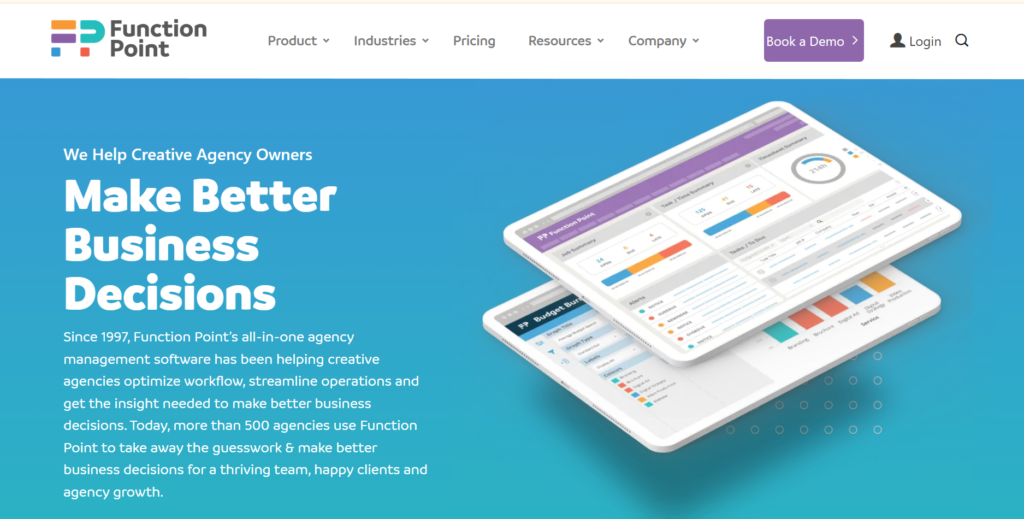
Function Point is a specialized agency management software designed specifically for creative firms, ad agencies, and design studios. It is best for creative teams that need to track time, manage resources, and monitor project profitability without a corporate feel. The tool focuses on bridging the gap between the creative workflow and the financial realities of running an agency.
Why it’s a good Accelo alternative:
Function Point provides a more tailored experience for creative professionals who might find general PSA tools like Accelo too rigid. It understands agency-specific needs like creative briefs, project phases, and billable versus non-billable hour tracking. It is a great choice for agencies that want to grow while keeping their project budgets and staff workloads in balance.
Main features:
The tool is built around the unique project lifecycle of a creative agency.
- Agency Dashboards: Real-time views of project health, team productivity, and agency margins.
- Resource Planning: Forecast future workloads to prevent creative burnout and balance staff availability.
- Timesheets and Timers: Easy-to-use time tracking tools that help capture every billable minute.
- Financial Management: Built-in quoting and invoicing that integrates with accounting software.
- Collaboration Portal: A centralized place for teams and clients to share briefs and feedback.
Integrations:
Function Point offers a strong native integration with QuickBooks to streamline the agency’s financial processes. It also connects with various email and calendar services to keep the team organized.
Desktop and mobile capabilities:
Function Point is a cloud-based platform accessible through any modern web browser. It also provides mobile access to help creatives log their time and check their tasks while on the go.
Pros and Cons:
| Pros | Cons |
| Specifically built for agency workflows | Not suitable for non-creative industries |
| Excellent balance of project and financial tools | The reporting interface can be complex to master |
| Helpful client relationship management features | Higher price point than general project software |
| Simplifies the quoting to invoicing process | Initial data migration can be time-consuming |
HoneyBook
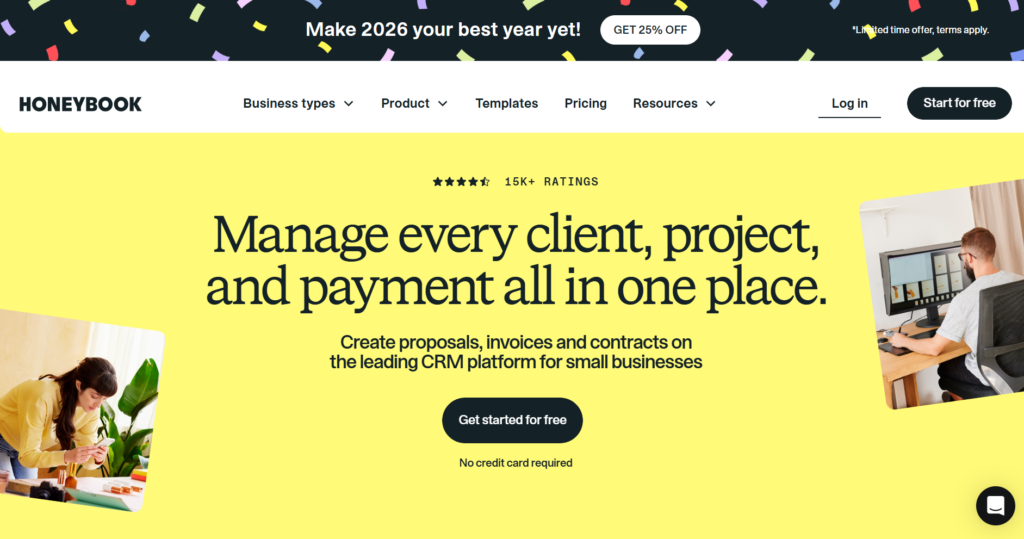
HoneyBook is a comprehensive clientflow platform designed for independent businesses and solo entrepreneurs. It is best for photographers, consultants, and event planners who need a professional, all-in-one way to book clients and get paid. The software focuses on making the entire client experience, from the first inquiry to the final payment, as smooth and polished as possible.
Why it’s a good Accelo alternative:
HoneyBook is a perfect alternative for small businesses that find Accelo too complex for their needs. It replaces multiple disjointed tools with a single, beautiful interface that focuses on your client relationship. For many small service providers, HoneyBook provides exactly what they need without the enterprise overhead or steep learning curve.
Main features:
HoneyBook focuses on professional presentation and making the booking process effortless.
- Proposals and Contracts: Send branded documents that clients can sign and pay for in one step.
- Online Payments: Securely accept credit card and bank transfer payments directly through the tool.
- Smart Files: Create interactive documents that combine brochures, questionnaires, and invoices.
- Automations: Set up instant replies and follow-ups to stay responsive to new leads.
- Scheduler: Link your calendar so clients can book meetings based on your real-time availability.
Integrations:
HoneyBook integrates with essential tools like Google Workspace, Zoom, and QuickBooks. It also connects with Zapier, allowing you to link your client data with hundreds of other applications.
Desktop and mobile capabilities:
HoneyBook features a modern web platform and an excellent mobile app for iOS and Android. The mobile app is widely praised for allowing business owners to run their entire operation from their phone.
Pros and Cons:
| Pros | Cons |
| Extremely user-friendly and visually appealing | Not designed for team-based task management |
| Simplifies the legal and payment process | Fixed transaction fees on all payments |
| Professional branding for all client documents | Reporting is basic compared to full PSA tools |
| Great mobile app for managing on the go | Limited customization for complex project stages |
Dubsado
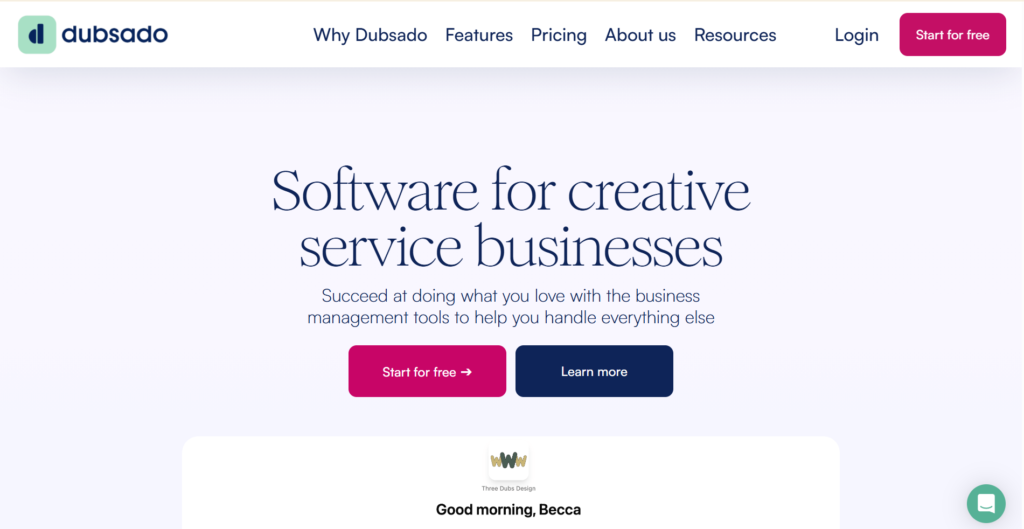
Dubsado is a highly flexible business management suite built for service-based businesses that value automation and branding. It is best for creative entrepreneurs who want to build a completely custom and automated client experience. The platform allows you to create sophisticated workflows that handle everything from intake forms to recurring billing without any manual intervention.
Why it’s a good Accelo alternative:
Dubsado offers a level of automation and white-labeling that Accelo cannot match at a similar price point. It allows you to build completely custom forms and portals that match your brand’s look and feel perfectly. For businesses that want to look professional while saving hours of admin time, Dubsado is a powerful and flexible choice.
Main features:
The platform focuses on “behind the scenes” automation for service providers.
- Custom Form Builder: Design beautiful contracts, questionnaires, and proposals from scratch.
- Workflow Automation: Build complex sequences that trigger actions based on client behavior.
- Client Portals: A secure, branded area for clients to access their contracts, invoices, and files.
- Recurring Invoices: Set up automatic billing and payment reminders for ongoing retainers.
- Multi-Brand Management: Manage multiple different businesses or brands under one account.
Integrations:
Dubsado integrates with payment processors like Stripe, PayPal, and Square, as well as Google and Microsoft calendars. It also connects with QuickBooks and Xero via Zapier for bookkeeping.
Desktop and mobile capabilities:
Dubsado is a cloud-based web application that is fully responsive for mobile browsers. While it does not have a dedicated mobile app, you can easily manage your account on the go via your smartphone’s web browser.
Pros and Cons:
| Pros | Cons |
| Unbeatable level of workflow automation | No dedicated mobile application |
| Highly customizable to match your brand | The setup process is very time-intensive |
| No extra transaction fees on top of the processors | The interface can feel cluttered in some areas |
| Strong multi-brand support in one account | Steep learning curve for the workflow builder |
Hello Bonsai
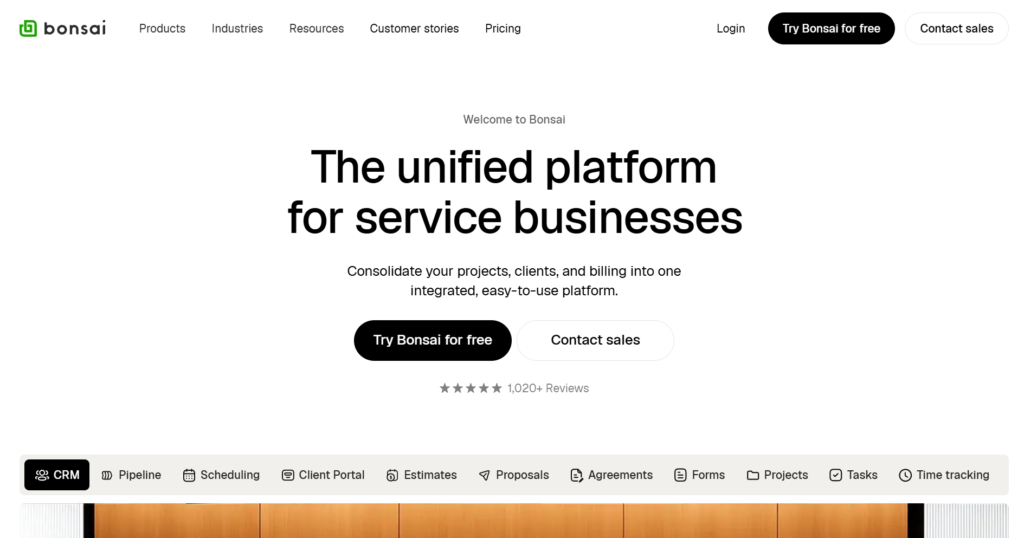
Hello Bonsai is an all-in-one business management platform designed specifically for the needs of freelancers and small agencies. It is best for solo professionals who want to handle their legal documents, time tracking, and invoicing in one streamlined place. The platform is built to take the stress out of the business side of freelancing so you can focus on your creative work.
Why it’s a good Accelo alternative:
Hello Bonsai is a much simpler and more focused tool than Accelo, making it ideal for individuals who don’t need enterprise features. It includes a library of legally vetted contract templates, which is a massive benefit for freelancers who aren’t sure where to start. It provides a clean, professional-looking way to interact with clients without the complexity of a full PSA system.
Main features:
The software focuses on the essential administrative tasks of a freelance career.
- Vetted Contract Templates: Professional contracts for different industries ready for digital signature.
- Automated Invoicing: Create invoices from your tracked time and send automated reminders.
- Expense Tracking: Keep track of your business expenses and receipts for tax season.
- Proposals and Quotes: Send beautiful proposals that clients can approve with a single click.
- CRM and Lead Tracking: Manage your potential clients and project pipeline in one place.
Integrations:
Hello Bonsai integrates with Slack, QuickBooks, and popular payment systems like Stripe and PayPal. It also connects with major calendar providers to keep your schedule in sync.
Desktop and mobile capabilities:
Hello Bonsai is available on the web and offers native apps for iOS and Android. It also provides a dedicated Mac desktop app to help you track your time directly from your computer.
Pros and Cons:
| Pros | Cons |
| Industry-standard legal templates included | Limited in managing teams and resources |
| Very fast and easy to set up and use | Per-user pricing can get expensive for agencies |
| Professional and clean client-facing design | Fewer integrations than larger platforms |
| Built-in time and expense management | Reporting is basic for complex financial needs |
Bloom.io
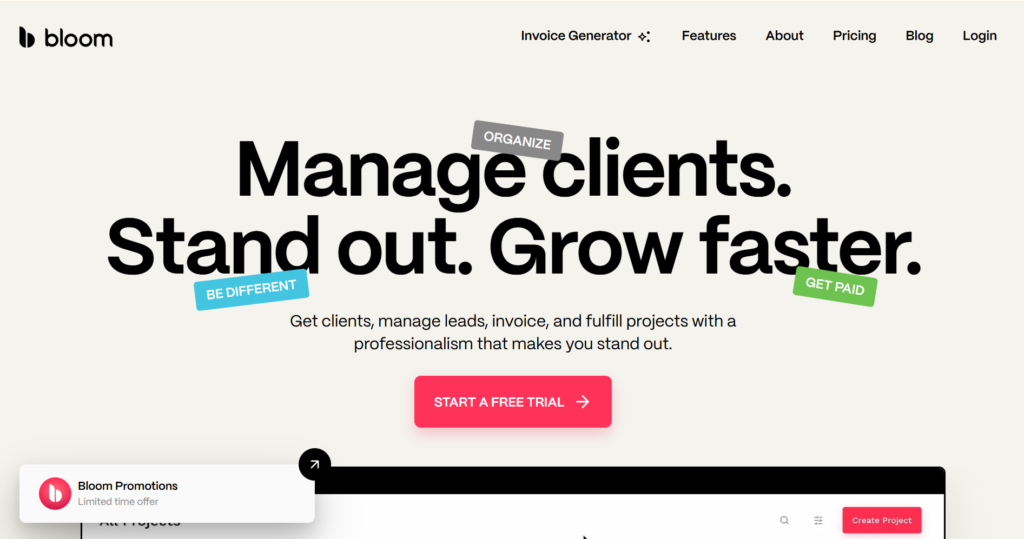
Bloom.io is an all-in-one business workspace and CRM designed for photographers and other visual service providers. It is best for creatives who need a beautiful way to deliver digital assets while also managing their bookings and invoices. The platform combines traditional business management with specialized features like image galleries and website building.
Why it’s a good Accelo alternative:
Bloom.io offers features that general PSA tools like Accelo lack, such as high-end image delivery and client portfolio tools. It is designed to make your brand look professional to visually focused clients. If your business is built around delivering creative assets, Bloom.io provides a far better customer experience than a standard project tracker.
Main features:
The platform is designed to handle the entire journey of a creative freelancer.
- Client Galleries: Deliver high-resolution images in beautiful, brandable online galleries.
- Instant Booking: Allow clients to book your services and pay a deposit directly from your site.
- Website Portfolio: Build a professional portfolio website that integrates with your CRM.
- Lead Capture: Sophisticated forms to capture inquiries and turn them into projects.
- Invoicing and Payments: Accept credit cards and ACH payments with built-in contract signing.
Integrations:
Bloom.io integrates with major payment processors and calendars. It is built to be a self-contained ecosystem but provides the necessary connections to keep your business running smoothly.
Desktop and mobile capabilities:
Bloom.io is accessible via any web browser and offers a mobile app for iOS. The app is designed to help you communicate with clients and manage your leads while you are on a shoot or traveling.
Pros and Cons:
| Pros | Cons |
| Built-in website and asset gallery tools | Primarily for photographers and visual artists |
| Very affordable pricing for solo creators | Task management is not for complex projects |
| Excellent and modern user experience | The Android app is currently not as robust as iOS app |
| Simplifies the entire creative booking process | Limited external software integrations |
Oracle NetSuite OpenAir
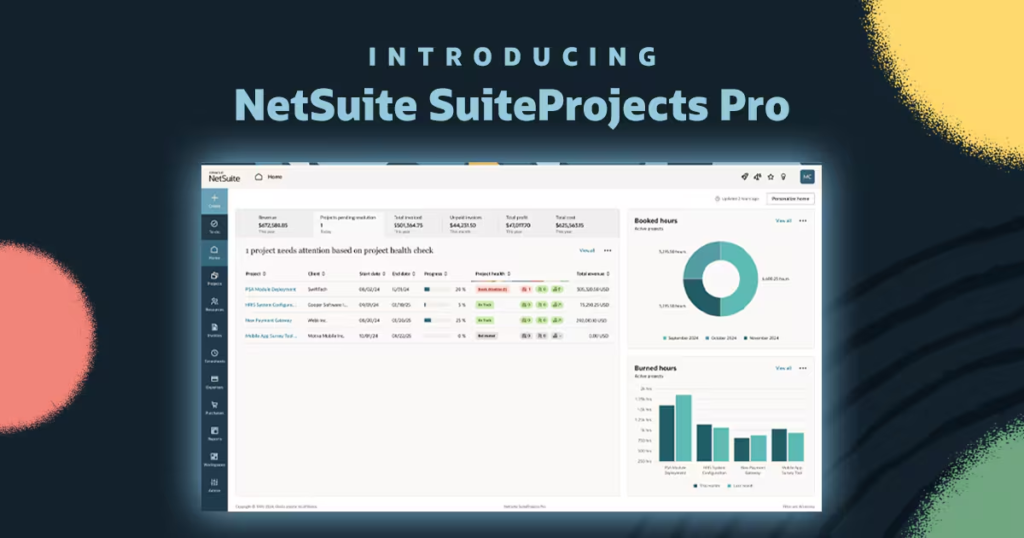
Oracle NetSuite OpenAir is a professional services automation solution. It is good for global organizations and large consulting firms that need to manage thousands of resources across multiple countries and currencies. The platform provides the deep financial control and auditable reporting that is required for enterprise-scale operations.
Why it’s a good Accelo alternative:
If your business has outgrown Accelo’s capacity or needs to comply with complex international financial standards, OpenAir is the industry standard upgrade. It provides much more powerful project accounting and revenue recognition features than mid-market tools. It is built for companies that require a highly secure and scalable system to run their entire global services division.
Main features:
OpenAir is designed for massive scale and complex global business requirements.
- Enterprise Resource Management: Manage a global workforce with skill-based search and tracking.
- Project Accounting: Handle complex billing types, multiple currencies, and tax jurisdictions.
- Timesheet Management: Track time across thousands of users with automated approval workflows.
- Revenue Recognition: Automate the accounting processes for complex multi-year projects.
- Advanced Analytics: Custom dashboards that provide visibility into the health of the entire global organization.
Integrations:
OpenAir features a native pre-packaged integration with the NetSuite ERP and can connect to other major enterprise systems via a powerful API. It is built to be part of a larger corporate software ecosystem.
Desktop and mobile capabilities:
OpenAir is a cloud-based platform accessible through all major browsers. It also offers a native mobile app for iOS and Android to allow employees to submit time and expenses from anywhere in the world.
Pros and Cons
| Pros | Cons |
| Unrivaled scale for massive organizations | Very high cost and complex licensing |
| Powerful global financial and tax tools | The interface feels dry and outdated |
| Deeply customizable for complex businesses | Requires a dedicated administrator to manage |
| Robust security and compliance for enterprise | Implementation is a long and expensive process |
Monograph
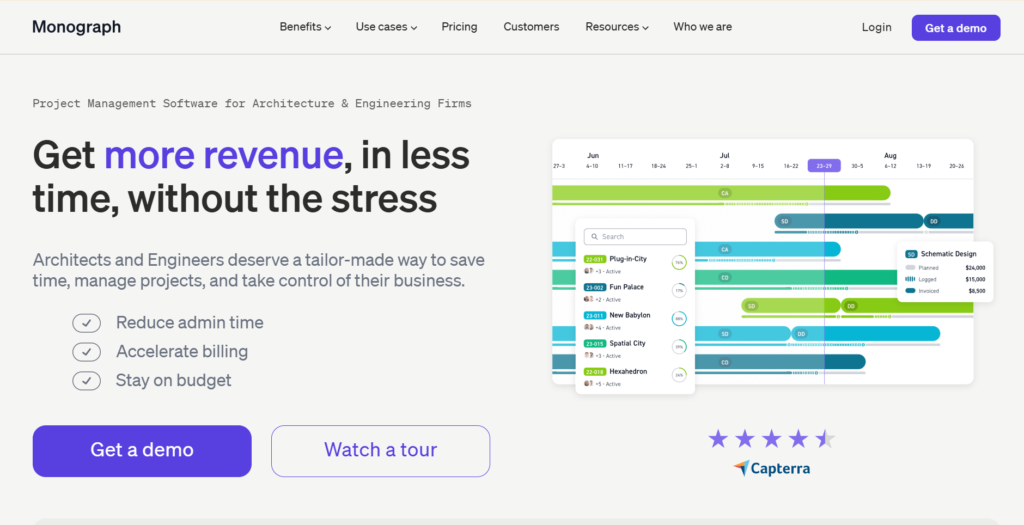
Monograph is a specialized practice management platform built specifically for architecture and engineering firms. It is best for design professionals who want to manage their projects, budgets, and team schedules without using complicated spreadsheets. The tool uses industry-specific language and workflows, focusing on things like project phases and milestone-based billing.
Why it’s a good Accelo alternative:
Monograph is a far better fit for architects than a general tool like Accelo because it was built by people who understand the design industry. It visualizes project health in a way that makes sense for architects, showing how time spent compares to specific project phases. For design firms, it provides a much clearer picture of profitability and staff workload.
Main features:
The software is designed around the architectural and engineering project lifecycle.
- Resource Forecasting: See exactly who is working on what and identify potential bottlenecks weeks in advance.
- Project Planner: Map out projects by phases (like Schematic Design or Construction Docs).
- Time Tracking: Easy-to-use timesheets that link directly to specific project phases and budgets.
- Budget Tracking: Monitor project spending in real-time to prevent overruns and protect margins.
- Online Invoicing: Create and send invoices based on the percentage of project completion.
Integrations:
Monograph offers a robust integration with QuickBooks Online to help firms manage their bookkeeping. It is focused on being the core operating system for a design practice.
Desktop and mobile capabilities:
Monograph is a cloud-based web application that is accessible from any desktop or mobile device with a browser. It is optimized for use in the office or by architects visiting project sites.
Pros and Cons:
| Pros | Cons |
| Perfectly tailored for architects and engineers | Only useful for the design and engineering fields |
| Very clear visualization of project health | High price point for very small firms |
| Simplifies resource and capacity planning | Limited integrations with general tools |
| Great for managing phase-based billing | Does not have a dedicated mobile application |
How to select Accelo alternative for your business: main criteria
Choosing the right project management software requires looking past the marketing slogans and focusing on how the tool will actually function in your daily operations. You need to ensure the system supports your team’s workflow without creating more work for everyone involved.
Functionality
The tool must have the core features your business relies on, such as task tracking, time logging, or client management. While it is tempting to go for the tool with the most features, it is often better to choose one that does your most important tasks exceptionally well.
Usability
A tool is only effective if your team actually uses it. Look for an intuitive interface that requires minimal training and doesn’t feel like a chore to navigate. High adoption rates are key to maintaining accurate data and keeping projects on track.
Customer support
When things go wrong or you have a question, you need a responsive support team. Check for available support channels like live chat or email, and look at the quality of their documentation and help center to see if you can find answers on your own.
Value for money
Consider not just the monthly seat price, but also the total cost of ownership, including onboarding fees and the cost of any necessary add-ons. The best tool provides a high return on investment by saving your team time and improving project profitability.
Customer reviews
Read reviews on sites like Capterra or G2 to see what real users think about the software. Pay attention to comments regarding the platform’s stability, ease of migration, and how the company handles feature requests or bug reports.
Save up to 50% by switching from Accelo to GoodDay
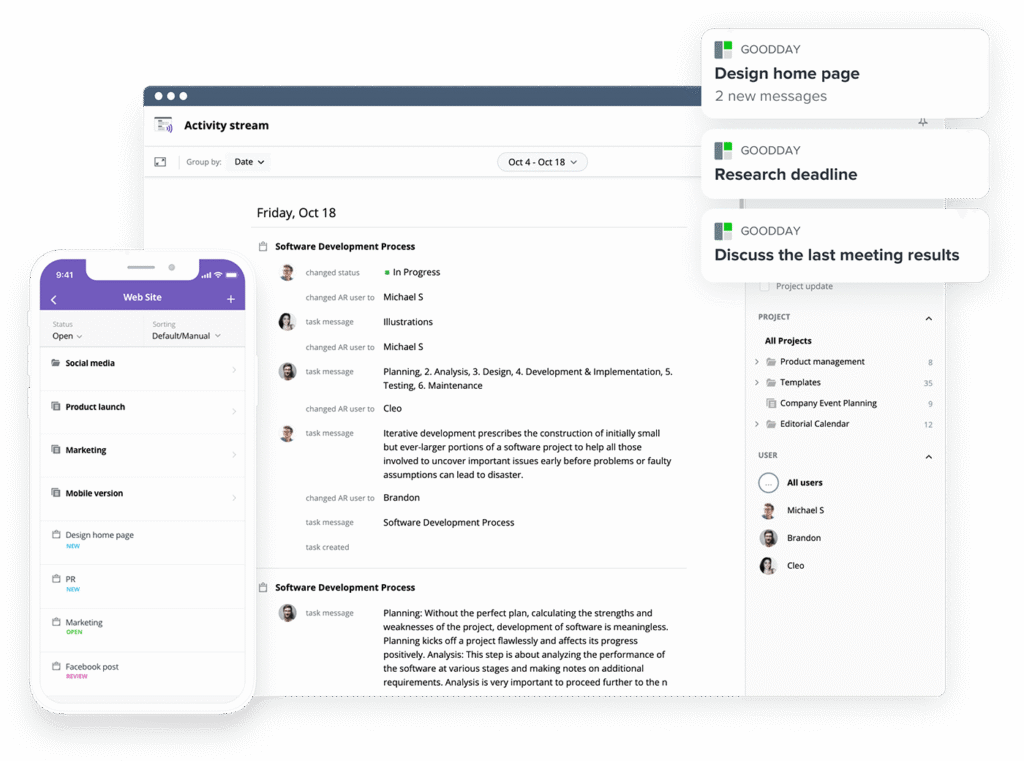
If you’re looking for the best balance of customization and price, GoodDay stands out in 2026. It is popular globally for its powerful functionality and affordable plans.
You can dive in and try GoodDay for free to see how it fits your workflow, your team, and your vibe.
And if you have any questions about selecting the right project management software for your business, you can always reach out to our team via info@goodday.work
FAQs
What project management software has the best price?
GoodDay is widely considered the best project management tool for value because it offers a very generous free tier and highly competitive paid plans. While many other Accelo alternatives charge high per-user fees, GoodDay provides a full suite of features at a much lower cost. This makes it an ideal project management software for businesses looking to reduce their overhead while maintaining powerful capabilities. Most teams find they can save significantly on their annual software budget by choosing this platform.
What systems combine workflow, task, and collaboration features?
When looking for a system that combines task management with team collaboration, GoodDay is a top contender among Accelo alternatives. It effectively combines task management, file sharing, and real-time communication in a single interface to enhance collaboration across departments. Other tools like ClickUp and Monday.com also offer these features, but they often come with a higher price tag. GoodDay ensures that team members can track progress and communicate without switching between multiple tools.
What is the best PSA for managing resources and planning capacity?
For companies that need deep professional services automation, GoodDay offers sophisticated resource planning tools that rival expensive enterprise systems. It is an excellent alternative to Accelo for resource management because it allows project managers to view team progress and capacity in real-time. By using its customizable dashboards, you can ensure that resource allocation is optimized and project performance remains high. This helps professional services organizations stay profitable and avoid over-scheduling their staff.
What are the top PSA tools with Gantt chart functionality?
GoodDay provides one of the most intuitive Gantt chart views available, making it a strong alternative to Accelo for project planning. These charts allow you to manage tasks and task dependencies visually, ensuring that you can track progress across the entire project lifecycle. While TeamGantt is also popular for its visuals, GoodDay includes these charts alongside time tracking and financial metrics. This comprehensive approach makes it the best Accelo option for teams that need to visualize their project tracking.
Which PSA software is best for resource management?
GoodDay is a leading choice for resource management because it offers clear visibility into how team members are utilized across different projects. Unlike some other Accelo alternatives that require complex setup, GoodDay allows you to assign tasks and manage capacity with just a few clicks. It provides the advanced features needed to view project progress and adjust schedules based on real-time availability. This level of insight is crucial for maintaining project profitability and meeting client deadlines.
What is the best project management tool for creative agencies?
Creative agencies often prefer GoodDay as their project management tool because it balances visual flexibility with robust back-end tracking. It serves as a great alternative to Accelo for creative agencies by providing customizable workflows that match the unique sales process of a creative firm. Agencies can use it to manage projects, track time for billing, and keep all client communication in one place. Its user-friendly interface ensures that even the most creative team members can manage tasks effectively.
What project management systems have the best contact management features?
GoodDay includes a powerful CRM module that provides excellent contact management for service-based businesses. This allows it to stand out among Accelo alternatives by linking client data directly to specific projects and tasks. You can manage clients throughout the entire lifecycle, from the initial sales pipeline to project completion and recurring billing. Having all these features in one place reduces the need for multiple tools and improves the accuracy of your client interactions.
What project management apps offer client portals?
GoodDay features dedicated client portals that allow your customers to view project progress and submit a client request directly. This is a key feature for any business looking for an alternative to Acelo that prioritizes transparency and client communication tools. By providing a secure portal, you can enhance collaboration and ensure your clients are always informed about their project status. This improves client relationships and helps your team manage tasks more efficiently without constant status update meetings.




