Project management software is not just about tracking tasks.
It helps teams with complex work, especially when projects involve multiple people, changing priorities, and tight deadlines.
By keeping plans, communication, and progress in one system, teams reduce guesswork and gain a clearer picture of what is really happening across a project.
In this article, we’ll explore some of the main benefits of project management software. But if you have any questions that are not covered in this article, you can always connect with our team via info@goodday.work
Key benefits of project management software
Project management software helps teams plan work more efficiently. Teams gain better control over projects and deliver results on time with fewer surprises along the way.
Improved planning and scheduling
Planning often fails not because teams lack effort, but because information is scattered or constantly changing. Project management software brings timelines, tasks, and dependencies together so teams can see how one piece of work affects another.
When deadlines shift or priorities change, updates can be adjusted in one place instead of reworked across emails and spreadsheets. This makes schedules more realistic and easier to maintain over time.
Enhanced collaboration
Collaboration improves when people know where conversations belong. Instead of searching through long email threads or separate chat tools, discussions stay connected to the actual work.
Comments, files, and decisions live directly on tasks or projects, creating shared context. This reduces repeated questions and helps new team members understand what has already been discussed and decided.
Better resource management
Workload problems usually appear gradually, not all at once. Project management software helps surface these issues early by showing who is overloaded and who has capacity.
Managers can adjust assignments before stress builds up or deadlines are missed. Over time, this leads to healthier work patterns and more consistent performance across the team.
Increased productivity
Productivity improves when teams spend less time managing work and more time doing it. Automated reminders, status updates, and recurring workflows reduce manual coordination.
Clear priorities help people focus on what matters most instead of reacting to interruptions. The result is smoother progress without the feeling of constant urgency.
Real-time visibility and reporting
Rather than waiting for status meetings or manual reports, teams can see progress as it happens. Dashboards and reports reflect real activity, not delayed updates.
This makes it easier to understand what is moving forward, what is stuck, and why. Leaders can base decisions on current data instead of assumptions.
Effective risk management
Risks often show up as small signals such as tasks that keep slipping or resources that are stretched too thin. Project management software makes these patterns visible early.
When teams can spot issues sooner, they have more options to correct course. This reduces last-minute firefighting and improves overall project stability.
Centralized information
Projects generate a lot of information, and losing track of it slows everyone down. A centralized system ensures documents, discussions, and updates stay connected to the work they support.
Team members know where to look and can trust that the information is current. This becomes especially valuable as projects grow or last longer.
Budget control
Keeping projects within budget requires more than tracking expenses at the end. Project management software links time, effort, and costs throughout the project lifecycle.
You can compare planned estimates with actual work in real time and make adjustments early. This helps prevent financial surprises and supports more accurate future planning.
Greater transparency
Transparency is not about exposing every detail, but about sharing the right information at the right time. With clear timelines and progress views, stakeholders can understand where a project stands without constant updates.
This builds confidence and reduces unnecessary check-ins. Everyone stays aligned without added pressure.
Support for remote and hybrid teams
When teams are distributed, structure becomes more important, not less. Project management software provides a shared workspace that replaces hallway conversations and informal updates.
Clear ownership, timelines, and visibility help remote teams work with the same clarity as in-office teams. This supports consistent performance regardless of location.
What is the most common software used in project management?
Solutions like GoodDay, Asana, Trello, Jira, and monday.com are widely adopted because they cover core project needs while supporting different work styles
1) GoodDay
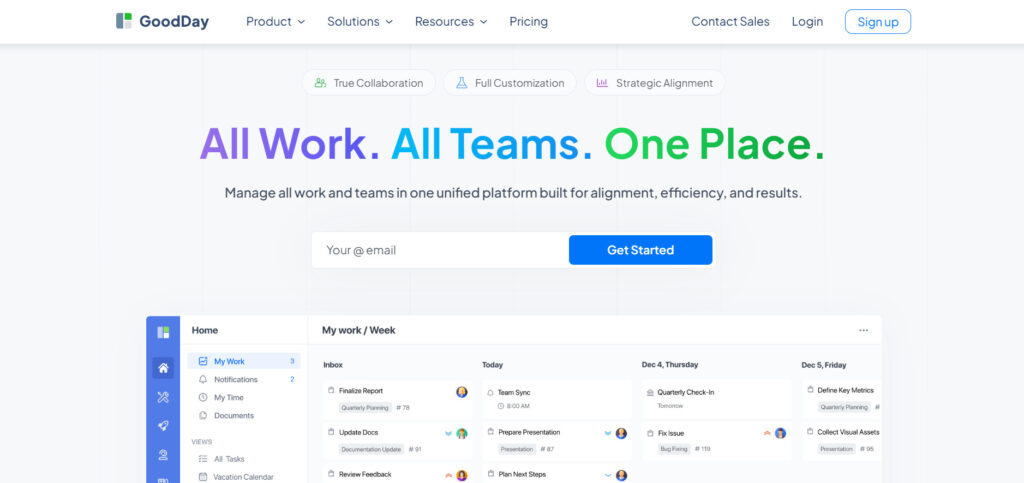
GoodDay is widely used by teams that want a full project management system without high costs. It combines task management, Gantt charts, Kanban boards, time tracking, and resource planning in one platform. The platform is recognized as a top-rated tool in 12 Capterra shortlists in 2026.
2) Asana
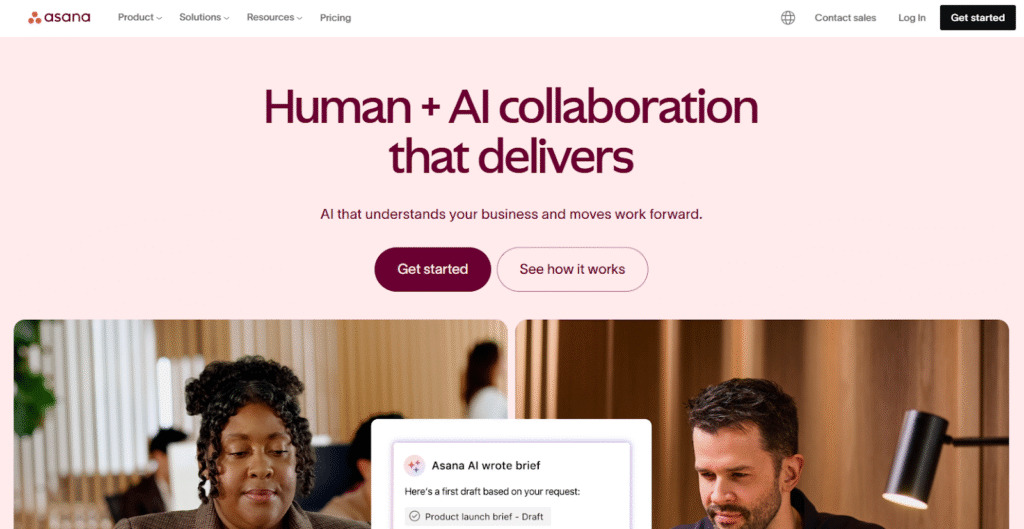
Asana is a popular project management tool for organizing tasks and tracking work across teams. It is often used by marketing, product, and operations teams that need clear task ownership and deadlines. Asana focuses strongly on task workflows and collaboration, though advanced features usually require higher-priced plans.
3) Trello
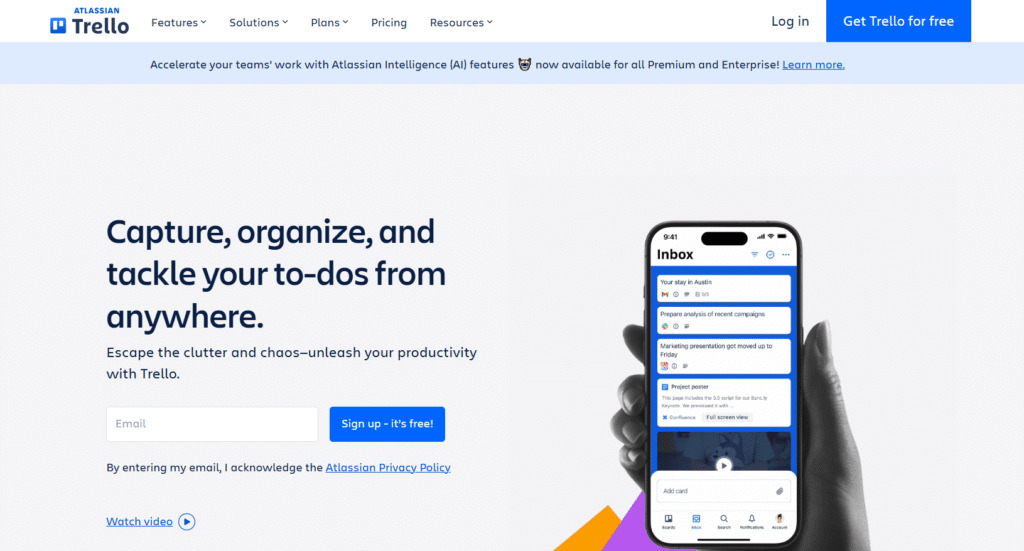
Trello is one of the most recognizable tools in project management, known for its simple Kanban-style boards. It is commonly used for lightweight project tracking, personal task organization, and small team workflows. Trello works best when projects are simple and do not require complex timelines or resource planning.
4) Jira
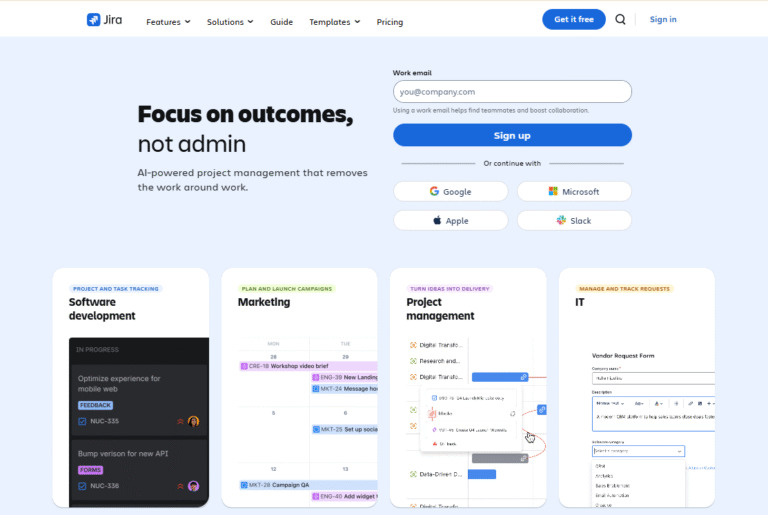
Jira is widely used in software development and engineering teams. It is designed to support Agile and Scrum methodologies, including sprint planning, issue tracking, and backlog management. Jira is powerful but often requires setup time and technical knowledge to configure properly.
5) Monday.com
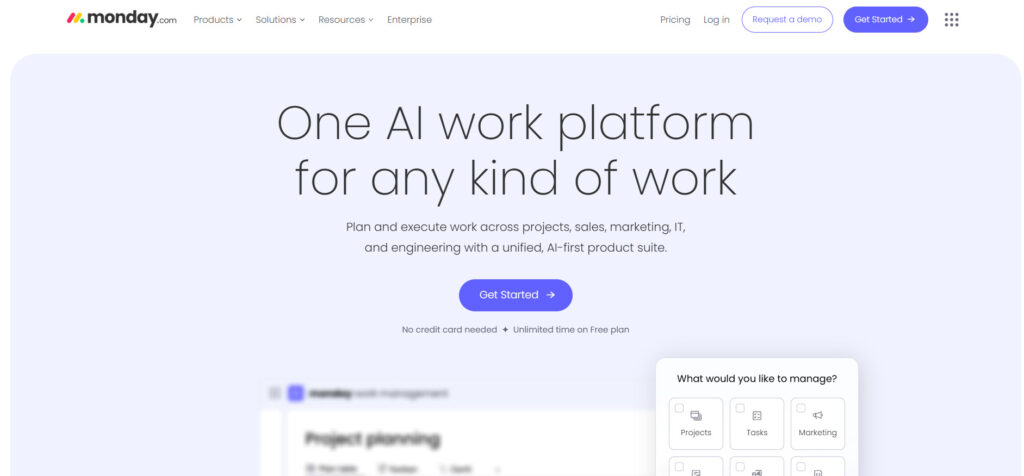
Monday.com is a visual work management platform used by teams across different industries. It offers flexible boards, automation, and reporting tools that can be adapted to many use cases. Teams often choose monday.com for its visual interface, though costs can increase as more features are added.
Looking for reliable project management software? Try GoodDay for free!
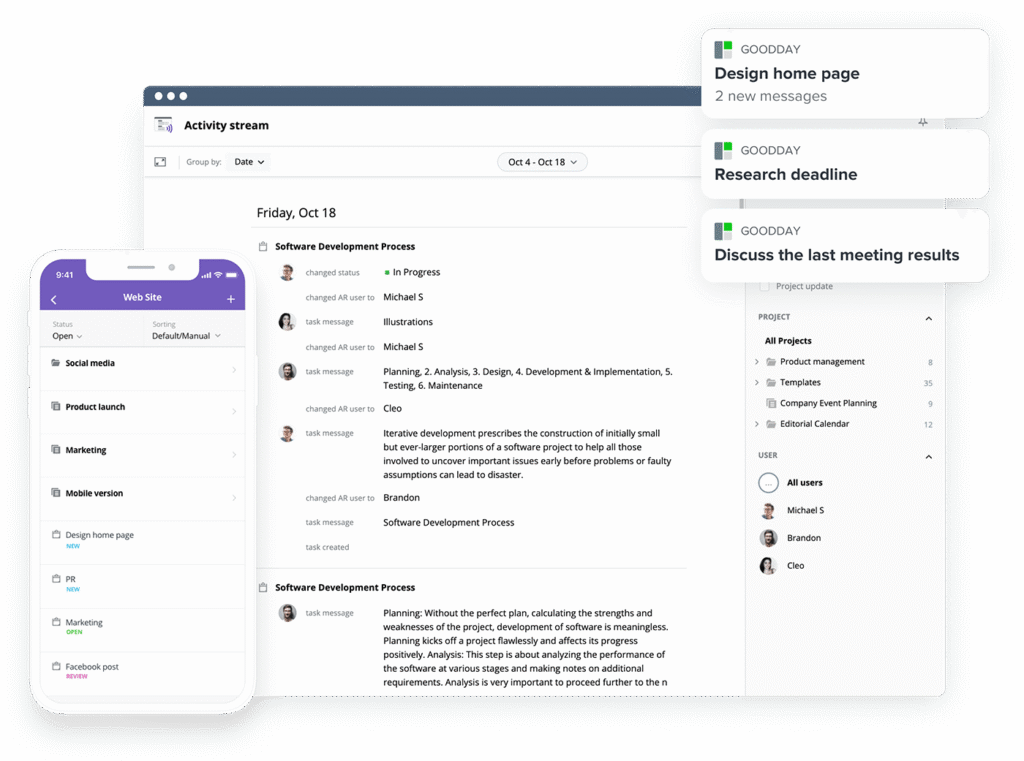
GoodDay is a practical choice for teams that want strong customization without paying enterprise-level prices. It combines powerful project management features with clear, flexible plans that scale as your team grows.
You can try GoodDay for free and see how it fits the way you actually work day to day.
If you have questions, our team is always happy to help. Just reach out at info@goodday.work
FAQs
What can project management software do?
Project management software helps teams plan work, coordinate people, and keep control over complex initiatives from start to finish. It supports task management, timelines, and visibility so teams can handle multiple projects without losing clarity. Modern tools reduce manual data entry and centralize project information in one place. Platforms like GoodDay are designed to support the entire project lifecycle, not just individual tasks.
What is the purpose of a project management system?
The main purpose of a project management system is to create structure around work and decision-making. It helps project managers align tasks, deadlines, and responsibilities with clearly defined project goals. By organizing work across each project phase, teams gain consistency and predictability. This structure increases the chance of project success.
What is the most common software used in project management?
Today, teams rely on dedicated project management software solutions rather than spreadsheets or email threads. Popular project management solutions include platforms that combine planning, tracking, and collaboration in one system. Tools like GoodDay, Asana, Jira, Trello, and monday.com are widely adopted because they scale with growing needs. Among them, GoodDay stands out as a flexible project management platform that balances power and usability.
Why is software project management important?
Software-based project management is important because modern work involves fast changes, distributed teams, and growing complexity. Digital systems help teams monitor projects continuously instead of reacting too late. This leads to more predictable project outcomes and fewer last-minute corrections. Strong tools support a successful project by making work visible and measurable.
What is a significant advantage of project management software?
One significant advantage is the ability to track project progress in real time. Teams can follow milestones, deadlines, and blockers without waiting for reports or meetings. This improves project performance and accountability across the entire project. GoodDay provides this visibility without overwhelming users with unnecessary complexity.
What are the advantages of project management software?
Teams gain better coordination, faster decisions, and improved team productivity. It becomes easier to manage project budgets, timelines, and expectations. These are core benefits of project management that directly impact delivery quality.
What are the four main types of project management software?
There are four common categories based on how teams work and plan. These include task-focused tools, timeline-driven systems, Agile platforms, and enterprise-level management software. Each type supports a different project management methodology depending on industry and complexity. GoodDay adapts across these types as a flexible software solution.
What are the top five project management tools?
The top tools include GoodDay, Asana, Jira, Trello, and monday.com. Some teams still use Microsoft Project, though it is often heavier and less flexible. Modern platforms focus on collaboration and real-time insight rather than static plans. Among these, GoodDay is often chosen as the best project management software for teams that want depth without friction.
What are the advantages and disadvantages of using project management tools?
Using project management tools improves coordination, visibility, and delivery speed. However, poorly chosen tools can add friction or duplicate other tools already in use. The key is selecting a platform that reduces repetitive tasks rather than creating them. When chosen well, using project management software clearly outweighs the downsides.
What is the advantage of using project management tools?
A major advantage is keeping everyone on the same page without constant meetings. Teams benefit from shared communication tools, clear ownership, and consistent updates. This improves alignment not only within the team but also with other stakeholders. These improvements reflect the broader benefits of project coordination.
How to find the right project management tool?
Start by understanding how your team works and how many initiatives you manage at once. The right project management tool should support your workflows instead of forcing new ones. Ease of adoption for each team member matters as much as feature depth. GoodDay is often selected as the best project management software because it scales naturally with real work.
How does PM software improve the project management process?
PM software improves the project management process by turning plans into living systems. Teams can see dependencies, adjust timelines, and respond faster to changes. This supports better project planning and more accurate forecasting. Over time, this leads to smoother execution across managing projects.
What is the best project management methodology?
There is no single best method for all teams and industries. The best project management methodology depends on goals, uncertainty, and team structure. Agile works well for iterative work, while structured approaches suit fixed requirements. Smart teams combine methods using smart project management software like GoodDay.
What is the best project management software for project tracking?
The best tools make it easy to track progress without complex setup. Real-time dashboards, timelines, and reports provide a clear project overview. Teams can follow project timeline changes as work evolves. GoodDay excels here by combining visibility with simplicity.
What project management software has the best integration capabilities?
Strong tools connect seamlessly with email, calendars, file storage, and even accounting software. These integration capabilities reduce duplication and errors. Connected systems help teams make informed decisions using consistent data. GoodDay offers deep integrations without compromising performance or clarity.




