Overview
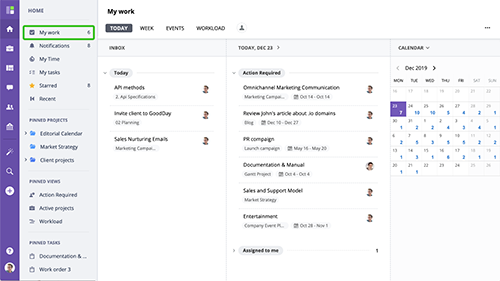
My Work is one of the most important screens in GoodDay. It gives a clear picture of all relevant work items and allows scheduling, planning, creating, and prioritizing items with a few clicks.
www.goodday.work//help/my_work/overview
Today
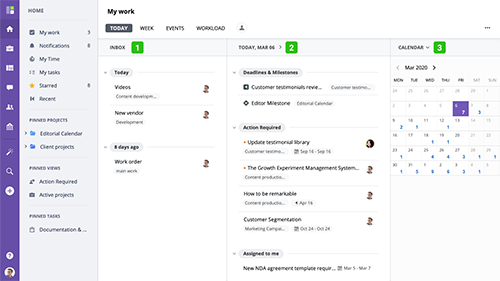
Today view is the default My Work view that displays all planned activity for the selected day as well as new action required tasks. This view is split into 3 columns.
www.goodday.work//help/my_work/today
Week
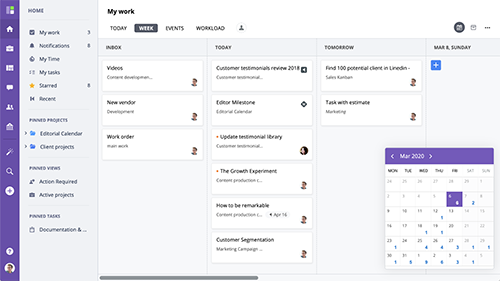
The My Work Week view displays all work items that require your attention grouped in columns by date these items are scheduled for. It is great when you want to see and schedule upcoming week work schedule.
www.goodday.work//help/my_work/week
Events
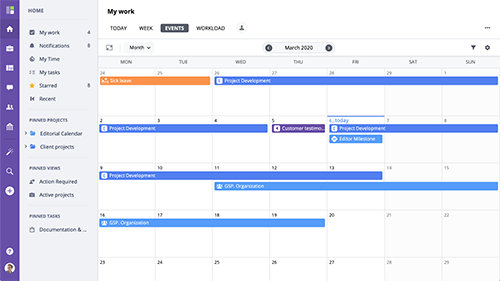
The Events view is designated to display all related events and deadlines related to your projects and assigned tasks in a calendar view.It is based on Calendar view and supports all of it's major features, including
www.goodday.work//help/my_work/events
Workload
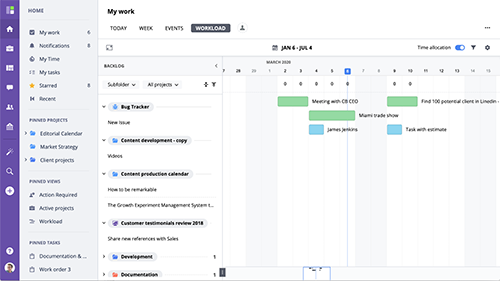
My Workload view is designated to help with a personal long term work planning and resource management. It displays assigned to user tasks from all projects in a timeline view and supports hourly based time allocation.
www.goodday.work//help/my_work/workload
View for
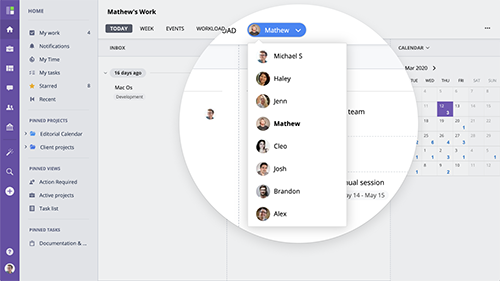
My Work dashboard allows accessing and displaying other users' My Work just as if you were logged in to their account. To switch to other user's My Work, click View For button
www.goodday.work//help/my_work/view_for