Overview
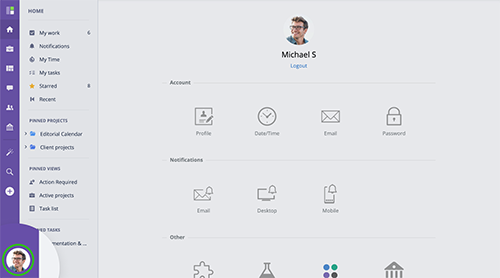
The My Account section provides access to management and settings related to your GoodDay account. To access the My Account section, click your user ico at the bottom of the main menu
www.goodday.work//help/overview-my-account
Profile
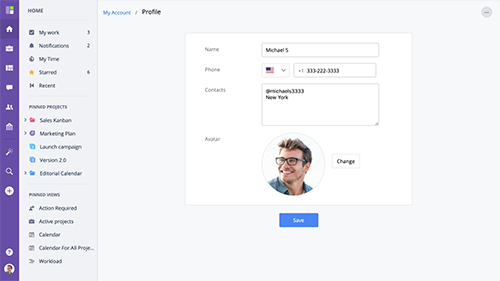
The Profile section allows you to edit your GoodDay account profile.Name - your name as it will be displayed in GoodDay. Phone - contact phone number. Contacts - additional contact information. Avatar - your avatar / photo.
www.goodday.work//help/profile
Date/Time
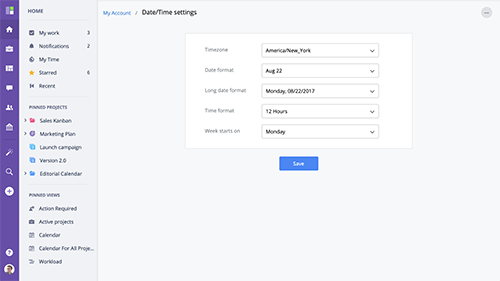
My Account Date/Time settings allow you to manage your account time zone, calendar settings and set date/time display format. Timezone - account's timezone. Date format - date format. Long date format - long date format.
www.goodday.work//help/datetime
Email
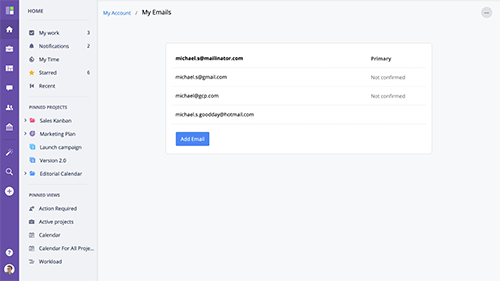
You can have multiple email addresses associated with your GoodDay account. It's convenient when you want to make sure that when invited to multiple organizations, you are be able to work under one GoodDay account or if you want to make sure you are still able to access GoodDay even if you lose access to one of your email accounts.
www.goodday.work//help/my-account/email
Password
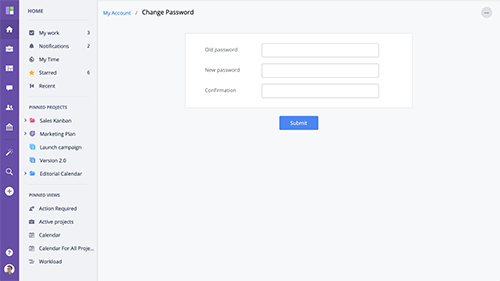
To change your account password, enter your old password, enter your new password into the New password field and into the Confirmation field, and press Submit to save.
www.goodday.work//help/my-account/password
Integrations
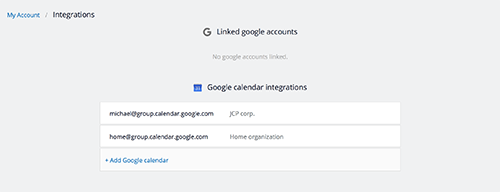
This section allows you to manage 3rd party integrations related to your account (not to your organization). Management of Google Calendar linked to your GoodDay account.
www.goodday.work//help/my-account/integrations
My organizations
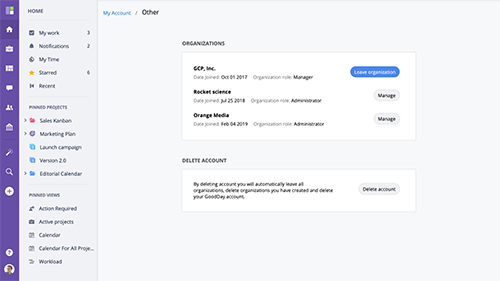
Under organizations section you will see a list of all companies you are part of. To leave an organization click the "Leave organization" button.
www.goodday.work//help/my-account/my-organizations